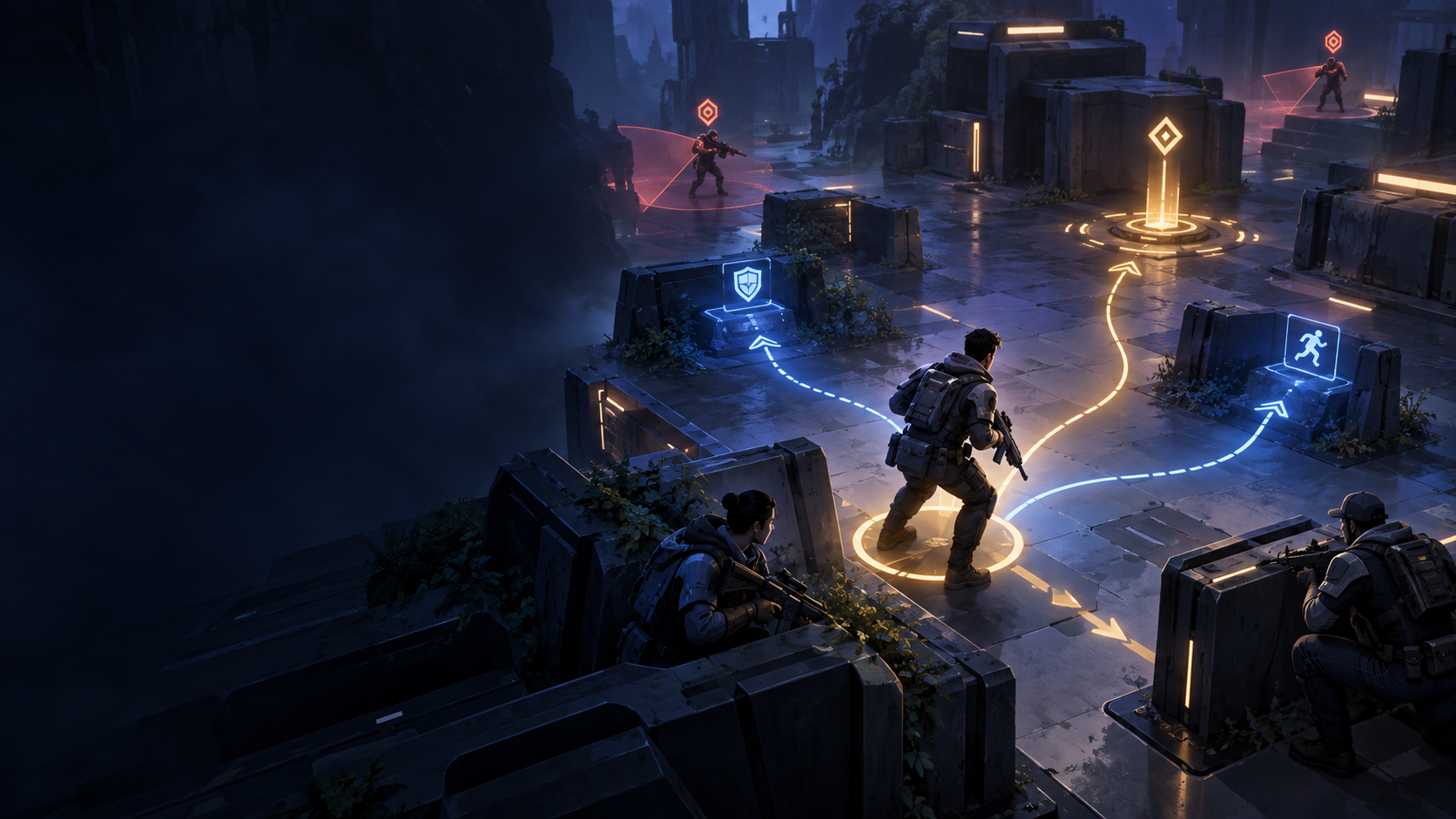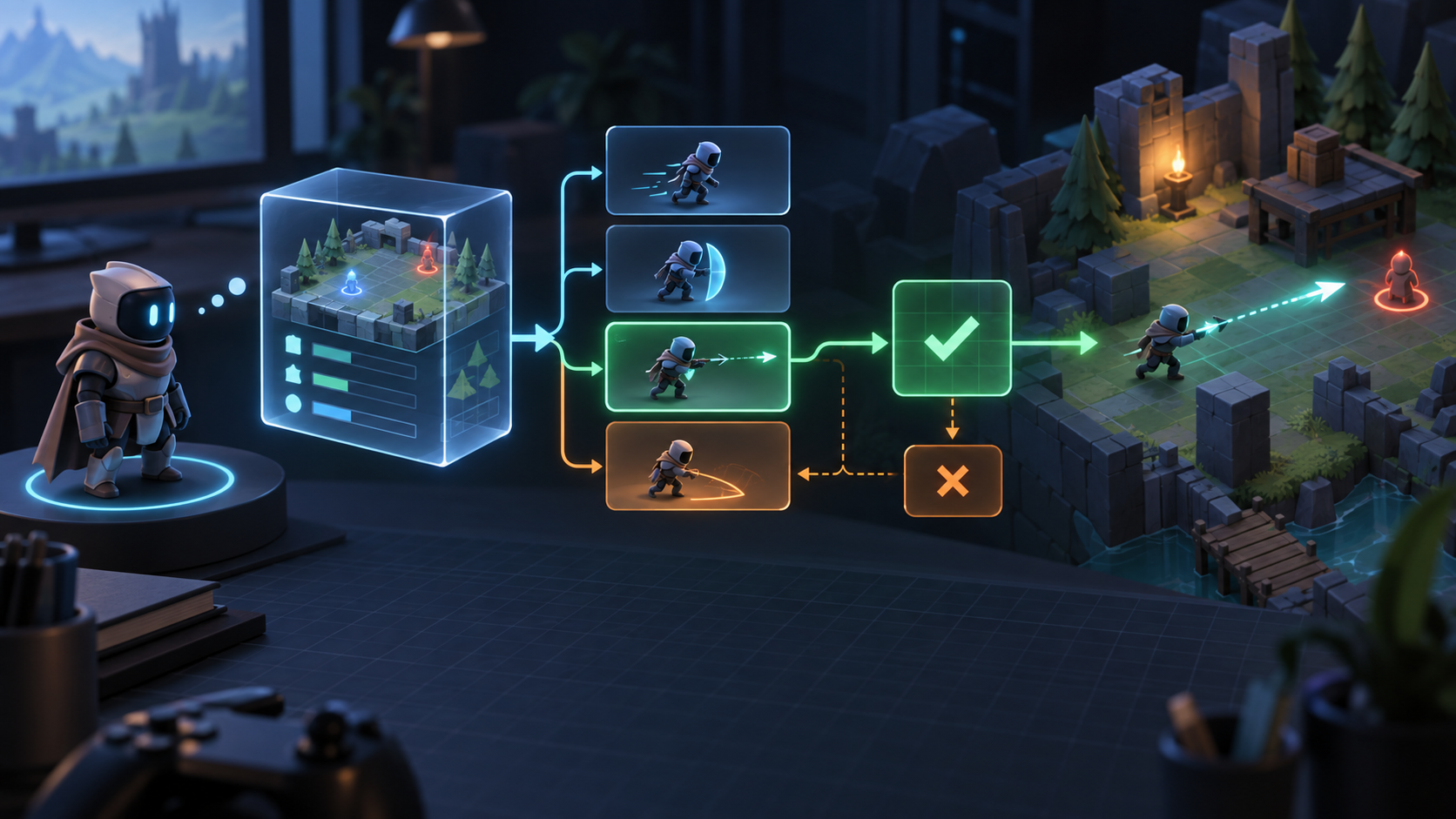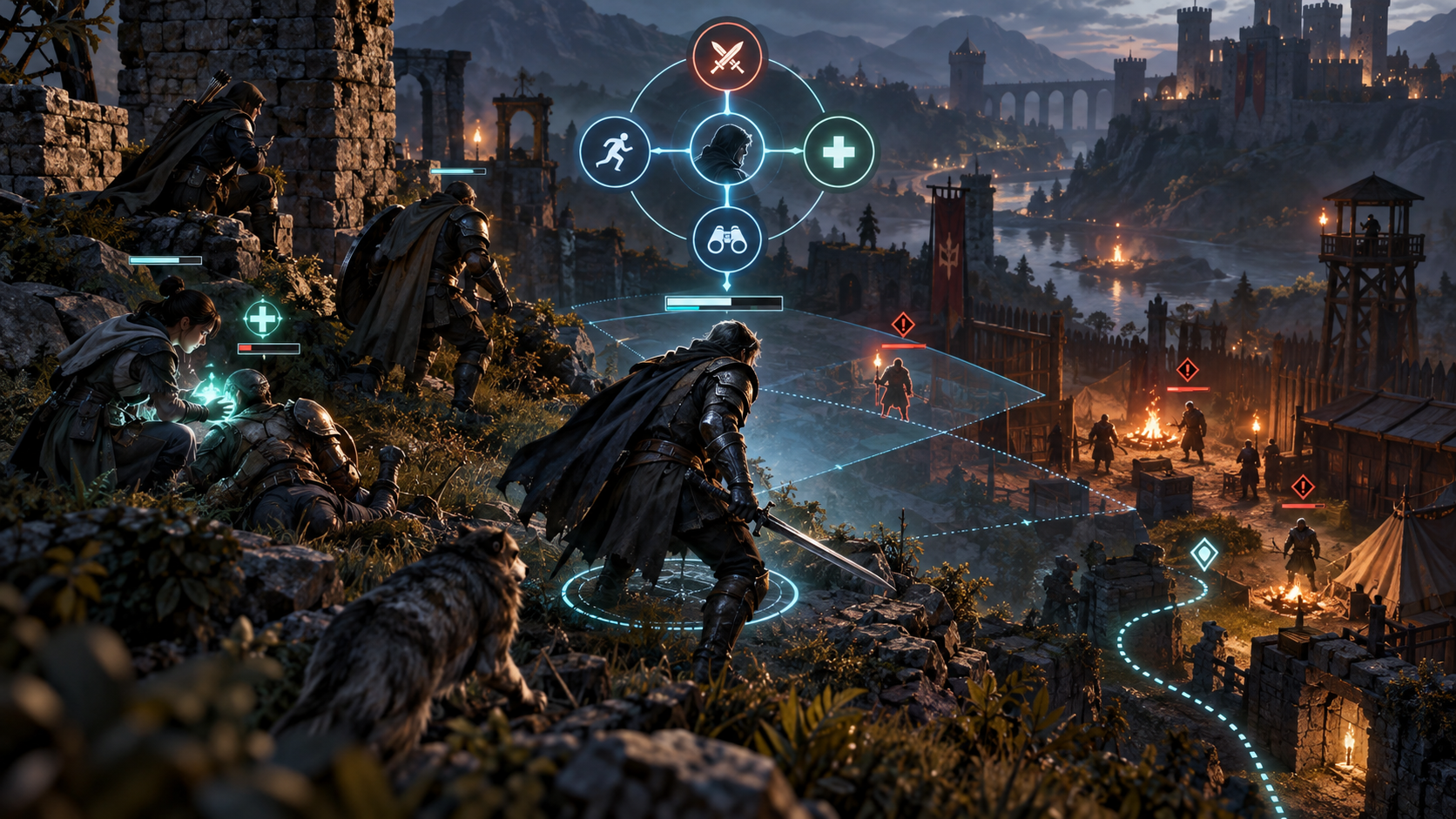
_この Unity チュートリアルでは、JEV を限定された戦術的意思決定レイヤーとして使用しますが、Unity は引き続きシーンの状態、物理学、ナビゲーション、アニメーション、およびゲームプレイ権限を担当します。これはアダプター パターンであり、1 つの SDK 呼び出しで NPC コントローラーを置き換えることができるという主張ではありません。Unity アーキテクチャ独立した 5 つのコンポーネント: ステート プロジェクターがシーンを読み取り、アクション ビルダーが Legal Actions を作成し、JEV クライアントがリクエストを送信し、エグゼキューターが検証されたアクションを Unity システムにマップし、フォールバック ポリシーが維持されます。 NPC は、応答が遅いか無効な場合に移動します。_
NpcController -> StateProjector -> LegalActionBuilder -> JevClient -> Validator -> Executor or Fallback
1.シーンをGame Stateに投影します。プロジェクトのみの意思決定に関連する事実: 役割、体力、目に見える敵、目標ステータス、近くの遮蔽物、弾薬、クールダウン、現在の意図、状態バージョン。 NPC の認識レイヤーを使用して、隠された情報が意思決定に漏れないようにしてください。_
NpcController -> StateProjector -> LegalActionBuilder -> JevClient -> Validator -> Executor or Fallback_2. をビルドしますアクション ビルダーは、避難する、目に見えるターゲットを攻撃する、味方を支援する、位置を維持するなどのコマンドを作成します。各アクションには、実行者が必要とするターゲットまたは場所の識別子が含まれます。ナビゲーションは依然として Unity の問題です。JEV は目的または目的地の候補を選択し、NavMesh はパスを計算します。_3.レンダー ループ外での呼び出し現在の意図が完了したとき、脅威が認識されたとき、目標が変化したとき、または戦術タイマーが期限切れになったときに、決定をトリガーします。 NPC ごとに 1 つの実行中のリクエストを含むコルーチン、非同期タスク、またはゲームプレイ サービスを使用します。ネットワーク応答を待っている Unity のメイン スレッドを決してブロックしないでください。_
if (!requestInFlight) { requestInFlight = true; result = await client.Decide(snapshot, actions); ApplyIfStillValid(result); }
state = { agentId, role, healthRatio, visibleThreatIds, objectiveUnderThreat, ammo, stateVersion }を呼び出したり、アニメーションを再生したり、ダメージを与えたりしてはなりません。これらの効果はエグゼキューター システムとゲームプレイ システムに属します。プロンプトを調整する前のシナリオのテスト体力が低いが、遮蔽物は利用可能。弾薬はないが、到達可能な退却路があるルート。リクエストの実行中にターゲットが破壊されました。異なる 2 つの同等に有効なカバー ポイント距離。JEV アクティブな戦闘状態中のタイムアウト。シーンのアンロードまたはNPC 応答前にデスポーンします。各シナリオについて、選択したアクションが正当であること、実行プログラムが最大 1 回呼び出され、古い応答が無視されること、および フォールバック が NPC を有効な状態のままにすることをアサートします。Unity プロファイラで測定する内容状態予測時間、シリアル化時間、ネットワーク待機時間、検証時間、エグゼキュータの開始、アクションの完了、フォールバック カウントを追跡します。モデルは高速である一方、アダプターはメインスレッド上で大量の状態をシリアル化したり、作業をスケジュールしたりするため、アダプターが低速になることがあります。エンドツーエンドの意思決定レイテンシとは別に、フレームの影響を測定します。段階的な出荷計画ローカル偽決定クライアントを使用したプロトタイプ状態の記録と再生スナップショット。機能フラグの後ろにリモート クライアントを追加します。フォールバック の最初の動作とテレメトリ。意思決定層をユニバーサルにする前に、限定されたNPCコホートを実行します。プロバイダー中立の契約については、JEV API 使用法 を参照してください。アクションスペースの設計については、JEV Legal Actions を参照してください。一般的なチュートリアルは、JEV チュートリアル_. にあります。
The action builder creates commands such as take cover, attack a visible target, assist an ally, or hold position. Each action carries the target or location identifier needed by the executor. Navigation remains a Unity concern: JEV chooses intent or destination candidates while NavMesh computes the path.
3. Call outside the render loop
Trigger a decision when the current intent completes, a threat enters perception, the objective changes, or a tactical timer expires. Use a coroutine, async task, or gameplay service with one in-flight request per NPC. Never block Unity's main thread waiting for the network response.
if (!requestInFlight) { requestInFlight = true; result = await client.Decide(snapshot, actions); ApplyIfStillValid(result); }4. Validate and execute
Compare the response's state version with the current world, rebuild the legal-action set, and verify parameters. A target may have died or a cover point may be unreachable while the request was in flight. If validation succeeds, map the intent to an existing command, behavior tree, NavMesh destination, or ability system.
5. Set cadence, timeout, and フォールバック
Separate the render loop from the tactical loop. Set a deadline that leaves the NPC time to act. On timeout, keep the current safe intent or use a local policy such as take cover when wounded, hold the objective, or retreat when no legal attack remains.
6. Make decisions visible
In development builds, expose projected state, legal actions, selected action, state version, request latency, validation result, and フォールバック reason in a debug window or gizmo. Designers should understand a decision without reading a network trace.
Unity checklist
- Perception owns the state projection.
- Do not block the main thread.
- Revalidate before execution.
- Keep movement, physics, animation, and authority in Unity.
- Ship deterministic フォールバック and telemetry from the first prototype.
A minimal Unity scene setup
Start with one NPC, one objective, two threats, a few cover points, and a local フォールバック controller. Add a perception component, a state projector, an action builder, a decision client, and an executor as separate MonoBehaviours or services. Keep the JEV adapter independent from NavMeshAgent and Animator details so it can be tested without a full scene.
The adapter boundary
The adapter translates Unity types into a provider-neutral request and translates a validated intent back into an existing command. It should not call SetDestination, play an animation, or apply damage before validation. Those effects belong to the executor and gameplay systems.
Test scenarios before tuning prompts
- Low health with available cover.
- No ammunition but a reachable retreat route.
- A target destroyed while the request is in flight.
- Two equally valid cover points with different distances.
- JEV timeout during an active combat state.
- Scene unload or NPC despawn before response.
For each scenario, assert that the selected action is legal, the executor is called at most once, the stale response is ignored, and the フォールバック leaves the NPC in a valid state.
What to measure in the Unity Profiler
Track state projection time, serialization time, network wait, validation time, executor start, action completion, and フォールバック count. A model can be fast while the adapter is slow because it serializes too much state or schedules work on the main thread. Measure the frame impact separately from end-to-end decision latency.
A staged shipping plan
- Prototype with a local fake decision client.
- Record and replay state snapshots.
- Add the remote client behind a feature flag.
- Ship フォールバック-first behavior and telemetry.
- Run a limited NPC cohort before making the decision layer universal.
For the provider-neutral contract, read JEV API usage. For action-space design, see JEV legal actions. The general tutorial is at JEV tutorial.