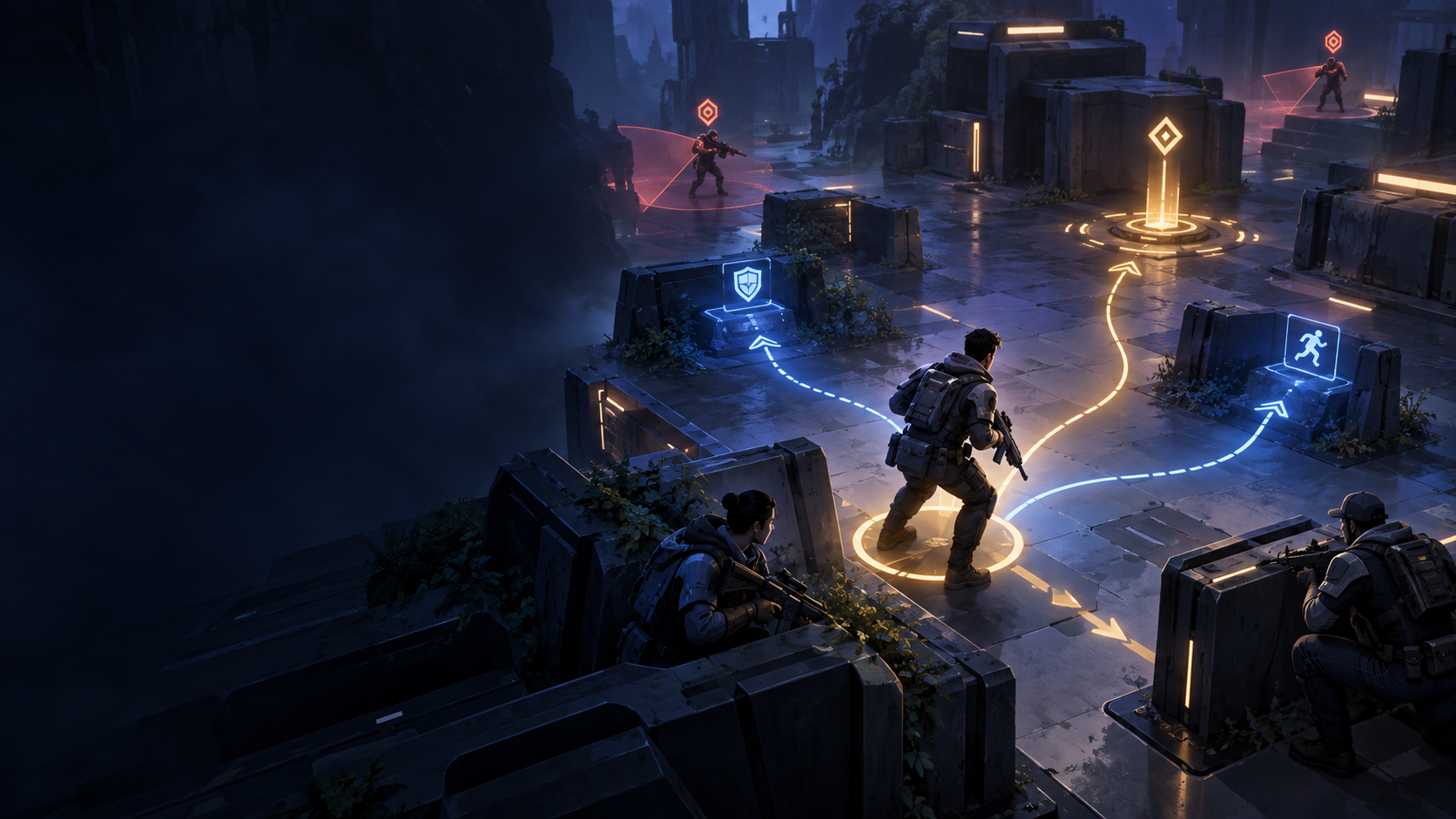
This Unity tutorial uses JEV as a bounded tactical decision layer while Unity remains responsible for scene state, physics, navigation, animation, and gameplay authority. It is an adapter pattern, not a claim that one SDK call can replace an NPC controller.
The Unity architecture
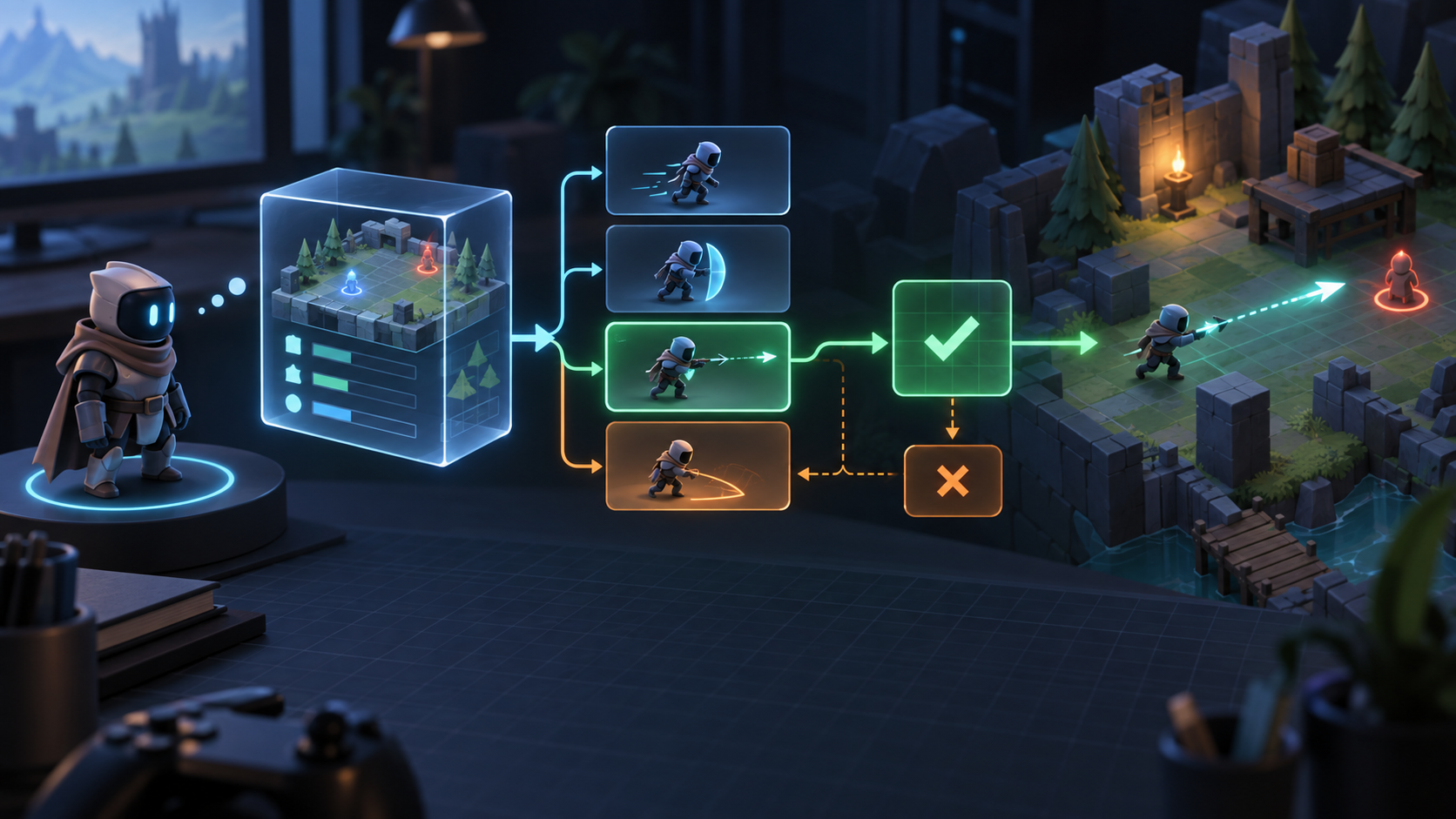
Separate five components: a state projector reads the scene, an action builder creates legal actions, a JEV client sends the request, an executor maps a validated action to Unity systems, and a fallback policy keeps the NPC moving when the response is late or invalid.
NpcController -> StateProjector -> LegalActionBuilder -> JevClient -> Validator -> Executor or Fallback1. Project the scene into Game State
Project only decision-relevant facts: role, health, visible enemies, objective status, nearby cover, ammunition, cooldowns, current intent, and a state version. Use the NPC's perception layer so hidden information does not leak into the decision.
state = { agentId, role, healthRatio, visibleThreatIds, objectiveUnderThreat, ammo, stateVersion }2. Build Legal Actions
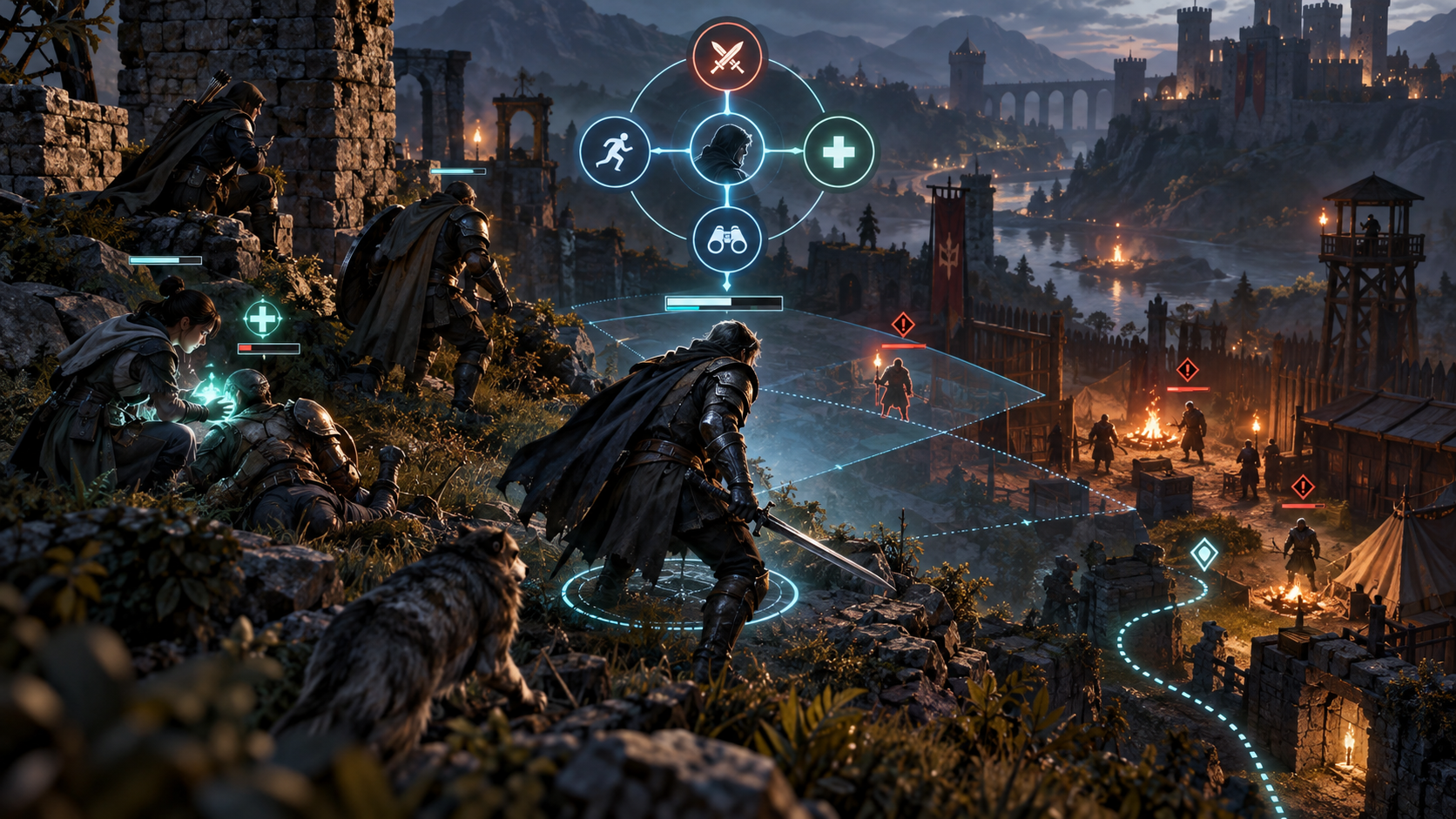
The action builder creates commands such as take cover, attack a visible target, assist an ally, or hold position. Each action carries the target or location identifier needed by the executor. Navigation remains a Unity concern: JEV chooses intent or destination candidates while NavMesh computes the path.
3. Call outside the render loop
Trigger a decision when the current intent completes, a threat enters perception, the objective changes, or a tactical timer expires. Use a coroutine, async task, or gameplay service with one in-flight request per NPC. Never block Unity's main thread waiting for the network response.
if (!requestInFlight) { requestInFlight = true; result = await client.Decide(snapshot, actions); ApplyIfStillValid(result); }4. Validate and execute
Compare the response's state version with the current world, rebuild the legal-action set, and verify parameters. A target may have died or a cover point may be unreachable while the request was in flight. If validation succeeds, map the intent to an existing command, behavior tree, NavMesh destination, or ability system.
5. Set cadence, timeout, and fallback
Separate the render loop from the tactical loop. Set a deadline that leaves the NPC time to act. On timeout, keep the current safe intent or use a local policy such as take cover when wounded, hold the objective, or retreat when no legal attack remains.
6. Make decisions visible
In development builds, expose projected state, legal actions, selected action, state version, request latency, validation result, and fallback reason in a debug window or gizmo. Designers should understand a decision without reading a network trace.
Unity checklist
- Perception owns the state projection.
- Do not block the main thread.
- Revalidate before execution.
- Keep movement, physics, animation, and authority in Unity.
- Ship deterministic fallback and telemetry from the first prototype.
A minimal Unity scene setup
Start with one NPC, one objective, two threats, a few cover points, and a local fallback controller. Add a perception component, a state projector, an action builder, a decision client, and an executor as separate MonoBehaviours or services. Keep the JEV adapter independent from NavMeshAgent and Animator details so it can be tested without a full scene.
The adapter boundary
The adapter translates Unity types into a provider-neutral request and translates a validated intent back into an existing command. It should not call SetDestination, play an animation, or apply damage before validation. Those effects belong to the executor and gameplay systems.
Test scenarios before tuning prompts
- Low health with available cover.
- No ammunition but a reachable retreat route.
- A target destroyed while the request is in flight.
- Two equally valid cover points with different distances.
- JEV timeout during an active combat state.
- Scene unload or NPC despawn before response.
For each scenario, assert that the selected action is legal, the executor is called at most once, the stale response is ignored, and the fallback leaves the NPC in a valid state.
What to measure in the Unity Profiler
Track state projection time, serialization time, network wait, validation time, executor start, action completion, and fallback count. A model can be fast while the adapter is slow because it serializes too much state or schedules work on the main thread. Measure the frame impact separately from end-to-end decision latency.
A staged shipping plan
- Prototype with a local fake decision client.
- Record and replay state snapshots.
- Add the remote client behind a feature flag.
- Ship fallback-first behavior and telemetry.
- Run a limited NPC cohort before making the decision layer universal.
For the provider-neutral contract, read JEV API usage. For action-space design, see JEV legal actions. The general tutorial is at JEV tutorial.