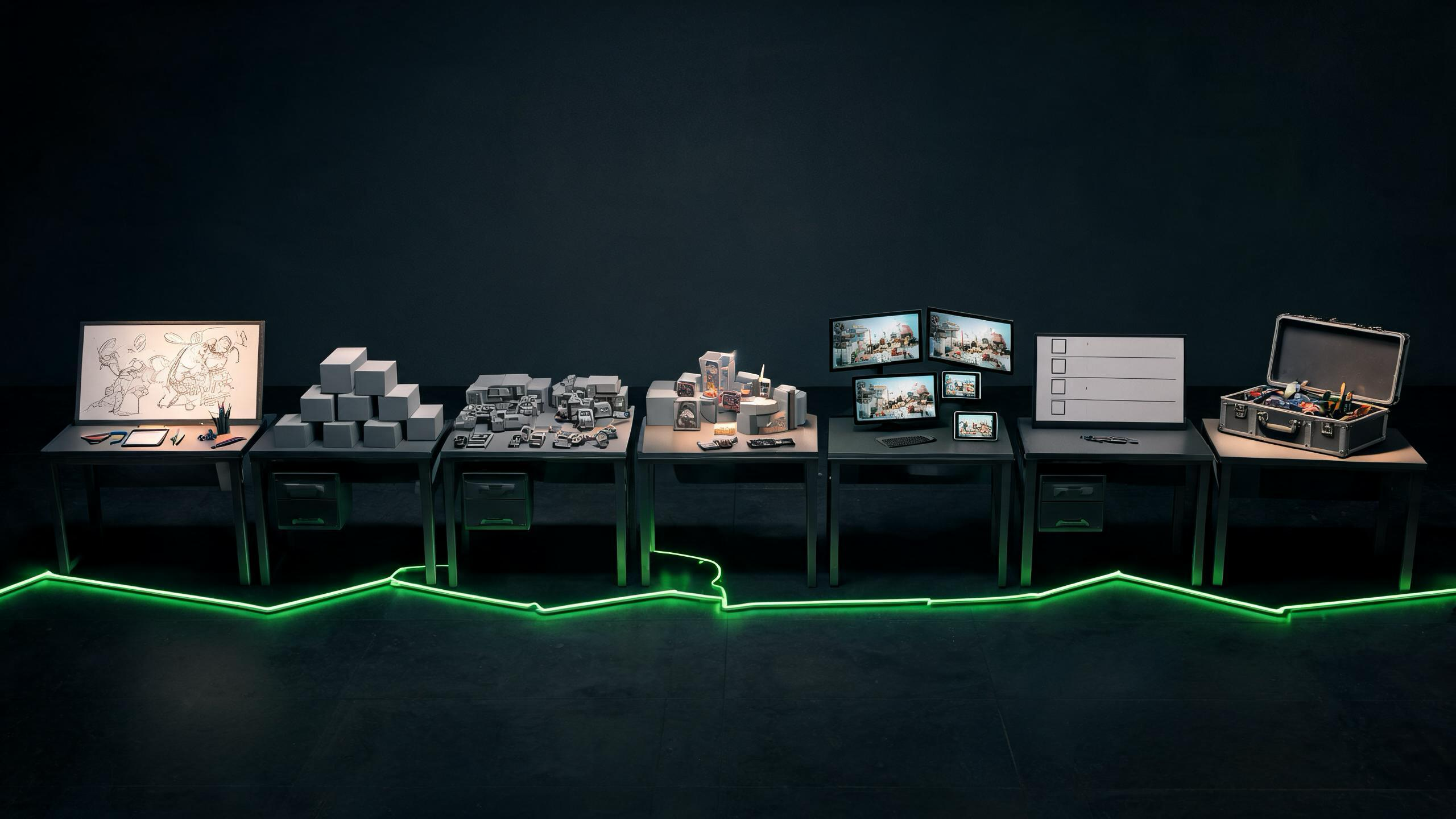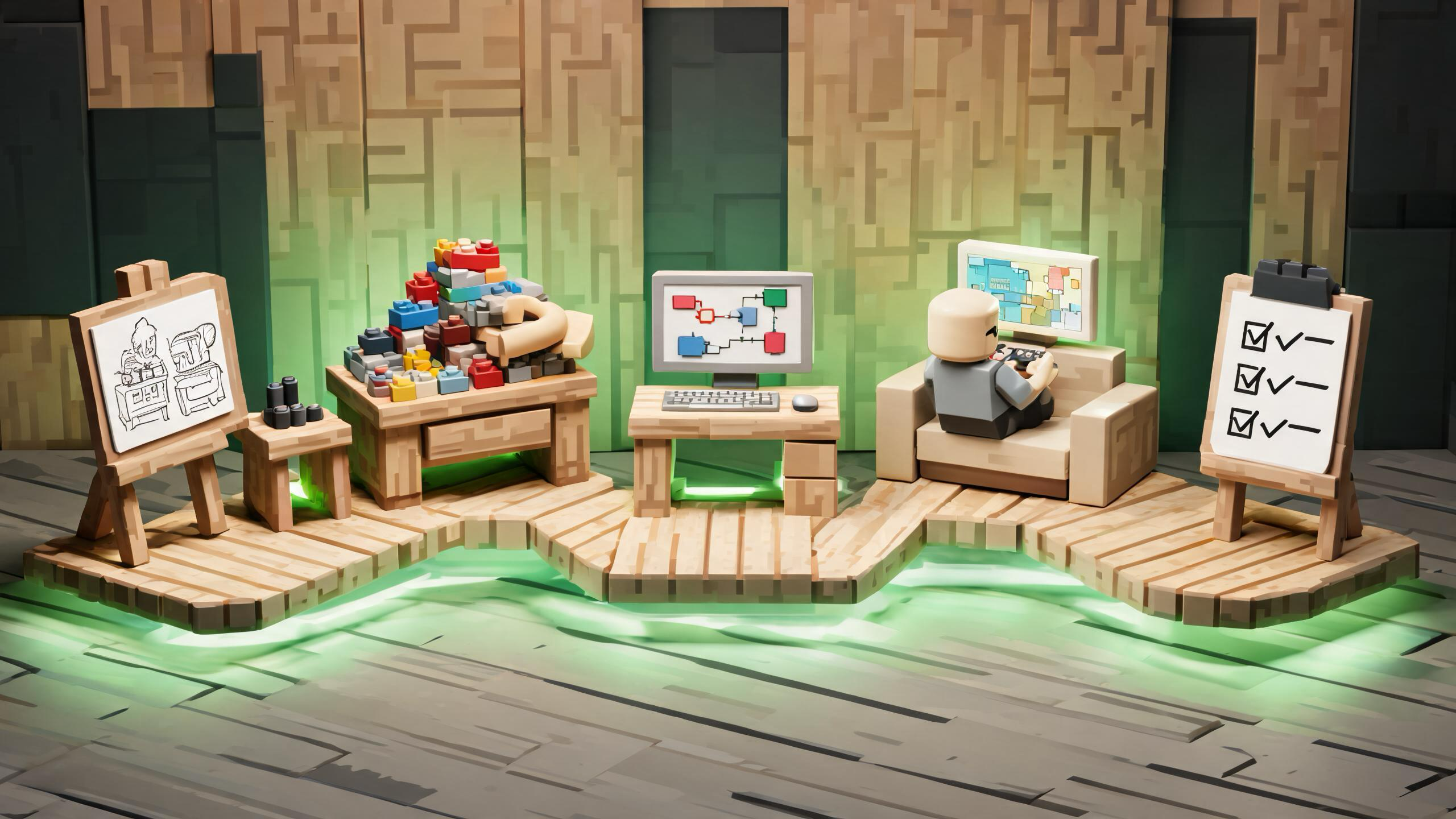
Key Takeaways: Safe Roblox Studio UI Alternatives to Exploit GUIs
- Build legitimate Roblox admin, debug, or creator UI in Roblox Studio with documented GUI objects, server-authoritative authorization and validation, official debugging and testing tools, narrowly scoped actions, audit logs, and recovery. Do not use exploit GUIs, injectors, unauthorized code execution, or client-side permission checks. Evaluate plugins cautiously and secure the account and device if suspicious software was already used.
If you need admin controls, debugging tools, or creator utilities for a Roblox experience, build them inside Roblox Studio with documented UI objects, server-authoritative permissions, Studio testing tools, and code you control. An exploit GUI, injector, or unauthorized client modification is not a shortcut to a maintainable creator tool: it can violate Roblox rules, expose an account or device, and bypass the security boundary your own experience depends on.
This guide covers legitimate creator workflows only. It does not include exploit GUIs, injection, unauthorized code execution, anti-cheat evasion, cheating steps, or ways to operate third-party tools.
Updated: 2026-08-07.
Translate the desired shortcut into a legitimate creator requirement

Start with the job you actually need the interface to perform. “Admin GUI” can mean very different things: a private moderation panel, a playtest reset button, a live event controller, a developer-only metrics display, or an internal content tool. Write the requirement before choosing UI components.
For every action, identify the intended user, the allowed place or environment, the data it reads, the state it changes, and the evidence you need afterward. A useful requirement might say: “During a private playtest, approved user IDs may reset the current test round; the server validates the request and records who triggered it.” That is testable. “Give me admin” is not.
Roblox Creator Hub documents the official user interface system and the division between client and server runtime. Use those boundaries as design constraints, not obstacles to remove.
Choose the right safe alternative
| Creator need | Legitimate Roblox workflow | Avoid |
|---|---|---|
| Player-facing menus and HUD | ScreenGui with documented GUI objects and input handling | Copying an unknown GUI package that claims privileged client powers |
| Internal admin or moderation actions | A private in-experience panel whose requests are validated by server code you own | Trusting a LocalScript to grant authority |
| Debug values during development | Studio Output, Script Analysis, Developer Console, breakpoints, and temporary development-only visualizers | Running an injector or third-party executor |
| Repeatable playtests | Studio test modes, isolated test places, controlled fixtures, and written test steps | Testing unauthorized tools on an alternate account |
| Creator workflow extensions | A Studio plugin from a source you can evaluate, with the minimum necessary permissions | Installing a plugin or executable only because a video recommends it |
| Live operational controls | Narrow server-side commands, explicit roles, logging, rate limits, and rollback | Shipping a universal client-side command console |
The safest choice is usually the smallest one. If Output and a temporary debug label answer the question, you do not need a persistent admin system. If a tool will ship with the experience, treat it as production software with access control, testing, maintenance, and incident responsibilities.
Build ordinary interface structure with Studio UI objects
For an in-experience panel, use documented Roblox GUI containers and controls. Put player-visible interface under the appropriate GUI hierarchy, use layout objects for consistent spacing, and support keyboard, gamepad, mouse, and touch where the experience requires them. Keep labels readable, focus order predictable, and essential actions distinguishable without relying only on color.
Separate presentation from authority. A local interface can collect a request and display a response, but it should not decide that the player is an administrator or directly make a privileged change. The server owns the authoritative rule and result. Roblox's UI documentation and input guidance provide the supported building blocks.
Do not imitate a Roblox system prompt or another creator's interface in a way that could mislead players. Make internal tools visually distinct from account, purchase, or platform moderation surfaces. Remove development controls from public access unless they have a real production purpose and complete authorization.
Put permissions and sensitive actions on the server
A hidden button is not access control. Neither is an obscure keyboard shortcut, a renamed object, or a client-side list of administrators. Clients can request actions; the server must determine whether a request is allowed.
Design each privileged action with five checks:
- Identity: determine which authenticated player or trusted server process made the request.
- Authorization: compare that identity with an explicit role or capability maintained by the experience.
- Validation: check all supplied values against an allowlist, expected type, range, and current game state.
- Abuse controls: limit frequency and scope so a valid account cannot accidentally or deliberately flood the operation.
- Audit and recovery: record enough context to investigate, and provide a way to reverse high-impact changes where practical.
Roblox's security guidance emphasizes that the server decides and that remote communication must be validated. The point is not to hide a remote name or invent an anti-exploit trick. It is to minimize trust in client input and enforce the game rule at the authoritative boundary.
For especially sensitive operations, separate duties. A moderator might mute chat or move a player to a safe area, while only an owner-controlled workflow can change persistent economy data. Avoid a single “run anything” box. Narrow commands are easier to reason about, test, log, and revoke.
Use official debugging tools before building a custom panel
Roblox Studio already provides tools for many development questions. Use Output and Script Analysis for errors and warnings, the debugger for controlled inspection, and Studio's testing modes for client-server and multi-client behavior. Roblox also documents the Developer Console for runtime diagnostics available through supported workflows.
A custom debug overlay is appropriate when it communicates project-specific state that built-in tools do not present clearly—for example, the current round phase, an NPC state name, or whether a test fixture loaded. Keep it read-only by default. Gate development-only displays by environment and explicit authorization, and ensure they do not reveal secrets, private player data, moderation notes, or internal identifiers to ordinary players.
Temporary diagnostics should have an owner and a removal condition. Debug UI that silently becomes permanent tends to drift, expose stale data, and create an undocumented control path. Track it like any other feature.
Evaluate Studio plugins as code with permissions
Studio plugins can improve repetitive creator workflows, but “plugin” does not automatically mean safe. Prefer Roblox's official creator channels and publishers you can verify. Review what a plugin does, what permissions it requests, what project content it can change, how it updates, and whether your team can remove or replace it.
Test a new plugin in a disposable copy of a place, not the only copy of a production project. Use source control or version history so changes are visible and reversible. If the plugin inserts scripts or modifies many assets, inspect the resulting diff. Remove tools that are abandoned, unexplained, or broader than the workflow requires.
Never install a companion executable, browser extension, certificate, or “key system” merely to enable a Studio feature. Do not disable device security to make a tool run. A legitimate creator utility should have a clear publisher, documentation, support path, and permission story.
Test an admin or creator UI safely

Use a separate test place or unpublished development version when possible. Define test accounts and roles intentionally; do not borrow production permissions. Then cover:
- an authorized user performing each allowed action;
- an ordinary user seeing no privileged controls and receiving no privileged result;
- malformed, missing, duplicated, delayed, or out-of-range requests being rejected by the server;
- rapid repeated use being rate-limited or handled safely;
- player reconnects, server shutdowns, and failed persistent writes;
- logs identifying the actor, action, target, time, and outcome without storing unnecessary private data;
- touch, keyboard, gamepad, small-screen, focus, contrast, and localization behavior;
- rollback or recovery for every action that can damage persistent state.
Test behavior, not secrecy. A panel should remain safe even if a normal player knows it exists or sends an unexpected request. If the server depends on the client hiding implementation details, the design is incomplete.
A practical architecture for legitimate admin UI

A maintainable design has four layers. The view renders controls and status. The client controller gathers input and sends a narrow request. The server handler authenticates, authorizes, validates, rate-limits, performs the allowed operation, and records the outcome. The audit layer supports review and recovery.
Keep the request vocabulary small: “start approved test round,” “return this player to lobby,” or “toggle this documented event flag” is safer than arbitrary code execution. Store configuration in a reviewable form, keep high-impact capabilities rare, and make role changes auditable. Do not expose secrets in replicated storage or client code.
This architecture is deliberately less magical than an exploit-oriented GUI. That is the advantage: the boundaries are explicit, the behavior belongs to your project, and another creator can maintain it later.
If you already downloaded an exploit-oriented GUI or injector
Do not run it again or follow cleanup instructions supplied by the same source. From a trusted device, secure the Roblox account and its linked email, review two-step verification and active sessions, remove unfamiliar extensions or device profiles through normal operating-system processes, and run a reputable security scan. Contact Roblox Support through the official site if account access or transactions may be affected.
Preserve only the minimum safe evidence needed for a report, such as the source URL or message reference. Do not post passwords, cookies, session data, backup codes, or private logs in public channels. If the device belongs to a school, employer, or family member, notify the responsible person or security team. Roblox's account safety guidance explains core protection steps.
Bottom line
The safe alternative to an exploit GUI is not a different unauthorized GUI. It is a scoped creator tool built in Roblox Studio: documented UI components, server-side authority, narrow permissions, official debugging workflows, carefully reviewed plugins, repeatable testing, and auditable recovery. Start with the exact job, use the smallest supported tool, and make every privileged action safe even when the client is untrusted.
FAQs
What is the safest alternative to a Roblox exploit GUI?
Build the required interface in Roblox Studio with documented GUI objects and server-authoritative permissions. Use built-in debugging and testing tools when a custom panel is unnecessary.
Can a LocalScript decide who is an administrator?
No. A client can display controls and request an action, but server code must authenticate the player, authorize the specific capability, validate all values, and enforce the result.
Are Roblox Studio plugins always safe?
No. Verify the publisher and documentation, review requested permissions and resulting changes, test in a disposable project copy, and keep a rollback path.
Should I hide an admin remote or button as security?
Hiding an interface is not authorization. Design the server so unexpected or unauthorized requests are rejected even when a player knows the control exists.
What should I do after running a suspicious Roblox tool?
Stop using it, secure Roblox and linked email accounts from a trusted device, review sessions and two-step verification, remove unfamiliar extensions through normal device procedures, run a reputable scan, and contact official support if needed.