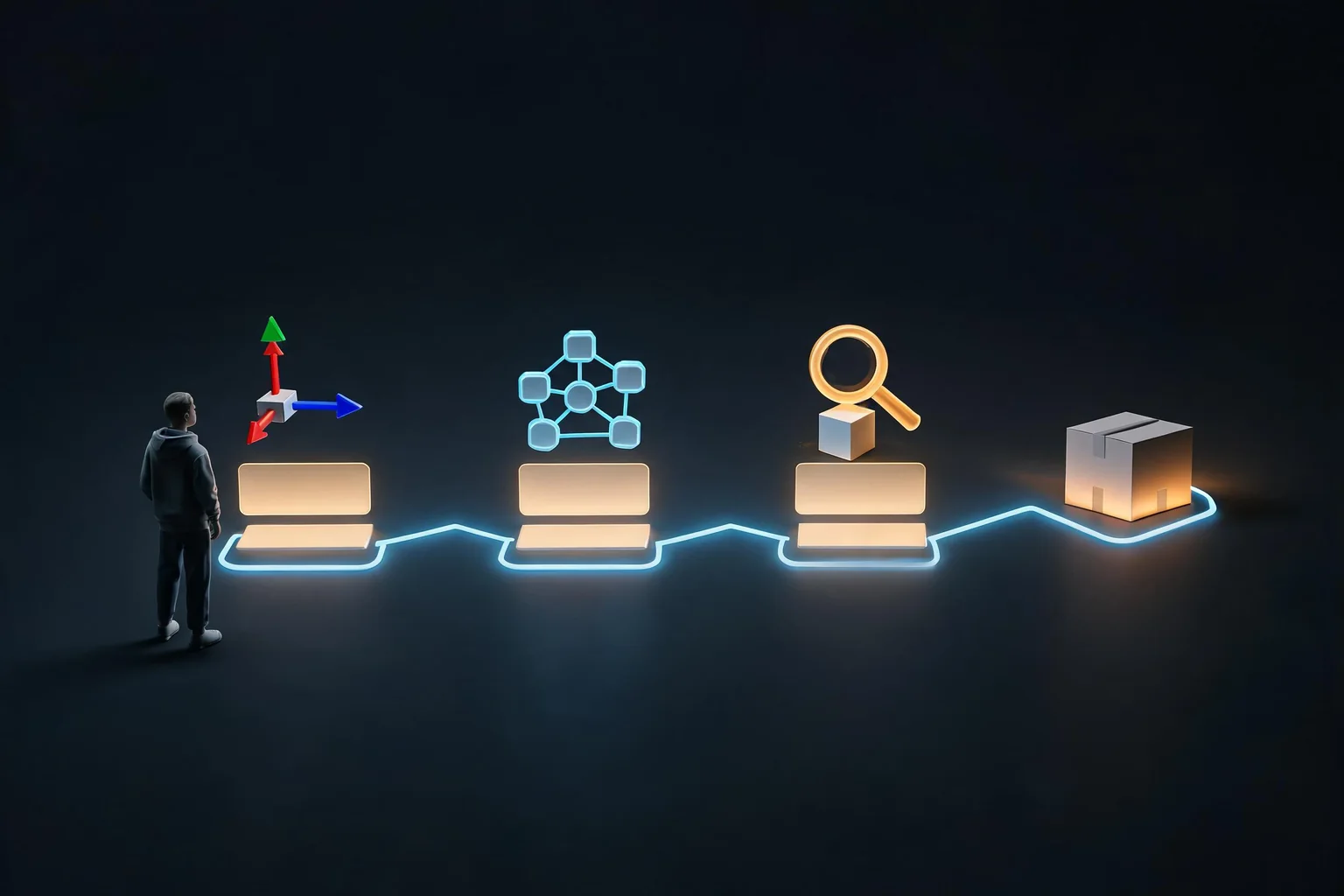
An AI-assisted game change should be easy to inspect, apply, and roll back. “Send only changed files” can be a useful handoff rule, but it does not mean the full project is unnecessary. Source code often depends on scenes, assets, settings, and engine-generated data that must stay matched to the project baseline.
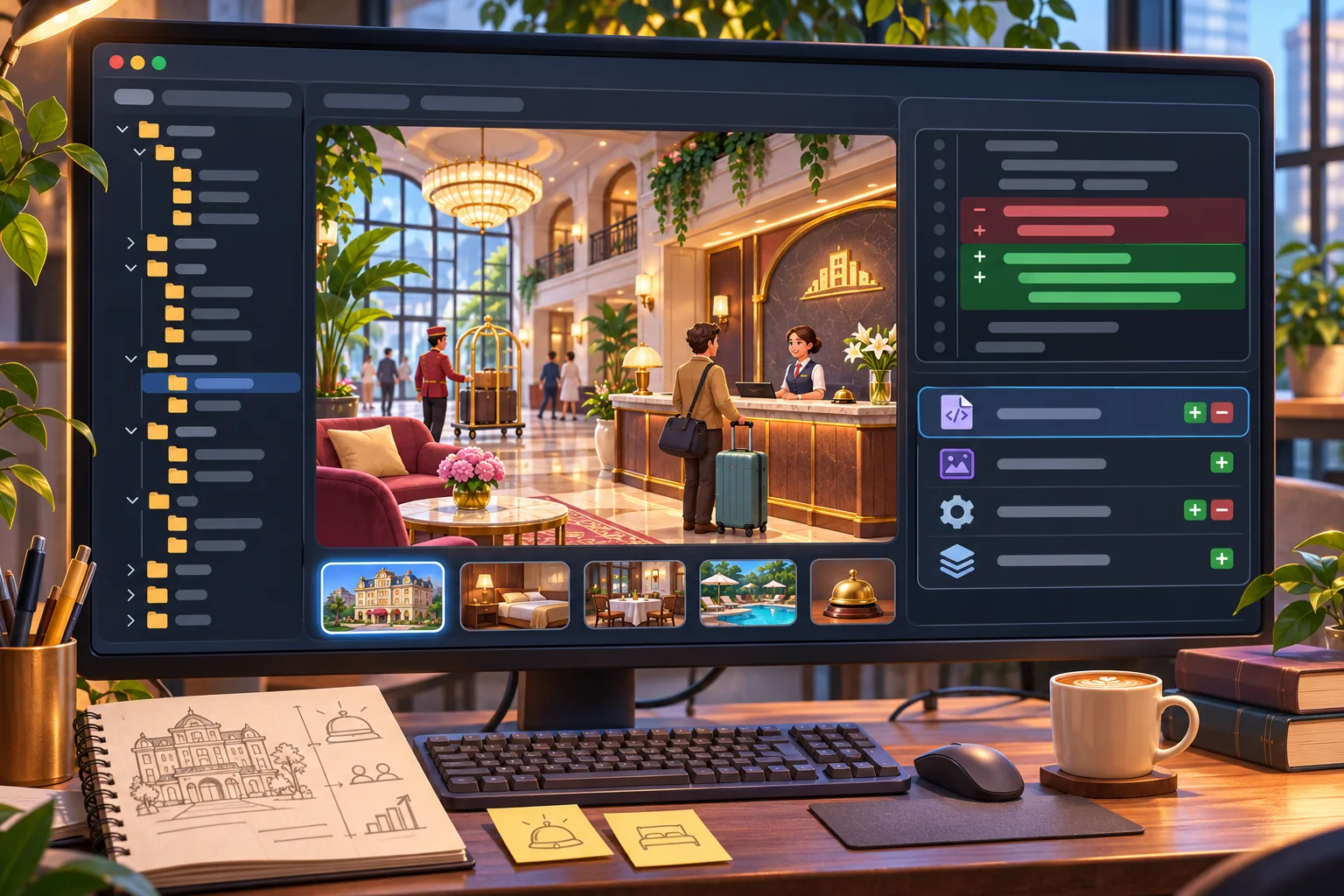
This guide uses an invented hotel-management game where a late-checkout rule needs a small change. The scenario is hypothetical. No project was patched, exported, or tested. The workflow below helps you ask for a narrow edit and produce a handoff another developer can review.
Define the baseline and the requested change
Before editing, identify the exact project version, engine version, working branch or copy, and the file that owns the behavior. Write down what should change and what should stay the same. For the example, a late checkout can shift housekeeping availability without changing room prices, guest arrival rules, or the daily payroll schedule.
Give the assistant the smallest useful context: the relevant script, caller, data schema, and project conventions. If it needs more files to understand dependencies, provide them rather than asking it to guess. Request a change plan first, then a patch that lists every file added, modified, or removed, plus any scene, asset, settings, or migration dependencies.
Keep a clean local baseline. Version control gives you a stable comparison; a separate copy works for a one-off experiment. Do not mix the patch with unrelated edits. A clean starting point makes it easier to identify exactly what the assistant changed.
Review the file list and the actual diff
Use the version-control tool to see the scope, then inspect line-level changes. Git documents diff views such as name-only and name-status for listing changed paths. Those views help answer “which files changed?” They do not say whether the patch is correct, whether it compiles, or whether the change is limited to the intended behavior.
Compare every changed file with the request. Look for a narrow logic change, new dependencies, deleted code, changed defaults, and edits to shared systems. Read new files as carefully as modified ones. Check whether a scene references a renamed script, whether a data field needs a default, and whether a change to a schedule affects save data or another system.
Ask for a short explanation of why each file changed. If a source file has a generated companion or an engine import artifact, ask whether the project regenerates it. Avoid accepting a large rewrite simply because the output file list is short; one modified manager can alter behavior across the entire game.
Distinguish a source handoff from a game export
A source patch is a set of changes to apply to a matching project. It may include a script and a data file but omit scenes, sprites, configuration, or engine metadata. Apply it to the intended full project and use that project's normal editor, import, build, and export steps. A partial source folder is not necessarily runnable by itself.
Some engines support specialized patch packages. Godot's stable command-line documentation describes an export-patch option for changed files and a patches option. It also ties export commands to configured presets and their base export considerations. That is a Godot-specific packaging feature; do not assume a zip of changed source files is equivalent, or that the same mechanism applies to Unity or another engine.
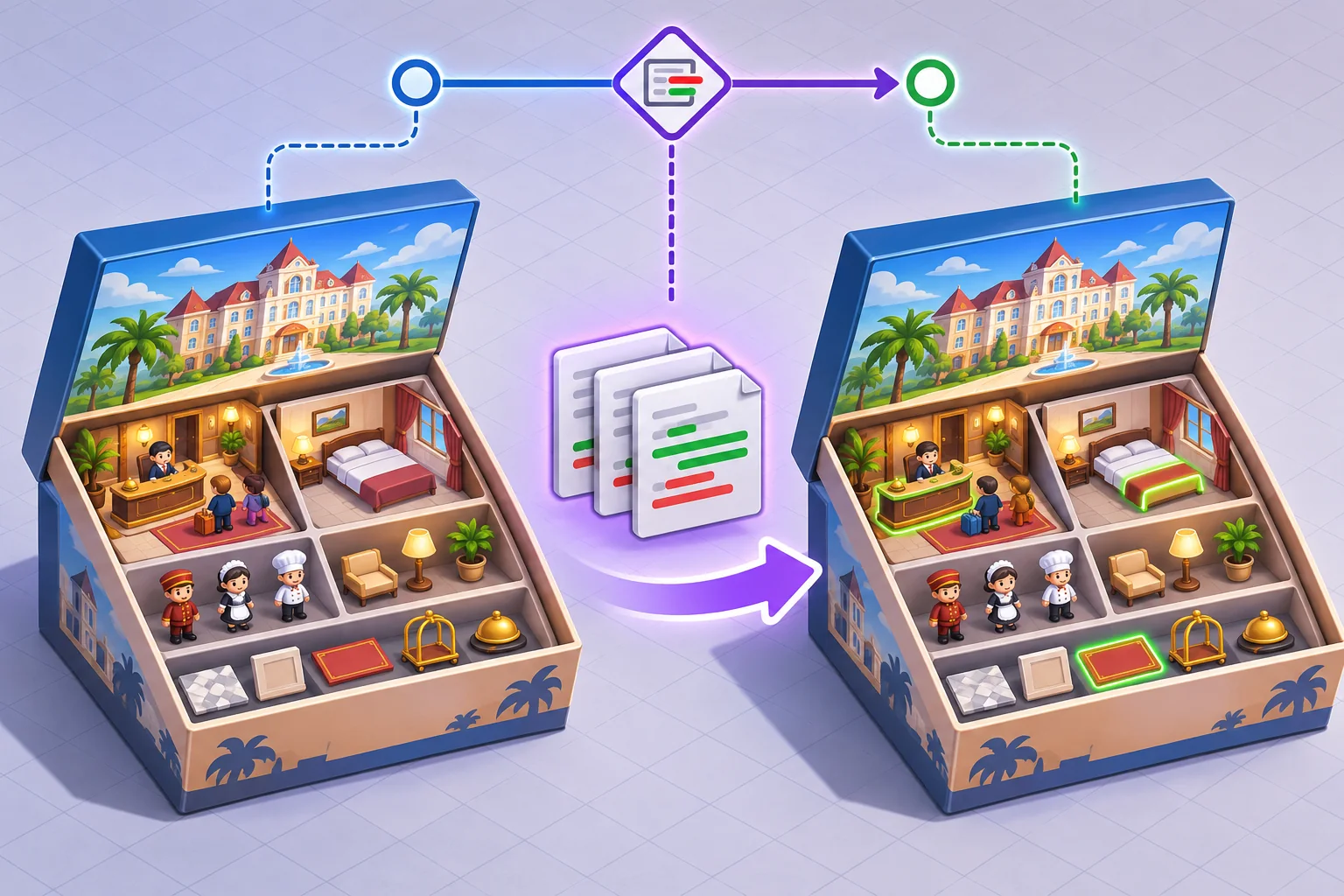
If the intended deliverable is a reviewer handoff, include the changed files, a readable diff, dependency notes, project and engine version, and exact apply instructions. If the deliverable is a platform build or engine patch, produce it using the engine's supported export workflow and test that specific artifact. Name which one you are handing over.
Ask for a patch another developer can understand
A bounded request can say: change only the late-checkout scheduling rule; preserve room assignment, pricing, arrivals, and payroll; do not modify unrelated scenes; list changed and new files; explain required dependencies; and include a rollback procedure. Ask the assistant to provide a unified diff or a clean changed-file directory against a named baseline.
Review the patch before copying it over the working project. Confirm paths are relative to the project root, file names are correct, no secrets or local cache files are included, and new code follows the project's conventions. If the patch contains a whole replacement file, compare it with the baseline so unrelated content is not lost.
Use source-control status after applying the patch. If the assistant claims a two-file change but the diff shows changes to ten files, stop and inspect why. Generated files may change during an engine import; separate those from intended source changes and follow the project's normal repository policy.
Apply, build, and verify the behavior
Apply the patch to a copy or clean branch, then open the complete project with its expected engine version. Resolve imports and build errors before evaluating the requested behavior. For the hotel example, verify the late-checkout date, room availability, guest arrival, and housekeeping schedule; also confirm unrelated prices and payroll remain unchanged.
Keep a before-and-after record: project version, changed files, steps, expected result, and observed result. Test a normal path, a boundary case, save and reload if the changed data persists, and a rollback. If the result is a downloadable build, test that artifact on its target platform rather than relying on the editor preview.
Keep rollback narrow and deliberate
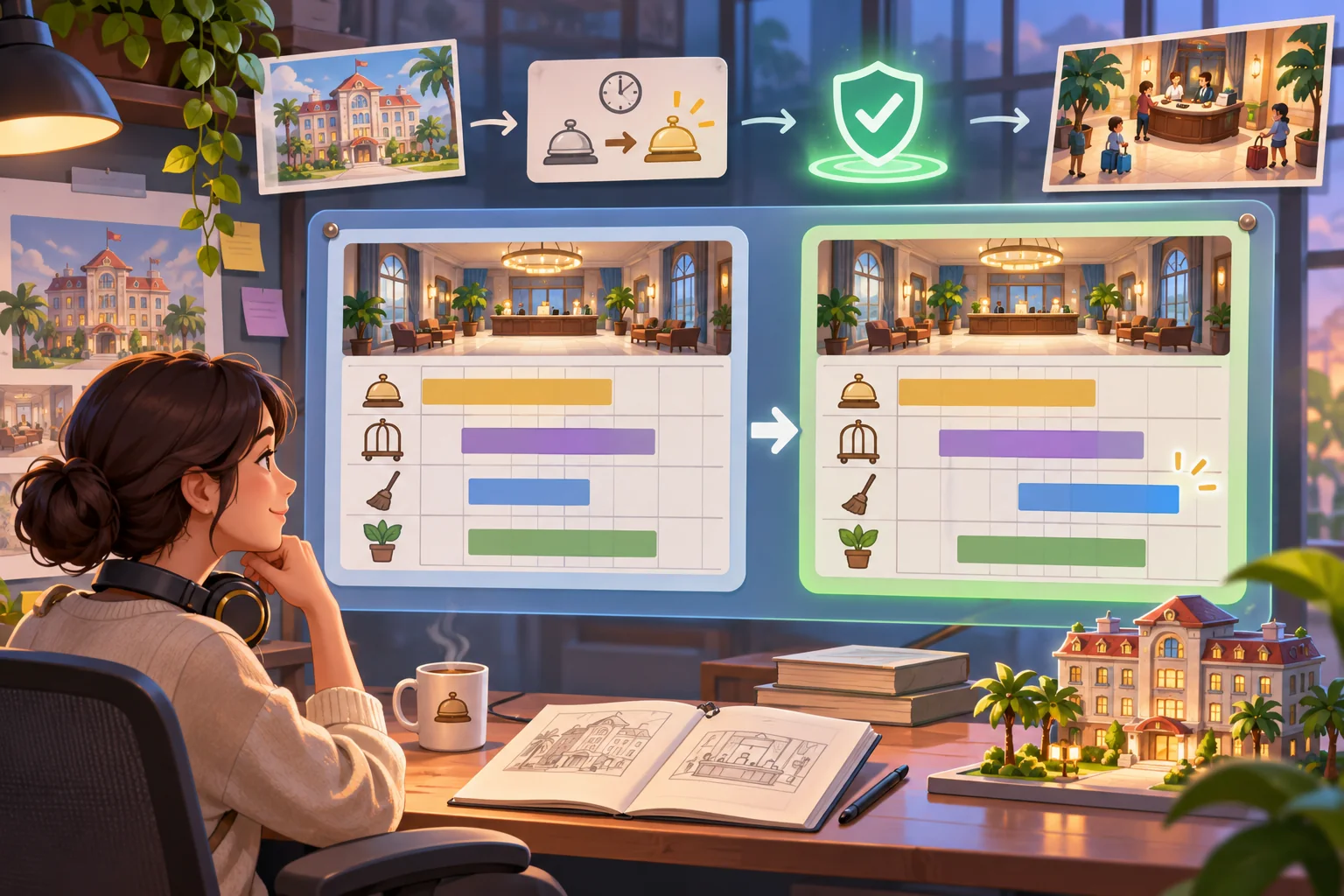
Before applying any change, keep a clean checkpoint. If the patch fails, restore only the files it changed or revert the isolated commit. Git's restore command can restore selected paths, but restoring a path also discards its current working-tree changes; check for unrelated work first.
A rollback should be verified too. Reopen the project, confirm the old behavior returns, and make sure uncommitted work was not removed. Avoid broad reset or cleanup commands when the assistant's patch is mixed with other local changes.
Frequently asked questions
Can I send only the changed game source files to an AI assistant?
Yes, if the assistant also receives the relevant surrounding code, project conventions, and constraints. Keep the full project baseline locally, request a diff, and verify that the handoff lists dependencies the changed files require. Keep paths and version details explicit in the handoff note.
Does a changed-file package make a complete game build?
No. Source files may depend on scenes, assets, settings, generated files, or engine import data that are not included. Apply the patch to the matching full project and build or export through the project's normal process. The reviewer should know which complete project baseline is required.
How can I list only modified files with Git?
Use a Git diff view such as name-only or name-status against the intended baseline, then inspect the actual diff as well. A file list shows scope; it does not tell you whether the code is correct or safe. Confirm your working tree is clean enough to interpret the diff.
Can Godot export only changed files?
Godot's stable command-line tutorial documents an export-patch option for changed files and patch lists. It depends on the export preset and compatible base export; it is not a generic source-folder zip or a standalone build. Follow the documented preset and base-export requirements for that engine version.
How do I roll back an AI game-code patch?
Keep the baseline or a clean version-control checkpoint before applying changes. Restore only reviewed files or revert the patch, then rebuild and confirm the original behavior; avoid broad cleanup commands on uncommitted work. Confirm the restored project builds and the original behavior returns.
Make the handoff explicit
Keep the complete project as the source of truth. Send a small, reviewable patch with its dependencies and baseline, then build and test through the normal project workflow. That gives another developer the changed files they need without pretending those files are a finished game on their own.
For a separate browser-playable prototype idea, try SEELE AI Game Maker. This is a separate prototype path, not a code-patching or existing-project export feature.