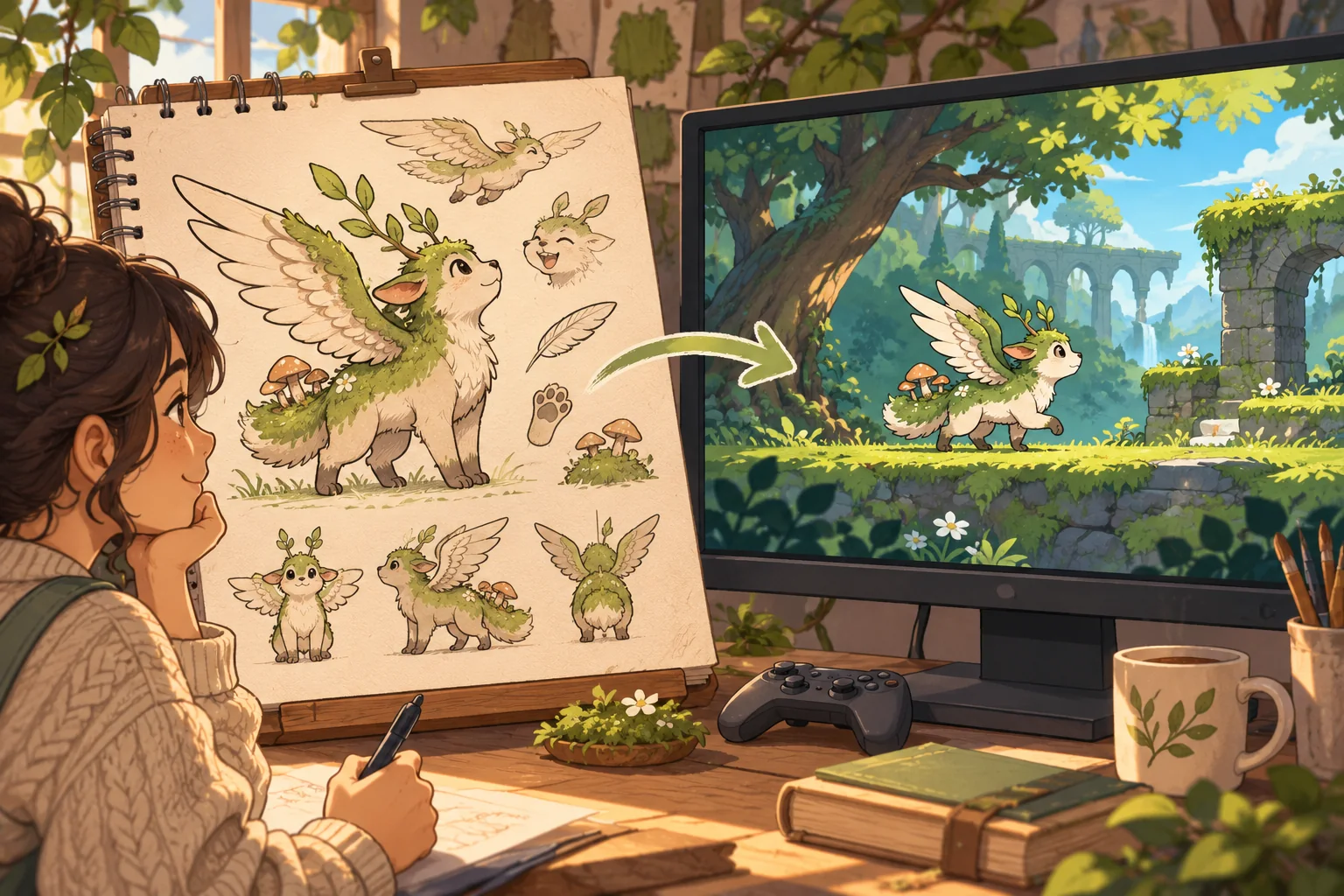
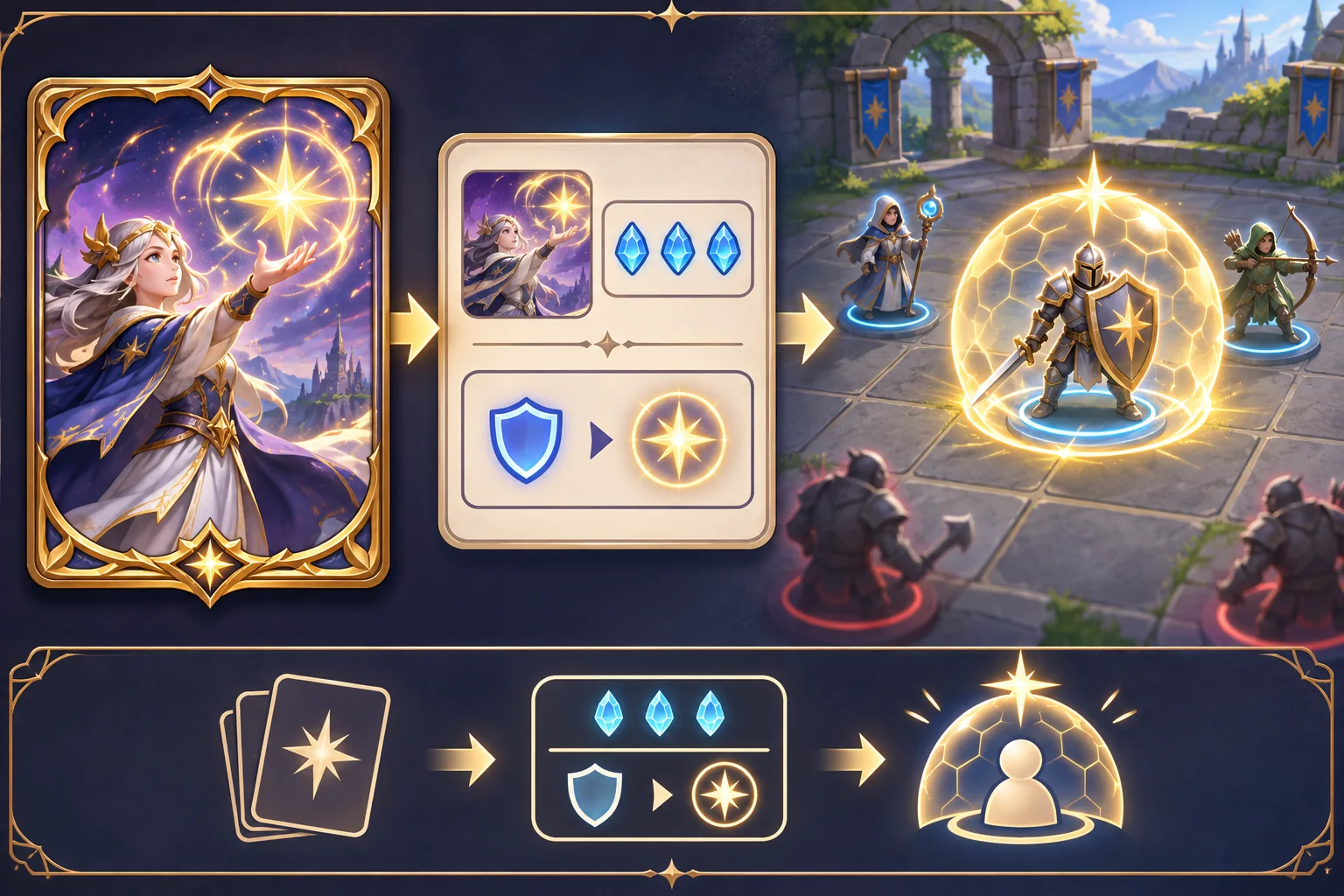
A character sheet explains what a hero should look like. It does not decide how that hero moves, fights, responds to damage, or changes the story. To turn character art into a character-driven action game, make those choices explicit and then test them in a small encounter with the real controller and camera.
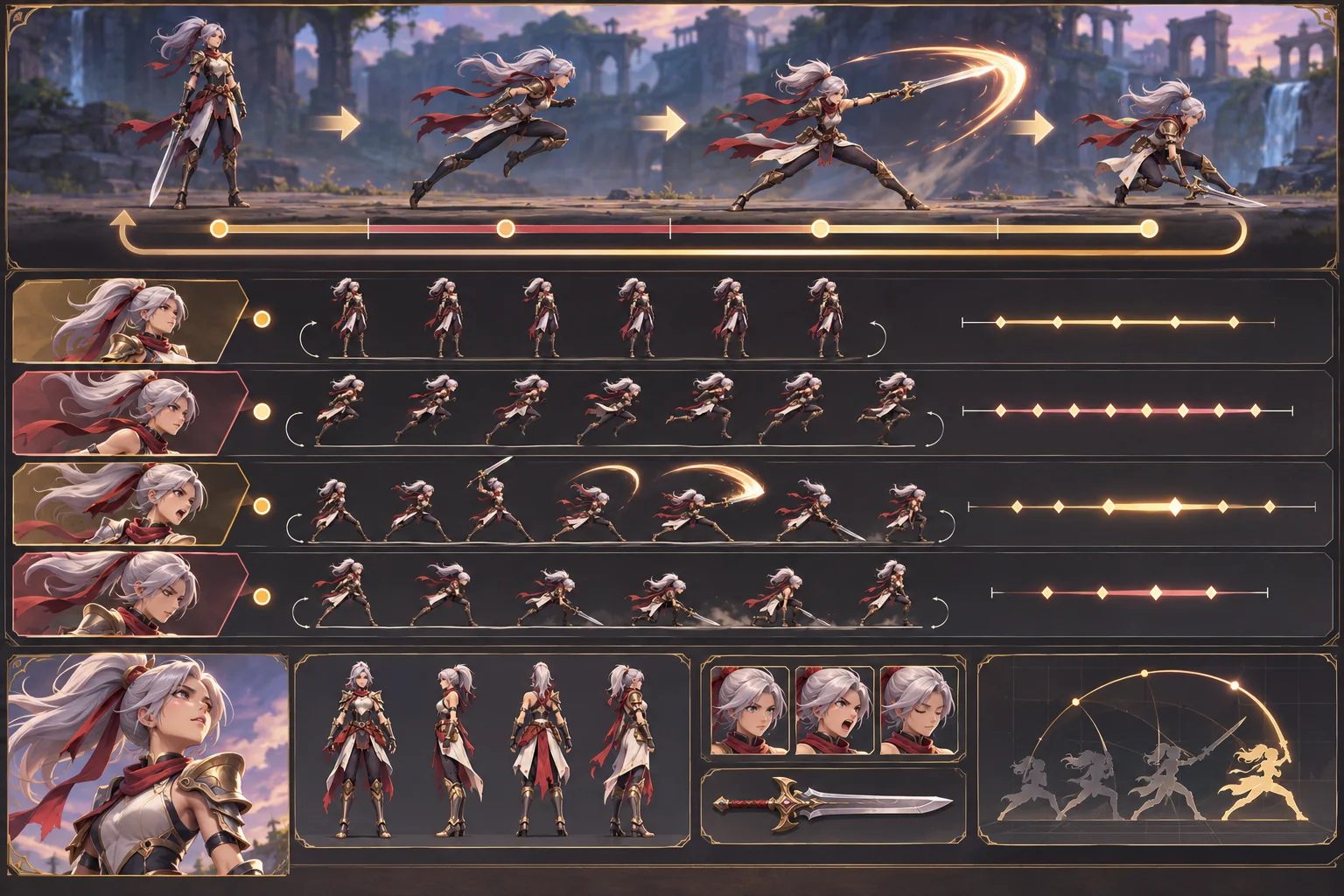
This article uses Kestrel Vale, a fictional action hero, only as an example. The character, sheet, animation, encounter, and results are invented; no real source sheet or build was supplied. The Unity links describe specific engine features and do not prove that a particular character implementation is responsive or fun.
Turn the sheet into a gameplay brief
Record the character’s source files, author, permissions, revision, and approved views. Note which details define identity: silhouette, costume shape, color placement, weapon profile, posture, and expression. Separate fixed design rules from elements that may change during animation. A cape may fold in motion; the character’s recognizable profile should still read.
Then write the intended player role. Is the hero agile and evasive, deliberate and heavy, or built around distance and timing? Which action expresses the character’s identity? What can opponents interrupt? How does the player know that a hit landed? These decisions connect character design to mechanics. A visually expressive hero can feel generic if every action and response ignores the identity the sheet communicates.
For Kestrel Vale, imagine a fast scout whose signature move is a short dash through an opening. That role and action are fictional. They create a testable design question: can the player see the opening, trigger the dash, and understand the result without confusing it with ordinary movement?
Prototype movement before finishing animation
Start with a controller capsule or simple blockout. Define the camera distance, movement speed range, acceleration, jump or dash behavior, and collision boundaries in a test room. Tune movement with temporary effects before investing in detailed animation. A polished run cycle cannot fix a controller that accelerates unpredictably or collides with geometry the player cannot see.
Unity’s CharacterController component moves when its Move method is called and constrains that motion through collisions; it is not driven by forces like a Rigidbody. That is one possible Unity approach for a responsive player character, not a universal recommendation. Choose a controller based on your movement design and verify the behavior under the project’s physics and input settings.
Map poses to action states
Build only the states needed for the first encounter: idle, locomotion, one attack, a hit response, and recovery. Add jump, dodge, interaction, or a special move when they answer a design question. Make a state chart that records entry conditions, exit rules, interruption windows, and the point where control returns to the player.
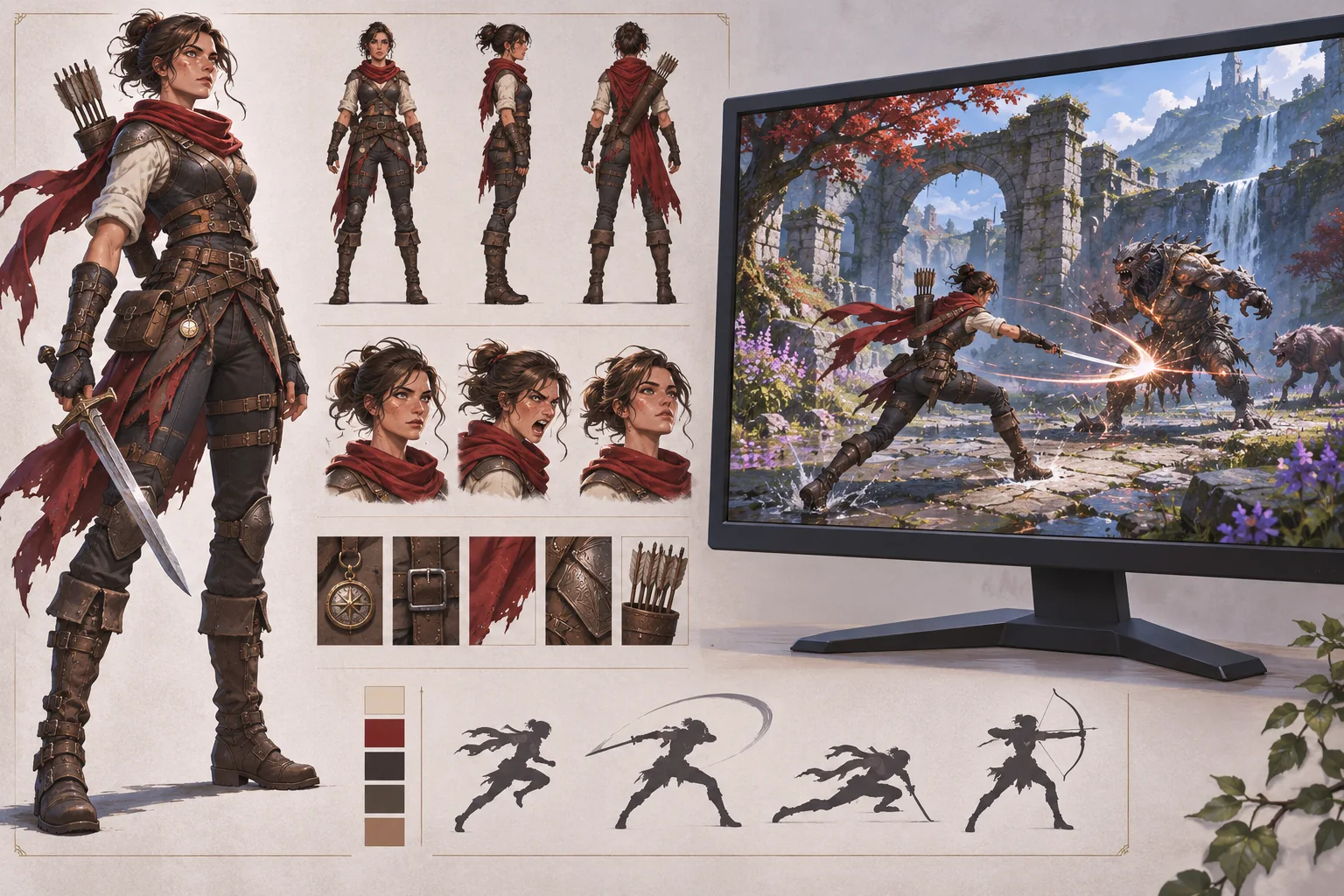
Unity Animator Controllers organize clips and transitions through a state machine. Keep the state model small enough to inspect. Use named parameters for input or gameplay state, and avoid overlapping transitions that make the same input produce different results without clear rules. A state machine helps organize clips, but it does not decide when an attack should deal damage or whether the player should be able to cancel it.
If the character is rigged, inspect the imported skeleton and animation type. Unity’s import settings distinguish Humanoid and Generic rigs; Generic uses a designated root node for a non-humanoid skeleton. A humanoid retargeting workflow may not fit a stylized creature, unusual proportions, or signature weapon pose. Test the actual rig and transitions rather than assuming a shared animation will preserve the character’s silhouette.
Connect combat timing to clear feedback
For each attack, define when it begins, when collision or hit detection becomes active, when it ends, and whether another action can interrupt it. Match the visual anticipation and impact to that logic. If the weapon appears to connect but the game reports no hit, the character feels unreliable. If damage occurs before the animation communicates a strike, opponents may feel unfairly fast.
Keep collision and damage rules separate from decorative animation details. A long coat or blade trail may extend beyond the body but should not silently become a damaging hit area. Use explicit hitboxes or other project-appropriate detection, and inspect them from the camera during motion. Check whether the same attack behaves consistently against moving, armored, and stationary targets.
Build one encounter around the character
Create a short room that exposes movement, combat, and recovery. Include one obstacle or gap that uses the signature move, one opponent that tests basic attack timing, and a safe space where the player can understand the controls. Do not add a long level, multiple bosses, and a full progression tree before the character can complete this slice.
Use clear visual and audio feedback when an action succeeds, fails, or is interrupted. Keep the hero visible against the environment. Test attack framing, target lock or aim behavior if used, camera clipping, and whether effects obscure upcoming hazards. A character-driven game should let the hero’s personality come through while still showing the player what is happening.
Review with players and record changes
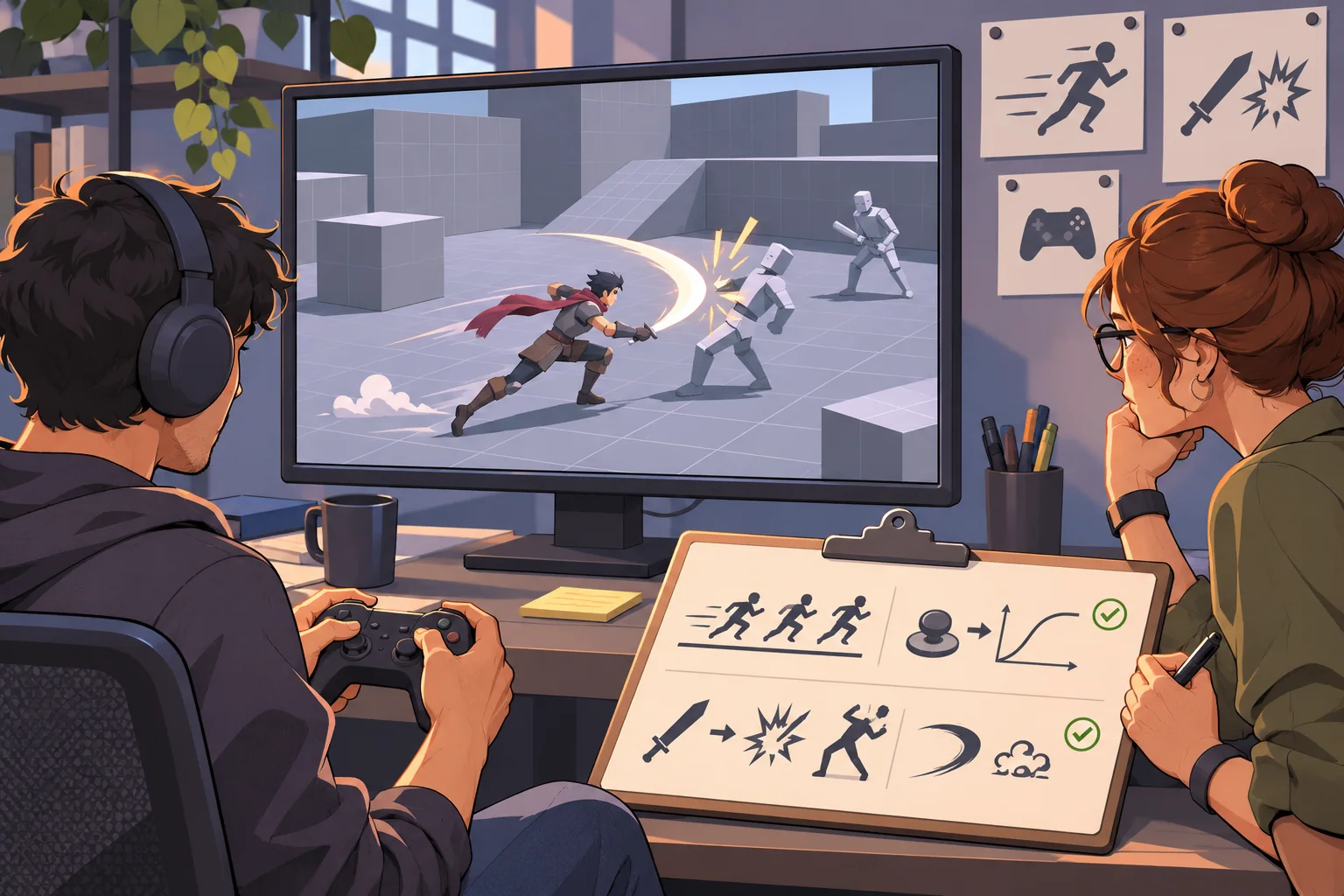
Give the prototype to someone unfamiliar with the design. Ask them to reach the room’s exit and watch where they hesitate, which action they attempt, and whether the feedback matches what they expect. Record the build, input device, target frame rate, and changes made after each session. Ask which move felt characteristic and which one was hard to control.
Do not treat one successful test as proof that timing is universally responsive. Test with different levels of experience and the relevant input devices. Adjust one or two variables at a time—startup, recovery, movement distance, camera offset, or hit feedback—then compare observations in the next build.
Character-to-game checklist
- Preserve the approved sheet, rights record, and identity cues.
- Define the player role and one signature action.
- Test movement and camera with blockout art first.
- Create the smallest state set that supports a complete encounter.
- Separate animation, damage windows, and collision rules.
- Review rig, transitions, input timing, and feedback in motion.
- Observe unfamiliar players and tie notes to a build version.
A character sheet becomes a game hero through a chain of explicit decisions: identity, movement, action states, combat feedback, and encounter design. Build one short slice that makes those decisions observable before expanding the story. For more production detail, browse the resource library.
Frequently asked questions
How do I turn a character sheet into an action game protagonist?
Extract the design rules that must remain consistent, then define the character’s movement, combat role, vulnerability, and story choices. Build a graybox with a temporary controller and one short encounter before completing the art. Add only the animation states needed to test that loop, then review silhouette, input response, camera framing, and player understanding in the actual game.
Can AI make a playable character from a character sheet?
AI can help summarize the sheet, suggest pose variations, or draft animation and encounter ideas. It cannot ensure rig compatibility, responsive movement, readable combat, or faithful characterization without project-specific work. Keep the approved sheet as the source of truth, have a designer review any variation, and validate behavior with the controller and build.
What should be on a game character sheet?
Include approved front, side, and gameplay-facing views as needed; scale references; silhouette and palette rules; costume or equipment details; expression range; and notes about what must stay consistent. Add behavior and movement constraints if they affect gameplay. Do not assume a static turnaround specifies rigging, animation, collision, camera, or interaction requirements.
How many animations does an action game character need?
The minimum depends on the actions players can perform. A first slice often needs a readable idle, locomotion, one attack, hit response, and recovery or transition. Add jump, dodge, interaction, and other states only when the prototype needs them. Test transitions and input timing instead of judging the animation clips only as separate assets.
How do I keep combat animation from feeling unresponsive?
Define when an action starts, when it can hit, when it can be interrupted, and when input becomes available again. Align animation, collision windows, movement, sound, and visual feedback. Measure the behavior in a playable build and observe whether players understand the result. Any timing values should come from repeated tests for the specific game, not a universal preset.