Original card illustrations give a card game a visual identity, but they do not define its rules. A complete card needs a clear role, a cost, timing, a target, and a result the player can understand. Turning artwork into a battle system means linking each illustration to structured data and then checking that the information remains readable in play.
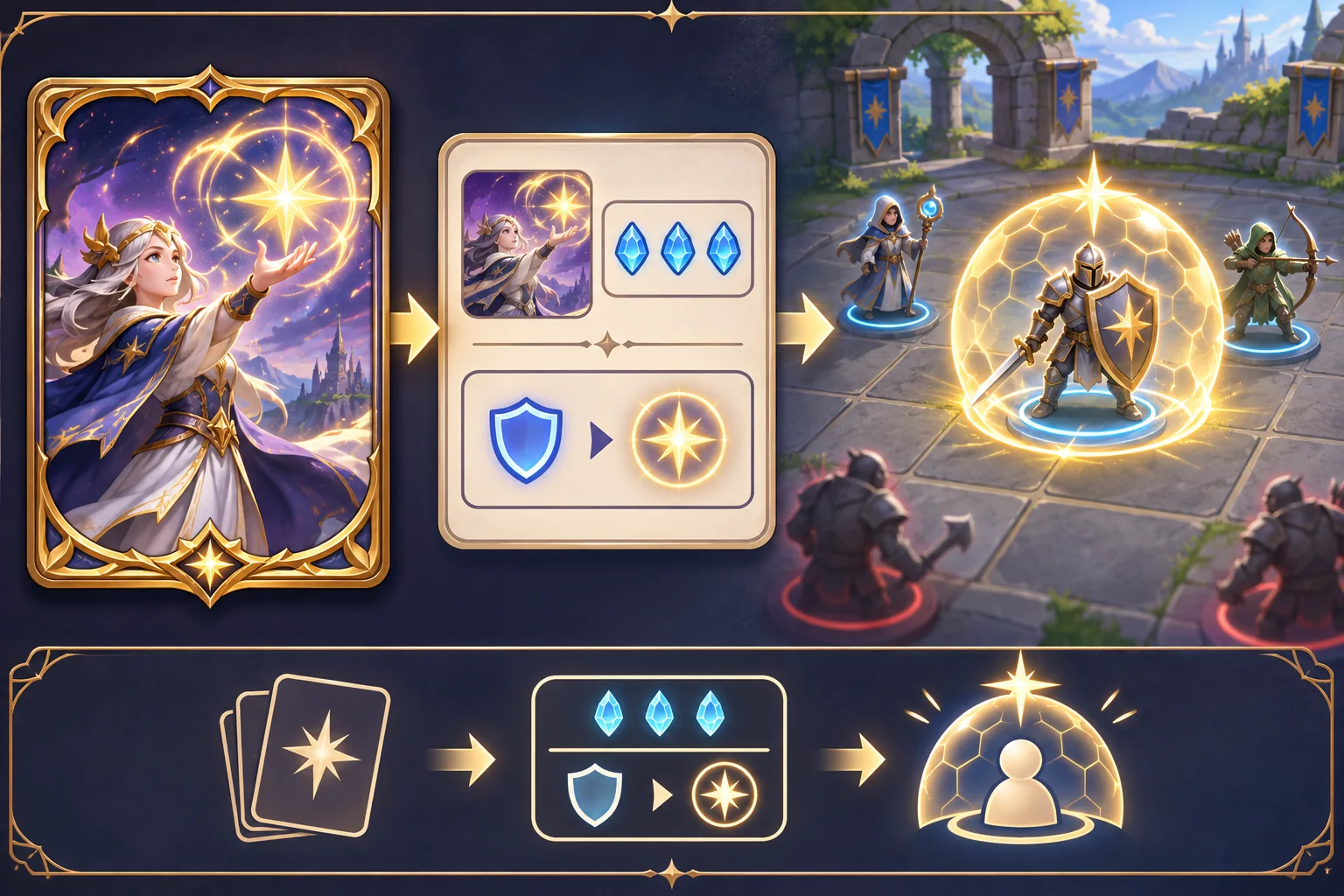
This article uses the Starfall Archive, a fictional card game, as an example. Its cards, rules, deck, players, and match outcomes are invented. No real card art, game build, or playtest was supplied. Unity and Godot sources below support engine-specific data and UI facts only.
Start with an art and rights inventory
Record who created each illustration, its source file, revision, intended use, and permission. Note whether the art is approved for cropping, recoloring, animation, promotional use, and AI processing. Keep a link between the original file and the card record so later revisions do not lose attribution or replace the approved image silently.
Then group the illustrations by likely role. A creature portrait might suggest an attack unit, a landscape might fit a location or event, and a symbol might become a resource. These are design prompts, not mandatory rules. Avoid letting the image alone determine the effect: two illustrations with similar subjects may play differently, while images with different subjects may support the same role.
Define one card model before writing a collection
Make a card schema with stable fields: identifier, title, art reference, type, cost, timing, target, effect, duration, and any rules text the player must see. Specify units and allowed values. Decide what happens when a target disappears, a cost cannot be paid, or effects trigger simultaneously. Small edge cases matter because a digital game can execute rules more strictly than a person interprets a paper card.
Separate authored card definitions from the player’s collection, deck, and saved progress. In Unity, ScriptableObjects can hold project data that multiple prefabs reference, but Unity’s documentation states that deployed builds cannot use those assets to save new runtime values back to the project asset. Plan player-owned collections and match state with an appropriate persistence format instead.
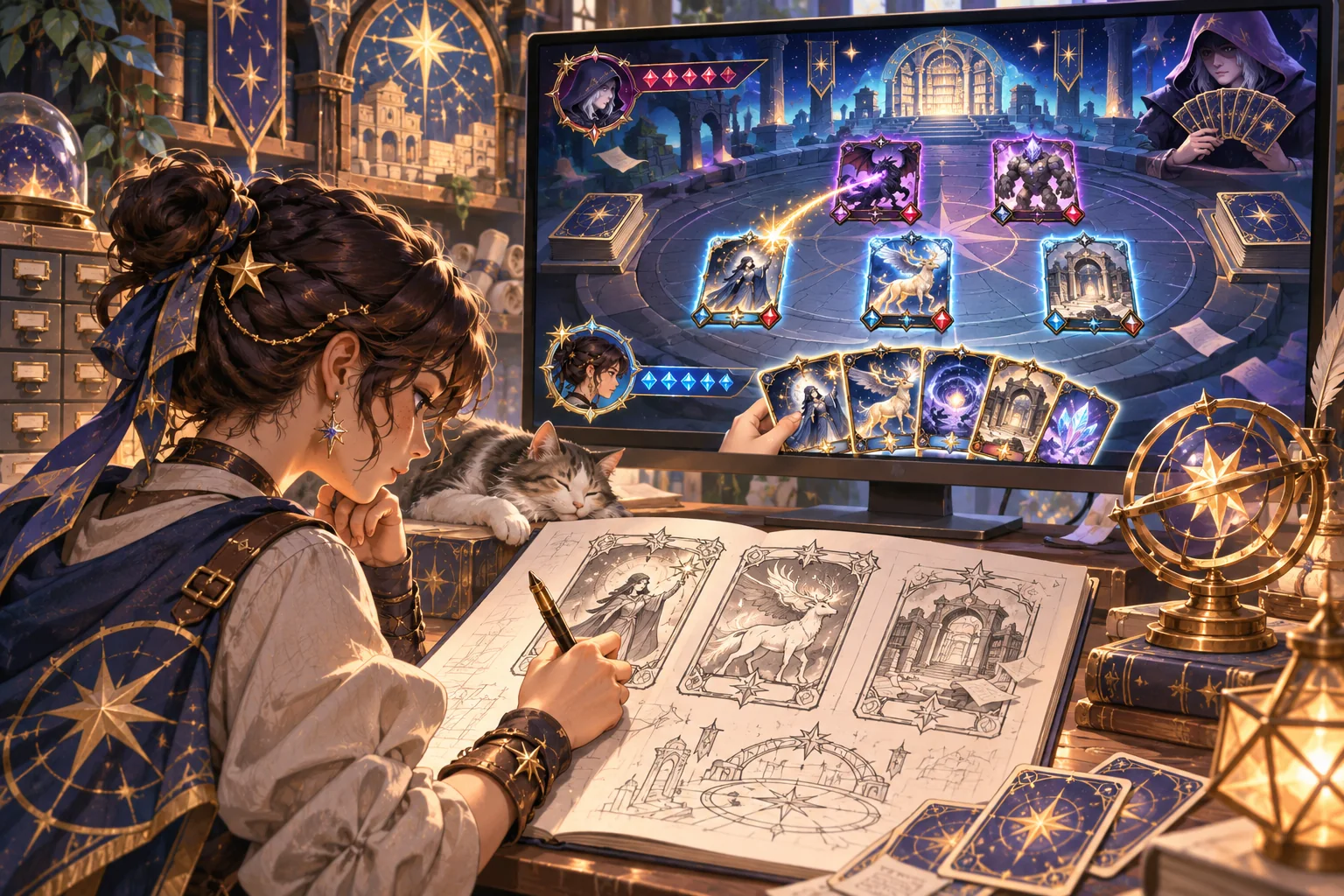
AI can summarize an effect list, propose alternate wording, or identify cards with overlapping roles. It can also invent interactions that conflict with your rules. Require a designer to approve each effect and run it through the same resolution rules as the game. Generated suggestions are candidate content, not verified card behavior.
Make the card readable at play size
Design the frame before adding the entire collection. Keep title, type, cost, effect, and illustration in predictable places. Decide what information can be encoded by icon, color, or layout, and what still needs explicit text. Test the card at its actual screen size with representative art. A card that reads beautifully when enlarged may become illegible in a hand of eight.
Ensure key distinctions are not carried by color alone. Test text contrast, icon shape, focus states, and controller navigation. If players must inspect a card, make the detail view easy to open and close without losing their place in the turn. Art should enrich the theme without covering information that determines an action.
Unity UI Toolkit supports runtime UI for games and applications; Godot builds user interfaces from Control nodes, including content controls and layout controls. Those are engine-specific choices. The game still needs its own card layout, input flow, accessibility checks, and confirmation behavior.
Build a small end-to-end battle loop
Choose a small deck that exercises the main rule categories—resource generation, attack, defense, and one utility effect. Implement drawing, selecting, paying costs, choosing targets, resolving effects, ending turns, and showing the outcome. Keep the first match short. The goal is to discover whether the rules, UI, and card art work together before expanding the set.
Create a test table for each card: starting state, action, expected rule result, actual result, and unresolved question. Include boundary cases such as zero resources, an invalid target, a full hand, or an effect that changes another card. Save the rule version and build identifier. When the code and card text disagree, correct the source of truth and retest both.
Use playtests to assess understanding
Let a new player use the deck without explaining every card. Observe what they think a card does, which choices they hesitate over, and whether the effect on screen matches their expectation. Ask which card choices felt meaningful and why. Record the exact setup and rules version; otherwise, feedback from different iterations is hard to compare.
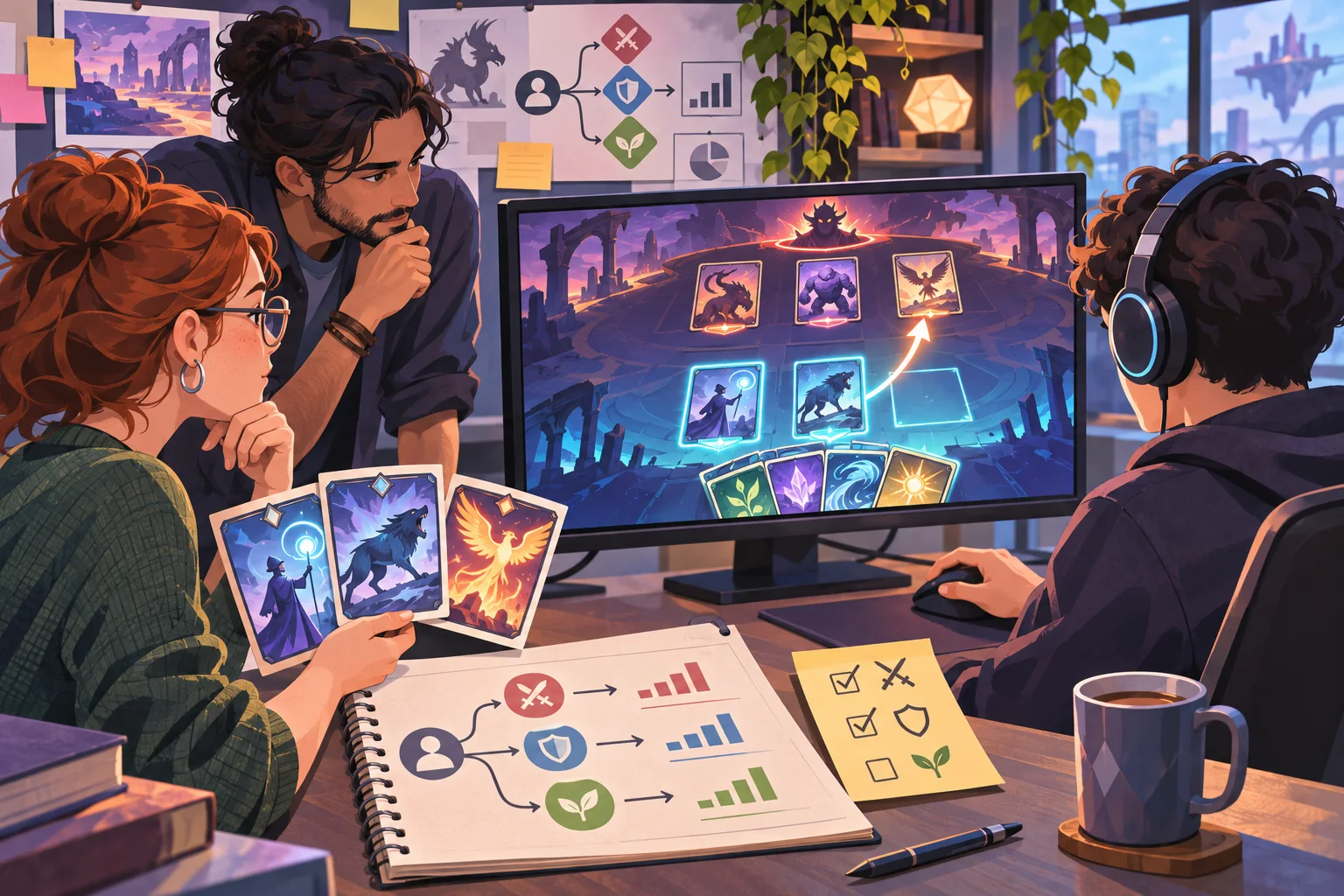
Balance data can point to dominant cards or match patterns, but it cannot explain every cause. A card may win often because it is confusing, because it is overpowered, or because players have not learned its counter. Change one factor at a time where possible, repeat comparable matches, and collect both outcomes and player explanations.
Card-to-game checklist
- Track source art, permissions, revision, and AI-use conditions.
- Define stable card fields, units, timing, targeting, and edge cases.
- Keep authored card data separate from player-owned runtime state.
- Use a consistent card frame and test at actual display size.
- Implement a small but complete battle loop before scaling the collection.
- Record rules version, build, test setup, and observed outcomes.
- Review readability and accessibility with people outside the design team.
Card art becomes a game when each image has a traceable data definition and a reliable effect in a complete turn. Build a small deck, make the choices visible, and observe how players use it. For more production guidance, browse the resource library.
Frequently asked questions
How do I turn card illustrations into a card-battling game?
Assign each card a gameplay role, cost, timing, target, and readable effect before connecting art. Build a small deck and one encounter that exercises drawing, playing, resolving, and ending a turn. Keep the original art linked to the data entry, then test whether players can distinguish cards, predict effects, and understand the result after a few turns.
Can AI make a card game from illustrations?
AI can help propose themes, summarize card text, draft effect variants, or identify duplicate concepts. It cannot guarantee clear rules, balanced play, correct timing, or rights to the art. Treat suggestions as candidates, verify each rule in the game implementation, check asset permissions, and test with players. Generated card text should not silently become shipped game rules.
How many cards should a first prototype include?
Use a small set that exposes the game’s main decisions: a few attack, defense, resource, and utility effects. The exact count depends on draw rules, hand size, match length, and the number of player roles. Prioritize coverage of interactions over catalog size, and expand only after the current rules can be played and observed reliably.
How do I prevent card illustrations from hiding gameplay information?
Keep card frames, cost placement, type markers, and text hierarchy consistent. Reserve enough space for titles and effects, preserve contrast, and test at the actual card size and screen scale. Art can carry theme and mood, but players should not need to decode an image to learn a critical rule unless the game deliberately teaches that visual language.
How can I tell whether a card-battling game is balanced?
Test a defined set of decks against the same rules and conditions, track outcomes and the choices players make, and look for dominant strategies or effects that are consistently misunderstood. Win rates can point to questions, but they do not explain why a card feels fair or interesting. Repeat after changes and record the exact rule and build versions.