A collection game is more than a gallery of creature art. Each design needs a role in play, a way to join the player’s collection, and a reason to be chosen again. If a creature’s only purpose is filling a roster slot, players may admire its illustration once and never use it. Start by connecting a few designs to actions the game can test.
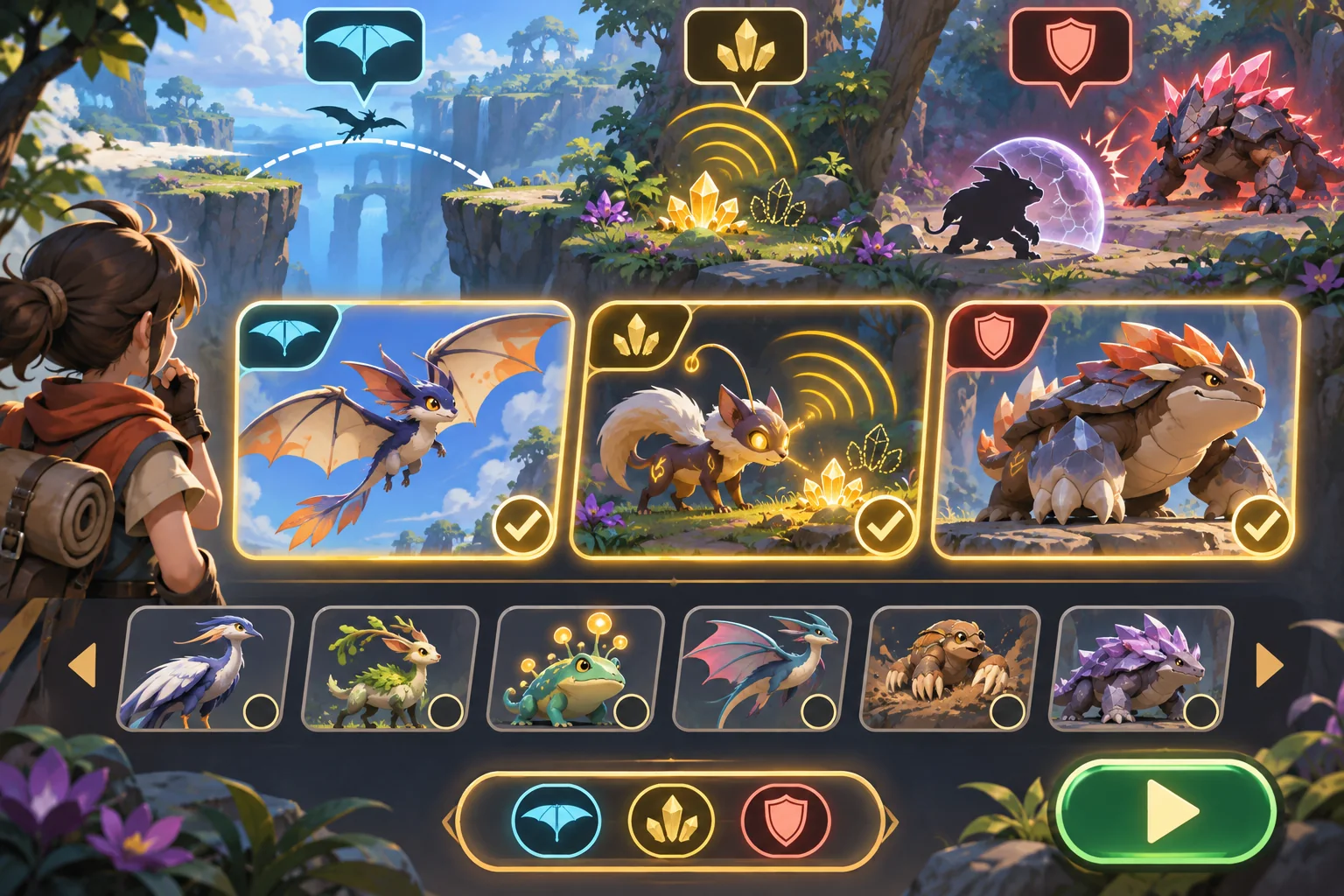
This workflow uses Mosslight Atlas, a fictional creature-collection adventure, as an example. Its creatures, abilities, acquisition, game, and outcomes are invented; no source art or playable build was provided. Unity and Godot documentation supports data-storage claims only.
Translate creature concepts into gameplay roles
For each design, write down its silhouette cues, movement, temperament, and a possible player-facing role. A creature might reveal hidden resources, cross a gap, carry an item, support combat, or react to an environmental feature. Choose a role that fits the concept without assuming that the artwork alone determines the mechanic.
Ask whether the role creates a meaningful choice. If every creature solves the same problem with a different color, the roster may feel larger than it plays. Define one core use and one limitation for each early design. A glider may cross an open gap but struggle in a low tunnel. A tracking creature may reveal a resource trail but not defeat an enemy. These are fictional examples, but they illustrate how a design can affect route and strategy.
AI can help suggest role variations or identify repeated traits in a character sheet. Treat that analysis as a prompt for the designer, not as a final roster plan. Verify the original author’s intent and keep the approved design reference next to any generated concept. Confirm rights and tool conditions before uploading or transforming artwork.
Keep the first roster deliberately small
Build only enough creatures to exercise the main loop. Three to six distinct roles can be enough to ask whether acquisition feels useful, party selection creates tradeoffs, and the same encounter supports multiple approaches. The correct number depends on party size, encounter length, acquisition pace, and progression. There is no universal roster count that guarantees variety.
Create a comparison sheet with role, ability, cost or availability, strengths, limitations, and the type of situation where it matters. Include a visual thumbnail and link to the approved art. Check whether two creatures are mechanically identical despite different descriptions, and whether one design is broadly better in every situation.
Separate creature definitions from player collection state
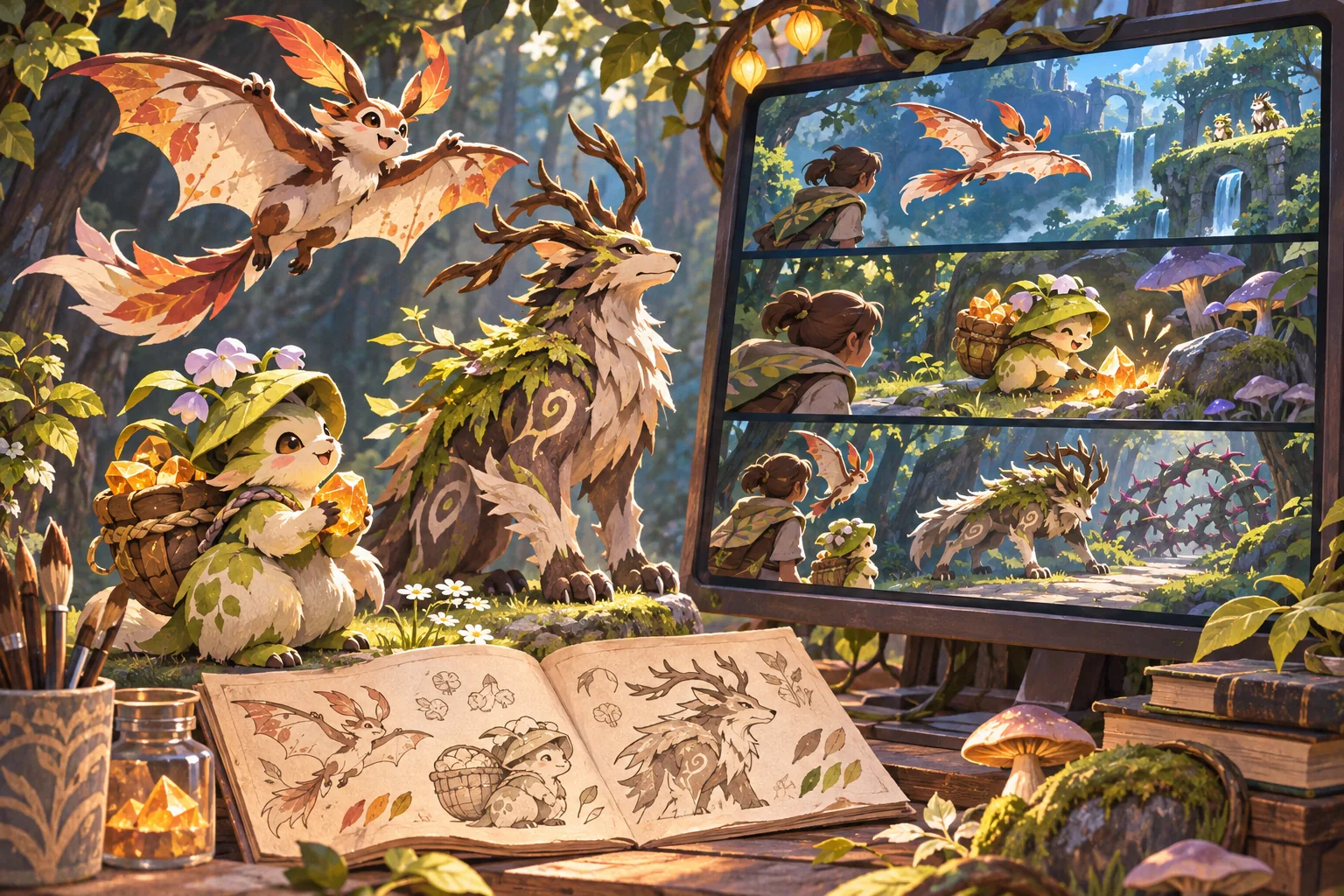
Give each creature a stable identifier and structured authored fields: display name, art reference, role, abilities, unlock conditions, and progression data. Keep that definition separate from the player’s copy of the creature: whether it has been seen, acquired, upgraded, or assigned to a party. This separation makes it easier to adjust a creature without rewriting saved ownership state.
In Unity, ScriptableObjects can store project data independently of class instances and support shared references across prefabs. Unity also notes that deployed builds cannot use those assets to save new runtime values back to the project file. In Godot, Resource is a serializable base class for data containers that can be nested and saved. Those features can support authored definitions; the player’s collection still needs a runtime save design.
Define how the game handles duplicate acquisitions, missing creature definitions after an update, reset, and corrupted saves. Save only fields the experience needs and validate them on load. Godot’s saving guide notes that JSON can suit simple state but has size and supported-type limitations. Choose a representation based on the actual collection model and target platform.
Connect collection to a repeatable player loop
Build a short loop: explore a route, discover or earn a creature, choose a party, use a creature-specific ability, and see a clear outcome. Include one obstacle that cannot be solved by every creature in the same way. The player should understand why a new member matters before the game asks them to collect dozens.
Make acquisition rules explicit. Is the creature found, befriended, crafted, rescued, or selected? Does the player receive it immediately? Can they miss it? What information is shown before committing to an encounter? Keep the collection interface consistent with the world’s tone, and make the creature’s abilities legible without requiring the player to memorize a large glossary.
Test whether players choose the roster
Give the prototype to someone who did not design the creatures. Observe which members they choose for the route and why. Do they notice differences in silhouette and ability? Does the game communicate the cost of switching? Can they recover when they bring an unsuitable creature? If a creature is ignored, determine whether its role is weak, hidden, or simply never required by the slice.
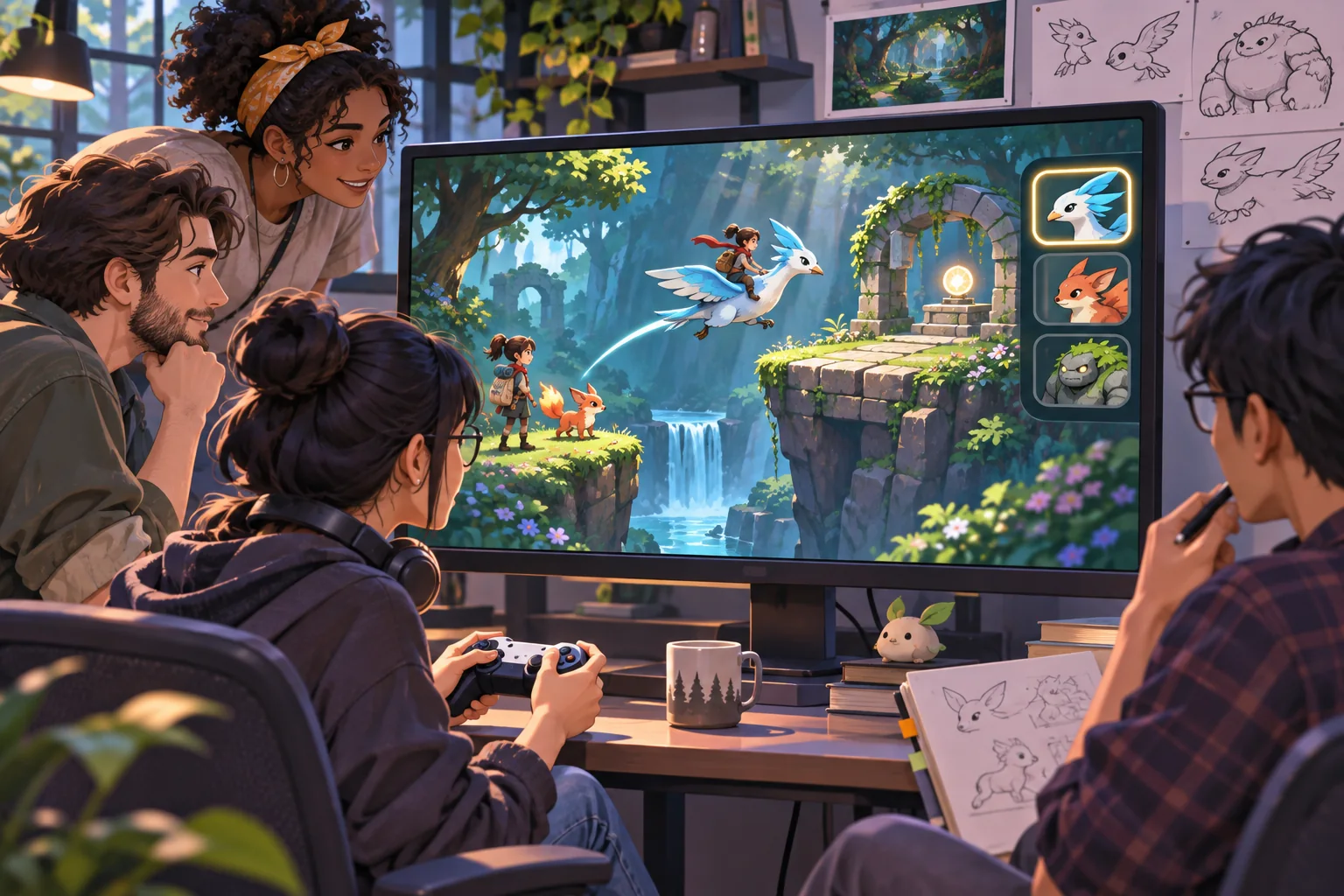
Track build version, roster, encounter setup, switching behavior, time to complete, and the player’s explanation. Do not treat one playthrough or an internal balance table as proof that the collection works. Use repeated sessions to decide whether roles are clear and whether players feel a reason to keep or switch a creature.
Collection-game checklist
- Link each creature to an approved source design and permissions record.
- Give early creatures distinct roles, strengths, and limitations.
- Keep authored definitions separate from player-owned collection state.
- Define acquisition, duplicate, missing content, and save behavior.
- Test a short explore-acquire-select-use loop.
- Observe which creatures players choose and why.
- Expand the roster only after the core roles matter in play.
A collection becomes a game system when each design helps players make a choice. Build a small roster, connect each member to a visible action, and test the complete loop before expanding the catalog. For more production guidance, browse the resource library.
Frequently asked questions
How do I turn creature designs into a collection game?
Define the creatures’ roles, acquisition rules, collection records, and the player loop before building a large roster. Start with a few designs that create distinct choices—such as traversal, resource support, or combat—and make each one useful in a small prototype. Test how players discover, acquire, compare, and use them before expanding the collection.
Can AI generate a creature-collection game from designs?
AI can help group creature traits, suggest role variations, or draft descriptions and test cases. It cannot decide which creatures are balanced, collectible, or meaningful without your rules and player evidence. Keep the original design and approved traits authoritative, check rights before processing art, and verify every proposed stat and ability in the game.
How many creatures should a collection game prototype have?
Begin with a small roster that covers the core roles and creates more than one viable team. The appropriate count depends on the game’s acquisition rate, party size, encounter length, and progression. A short roster makes interactions easier to inspect. Add more only after players can explain why they would choose one creature over another.
How do I make each collectible creature feel useful?
Give each one a distinct role or interaction and make that value visible in exploration or encounters. Avoid relying on a rare stat or decorative trait that the game never uses. Test a small set in the same scenario and observe team combinations, acquisition motivation, and moments when a creature is ignored.
What should I track in a creature collection system?
Record stable creature identifiers, design and asset references, acquisition state, owned or seen status, ability data, and progression fields the game actually needs. Keep authored definitions separate from the player’s save state. Validate saved data when loading and define reset, duplicate, and missing-content behavior.