Generated with SEELE AI · Unreal 5 gameplay
Third-person exploration
Echoes of the Wildwater
Explore a mountain-and-ocean world in this completed native Unreal 5 game, then use its starter direction for your own project.
View on itch.ioDescribe your game, generate a native Unreal 5 game, then preview, package, download, or publish.
Real Unreal 5 gameplay · generated with SEELE AI.
Playable games and starter worlds
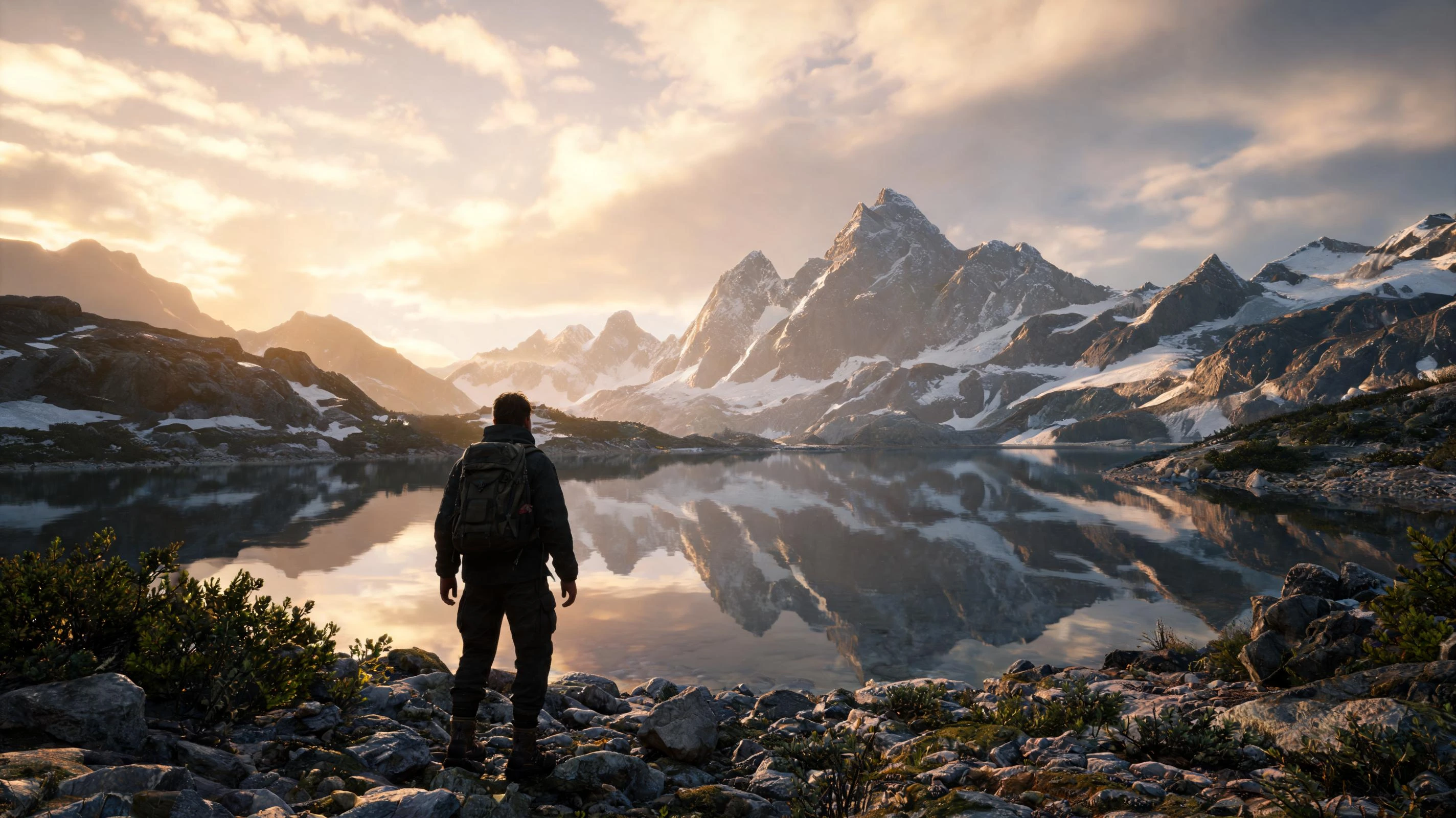 Mountains and waterMountain tourUse Unreal Engine to generate a simple third-person tour game with mountains and water.
 Weather and explorationCity tourCreate an Unreal Engine city tour game. No game logic is required; simply explore the scene in third-person persp...
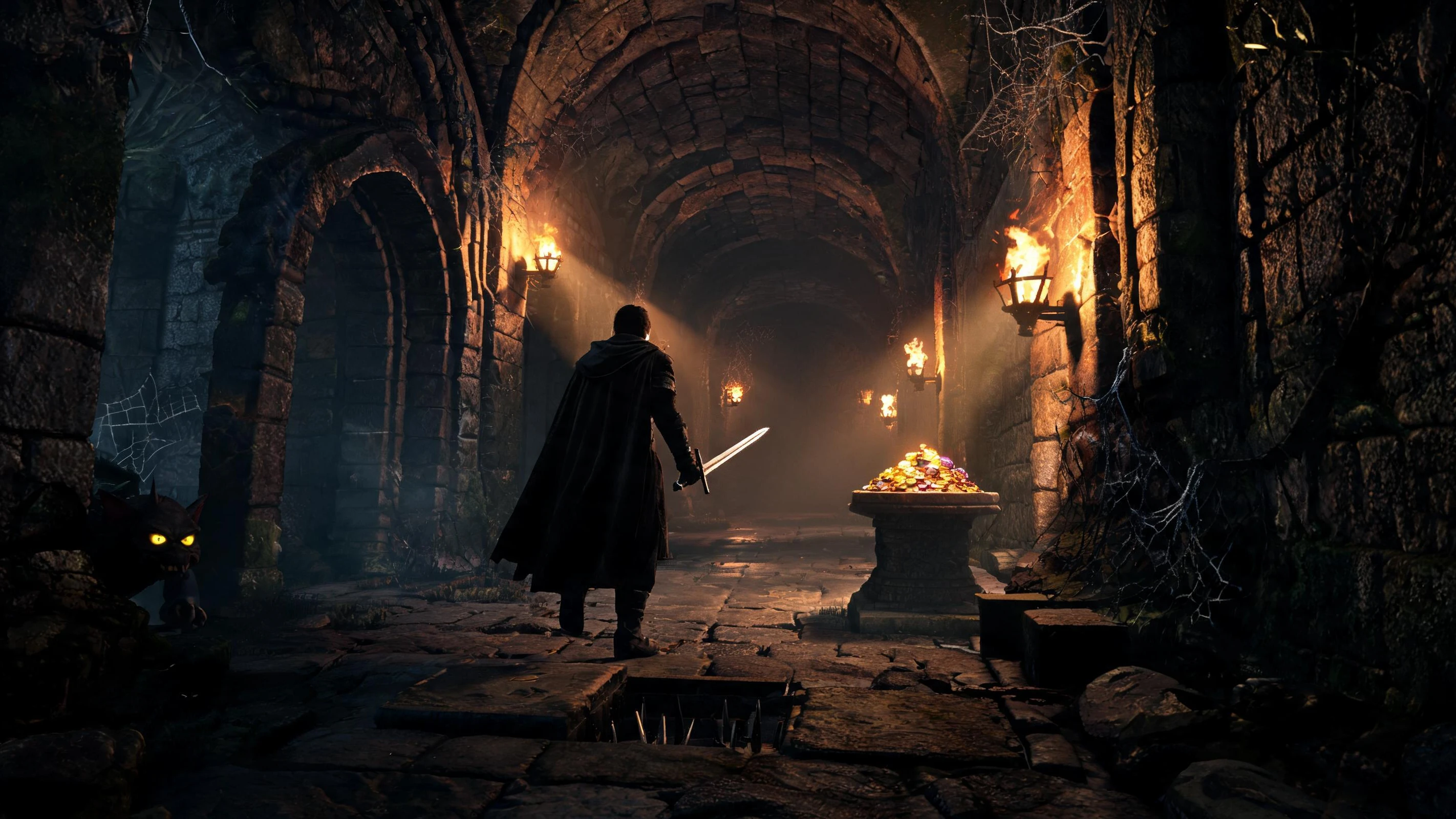 Rooms, enemies, and combatDungeon crawlerBuild a dungeon crawler game using Unreal Engine. The game should be complete and playable. Please test and regre...
 Cinematic winter sceneChristmas townUse Unreal Engine to generate a sightseeing game set in a Christmas town during a blizzard.
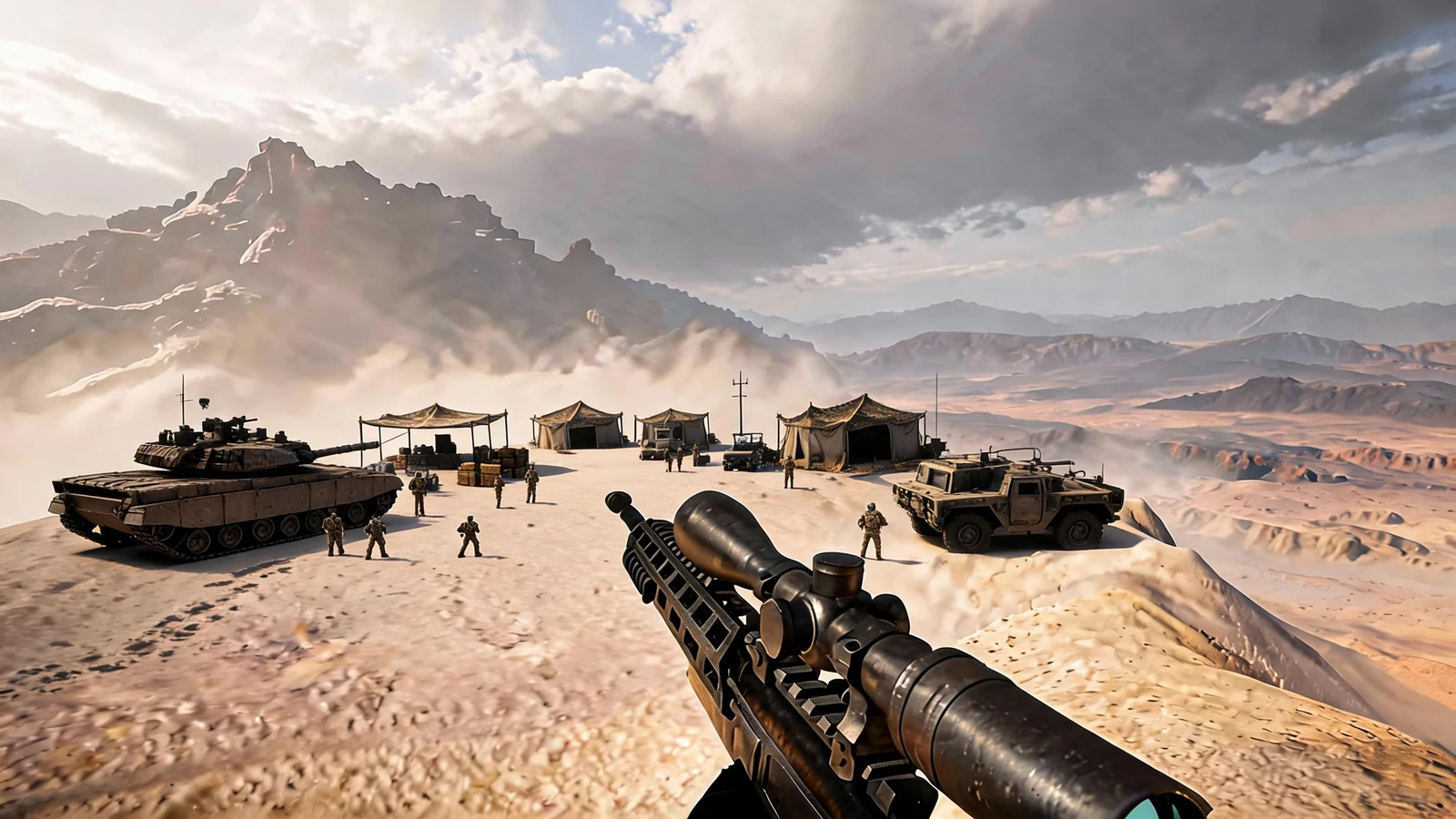 Complete UE 5.5 shooterUnreal FPS/TPS ShooterBuild a complete playable Unreal Engine 5.5 first- or third-person shooter. Create a main menu, responsive player...
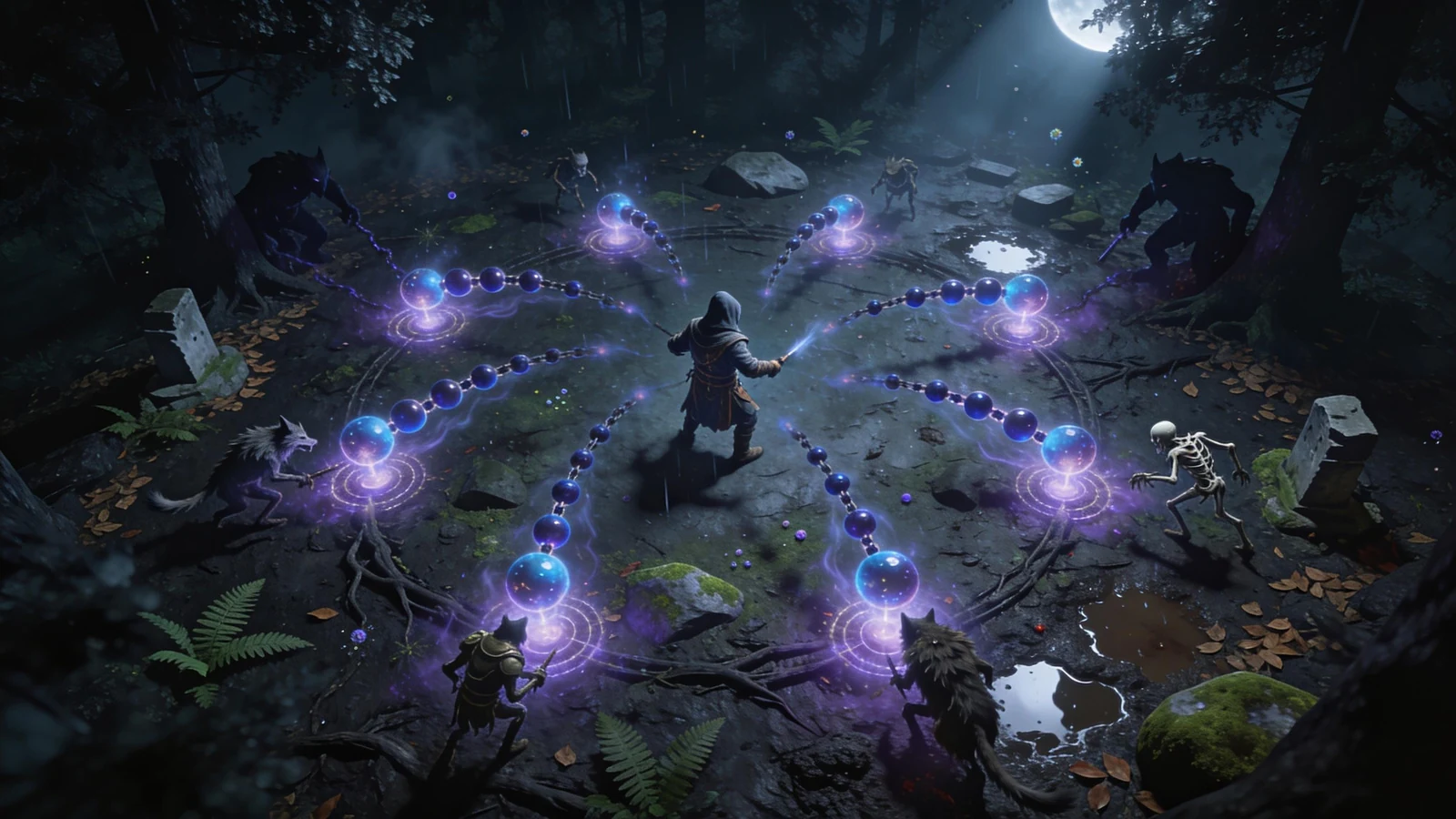 Complete UE 5.5 arena runUnreal Top-Down RogueliteBuild a complete playable Unreal Engine 5.5 top-down ranged roguelite. Create a fixed top-down camera, player mov...
Published with SEELE AI
Third-person exploration
Explore a mountain-and-ocean world in this completed native Unreal 5 game, then use its starter direction for your own project.
View on itch.ioTactical FPS / TPS
Survive a blizzard breakout, then assault a fortified desert stronghold in this single-player tactical shooter.
View on itch.ioAction roguelite
Survive magical enemy waves, build powerful spells, and defeat a three-boss finale in this top-down action roguelite.
View on itch.ioWorkflow comparison
SEELE AI combines AI generation with a native Unreal project, browser review, and a path to packaging or publishing.
| Your goal | SEELE AIAI-native Unreal workflow | Direct Unreal workflow | Unity workflow |
|---|---|---|---|
| Start from a prompt | Native .uproject generated | Set up and build the project in the editor. | Creates a Unity project, not an Unreal project. |
| Review in the browser | Built in with Pixel Streaming | Configure and host Pixel Streaming separately. | Configure WebGL or streaming separately. |
| Continue in Unreal | Open the generated project in Unreal | Full Blueprint, C++, editor, and engine control. | Uses Unity, C#, and the Unity runtime. |
| Package or publish | One workflow from generation to release | Build and maintain your release pipeline. | Use the Unity build and release pipeline. |
Pick a real workspace card for a scene, game genre, asset workflow, or production idea that matches what you want to build.
Open the starter prompt in SEELE AI and generate the .uproject, project files, gameplay, camera, controls, environment, and visual direction.
Interact with the running Unreal application in the browser, then inspect the generated assets, Blueprint or C++, performance targets, and test cases.
Test assets, gameplay, packaging, performance, accessibility, and platform requirements in the Unreal version you will ship.
SEELE AI for Unreal workflows
SEELE AI is an Unreal Engine game maker and an Unreal Engine AI game generator for Unreal Engine 5. Turn a prompt into a playable Unreal game, explore Unreal Engine games in the browser, and continue Unreal game development with a native project handoff.
Use it as an AI Unreal game builder, Unreal game creator, Unreal game generator, or Unreal game builder for an early UE5 prototype. This Unreal game engine workflow connects Unreal AI-assisted generation with Blueprint and C++ review, packaging, and publishing; the Unreal Editor remains the place for deeper production changes.
For visitors comparing an AI game maker, AI 3D game maker, AI video game generator, or UE5 game generator, SEELE AI provides an AI game creator workflow focused on a native Unreal project. An Unreal Engine creator or Unreal Engine game creator can use the same workflow to start a focused native project, while an Unreal Engine game generator helps move the first brief toward a playable result. Unreal game AI can accelerate exploration, but generated output still needs human review. For visitors searching for an AI game generator Unreal workflow, this page keeps the native UE5 project and review path explicit.
Use Unreal game AI to explore gameplay loops, NPC behavior, Blueprint plans, and C++ boundaries. SEELE AI turns a focused prompt into a playable native UE5 starting point for human review.
An Unreal game maker should give you more than a concept image: start from a prompt, preview a playable result, inspect the native project, and continue deeper production work in the Unreal Editor.
Use this Unreal game development workflow to move from scope and prototype to Blueprint, C++, profiling, packaging, and publishing. Validate each game version and target platform before shipping.
This Unreal Engine game maker combines browser preview with a native project handoff, so you can review the result online and continue deeper production work in the Unreal Editor.
Start with the Unreal capability your project needs, then connect it to a playable UE5 prototype and a reviewable handoff.
Use a focused prompt to outline gameplay logic, Blueprint graphs, inputs, and interaction states before reviewing the native Unreal project.
Plan Unreal C++ classes, component boundaries, debugging tasks, and handoff notes alongside Blueprint work, with human review before implementation.
Explore AI NPC behavior, navigation, Behavior Trees, EQS, and gameplay loops as a testable Unreal game direction rather than an unverified production claim.
Shape Unreal environments, props, materials, and characters with a clear asset brief, then check formats, collisions, LODs, lighting, and performance.
Describe a Niagara VFX or material direction for an Unreal scene, review the visual result, and validate the effect budget in the target project.
Plan character animation, Control Rig, retargeting, Motion Matching, facial performance, and Sequencer beats for a focused native Unreal workflow.
Move from an idea to a playable UE5 slice, then review gameplay, assets, profiling, packaging, platform requirements, and the next Unreal Editor step.
Plan Blueprint graphs, C++ class boundaries, Visual Studio tasks, MCP-style assistant context, debugging checkpoints, and the human review needed before code reaches a native Unreal game.
Cover PCG, World Partition, Landscape, Nanite, Lumen, MegaLights, materials, shaders, Niagara VFX, Chaos physics, Fab, Quixel, and level-performance budgets.
Map MetaHuman, skeletal meshes, animation retargeting, Control Rig, Motion Matching, Sequencer, cinematics, facial animation, and character-performance review.
Scope player input, AI NPCs, Behavior Trees, EQS, Gameplay Ability System, UMG or CommonUI, save data, multiplayer, replication, networking, audio, and accessibility.
Prepare FBX, GLB, OBJ, textures, PBR materials, normals, collisions, sockets, LODs, profiling, packaging, Steam, desktop, console, mobile, VR/XR, and Pixel Streaming decisions.
Explore FPS, RPG, open world, horror, survival, racing, simulation, digital twins, architecture, automotive visualization, education, previs, and virtual production.
Public Unreal output
Try the finished SEELE AI Unreal games featured above.
View the gamesSee how a generated project moves through validation, packaging, and release.
Review the workflowGenerate native Unreal 5 games spanning gameplay, Blueprints, C++, worldbuilding, characters, assets, performance, packaging, downloads, and publishing — through the world's first online native Unreal workflow.
Yes. SEELE AI generates a native Unreal 5 game that you can preview in the browser, optimize and package inside Seele, and download for continued local development or external publishing — the world's first online native Unreal workflow for building deliverable Unreal games. Review the generated Blueprint, C++, asset, plugin, performance, and target-platform contents for the specific game scope before release.
No. SEELE AI is an independent product. Unreal Engine, UE5, UEFN, Fab, MetaHuman, Nanite, Lumen, Niagara, and related names belong to Epic Games or their respective owners. This page compares workflows and does not imply an endorsement, partnership, or native engine integration. Trademark references remain purely descriptive.
Yes. Download the native game to review and extend it in Unreal 5 with Blueprint, C++, assets, and the rest of your local development workflow. The exact generated code, asset, plugin, and configuration contents depend on the game scope, so inspect those contents and keep game-specific version and platform checks in the release plan.
Use it for early concepts, game-jam slices, dungeon crawlers, FPS and RPG briefs, open-world exploration, horror, survival, racing, city tours, landscape scenes, multiplayer planning, and VR walkthroughs. The strongest fit is deciding what to build and test before committing deeper engine time.
Use SEELE AI to build the game online with AI, then choose the workflow that matches the intended game and release target. Choose Unreal 5 when you need a native Unreal game, browser preview, performance optimization, packaging, and downloadable output. Choose Unity, Godot, or a web workflow when its runtime, team skills, integrations, or distribution model better fit the game.
Yes. Download the native game or packaged output for external publishing, or publish the finished game on Seele as a free or paid game. A paid Seele release can earn revenue from player purchases, subject to the applicable platform terms and release checks. Audience demand, purchases, sales volume, and revenue are not guaranteed.
Yes. The page helps beginners understand scene scope, camera, assets, Blueprint-style logic, worldbuilding, gameplay systems, performance, and publishing before committing to deeper engine learning. It should complement official Unreal documentation and practical editor work, not replace tutorials, source examples, or hands-on debugging.
Prioritize the systems that affect your game: Blueprint or C++, worldbuilding and PCG, Niagara, characters and Control Rig, multiplayer, UI, profiling, packaging, and Pixel Streaming. Check Epic documentation for the Unreal version you plan to use before committing to implementation details.
The same prototype brief can define a walkthrough, digital twin, simulation, automotive visualization, previs scene, or virtual-production test. Those outputs still require domain-specific data, physical accuracy, performance targets, review, and native Unreal implementation; a browser prototype is evidence for direction, not production fidelity.
SEELE AI opens the selected prompt and generates a native Unreal 5 game for that game direction. Preview the result in the browser, refine the gameplay and assets, optimize performance, and package the game in Seele. Then download the game or packaged output for local and external work, or complete a free or paid Seele release.
An Unreal Engine game maker turns a game idea or prompt into a workflow for an Unreal Engine project. SEELE AI focuses on a playable native UE5 starting point, browser review, and a path to project handoff, packaging, or publishing.
SEELE AI is designed to generate a native Unreal Engine 5 project that can be reviewed in the browser and continued in the Unreal workflow. Inspect the generated Blueprint, C++, assets, plugins, performance, and target-platform requirements before release.
Yes. SEELE AI is an AI game generator for Unreal Engine 5: start with a prompt, preview a playable result, and continue with Unreal game development, project review, packaging, download, or publishing.
An Unreal game maker helps start and shape a game from a prompt or brief. The Unreal Editor remains the production workspace for deep Blueprint, C++, asset, platform, performance, and release changes.
Open a starter game in SEELE AI, generate the native Unreal 5 game online with AI, optimize and package it, then download it or publish it on Seele.