Prompt
Generate creative coding visuals with generative particle trails, algorithmic curves, dark canvas, neon cyan and orange palette, elegant art-tech composition, no code text.
Create this look
Create creative coding visuals for campaigns, product pages, editorial layouts, and creative systems. Generate generative art and developer visuals for portfolios, art-tech blogs, interactive installations, and education content. Tune subject, style, composition, lighting, color, and negative space before opening the workspace.
Generate creative coding visuals with generative particle trails, algorithmic curves, dark canvas, neon cyan and orange palette, elegant art-tech composition, no code text.
Create this lookGenerate an abstract generative art scene made from flowing mathematical lines, procedural dots, and luminous gradients, gallery-quality digital artwork, no words.
Create this look
Generate a developer art hero image with floating code-like geometry without readable characters, interactive light waves, polished creative technology mood, no text or logo.
Create this lookPrompt workflow
Use this page as a starting point for a focused creative coding visuals visual. A strong prompt names the subject first, then gives the image model enough direction about composition, style, lighting, and what to leave out.
Describe the person, object, scene, or visual motif before adding decoration.
Add the crop, viewpoint, layout, depth, and the area that should attract attention.
Use concrete references such as editorial, cinematic, flat graphic, soft light, or rim light.
Specify exclusions such as text, logos, watermarks, unwanted likenesses, or extra objects.
Prompt formula
Keep the first version specific but editable. Start with the visual idea on this page, then change one variable at a time so the result is easier to compare and refine.
It helps you turn a short idea into a detailed prompt for creative coding visuals, including subject, style, lighting, composition, and practical usage context.
Start with the output format, describe the main subject, choose a style, set lighting and camera/composition, then add constraints such as no text, no logos, or a clear safe area for overlays.
Yes. Add cues such as cinematic lighting, flat lay, isometric view, vertical social format, dark gradient background, studio shadows, or spacious negative space.
They work well for landing pages, blog headers, ad creatives, social posts, product mockups, presentations, mood boards, and creative direction drafts.
Yes. Use original, brand-safe prompts and avoid protected logos, private likenesses, or misleading official branding unless you have permission.
Open Seele AI workspace, start from a prompt, and keep iterating the visual direction until it feels ready to use.
 Creative Resume Backgrounds AI Image GeneratorCreate Creative Resume Backgrounds with Seele AI's free image generator. Explore prompt ideas, visual styles, and fast image creation.View prompt →
 Creative Thought Leader Avatars AI Image GeneratorCreate Creative Thought Leader Avatars with Seele AI's free image generator. Explore prompt ideas, visual styles, and fast image creation.View prompt →
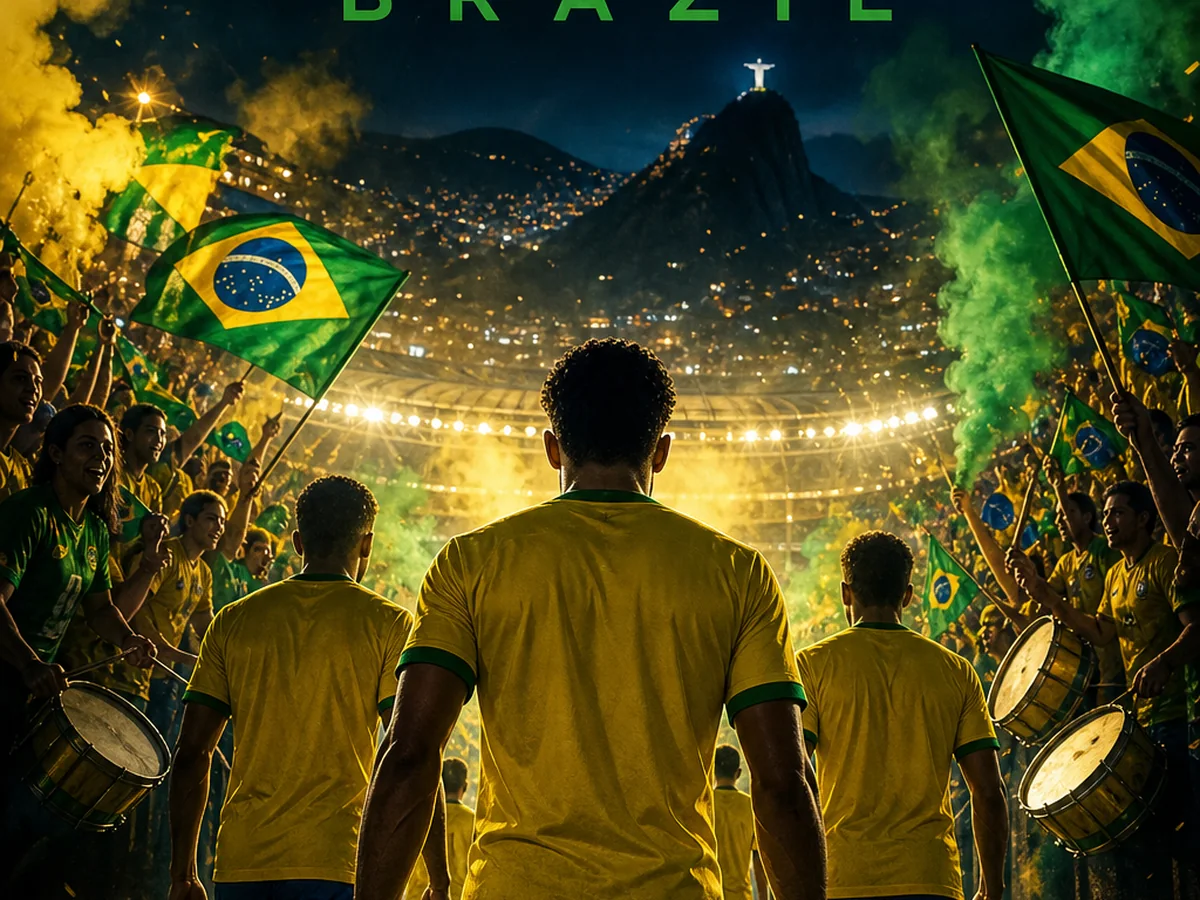 2026 World Cup Match Poster AI Image GeneratorMake custom 2026 World Cup match posters for any match. Custom teams, date, score, design in seconds.View prompt →
 3D App Icon Assets AI Image GeneratorUse a free image generator to create polished 3d app icon assets with prompt-ready styles, lighting, composition, and business-safe visual direction.View prompt →
 3D Style Image Generator for Isometric Icons | SEELE AICreate 3D-style isometric icon images using prompts for shape, material, lighting, color, and composition. Outputs are images, not editable 3D meshes.View prompt →
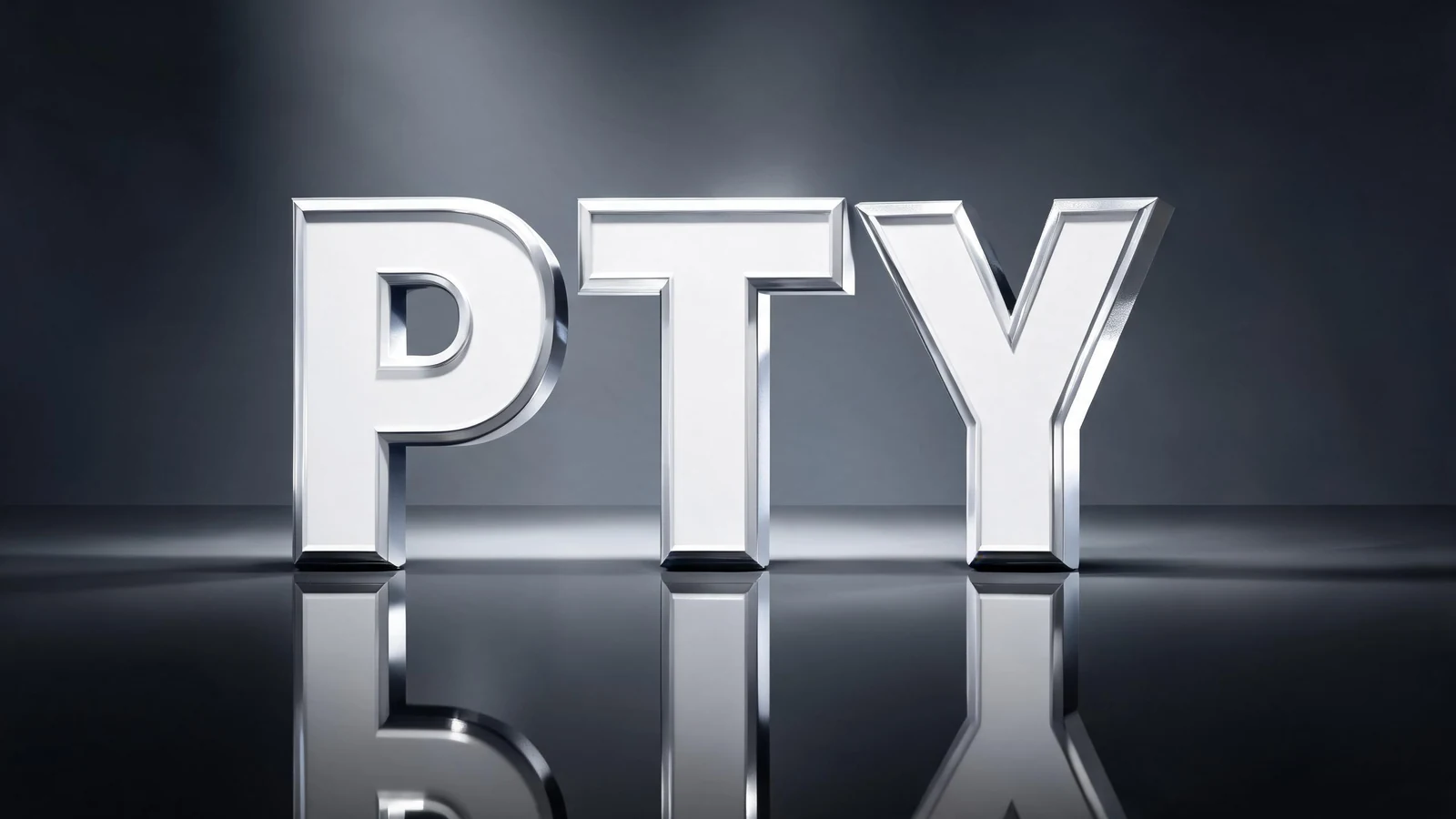 3D Lettering & Typography AI Image GeneratorUse a free image generator to create unofficial 3d lettering & typography visuals with generic football styling, fictional teams, and no official marks.View prompt →