Prompt
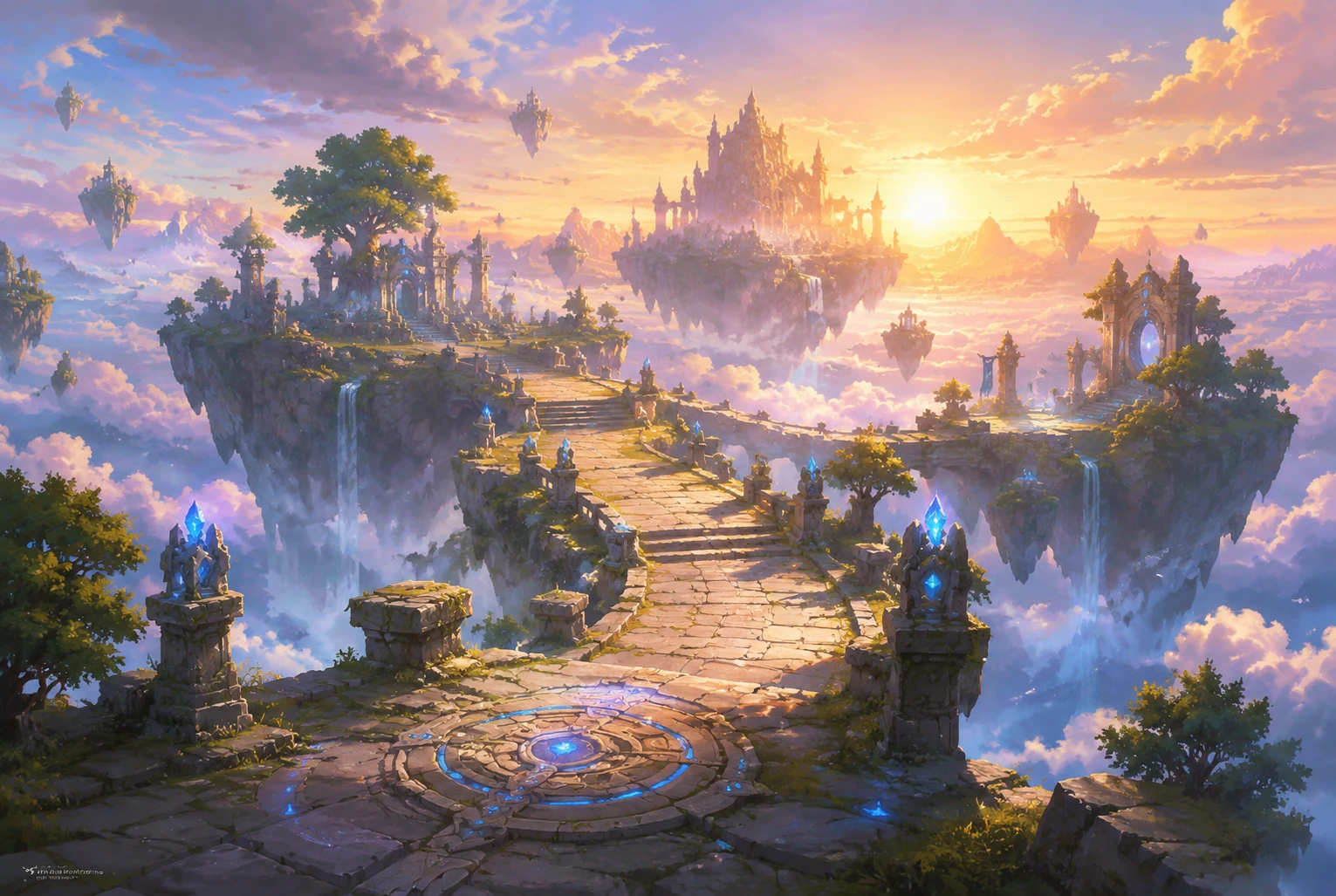
Generate a wide fantasy game background of floating islands at sunrise, ancient stone bridges, glowing runes, soft clouds below, readable center path, painterly stylized concept art, no text, no logo.
Create this look
Create visual directions for floating islands, enchanted forests, crystal caverns, temple ruins, and castle vistas with readable paths and game-ready composition cues.
Generate a wide fantasy game background of floating islands at sunrise, ancient stone bridges, glowing runes, soft clouds below, readable center path, painterly stylized concept art, no text, no logo.
Create this lookGenerate an enchanted forest game background with a luminous portal gate, mossy ruins, firefly particles, cool moonlight, clear foreground path, stylized high-detail fantasy environment, no text, no logo.
Create this look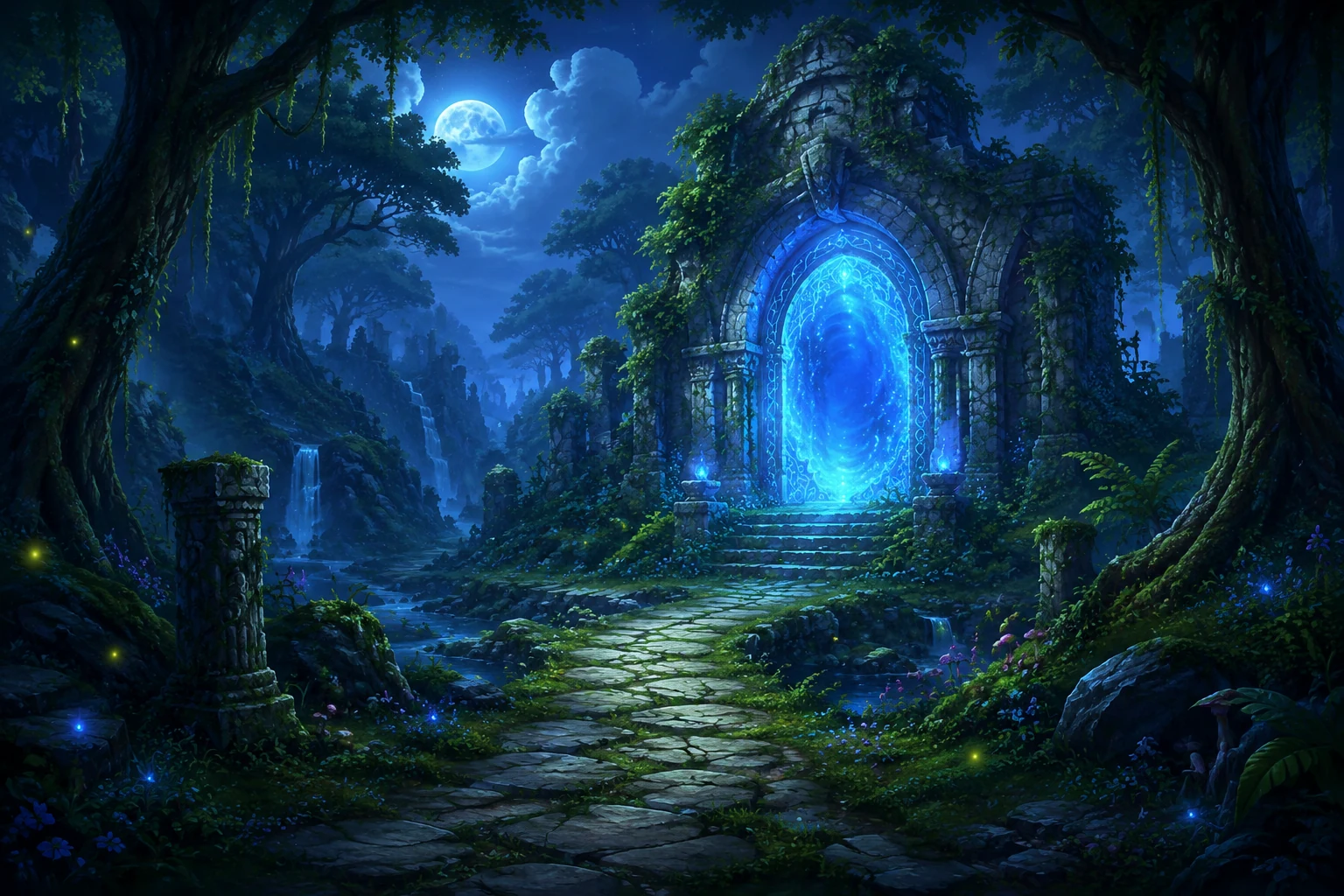
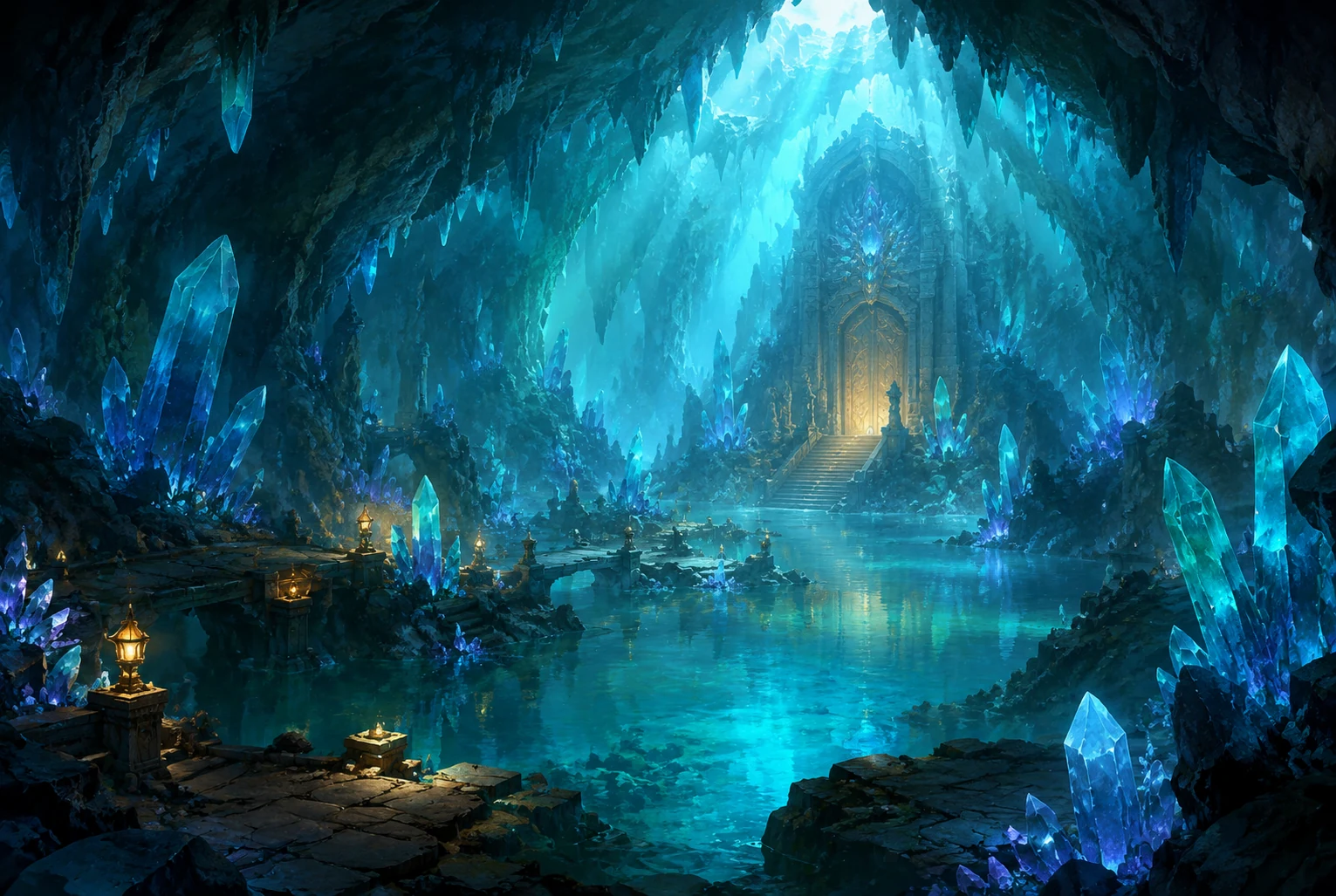
Generate a crystal cavern fantasy game background with turquoise light, layered depth, reflective water, distant treasure door, strong gameplay focal point, polished game concept art, no text, no logo.
Create this lookPrompt workflow
Use this page as a starting point for a focused fantasy game background visual. A strong prompt names the subject first, then gives the image model enough direction about composition, style, lighting, and what to leave out.
Describe the person, object, scene, or visual motif before adding decoration.
Add the crop, viewpoint, layout, depth, and the area that should attract attention.
Use concrete references such as editorial, cinematic, flat graphic, soft light, or rim light.
Specify exclusions such as text, logos, watermarks, unwanted likenesses, or extra objects.
Prompt formula
Keep the first version specific but editable. Start with the visual idea on this page, then change one variable at a time so the result is easier to compare and refine.
It helps you create prompt-ready fantasy environment backgrounds for game scenes, key art, prototypes, and visual direction.
Include the setting, camera angle, time of day, lighting, mood, color palette, landmark, scale, and any gameplay readability constraints.
Yes. Use the prompts as visual direction for prototype scenes, mood boards, loading screens, marketing art, or background references.
Avoid protected characters and franchise names. Describe general mood, materials, lighting, and composition instead of copying a known IP.
Open Seele AI workspace, start from a prompt, and keep iterating the visual direction until it feels ready to use.
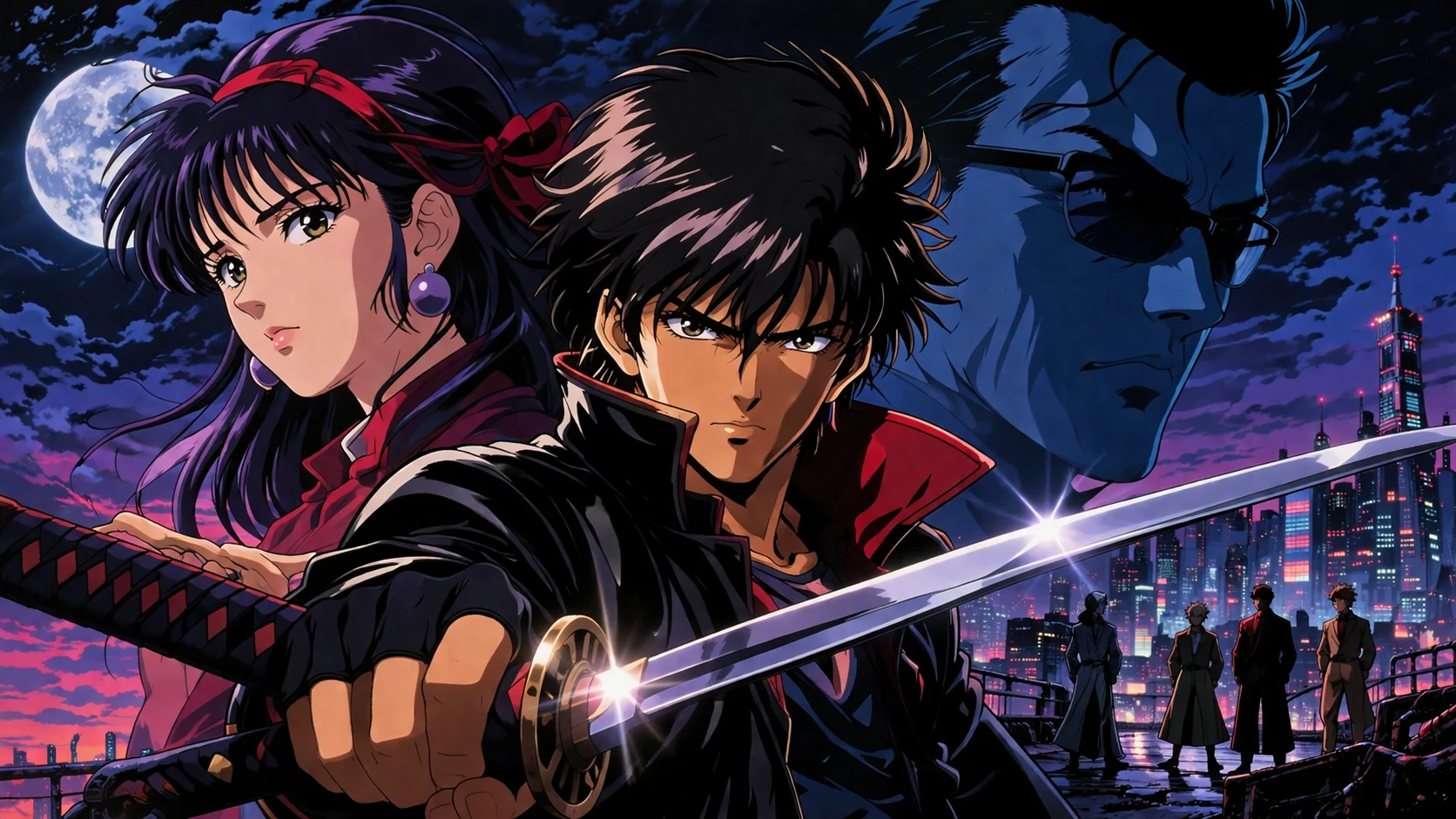 Anime Game Background AI Image GeneratorCreate anime game background visuals with a free image generator, local prompt examples, and Seele AI workspace handoff for game assets.View prompt →
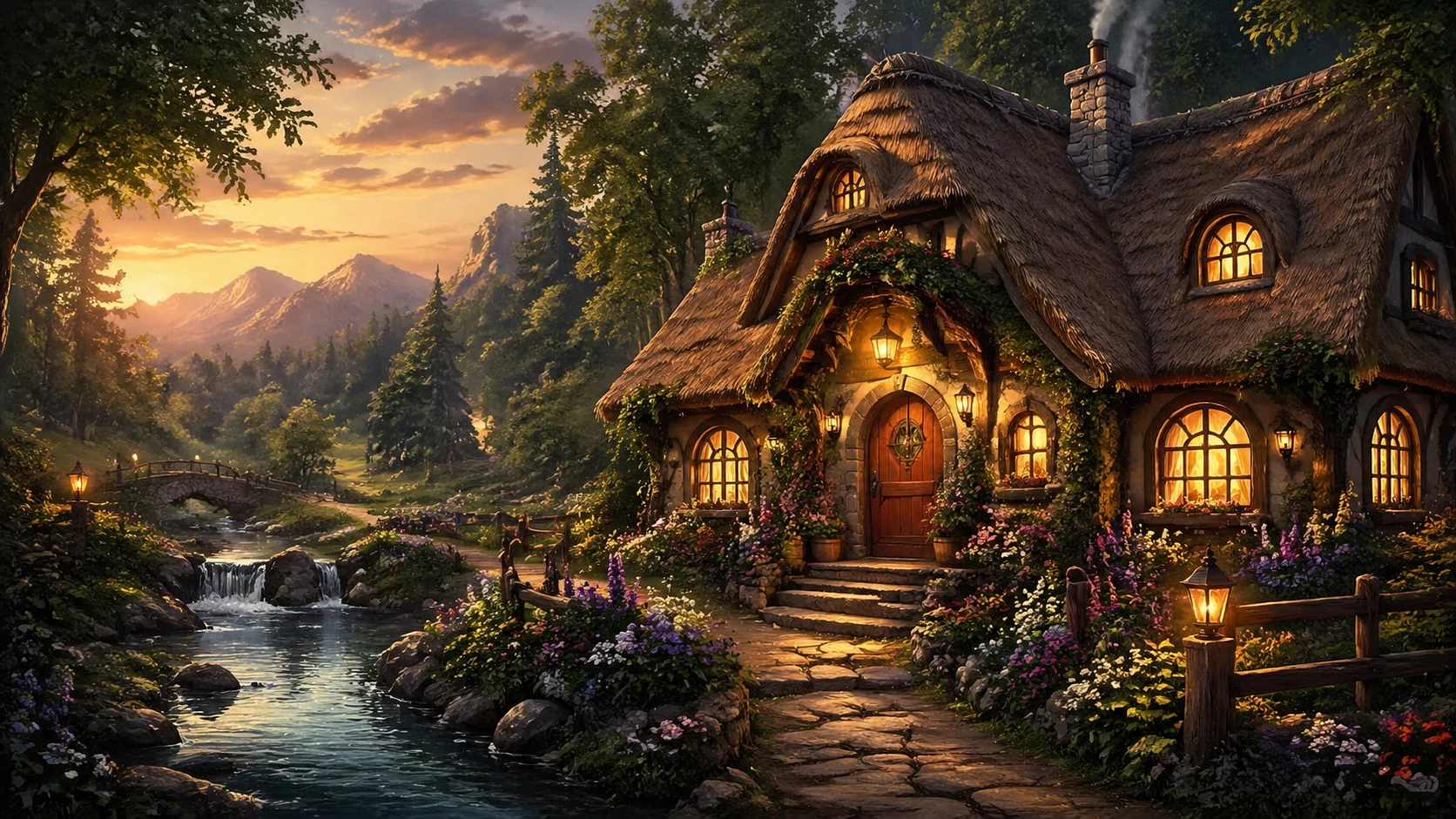 Cozy Game Background AI Image GeneratorUse a free image generator to create cozy game background prompts with style, lighting, composition, and game-ready art direction.View prompt →
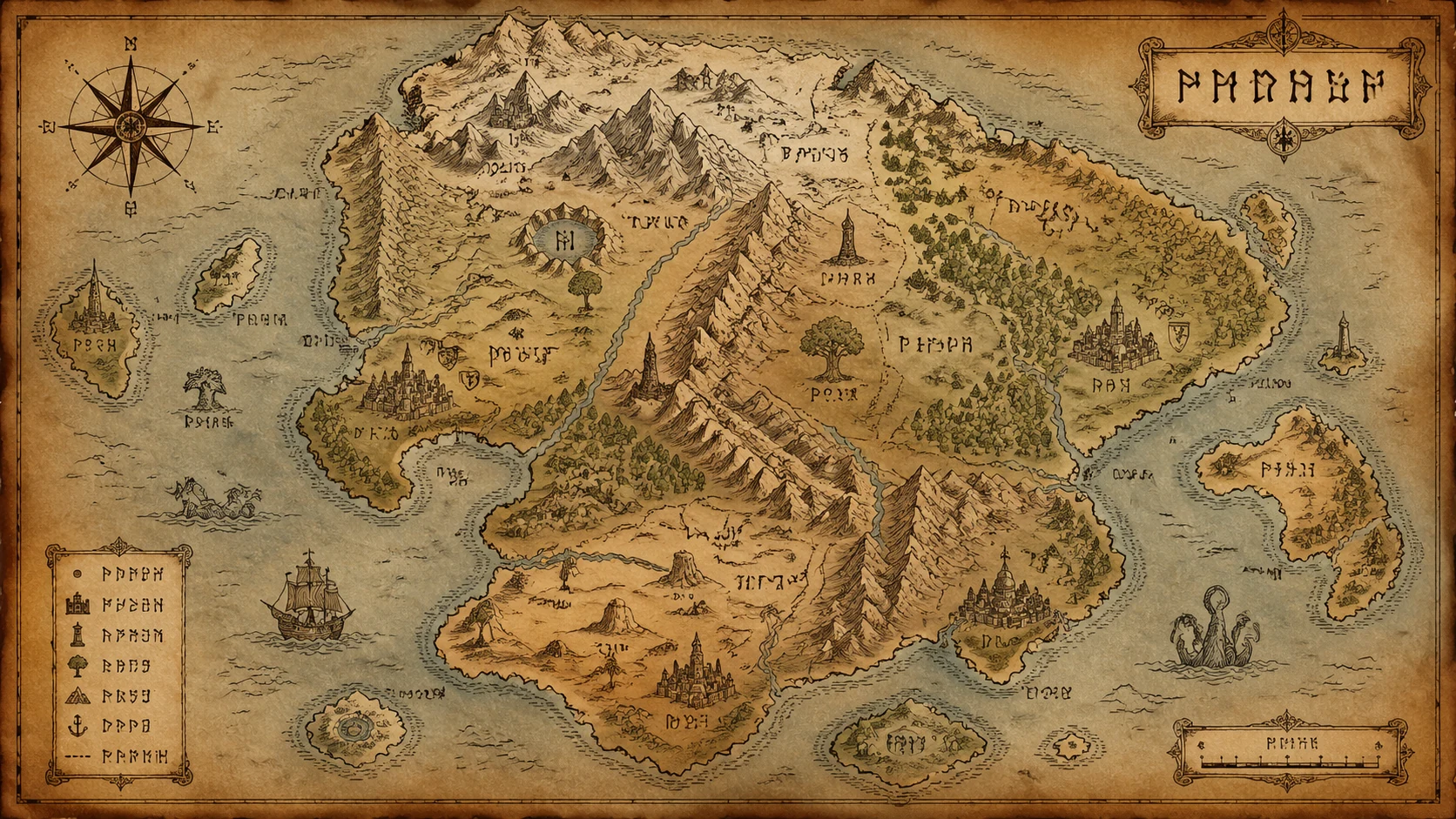 Fantasy Game Map AI Image GeneratorUse a free image generator to create fantasy game map prompts with style, lighting, composition, and game-ready art direction.View prompt →
 Retro Game Background AI Image GeneratorUse a free image generator to create original retro game background visuals with game-ready prompts, local examples, and editable creative direction.View prompt →
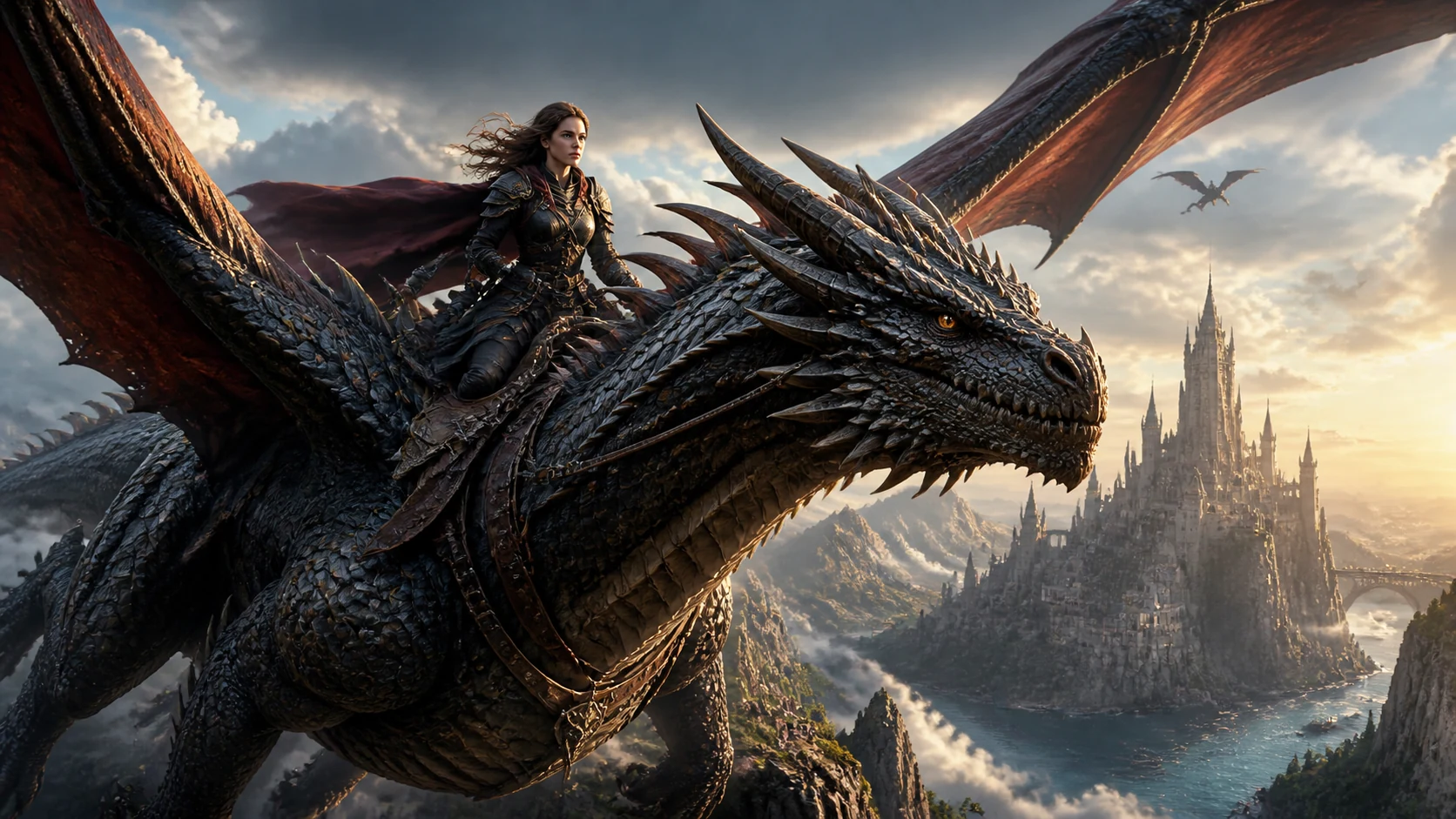 Fantasy Boss Concept Art AI Image GeneratorUse a free image generator to create original fantasy boss concept art visuals for game assets, concept art, pitch boards, and production briefs.View prompt →
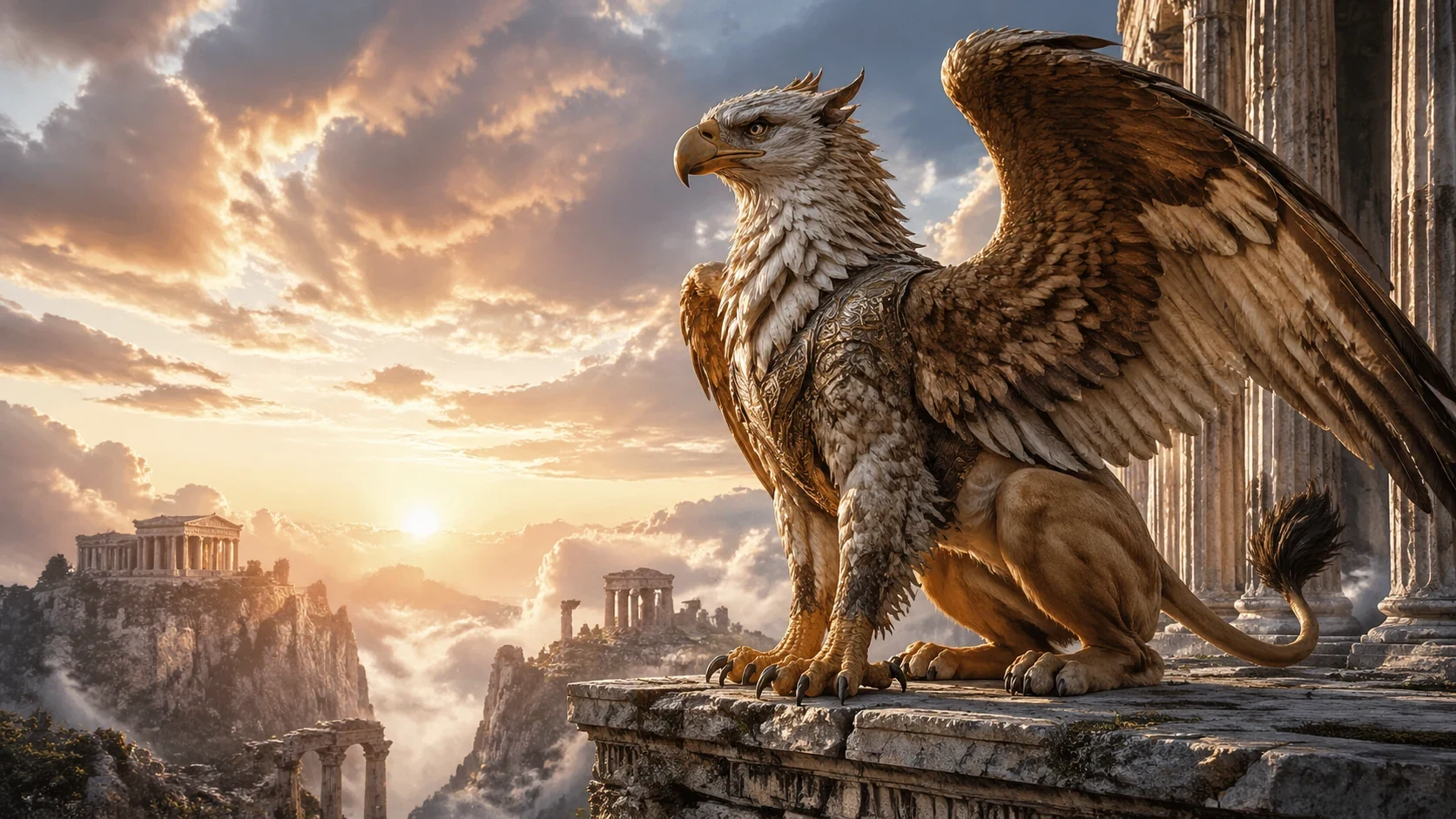 Fantasy Creature Companion AI Image GeneratorUse a free image generator to create original fantasy creature companion visuals for game assets, concept art, pitch boards, and production briefs.View prompt →