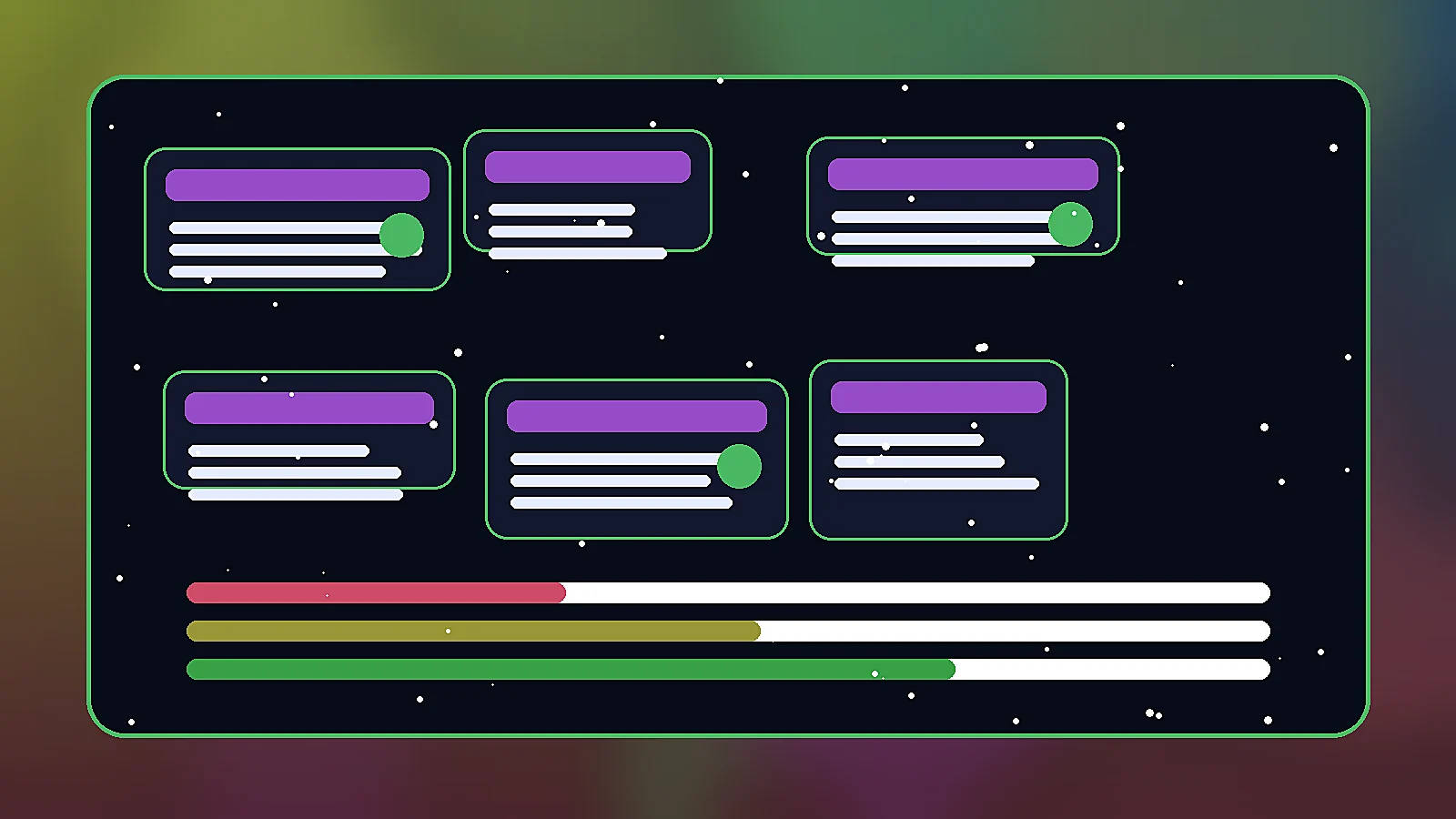
Prompt
Generate original pause menu ui overlay for a game art direction board, polished raster asset style, readable silhouette, cohesive color palette, no text, no letters, no watermark, no logo, landscape 16:9 composition
Create this lookPause/settings overlay directions with readable panels, slots, and controller-safe hierarchy. Use these prompts to explore original game visuals with clear silhouettes, fictional materials, readable UI hierarchy, and no official marks or copied franchise assets.
Generate original pause menu ui overlay for a game art direction board, polished raster asset style, readable silhouette, cohesive color palette, no text, no letters, no watermark, no logo, landscape 16:9 composition
Create this lookGenerate a premium mobile and PC game UI concept for pause menu ui overlay, dark glass panels, glowing accents, strong hierarchy, fictional assets only, no text, no watermark, no brand logo, landscape 16:9 composition
Create this look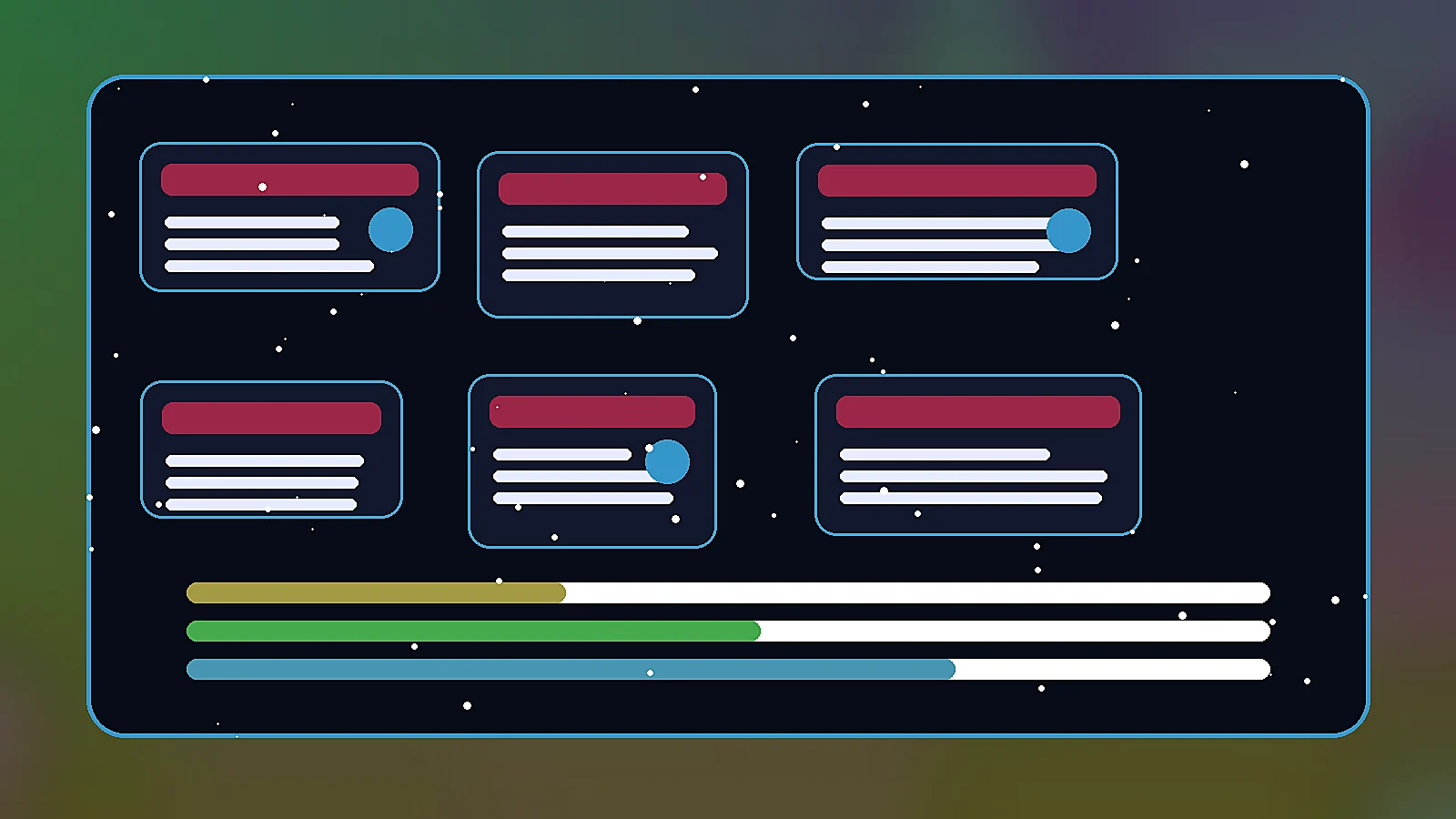
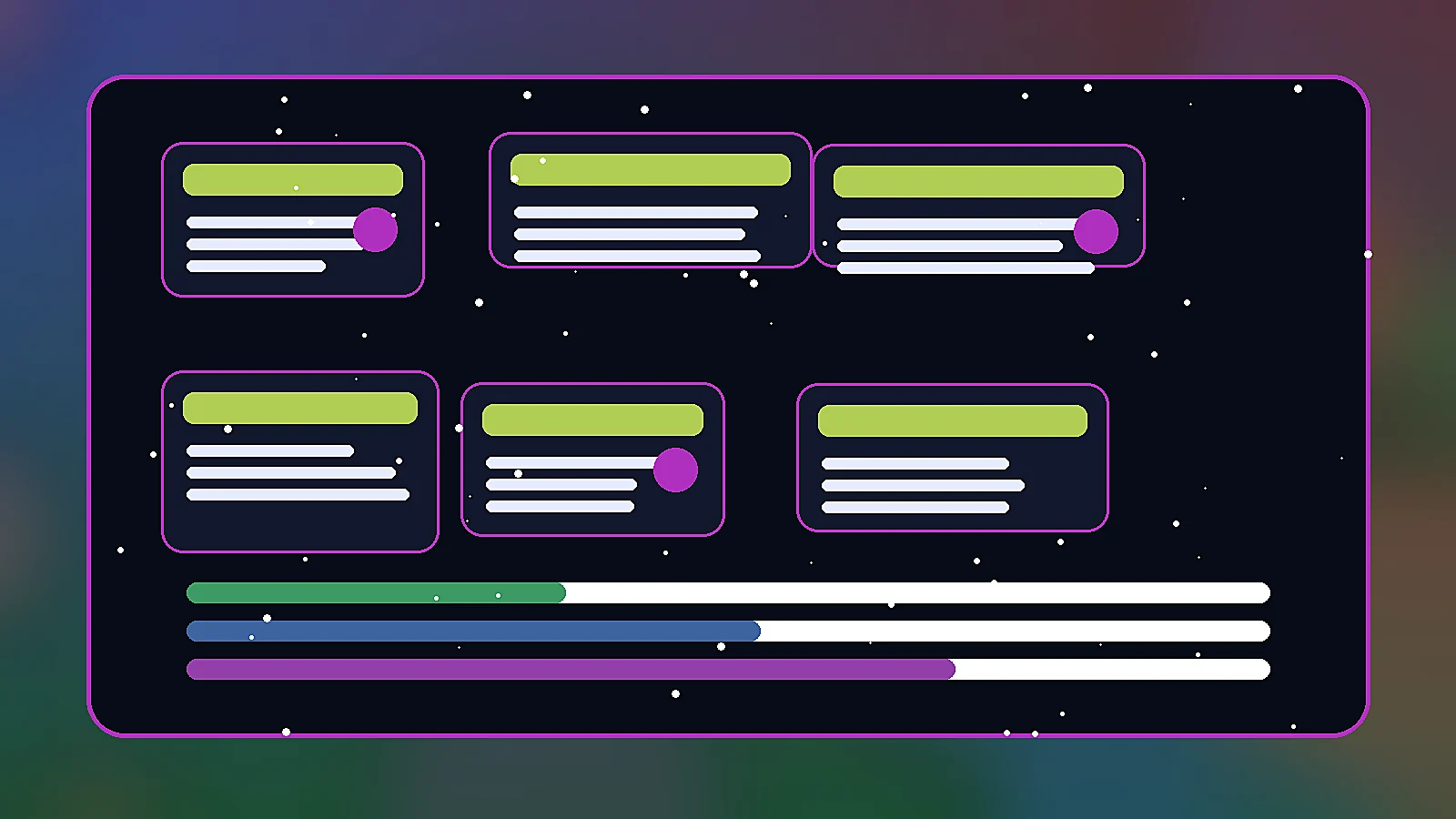
Generate a production-ready pause menu ui overlay visual prompt example, stylized fantasy-sci-fi materials, clean negative space, game asset sheet presentation, no text, no watermark, no logo, landscape 16:9 composition
Create this lookYou can create original pause menu ui overlay concepts for game UI mockups, asset direction, pitch decks, store previews, and production briefs without using protected game logos or copied artwork.
Use them for original direction and avoid trademarked symbols, official franchise marks, real studio UI, or copied item designs. Keep every visual fictional and rights-clean.
Name the game genre, camera angle, material finish, rarity tier, color palette, readability needs, and what the asset should communicate in one glance.
Yes. Pick a direction, open it in the workspace, then adjust style, colors, icon shape, panel density, lighting, or target platform.
It gives a ready-to-run visual prompt and local examples so artists, designers, and product teams can iterate toward final game-ready assets faster.
Open Seele AI workspace, start from a prompt, and keep iterating the visual direction until it feels ready to use.