A character action reads through timing, silhouette, and response. A character action prototype template for animators helps present one move in a small playable context, connect it to clear input, and show the animation decisions behind it. The goal is to make the work inspectable, not to disguise a test scene as a finished game.
This guide uses Kite Runner, a fictional courier character, to describe a sample prototype. The character, animator, rig, clips, runtime, controls, and outcomes are invented. No animation or build was produced. Replace the plan with your actual asset, software, and verified behavior.

Decide what the action should communicate
Choose one action that reveals a specific animation skill: a grounded landing, a directional dodge, a heavy swing, a quick turn, or a recovery from impact. State what a viewer should notice. “Shows weight through anticipation, contact, and recovery” is more useful than “has a cool move.”
Keep the action small enough to review. Define its starting pose, anticipation, key pose, contact or effect, follow-through, and return to control. If it has variations, make the trigger obvious and keep the first pass simple. A short playable sequence can reveal timing while leaving room to compare poses and reference.
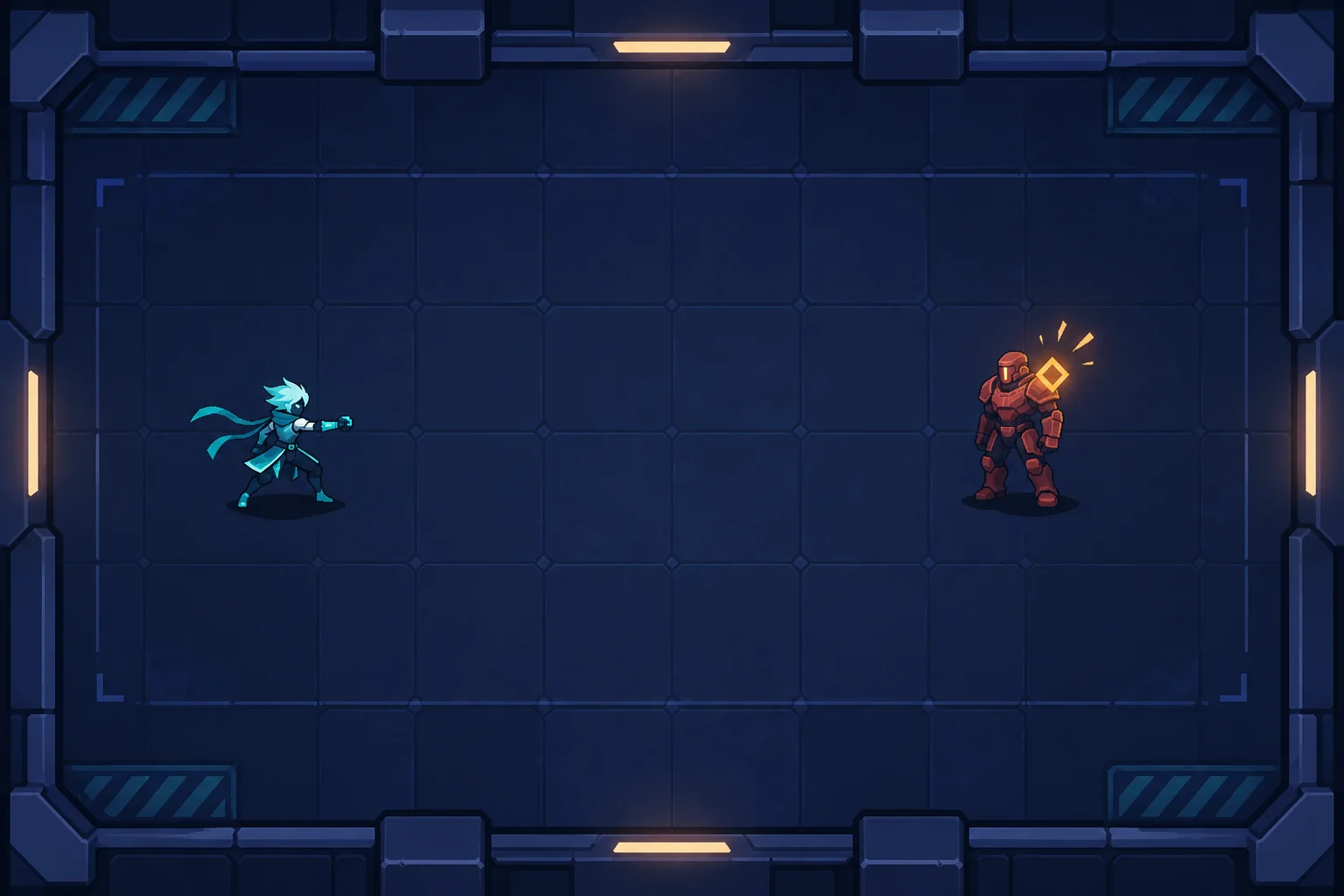
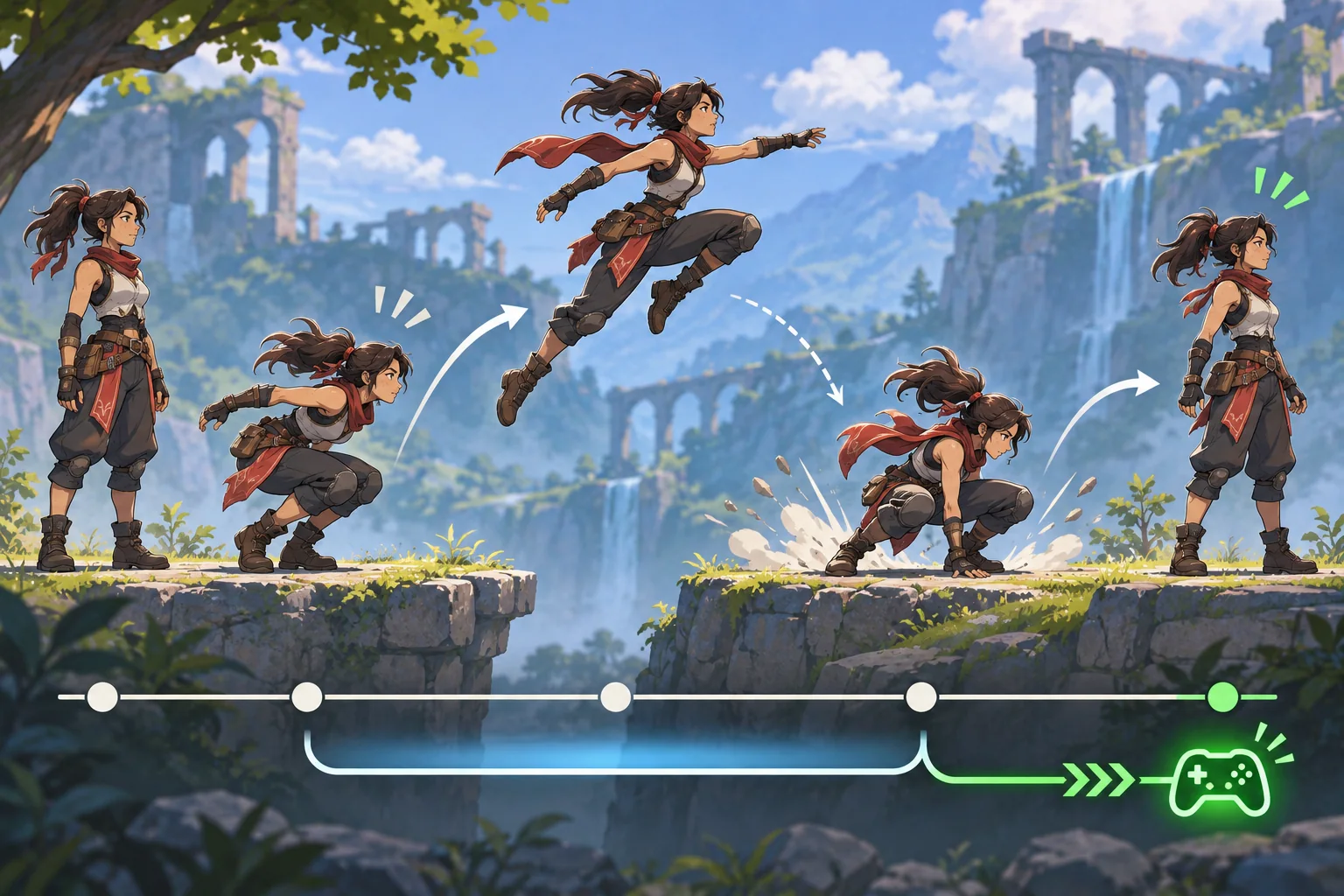
Kite Runner might use one vault over a low obstacle. The prototype question is whether the anticipation, takeoff, clearance, landing, and recovery read in context. It does not claim that the animation exists or that anyone tested it.
Connect input to animation state
Decide how the player starts the move and what happens if input arrives early, late, or repeatedly. Describe the states in plain language: ready, wind-up, action, recovery, and control returned. Make the transition rule visible to the person reviewing the prototype.
| State | Animation focus | Runtime question |
|---|---|---|
| Ready | Readable neutral pose | Can the player tell the character is controllable? |
| Anticipation | Preparation and intent | Does input feel acknowledged? |
| Action | Key pose, arc, contact | Does movement match the visual? |
| Recovery | Follow-through and balance | When is another action allowed? |
| Return | Settle into idle or locomotion | Does control return predictably? |
Specify cancel rules, collision behavior, and reset. Avoid promising “responsive” or “snappy” without a concrete test. The prototype can help reviewers discuss feel, but the claim must match what the build actually does.
Keep the editable animation package clear
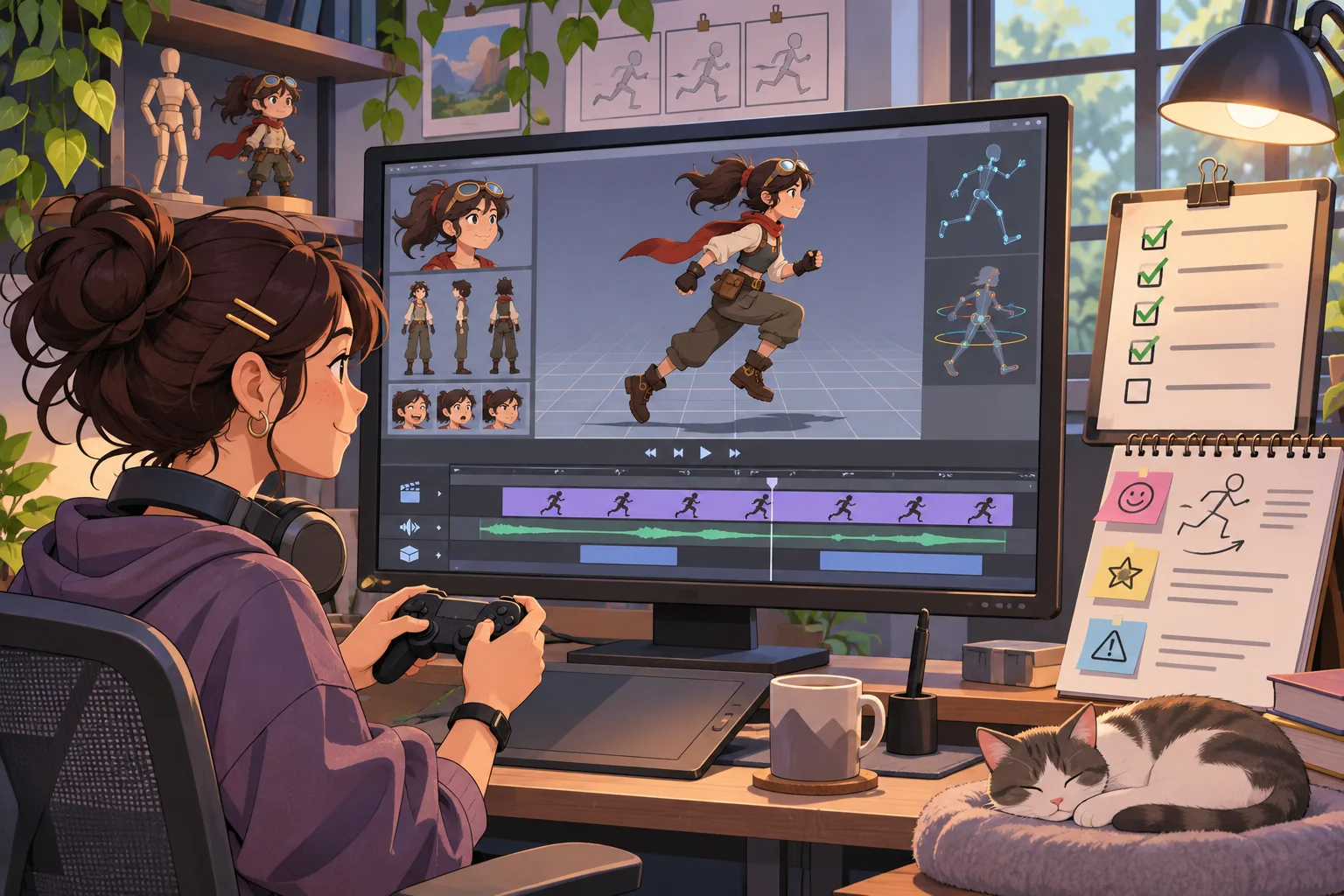
Save source scenes and runtime exports separately. Name the character, rig version, action clip, frame range, and export date. Include a short README with the control, intended camera, and known limitations. Keep reference images and notes connected to the action they informed, and verify that you have permission to use or publish them.
Blender’s Action Editor focuses on keyframes inside a single action, and the Blender manual describes Actions as containers for animation data. The Timeline is used to move through frames and control playback. These are Blender-specific concepts; exact workflows depend on the version and how the rig is organized. Name clips in a way that remains clear after export.
Check the action in the target runtime. A curve or pose that looks good in an editor may behave differently after import, retargeting, root motion, or input blending. Verify orientation, root movement, frame range, looping, and end state rather than assuming the export matches the source scene.
Use AI to draft production support
AI can help turn an action description into a review checklist, suggest edge cases for input, or scaffold a simple prototype control. It cannot judge acting intent, animation quality, or whether an exported clip works. Review every suggestion and keep the animator responsible for the final motion and presentation.
Character and action: [original asset and move]
Viewer goal: [what should be noticeable]
Input: [button or gesture and reset]
States: [ready, anticipation, action, recovery]
Source and runtime versions: [actual tools]
Known limits: [what is placeholder or untested]
Ask: make a test checklist and identify ambiguous controls.
Do not invent animation quality, build status, or feedback.
Use only reference material you are allowed to share. If a service receives unreleased assets or motion capture, review its terms and any confidentiality or performer-consent requirements first. Generated text is a draft, not clearance for the visual material used in the prototype.
Show the animation breakdown beside the interaction
Pair the playable view with a still of the key pose, a short timeline strip, and a concise note about the design choice. If you show a reference beside the final, label both and credit the source. Explain what you authored and what another artist, rigger, or technical animator contributed.
Keep the viewer controls simple: start, reset, and perhaps one alternate direction or speed. Do not add options that make it harder to focus on the action. Provide a video or frame sequence so someone can understand the move without running a realtime scene. State whether the video comes from the actual build or a separate render.
Check the prototype with a repeatable script
- Can a first-time reviewer find the control and trigger the action?
- Does the move begin from the intended pose and facing?
- Are anticipation, key pose, contact, and recovery visible at the chosen camera?
- Does repeated input behave according to the stated cancel rule?
- Does control return in a known state after the move?
- Do exported clips and root motion match the source intent?
- Do screenshots, video, and interactive build show the same version?
Run the check in the intended browser or game runtime, with the intended input device. Record build ID, software versions, device, and observed issues. Ask reviewers what they perceived, rather than asking only whether it felt good. A single review is useful feedback, not a general quality guarantee.
Use the result honestly in a portfolio
Describe the question, your role, the action you built, and what changed after review. Label graybox geometry, temporary effects, and unimplemented states. Show process images from the actual asset. If the prototype is a timing study rather than a complete combat system, call it a timing study.
Include source or project files only when they can be shared. Credit rigging, modeling, code, sound, and reference contributions accurately. Note software versions and export limitations. A bounded prototype is valuable when it makes a specific skill easy to inspect and gives viewers an honest account of what you tested.
Frequently asked questions
What is a character action prototype?
It is a small playable slice built to show how a character action feels in context. It can focus on one move, transition, or interaction rather than a full game. Define what the prototype demonstrates and what remains placeholder so viewers do not confuse animation tests with a finished product.
How can animators present work in a playable prototype?
Choose a short action that reveals timing, anticipation, contact, recovery, or character intent. Give viewers simple controls and a clear reset, then pair the interaction with breakdowns of poses, references, and rig decisions from the actual project. Label graybox elements and explain which animation details are still under review.
Can AI create character animations?
AI can help draft an action brief, generate test scenarios, or scaffold interaction code. It does not replace animation direction or verify that a rig, export, or performance works. Review rights and consent for reference material and accurately disclose generated or licensed assets when relevant.
How should I organize character actions in Blender?
Blender's Action Editor focuses on keyframes inside a single action, and the manual describes Actions as containers for animation data. Exact workflows depend on your Blender version and rig setup. Name actions clearly and verify the exported clips in the intended runtime.
How do I test if a character action feels responsive?
Test the actual build with the intended controls and timing. Check whether the action starts, reaches its key pose, completes recovery, and returns to a known state. Ask reviewers what they observed, record build and device details, and avoid treating one walkthrough as broad proof.
Want a structured starting point for a character interaction prototype? Explore the AI game creation workflow and adapt it to your action brief.