A portfolio project is most useful when a reviewer can understand the goal, try the result, and see what you contributed. A playable portfolio project template for student developers gives you a practical way to scope a small interaction, finish its core loop, and document the decisions behind it. A playable demo is one format among several; it should make your work easier to assess.
This guide uses Harbor Signal, a fictional tiny harbor-navigation game, to explain the planning structure. The project, student developer, code, interface, tests, and outcomes are invented. No build or course evaluation was performed. Use it as a model for planning, then replace every example with your actual work and evidence.

Choose one skill and one complete result
Begin with a portfolio question: what do you want someone to learn about your work? Perhaps you can build reliable input, manage game state, create a clear feedback loop, or make a small web experience responsive. Choose one primary skill and one visible result that demonstrates it. Avoid promising several specialties in a single short project.
Define a compact player or user loop. Harbor Signal’s fictional loop could be: inspect a harbor map, choose a safe route, receive feedback, and try again. A developer might use that loop to show input handling, state transitions, and readable feedback. The example does not claim any of those systems have been implemented; it shows how a portfolio goal can constrain scope.
Write a one-sentence success condition for your own project. Make it observable: “A visitor can complete one short route and understand why the result changed.” Then list the minimum assets, states, and controls required. Save extra modes for later so you have a realistic path to a finished build.
Plan the work with an editable project card
| Field | What to decide | Evidence after production |
|---|---|---|
| Goal | One skill and a user-visible result | Short demo that shows the skill |
| Scope | One loop, limited content, one target | Finished build and known limitations |
| Contribution | Your role and any collaborators | Accurate credits and contribution notes |
| Tools | Languages, libraries, assets, AI help | README and project files |
| Verification | Target browsers, inputs, edge cases | Build/date/device test record |
| Sharing | Hosting, license, privacy, fallback | Working link and reuse terms |
Keep the plan editable while you work. If your technical choice changes, update the card and README rather than letting the documentation drift. A short change note can show how you made tradeoffs without turning the portfolio into a diary.
Build a vertical slice before adding features
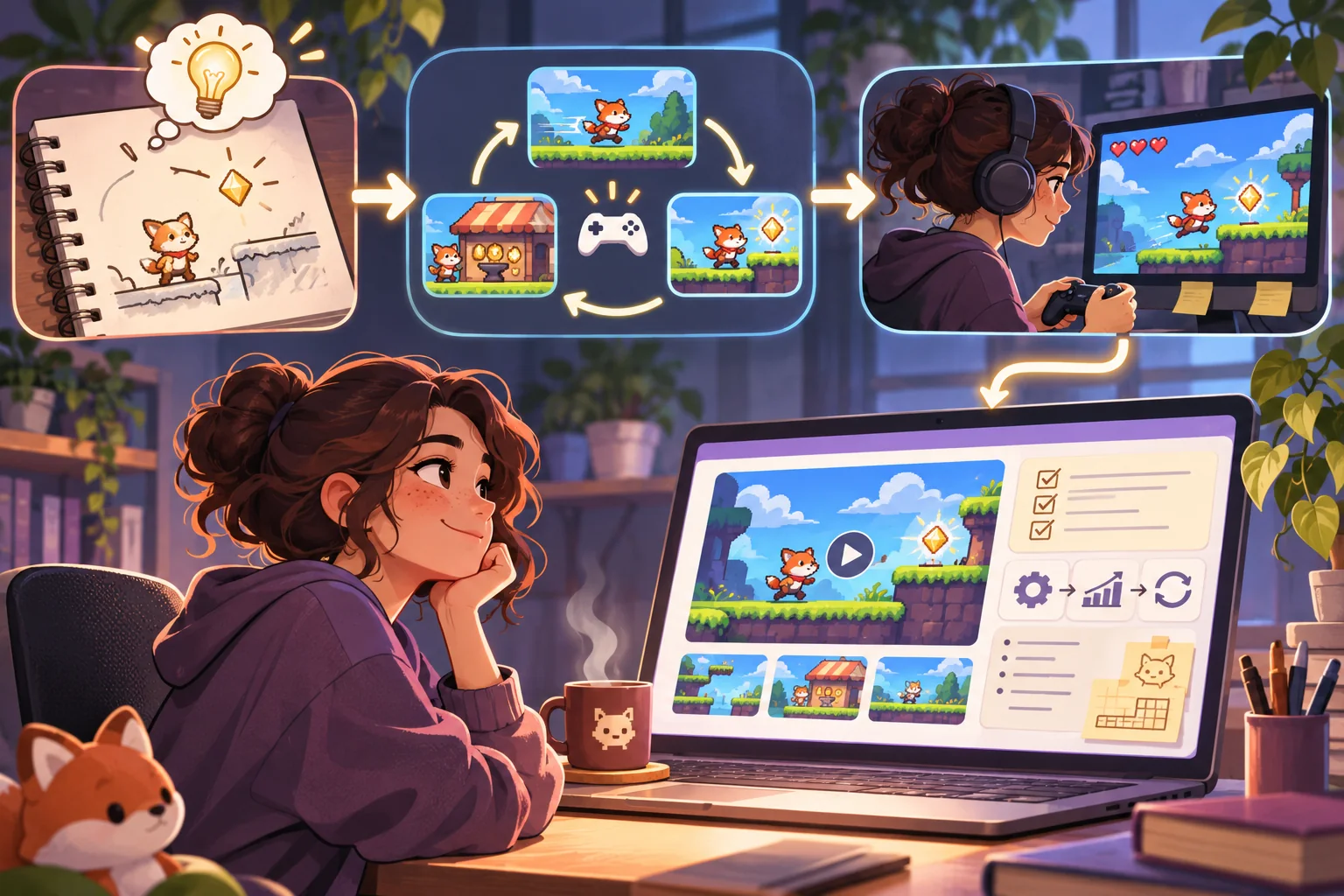
Make one complete interaction work from beginning to end before adding more content. A vertical slice includes the prompt or start state, the action, visible response, completion or failure state, and a way to restart. Test the loop with temporary art first, then polish the parts that support your portfolio question.
Keep a small issue list with three columns: must work, should improve, and out of scope. “Must work” might include loading the project, receiving input, showing an outcome, and recovering from an error. “Should improve” can hold animation, sound, or extra polish. “Out of scope” protects the deadline. This is a planning method; adapt it to your project rather than treating it as a scorecard.
Use commits or another version history to record meaningful changes. Save a known-good build before risky refactors. If you work with classmates, agree on ownership, review expectations, and attribution early. Make your individual contribution understandable even if the project contains shared code or assets.
Use AI in a way you can explain
AI can help compare feature scope, break a task into steps, explain an unfamiliar error, draft test cases, or review README clarity. Use it as a tutor and drafting aid, then verify code in your project and make sure you can explain the final implementation. Follow course policies, team agreements, contest rules, and license terms. Disclose material assistance when required or when it affects how a reviewer should interpret the work.
Project goal: [one portfolio skill]
User loop: [start, action, feedback, finish/reset]
Current build: [language, framework, target]
My contribution: [specific work I completed]
Ask: propose a small task list and edge-case tests.
Constraints: [course/team rules, licenses, device]
Do not invent working features, tests, performance data, or user feedback.
Do not paste secrets, private data, or code you are not permitted to share into external tools. Treat suggestions as untrusted until you test them. If generated code becomes part of the project, retain enough context to explain how it works, what you changed, and which parts you authored or reviewed.
Write a README that helps someone try the work
GitHub documentation describes a README as a file that introduces a project to repository visitors. For a portfolio, make it useful to both someone browsing the code and someone who only wants to see the result. Put the demo link and a short description near the top, then provide accurate setup or play instructions.
- Project name and one-sentence goal.
- Demo link, controls, and a still image or short capture.
- Requirements and setup steps that work from a clean checkout.
- Your role, collaborators, tools, and notable AI assistance.
- Known limitations, supported inputs, and any unfinished features.
- Asset credits, licenses, and contact information that you intend to share.
Test setup instructions from a fresh copy when possible. Remove personal information and credentials from commits, screenshots, and logs. Do not imply a project is open source unless its license and redistributed assets support that claim.
Make the playable part accessible and predictable
Give controls clear names and visible instructions. Where the interaction supports it, make functionality available from a keyboard and show focus as a user moves through the interface. Provide text alternatives for meaningful images or visual outcomes, and avoid using color alone to communicate success or failure. Include a pause or reduced-motion option if movement is not essential.
W3C’s WCAG 2.2 includes criteria for keyboard operation and text alternatives for non-text content. Use the normative standard to guide evaluation, but do not claim the project conforms because it passed this informal checklist. Test the actual page with keyboard-only navigation and assistive technology where appropriate, then record issues you find.
Offer a fallback for people who cannot or do not want to load the playable build: screenshots, a short captioned capture, or a text walkthrough. Make the page usable on narrow screens, explain required input, and provide a clear restart. A portfolio should remain understandable if the game itself is unavailable.
Test the released build and keep a record
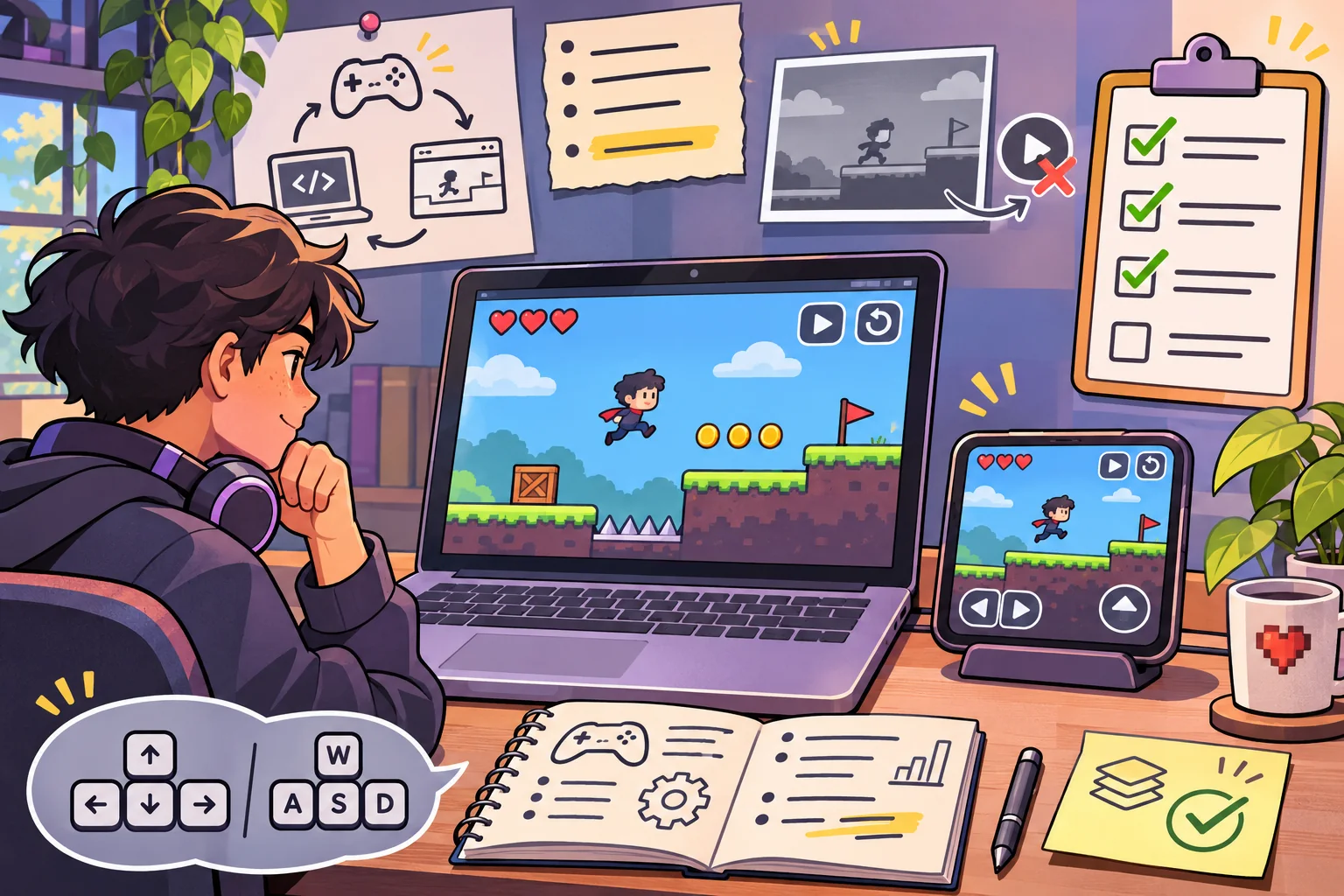
Test the hosted version, not only the development window. Open it in the browsers and devices you intend to support. Check the first load, instructions, input, restart, completion state, errors, and fallback. Ask someone unfamiliar with the project to try it if you can, but record exactly who tested and what they did. One person’s walkthrough is not proof that all users will understand it.
- Can a new visitor find and start the demo?
- Does the core loop reach an ending and allow a restart?
- Do controls work with supported input methods?
- Are errors, loading, and unavailable states explained?
- Can someone understand the project without color, sound, or fast motion?
- Does the README match the current hosted build?
- Are screenshots and claims from the same version?
Record build identifier, date, device, browser, and actual observations. Be clear about what you did not test. Do not invent performance figures or imply a class, employer, or user group validated the project. Harbor Signal is fictional and has no test record.
Turn the project into a portfolio story
Use a short narrative: goal, constraints, your role, a decision that mattered, one problem you solved, and what you learned. Link to the demo and repository, but make the page understandable if one is temporarily unavailable. Show screenshots from the actual build and label prototypes or concept art clearly.
Describe limitations without apology: for example, “This demo supports keyboard controls on desktop; touch input is not implemented.” Specific limits help readers understand the work and show that you evaluated it. If you later add a feature, update the build evidence and test record instead of silently changing old claims.
A finished portfolio project does not need to be large. Keep one complete interaction, make your contribution visible, document setup and constraints, and verify the deployed experience. This gives a reviewer a concrete way to explore the work and a fair basis for understanding what you built.
Frequently asked questions
What makes a good student developer portfolio project?
A focused project demonstrates a skill through a complete, understandable result. Explain the problem, your role, the choices you made, and what works. A small finished project with clear evidence can be easier to assess than a large unfinished feature list.
Should a student developer portfolio project be playable?
Only when interaction helps explain the work. A playable build can show controls, state, or game logic, while screenshots and a short demo can be enough for other projects. Include a still or text explanation and state which devices and browsers you actually tested.
How can AI help with a student portfolio project?
AI can help brainstorm scope, produce a task breakdown, draft test cases, explain unfamiliar code, or review documentation. Verify suggestions, understand the code you submit, respect course and team rules, and disclose material assistance when required. AI output does not prove authorship or correctness.
What should I include in a project README?
Explain what the project does, how to see or run it, controls, requirements, known limitations, and your contribution. GitHub documents README files as a place to explain a project to visitors. Keep setup steps accurate and do not publish private keys, personal data, or assets you lack permission to share.
How do I make a playable portfolio project more accessible?
Provide keyboard access for functionality where applicable, visible focus, named controls, readable contrast, and text alternatives for important non-text content. W3C WCAG 2.2 gives success criteria for keyboard operation and text alternatives; test the actual page and avoid claiming conformance without a suitable evaluation.
Want a structured starting point for a small playable project? Explore the AI game creation workflow and adapt it to your own goals.