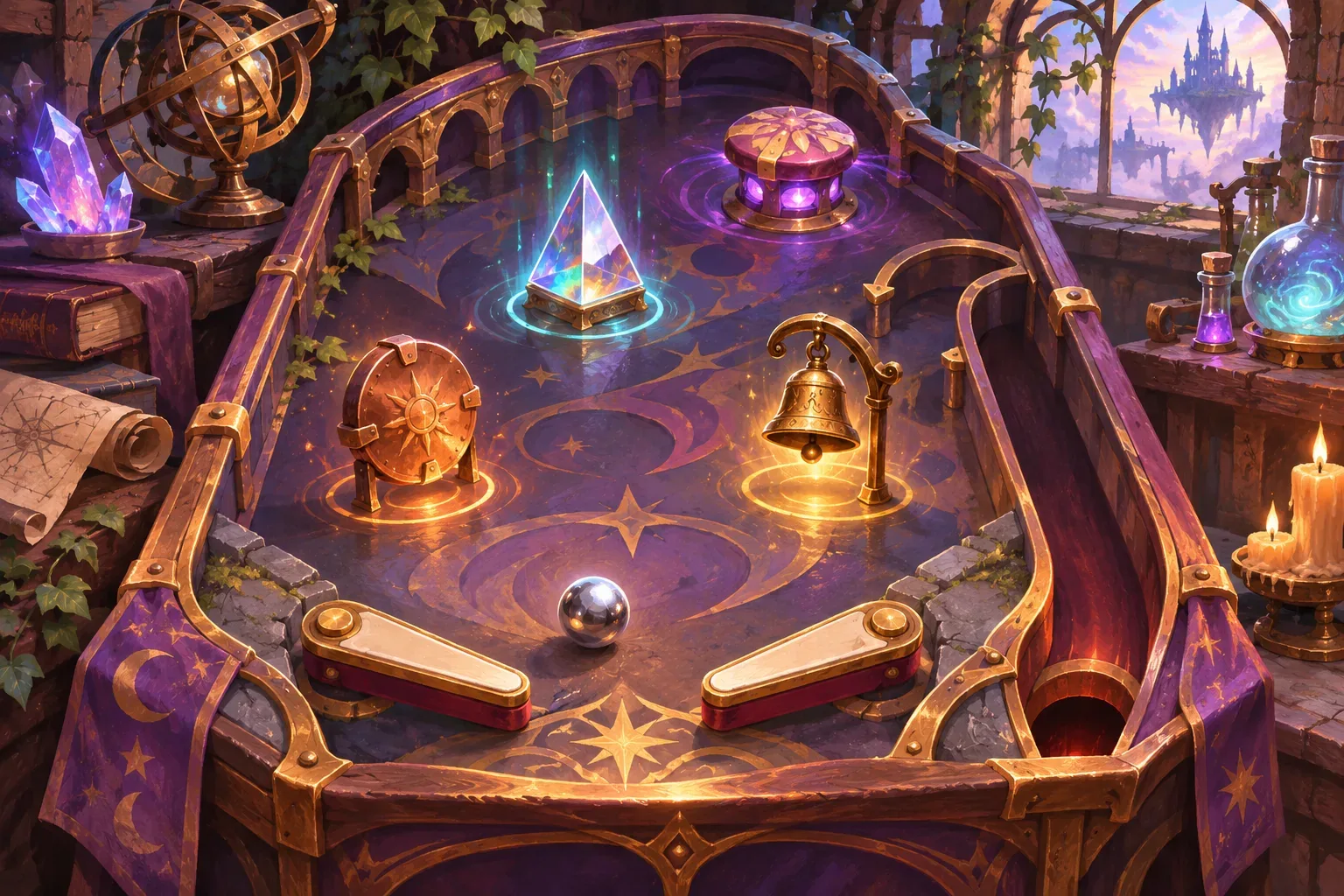
A marble auto-battler lets players plan a collision and then watch the lineup resolve. The setup phase can carry strategy: which hero launches first, which lane catches an enemy, and whether a limited ability changes the impact. The simulation becomes easier to understand when every contact produces a visible result that follows a small set of rules.
The heroes, arena, values, and combat below are fictional game-design examples. The prompt sequence is unrun; no playable result or real physics test is claimed.
Define the arena and team
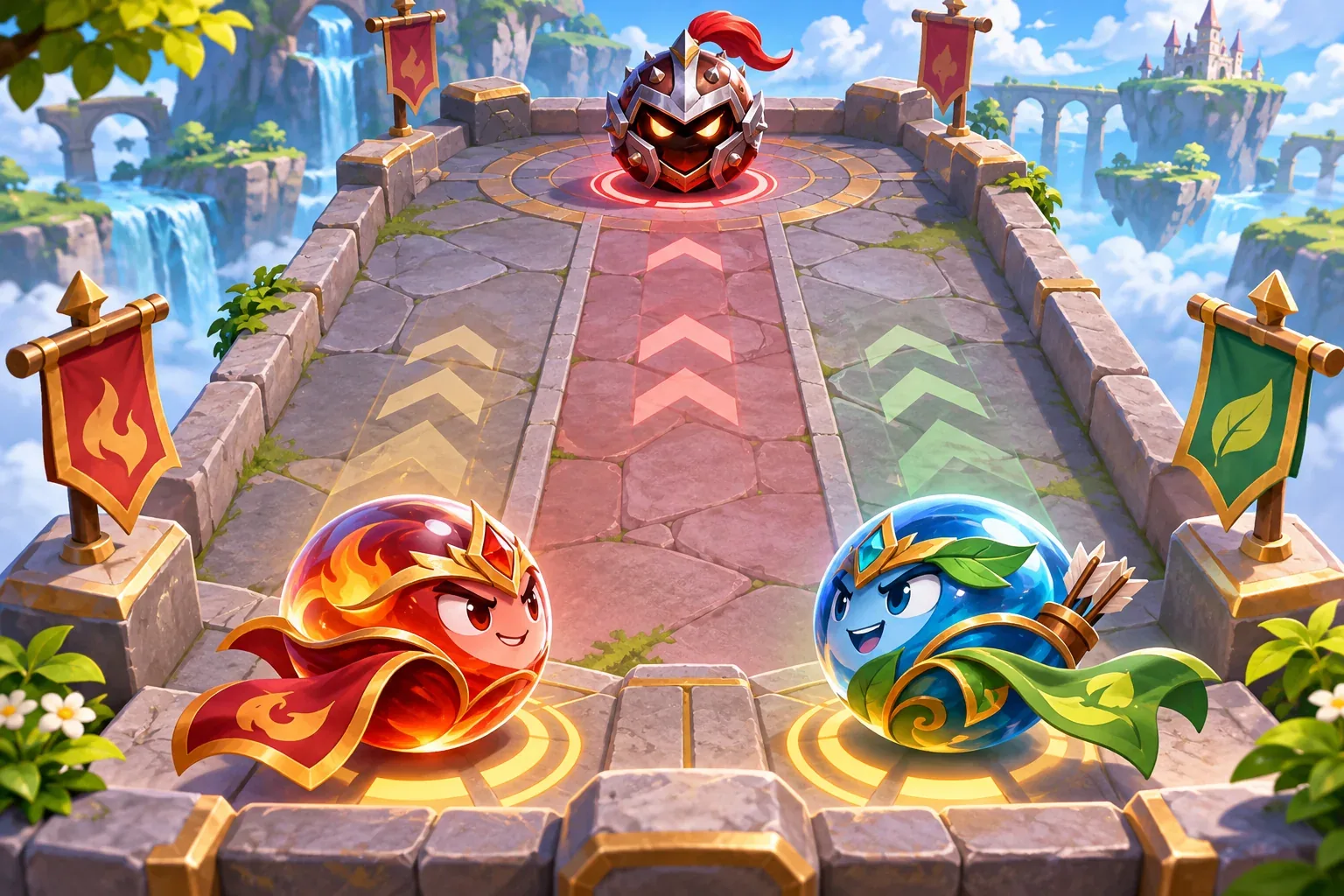
Separate setup decisions from automatic resolution. In this fictional example, the arena has two launch lanes. During setup, the player places one hero in each lane and chooses a launch direction. A marble travels until it contacts the first enemy in its lane or reaches a boundary. After each collision, the game reports impact, damage, and any displacement before continuing.
Give each hero a small profile. The Amber Scout has 4 HP and impact 2. The Amber Bulwark has 6 HP and impact 1; its contact pushes a target one marked space. A one-use hero ability, Overcharge, adds 1 impact to the first launch. The opposing Bronze Sentinel has 6 HP and an intent to deal 2 damage to the last ally that collided.
| Unit | HP | Impact / effect | Role |
|---|---|---|---|
| Amber Scout | 4 | 2 impact | Fast first strike |
| Amber Bulwark | 6 | 1 impact; push 1 space | Control and follow-up |
| Bronze Sentinel | 6 | Intent: 2 damage | Target to defeat before response |
Keep an automatic round deterministic while developing the rules. If two units reach the same contact point, specify which collision resolves first. Define whether the arena edge stops or reflects a marble, how a pushed target interacts with a wall, and when HP reaches zero. These choices prevent a dramatic collision from creating ambiguous state.
Write collision and ability rules
Describe a collision in resolvable terms: identify the moving marble, find the first valid target, apply impact damage, resolve a push, check for defeat, then continue any remaining launches. The player should know whether a push creates another collision or simply moves the target to a new tile. Start with one clear rule for each effect.
Overcharge is a setup ability, not an extra collision. Mark it unavailable after the first launch, add 1 to that launch's impact, and keep the team's base impact unchanged. If the Scout is placed in the first lane, its impact is 3 for that contact. Do not accidentally apply the bonus again when the marble rebounds or when the next hero launches.
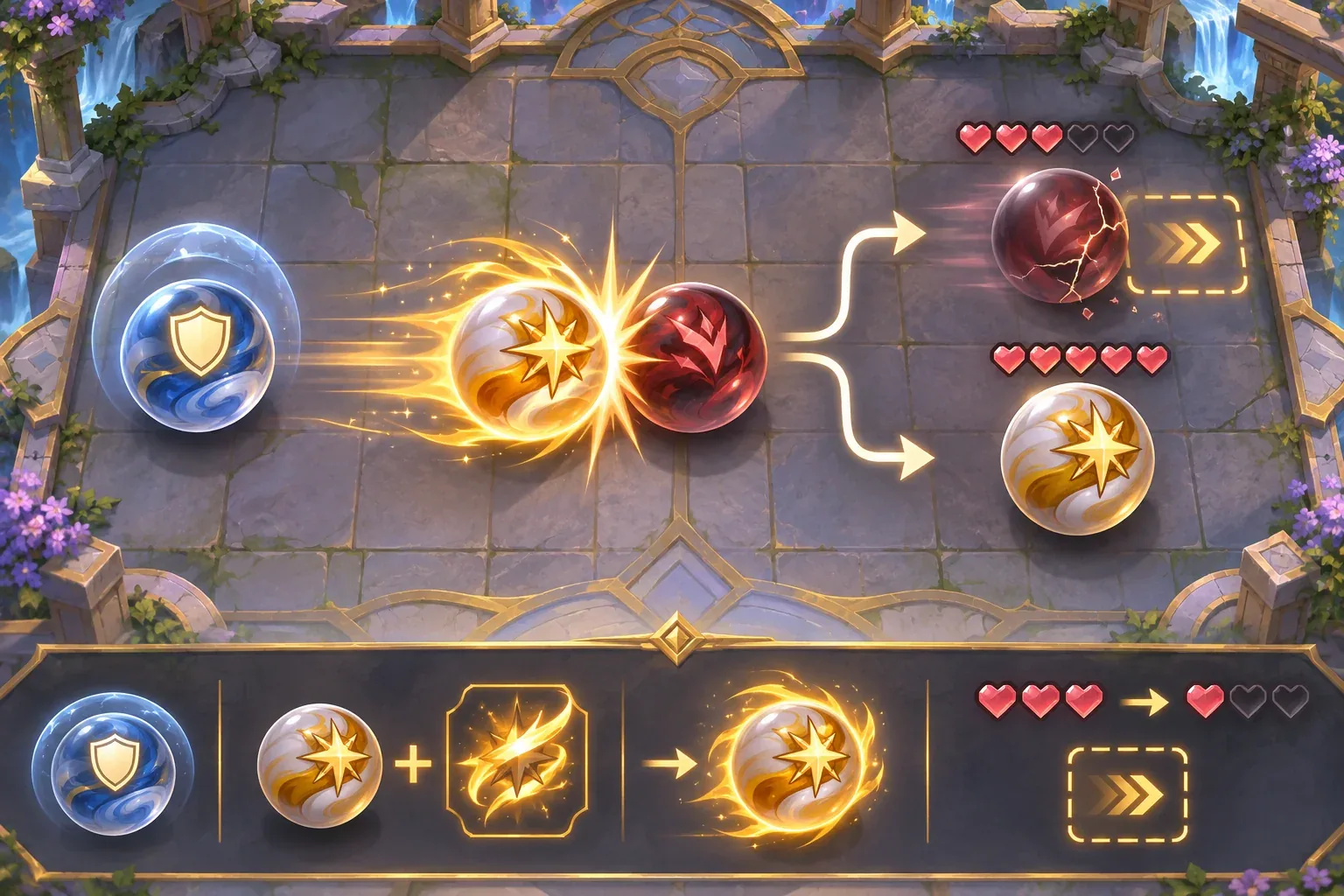
A collision event can be expressed as a small record:
{
  "attacker": "amber_scout",
  "target": "bronze_sentinel",
  "baseImpact": 2,
  "abilityBonus": 1,
  "damage": 3,
  "abilityConsumed": true
}
Record base impact separately from temporary bonuses. That makes a later upgrade easier to audit: the same Scout remains impact 2 after Overcharge is spent. Add feedback for the target's HP change, a brief collision animation, and a readable indication of the ability's used state.
Trace a two-round fight
Round 1 begins with the Scout in lane one and the Bulwark in lane two. Use Overcharge on the Scout's first launch. The Scout deals 3 damage; the Bulwark then deals 1. The Bronze Sentinel falls from 6 HP to 2. Its intent triggers after both collisions and hits the last ally that collided, the Bulwark. The 2 damage reduces Bulwark HP from 6 to 4.
In Round 2, the Scout launches first for its normal impact of 2. That contact reduces the Sentinel from 2 HP to zero. The enemy is defeated, so its intent does not resolve. The Bulwark remains at 4 HP. This outcome makes launch order meaningful: the player spends Overcharge once, then keeps the more durable ally ready for a later node.
| Step | Scout HP | Bulwark HP | Enemy HP | Resolution |
|---|---|---|---|---|
| Start | 4 | 6 | 6 | Overcharge ready |
| Round 1 — Scout | 4 | 6 | 3 | Impact 2 + 1 ability bonus |
| Round 1 — Bulwark | 4 | 6 | 2 | Impact 1 |
| Round 1 — intent | 4 | 4 | 2 | Bulwark takes 2 damage |
| Round 2 — Scout | 4 | 4 | 0 | Impact 2 defeats enemy; skip intent |
This is a hand-calculated rules example, not a collision simulation or playtest. Use it as a test case for state updates: Overcharge is spent once, each collision subtracts impact from target HP, the Bulwark push uses its own rule, and defeated enemies do not trigger an intent.
Stage prompts and check the feedback
Build the prompt in layers. First request a two-lane arena and two heroes. Then specify collision order, the one-use ability, and enemy intent. Finally ask for impact feedback and checks that compare displayed HP with underlying state. Avoid adding upgrades, obstacles, and multiple enemies before a single lane resolves clearly.
Create a compact fictional marble auto-battler with two launch lanes. The Amber Scout has 4 HP and impact 2. The Amber Bulwark has 6 HP and impact 1; its collision pushes the target one marked space. Overcharge is a once-per-encounter ability that adds 1 impact to the first launch only. The Bronze Sentinel has 6 HP and deals 2 damage to the last ally that collided after both heroes launch, if it survives. Resolve collisions in lane order, show each HP update, and skip enemy intent after defeat. Do not add random physics, extra abilities, or hidden bonuses yet.These templates are unrun drafts. When using them, record the exact prompt, tool, date, output version, and correction. A storyboard or static mockup can illustrate intended feedback but cannot prove that a collision resolves correctly in a playable build.
SEELE's official AI Game Maker page describes text-based game creation, browser testing, and follow-up iteration. This is general product context only; this marble auto-battler prompt has not been run and no generated result is claimed.
- Lane check: each launch hits the first valid target in its lane.
- Ability check: Overcharge adds 1 impact once, then becomes unavailable.
- Collision check: damage and push resolve in the stated order.
- Intent check: the enemy hits the last colliding ally only if it survives.
- Defeat check: an enemy at zero HP does not act.
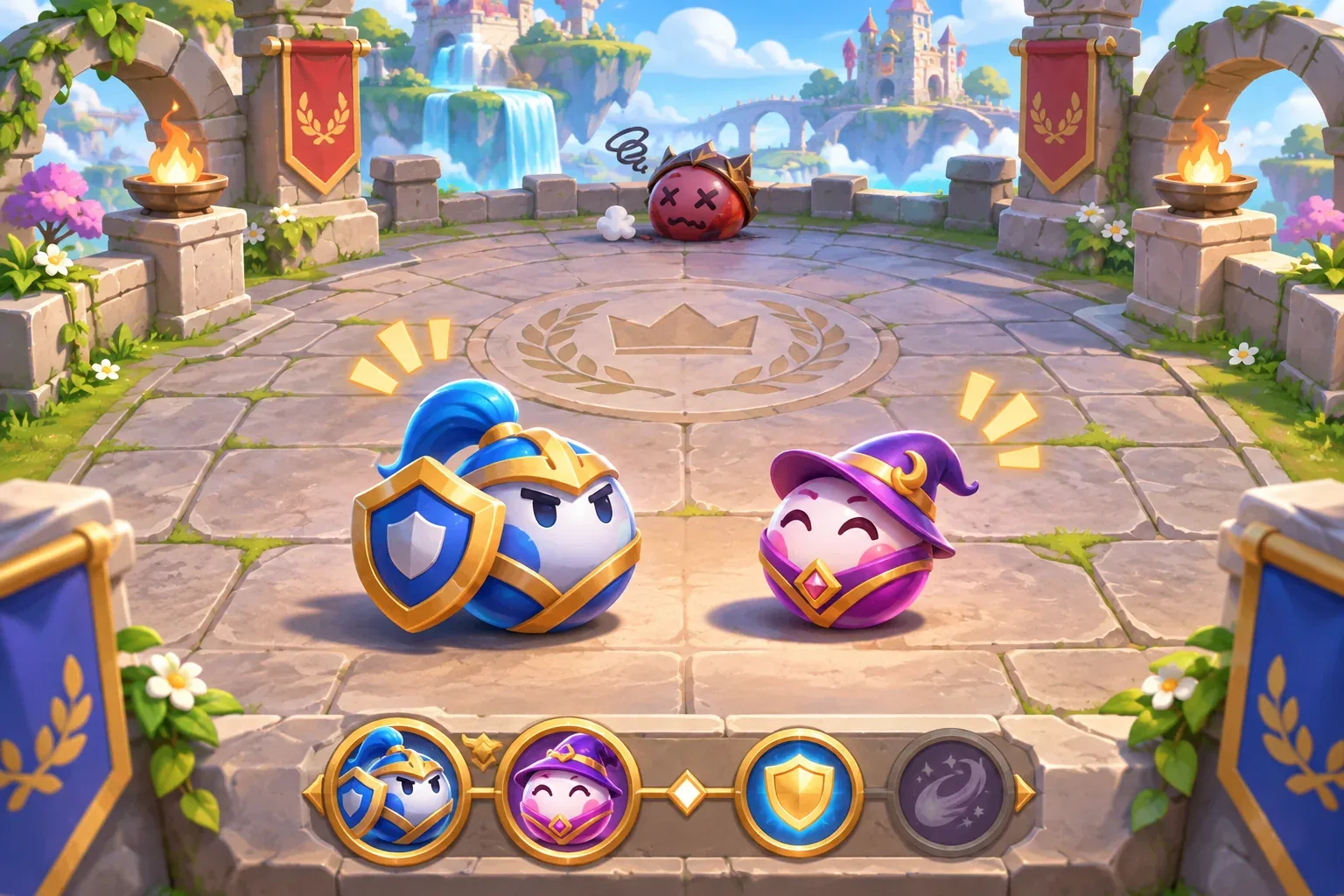
Once the two-lane baseline is clear, add one obstacle or one new hero ability. Keep collision order unchanged and compare the new result with the baseline. That helps the player understand whether a change came from lineup, impact, or an arena rule.
Marble auto-battler prompt FAQs
What should players control in an auto-battler?
Let them make a few meaningful setup choices, such as lane, launch order, or a limited ability, then make automatic resolution visible and consistent.
How do I make collisions readable?
Show the moving unit, target, impact, HP change, and any displacement as separate feedback steps. Keep the order stable before adding chained contacts.
Should hero abilities change base stats?
Track temporary bonuses separately from base impact. That makes single-use abilities and later upgrades easier to inspect.
When should enemy intent resolve?
Define one stable phase, such as after all allied launches. Skip it if the enemy has already been defeated.
Are these prompts or marble physics tested?
No. They are unrun prompt drafts and the encounter is a fictional hand calculation. No playable game or physics test is claimed.
Make your own marble auto-battler
Start with two lanes, two heroes, and one enemy intent. Give collision order and ability limits a clear rule, then inspect the same round state after each prompt revision. For general game-creation context, explore the SEELE AI Game Maker and adapt this unrun prompt sequence to your own prototype.