Define a short run before adding table variety
A pinball roguelike joins two kinds of decisions: physical control during a table and build choices between tables. A prompt that asks for “pinball with roguelike upgrades” leaves the builder to invent ball count, target scoring, drain behavior, and upgrade persistence. Define one small run first, then add a second room to show how a choice carries forward.
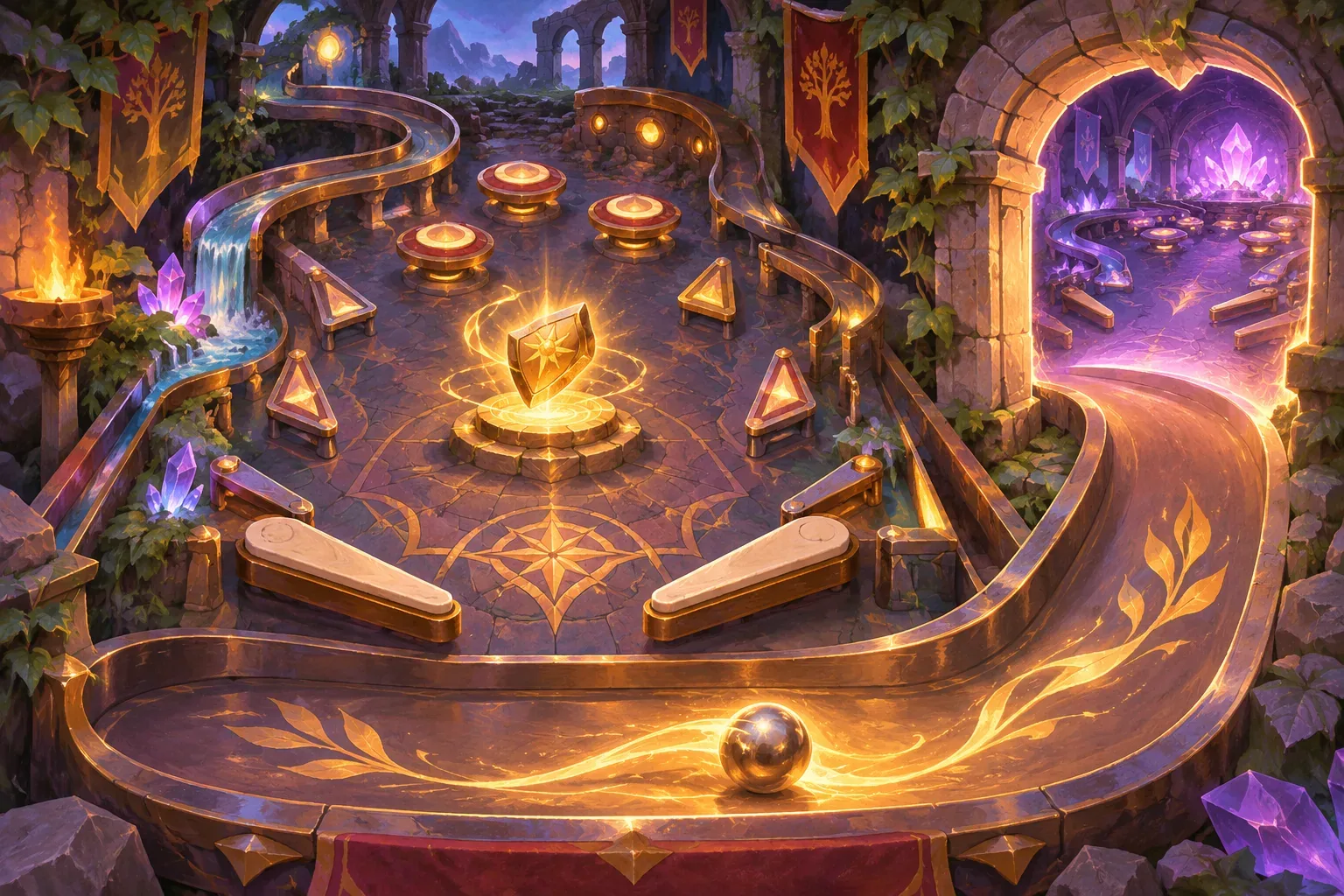
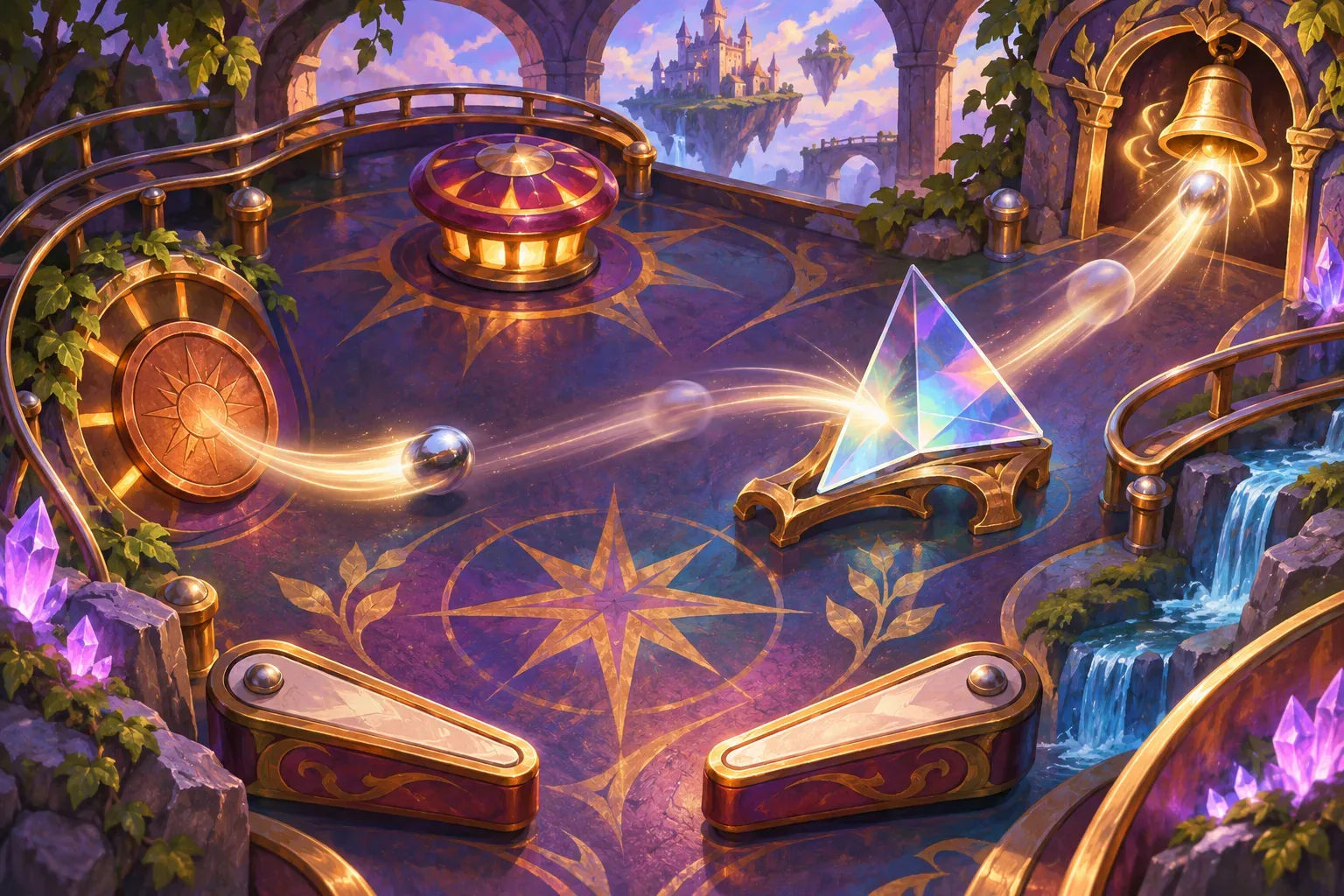
This fictional example uses a compact fantasy table with left and right flippers, three named targets—Copper, Glass, and Bell—one bumper, and a drain. A run has two rooms. Each room begins with three balls, and the run ends if all balls are lost before the room clears. The player tracks score, a target chain, and a Spark resource earned by hitting the targets in order. These rules are planning material only; no prompts were run and no playable table or physics result is included.
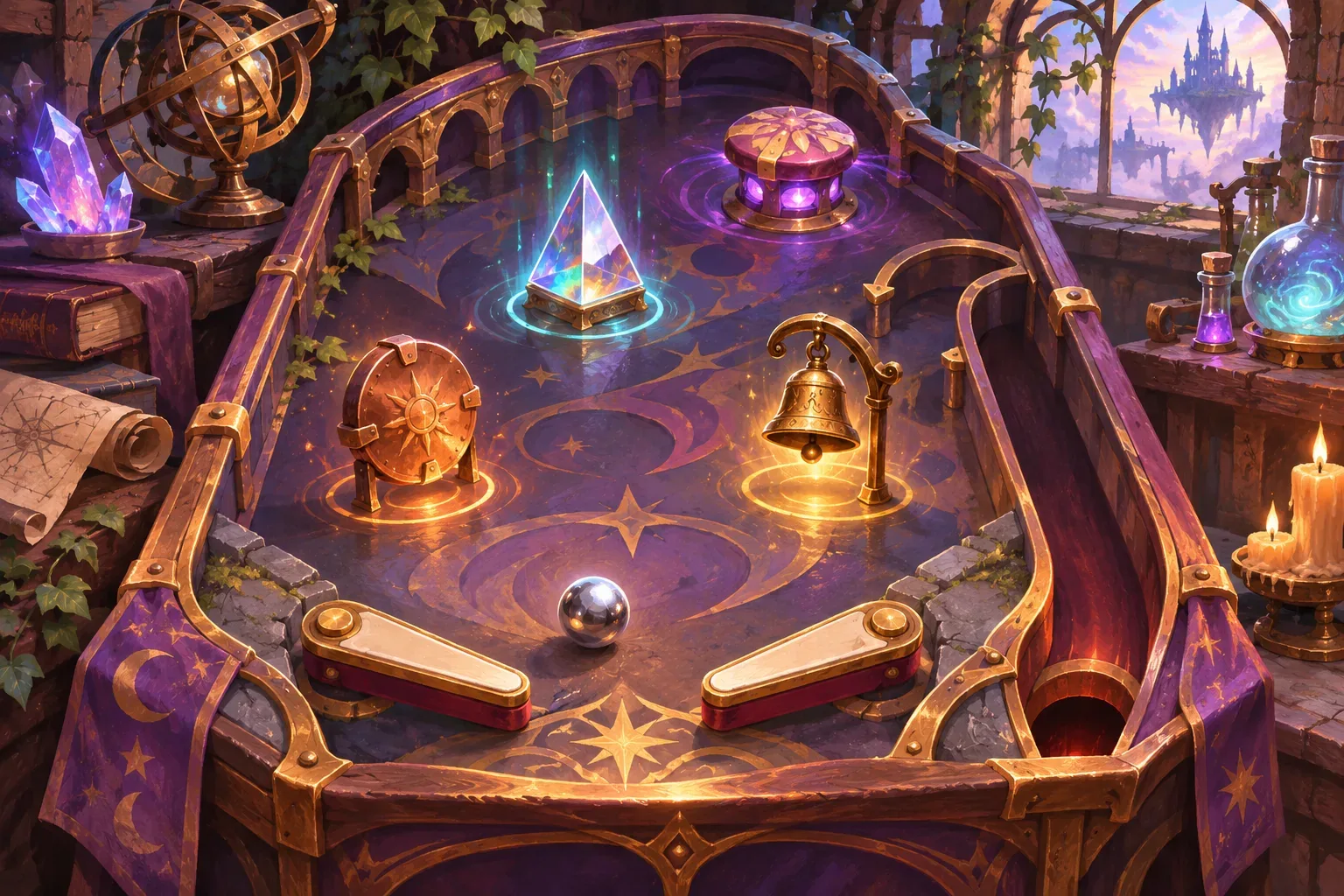
Keep multiball, extra flippers, random table generation, and a large item pool out of the first milestone. Focus on what the player can do with the flippers, how a target registers, when a ball is lost, and what state survives between rooms. The objective is a readable state loop, not a claim that the example reproduces realistic pinball motion.
When you write the prompt, distinguish physics from game events. Physics determines where the ball moves and what happens when it collides. Game events update score, combo state, Spark, remaining balls, or room progress. A simple event log can show whether a target hit occurred even before you assess how satisfying the actual movement feels.
Specify targets, drains, and target-chain rules
Give each target a stable ID and a visible effect. Copper, Glass, and Bell each add 100 points when hit. If the player hits Copper, then Glass, then Bell within one ball, award one Spark. A drain resets the target chain, but score and Spark remain. This creates an understandable sequence without needing a complicated rule system.
{
  "targetId": "glass",
  "baseScore": 100,
  "chainPosition": 2,
  "eventOnHit": "advance_target_chain"
}
Decide what happens when a target is hit out of order. In this example, hitting any target that is not next in the sequence resets the chain and makes that target the new first step. This lets a player recover without requiring a perfect sequence. If Bell is next and hits, award a Spark; if Bell appears early, it begins a new chain instead.
Keep ball loss and room progress separate. A drain reduces the current room’s balls remaining by one and resets the target chain. It does not reset score or Spark. When a room clears with at least one ball remaining, the next room starts with three balls. If the current room reaches zero before clearing, the run ends and no next room is created. This gives room transitions a clean state rule.
Connect upgrades to the next table
After Room 1 clears, show exactly two upgrades and let the player choose one. Wide Return increases the lower flipper catch zone on Room 2. Bell Multiplier doubles Bell target points on Room 2. The chosen upgrade persists for the rest of the run. The choices change different parts of the system: one affects the physical opportunity to return the ball, while the other changes score on a named target.
Do not let an upgrade apply retroactively. Bell Multiplier begins after the Room 1 choice and affects Bell hits in Room 2 only. A Bell hit there awards 200 points, not 100. Wide Return changes the lower flipper catch zone in the next room; it does not save a ball that has already drained. These timing clauses make it easier to tell whether the choice worked.
Spark has one explicit use. At a room clear, the player may spend one Spark for 300 bonus points or carry it into the next room. The choice happens before the upgrade screen, and Spark cannot be spent if the current run ends. This adds a resource decision without creating a shop or a long list of upgrades.
Ask the builder to store score, Spark, current chain step, current room, balls remaining, and the selected upgrade as separate fields. A run reset clears these values. A room transition preserves score and Spark, sets balls to three only when a new room begins, and activates the selected upgrade. Separating values avoids the common error where clearing a table also wipes the score or target chain resource.
Trace a room transition without pretending to test physics
A state trace uses a fictional event sequence: Copper, Glass, Bell, drain, then Bell. The first three hits add 300 points and award one Spark. The drain reduces the ball count by one and resets the chain, while Spark remains. The next Bell adds 100 points and starts a new chain from Bell. The expected state is therefore 400 score, one Spark, and one ball fewer than before the drain.
If Room 1 then clears, the player can spend Spark for 300 points or keep it for Room 2. They choose Wide Return, so the lower catch zone is enlarged on the next table. Room 2 begins with three balls; the run keeps its score and selected upgrade. This is a state-level hand trace. It does not say that a physical ball was observed to strike those targets, nor does it prove the table feels fair.
| Event | Score change | Chain / Spark | Run state |
|---|---|---|---|
| Copper → Glass → Bell | +300 | Chain completes; Spark +1 | Current ball continues |
| Drain | 0 | Chain resets; Spark stays 1 | Balls −1 |
| Bell | +100 | New chain begins at Bell | Current ball continues |
| Room clear | Optional +300 for Spark | Spend or carry Spark | Choose one upgrade; next room starts with 3 balls |
When you later run prompts in a game maker, record physical behavior separately from the state trace. A shot that misses a target is different from a target sensor failing to register a collision. The example prompt has not been submitted, and this package does not contain a playable build or actual playtest evidence.
Turn the prompt sequence into prototype checks
Build one table, one target chain, and one room transition before adding more content. Check flipper input and collision feel in the actual prototype, then verify score and chain events with repeatable target hits. Keep the physics checklist separate from state logic so a correct score does not hide a poor physical response.
- Confirm both flippers respond to their assigned controls.
- Check that each named target adds its stated score once per hit.
- Verify Copper → Glass → Bell grants exactly one Spark.
- Confirm an out-of-order hit resets the chain according to the rule.
- Check that a drain reduces balls and resets the chain but preserves score and Spark.
- Verify all balls lost before room clear ends the run.
- Confirm a room clear offers two upgrades and only one can be selected.
- Check that the chosen upgrade applies to Room 2 and does not change Room 1 retroactively.
- Test whether spending Spark adds 300 points and reduces Spark by one.
If the chain awards Spark twice, add a completed-chain flag that resets on drain. If an upgrade starts too early, tie activation to the next room transition. If the table’s movement feels wrong, adjust physics parameters only after event registration is stable. The acceptance list helps separate a state bug from a tuning question.
SEELE’s Free AI Game Maker page describes generating a playable first version from a plain-English idea, testing it in a browser, and refining it with follow-up prompts. It does not establish that the example table or its physics will work. This prompt library remains unrun planning material.
FAQ
What should a pinball roguelike prompt define first?
Define the table components, flipper controls, ball count, scoring targets, run end condition, and what state carries between tables. Keep the first run short.
How do upgrades work in a pinball roguelike?
State when an upgrade is offered, how many choices the player gets, what run state it changes, and whether it remains active for later tables.
How can target combos affect a pinball run?
Name the target sequence, the resource or score reward, and when the combo resets. Ask for a visible event log so the player can tell why a bonus triggered.
Should a pinball roguelike use realistic physics?
Choose a physics scope that fits the prototype. Define flipper input, collision response, drain detection, and target events, then inspect the actual build; a paper design trace does not verify physical feel.
Were these pinball roguelike prompts tested in a playable build?
No. The table, targets, upgrades, and run trace are fictional planning material. The prompts are unrun drafts and no playable build or test results are included.