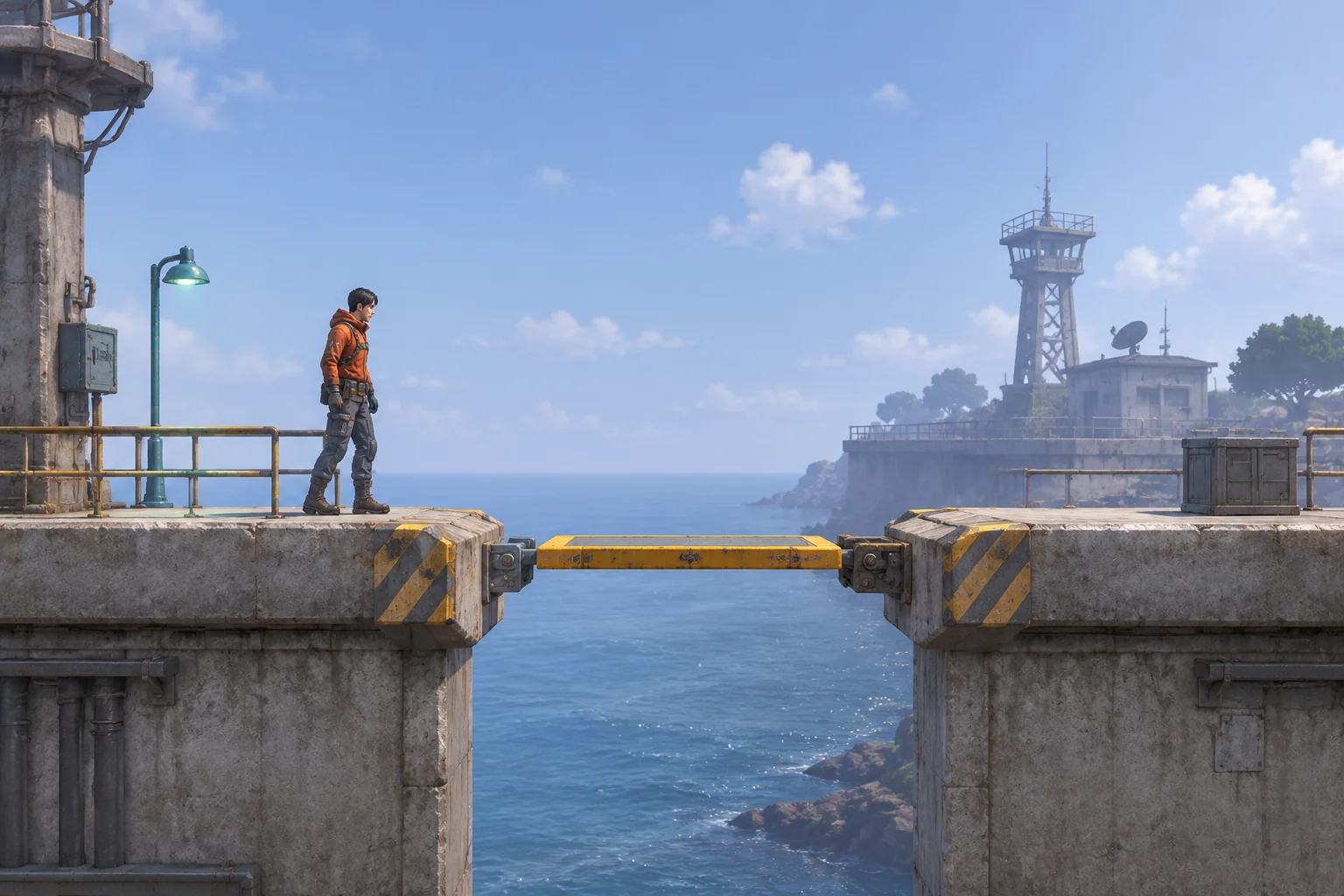
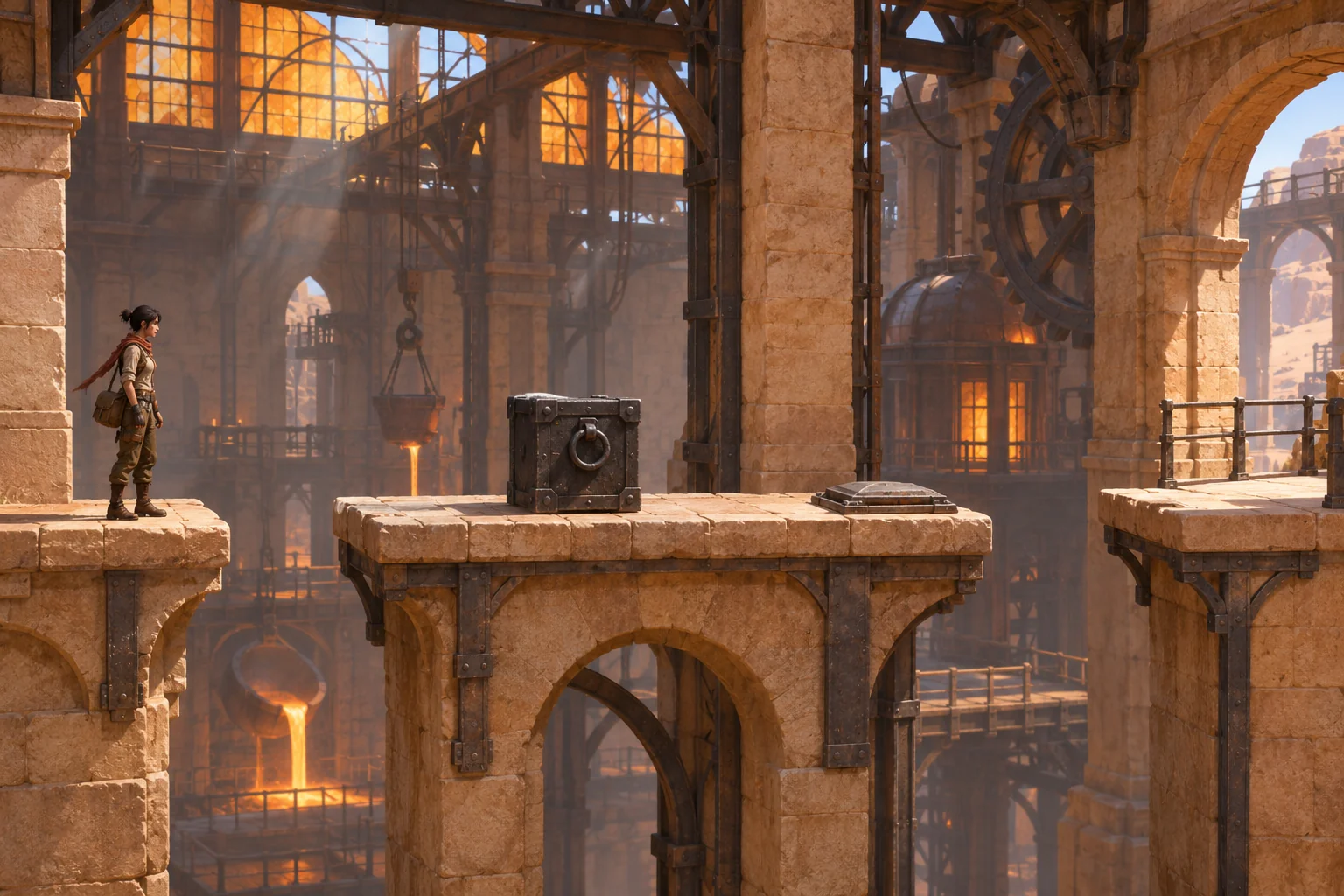
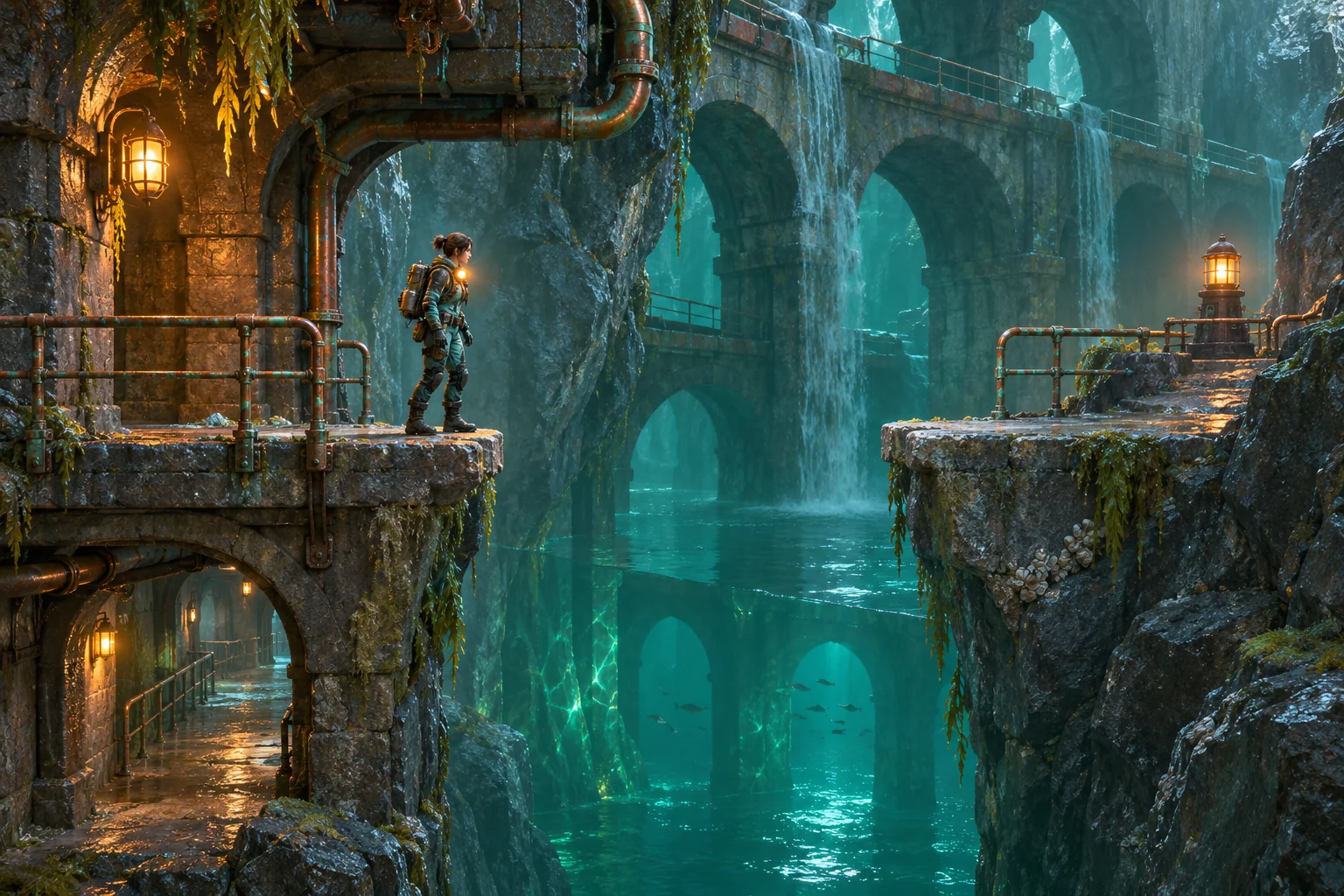
A precision-platformer prompt becomes easier to review when it defines movement, timing, failure, and the exact state that counts as a win. Start with one short route, give every action a duration, and trace a successful attempt and a reset before asking for more levels or visual polish.
This guide gives you a reusable three-stage prompt kit and a hand-checkable example called Beatglass Crossing. The level and route are original fictional design. The game prompts below have not been submitted; no playable build, player session, or test result is claimed. Their beat trace is a paper simulation under stated assumptions.
Scope one timed platforming question
Choose a first slice that answers one design question: can a player read a cycling shutter, wait on a safe tile, and land during its open window? Keep the cast to one courier, the route to two gaps and one checkpoint, and the objective to reaching a marked exit. That narrow scope gives a prompt enough room to define the timing rule instead of burying it under enemies, collectibles, and extra levels.
Beatglass Crossing is a fictional 2.5D side-view course created for this article. Its tile map, beats, gate phases, and reset behavior are author-designed assumptions. They are not observations about an existing game or a measured movement system.
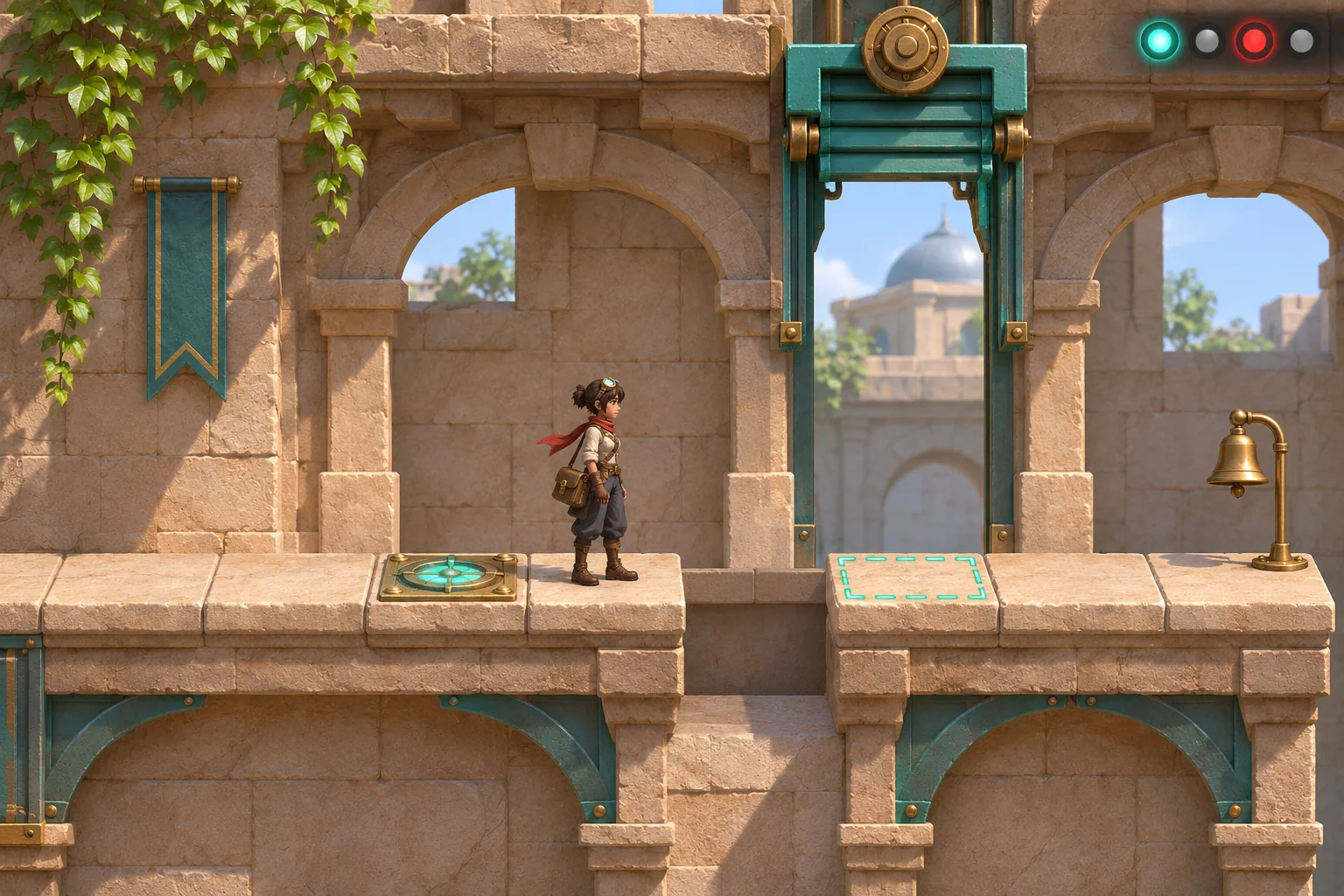
The cover shows the decision before it happens: current gate state and predicted landing state differ. A player can see why waiting matters without needing a score, extra HUD panel, or unexplained power-up.
Write the beat and landing contract
Use named positions and action durations. For this paper model, each horizontal tile is one unit; “beat” is a discrete design clock, not a claim about natural jump physics. One beat is specified as six fixed steps at a nominal 60 Hz, or 0.1 seconds. The route checks the gate only when the courier enters its tile.
| Course segment | Tiles | Rule |
|---|---|---|
| Start deck | x=0–2 | Safe floor; attempt begins at x=0, beat 0. |
| First gap | x=3 | Jump from x=2 to x=4 crosses this one empty tile. |
| Checkpoint deck | x=4–5 | Landing at x=4 activates the checkpoint; x=5 is the approach tile. |
| Second gap | x=6 | Jump from x=5 lands on the shutter tile x=7. |
| Timed shutter | x=7 | Open at phase 0 or 1; closed at phase 2 or 3; check on entry. |
| Exit deck | x=8–9 | Safe floor; reaching x=9 after crossing the shutter wins. |
Keep the input contract just as explicit. Run Right moves one tile and advances one beat. Wait holds position on a safe tile and advances one beat. Jump Right moves exactly two tiles over one intervening gap and takes two beats; this simplified action resolves at its destination. The gate phase is beat mod 4. If the courier tries to enter x=7 while closed, or runs into a gap, cancel that move, show a blocked or fall cue, return to the latest checkpoint, and reset the attempt clock to beat 0. No score, health, or collectible state is used.
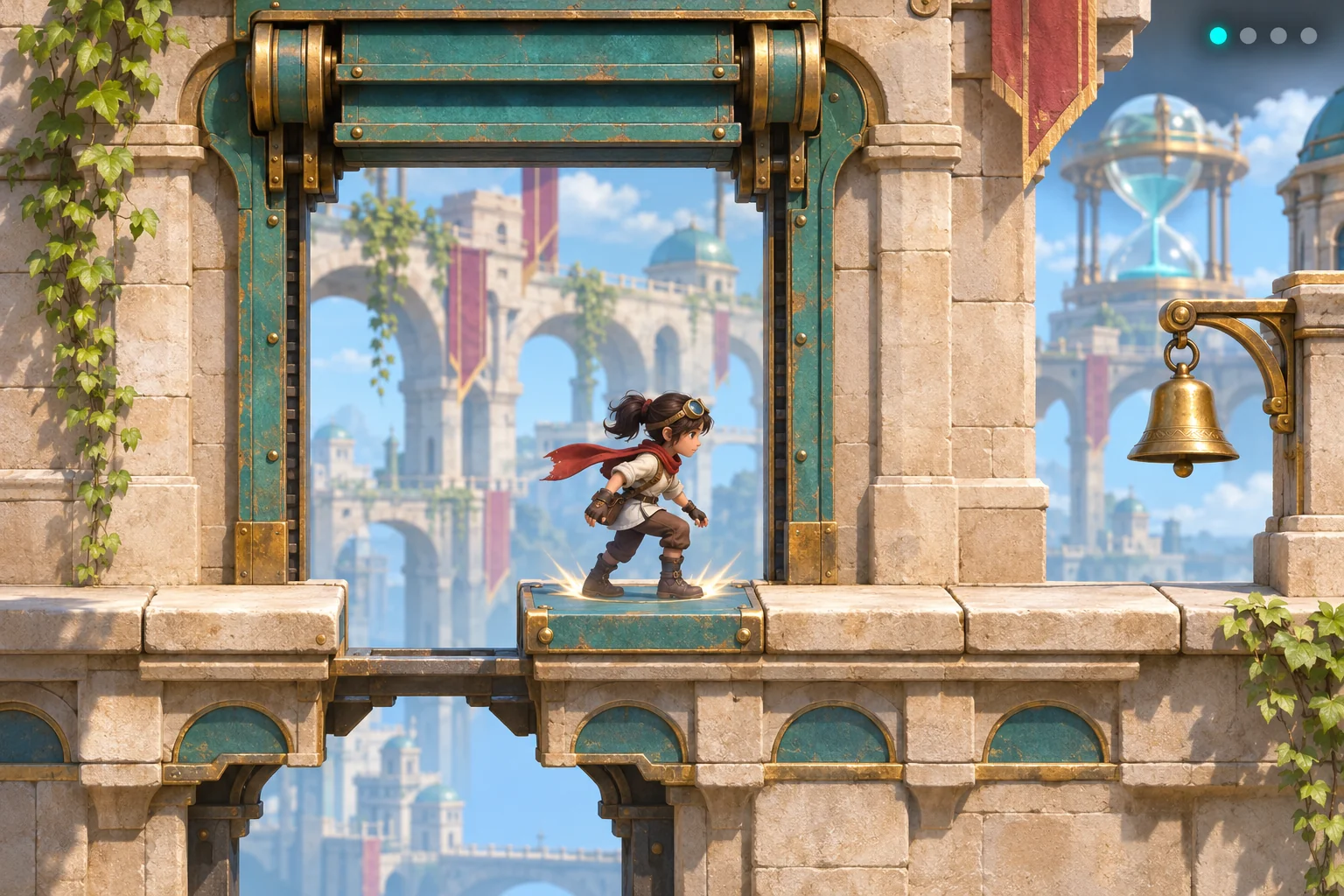
The mechanism image focuses on a landing check, not on a generic leap. The shutter tile, empty gap, grounded courier, and phase indicator all describe the same state in the written rule.
Build prompts in stages
A prompt library should make revision easier. Ask for the course and goal first, add movement and timing second, then add feedback and review cases. The three prompts below are copy-ready templates, but have not been run. Replace bracketed choices before using them in a future build; keep the requested report tied to visible game state.
Prompt 1: define the playable slice
Create a fictional precision-platformer slice called [working title]. Use a side-view camera and a compact course from x=0 through x=9. The player controls one courier whose goal is to reach x=9. Place safe start floor at x=0–2, a one-tile gap at x=3, checkpoint floor at x=4–5, a one-tile gap at x=6, a timed shutter at x=7, and safe exit floor at x=8–9. Activate the checkpoint when the player lands at x=4. Use one discrete beat clock and expose the current position, beat, gate phase, checkpoint, and win state through simple icon-based feedback. Do not add another gap, enemy, collectible, score, or movement ability. Return the map and the initial state before adding art.This first pass constrains the level’s footprint and tells the future reviewer which state variables need to be inspectable. If the layout changes, update the tile map before changing the movement rules.
Prompt 2: specify movement and the timed gate
Keep the approved x=0–9 course. Implement only these paper-design inputs: Run Right advances one safe tile in one beat; Wait stays on a safe tile for one beat; Jump Right moves exactly two tiles in two beats and may cross one intervening gap. Use phase = beat mod 4. The shutter at x=7 is open at phases 0 and 1 and closed at phases 2 and 3; it checks only when the player enters x=7. A jump into x=7 resolves at the end of its two beats. If entry occurs while closed, or a Run would enter a gap, cancel the move, show a clear blocked/fall cue, return to the latest checkpoint, and set beat to 0. Do not add continuous momentum, variable jump height, air control, wall jumps, another gate, or a second timing rule. Return a state table for every input.This stage removes vague terms such as “tight jump” and “opens at the right time.” It asks for the timing check and reset state directly, so a reviewer can compare a displayed state with a written rule.
Prompt 3: request feedback and a review plan
Keep the approved course and rules unchanged. Show the current beat phase with four small lamps, use teal for an open shutter and red for a closed shutter, and show a restrained landing flash only after a safe landing. At x=9, light the brass exit bell and mark the win. On a closed-gate entry or gap fall, give one short feedback cue, then restore the checkpoint and beat 0. Provide: (1) a successful input/state trace, (2) a failed no-wait trace, (3) the checkpoint recovery trace, and (4) acceptance cases for both gaps, open/closed entry, phase reset, and exit. Separate predictions from observations. Do not claim a case passed unless a recorded build has actually been inspected.Requesting the state trace and the acceptance cases together helps expose contradictions before adding a second level. If a later build has different controls or timing, capture the actual version and revise the contract instead of silently changing the expected table.
Hand-check Beatglass Crossing
The successful route is Run, Run, Jump, Run, Wait, Jump, Run, Run. Because a jump consumes two beats, record its ending phase rather than only its starting phase.
| Input | Beat after input | Position | Shutter phase | Paper check |
|---|---|---|---|---|
| Start | 0 | x=0 | 0, open | Start deck; clock reset. |
| Run | 1 | x=1 | 1, open | Safe tile advance. |
| Run | 2 | x=2 | 2, closed | At the edge before gap x=3. |
| Jump | 4 | x=4 | 0, open | Cross x=3; activate checkpoint. |
| Run | 5 | x=5 | 1, open | Safe approach tile. |
| Wait | 6 | x=5 | 2, closed | Stay safe for one beat. |
| Jump | 8 | x=7 | 0, open | Cross x=6; enter the open shutter. |
| Run | 9 | x=8 | 1, open | Reach the exit deck. |
| Run | 10 | x=9 | 2, closed | Win; the gate closes behind the courier. |
At x=5, an immediate jump would end at beat 7, phase 3, so entry is blocked and the attempt resets. Waiting advances the clock to beat 6; the next two-beat jump reaches x=7 at beat 8, phase 0. The route only works as written because the clock includes both beats of the jump.
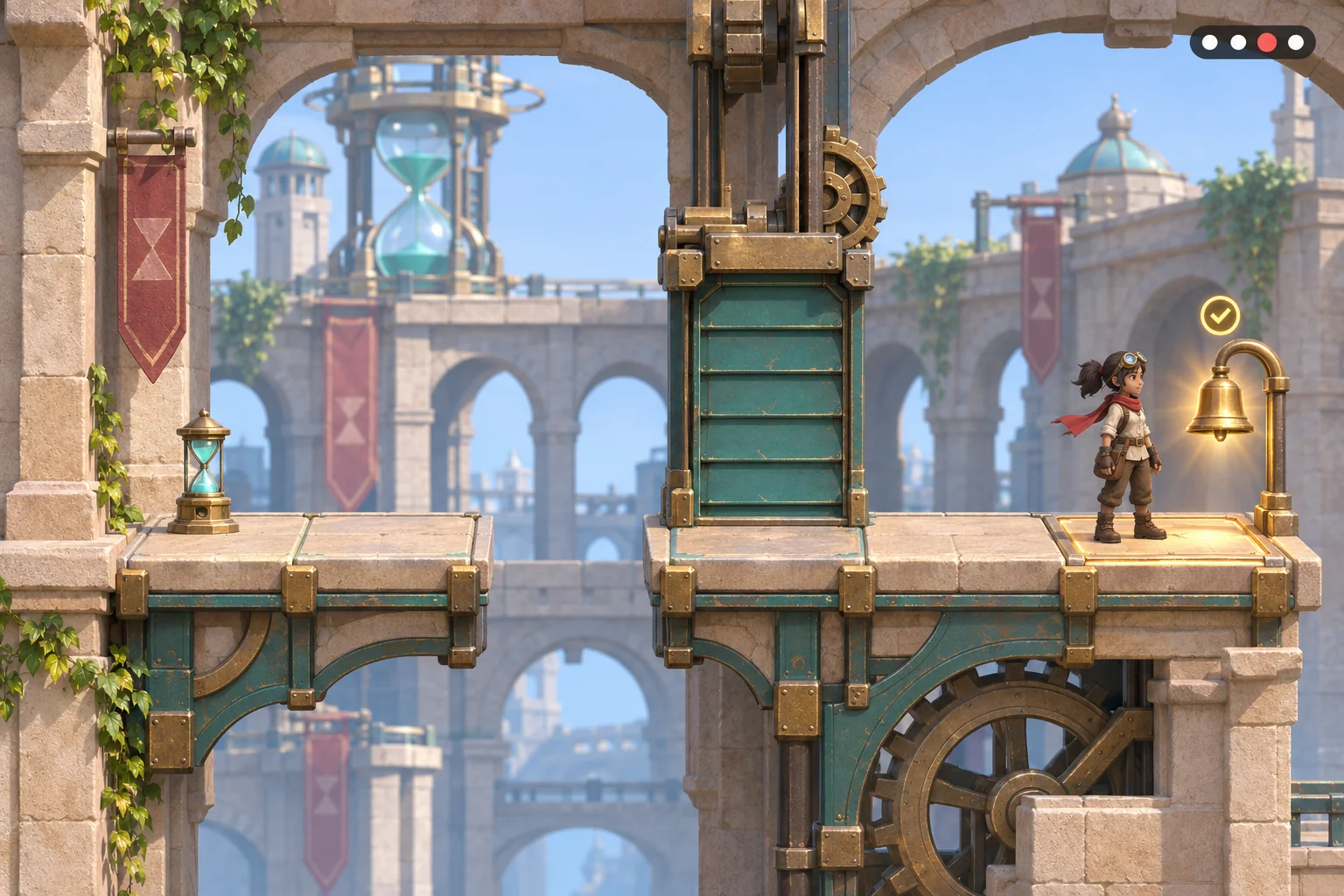
This result illustration depicts an invented hand-resolved end state. It is not a screenshot from a game build, and the bell is a visual goal cue rather than evidence of a completed test.
Define the checkpoint reset
A retry needs a complete restart state. If the player enters the shutter while closed at beat 7, restore the checkpoint at x=4 and reset the clock to beat 0. Then the recovery route is Run, Wait, Jump, Run, Run: arrive at x=5/beat 1, wait to beat 2, jump onto x=7 at beat 4/phase 0, then run through x=8 to x=9 at beat 6. The checkpoint position and the clock reset are both required; preserving beat 7 would produce a different gate state.
Use the same rule after a gap fall. Cancel the failed action, show the cause, restore the latest checkpoint, clear the attempt clock, and leave the course geometry unchanged. That makes a failure useful: the player knows which rule to adjust and can retry from a named state.
In a future playtest, record the exact input sequence, starting checkpoint, beat, shutter phase, and returned position. Here, the route is only replayed against the stated table; no game session has been recorded.
Turn the replay into acceptance checks
Before adding content, turn the paper model into observable questions. These are proposed acceptance checks for a future build, not results already obtained.
| Future case | Expected paper state | What to inspect in a real build |
|---|---|---|
| First jump from x=2 | Land at x=4 after two beats and activate the checkpoint. | Landing position and checkpoint indicator. |
| Second jump with one wait | Enter x=7 at beat 8/phase 0 while open. | Gate state at landing and no gap fall cue. |
| Second jump without waiting | Attempt entry at beat 7/phase 3 while closed; reset to x=4/beat 0. | Move cancellation, blocked cue, checkpoint and clock. |
| Run toward a gap | Cancel movement and restore the latest checkpoint. | Fall feedback and reset state. |
| Exit after crossing | Reach x=9 and keep the win after phase 2 closes behind. | Exit cue persists even when the gate is closed. |
When an actual result is available, record it beside the expected state and keep the build version. If a check fails, change one rule at a time—for example, gate period or jump duration—and replay both the success and failure routes. Do not call a manual table a test result.
Carry the brief to a game workflow
Once the prompt describes a small first action and a clear target, you can carry that brief into a game-making workflow. The current official Free AI Game Maker page describes plain-English game input, a playable 2D or 3D first version, browser testing, and refinement with follow-up prompts. It offers free Koins and asks creators to review the cost before each generation. These are general workflow facts; they do not establish that Beatglass Crossing, its timing rules, or this prompt has been generated.
For a future iteration, compare the reviewed build with the prompt’s map, control contract, phase table, and reset state. Keep one specific correction per pass, such as making the open shutter more readable or showing the checkpoint after a reset. Inspect the actual result and its behavior before treating any rule as implemented.
Keep the next review tied to the stated map, movement contract, gate phase, reset state, and win condition. A later build may differ from the paper example; record what it does before deciding which rule to revise.
Start with one route you can review
Begin with the single timed crossing, ask for the state trace, and compare the result with the printed contract. Once those details are visible, choose one correction to explore in a future iteration. The Beatglass values remain an invented hand-resolved teaching model, not evidence of a generated game.
Bring the focused idea to the general creation workflow: Free AI game maker
Precision platformer prompt FAQ
What makes a precision-platformer prompt specific?
It names the course positions, each action’s displacement and duration, the timing rule, the check moment, failure feedback, reset state, and exact win condition. “Make the jump difficult” does not say what the build should do. A short trace shows whether those expectations fit together before adding more systems.
Should a jump include a fixed duration?
For a first deterministic paper model, yes: specify its displacement and beats, plus which gaps it can cross. A future engine may use continuous motion, but that would need a different contract and a recorded check. The two-beat jump here is a design assumption.
How should a timed gate be described?
Give its period, open phases, closed phases, and the exact event that checks it. Beatglass checks only on entry to x=7. It does not change the rule mid-jump. State whether every action advances the clock and what phase the reset restores.
What should happen after a failed gate entry?
Cancel the move, show a blocked cue, return to the most recent checkpoint, and reset the attempt clock to beat 0. Spell out the position and timing state so a retry can be traced. In this example, no score, health, or collectible state requires an extra reset rule.
Was Beatglass Crossing built or playtested?
No. The course is fictional and the route is hand-resolved on paper. The prompt templates were not submitted; no playable build, game test, or observed result is claimed. The generated pictures are concept illustrations, not game screenshots. The printed values describe only these invented rules, not observed implementation behavior.