Start your precision platformer with two jumps and a checkpoint. Give the runner a marked takeoff edge, a narrow landing pad, and a finish ledge. The pad stays solid just long enough for a second jump. Let an early button press count when the runner lands, and decide how early is too early.
This fictional coastal service corridor uses a step-by-step clock so you can see why a jump happens or fails. You can compare two versions with the same route and movement. The only change is how long the second jump press stays available.
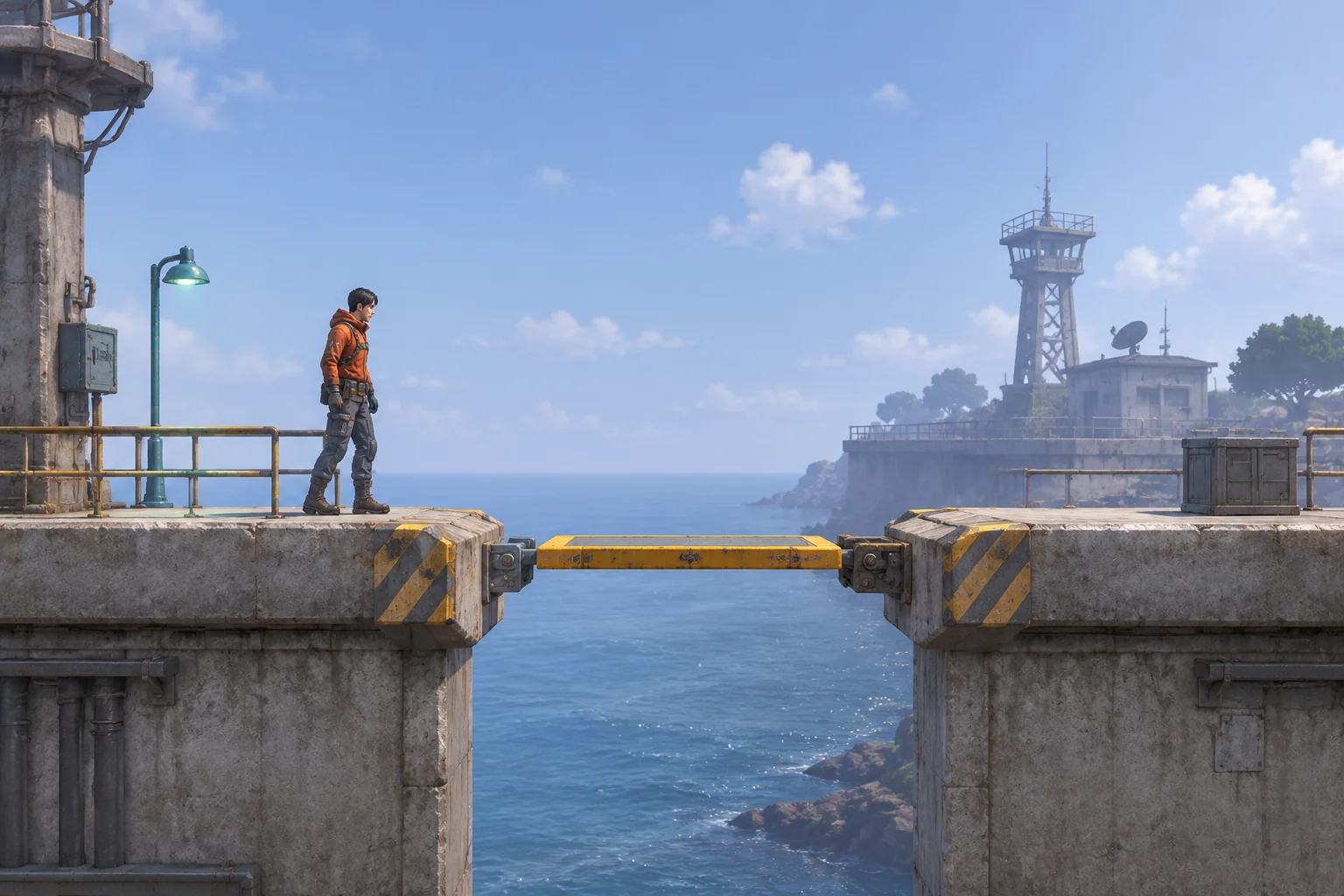
Build one route the player can retry quickly
Use a fixed side view and a runner who moves forward once the player starts the attempt. Put a checkpoint on the stable starting ledge. The player can wait there before starting the clock. Place a small retracting steel pad in the middle of the gap and a solid finish ledge beyond it. Use one jump button and keep air steering out of this trial.
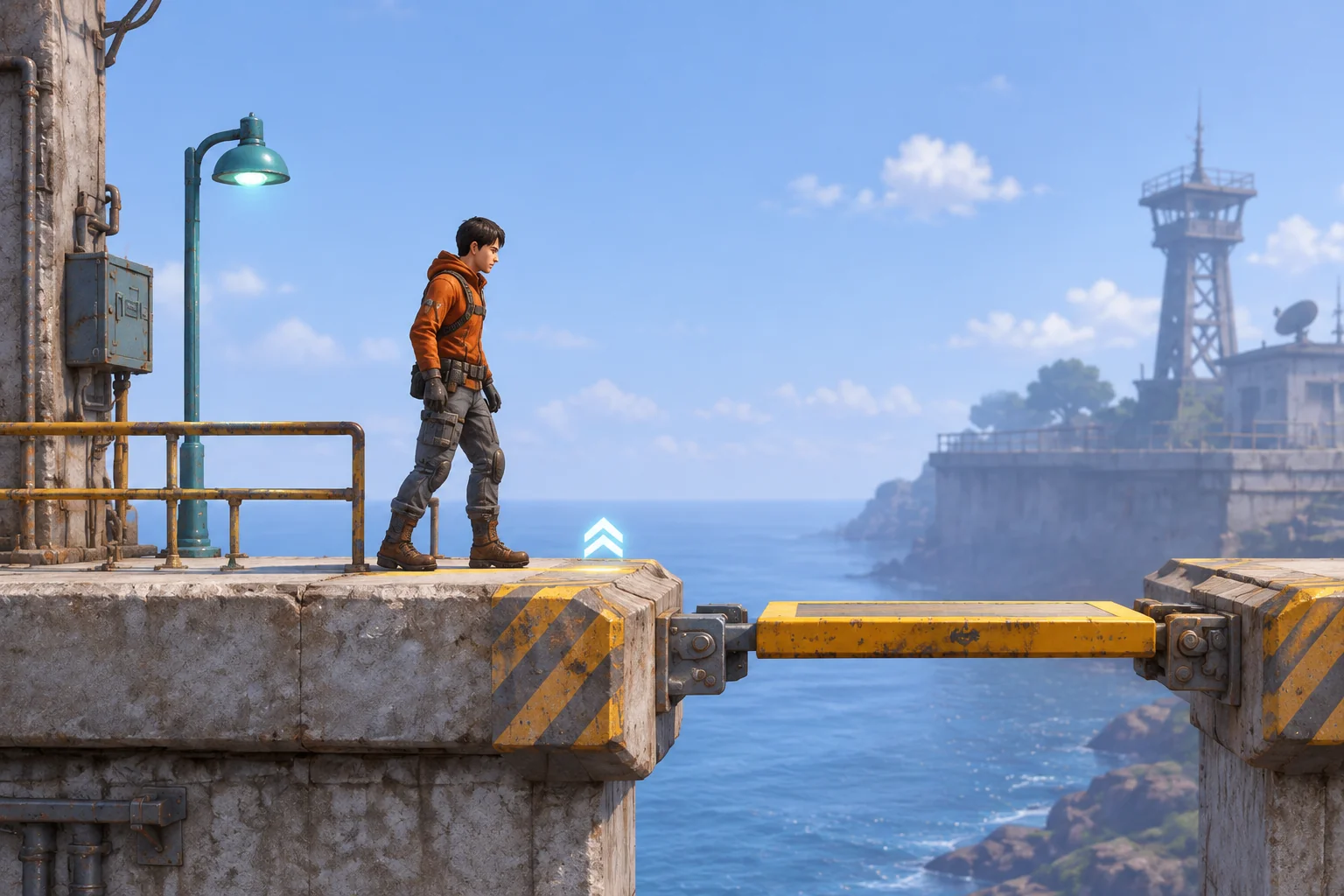
Set the debug clock to tick 0 when the run starts. A fresh press on tick 1 launches the first jump. Missing that opportunity sends the runner into the gap. With a successful first jump, the runner reaches the pad on tick 5. The pad retracts at the start of tick 6, so the second jump can begin only on tick 5. If it begins there, the runner touches the finish ledge on tick 9.
These ticks describe the timing of this model. Use a step control so you can inspect the same moment after a change. Choose real-time durations after checking the window with the game running at its intended speed.
Accept the second press when the runner lands
A jump buffer remembers a fresh press briefly. For this trial, save the most recent new press after the first jump starts. At tick 5, process landing contact, then check the age of that press. Age is the current tick minus the press tick. An age of zero or one is valid in the baseline. A press can wait in the buffer while the runner is airborne, but it cannot start a jump without contact.
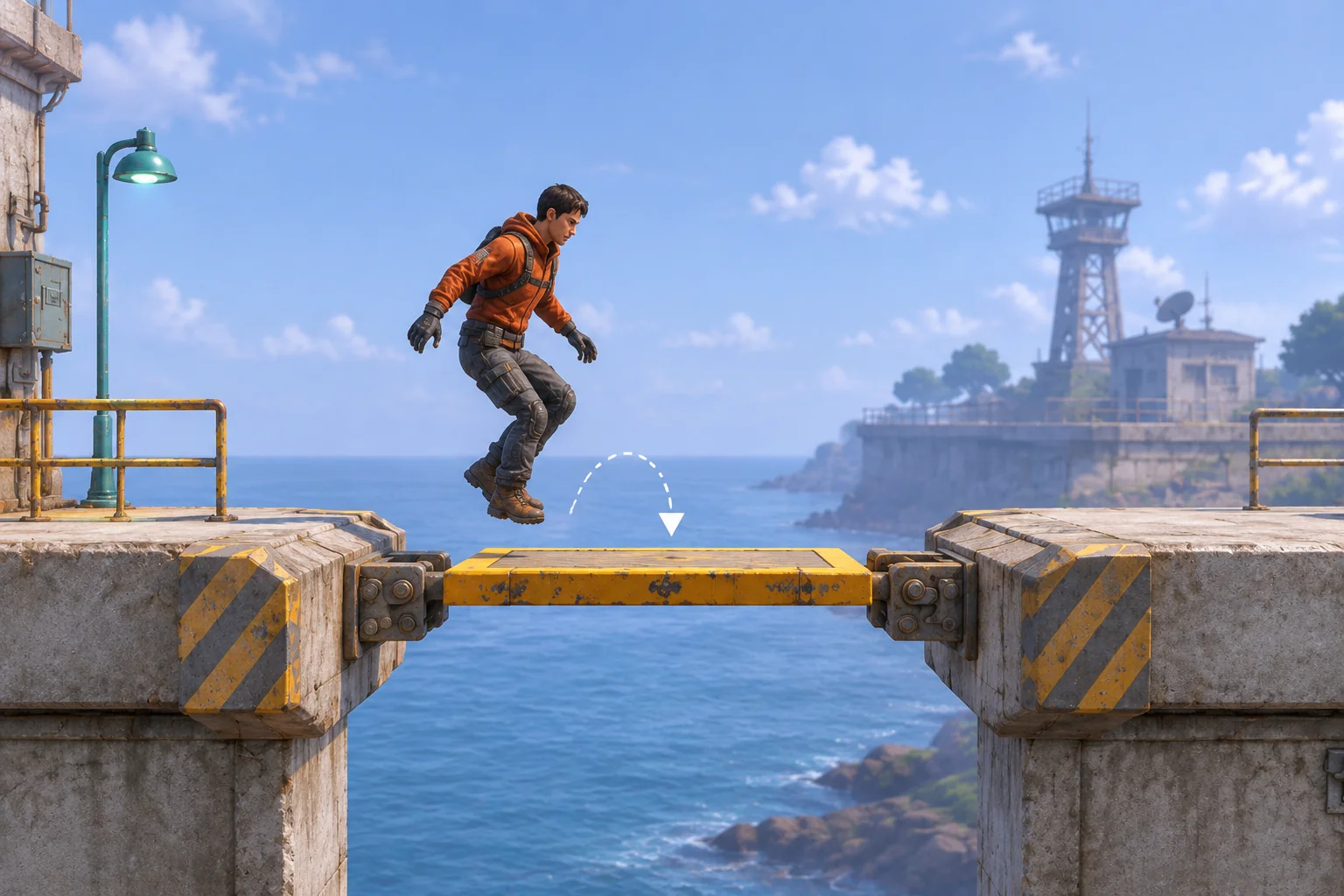
Release the first press on tick 2 in each trial. Start with the same takeoff, then change when the next fresh press occurs.
| Second press | Age at landing | Expected baseline result |
|---|---|---|
| Tick 3 | 2 ticks | Expires before the jump check. The pad retracts and the runner falls. |
| Tick 4 | 1 tick | Starts the second jump on tick 5. |
| Tick 5 | 0 ticks | Starts the second jump after contact on the same tick. |
| Tick 6 | No grounded opportunity | Arrives too late. The pad is gone and the runner falls. |
Clear the buffered press when it starts a jump. Holding the first button press through the landing should not create another input. If the runner falls, return them to the checkpoint, restore the pad, and clear the clock and pending press. If the physical button is still down after reset, wait for a release before treating it as a new press.
Ask AI to build one repeatable movement test
SEELE’s 3D game maker offers a starting point for building a small browser prototype around a movement challenge. Give it the room and exact timing rules. Leave the set dressing open while keeping the jump schedule and input checks fixed. Ask for a debug view so you can tell whether a missed jump came from input age or lost contact.
Build a one-button, side-on browser precision platformer in a
coastal service corridor. Use a stable checkpoint ledge, a narrow
retracting steel pad, and a stable finish ledge. Auto-run after
starting an attempt. Keep the runner at the checkpoint until Start.

Use a discrete debug clock starting at tick 0. A fresh jump press
on tick 1 launches from the first ledge. A miss there causes a fall.
The successful jump contacts the pad on tick 5. Resolve that contact
before checking for a buffered second jump. The pad retracts at the
start of tick 6, so only tick 5 can start the second jump.

After the first jump, record the latest fresh press. At the tick 5
contact accept it if the age is 0 or 1 tick. Consume the press once.
A held button does not refresh the timestamp. No air jump. A second
jump launched on tick 5 contacts the finish ledge on tick 9 and wins.
Without that jump, the runner falls when the pad retracts.

On a fall, restore the checkpoint, clock and pad. Clear stored input
and require release if the button is physically down before accepting
a new press. Show debug tick, input age, contact, launch and outcome.
Add a single-step mode for checking the reference sequence.
Check the first takeoff and the four second-press times before changing the scenery. Hold the first press from tick 1 through the landing and confirm that it never creates a second jump. Then let the pad retract, keep holding across reset, and verify that the new attempt requires a release and another press. The guide to checking an AI game in small steps shows how to turn a failed check into one focused request.
Make an early press more forgiving
Change the maximum accepted age from one tick to two. Leave the pad’s contact and retraction times, the runner’s speed, and both jump arcs alone. In the revised model, the fresh press on tick 3 is still available when the runner lands. It launches on tick 5 and reaches the finish on tick 9. A press on tick 6 still arrives too late.
That change gives the player an extra opportunity to enter the input while keeping the actual takeoff moment fixed. When you try it in a built scene, record the press tick, contact, and launch. If the player still struggles to tell when they land, work on the landing cue separately before extending the buffer again.
Keep the retry close to the jump
Build the first trial around the edge, the pad, and a quick reset. Check that a fresh press can wait briefly, that a held button cannot jump again by itself, and that a fall returns control cleanly. Start your precision platformer prototype with SEELE’s 3D game maker and keep the timing table nearby as you tune the second jump.
Frequently asked questions
Is a jump buffer the same as letting the runner jump after leaving a ledge?
A buffer stores an early press until the runner is allowed to jump. A short grace period after leaving a ledge extends the time when a jump is allowed. Test them separately so you can tell whether a press was saved or the grounded window was extended.
Why record a new press instead of checking whether the button is down?
A new press gives each attempt a clear timestamp. Reading the held state each step can turn one long press into several jump requests. Check for a release between presses, then consume each stored request once when it triggers the intended jump.
Where should I put a checkpoint for a timing challenge?
Put it on stable ground close to the sequence the player needs to repeat. Give the player a clear view of the first edge and control over when the attempt starts. Check that the reset restores hazards and timing as well as the runner’s position.
What should I tune once the input window works?
Watch which part of the attempt players find hard to read. If they see the pad but miss the contact, try a clearer landing cue. If they read the landing but lack time to react, test the pad timing separately. Keep one working version for comparison.