Define the Crate Line room
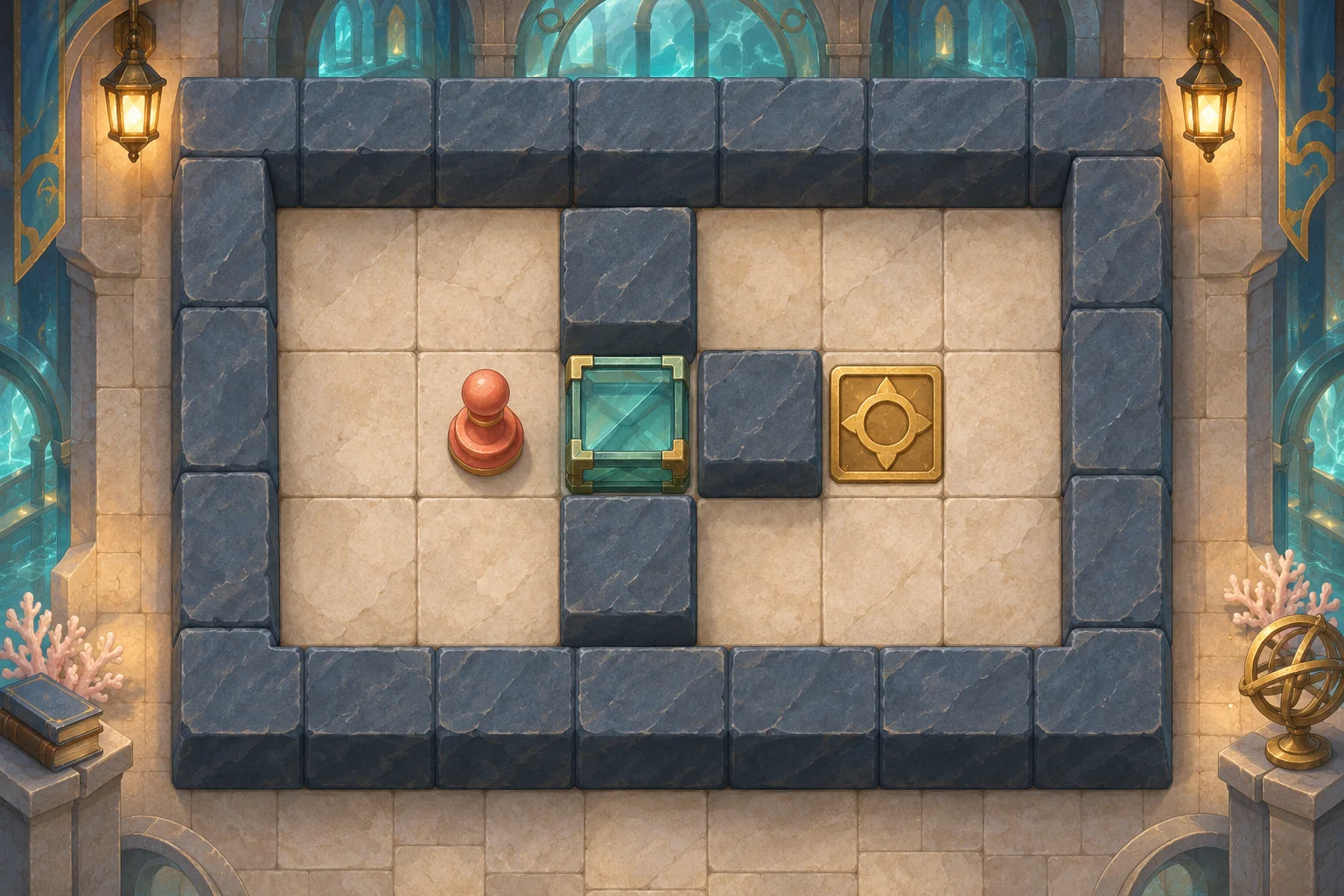
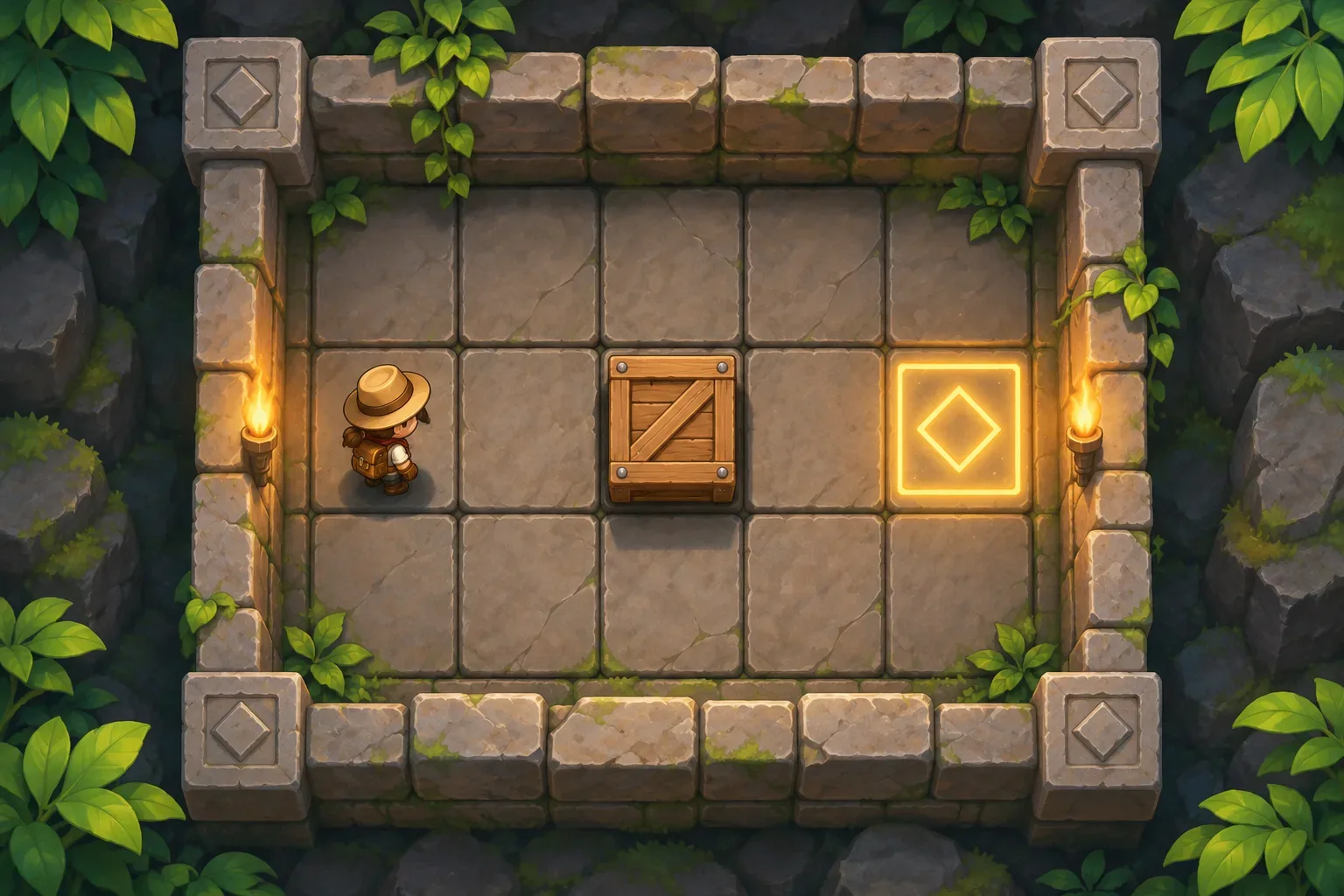
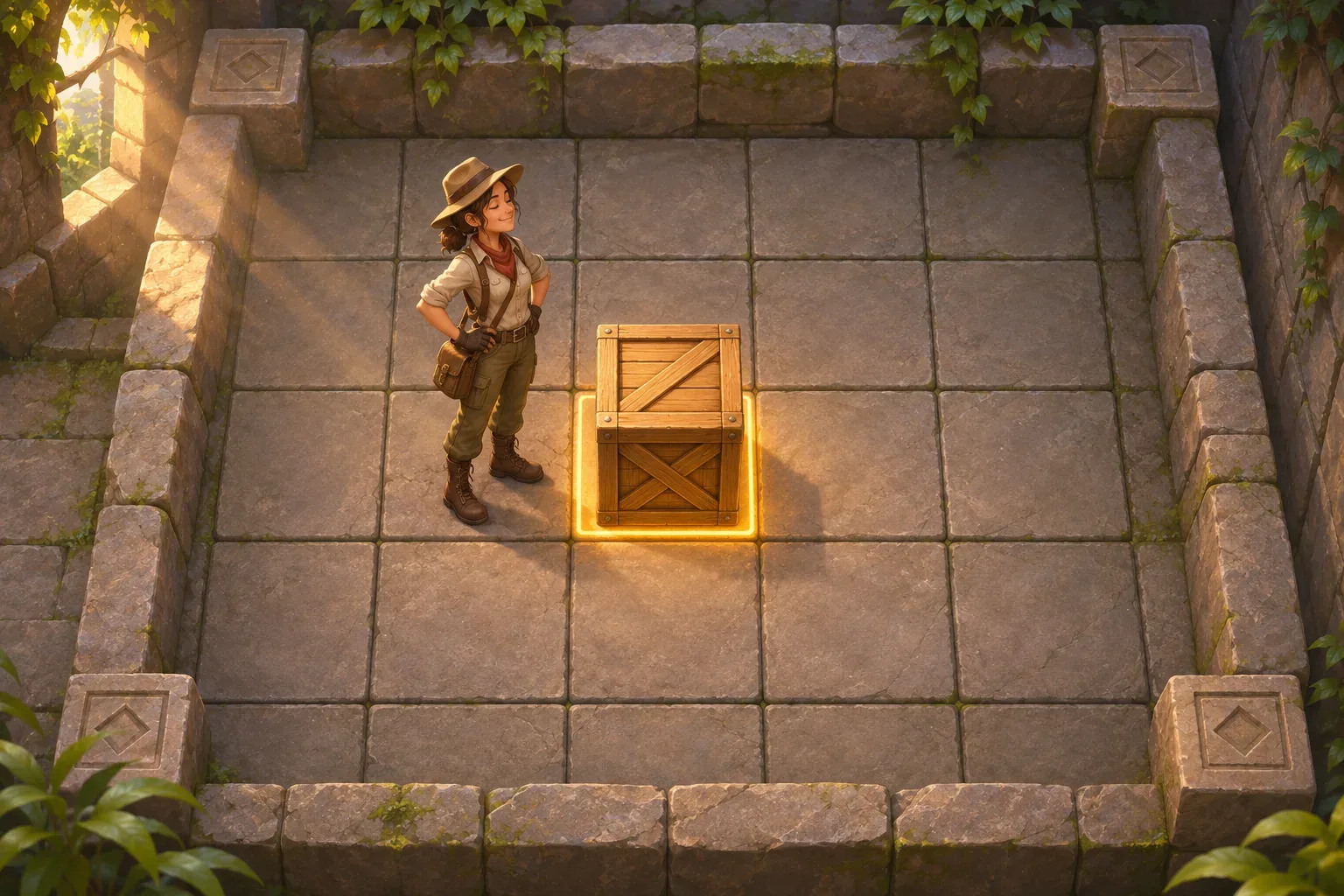
A Sokoban-style prompt should define which moves are legal and what a push changes. Crate Line is a fictional six-by-five room with one player, one crate and one goal. The player starts at (1,3), the crate at (2,3), and the goal at (5,3). The middle row is clear; outer boundaries are walls.
The player moves one orthogonal cell per action. If the next cell contains the crate, the same action pushes it one cell in the chosen direction, but only when the tile beyond the crate is open. The player cannot pull a crate, push into a wall or move two crates at once.
Each movement and each successful push counts as one move. The goal is to leave the crate on (5,3) within twenty moves. One-step Undo restores both positions and subtracts one move. Restart returns player, crate, goal and counter to the original state.
Make one-way pushing and undo explicit
Reject illegal pushes without moving the player or crate and without increasing the move count. A valid push moves the crate first into the open destination, then places the player in the crate's former cell. The win check happens after the crate position updates.
Undo applies only to the most recent successful move. It reverses the full prior state, including a push and the move counter. There is no redo or multi-step history in this first version.
This small room establishes the core state invariant: the player and crate occupy different open cells. Later levels can introduce walls or more crates, but first test the one-push rule and reset behavior.
Trace the example
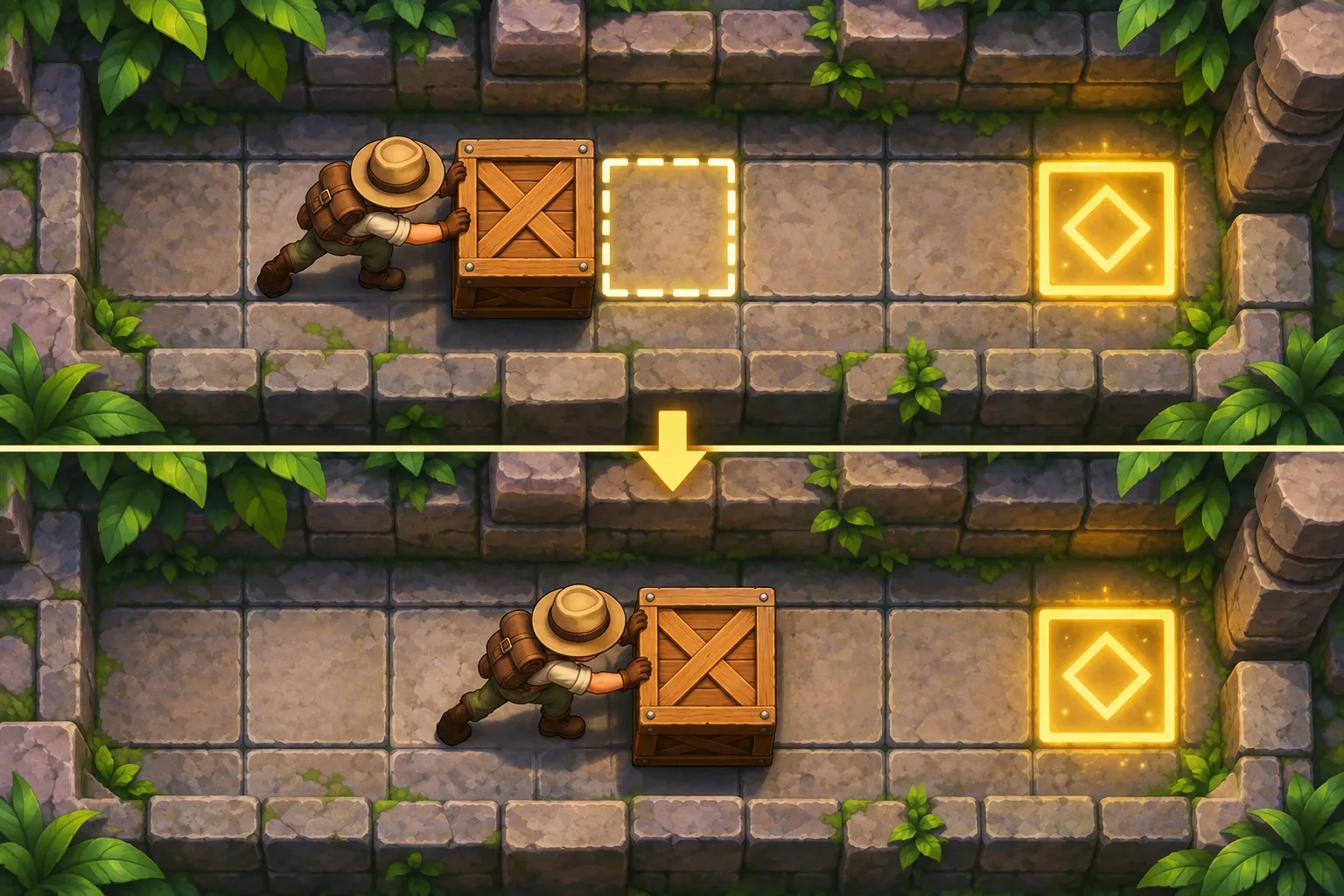
The player at (1,3) moves right. The crate at (2,3) can move to open cell (3,3), so the push succeeds: player becomes (2,3), crate becomes (3,3), move count 1. Repeat right twice. The crate advances to (5,3), the goal, while the player ends at (4,3). The third push completes the room on move 3.
If a wall occupied (3,3), the initial push would be rejected: both positions and move count would remain unchanged. Undo after a valid push returns both objects to their earlier cells and reduces the counter by one.
This is a hand-checked movement trace, not an observed game test. A future build should record positions before and after each action and verify the invariant that the crate never enters a blocked cell.
Write the six prompts
Use one prompt per design decision so later checks have a clear source of truth. These drafts describe Crate Line; they have not been run and do not represent a generated playable game.
Prompt 1: create the grid and objects
Create a 6×5 grid with player (1,3), one crate (2,3), one goal (5,3), open row3 and solid outer walls. Show a move counter starting at zero with a limit of20.Prompt 2: define movement
Move one orthogonal cell. If next cell is empty/open, move player. If it contains crate, attempt to push exactly one cell in the same direction.Prompt 3: resolve legal pushes
A push is legal only if the cell beyond the crate is open. On success, move crate into that cell and player into crate's old cell. No pulling or pushing into walls.Prompt 4: handle rejected actions and win
Reject illegal movement without changing positions or counter. Each legal move or push increments count by1. Win after crate occupies goal.Prompt 5: add Undo and Restart
Add one-step Undo for the last successful action; restore player, crate and move count. Restart restores initial grid and counter. No redo.Prompt 6: prepare future checks
For future checks log action, player/crate positions, destination occupancy and move count. Check blocked push, valid push, undo of push, win, limit and Restart. Do not claim unobserved tests pass.SEELE’s official page describes general plain-English prompting, a playable first version, browser testing and refinement; it does not verify Crate Line. See Free AI game maker for workflow context only.
Prepare future build checks
Capture both coordinates and counter around each attempted move. Test a clear push, wall-blocked push, undo, goal arrival, move limit and restart. These are future checks, not passed tests. Record the before and after state so a later build can be compared with the specification.
| Future check | Expected rule | Evidence to capture |
|---|---|---|
| Step | Move one open orthogonal cell | Origin, destination and count |
| Push | Crate moves one tile; player takes its old tile | Both positions and occupancy |
| Blocked push | No state or count change | Before/after snapshot |
| Undo | Reverses last successful movement/push | Prior positions and counter |
| Goal/reset | Crate on goal wins; Restart restores setup | Win state and initial grid |
No real game run, browser test or measured result is available for this fictional example. The illustrations are original concept art and are not screenshots.
Frequently asked questions
What should a Sokoban-style prompt define?
Specify grid movement, push conditions, blocked destinations, undo behavior, move count and win state.
Can the player pull a crate in Crate Line?
No. Crates move only when pushed into an open cell.
Does a blocked push use a move?
No. An illegal push leaves positions and the move counter unchanged.
Were these puzzle prompts tested in a playable build?
No. Crate Line is a fictional rules example and its push sequence is hand-checked, not observed gameplay.
What does Undo restore?
It restores both player and crate positions and reduces the move counter by one.