Set a small playable scope before filling out a long document
A game design document is useful when it gives a creator and a builder the same picture of the first playable milestone. For a horizontal shoot-em-up, that means more than naming a ship and enemy. State how the craft moves, how a weapon fires, when a hazard becomes dangerous, what the player can do to respond, and what counts as clearing the stage.
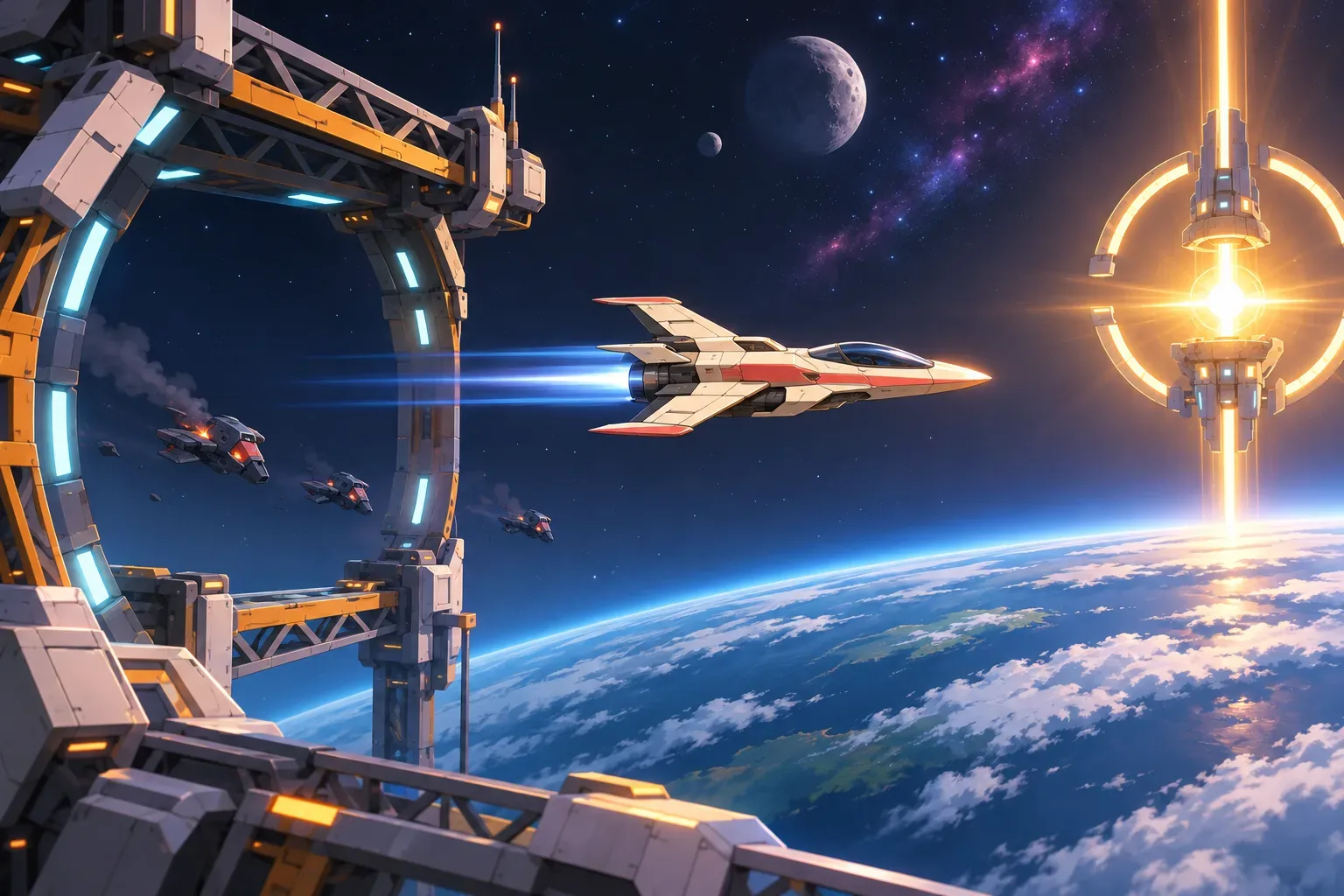
This guide uses a fictional slice called Cinderline: one compact interceptor, one forward pulse weapon, one short drone wave, an orbital gantry, and an extraction beacon. The gantry warns before closing the middle passage, leaving a clear upper or lower route. The design is a planning example. The document and prompts have not been submitted to a game maker, and no playable build or test result is included.
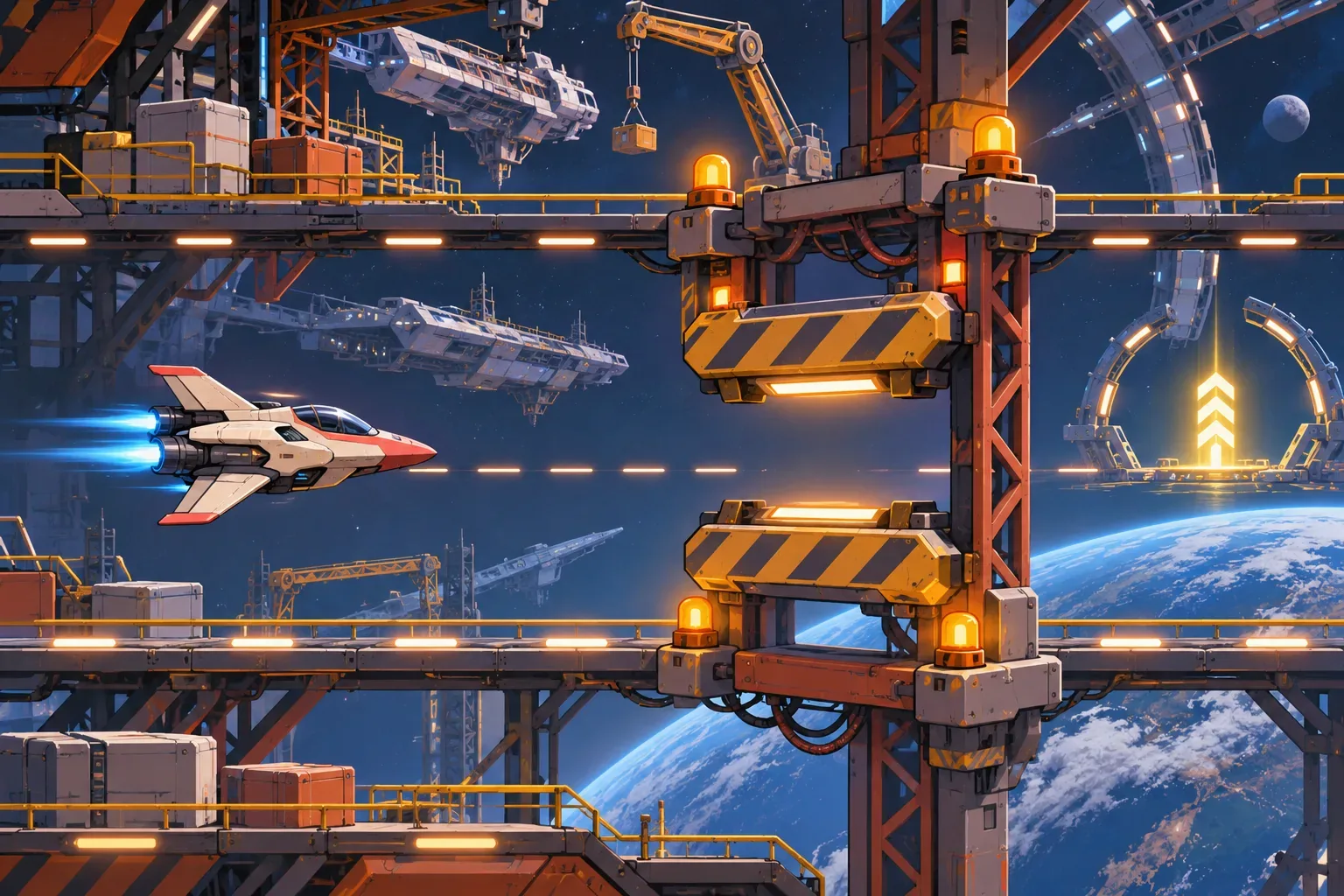
Keep upgrades, boss encounters, multiple stages, and weapon switching outside this first milestone. A small scope lets you trace a single loop: enter the playfield, read an enemy attack, fire, avoid a timed obstacle, and reach extraction. If the loop is unclear, adding more content will make it harder to tell whether a collision or timing rule is wrong.
Give the slice a measurable boundary. Specify its approximate duration, the number of enemy types, the only weapon, the obstacle’s warning interval, and the victory and failure states. The exact values below are fictional design choices. They are useful as prompts because they can be checked, not because they have been measured as balanced gameplay.
Write controls, weapon, and collision rules
Describe movement as a player action with limits. For example, the craft can move horizontally and vertically within the camera bounds. Say whether it can leave the screen, whether movement has acceleration, and what happens when the player holds a direction against a boundary. Avoid relying on “responsive” alone; add a concrete acceptance check such as “the craft stops at the visible playfield edge and never becomes partially hidden.”
Make the weapon equally specific. The Cinderline interceptor fires a forward pulse on a fixed cooldown. Define projectile speed, whether shots can hit more than one target, how many hits a drone can take, and what feedback appears on a successful hit. Keep the first weapon simple. If the prompt adds spread shots, charge attacks, and upgrades before the straight pulse works, debugging the first hit becomes needlessly complicated.
Player craft: compact interceptor
Movement: horizontal and vertical inside playfield bounds
Primary weapon: forward pulse
Fire timing: one shot per fixed cooldown
Player damage: one health unit per hostile collision
Enemy hit rule: pulse removes one drone health unit
Stage exit: extraction beacon after the wave and gantry section
Distinguish friendly shots, hostile shots, and environmental hazards by shape and color. State their collision rule separately. A hostile shot can damage the player; the pulse affects drones; the gantry damages only while its barrier is active. If the same visual effect means different things in different sections, the player cannot reliably decide whether to dodge or attack.
Specify a hazard warning and a safe route
A timed obstacle should not appear as an unavoidable surprise. In the example, amber gantry lamps and a short sound cue begin three seconds before the middle lane closes. The upper or lower passage stays open. State the sequence in order: show warning, allow time to react, activate the barrier, then reopen it or move to the next stage event.
Make the safe route visible before the hazard is active. A prompt should say which corridor remains passable and whether the player can change vertical position during the warning. Avoid layering several new threats on the same beat. If drones attack while the gantry closes, the first prototype should still leave enough space to see the warning, select a lane, and understand what caused damage.
Write the hazard in a small event table. Include when the signal begins, what changes on screen, the duration, and the state after it ends. This helps keep the design document readable and gives an eventual prototype a clear acceptance target:
| Event | Timing | Player information | Expected response |
|---|---|---|---|
| Gantry tell | At 8 seconds, lasts 3 seconds | Amber lamps and sound cue; middle lane will close | Move to open upper or lower passage |
| Barrier active | After warning completes | Middle passage visibly blocked | Avoid collision with barrier |
| Extraction | After drone wave and obstacle | Beacon lights at route end | Reach beacon to clear the slice |
Also define the fail state. The player begins with a fixed number of health units; a hostile hit or active-barrier collision removes one. At zero health, show a clear retry state. The first version does not need a score table or a persistent save system. It does need to communicate whether a run ended because the player was hit, the stage was cleared, or the game stopped responding.
Turn each GDD section into an acceptance check
A strong GDD lets a creator inspect the result without guessing what the document meant. Turn each rule into an observable check. Controls can be checked by reaching every playfield edge. Weapon behavior can be checked by confirming shots leave the craft at the stated cadence and reduce only valid enemy health. The obstacle can be checked by comparing the warning start and barrier activation time.
- Confirm the craft stays inside the playfield and responds to horizontal and vertical input.
- Check the pulse cooldown and enemy hit response against the stated weapon rule.
- Verify hostile projectiles and the pulse are visually distinct and affect the correct target.
- Confirm the gantry warning appears three seconds before the middle lane closes.
- Check that an upper or lower passage remains open throughout the active barrier.
- Test player collision, zero-health failure, drone clear, and extraction completion separately.
- Ensure the stage does not require deferred upgrades, weapon switching, or a boss to reach its win state.
When a generated result misses a check, revise the prompt that owns the rule. If the warning is too short, adjust its timing line. If the craft leaves the screen, clarify bounds and collision size. If extraction appears before the last drone is cleared, define the event order. Keep the expected behavior and the observed result in separate notes; this package provides expectations only, not a build review.
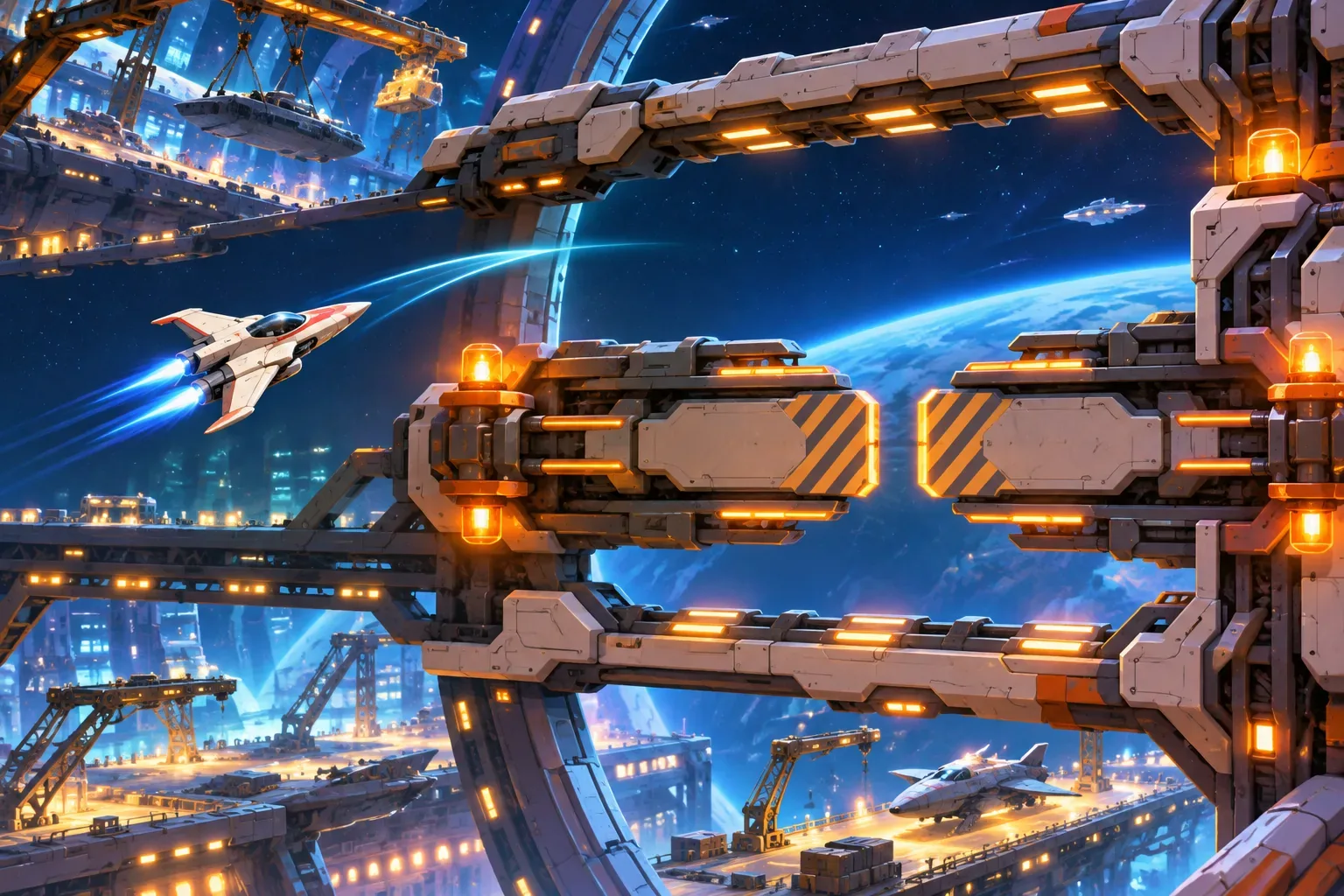
SEELE’s Free AI Game Maker page describes a workflow in which a creator describes a game idea in plain English, generates a playable first version, tests it in a browser, and refines it with follow-up prompts. The page also says generation cost is shown before generation. That is product-page context; this GDD itself was not submitted to SEELE and does not demonstrate a generated horizontal shooter.
Copy-ready horizontal shooter GDD template
Use the fields below to keep the brief focused. Replace bracketed values and remove any section that does not apply to the first milestone. Keep unresolved questions visible instead of inventing a rule during implementation.
ONE-SENTENCE PITCH
[Craft] must [objective] while moving through [setting] and responding to [main threat].

FIRST PLAYABLE MILESTONE
Stage length: [duration]
Player craft and screen bounds: [movement and limits]
Primary weapon: [projectile, cadence, hit behavior]
Enemy wave: [count, movement, attack tell]
Hazard: [warning, delay, active time, safe route]
Win state: [observable completion condition]
Fail state: [health and retry behavior]
Deferred features: [what is explicitly out of scope]

ACCEPTANCE CHECKS
[One observable check for each movement, combat, hazard, win, and fail rule.]
The template is an AI-ready planning structure, not a guarantee that any builder will implement the rules exactly. Submit focused prompts, inspect the result, and use the checks to revise only the unclear sections. The first milestone succeeds when a player can move, fire, read the hazard, choose a safe route, and reach a visible outcome.
FAQ
What should a horizontal shoot-em-up GDD include?
Define the player craft, controls, screen bounds, weapon behavior, enemy patterns, obstacle timing, health rules, win condition, and a small acceptance checklist.
How much content belongs in the first shoot-em-up prototype?
Start with one craft, one weapon, one short wave, one obstacle, and one exit state. Keep bosses, upgrades, and multiple stages for later milestones.
How should a shoot-em-up telegraph hazards?
Give hazards a consistent visual warning and a fixed delay before they become dangerous. State the safe route and avoid introducing several new threat types at once.
Can I paste a GDD directly into an AI game maker?
A structured brief can guide a generation request, but the output still needs inspection. Break long documents into focused prompts and verify controls, collisions, timing, and the win condition in the generated build.
Was this horizontal shooter template run in a playable build?
No. The example document and acceptance checklist are planning material. The template was not submitted to a game builder and no playable build or test result is included.