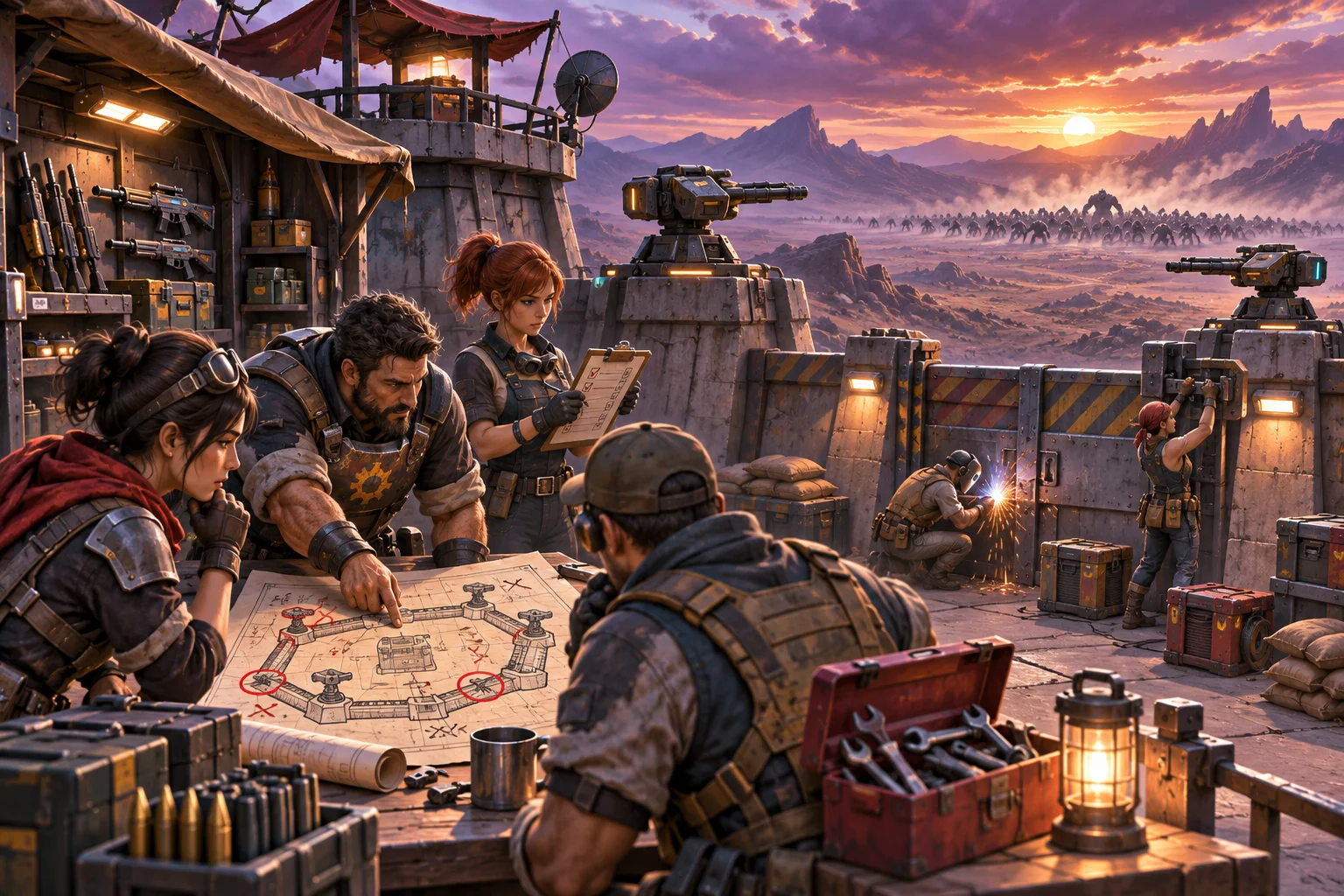
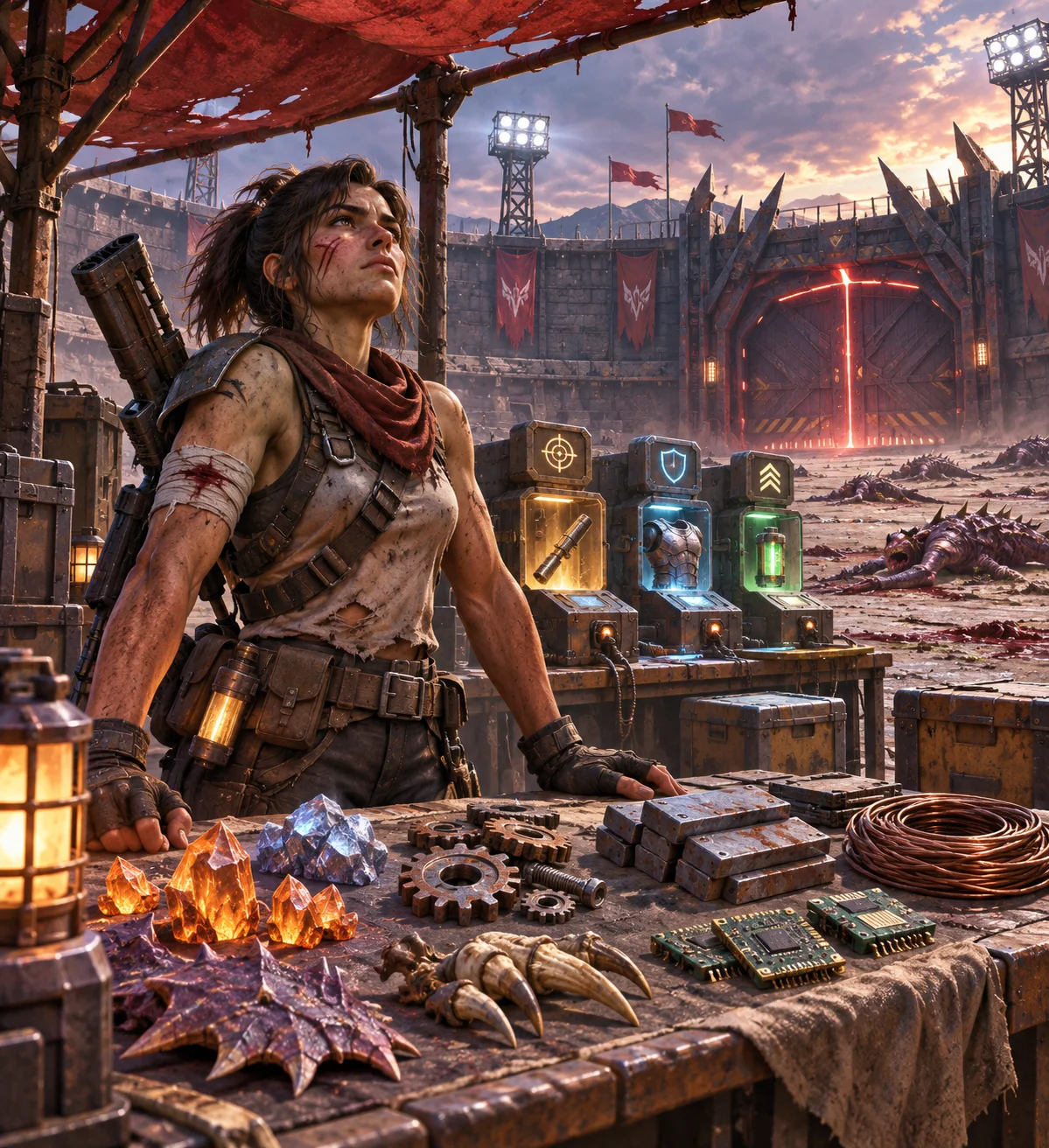
A between-mission upgrade hub can give players a welcome moment to plan after a defense, but it also touches wave timing, rewards, currency, upgrades, enemy spawns, and campaign saves. Make the boundary explicit: resolve one wave, commit its rewards once, open the hub, and resume only when the player confirms. Preserve the existing combat and economy systems as the authority.
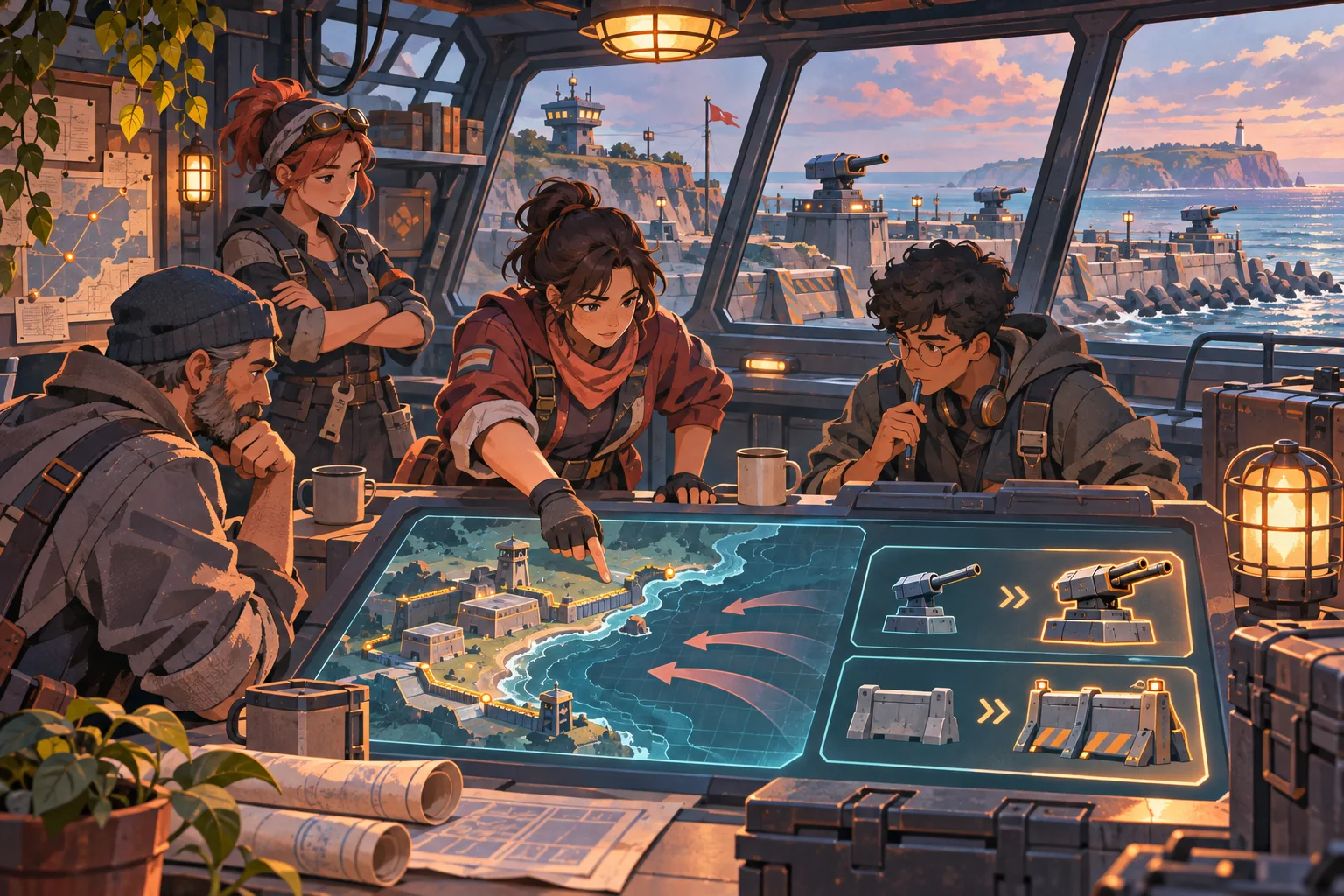
This is a continuation guide for an existing wave-defense shooter. The outpost, upgrades, missions, and test outcomes are invented examples. No project files, save, build, or gameplay were available. The checks below are proposed, not claims of successful implementation.
Define the between-mission boundary
First trace what the game considers a mission complete. Does the last enemy trigger a result screen, does a timer end the wave, and when are rewards committed? Identify whether the enemy spawner, combat clock, player controls, and pause menu remain active during transitions. The hub should open only after the current mission has reached a stable state.
For the fictional Breakwater Line example, the defense resolver finishes the wave, writes a reward summary once, and transitions to a safe outpost screen. The player selects one upgrade, checks the next mission, and confirms before combat resumes. This is a design sketch, not an observed game flow.
| State | Question | Preserve |
|---|---|---|
| Active wave | What ends the mission and stops spawns? | Existing wave completion rules |
| Rewards | When are earned resources committed? | One-time settlement and current costs |
| Hub | Can the player leave or reload here? | Campaign and mission index |
| Resume | What restarts the clock and enemy queue? | Original opening combat state |
Ask AI to inspect the actual transition and save files and make a diagram of states before requesting edits. If it cannot see the project, it should not invent a mission manager or assume a wave ends on a particular signal. Keep source inspection and runtime evidence clearly separate.
Reuse the current economy and upgrade catalog
A hub does not need a second currency system. Reuse the existing reward balance, purchase validator, and upgrade definitions. Start with one or two purchases that already fit the shooter, such as repairing a barricade or improving a turret. Show the cost, effect, and any prerequisite before the player commits.
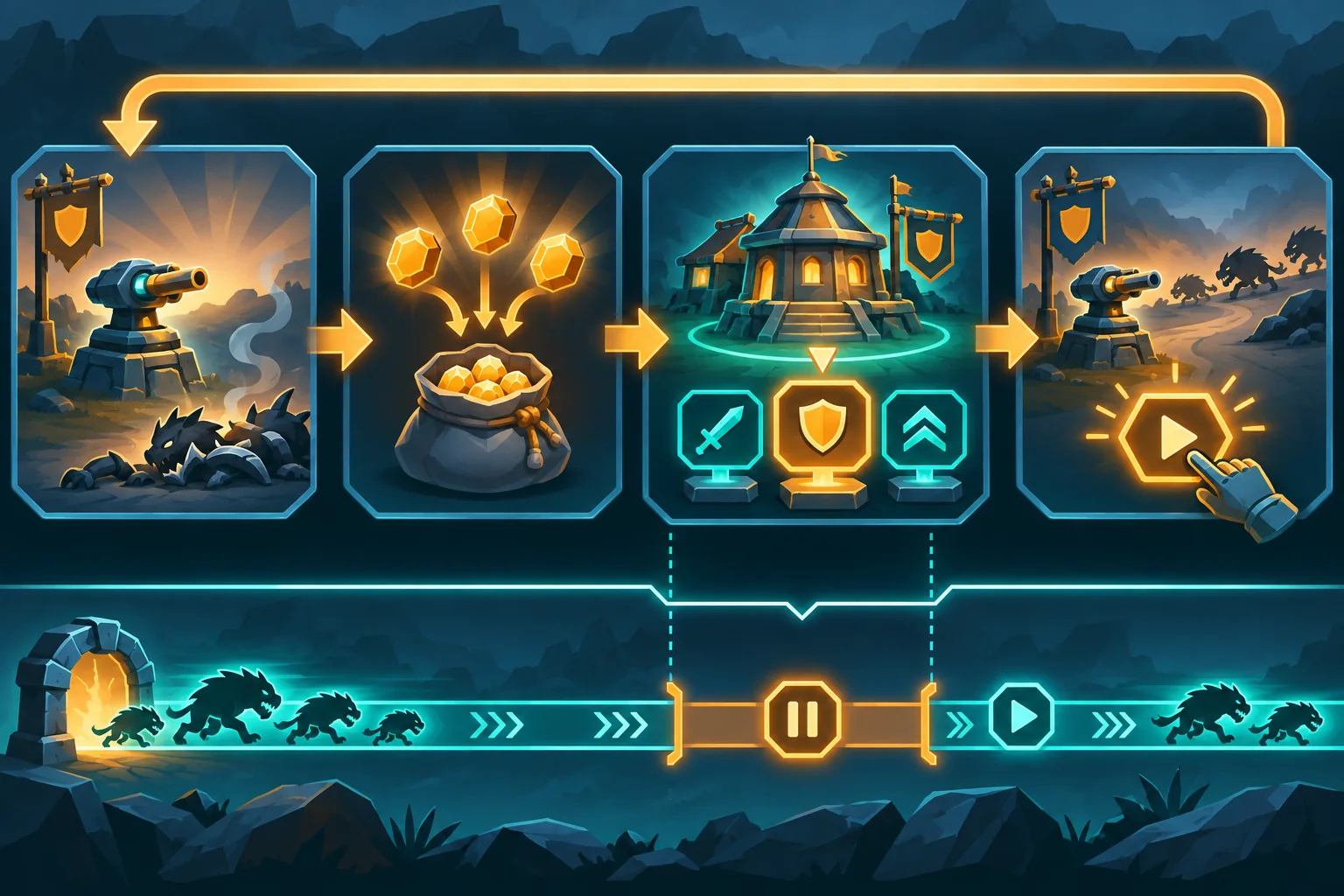
Protect against duplicate rewards. If a transition is interrupted after the wave clears but before the hub loads, the save should not pay the reward again on retry. Define an idempotent mission-complete record or reuse the project’s current completion transaction. Do not grant a recurring upgrade bonus just because the player reopened the hub.
Keep upgrades within the current difficulty curve. A preparation screen can let the player choose how to spend resources; it should not quietly inflate rewards, reduce enemy pressure, or change mission objectives. If the game supports a no-upgrade route or limited resources, preserve that choice and do not force an expensive purchase to continue.
Keep the hub outside live combat
Decide whether the hub is a separate scene, a menu overlay, or an existing intermission state based on the project’s current architecture. The important contract is that active enemies do not continue attacking while the player reads upgrades unless that behavior is already intentional. On resume, restore the correct wave index, arena, defense structures, and enemy schedule.
If the player can pause or quit from the hub, define the save boundary. Godot’s saving tutorial demonstrates selecting persistent fields and serializing them in one engine-specific example. It does not prescribe a wave-shooter schema. Godot’s data-path guide documents user:// as a writable location for persistent data in exported projects, but it does not establish the target game’s chosen path or load behavior.
Save only the state the current campaign treats as durable. A purchased turret upgrade or next mission selection may persist; a live projectile or transient enemy animation may not. Reuse the existing save layer and define old-save defaults before adding new fields. Test any migration on a copy, not on a player’s only save.
Plan a small, reversible feature slice
Ask AI for a file-by-file proposal before code. A narrow first slice might touch the existing intermission transition, one upgrade list, an upgrade purchase action, and a focused test. Keep the wave spawner, enemy combat logic, scoring, campaign progression, and unrelated menus untouched unless project inspection proves a dependency.
Use an allowlist and compare it to the complete diff. If the patch rewrites all missions or changes how enemies spawn, narrow it. Make a clean commit before applying changes. If the feature requires save migration, test the migration independently and keep the old reader available until the new flow has been verified.
| Feature area | Potential minimal change | Keep stable by default |
|---|---|---|
| Transition | Enter existing intermission after resolved wave | Enemy spawn and combat resolution |
| Upgrade choice | Expose supported existing upgrade IDs | Upgrade effects and cost balance |
| Currency | Spend current mission rewards once | Reward calculation and resource scarcity |
| Resume | Confirm next mission and wave index | Campaign order and arena setup |
| Save | Reuse existing campaign fields | Old save compatibility |
Test interrupted transitions and rollback
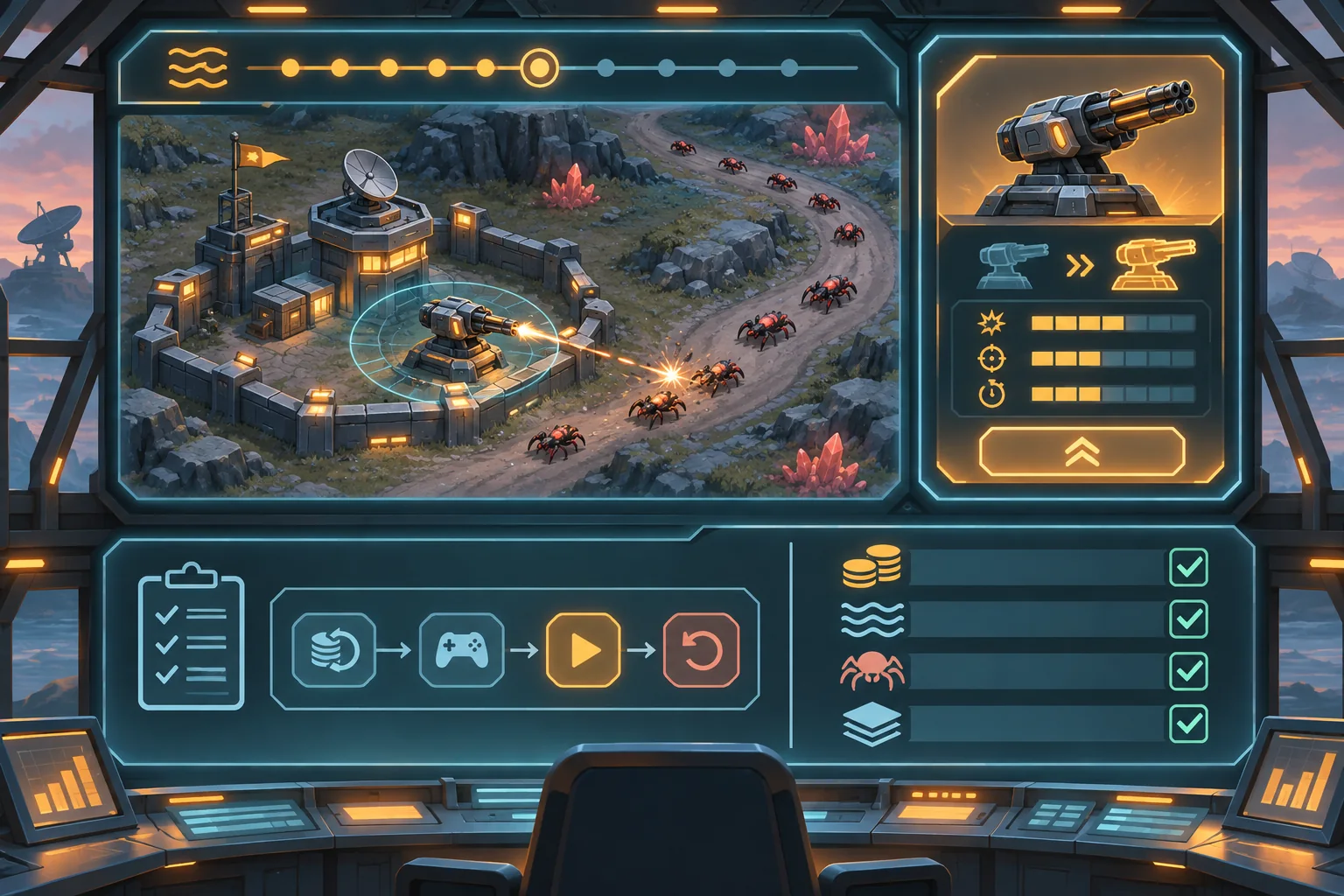
Test the ordinary route from a completed wave to the hub and into the next mission. Then interrupt it: quit after the reward is written, reload while at the hub, back out of an upgrade purchase, and revisit the previous result screen if the game permits it. Verify that rewards are neither lost nor granted twice, purchases happen once, and enemy spawns do not begin until the player resumes.
| Proposed check | Action | Evidence to record |
|---|---|---|
| Wave completion | Finish a known defense mission | Wave ID, reward, transition event |
| Reward idempotency | Reload at the hub after settlement | Currency before and after reload |
| Purchase | Buy, cancel, and retry one upgrade | Cost, owned level, purchase count |
| Resume | Confirm next defense | Wave index, arena, first spawn timing |
| Old save | Open a copied campaign save | Fallback and preserved progress |
| Rollback | Restore the baseline commit | Original wave loop remains selectable |
This is a plan, not executed evidence. When testing the real project, record build, mission, save copy, currency, upgrade state, wave index, enemy queue, expected outcome, and observed result. A generated flow chart or hub mockup cannot prove that the game pauses safely or resumes its spawn schedule.
Keep preparation meaningful, not mandatory
Intermission should support defensive preparation without adding busywork. Keep the screen focused on a few high-value choices, show the next mission’s known constraints, and let the player continue when they are ready. Avoid unnecessary timers, repeated confirmations, or forced purchases unless the existing design already uses them.
To explore a separate wave-defense shooter concept, try SEELE AI Game Maker. It is a concept tool, not an existing-project editor.
Frequently asked questions
What should a between-mission hub do in a wave-defense shooter?
Give players a clear place to review the last defense, spend earned resources on supported upgrades, and choose when to resume. Keep it outside the active wave unless pausing combat is already part of the design. The hub should not silently change enemy timing or mission state.
How can I add upgrades without breaking the shooter economy?
Reuse the current currency, upgrade catalog, and purchase validation. Add one supported option first, define its cost and effect in the existing system, and prevent repeated claims after reload. Compare a known mission’s starting resources before and after the hub change.
Should the hub save progress between waves?
Persist only the state the existing campaign treats as durable, such as a purchased upgrade or selected next mission. Keep temporary wave data and earned rewards consistent with current rules. Test the hub after a copied save and an interrupted transition before changing real player saves.
How do I keep wave timing intact when adding a hub?
Make the between-mission boundary explicit: resolve the wave, commit its rewards once, then open the hub. Resume only after the player confirms the next defense. Verify spawn timers, enemy queues, and the first combat frame against the original mission flow.
Can AI safely add a hub to my existing defense shooter?
AI can inspect supplied state, upgrade, and transition files, suggest a limited patch, and draft regression checks. It cannot verify combat timing or economy without the actual project and executed missions. Provide a file allowlist, baseline save, expected costs, and rollback commit, then inspect every diff.
Add preparation without altering the defense loop
Capture the existing wave boundary and economy, route settled rewards through the current system once, and give players a clear upgrade-and-resume step. Preserve enemy schedules, combat resolution, scarcity, campaign state, and old saves. Test interruptions on copies, keep a clean rollback point, and avoid calling the mockup a working hub.