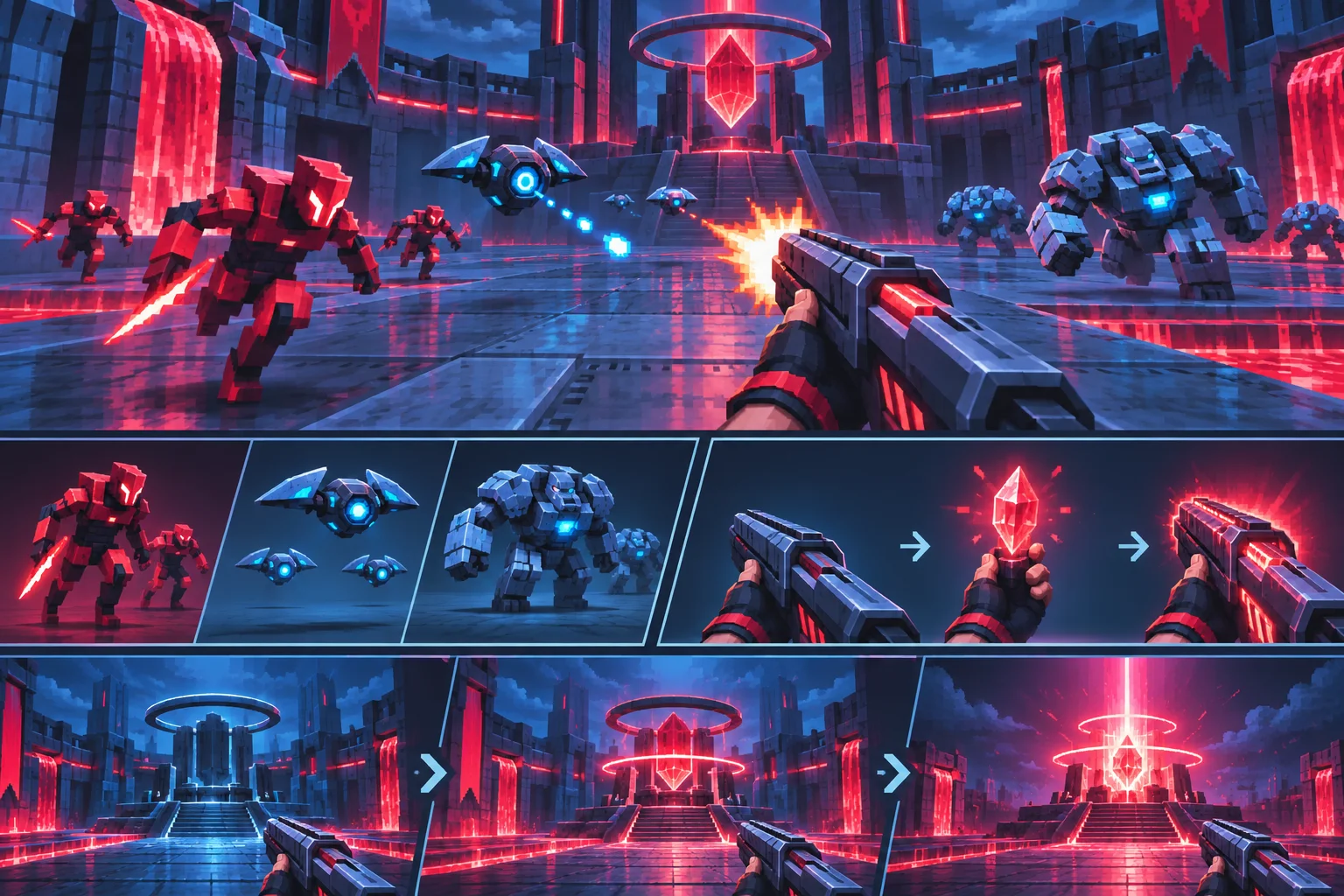
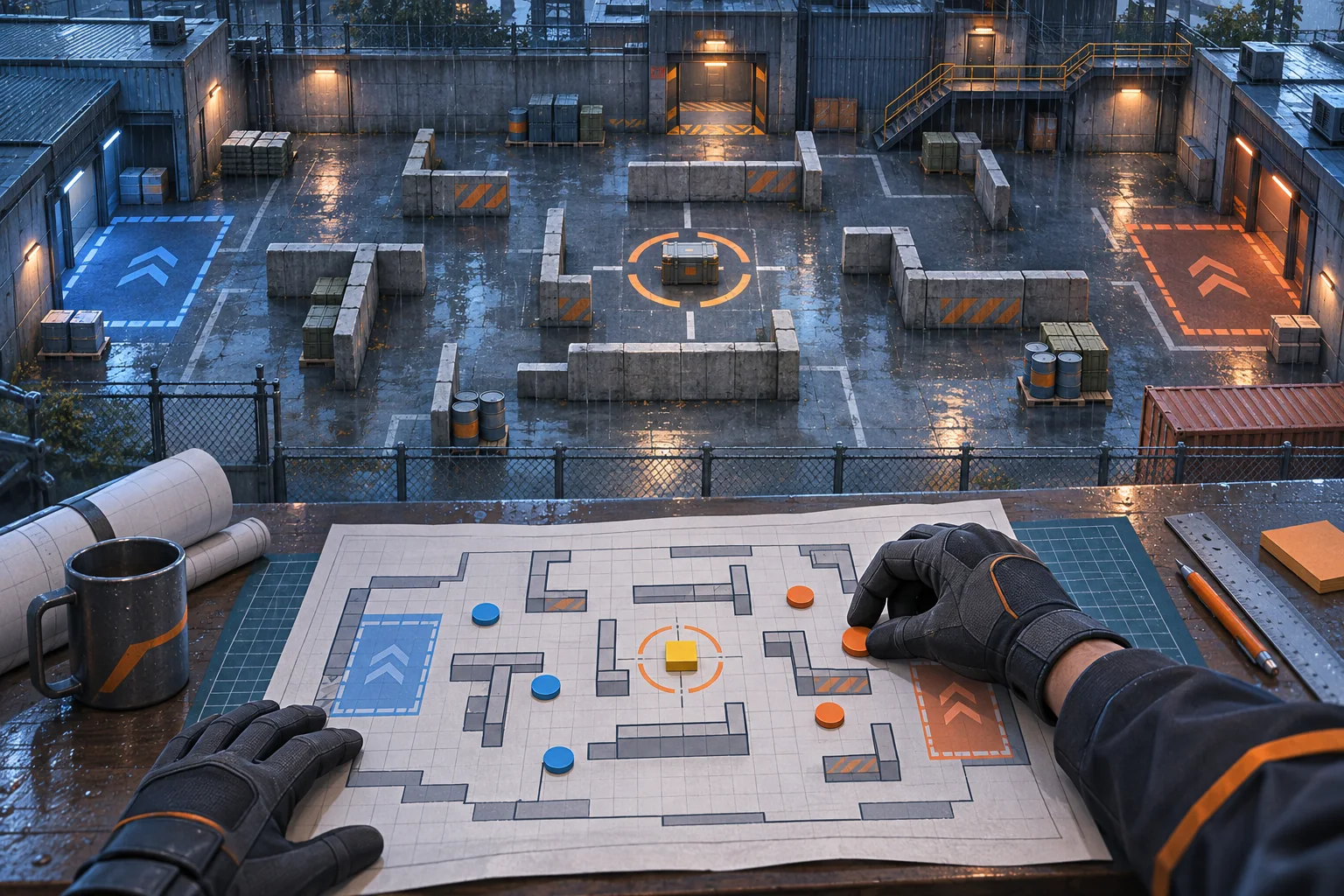
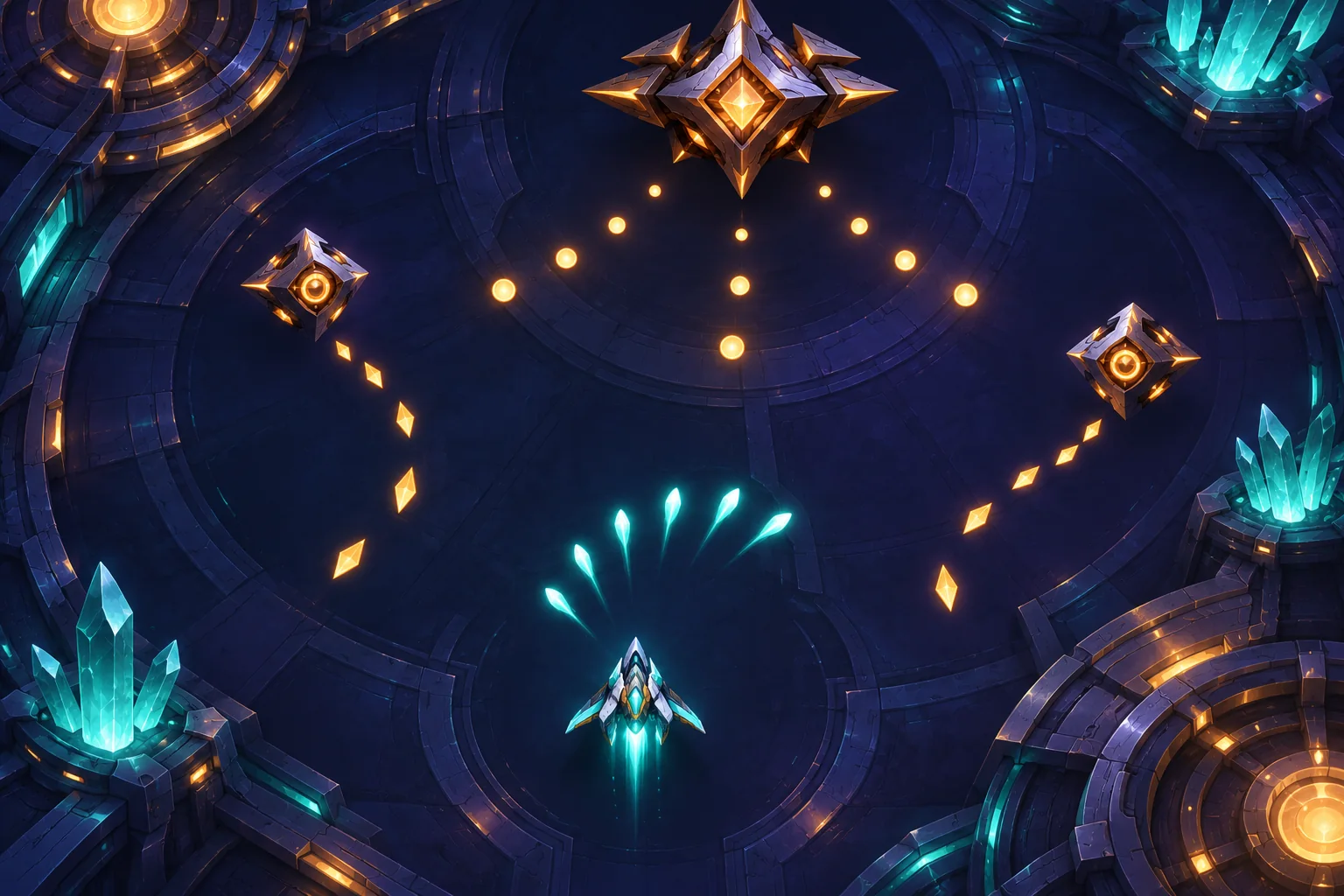
A scenario editor can give a fast arena shooter more replayable encounters, but it should not become a second combat engine. Let the editor describe an encounter; let the existing game continue to handle movement, weapons, enemy behavior, damage, and match flow.
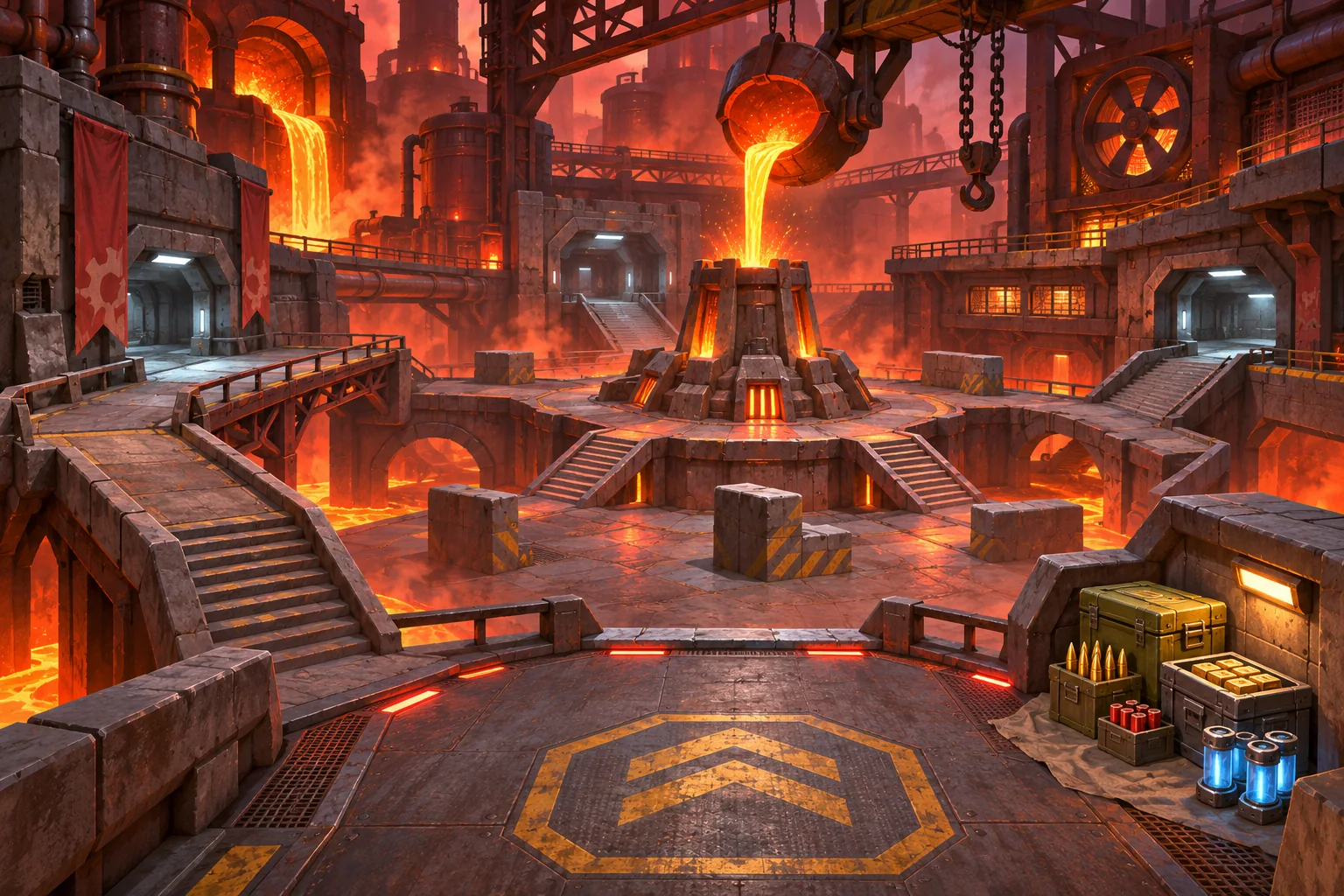
This guide describes an authoring workflow for an existing project. Its Foundry Arena example is fictional; no editor, build, or playtest is claimed. Before asking AI to change code, name the working systems that must remain stable and inspect how the project currently loads its built-in arenas.
Set the editor boundary before adding controls
Start from what the game already understands. If arenas have fixed bounds, player spawn points, enemy types, and ammunition pickups today, a first editor can expose those choices. It does not need a scripting language, arbitrary geometry tools, or a full mod marketplace. Those features multiply validation and security requirements.
Define the smallest scenario record in plain language: which arena to load, where the player begins, which enemy groups appear, when each group activates, how much ammunition or armor is available, and what ends the encounter. Keep weapon tuning and enemy AI in their existing systems. The editor selects supported options; it should not duplicate the rules that execute them.
Ask AI to map the current flow before it edits. Have it identify the campaign or menu path that starts an arena, the function that places enemies, and the owner of the win condition. Request a short change plan and the exact files it expects to touch. If it proposes replacing the existing combat loop to simplify the editor, stop and narrow the scope.
Represent the scenario as data
Stable identifiers matter more than the visual names in a dropdown. A field might reference an existing arena ID, enemy ID, spawn-point ID, or pickup ID. Designers can rename “Foundry Entrance” later without invalidating a scenario that refers to the stable ID foundry_gate_a.
A conceptual record could contain fields like these:
{
  "scenario_id": "foundry_arena_01",
  "arena_id": "foundry_main",
  "player_start_id": "west_platform",
  "waves": [
    {"delay": 0, "spawns": [{"enemy_id": "raider", "count": 3}]},
    {"delay": 20, "spawns": [{"enemy_id": "brute", "count": 1}]}
  ],
  "ammo_budget": 120,
  "win_condition_id": "clear_all_waves"
}
This is a teaching example, not a tested schema. Preserve the project's conventions for units and time: if delays are measured in seconds, keep that consistent; if waves are triggered by events, do not introduce a second clock. Include a schema version if custom scenarios will survive project updates, and plan how removed enemy or arena IDs will be reported.
Choose a data format based on how creators author and distribute scenarios. Godot's stable documentation describes custom Resources that can be edited in the Inspector and serialized as text or binary. Its saving tutorial uses JSON for simple runtime state and explains tradeoffs such as type conversion and custom encoding. Unity 6.1 describes ScriptableObject as an editor data container independent from class instances. These are options, not interchangeable prescriptions; confirm how the existing project packages and loads data.
Make invalid scenarios hard to launch
Validation should happen before the combat scene starts. Check that the selected arena exists, the player start belongs to that arena, every enemy ID is known, wave counts and delays are valid, and the encounter has a reachable completion rule. If the game uses resource costs, enforce a clear budget instead of accepting values that no available pickup can satisfy.
Give each error a specific field and action. “Unknown enemy ID in wave 2” is more useful than “scenario invalid.” If a spawn point is outside the playable bounds, tell the author which point is wrong. Avoid silently substituting a default: a scenario that appears to save but loads a different enemy can waste a creator's time and hide a data bug.
Use constraints that fit the current game. A very tight arena might be legal but unfair; the editor can warn when space is below a project-defined threshold without pretending to judge balance automatically. Enemy count, line of sight, ammunition, and difficulty all interact. Static checks can catch malformed data, while playtesting still determines whether the encounter is fun and completable.
Keep validation independent from combat. A simple validator can return a list of errors and warnings; the preview screen can display those messages and disable the Start button until blocking errors are resolved. This keeps the existing arena loader from having to interpret half-valid data.
Preview in the real combat path
A preview is useful only if it uses the same scenario-loading path as a normal match. Have the editor save or hold the scenario record, then pass it through the existing arena entry point. Do not build a mock preview that places enemies differently from the actual combat scene and call that integration complete.
For an early slice, choose one built-in arena and a small set of known enemy IDs. Add a custom encounter with two waves, one resource budget, and the existing clear condition. Preserve the current campaign scenario as a control. Compare the same movement, weapon, enemy, and restart behaviors before and after the editor is introduced.
Use AI for a reviewable implementation
Give the assistant a concise contract: preserve the existing movement and combat scripts; expose only existing arena, spawn, enemy, pacing, and resource options; add validation before start; and keep built-in scenarios loading through the old path. Ask it to report data-format assumptions, changed files, migration impact, and a rollback procedure.
Review the diff in small pieces. Check that scenario IDs are stable, missing references fail with a useful message, and the editor does not write over built-in content. If user-created scenarios are stored separately, make that boundary explicit. Keep a copy of the original project and at least one existing scenario file so you can compare loading behavior.
AI output can look plausible while introducing duplicate combat logic or a hidden dependency on editor-only assets. Build the project and inspect runtime logs in the target configuration. A successful editor preview is not proof that exported content loads or that an encounter is balanced.
Test the content path, not only the editor screen
Use a small matrix and record the project version, scenario ID, steps, expected result, and observed result. These are proposed checks, not claims that the fictional arena passed them.
| Case | Check | Expected behavior |
|---|---|---|
| Built-in scenario | Start the original arena from its usual menu | Campaign and combat behavior remain intact |
| Valid custom data | Load a scenario with two known waves and a legal budget | Player, spawns, pacing, and clear rule match the data |
| Unknown reference | Use a disposable copy with a missing enemy ID | Validation names the missing field and blocks launch |
| Boundary case | Place a spawn near or outside arena bounds | Editor warns or rejects it according to project rules |
| Repeated restart | Restart the same scenario several times | Spawns and resource counts reset consistently |
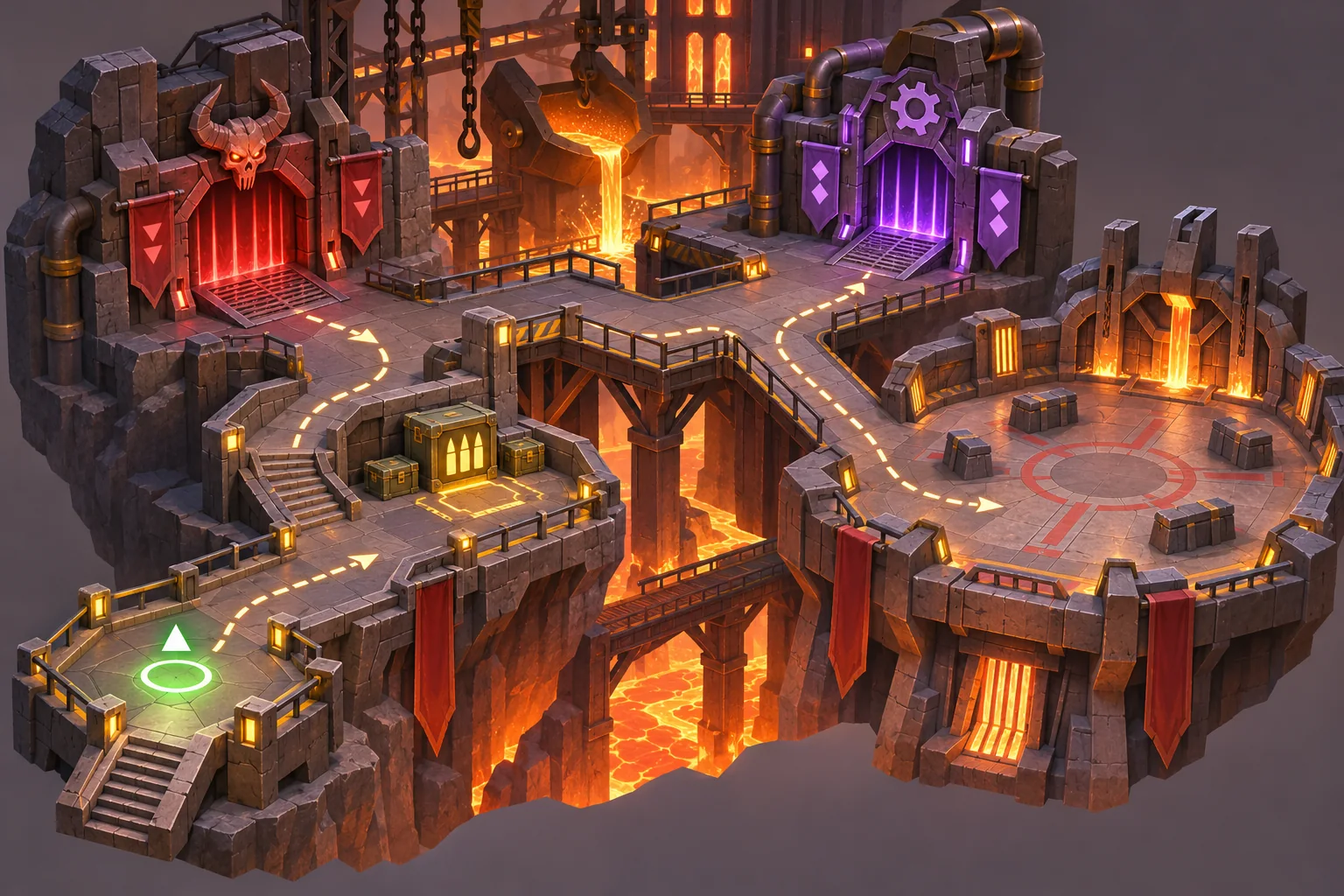
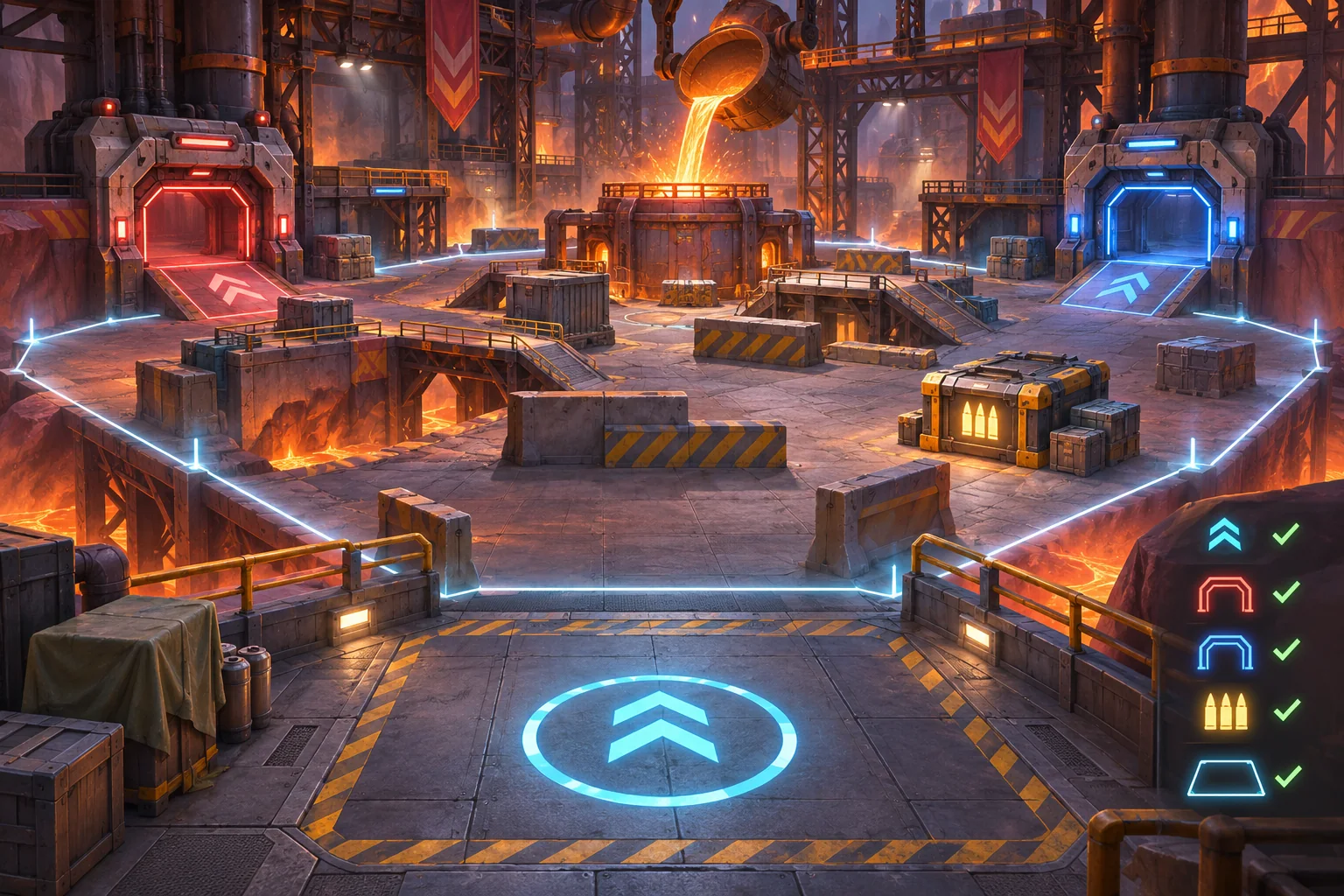
Then test an exported build if that is part of the release target. Confirm user scenarios are present or loaded from the intended location, built-in content still works, and the game reports unsupported data rather than silently changing it. Keep those results separate from design recommendations and concept art.
Frequently asked questions
What should a custom combat scenario editor control?
Start with authored choices the current game already supports: arena bounds, player start, enemy spawn groups, wave delays, resource budget, and a clear condition. Keep weapon behavior and enemy AI outside the editor unless those systems already expose safe parameters.
Should a scenario editor store data as JSON or engine resources?
Choose the format that fits the project and its authoring workflow. Godot documents custom Resources as editable data assets, while its save tutorial uses JSON for simple runtime state and explains its limitations. Unity describes ScriptableObject as a project data container; that is not automatically a runtime save system.
How can I prevent invalid custom arenas from starting?
Validate required fields before preview: a known arena, a player start inside its bounds, at least one valid spawn group, nonnegative delays, known enemy IDs, and a reachable exit or win condition. Show the field that needs attention instead of silently dropping it.
How do I preserve the existing shooter when adding an editor?
Keep the editor as a producer of scenario data and let the current combat systems consume that data through a narrow entry point. Preserve movement, weapons, enemy behavior, and campaign loading, and review a file-by-file diff before accepting AI changes.
What should I test before sharing a custom scenario?
Test a built-in scenario, a valid custom scenario, missing or invalid fields, a deliberately tight arena, and repeated restart. Record the project version and steps. A visual preview alone does not prove that the combat run is balanced or completable.
Grow the editor after the data path is solid
Start with one arena and a few supported values. Add richer placement or sharing only after scenario data, validation, and runtime loading use a stable path. That keeps the feature understandable, easier to roll back, and less likely to disturb the shooter's existing feel.
For a separate browser-playable prototype idea, try SEELE AI Game Maker. This CTA describes making a separate prototype, not editing an existing shooter project.