A custom scenario editor gives players more control over a tactical shooter, but every new control can create a map the game cannot load or a match that cannot be won. Start with a bounded data contract: expose a few safe choices, validate them before saving, and build the playable scene through the game’s existing map and rule systems.
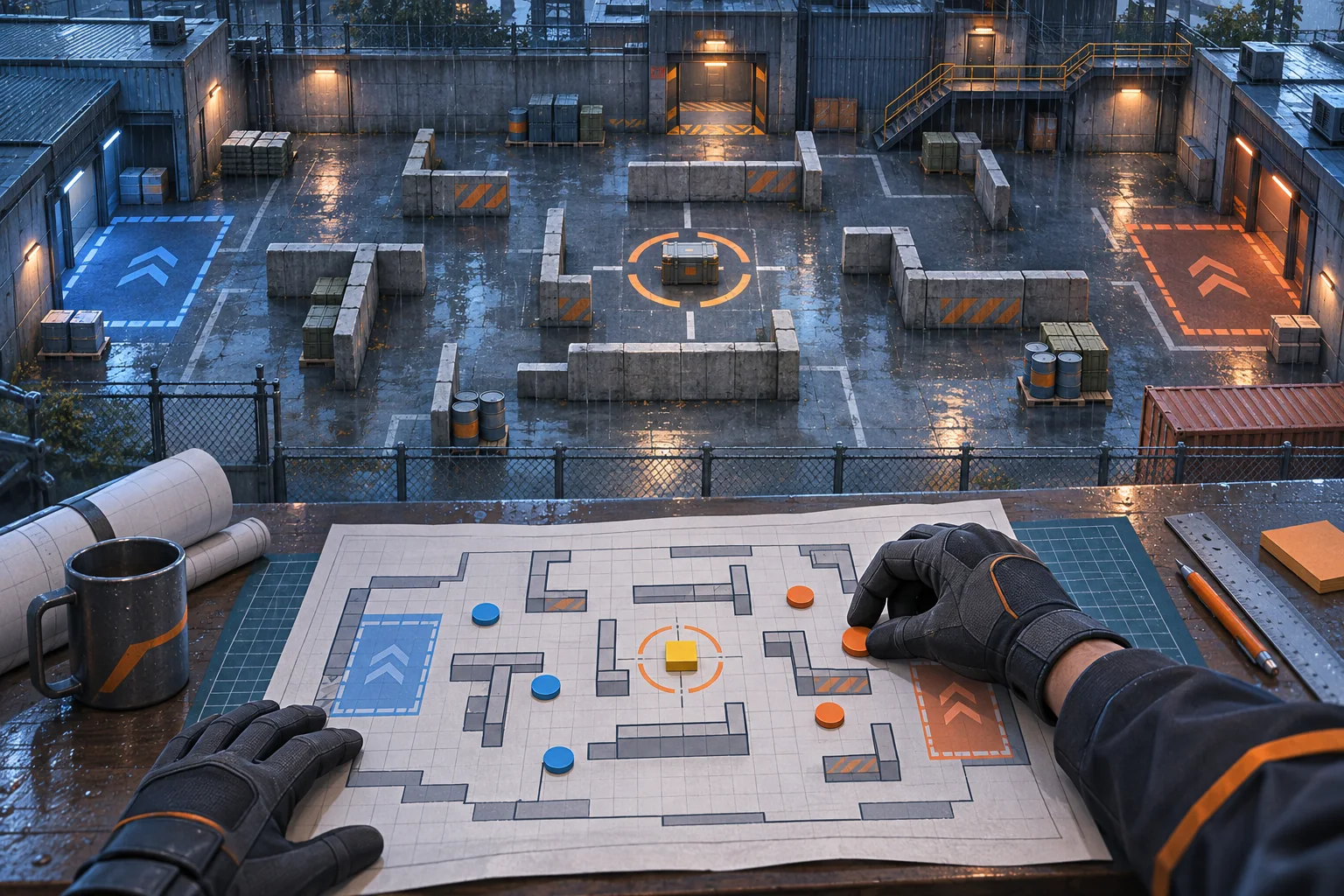
This guide addresses an existing game project. No real map, editor, or match mode was inspected. Use the scenario examples as prompts for your own design review, then verify every rule against the actual project.
Choose what players can edit
Do not begin with “let players build anything.” Decide which choices create interesting tactics while keeping a match understandable and finishable. A first version might let a creator choose a map preset, place approved cover pieces, select spawn zones, and move an objective among validated anchors. Keep weapon damage, collision geometry, team rules, and scripts outside the editable surface until the project has a safe model for them.
| Field | Good first editor control | Protect or validate |
|---|---|---|
| Map layout | Choose approved tile or room presets | Bounds, connectivity, collision |
| Spawn zones | Select from named regions | Overlap, sightlines, distance to objective |
| Cover | Place from approved object list | Footprint, clipping, blocked routes |
| Match objective | Choose a supported objective type and anchor | Reachability, round rules, team access |
| Combat rules | Use preset modes | Arbitrary scripts or unsupported balance values |
A smaller first release is easier to validate and teach. If a feature needs an exception to the current game rules, record that as a separate design decision rather than hiding it in an editor toggle.
Store scenario intent, not a copied scene
Keep the authored scenario as data the project can validate and interpret: stable IDs for approved pieces, positions or anchors, objective settings, team assignments, and a version number. The game can then reconstruct the playable layout using its established systems. This avoids tying every saved scenario to transient scene-node names or internal editor state.
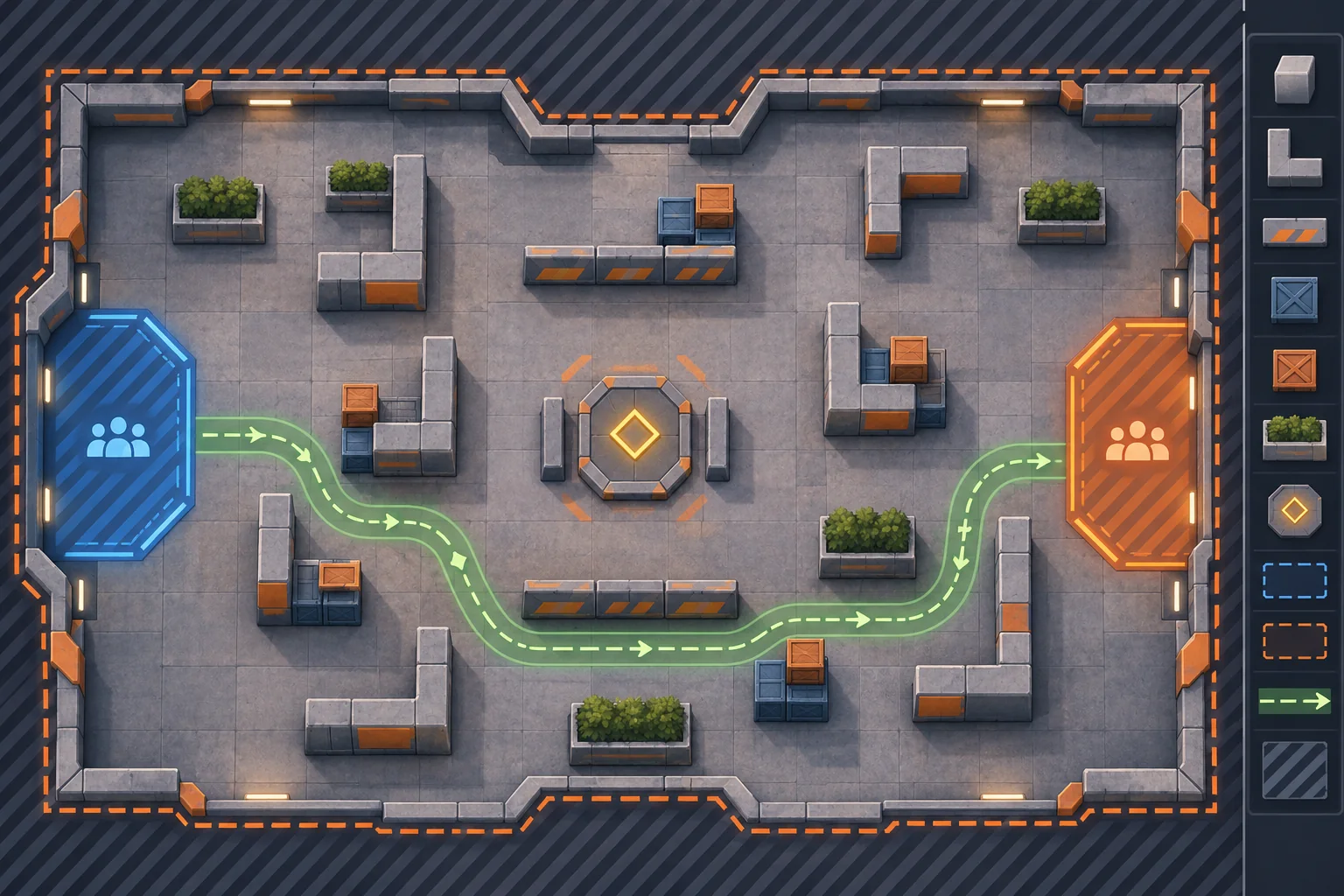
Use stable IDs rather than translated labels. “North spawn” can be shown in a localized UI while a persistent key such as spawn_zone_a remains unchanged. If object definitions evolve, decide whether older scenarios migrate, show a repair prompt, or become read-only. Store only what the editor needs to reproduce the authored result.
For a Godot project, the official save-game tutorial demonstrates identifying persistent data and serializing fields. That is an engine-specific example, not a universal editor architecture or a claim that this scenario format has been implemented. Follow your project’s existing serialization and asset-loading choices.
Validate at more than one boundary
Validation should run when a user places an object, when a draft is saved, and again when the scenario is loaded. A saved file can be old, edited outside the game, or produced by a previous version. Do not trust the editor UI as the only guard. Return precise messages such as “objective is outside the playable area” or “both teams need a reachable spawn,” then keep the last valid draft intact.
| Validation | Question | Useful response |
|---|---|---|
| Required fields | Are map, mode, teams, and objective defined? | Name the missing field and block publish/export |
| Geometry | Do pieces overlap or exceed bounds? | Highlight the offending object for correction |
| Reachability | Can both sides reach the objective? | Show the blocked route or failed test |
| Limits | Are object counts within supported limits? | Explain which limit was exceeded |
| Version | Can this data version be interpreted? | Migrate safely or preserve a repairable copy |
Some checks require runtime behavior, not just data inspection. A path graph may say that a route exists while actual collision prevents movement. Treat static validation as an early filter and playtesting as the final proof of playability.
Use AI for a narrow implementation pass
Ask AI to trace the project’s current map loading, collision, spawn, objective, and save paths before proposing code changes. Give it explicit invariants: preserve existing match rules, movement, damage, map presets, and multiplayer assumptions. Request the smallest first slice, list of files, schema and migration plan, test cases, and rollback steps. Review every changed file and run the actual project checks.
Inspect the existing tactical map and scenario-loading flow before editing. Propose a small editor schema using only approved cover pieces, named spawn zones, supported objective types, and map bounds. Preserve combat rules and existing map behavior. First list files, validation points, versioning assumptions, and rollback steps. Do not claim the editor is playable or balanced unless tests run in this project.
SEELE’s capability catalog describes creating game starting points from an idea and lists playable game categories. That can help explore a separate tactical concept or communicate a training-range direction. It does not establish that SEELE modifies an existing shooter repository or generates a production-ready scenario editor.
Preview drafts and version them safely
Show a preview that distinguishes editable objects from protected boundaries. Give the creator a way to undo, reset a change, and return to the last valid draft. Save a versioned copy before migration or conversion. If scenarios can be shared, keep draft editing separate from the representation used by the game mode and define how unsupported versions are handled.
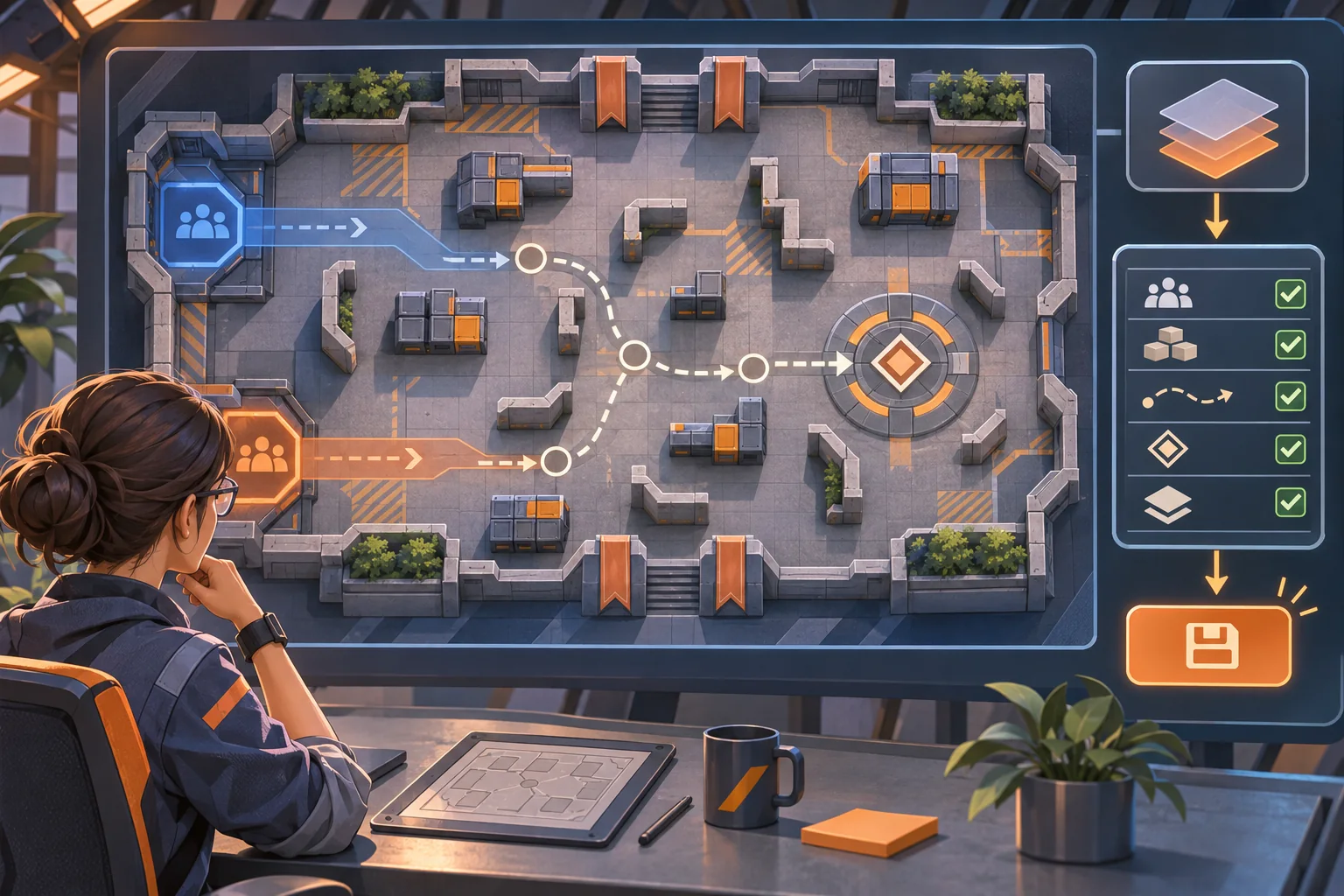
Make the preview answer a real decision: are both sides’ spawn areas clear, is the objective legible, and can the player understand the intended route? A screenshot can help review composition, but it cannot prove movement, collision, or tactical balance. The actual match mode must load and play the scenario.
Test before exposing scenarios to players
Start with edge cases and one representative scenario for each supported mode. Record build, map ID, scenario version, steps, expected result, and observed result. Test invalid data as carefully as valid data. The following is a proposed checklist, not a report of executed tests.
| Test | Action | Verify |
|---|---|---|
| Empty draft | Save before placing required objects | Specific missing-field guidance appears |
| Bounds | Move cover outside the playable area | Invalid placement is rejected or corrected |
| Spawn conflict | Overlap a spawn with cover or objective | Both teams retain valid spawn access |
| Reachability | Block the route to the objective | Validation identifies or runtime test catches it |
| Round trip | Save, exit, reload, and reopen | Layout and settings reproduce correctly |
| Old version | Load a copy of an older scenario | Migration or repair behavior is explicit |
If a scenario passes editor validation but fails in a match, isolate the discrepancy between authored data, scene construction, collision, and mode rules. Keep a reproducible scenario file with the bug report so the team can review the same layout.
Frequently asked questions
What should a tactical scenario editor let players change?
Start with a bounded set of safe fields: map preset, spawn zones, objective location, round rules, and approved cover pieces. Keep collision, team balance rules, and unsupported assets protected until the game can validate them. Let users preview a draft before saving or sharing it.
How should a scenario editor store custom maps?
Store stable scenario data such as approved object IDs, positions, objective settings, and a schema version. Rebuild the playable layout from that data through the game's existing map system. Avoid saving arbitrary code or treating display labels as stable identifiers.
How do I prevent invalid tactical scenarios?
Validate required fields, object limits, spawn overlap, reachable objectives, and out-of-bounds placements before accepting a draft. Show a specific repair message and preserve the last valid version. Then test the resulting scenario in the actual game mode with representative players.
Can AI create a scenario editor for my existing shooter?
AI can help inspect a project, outline editor states, and draft a narrow implementation plan when given its current architecture. It cannot be assumed to know your map rules or balance constraints. Review the proposed changes, run the game, and verify editor output before shipping.
What should I test before releasing custom scenarios?
Test empty and maximum-size drafts, invalid placements, both spawn sides, objective access, save and reload, and older scenario versions. Record build, map ID, scenario version, and observed result. A mock editor image is useful for planning but does not prove the generated map is playable.
Ship the smallest safe editor first
Give creators a few meaningful controls, validate them where data enters and loads, and keep the saved scenario separate from match rules. Then test the result in the real game mode before adding more object types or sharing workflows. This keeps creative freedom connected to playable constraints.
To sketch a separate playable tactical concept, try SEELE AI Game Maker. It is an ideation path, not an editor integration for an existing project.