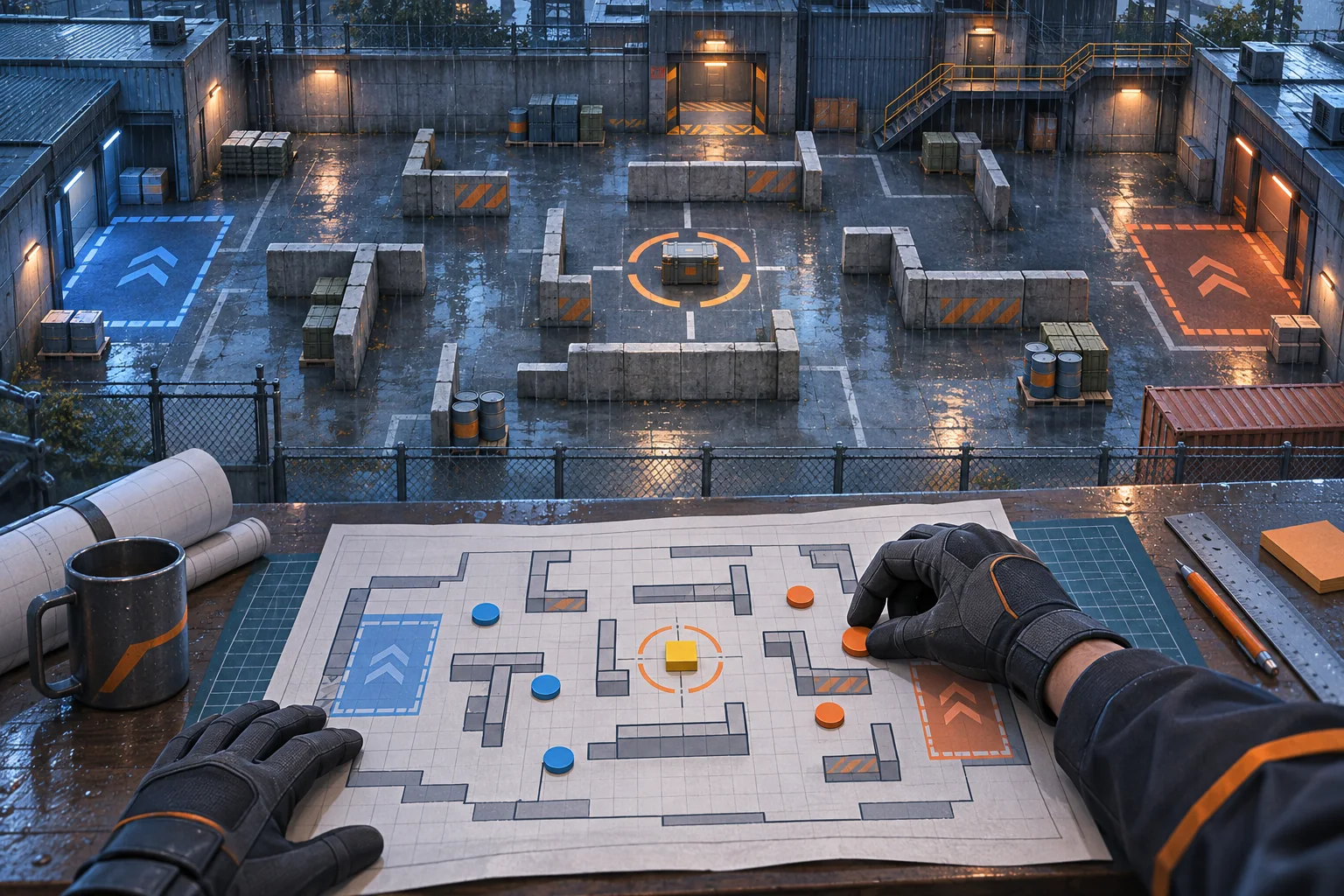
A custom world editor for a factory automation game must preserve more than a pretty map. Terrain, resource nodes, machine footprints, conveyor routes, power coverage, and the scenario objective all affect whether production can run. Start with a bounded world schema, validate its dependencies, and use the actual simulation for a final preview before letting players share a scenario.
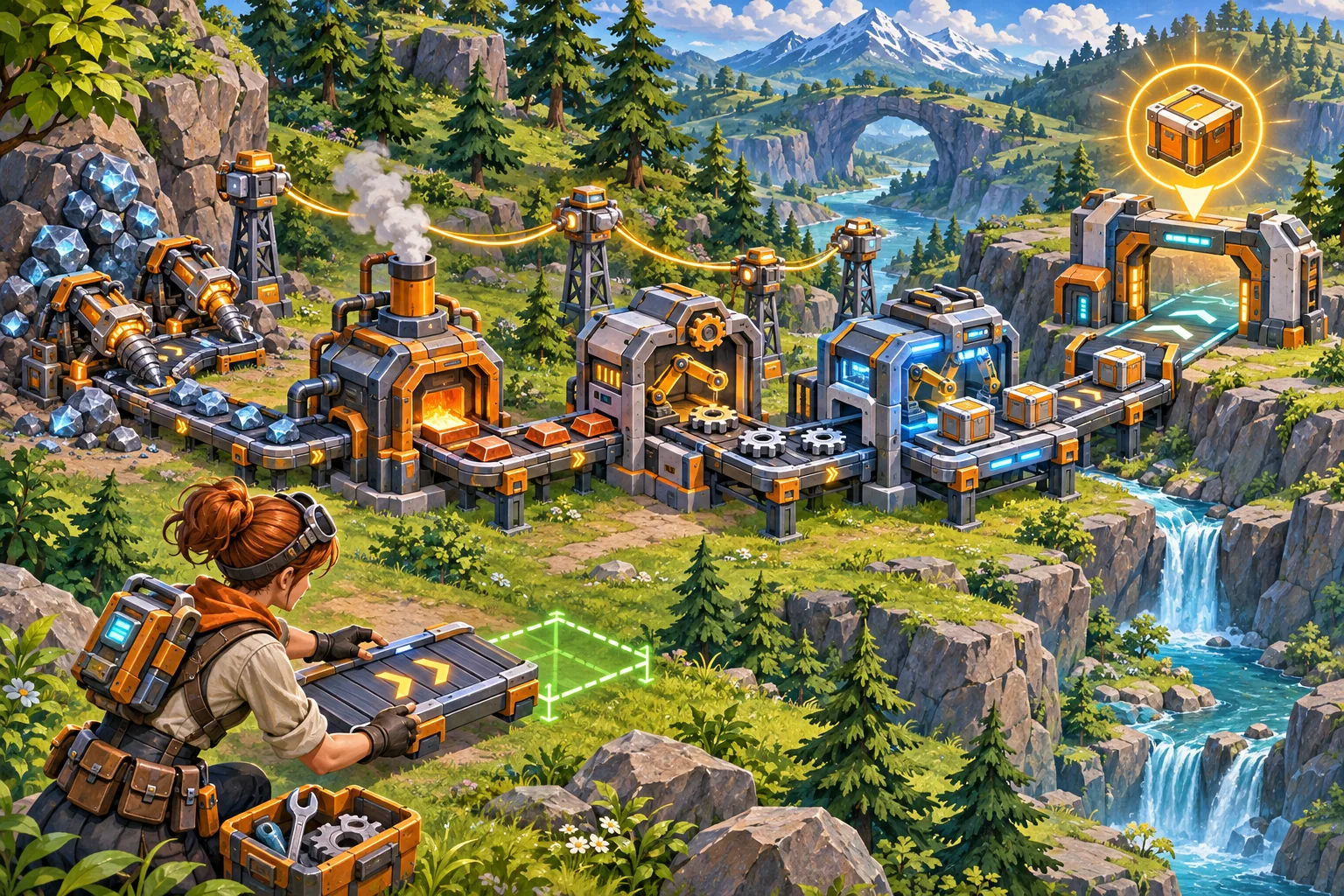
This guide is for extending an existing automation game. The factory, resources, machines, and results are invented. No real project, world format, or puzzle was inspected.
Bound the editable world
Decide what a creator can change and what remains part of the game's rules. A first editor may support map size, approved terrain, resource nodes, machine placements, conveyor segments, power poles, and a defined delivery objective. Keep custom scripts, new machine types, and balance formulas outside the editor until the project can safely validate and distribute them.
| Layer | Editable input | Rule to preserve |
|---|---|---|
| Terrain | Approved tiles or world regions | Map bounds and buildable cells |
| Resources | Supported node type and quantity | Stable resource IDs and depletion rules |
| Machines | Approved machine and orientation | Footprints, input/output ports, placement rules |
| Networks | Belts, pipes, power links | Connectivity and direction semantics |
| Objective | Supported delivery or production target | Completion condition and starting inventory |
In the fictional Copper Fen map, players route ore from two patches through a powered smelter to a delivery gate. These are illustrative constraints, not tested game mechanics. The point is to make the objective and allowed components clear before the creator places dozens of machines.
Store the authored scenario as stable data
Separate terrain generation, authored overrides, object placement, and objective configuration. If the game uses generated terrain, decide whether a seed alone reproduces the map or whether a generator-version field is also needed. If the author is building a fixed factory puzzle, save explicit placements and stable object IDs. A hybrid format should record both generation inputs and the overrides applied on top.
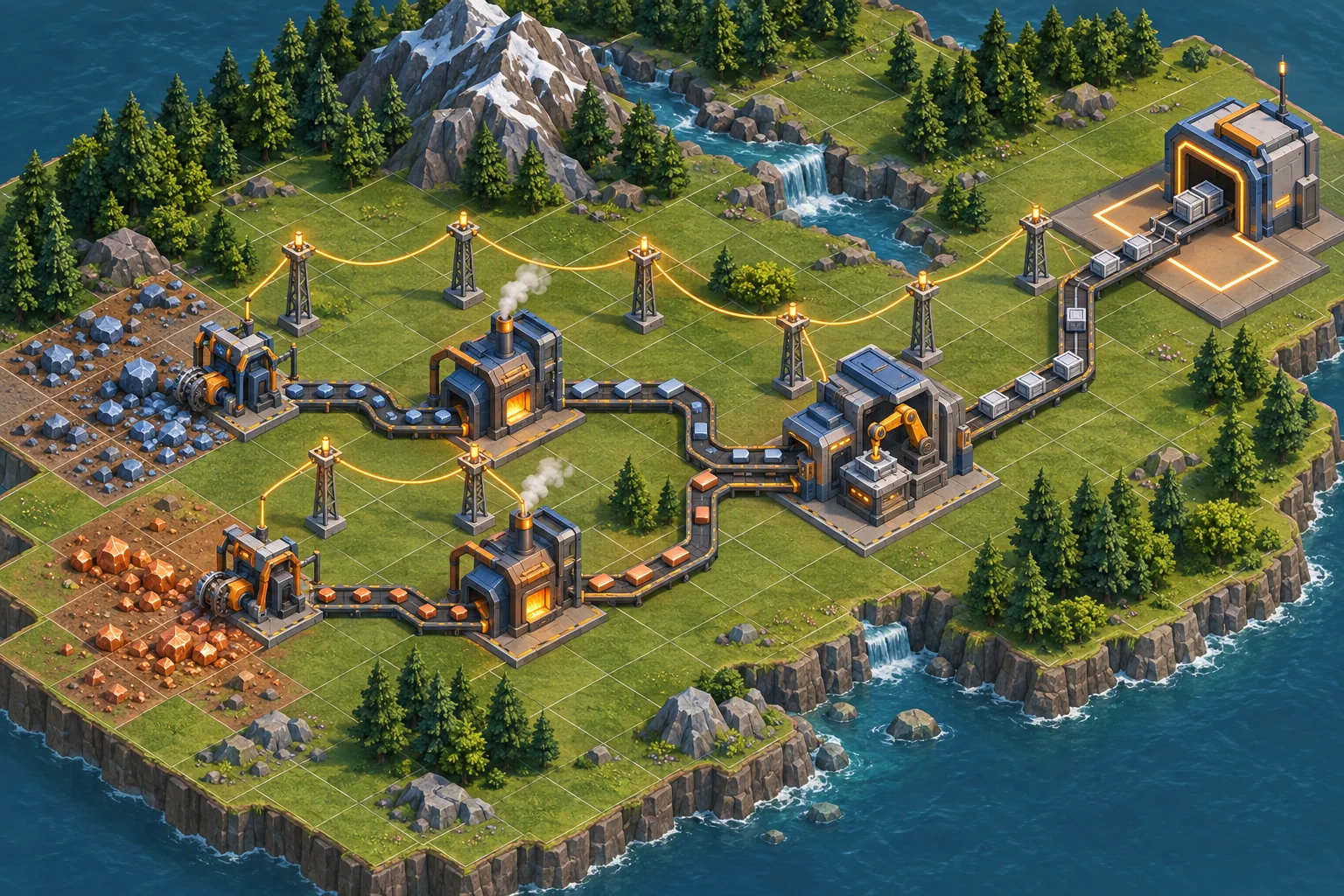
Do not use display names as identifiers. A machine label or resource name can be edited or localized, while its stable ID stays linked to the simulation definition. Record orientation and occupied cells when they affect placement. Avoid storing UI selection state unless it is required to reopen the editor exactly where the author left it.
For a Godot project, the official saving tutorial demonstrates identifying persistent information and serializing selected data. That is an engine-specific example, not a factory scenario format recommendation. Follow the existing project's world/save architecture and confirm its current engine and platform targets.
Validate the production graph
Static checks can catch many invalid scenarios before the simulation starts: out-of-bounds objects, overlapping machine footprints, missing resource inputs, disconnected belts, unpowered machines, and unreachable delivery targets. Run those checks after placement and again when loading a saved scenario. A user-edited file can bypass editor controls, so the loader should not trust the UI as its only defense.
| Validation layer | Question | Helpful repair feedback |
|---|---|---|
| Geometry | Does every object fit the map and avoid overlap? | Highlight the conflicting footprint |
| Inputs/outputs | Can machines receive and emit the required items? | Mark the missing port or route |
| Power | Are required machines connected to a valid source? | Show the isolated section |
| Resources | Are starting quantities and nodes sufficient? | Identify the missing or depleted source |
| Objective | Can the goal be reached under the intended rules? | Explain the blocked dependency |
A visually connected belt can still fail if direction, item type, or machine ports do not match. Treat static validation as a fast first pass. Then run the scenario through the real simulation and observe whether the intended production chain can complete.
Use AI to inspect the existing simulation first
Give AI the current world loader, grid or placement model, machine registry, power and transport rules, objective logic, and save format. Ask it to map dependencies before writing editor code. Keep the first patch narrow: one map size, a handful of approved machines, one transport type, and one clear objective. Require a changed-file list, format version, migration behavior, validation cases, and rollback plan.
Inspect the existing factory world, placement, machine, conveyor, power, objective, and save systems before editing. Propose a minimal scenario format using existing stable IDs. Preserve simulation rules, machine definitions, item flow, and world loading. First list files, validation boundaries, seed/version assumptions, migration behavior, and rollback. Then propose tests for overlap, disconnected belts, power, insufficient resources, save/reload, and actual objective completion. Do not claim solvability until run in this project.
SEELE’s capability catalog describes idea-led game creation and playable game categories. That can help explore a separate automation-game concept or communicate a world direction. It does not establish that SEELE modifies an existing factory-game repository or guarantees that an authored puzzle is solvable.
Version worlds and keep older scenarios recoverable
Assign a schema version and define what happens when a machine or resource ID is removed. A missing object can be migrated to a deliberate replacement, surfaced for repair, or preserved as an unsupported item; it should not silently become something with different behavior. Keep a copy of the original scenario before converting it.
If a procedural seed is part of the world, record the generator version and any authored edits. Otherwise a future generator change may produce a different base map for the same seed. For fixed authored maps, test whether IDs and coordinates still resolve after a project update. Track which versions are supported by the actual loader.
Test the scenario in the target mode
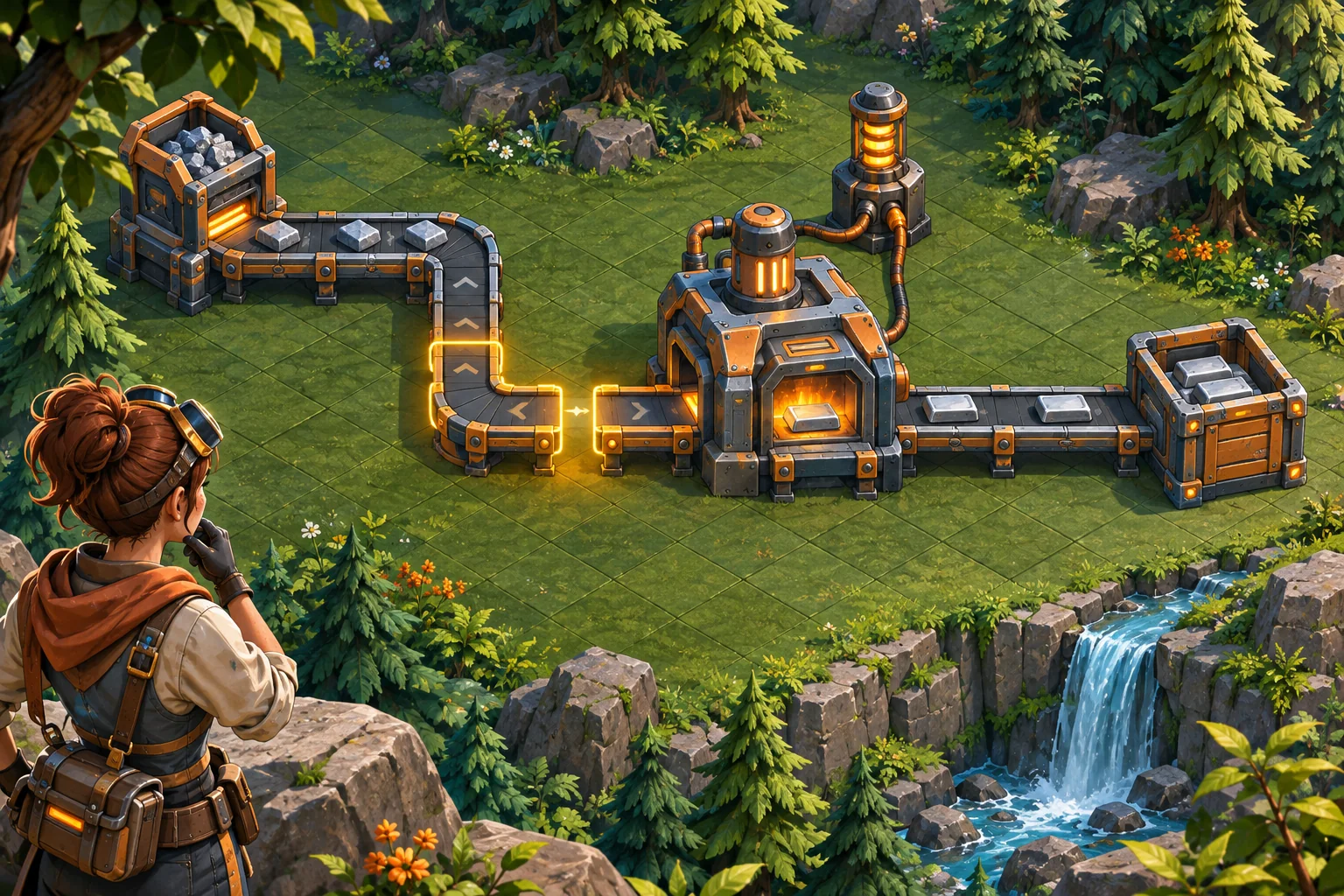
Test valid and invalid worlds. Record build, scenario schema, map seed or ID, starting inventory, steps, expected production path, and observed result. The matrix below describes work to perform, not executed test results.
| Case | Action | Verify |
|---|---|---|
| Overlap | Place two machines in intersecting footprints | Editor rejects or clearly repairs the placement |
| Connectivity | Disconnect one belt or power segment | Validation identifies the dependent machine |
| Insufficient inputs | Reduce ore or starting inventory | Objective feedback explains why production stops |
| Completion | Run a valid factory to its goal | Actual simulation reaches the stated objective |
| Round trip | Save, exit, reload, and run again | World and production outcome reconstruct consistently |
| Older schema | Load a copied previous-version scenario | Migration or repair preserves recoverable data |
If a scenario looks correct but stalls, identify whether the cause is object placement, input/output matching, transport, power, resources, or objective configuration. A generated map illustration can explain the intended layout, but it is not a substitute for an actual run through the game’s rules.
Frequently asked questions
What should a factory world scenario editor let players change?
Begin with supported terrain, resource nodes, machine footprints, conveyors, power links, and a defined objective. Keep simulation rules and unsupported assets protected. A scenario should explain its starting resources, constraints, and completion condition before a player launches it. Show the allowed list before editing.
How can I validate a custom factory scenario?
Check map bounds, required resources, machine placement, belt connectivity, power coverage, and whether the objective can be completed under the intended rules. Run a preview simulation after static checks. Show the exact invalid object or blocked dependency so creators can repair it.
Should custom scenarios use a world seed or saved placements?
Use a seed when the game intends reproducible generated terrain and the generator version is controlled. Store explicit placements when the author is hand-building a puzzle or factory layout. A hybrid format needs both its generator version and authored overrides to be stable.
How do I keep old factory scenarios compatible?
Version the scenario schema, preserve stable machine and resource IDs, and define how removed objects migrate. Load a copied older scenario and compare its map, placements, and objective. Do not silently replace missing content with a different machine or resource.
Can an editor preview prove a factory puzzle is solvable?
A preview can expose connectivity and simulation errors, but solvability depends on the actual production rules and starting inventory. Run the scenario in the target game mode and record the build, schema, and completion path. A generated image or mock map is not a solvability test.
Let creators build within the simulation contract
Expose a small set of world layers, keep stable IDs and versions, validate dependencies, and use the actual simulation to test a scenario’s goal. This gives creators room to build factory puzzles while protecting the rules that make production work.
To explore a separate playable automation concept, try SEELE AI Game Maker. It is a concept tool, not an existing-project editor.