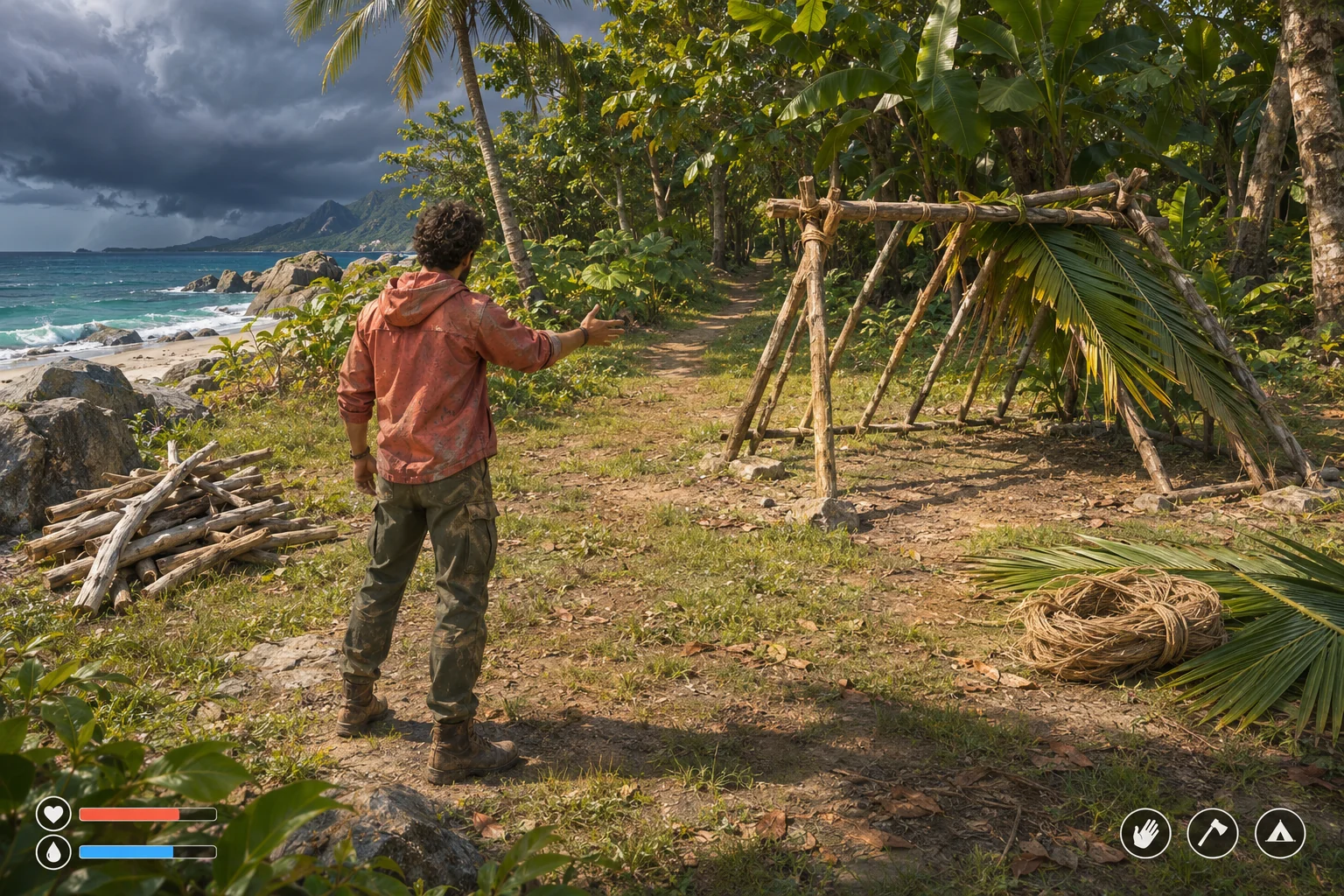
An island survival game becomes easier to tune when players can change the rules that shape a run. The editor should let them adjust scarcity or shelter costs while keeping the core loop understandable: gather, eat, build, and prepare for the next day. Start with a few bounded rules and a preview that explains their effect.
The island, values, and outcomes in this guide form a fictional design exercise. They are not a tested build or a result produced by SEELE.

Separate scenario rules from run state
A scenario is a recipe for starting a run. It can define starting supplies, gathering yields, shelter costs, weather cadence, and a seed. A run is the changing record created from that recipe: the player's current food, collected wood, built shelter, and the day count. Keep these records separate so editing a scenario does not unexpectedly rewrite an active survival save.
Give every scenario a stable ID and a version. When a player changes a published scenario, create a new draft version. On starting a run, copy the chosen version's settings into a run snapshot. The snapshot makes a later scenario edit unable to alter the rules of a run already in progress. If you eventually support sharing, the scenario ID and version also make a friend's setup reproducible.
For a first editor, avoid exposing every simulation variable. Choose four that create a readable decision: starting rations, wood from one shoreline search, wood needed for a basic shelter, and the day on which a high tide interrupts gathering. Each should map to a visible consequence the player can anticipate.
Make editable values bounded
Build the editor around named fields rather than a free-form text box. Each field needs a default, a minimum, a maximum, a unit, and one sentence explaining what it changes. A player should be able to see whether a value is valid without guessing what the game expects.
| Setting | Example default | Allowed range | Player-facing effect |
|---|---|---|---|
| Starting rations | 4 | 2–8 portions | How many days the player can eat before gathering food |
| Driftwood per shoreline search | 2 | 0–4 pieces | How quickly a shelter can be assembled |
| Basic shelter cost | 6 | 4–10 pieces | How much wood must be saved before the first night |
| High-tide day | 3 | 2–5 | When the shoreline search is unavailable |
Use the same rule in the control and in validation. If shelter cost is 6, the field should not accept 11 and later clamp it silently to 10. If a value is outside the range, show the allowed range and keep the draft visible so the player can fix it. When two settings conflict, explain the conflict in game terms: “At this yield and shelter cost, the first shelter cannot be built before the tide closes the beach.”

Store the scenario configuration as structured data, not as values scattered through interface code. A conceptual record might look like this:
{
  "scenarioId": "first-low-tide",
  "version": 1,
  "seed": 42,
  "startingRations": 4,
  "driftwoodPerSearch": 2,
  "shelterWoodCost": 6,
  "highTideDay": 3
}
On loading a draft, validate its shape, required fields, numeric ranges, and cross-field rules before showing the play button. Keep the defaults available as a reset action. That gives players a safe route back from a combination they do not understand.
Preview the first day
A useful editor previews a small consequence, not just a new number. In this fictional example, the player begins with 6 wood and 4 rations. A shoreline search yields 2 wood and uses one ration for the day. The basic shelter costs 6 wood. If the player searches before building, the ledger becomes 8 wood and 3 rations, then building leaves 2 wood. The shelter is affordable on Day 1.
Now edit only the shelter cost from 6 to 9. The same search still leaves 8 wood, so the shelter remains out of reach. The preview should state that clearly and show the remaining gap of 1 wood. It should not promise a shelter outcome simply because the editor accepted the value.
| Fixed action | Default scenario | Edited scenario |
|---|---|---|
| Start | 6 wood, 4 rations | 6 wood, 4 rations |
| Search shoreline | +2 wood; 1 ration consumed | +2 wood; 1 ration consumed |
| Build shelter | Costs 6; 2 wood remains | Costs 9; blocked with a 1-wood shortfall |
| Editor feedback | “Shelter can be built on Day 1.” | “Gather 1 more wood before the first high tide.” |
The values are a hand-calculated example, not observed gameplay. Their purpose is to make the editor's promise explicit: when a player changes a rule, show which early decision changes and why.
Prompt for a small editor
If you use an AI game maker to explore the interaction, specify the existing loop first, then ask for a small editable slice. SEELE's official AI Game Maker page describes creating a game from text, testing a browser-playable result, and iterating with follow-up prompts. That is a general workflow; the scenario editor below is your design request, not a documented built-in feature.
Start from a compact island survival game with a daily loop: search the shoreline, consume one ration, build a shelter, and prepare for high tide. Add a scenario editor with four bounded settings: starting rations (2–8), driftwood per search (0–4), shelter wood cost (4–10), and high-tide day (2–5). Display each default, unit, range, and one-line effect. Keep scenario drafts separate from active run saves; snapshot the selected version when a run begins. Add a preview that applies the fixed sequence: start with 6 wood and 4 rations, search once, then attempt shelter construction. Show remaining resources, whether shelter is affordable, and any shortfall. Reject invalid values with a clear message. Include reset-to-default and run-start actions. Do not add sharing, random modifiers, extra islands, or more resource types yet.After the first version exists, inspect one thing at a time: whether a changed value updates the preview, whether an invalid draft can start a run, and whether editing a later draft changes an existing save. If the result is vague, ask for the missing behavior by field and state transition rather than requesting a broad visual redesign.
Test changes with repeatable cases
Choose a fixed seed and action order so two scenario versions can be compared. Record the initial supplies, each action, and the expected state after the action. A short test matrix catches rule errors before you add a scenario marketplace or complex weather simulation.
- Range check: enter 11 for shelter cost. The editor rejects it and shows the 4–10 allowed range.
- Minimum-yield check: set driftwood yield to 0. The preview marks the shelter as unreachable by shoreline search alone and explains what resource source is missing.
- First-day check: use the default values and fixed actions above. The ledger ends at 2 wood and 3 rations after the shelter is built.
- Harder-scenario check: raise shelter cost to 9. The same action sequence shows a 1-wood shortfall and does not build the shelter.
- Save-isolation check: start a run on version 1, then create version 2 with a different shelter cost. The active run keeps its version 1 snapshot.

Only after those cases behave predictably should you add sharing or community scenarios. A shared setup needs a clear version, a reset path, and a way to tell the player which rules differ from the default. Keeping that boundary small makes it easier to balance the survival loop without turning every run into an opaque ruleset.
Island scenario editor FAQs
What should players be able to edit first?
Start with a few values that create visible choices, such as starting supplies, one gathering yield, a shelter cost, or a weather timing rule. Give each value a unit, range, default, and explanation.
Should scenario settings change an active save?
No. Copy the selected scenario version into a run snapshot when the player starts. A later edit should create a new draft or version so an existing survival save keeps the rules it began with.
How can I prevent impossible scenarios?
Validate value ranges and cross-field constraints before enabling the play action. When a combination blocks an early goal, preview the shortfall in game terms and let the player revise or reset the draft.
Do I need a scenario-sharing feature in the first version?
No. First make local editing, versioning, reset behavior, and save isolation reliable. Sharing adds identity and compatibility questions that are easier to answer once one scenario is stable.
What is a useful first acceptance test?
Choose one seed and a fixed action order, then compare a default scenario with one edited value. Check that the visible preview and the resulting inventory reflect the same rule change.
Make your own island survival game
Begin with one island, a short survival loop, and a few rules players can safely change. Make the editor explain how each choice affects the first shelter and the next day. For a general starting point, explore the SEELE AI Game Maker and bring this bounded scenario design into your own prototype plan.