Adding an ability to an existing metroidvania can quietly break more than one locked door. It may alter optional routes, checkpoint returns, boss access, and what an older save expects the world to look like. Start by mapping progression state and dependencies; then add one narrow, persistent change through the project’s current state owner and test the routes around it.
This guide is for developers extending an existing project, not starting over. The example world, Glassroot, is invented. Treat the map, save flags, and test cases below as planning tools to adapt to your own architecture.
Define what “persistent progression” means
Before writing a save field, name the player-visible change that should survive a room transition, checkpoint reload, or full restart. An acquired dash may remain available. A stone gate opened by that ability may stay open. A temporary switch, enemy alert, or combat buff may reset when the room reloads. Those decisions belong to the game design, not the serializer.
| State type | Example | Decision to make |
|---|---|---|
| Ability | Dash, wall grip, double jump | Is it permanently earned, temporarily granted, or reset by a mode? |
| World change | One-way gate opened | Does it persist globally, per region, or only until leaving? |
| Room state | Lever pulled, enemy defeated | Should the room rebuild this state on return? |
| Transient effect | Damage flash, temporary boost | Should it ever enter the save file? |
In the fictional Glassroot example, the explorer permanently earns a dash, opens a named stone gate, and can return through a short loop to the central hub. A nearby enemy respawns after leaving. These are example rules, not tested behavior. Your own reset rules may differ; write them down before changing code.
Map abilities to gates and routes
An ability is useful when the map gives it a job. List each gate that depends on it, the rooms reachable before and after the upgrade, and the route back to a hub or checkpoint. Include optional branches and one-way drops. A dependency map catches a common design error: a new flag opens the intended door but strands the player on the wrong side of a return route.
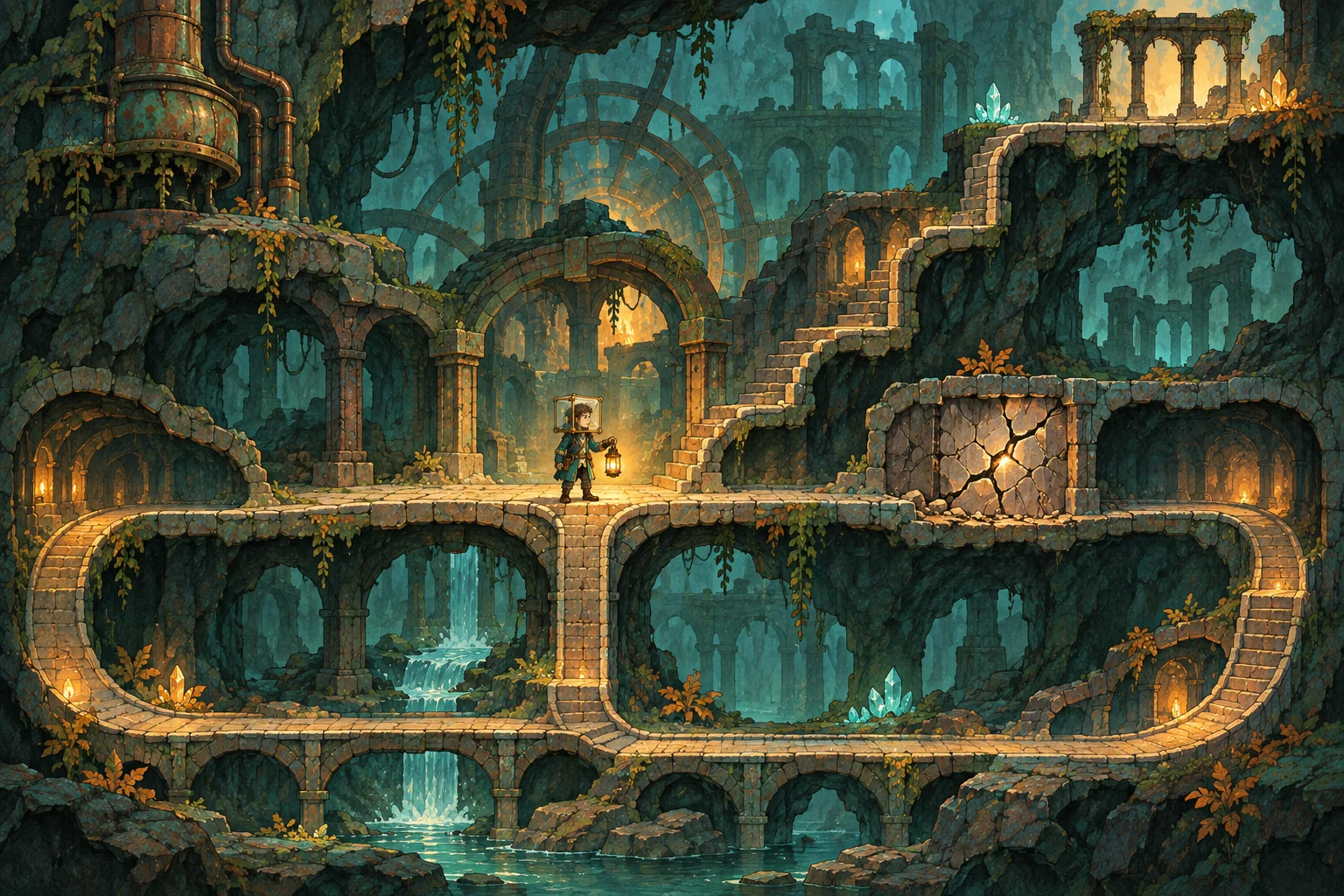
| Dependency | Before the ability | After the ability | Regression question |
|---|---|---|---|
| Cracked barrier | Visible but impassable | Dash breaks or crosses it | Can the player return to the checkpoint? |
| High ledge | Route remains optional | Ability opens a shortcut | Does the shortcut bypass a required tutorial? |
| Boss seal | Boss route stays closed | World flag permits entry | Can a save load with the seal and boss state out of sync? |
Keep the table tied to the actual map. If a route can be reached through a sequence break, decide whether that is supported, blocked, or simply something to test. Do not “fix” an unexpected route by adding a global lock until you understand the player path and the intended freedom of the game.
Give progression one state owner
Trace how the existing project handles abilities, gates, room reloads, checkpoints, and saves. Find the system that already owns inventory or world flags. Extend that system where possible instead of creating a second progression manager. Two independent copies of “dash acquired” can disagree: the HUD shows the ability while the gate logic still reads a stale value.
Use stable identifiers for durable changes, such as gate_moss_archive_open, rather than room display names that may change. Define a default for old saves before the new field exists. If a save has no gate flag, should the gate remain closed, derive its state from a boss flag, or follow a one-time migration rule? Choose the answer deliberately and document it.
Godot’s stable documentation describes user:// as the writable user-data location and provides file-based save examples. Its save tutorial also demonstrates identifying persistent objects and serializing relevant data. Those are storage and serialization references, not a recommended metroidvania schema. Confirm your engine version and preserve the project’s existing save architecture where practical.
Keep the saved representation smaller than the scene tree when possible: stable ability IDs and world flags can be enough to reconstruct room visuals. Persisting every node blindly can make scene refactors harder. If the current game already serializes objects, follow its conventions and add only the values required for correct reconstruction.
Ask AI for a bounded change
AI can help inspect a project or reason through a proposed patch, but the request should name the invariants. For example:
Inspect the existing progression and save flow before editing. Do not change player movement, room topology, boss order, checkpoint behavior, or existing ability IDs. Propose the smallest change that persists one new ability and its dependent gate through the current state owner. First list files and migration assumptions. Then show a reversible patch plan, affected routes, and tests for fresh, existing, and older saves. Do not claim the game passed tests unless they were run in this project.
Review the diff for duplicate state owners, display text used as a save key, assumptions about old saves, and changes to room transitions. Ask for a file-by-file summary and an explicit rollback path. If the tool only generated a concept or code suggestion, that is not evidence the game was integrated or tested.
SEELE’s catalog describes game creation from a written idea and support for playable game categories such as RPGs, runners, shooters, and roguelikes. That makes it relevant for exploring a separate playable concept or communicating a progression idea. The catalog does not establish that SEELE edits an existing repository or migrates saves; use your project’s own workflow for those changes.
Preserve old saves and define migration
Test migration on a duplicate save, never the only copy. List which new fields are absent in that file and what defaults the game applies. Verify that an earned ability is not silently removed, that a gate does not reset unexpectedly, and that older completion flags still make sense. If the progression design changes substantially, version the save schema and make the migration behavior explicit.
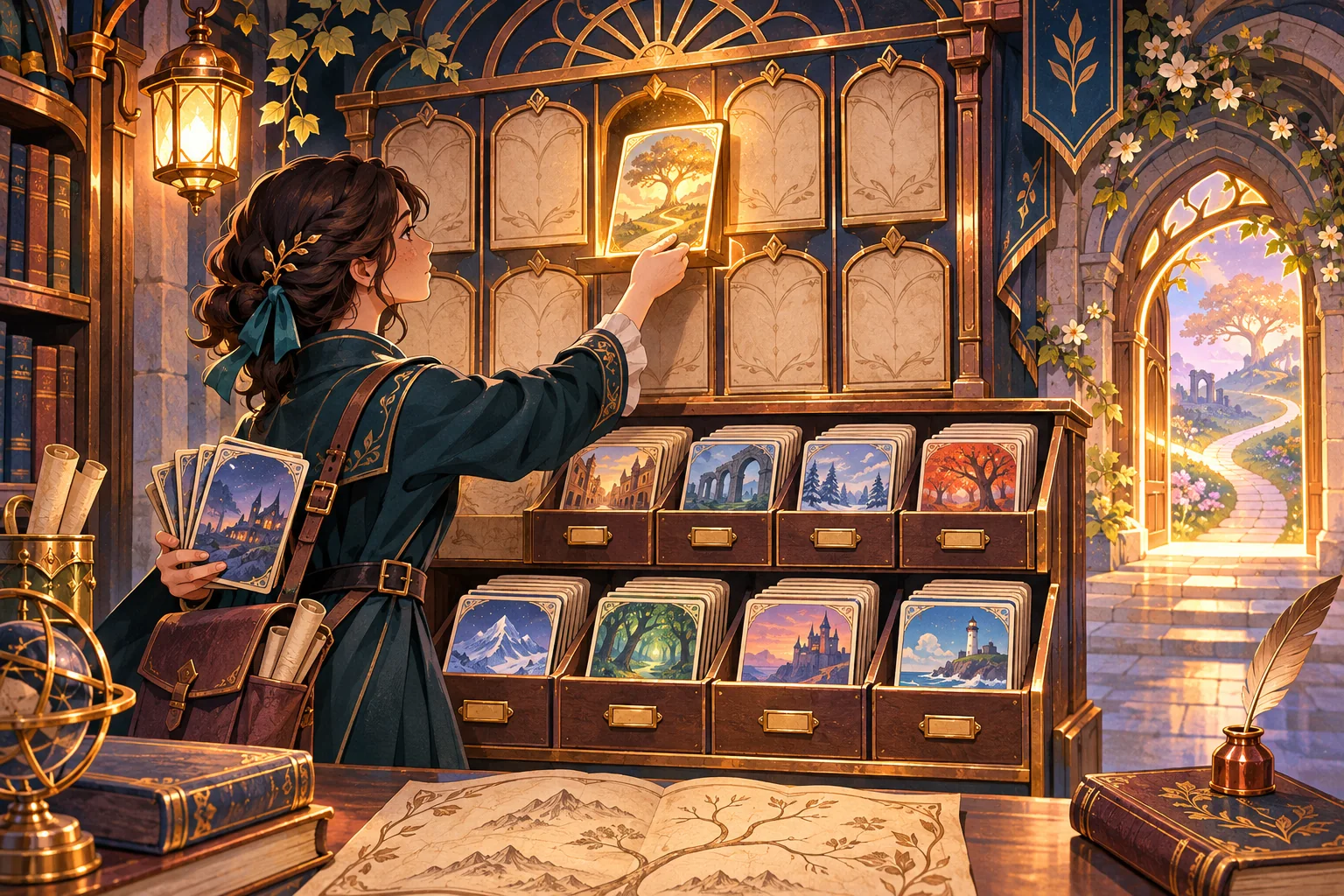
A useful migration note states: the old schema version, new schema version, fields added or renamed, fallback values, and what happens if parsing fails. Keep recovery behavior aligned with the game’s existing design. A mock save card can explain this contract, but only a real load in the target build can demonstrate compatibility.
Verify one vertical slice before expanding
Implement one ability, one dependent gate, and one return path. Then test the whole loop before applying the same pattern to every region. Record the build, save version, room, steps, expected state, and observed state. If a check fails, isolate whether the mismatch sits in acquisition, serialization, load reconstruction, room entry, or visual feedback.
| Test case | Action | Observe |
|---|---|---|
| Fresh save | Start without the ability | Gate is closed and intended early route is reachable |
| Acquisition | Earn the ability and cross its gate | Ability and world flag update once |
| Backtrack | Leave and return through the loop | Gate, checkpoint, and map agree |
| Reload | Save, quit, and load again | Ability and durable gate state are restored |
| Older save | Load a duplicate from before the change | Defaults or migration preserve a playable route |
| Reset | Use the project's intended restart action | Persistent and transient values follow documented rules |
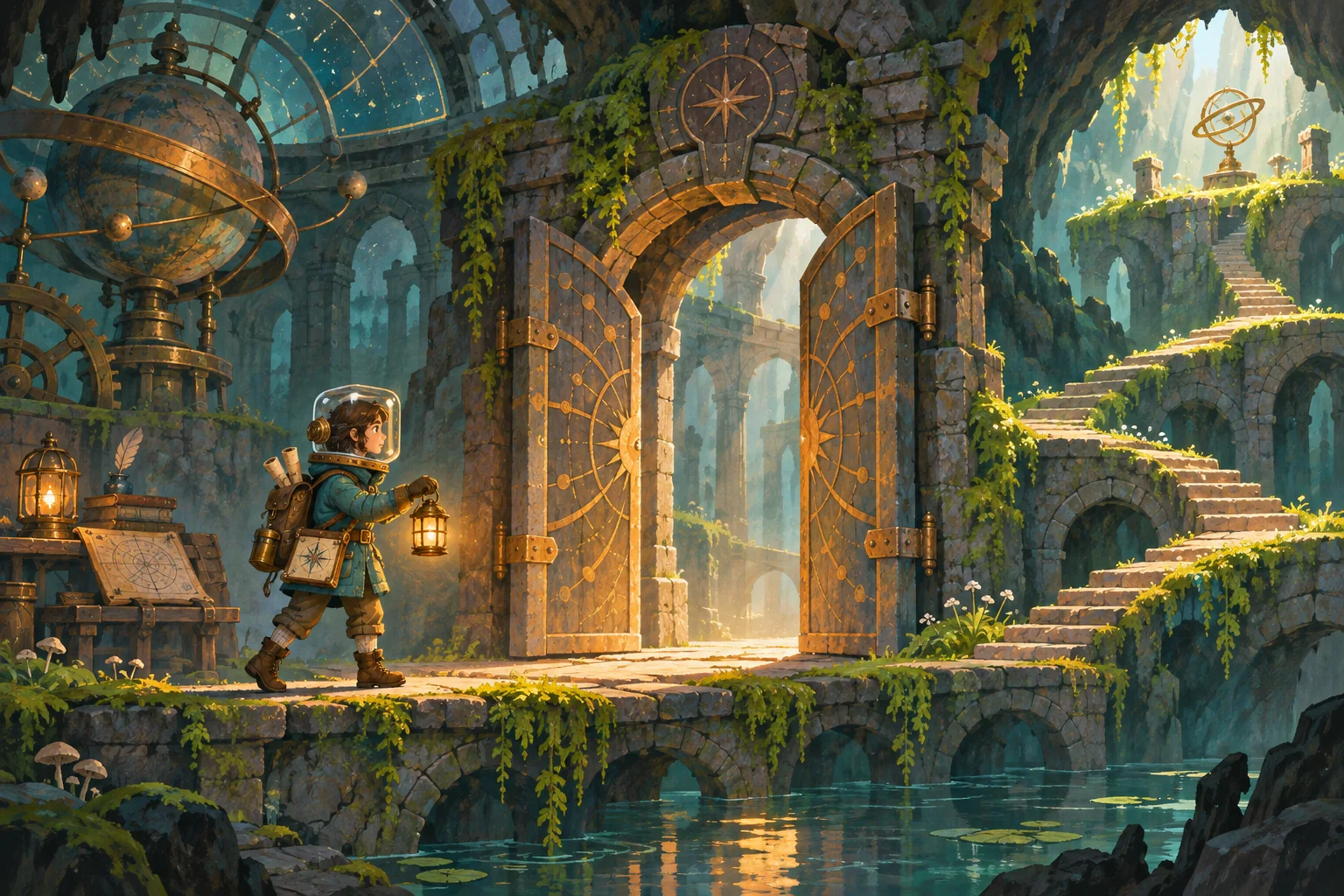
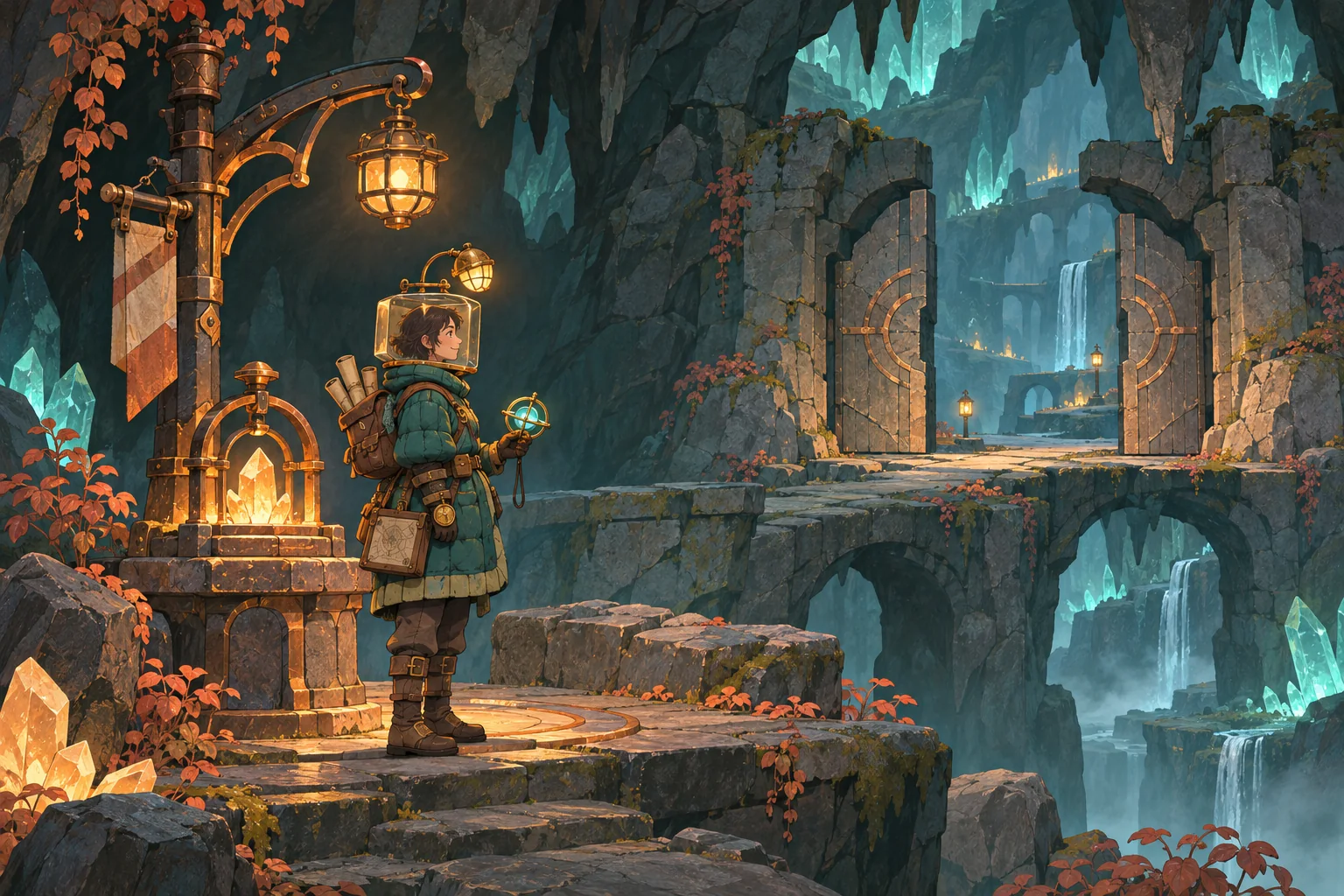
The fictional checkpoint image below illustrates a retained ability and open route. It is not a result from a running game.
Frequently asked questions
What should persist in a metroidvania progression system?
Persist only state the design needs after leaving a room or restarting: acquired abilities, opened one-way gates, boss outcomes, and durable world changes. Keep temporary combat effects and unsaved room interactions separate. Match the fields to the existing game’s state owner and reset rules.
How do I add an ability without breaking old routes?
Map every gate that depends on the ability and confirm at least one intended route remains reachable before the upgrade. Check return paths, checkpoints, sequence breaks, and optional rooms. Treat the map as a review artifact, then validate each route in the real build.
Should opened gates stay open after loading a save?
If the gate represents a permanent world change, store a stable gate ID or world flag and rebuild the room from that state on load. If it is only a temporary switch, keep it in room state. Choose based on the intended route and communicate reset behavior to players.
Where does Godot store persistent game data?
Godot’s stable documentation describes user:// as the writable user-data location and shows file-based save examples. Confirm the target platform and current engine version, then use the project’s existing save layer where possible. The documentation does not decide which game state should persist.
How can I test a new progression layer safely?
Use a duplicate save and test a fresh run, ability pickup, dependent gate, backtrack, checkpoint reload, and an older save. Record build, save version, room, and expected result. A fictional map or mock interface explains a test plan but is not evidence that an actual build passed.
Expand only after the loop holds
Map each durable ability and world change to its gates, return paths, reset rules, and save owner. Implement one slice, then verify acquisition, backtracking, reload, and old-save behavior before duplicating the pattern across the map. This keeps the existing game’s progression legible while giving you a safer base for expansion.
If you want to sketch a separate playable idea around this progression loop, try SEELE AI Game Maker. It is a concept-building option, not an existing-project migration tool.