A player-facing level editor can extend the life of a rhythm game, but it touches the chart format, audio clock, scoring, input, saves, and sometimes community features. Keep the existing playback system as the authority. Begin with a local authoring slice: place events on a musical grid, preview a chart, validate it, and save a versioned draft without changing how shipped levels play.
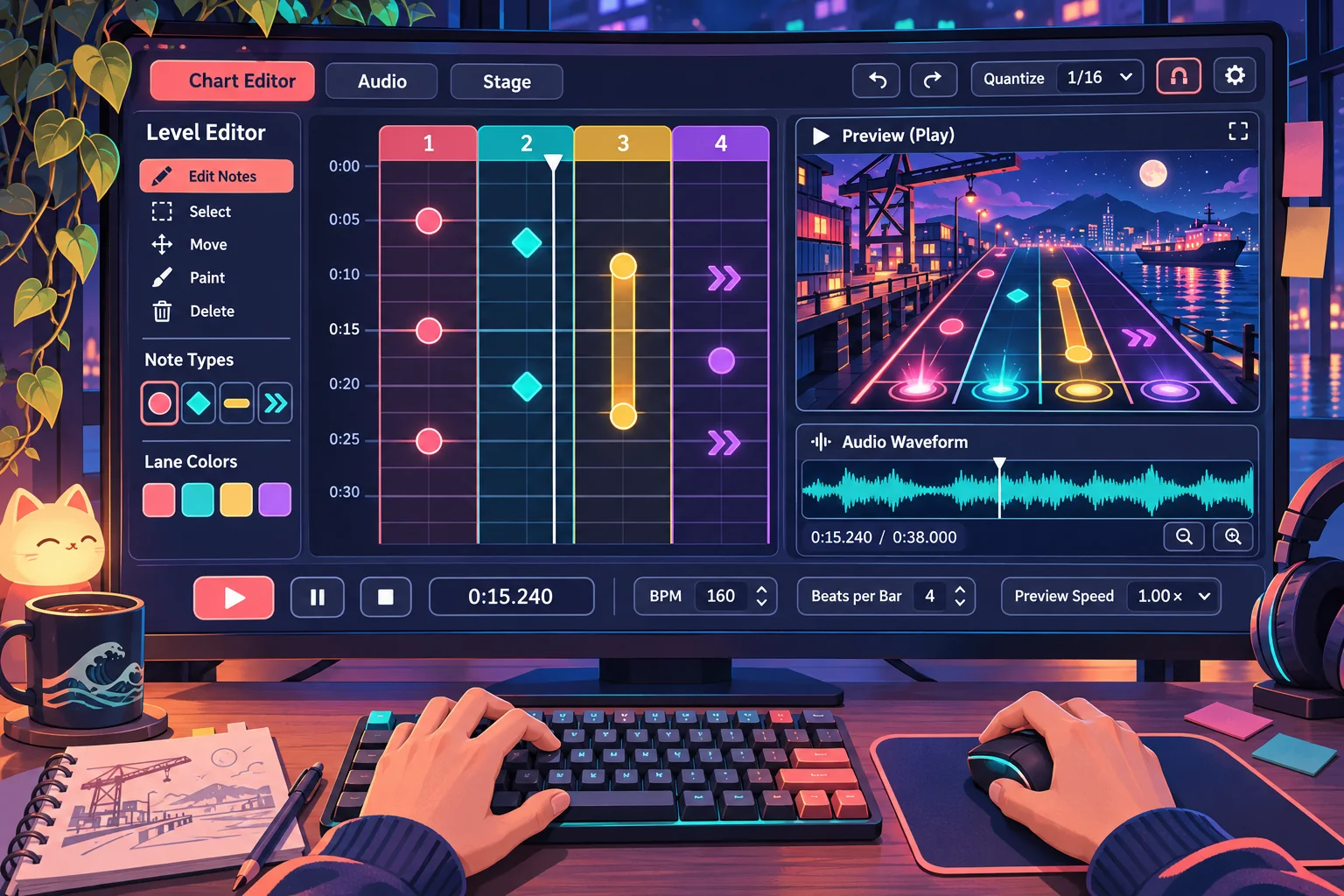
This guide is for adding an editor to an existing project, not replacing its rhythm engine. The example game, soundtrack, interface, chart data, and outcomes are invented. No project files, music, parser, or build were available. The checklists describe proposed validation, not test results.
Draw a boundary around the editor
Start from a clean commit and record one known chart that already plays correctly. Note the audio clock, chart loader, tempo map, input bindings, note lanes, scoring rules, song offset, save path, and progression flags. If a build is unavailable, inspect only the files provided and say that runtime behavior remains unknown.
Keep the first release local and focused. A player should be able to pick an available track, place and move events, undo a change, preview a section, save a draft, reopen it, and see validation messages. Online sharing, ratings, moderation, subscriptions, and cross-device sync can be planned separately; adding them at the same time makes a timing regression harder to isolate.
| Existing system | Record before work | Default protection |
|---|---|---|
| Audio and timing | Clock source, latency offset, tempo changes | Do not replace playback clock |
| Chart runtime | File fields, event ordering, loader behavior | Preserve shipped chart compatibility |
| Scoring and input | Hit windows, action names, lane mapping | Keep the same rules in preview |
| Progression | Unlocks, completion, saved scores | Separate drafts from official results |
Ask AI to inspect the actual files and produce a change plan before editing. Require an allowlist of files and a list of untouched systems. A request such as “add a level editor” is too broad: it can invite a new timing model or replace the working chart loader. A safer prompt identifies one chart format, one local save path, and a small screen that calls existing playback code.
Author events in musical time
Represent an event by where it belongs in the song, not by a wall-clock timestamp captured while someone drags a block. If the current runtime uses beat positions, keep that coordinate. If it uses seconds, add an explicit adapter and verify the conversion against the existing tempo map. The editor’s ruler and the playable chart must agree at every tempo segment.
A conceptual event might hold a stable ID, lane, measure, beat, subdivision, event kind, and optional duration. Keep fields minimal and match the project’s actual loader. Store tempo changes in the format only if the runtime already supports them or the feature plan explicitly adds them. Never infer a complete schema from a screenshot or a sample chart that was not supplied.
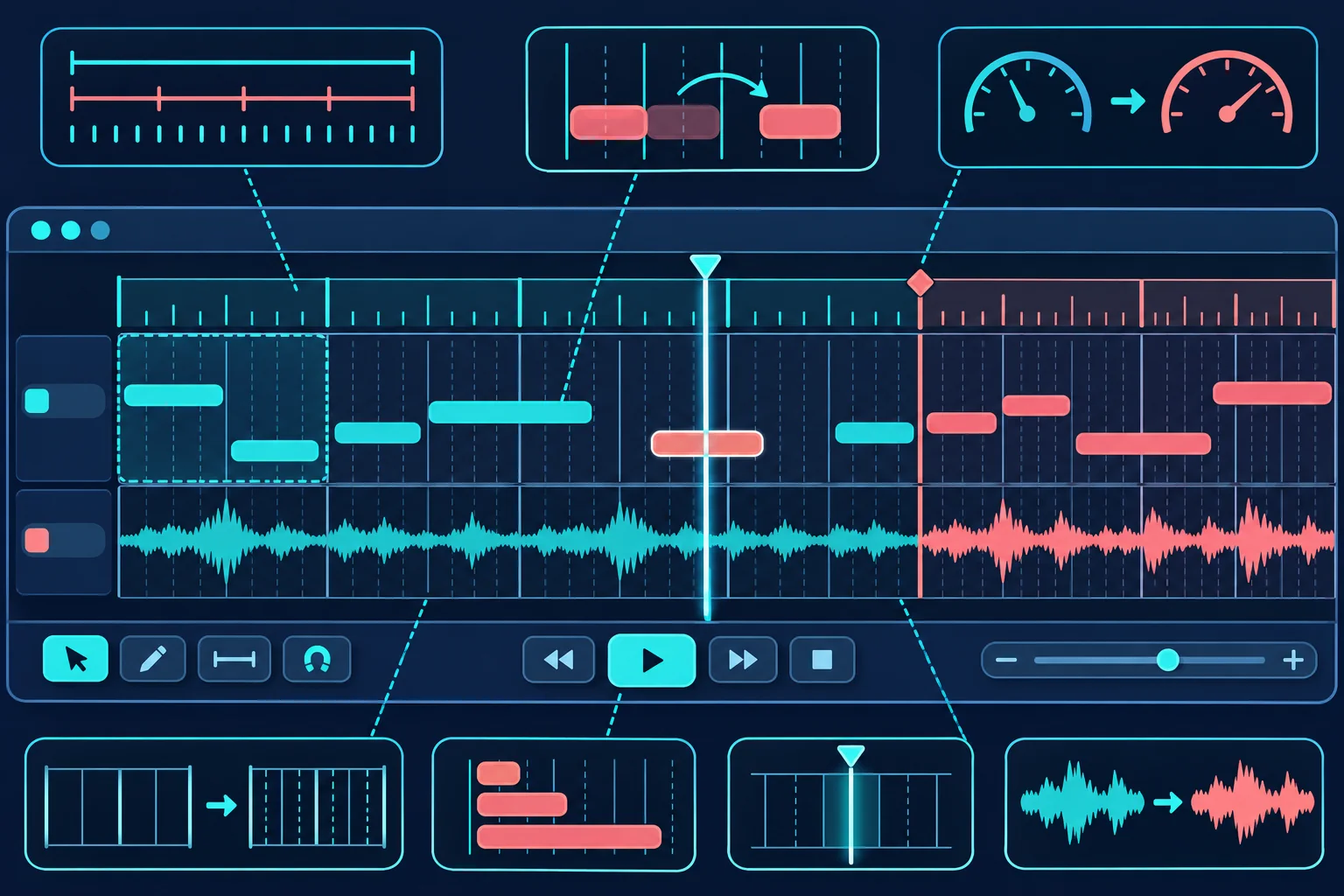
Godot’s stable documentation describes runtime file reading and writing through FileAccess and related APIs, including examples involving user-provided content. Its data-path guide documents user:// for persistent user data. These references establish engine file-I/O options, not a required rhythm chart format, security guarantee, or tested Pulse Harbor implementation.
Use stable identifiers so moving or deleting one event does not renumber every other event. Sort deterministically for playback, define what happens to simultaneous notes, and distinguish a missing optional field from an invalid required field. If the project already stores charts as resources, build an editor adapter around that format instead of bypassing it with a parallel structure.
Make editing predictable and reversible
Use a beat grid with zoom controls that do not alter stored timing. A click adds an event; dragging moves it; a clear selection state supports deletion; undo restores the previous edit. Keyboard shortcuts should not collide with the game’s existing actions. Make the current measure, beat subdivision, selected lane, and playhead visible so creators can see what their input means.
Keep draft operations away from official completion state. A preview should not award progression, overwrite a shipped chart, or submit a score to a leaderboard. Save to a dedicated draft folder and keep an original copy when the player opens an existing custom chart. If the game supports only bundled songs, the editor should offer those assets rather than imply that arbitrary audio import has been implemented.
In the fictional Pulse Harbor example, the editor writes a local chart draft with a version number and reuses the existing preview scene. This proposed arrangement is not a report of actual files or integration. Your project may require another boundary, especially if chart loading is tied to a resource import pipeline.
Validate local chart files before preview
Treat a player-authored file as data to validate, not instructions to execute. Check the file version, required properties, lane identifiers, event types, numeric ranges, duplicate IDs, and referenced track. Reject a chart that exceeds project limits or points to an unavailable resource. Make errors readable and actionable: identify the event or field and explain how the creator can fix it.
Separate warnings from fatal problems. An unusual but valid density might deserve a warning, while a missing lane or invalid beat position should block preview if the runtime cannot handle it. Limit file size and event count using project-appropriate values, and test parser behavior against empty, truncated, old-version, and malformed files. Those limits must come from the target game’s design, not be invented as universal numbers.
| Validation area | Question to answer | Failure behavior |
|---|---|---|
| Version | Can the editor read this schema version? | Explain upgrade or refusal path |
| Track reference | Does this song exist in the allowed catalog? | Do not silently substitute audio |
| Event coordinates | Are lane and beat values supported? | Point to the invalid event |
| Event identity | Are IDs unique and stable? | Offer a safe repair or block save |
| File bounds | Is content within project limits? | Fail predictably before loading |
Plan the smallest project change
Before accepting a patch, compare it with a file plan. A bounded first slice may touch an editor scene, an editor controller, a chart data adapter, a local draft service, and a few tests. It should not silently rewrite every song, change hit windows, modify the audio driver, or fold draft charts into official progression.
Ask AI to show the full diff, name compatibility assumptions, and describe how to remove the feature. Put work on a branch or copy the project. Keep a known chart and reference recording untouched. If a new data version is needed, write a migration plan and test on copied charts before altering player data. If the result changes playback, revert to the baseline and isolate the cause.
Test alignment and regression on a project copy
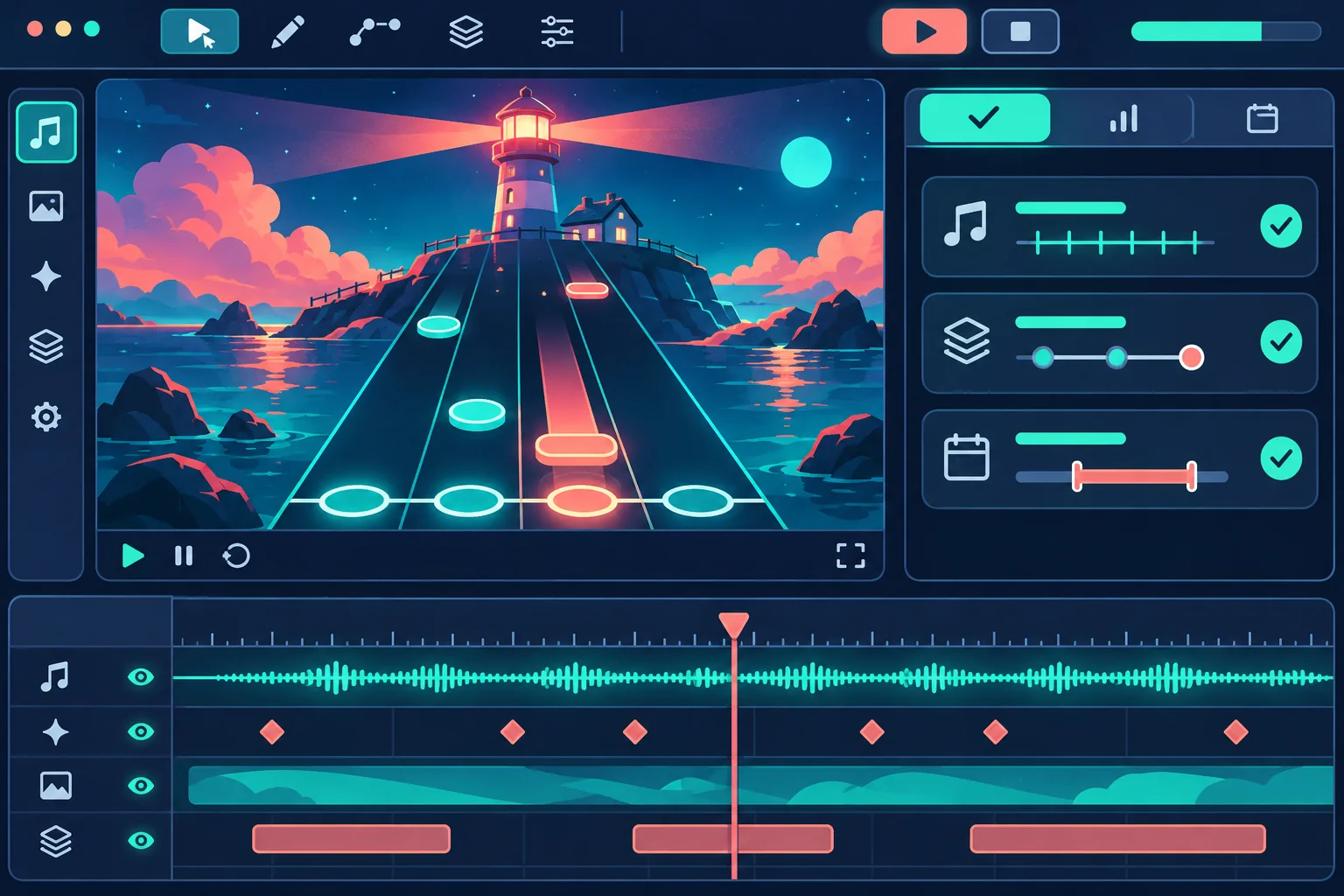
Test more than whether the editor screen opens. Compare the same known chart before and after the change. Check a note near the start, a middle section, a tempo boundary, and the ending. Confirm the editor playhead, preview sound, note animation, hit registration, and score use the same timing source. A visually aligned grid is not proof that audio latency or gameplay timing is correct.
| Proposed check | Action | Record |
|---|---|---|
| Baseline chart | Run one known chart with the old build | Build, track, and expected timestamps |
| Editor round trip | Place, save, reopen, and preview a draft | Serialized events and any differences |
| Tempo boundary | Place events before and after a tempo change | Beat, audio position, and playhead |
| Malformed file | Try missing, invalid, and unsupported fields | Clear failure without a crash |
| Regression | Replay the unchanged reference chart | Timing, scoring, input, progression |
| Rollback | Remove the feature branch or restore a copy | Original chart remains playable |
This matrix is a proposal. It is not evidence that timing stayed accurate. Record the project version, audio device, chart, offsets, exact action, expected behavior, observed behavior, and any regressions when real tests are run. Do not turn a generated mock interface into a claim that an editor or validation panel exists.
Keep publishing and community sharing separate
If the long-term goal includes sharing, first define moderation, reporting, deletion, ownership, song licensing, storage limits, and compatibility across game versions. A local editor does not automatically provide a safe online library. Do not claim user-created charts can be published or downloaded until those services and policies are implemented and tested.
To explore a separate rhythm-game concept, try SEELE AI Game Maker. It is a concept tool, not an existing-project editor.
Frequently asked questions
What should a rhythm game level editor let players do?
Start with the actions needed to create and preview a chart: choose a track, place events on a beat grid, edit or undo them, save a draft, and validate it. Keep publishing, sharing, and moderation as separate features until local authoring works reliably.
Should chart events be saved as seconds or beats?
Prefer a stable musical coordinate such as bar, beat, and subdivision when the game already has a tempo map. Convert to playback time through the existing timing system. Preserve the current audio clock and offset rules, then test tempo changes and notes near section boundaries.
How can I add an editor without changing rhythm playback?
Keep the current chart loader, audio clock, scoring, input, and note lanes as the baseline. Let the editor create data in the runtime's existing format or a versioned adapter. Compare a known chart before and after the change and revert if its event timing shifts.
How should player-created charts be validated?
Check the file version, required fields, track reference, event types, beat ranges, duplicate IDs, and unsupported values before preview. Report recoverable issues in the editor and reject malformed content safely. A schema checklist is not proof that a real parser handles every hostile file.
Can AI build a level editor inside my existing rhythm game?
AI can help inspect supplied files, propose a bounded patch, and draft validation cases. It cannot verify timing or compatibility without the actual project and tests. Give it a file allowlist, an unchanged reference chart, expected beat behavior, and a rollback commit; review the complete diff.
Add authoring without rewriting playback
Keep the current rhythm engine in charge of timing. Add a narrow local editor that writes versioned musical events, validates them before preview, and keeps drafts away from shipped charts and official scores. Review the diff, test known charts on a project copy, and retain a rollback point. Treat every outcome as unverified until the actual game is tested.