Attraction layout is a guest-flow problem as much as a construction problem. Frontier Developments’ official Planet Coaster Steam listing describes building a coaster park and delighting crowds. That broad park-building context is the reference point; the queue model, path rules, and example layout below are original design guidance.
Lay out a ride for arrival, queue, and exit
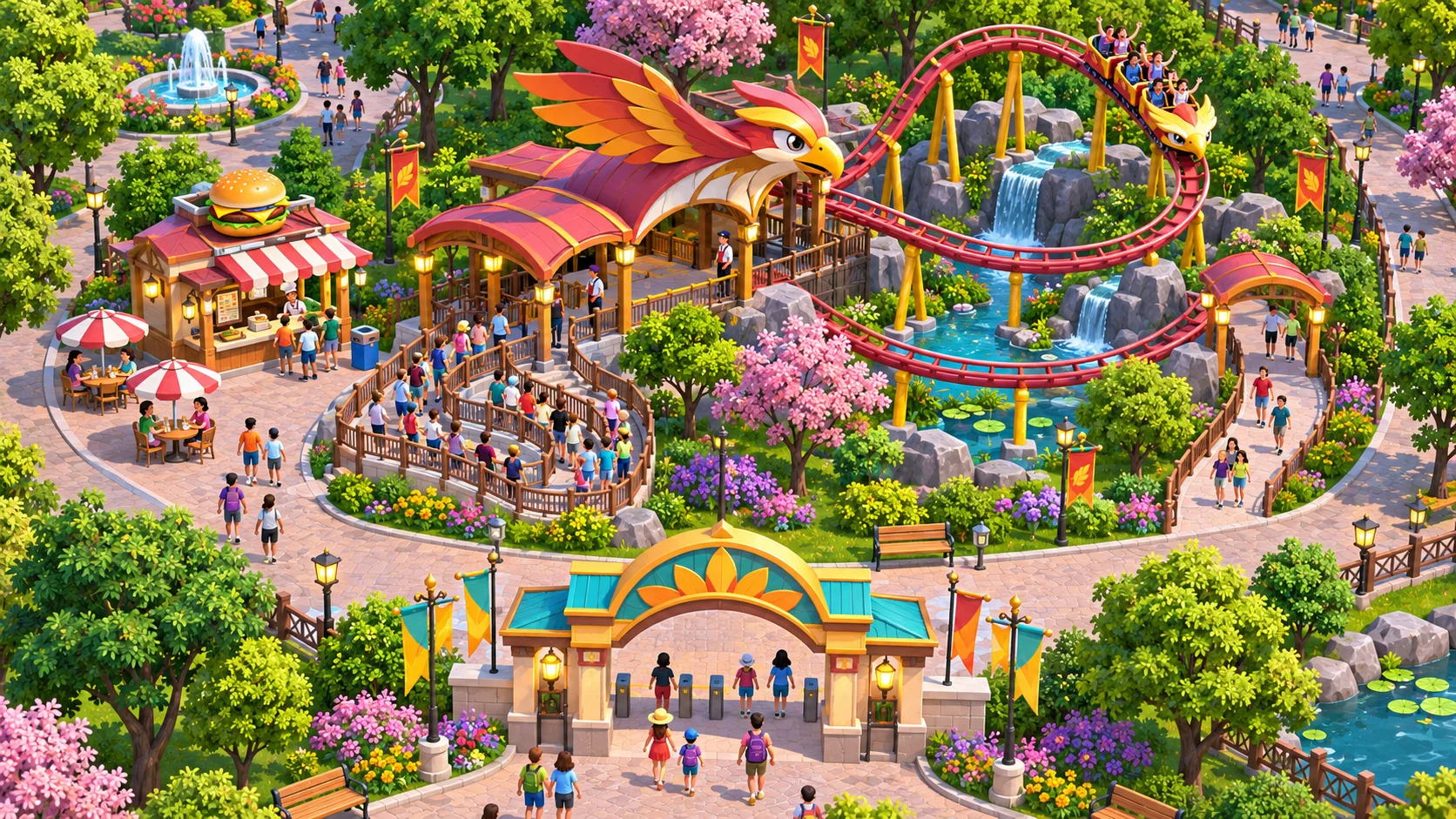
Think of a ride as a node with three connections: guests arrive, wait in a queue, and leave through an exit. Add a fourth connection for staff or maintenance if your game models it. Sketch those flows first, then place scenery and amenities around the paths. This makes the layout easier to evaluate than a pretty park map with no clear movement plan.
Give each connection a readable purpose. A queue should start where guests can see it and should not block the main path. The exit should lead toward another destination or a plaza rather than empty into a dead end. Service routes should reach the attraction without cutting across the densest guest area.
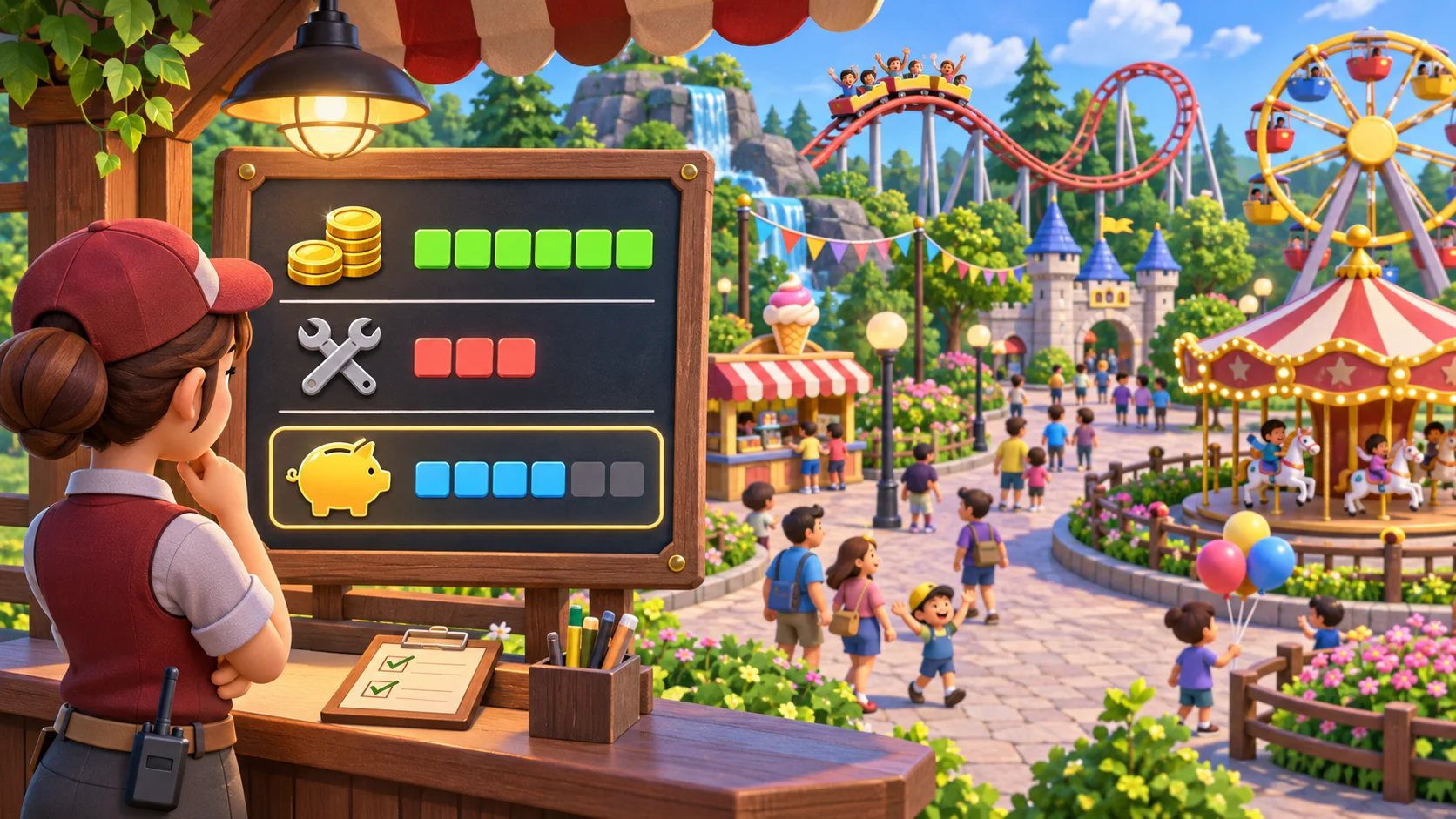
Use capacity values only where they clarify a decision. A queue may have a maximum length, a path may have a crowd threshold, and a ride may board a limited number of guests per cycle. Make those constraints visible in a build mode or inspection panel. Avoid stacking invisible limits that make an otherwise sensible layout fail.
Design paths around capacity and guest flow
Trace the full guest journey: park gate to ride, queue to boarding, then exit to the next activity. Mark where guests can stop and where they need to keep moving. A path that is wide enough in isolation can still become blocked when a queue entrance or food stall occupies the same space.
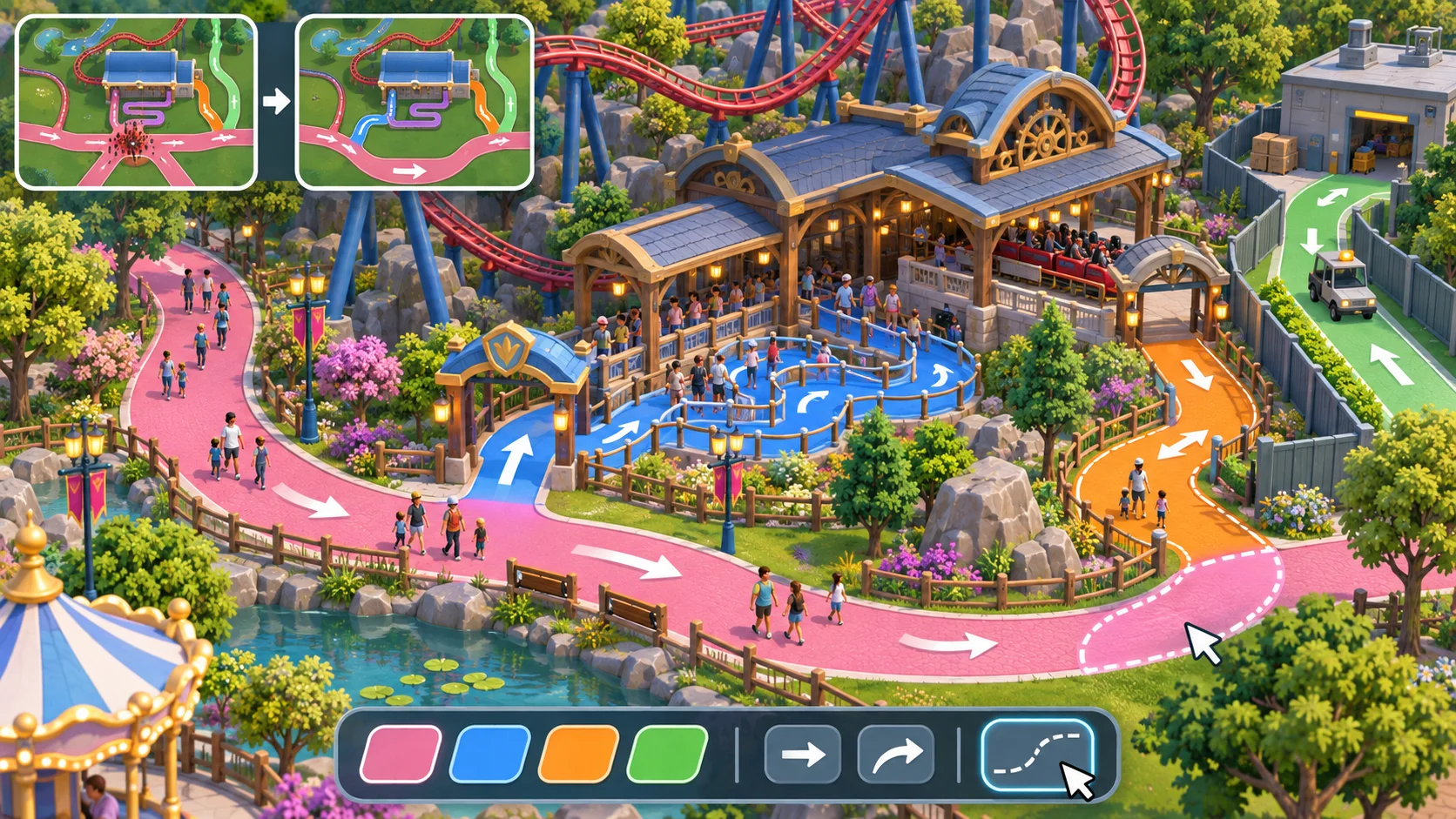
Offer alternatives around busy areas. A second path can relieve pressure near a popular attraction; a loop can reduce backtracking; a plaza can absorb people leaving a ride before they continue elsewhere. Keep the map compact enough that players can see these alternatives before placing a new ride.
Test crowding at several demand levels. A layout may work with a small crowd and fail when a queue reaches its limit. Watch for repeated bottlenecks where lines cross, exits narrow, or guests reverse direction. Let players inspect why an area is blocked instead of showing only a generic “crowded” warning.
Connect amenities without blocking movement
Place food, rest, and information points near natural dwell areas rather than directly in a through-route. Their queues need their own space. A small plaza beside a ride exit can give guests room to pause while leaving the queue entrance unobstructed.
Give players a reason to choose between compact and spacious designs. A tight layout can fit more attractions into a small parcel but create path conflicts; a spacious layout can improve flow while using more land or requiring longer travel. Show the tradeoff through crowd or distance feedback.
Playtest crowding, access, and attraction performance
Run the same ride layout with increasing guest numbers. Measure queue growth, time spent waiting, path utilization, and whether guests can reach and leave the attraction. Also check whether staff can access the ride when guest paths are busy.
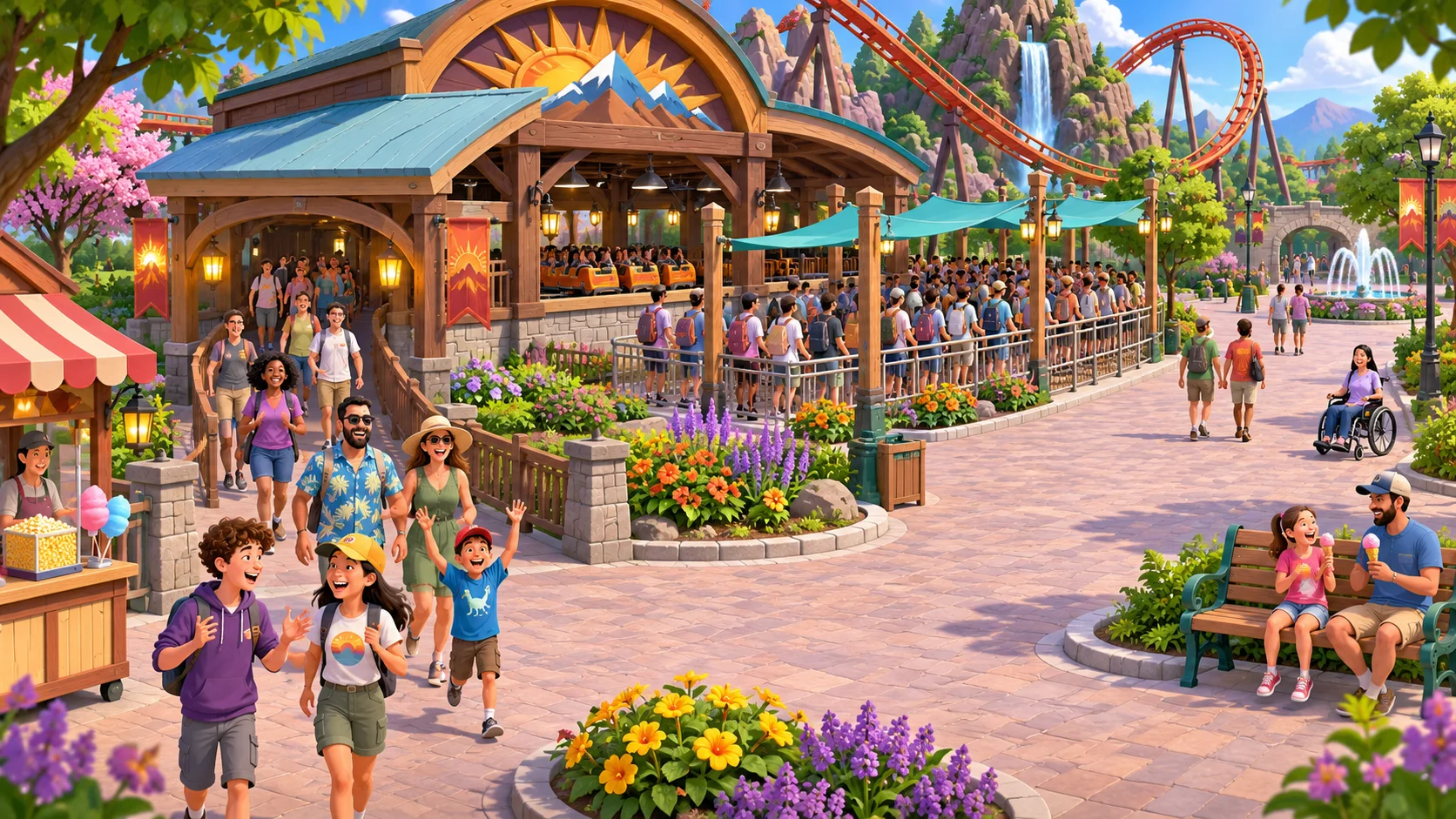
Ask a tester to predict where congestion will appear before the simulation runs. If the actual crowd forms somewhere unexpected, improve path feedback or explain the flow rule. Change one variable at a time—queue entrance, path width, exit placement, or nearby amenity—so the next test reveals which adjustment mattered.
Use SEELE AI to draft an original park-building game, then verify the ride entrances, queue behavior, and guest routes in the playable result. A generated park scene does not guarantee functional pathfinding. For a broader premise guide, read the original park simulation guide. Prototype an original park-building game.
FAQ
How do you build attraction layouts for a park game?
Place each attraction as part of a connected guest route: arrival, queue, ride entrance, exit, and onward path. Keep service access separate and make the queue connect to a path with enough room. Test the layout with a small group before increasing guest volume so flow issues are easy to locate.
How should queues connect to park paths?
Give the queue a clear entrance and exit, then join the entrance to a general path without blocking through-traffic. Keep the exit away from the entrance when possible so arriving and departing guests do not collide. Make queue length and capacity visible, and provide a nearby overflow or alternate route if the ride is popular.
How can a park layout prevent crowding?
Use more than one route between busy areas, avoid narrow crossings near queues, and place amenities where guests can stop without blocking movement. Observe where lines overlap as demand rises. A good layout can allow local congestion without letting one crowded ride make the whole park inaccessible.
What should you test in an attraction layout?
Increase guest demand and watch queue growth, path utilization, ride access, exit flow, and service access. Ask testers to predict where crowds will form before the simulation runs. Compare those predictions with the result, then move one entrance, path, or amenity at a time to identify the cause.