Daily schedules turn a management plan into movement, work, rest, and shared-space use. Introversion Software’s official Prison Architect listing describes designing and developing a personalized penitentiary. This article uses that only as a broad institutional-management context; all schedule rules, example activities, and resident outcomes below are original fictional design guidance.
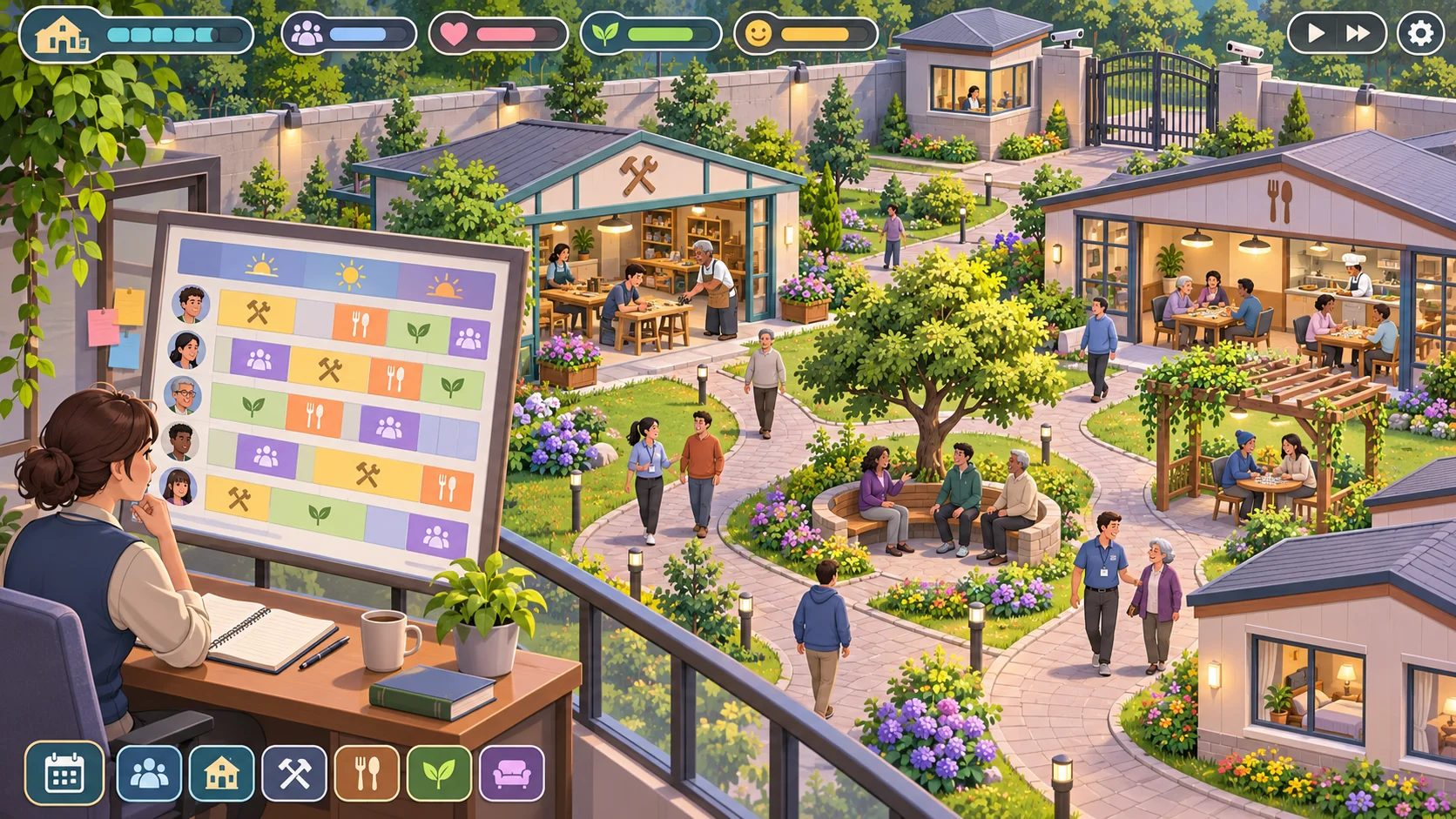
Represent a day as visible blocks and needs
Build a timetable from a small set of activity blocks: meals, work or learning, rest, recreation, and free time. Give each block a start, duration, location, eligible participants, and staffing requirement. Use these fields to check the plan instead of relying on a long list of exceptions.
Show why an activity exists. Work can advance a facility goal; recreation can support a wellbeing need; a meal period can move people through a shared dining room. Make the intended effect visible before the schedule starts. Avoid assigning every minute to a task, since a rigid plan can feel like a puzzle with no room for recovery.
Let characters have understandable differences. One group may need a quieter room, another may be scheduled for an activity that requires a trained staff member. Keep these constraints legible and limited. If a character cannot participate, explain the reason in the schedule or a short inspection panel.
Assign work and activities around capacity
Before committing the day, check room size, staff availability, required equipment, and travel time. If a workshop holds a small group but the schedule sends a large group there, flag the conflict. If the same staff member is assigned to two places at once, identify the overlap rather than silently dropping one activity.
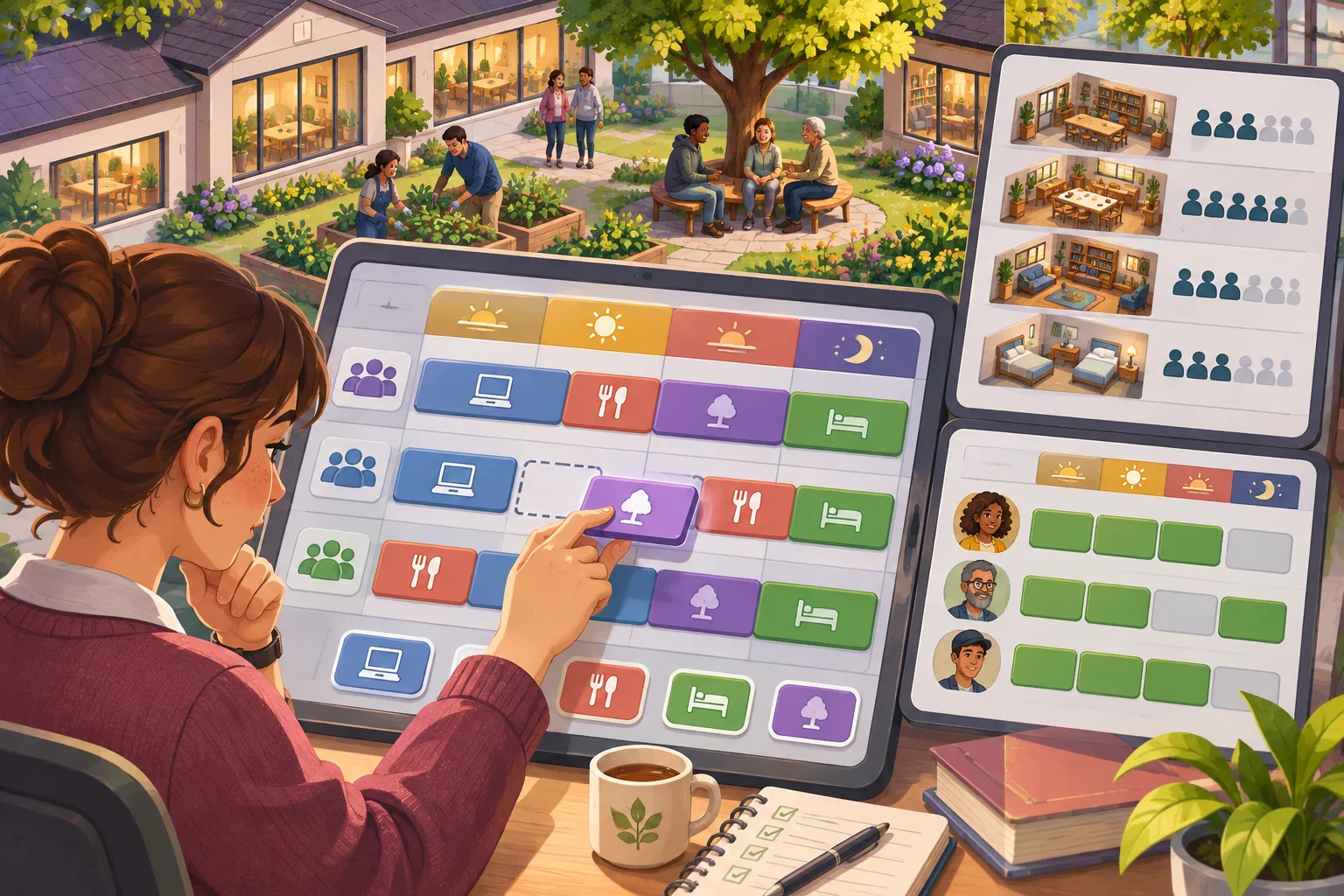
Model transitions between activities. People need time to move from a workshop to a dining room, and one crowded corridor can delay the next block. Use simple travel zones or a short transition buffer before building detailed path simulation. The player needs enough information to spot an impossible schedule.
Make capacity conflicts actionable. Offer another room, a different time, a smaller group, or an additional staff assignment. Show what each change affects. For example, moving a meal period can free a room but make another group wait. Choices matter when the player can compare the consequences.
Keep routines flexible and humane
Preserve time for rest and allow a schedule to recover after disruption. A staff shortage, delayed transition, or unavailable room should not break the entire day. Let players swap a block, move an activity, or reduce its scope, then show the effect on the people involved.
Provide reasonable alternatives when someone cannot attend. A missed optional workshop might be offered in another slot; a required care activity may need a clear priority. Make the difference between mandatory and elective activities explicit. Avoid treating every unmet need as a personal failure when the schedule itself created the conflict.
Let the player compare routine and flexible schedules. A regular pattern can reduce planning work, while a special event may use a different room or staff team. Show which blocks change and preserve a straightforward way to return to the normal plan.
Review the schedule for overload and unmet needs
At the end of the day, summarize missed activities, overcrowded rooms, transition delays, and staff load. Link each result to the schedule block that caused it. The player should be able to identify whether the problem came from too little room, too many assignments, or an unrealistic travel window.

Playtest with a simple day, then add one complication at a time. Observe whether testers predict where characters will be and whether they notice when two activities compete for one room. Track missed sessions, crowding, and the number of schedule edits. If players cannot explain an outcome, improve the timetable feedback before adding more rules.
Use SEELE AI to draft an original management simulation and verify schedule behavior in the actual prototype. Do not assume a generated timetable is capacity-aware or complete. For a broader facility-design concept, read the original management-game guide. Prototype an original management game.
FAQ
How do you build daily schedules in a management game?
Represent each day as visible time blocks connected to activities, locations, and participating characters. Give every block a clear purpose and check that rooms and staff can support the assignment. Start with a small schedule, then add events or work periods only after players understand how time and movement interact.
How can a schedule prevent room conflicts?
Track the capacity and availability of each room, then validate assignments before the day starts. If two groups need the same space, show the conflict and offer another time or location. Also account for travel and transitions so a schedule does not send everyone across the facility in the same minute.
How should a game handle missed activities?
Show why an activity was missed and let players adjust the next schedule. Offer catch-up opportunities when an important need or goal was blocked, and avoid punishing residents for a system-level capacity mistake. If missing an event has a lasting effect, explain it before the schedule is committed.
What should you playtest in a daily scheduling system?
Observe whether players can predict where characters will be and whether the plan fits room and staff capacity. Track missed activities, crowding, transition delays, rest periods, and player edits. Ask testers to explain one schedule conflict, then revise the information or rules that made it hard to diagnose.