Room specialization turns a floor plan into a service system. Two Point Studios’ official Two Point Hospital Steam listing describes designing hospitals, treating patients, and managing staff. That broad hospital-management context is the only reference fact used here; the room roles, prerequisite model, and patient-flow examples below are original.
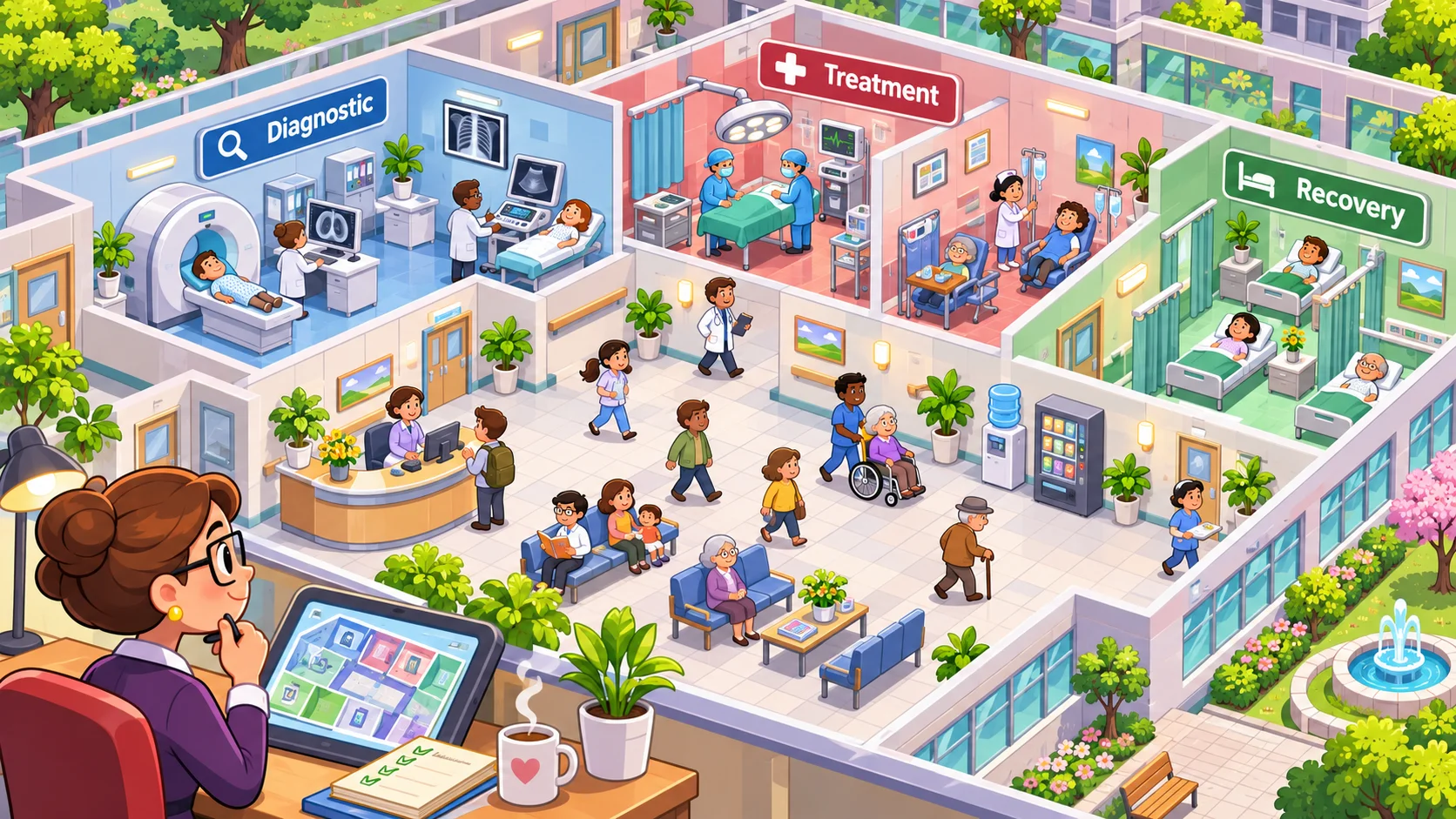
Give each room a clear job and inputs
Define a room with a task, equipment, staff requirement, capacity, and output. A diagnostic room might need a particular device and a trained operator; a treatment room might require a referral from diagnosis and space for one patient at a time. These are invented examples, not a claim about the reference game’s room rules.
Make prerequisites visible in build mode. If the room cannot operate without equipment or qualified staff, show that requirement before the player spends resources. If a room can work at reduced capacity with a substitute, describe that tradeoff clearly.
Keep room roles distinct. Two rooms can share some equipment, but they should not be interchangeable unless flexibility is a deliberate choice. A player needs to understand why a specialist room exists and what problem it solves.
Match room type, equipment, staff, and access
Connect each room to the staff and tools it needs. Show whether a staff member is available, what skill level is required, and whether assigning them here removes them from another task. A room without a trained operator may sit idle even when its equipment is ready, so make the dependency visible.
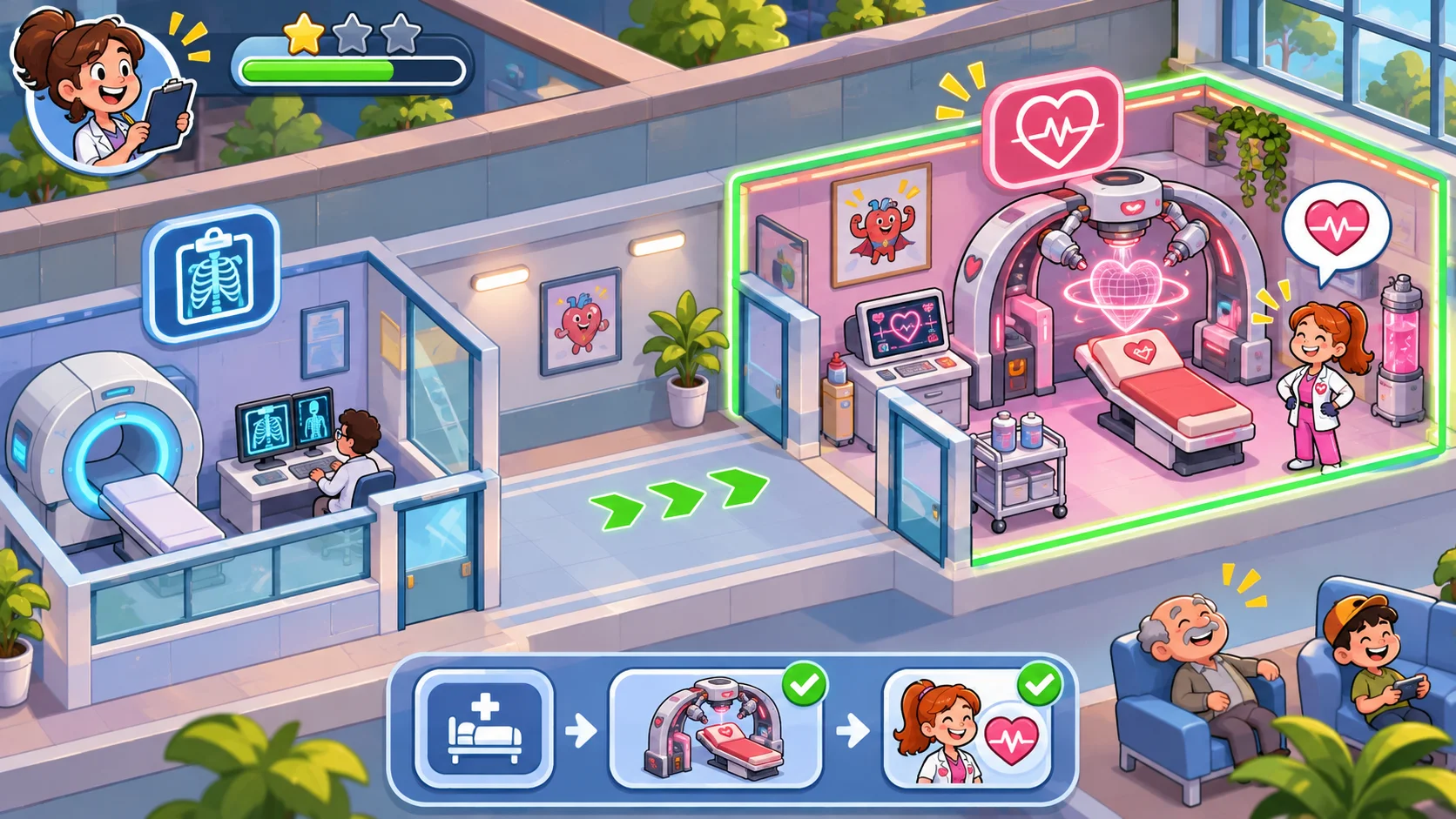
Trace the patient journey through the layout. A patient may need intake, diagnosis, treatment, and recovery. Use clear destinations and avoid routing every journey through one narrow corridor. If distance affects wait time, show the path or travel estimate so a player can diagnose why a well-equipped room is underused.
Plan staff access as well as patient access. A service route that crosses a waiting area may slow both groups. Keep room doors, queue space, and common corridors readable on the map, especially when the building grows.
Make specialization create meaningful tradeoffs
A dedicated room can be more efficient for one task but use space and staff that could support another. A flexible room can serve several roles but may need equipment changes or have lower throughput. Present the cost and benefit before the player commits.
Give players a way to change room use when demand shifts. Reassigning a room may require time, construction, or temporary downtime. The player should be able to plan around the change rather than discovering afterward that an essential service has disappeared.
Use capacity values that matter. A room may handle a small number of patients per period, and a second room may relieve a queue. Avoid adding precise numbers if they do not change choices; simple states such as available, busy, and overloaded can be easier to understand.
Test throughput, bottlenecks, and flexible capacity
Run the layout at normal demand and during a surge. Track room utilization, queue length, staff travel, and patients who cannot reach the next stage. A room at full capacity may be the bottleneck even if its staff and equipment are well assigned.
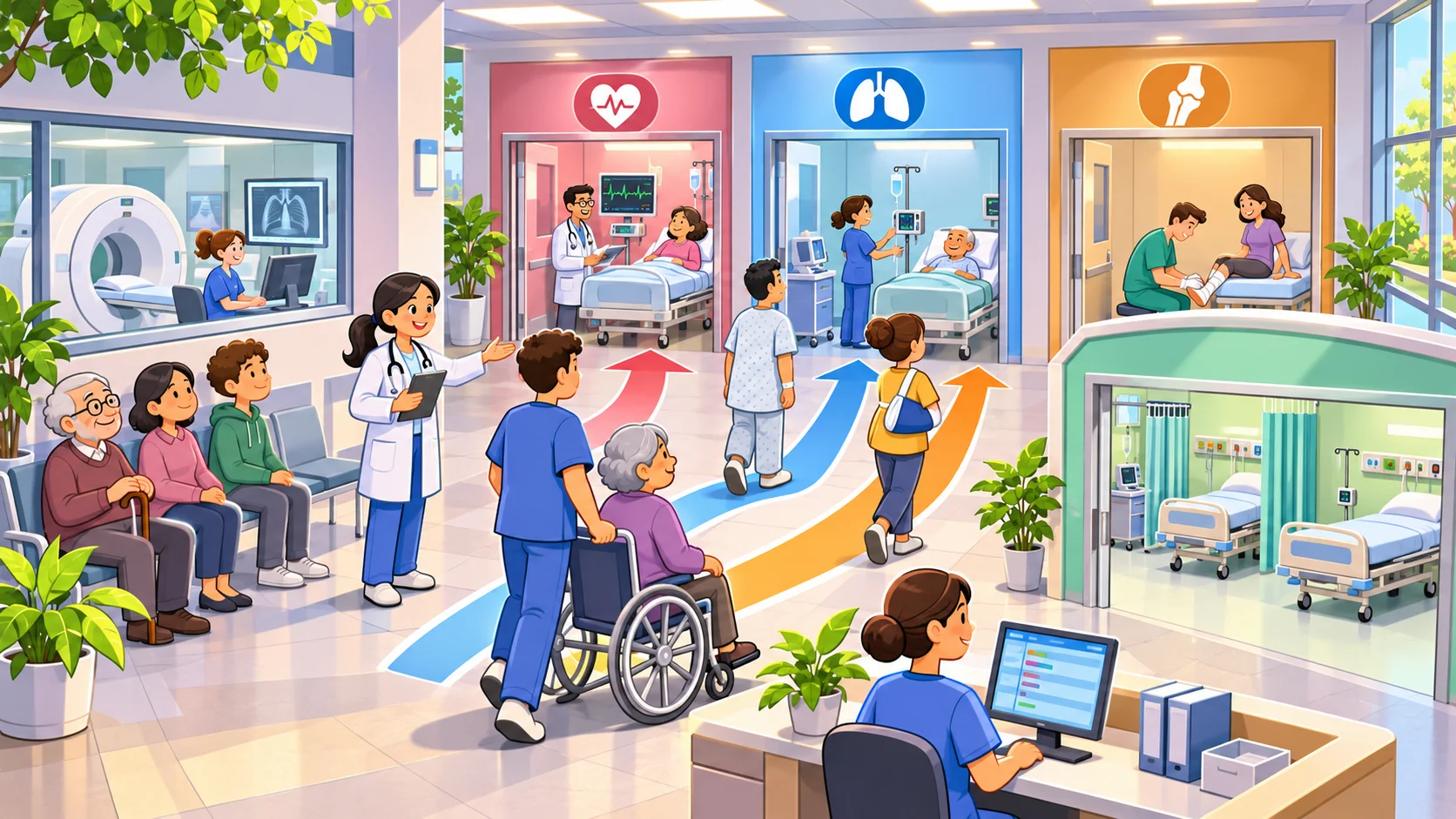
Ask a tester to find the slowest part of the service journey. If they select the wrong room, improve utilization or queue feedback. Change one factor at a time: room location, staff assignment, equipment, or capacity. Then run the same demand again to see whether the service improved.
Use SEELE AI to draft an original hospital-management simulation, then inspect room prerequisites, staff assignments, queues, and patient routing in the actual prototype. A generated floor plan does not guarantee functioning service flow. For a broader premise guide, see the original hospital simulation guide. Prototype an original hospital simulation.
FAQ
How do you build room specialization in a hospital game?
Define each room by the tasks it can perform, required equipment, staff skills, capacity, and expected output. Show those requirements before construction. Then connect rooms with a route patients and staff can follow, so the player can see how a specialized room fits into a complete service journey.
What should define a specialized room?
Give a room a clear role, a small set of prerequisites, and a throughput limit. Equipment and staff should support the task, while layout and access affect how easily patients can reach it. Remove requirements that do not change a decision, and make any unmet prerequisite visible before a room is built.
How can room layouts affect service flow?
Room placement determines travel distance, queue locations, and which corridors become busy. Put rooms in an order that matches the service journey, keep entrances clear, and provide enough space for people waiting. Test alternative layouts because a shorter route can still create a bottleneck if every patient passes through one narrow hall.
What should you playtest in room specialization?
Measure room utilization, queue length, staff travel, patients who cannot find a required room, and the effect of shifting capacity. Test a normal demand period and a surge. Ask players to explain which room is slowing service, then revise prerequisites, placement, or capacity feedback that made the bottleneck hard to see.