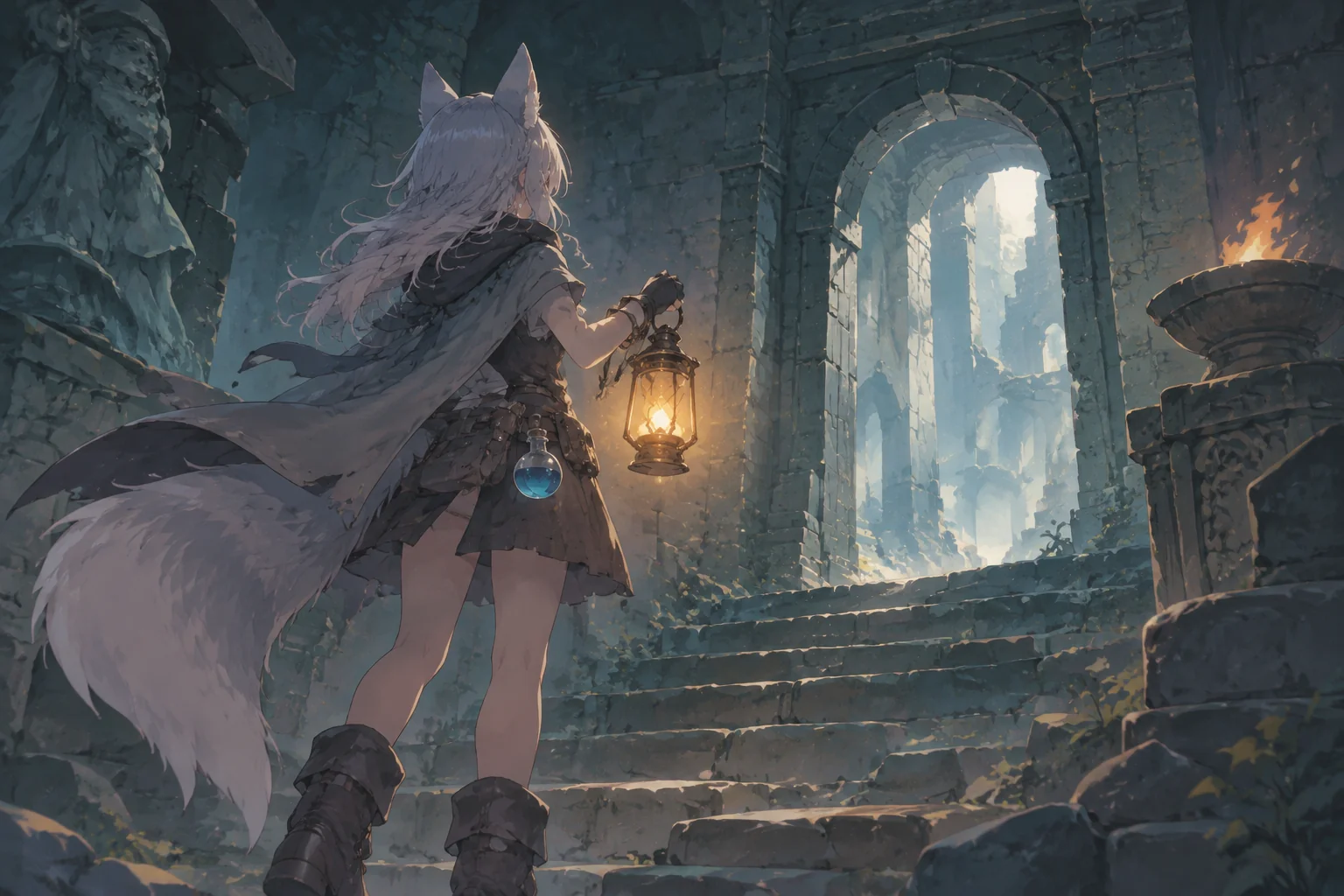
A base-building real-time strategy game needs more than buildings on a map. The player's economy must create a reason to build, and the units produced by that economy need an objective. For a first prototype, connect one worker, one resource, one barracks and one unit to a single enemy outpost. Make that loop reliable before adding a technology tree.
This guide uses a fictional strategy game to specify the rules, explain what to ask an AI game maker to create, and show how to check the result. The numbers and the later iteration are design examples, not observations from a completed game.
Connect the economy to a clear objective
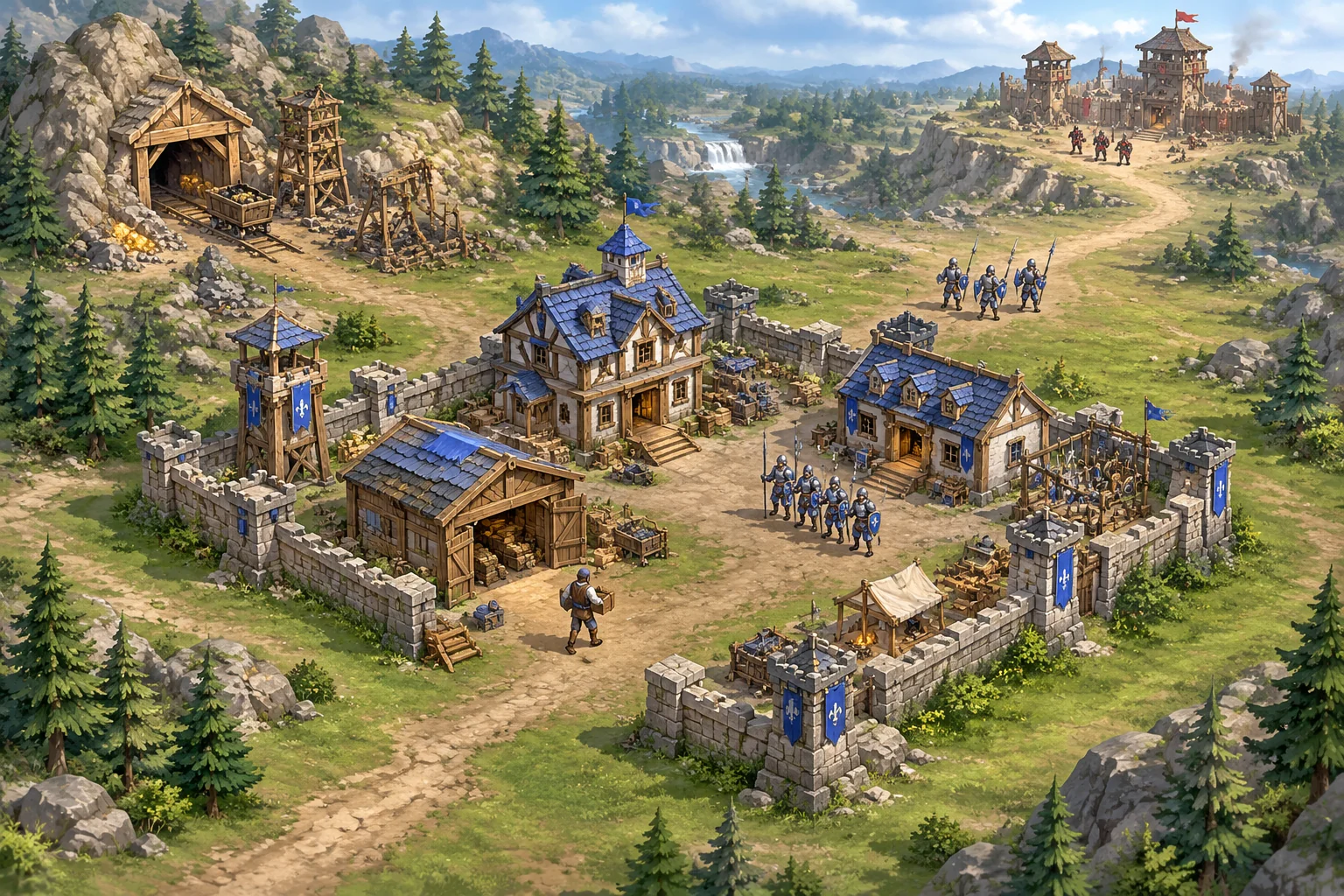
Place a command post near a supply deposit. The player orders one worker to collect supplies and return them to the base. Once there are enough supplies, the player places a barracks, trains a soldier and orders that soldier to attack an enemy outpost. Destroying the outpost ends the scenario in victory.
| Element | First-version role | Feedback to show |
|---|---|---|
| Worker and deposit | Move supplies into the economy | Carrying state and current supply |
| Barracks | Convert supplies into a unit | Placement validity and training progress |
| Soldier | Follow a player command | Selection and destination |
| Enemy outpost | Give the scenario a finish line | Remaining health and victory state |
Keep the initial map open, with enough room around buildings for movement. A simple layout helps distinguish a resource or command bug from a pathfinding problem. You can add narrow routes after units can reliably reach their destinations.
Set prices and work through the first build
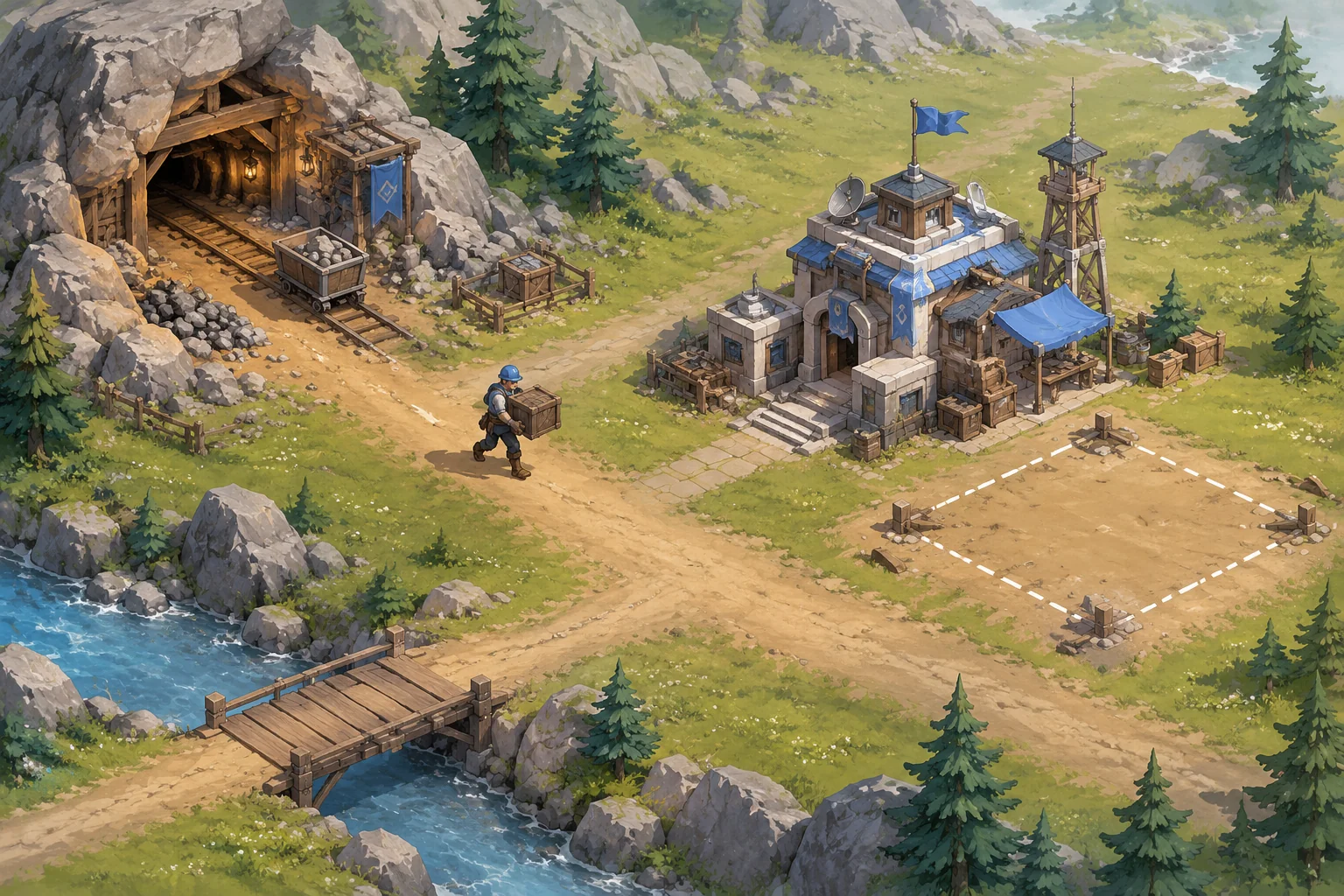
Suppose the player starts with 100 supply, and each completed worker trip adds 20. A barracks costs 120 and one soldier costs 40. The first trip raises the balance to 120, just enough for the barracks. After buying it, the balance is zero; two more completed trips fund one soldier. A command that cannot be afforded should leave the balance unchanged.
| Step | Change | Supply after step |
|---|---|---|
| Start | Initial resources | 100 |
| First delivery | +20 | 120 |
| Build barracks | −120 | 0 |
| Two deliveries | +40 total | 40 |
| Train soldier | −40 | 0 |
These values are deliberately simple rather than balanced through playtesting. The duration of a trip or a training action is a separate design choice. Display progress so players can see why a unit is not available yet; do not rely on an unexplained pause.
Describe the rules in a build prompt
Give the tool the player actions, state changes and finish condition, then ask it to implement a small part at a time. SEELE's capability catalogue describes creating games from a written idea and producing 2D characters, scenes and interface elements. It does not establish that this specific RTS, command system or pathfinding result has been tested. Check each generated behavior yourself.
Create an original small top-down real-time strategy prototype.
Place a command post, one worker, a supply deposit and an enemy outpost
on a small open map. Start with 100 supply. A worker ordered to collect
travels to the deposit and returns 20 supply to the command post per trip.
Allow the player to place one barracks on clear ground for 120 supply.
The barracks trains one soldier for 40 supply after a visible progress bar.
Let the player select the soldier and command it to move or attack.
The outpost has 100 health. Each landed soldier attack deals 10 damage.
Show the selected unit, supply total, outpost health and clear action feedback.
Reject unaffordable or invalid placement without spending supply.
Declare victory when the outpost reaches zero health, and provide restart.
Use original simple 2D assets; do not copy a commercial game's art or UI.
If the first result mixes up states, split the request: first create movement and worker deliveries, then add placement and costs, then training and attack. Keep a working version at each stage. Specify any timing you care about, because the example deliberately leaves movement speed and cooldown open.
Make commands and failures legible
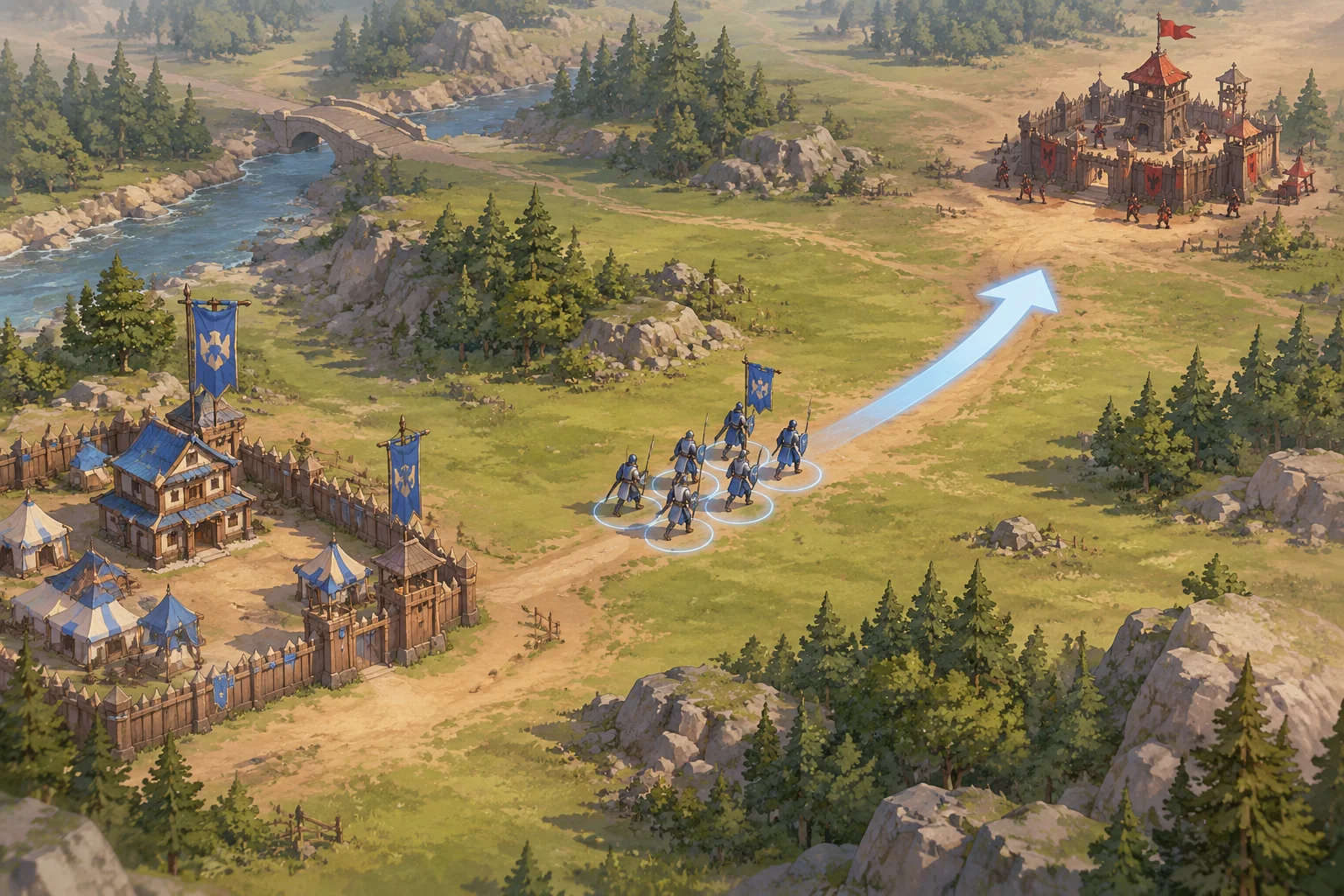
Selection should tell the player which object will receive the next order. A movement marker or short route indicator can show where a selected soldier is going. An attack order should identify the target and stop after it is destroyed. A worker's carrying animation or icon can distinguish the trip to a deposit from the return trip.
When the player tries to place a barracks on an occupied tile, show that the location is invalid and retain the supply. If a unit cannot reach a target, report or visibly show that it is blocked instead of silently treating the command as complete. The exact feedback is a design choice; the important point is that the player can tell what happened and try another location.
Check the complete loop
- Delivery: start at 100 supply and complete one trip. The counter should reach 120 once, not once per animation frame.
- Placement: build the barracks on clear ground and confirm the balance becomes zero. Attempt an invalid placement and confirm no resources disappear.
- Production: deliver twice more and train one soldier. Confirm the balance falls from 40 to zero and only one unit appears after production completes.
- Command: select the soldier, move it and order an attack. Against a 100-health outpost, ten landed attacks at 10 damage each should destroy it if no other damage or healing applies.
- Ending and restart: verify victory appears once, then restart and check that the original resources, unit and outpost health return.
For a failed check, report the starting state, action, expected result and actual result. For example: “The counter was 100. One worker returned a crate and the counter became 140; it should become 120. Credit each completed delivery once.” After a fix, repeat that check and an earlier check to catch regressions.
Plan a defensive iteration
As a hypothetical next step, add a single defender near the outpost. Give it a detection area and a simple rule: attack the player's soldier when it enters range. This makes the route and unit count matter, but it also adds target selection, damage and defeat states. Define how much damage each side deals and what happens if the soldier is defeated before treating the encounter as balanced.
Check a defender outside range, a defender that acquires a target and a soldier defeated before reaching the outpost. If a defeat makes victory impossible, decide whether the player can train another soldier and whether enough supply remains. That decision is part of the game design, not a hidden assumption about the first prototype.
Frequently asked questions
How large should the first map be?
Use a small open area with room for the worker route, barracks placement and a short approach to the outpost. Its exact dimensions depend on movement speed and unit size. Expand it only after selection, collection and combat work on the small map.
Do I need a sophisticated enemy AI?
No. An undefended outpost is enough to test the initial economy and attack loop. Add a single defender with explicit detection and attack rules later. A small, predictable opponent makes it easier to identify whether movement, targeting or damage is responsible for an unexpected outcome.
What if a unit gets stuck?
First check whether the destination is reachable and whether buildings block the route. Reproduce the issue on an open map, then describe the unit's start, destination and obstacles to the assistant. Ask for visible feedback when no route exists, and retest both worker and soldier movement.
When should I add more resources or buildings?
Add one when it creates a decision the first loop cannot express. For example, a second building might trade supply for faster training. Define its cost, purpose and interaction with existing rules, then repeat the original economy and victory checks before adding another system.
Build one strategic loop first
A resource trip, a building decision and a unit command provide a useful foundation for a strategy game. Start with the rules above, test the balance of actions and resources, and then introduce an opponent or new building with a clear purpose. Bring your own world and visual style to the SEELE AI Creator Game Maker, then test and refine the prototype. For a broader workflow, read how to create a game with AI.