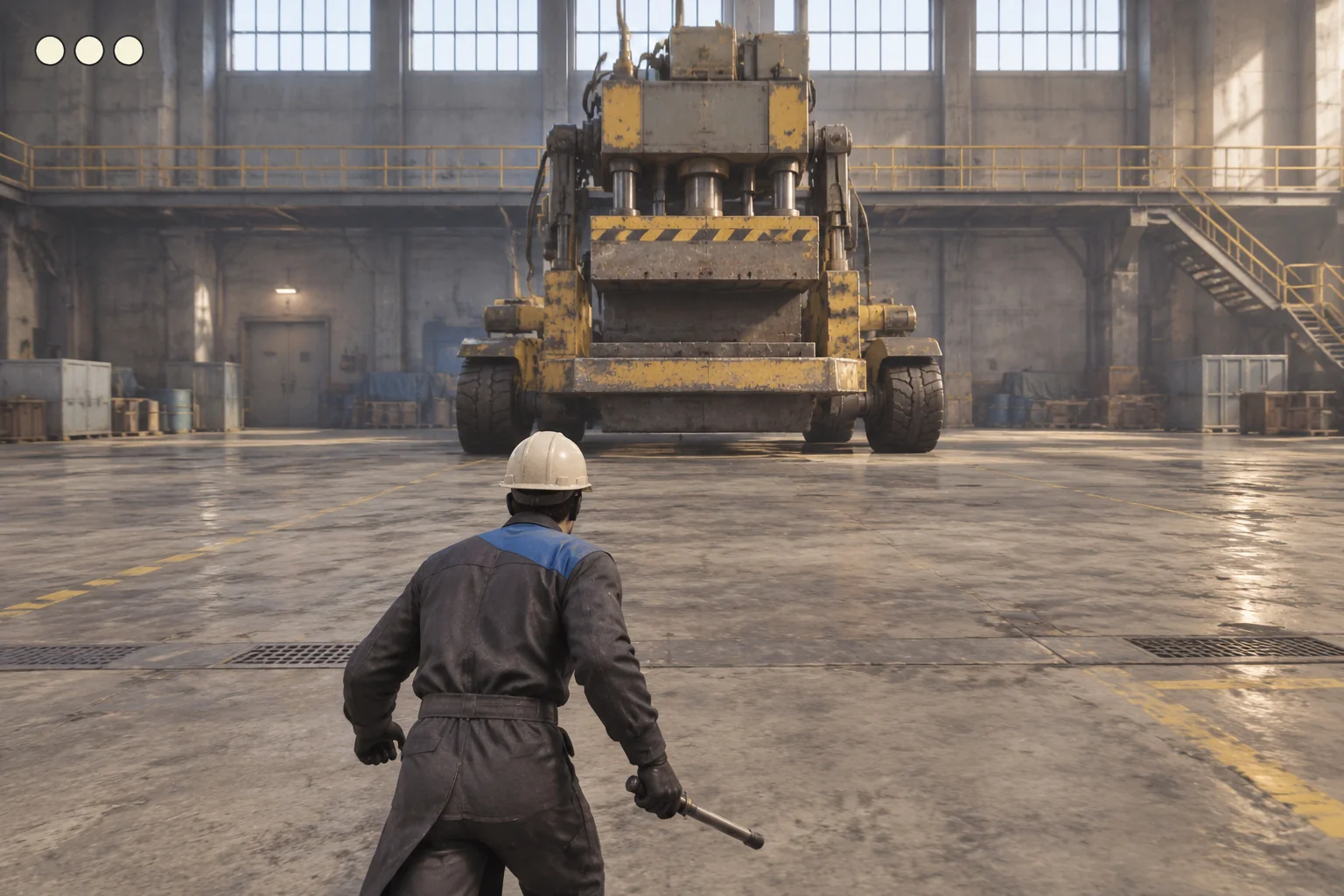
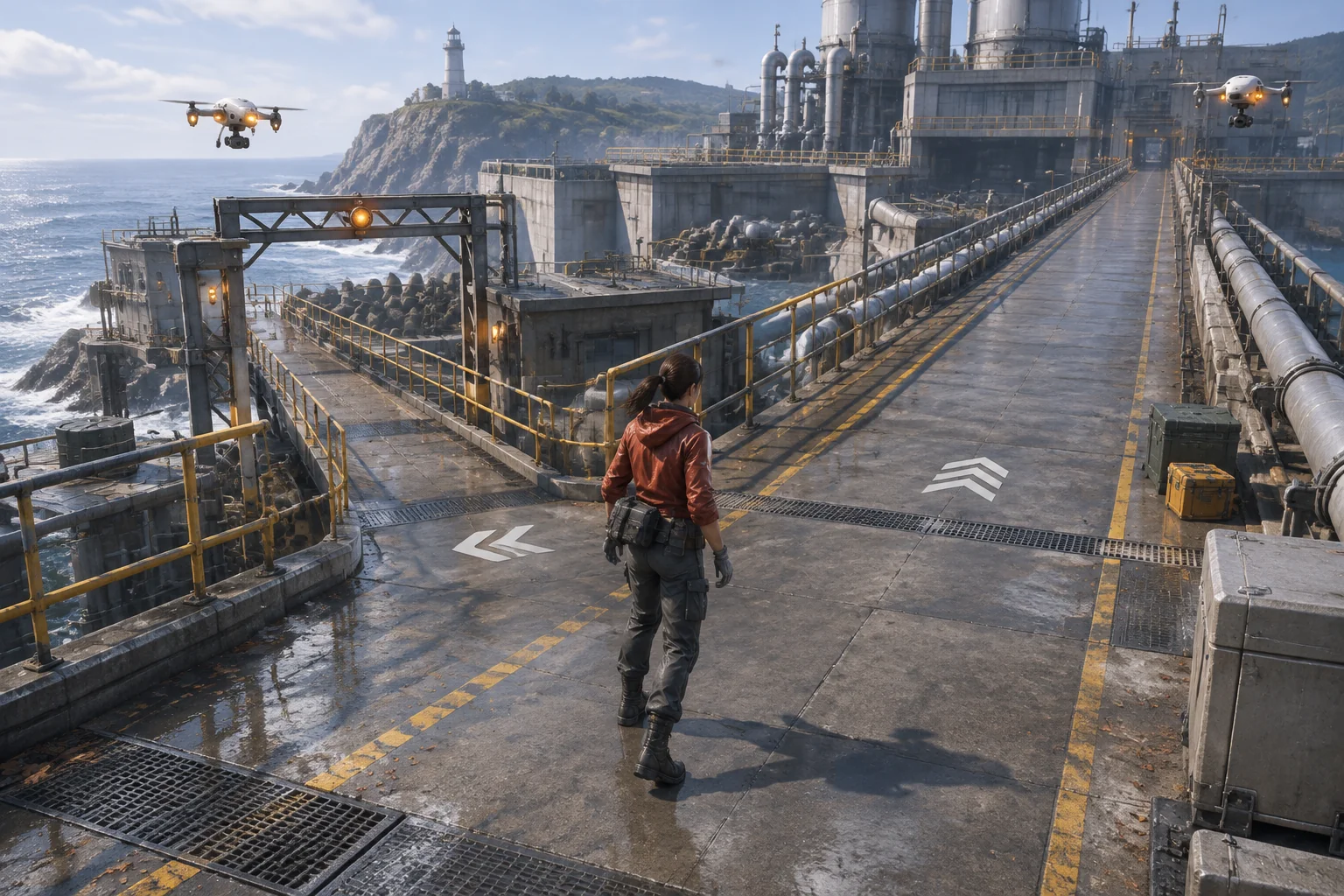
Start your boomer shooter with a room the player can circle while aiming at a threat. Put a pillar in the middle, a locked exit across the room, and two drones near the far wall. The player can sidestep a slow shot, cut around the pillar, and return fire from another angle. Give the player just enough ammo to take out both drones if every shot lands. Then put one refill where collecting it changes the route.
This fictional encounter gives you a small build to check. You can follow the same movement and firing sequence on every revision and see which part changed. Once the room works, you can decide whether it needs more enemies or a better reason to move.
Map a route the player can strafe around
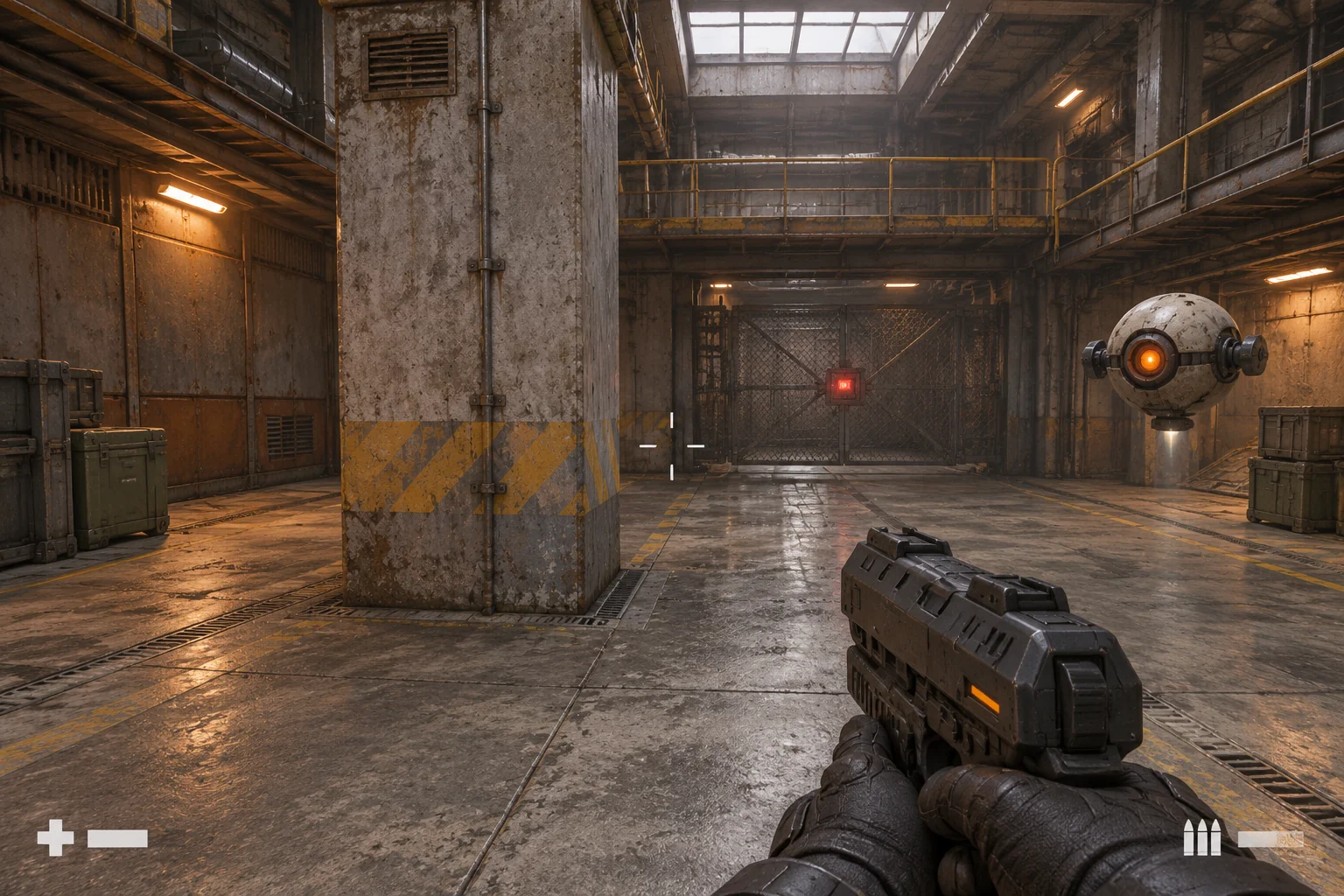
Put the spawn on the south side of a single room. Leave a continuous walking loop around a central concrete pillar. The exit sits on the far wall, with two drones in separate positions nearby. Leave a direct lane from the far edge of the pillar to the exit. The pillar should block a drone’s shot when it crosses the concrete, while the lane lets the drone see the player in the open.
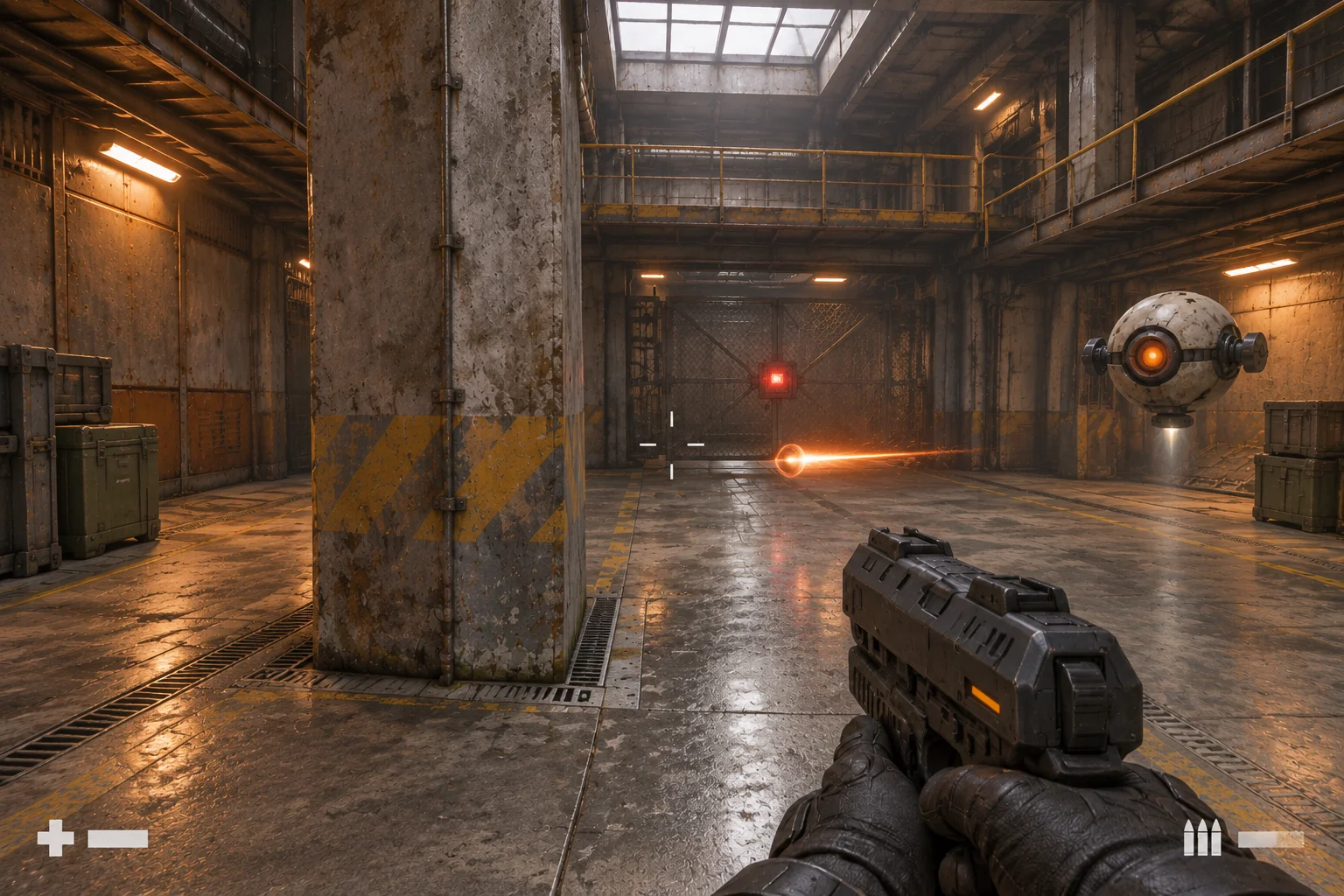
Let the player move sideways while the camera stays on a drone. A strafe takes the player off the path of a bolt without requiring them to turn away. Give each drone a brief charge cue, then fire a slow bolt toward the position the player occupied at launch. The bolt should keep traveling in that direction after the player moves. Give players enough open floor to act on the cue.
| Landmark | Decision it creates | What to make visible |
|---|---|---|
| Central pillar | Break sight of a drone or step out to aim | The edge the player must clear to get a shot |
| Outer loop | Reposition and approach the next angle | Continuous walking space and a readable turn |
| Center lane | Cross exposed ground to collect ammo | The refill and the drone’s attack cue |
| Far gate | Leave after both drones are disabled | Distinct locked and unlocked states |
Walk the loop with firing disabled while you check the layout. If a corner forces you to turn away from a threat, try widening the path before changing movement speed. Keep the geometry unchanged while you tune the charge cue and bolt speed, so you can tell whether players are reacting to the shot or simply getting more room.
Give the player a reason to cross the open lane
Start with three health and two rounds. Every shot spends one round, including a miss. Each drone goes down after one hit. A drone bolt deals one damage and disappears on contact with the player. Put a two-round pickup in the open space between the pillar and the far wall, where it can be collected once per run.
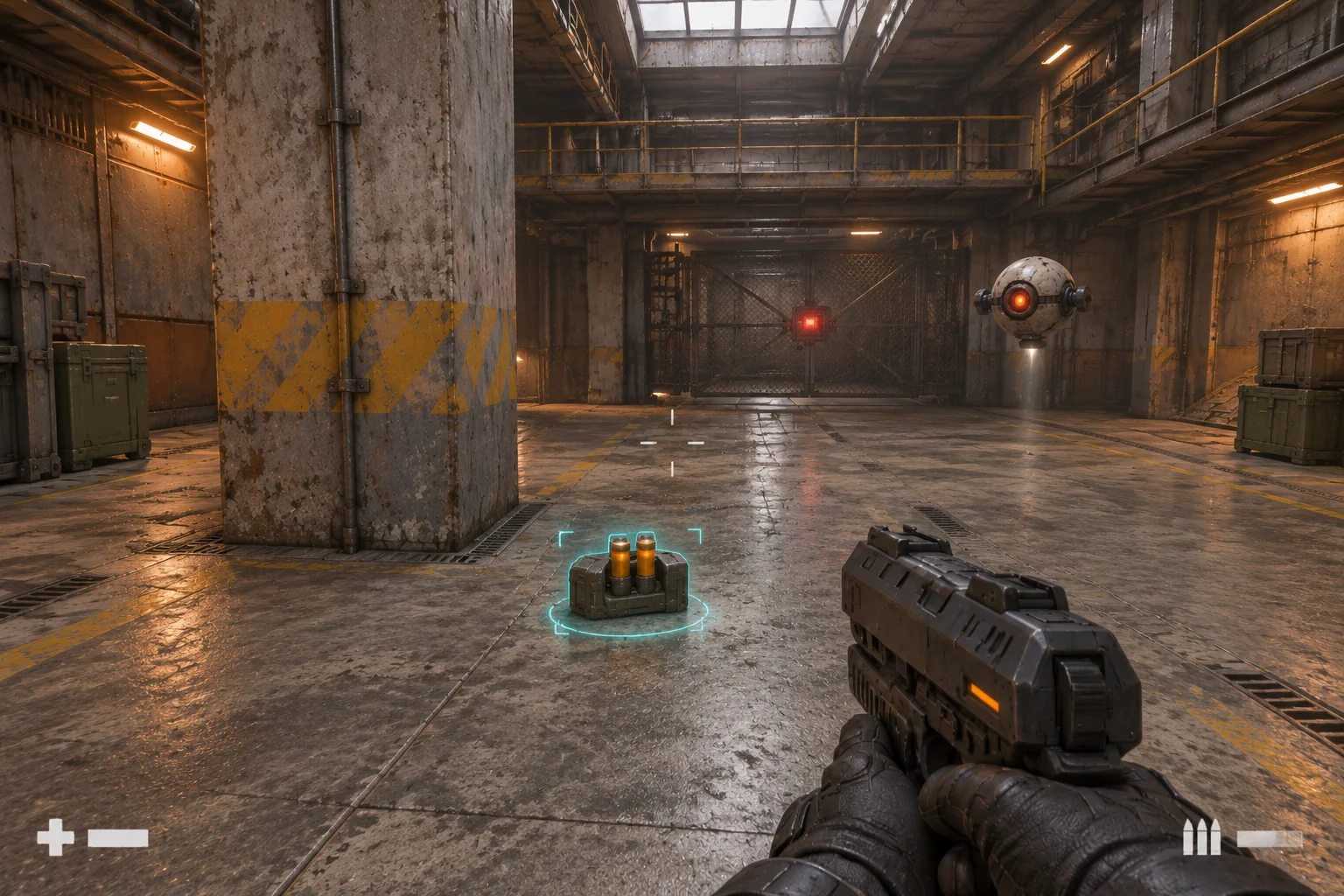
In this paper walkthrough, the player deliberately misses once, takes out the first drone, and reaches the refill before taking a final shot. The route assumes the player survives. The table tells you which changes to expect from each action if they do.
| Action | Rounds left | Drones active | Gate |
|---|---|---|---|
| Spawn | 2 | 2 | Locked |
| Fire once into empty space | 1 | 2 | Locked |
| Hit drone A once | 0 | 1 | Locked |
| Collect the refill | 2 | 1 | Locked |
| Hit drone B once | 1 | 0 | Unlocked |
Step through the gate to win. If both drones go down on the first two shots, the player can leave without touching the pickup. If they spend every round and the pickup is already gone, they can restart. Keep the restart control available while they practice the route.
Prompt AI for one complete encounter
SEELE’s FPS game maker provides a starting point for planning one compact encounter around an objective, a route, and a threat. Use the room layout and rules below to describe what you want to build. Keep the first draft small enough that you can check each interaction in the browser.
Build a first-person browser shooter with one industrial room. Place
the spawn at the south wall, a concrete pillar with a loop around it in
the middle, and a locked exit on the far wall. Put two stationary
maintenance drones at distinct positions near that wall. Put one ammo
pickup in the open lane between the pillar and the far wall.

Allow the player to aim, strafe, and fire while moving. Start at three
health and two rounds. Each shot spends one round whether or not it
hits. With zero ammo, show a dry-fire cue and leave ammo at zero.
Each drone is disabled by one player hit.

Each active drone shows a visible charge cue before launching a slow
bolt in the direction of the player's position at launch. Bolts travel
in a straight line. Remove a bolt when it hits a wall or the pillar.
On player contact, remove it and subtract one health. Touching the
ammo pickup adds two rounds and removes the pickup until restart.

Unlock the exit when both drones are disabled. Crossing the open
exit wins. Zero health ends the attempt. Keep Restart available during
and after the run. Reset enemies, bolts, ammo, health, the pickup, and
the gate. Use simple geometry and clear cues for shots, hits, pickup,
and the gate. Describe how to check each rule.
Check the layout and sideways movement first. If the draft ties camera turns to movement, ask for independent look and strafe controls while keeping the room fixed. Then check one bolt, one hit, and the pickup before expanding the fight. The guide to building an AI game in small steps shows how to give each follow-up request a testable outcome.
Check the fight before you tune it
- Keep the crosshair on a drone while moving sideways. The view should stay under mouse control and the player should move laterally.
- Let a drone fire while you stand near the pillar. Strafe behind the pillar after launch. The bolt should keep its original direction and stop if it hits the concrete.
- Run the table’s shot sequence. At zero ammo, pull the trigger and check that no player shot appears. Cross the refill spot twice and confirm that it adds exactly two rounds on the first contact.
- Reach the gate with one drone active, then try again after both are down. Check that only the second attempt wins. In a separate run, let three bolts land and verify that the game ends at zero health. Restart from either outcome and confirm that the room returns to its starting state.
Move the pickup to see how the route changes
Suppose the open lane pulls the player away from the movement you want to encourage. Try the same refill on the outer loop, beside the pillar. Keep the ammo amount, drone positions, and projectile rules fixed. For both layouts, start from the same marked position after the scripted miss and the first kill.
On paper, the original pickup requires one detour off the loop, while the relocated pickup can be collected without leaving it. The ammo count stays the same. When you build both layouts, watch whether the player sees the refill from the marked position, how many hits they take while reaching it, and how long it takes to get back into a firing position. A refill closer to cover can still be harder to find if the pillar hides it on approach.
Start with a fight you can repeat
Build the room around the first sidestep and the first decision to cross for ammo. If a pass feels slow, use the route, attack cue, and refill visibility to work out where the player lost momentum. Keep one working version of the room before making a change. Start your boomer shooter prototype with SEELE’s FPS game maker and use the same short fight to check your next revision.
Frequently asked questions
Does a retro shooter need low-poly art?
No. You can use detailed materials while keeping the room easy to read. In this encounter, put the visual detail on surfaces away from the threat and the route. Use clear shapes for the drones, pillar, and gate so the player can recognize them while moving.
How can I tell whether a drone’s shot is easy to read?
Stand at the same distance and watch several shots. Check whether you can see the charge before the bolt leaves, then see which way the bolt travels. If you miss the charge, adjust that cue first. If you see it but have no time to react, test bolt speed separately.
Should the ammo pickup respawn during the fight?
Keep it single-use for this room. A respawn gives the player a reason to wait near the refill, which changes the route you are trying to evaluate. Try a respawn in a longer encounter if repeated visits create a useful timing decision. Decide how the player learns when the ammo returns.
When should I add a second enemy type?
Add one once the two drones have readable attacks and the room can finish and reset consistently. Give the next threat a different cue and a distinct movement response. Place it in a short encounter where you can check that response before combining it with the original drones.