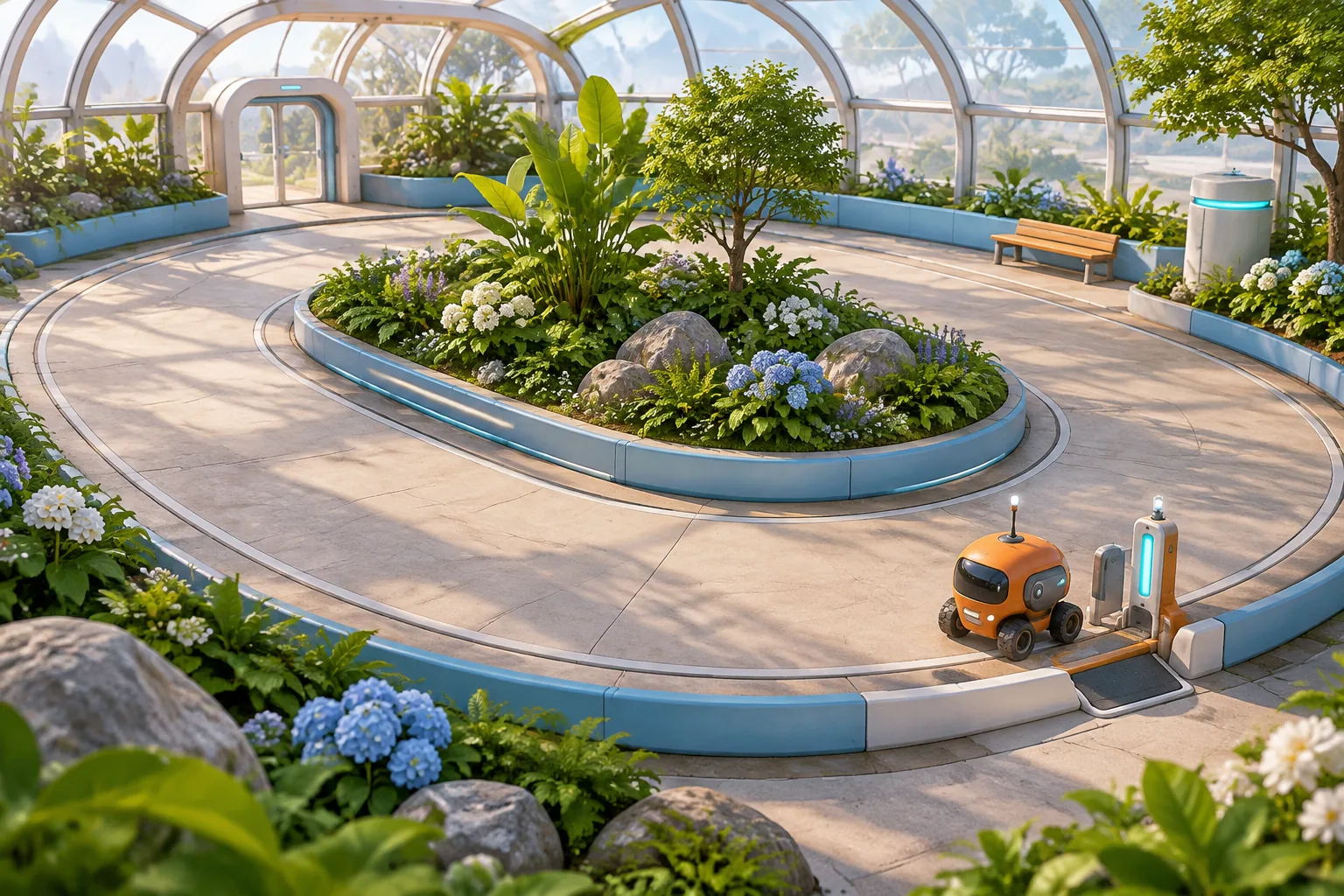
Give your first looping game one map tile that changes what happens on the next stretch of track. In the fictional Canopy Circuit, a survey rover circles a greenhouse automatically. The player chooses where to place a Shade Arch before the rover leaves the dock. Its position determines which reading gets shade on that lap.
The rover can always return to the dock. The question is whether it comes back with two readings. Two laps with a different forecast on each pass are enough to show how a placement decision carries into automatic movement.
Let a tile change the next stop
The official Steam listing describes Loop Hero as a Four Quarters game in which players use cards to place enemies, buildings and terrain along expedition paths. Take the broad relationship between placement and what happens along a journey. For a first build, give one placement a consequence you can follow in a few steps.
Canopy Circuit uses an original greenhouse, a single reusable tile and a fixed track. Its rover follows the same clockwise sequence on every lap. It leaves the Dock, passes West Pad and West Marker, then passes East Pad and East Marker before returning. The west and east stops appear in that order even if the Arch moves.
Give the shade a clear end point
Start with the rover at Dock, no Arch placed and no readings. Show the two marker forecasts before departure. Each marker is either Clear or Glare. The player must place the Arch on one of the pads before starting. They can leave it there or move it to the other pad at the dock. Once the rover departs, it travels on its own and the placement is locked until it returns.
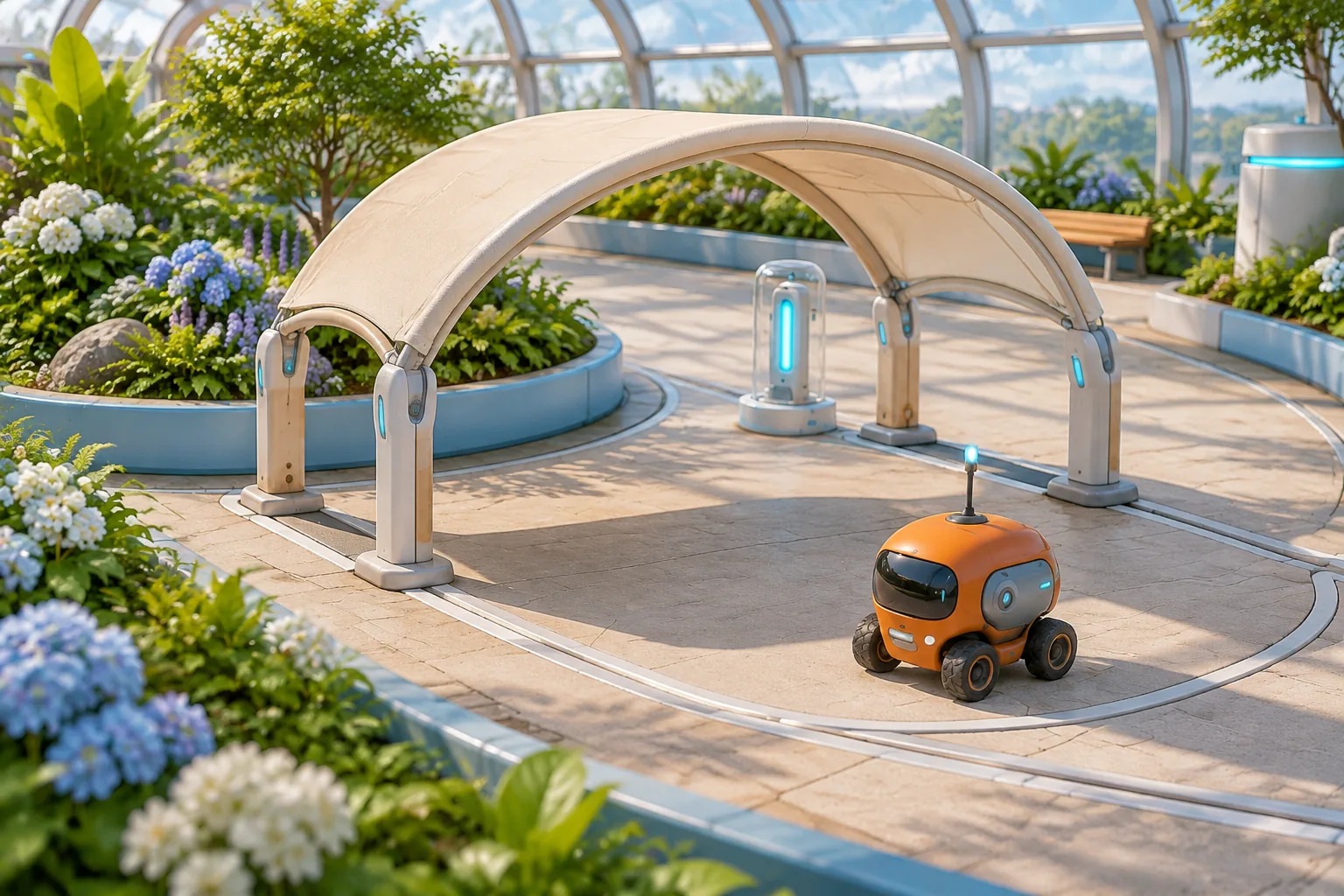
Crossing the Arch applies a shade flag. At the next marker, Clear records a reading with or without the flag. Glare records a reading only with the flag. Clear the flag after either marker outcome, including when a Clear marker did not need the shade. In particular, an Arch at West Pad cannot protect East Marker because West Marker resolves in between.
Resolve each marker once and let the rover move on even after a miss. The first return opens placement for lap two and keeps the Arch where it was. The second return ends the survey. Four readings complete it. Any smaller total gives an incomplete result. A missing reading stays missing.
Replay the same track in two forecasts
On lap one, give West Marker Glare and East Marker Clear. On lap two, make West Clear and East Glare. Placing the Arch at West Pad first yields two readings. At the dock, moving it to East Pad yields two more. Leaving it at West Pad for lap two shades a Clear marker, then the rover misses the reading at East.
| Arch schedule | Lap one readings | Lap two readings | Survey total |
|---|---|---|---|
| West → East | West and East | West and East | 4, complete |
| West → West | West and East | West | 3, incomplete |
| East → East | East | West and East | 3, incomplete |
| East → West | East | West | 2, incomplete |
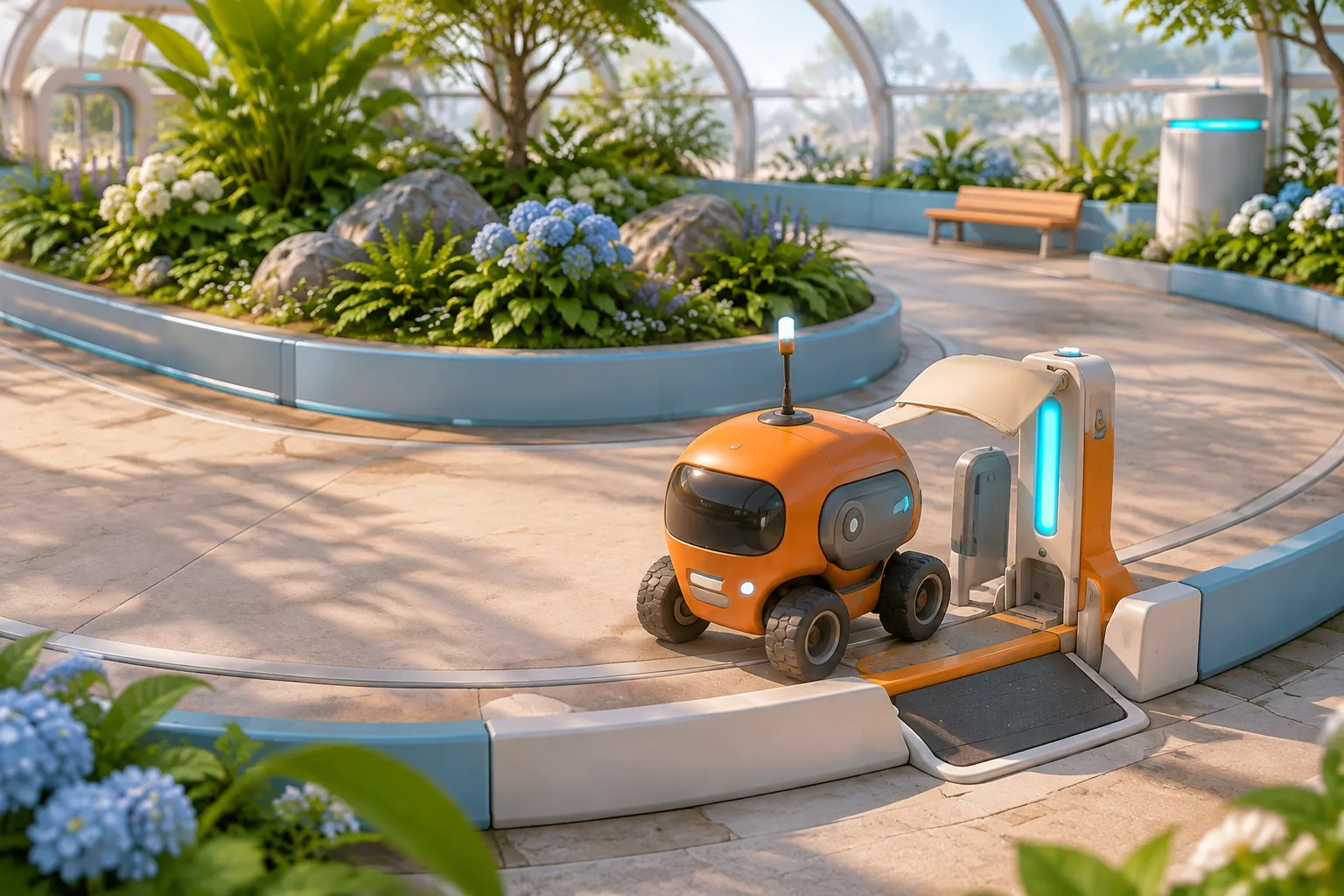
Try East Pad first to check the order. The rover passes West Marker before it reaches the Arch, so the West reading is missed. It then collects the Clear East reading, even though the shade was unnecessary. Compare the marker outcomes as well as the totals. The two ways to finish with three readings miss on different laps.
Give AI the whole circuit in one prompt
Ask for a forecast panel, two pad targets, a reading ledger and a visible return to the dock. For development, make each move easy to inspect in a state trace. The first pass should let you confirm exactly where a reading was recorded before adding new tiles or scenery.
Build an original two-lap greenhouse survey called Canopy Circuit.
Follow Dock → West Pad → West Marker → East Pad → East Marker → Dock.
Start at Dock with zero readings, no shade and one unplaced Arch.
Show both marker forecasts before each lap. Allow one Arch on either
pad, and move it when the player chooses the other pad.

Start Lap requires a valid Arch, Dock and an unfinished survey.
Lock placement and further Start Lap inputs during travel.
Move automatically and resolve each stop before advancing.
The Arch sets shade. At the next marker, record 1 if Clear,
or if Glare with shade. Clear shade after resolving the marker.
A miss never backfills. Continue on the same track either way.

Baseline Glare is West on lap 1 and East on lap 2.
The other marker is always Clear. After lap 1, keep the Arch and
allow placement again. After lap 2, finish. Four readings complete
the survey. Reset returns to Dock, clears the Arch and readings,
and keeps the chosen forecast fixture for another replay.
Verify that Start Lap is rejected before placement and that a placement outside either pad changes no state. Try moving the Arch after departure. The rover should keep its scheduled route and the old pad should stay in use. After the second return, further starts should leave the final reading ledger unchanged.
Move the glare and replay the same placements
Change only the lap-two glare location from East to West. Replay West → East from reset. The first lap still records two. On the second lap, the rover misses West Glare before it reaches the East Arch and then records East Clear. The result is three. Keeping the Arch at West for both laps now collects all four.
The worksheet compares two exact forecasts under the same travel and shade rules. In a working build, check whether the forecast and the pad position give players enough information to plan the second lap. Use the SEELE guide to building and revising one game mechanic to repeat the comparison without changing the route.
Start your original circuit game with SEELE's AI Game Maker. Build one loop and replay its two forecasts before adding a second tile.
Frequently asked questions
What does the player control in an automatic loop?
The player chooses the Arch position before each lap. The rover follows a fixed sequence after departure. Keeping these two jobs separate lets the player reason about the effect of a placement without steering. Keep the selected pad visible during travel so a missed reading has an explanation.
How far does the Shade Arch reach?
Shade lasts through the first marker after the pad. That marker clears the flag whether it is Clear or Glare. A West Arch never protects the East marker because the rover resolves the West marker first. Show the flag clearing even when that marker was already Clear.
Why move the tile only at the dock?
The dock gives the player one clear planning point between laps. It also keeps the selected pad fixed for an entire replay, so the recorded result reflects one placement against one forecast. Show the next forecast before offering the two pad choices.
When should I add another tile?
Add one once the first tile has a predictable start and end point and the forecast makes either placement legible. Give the new tile a different effect, then replay the original two laps to check whether it changes the choices you wanted to teach.