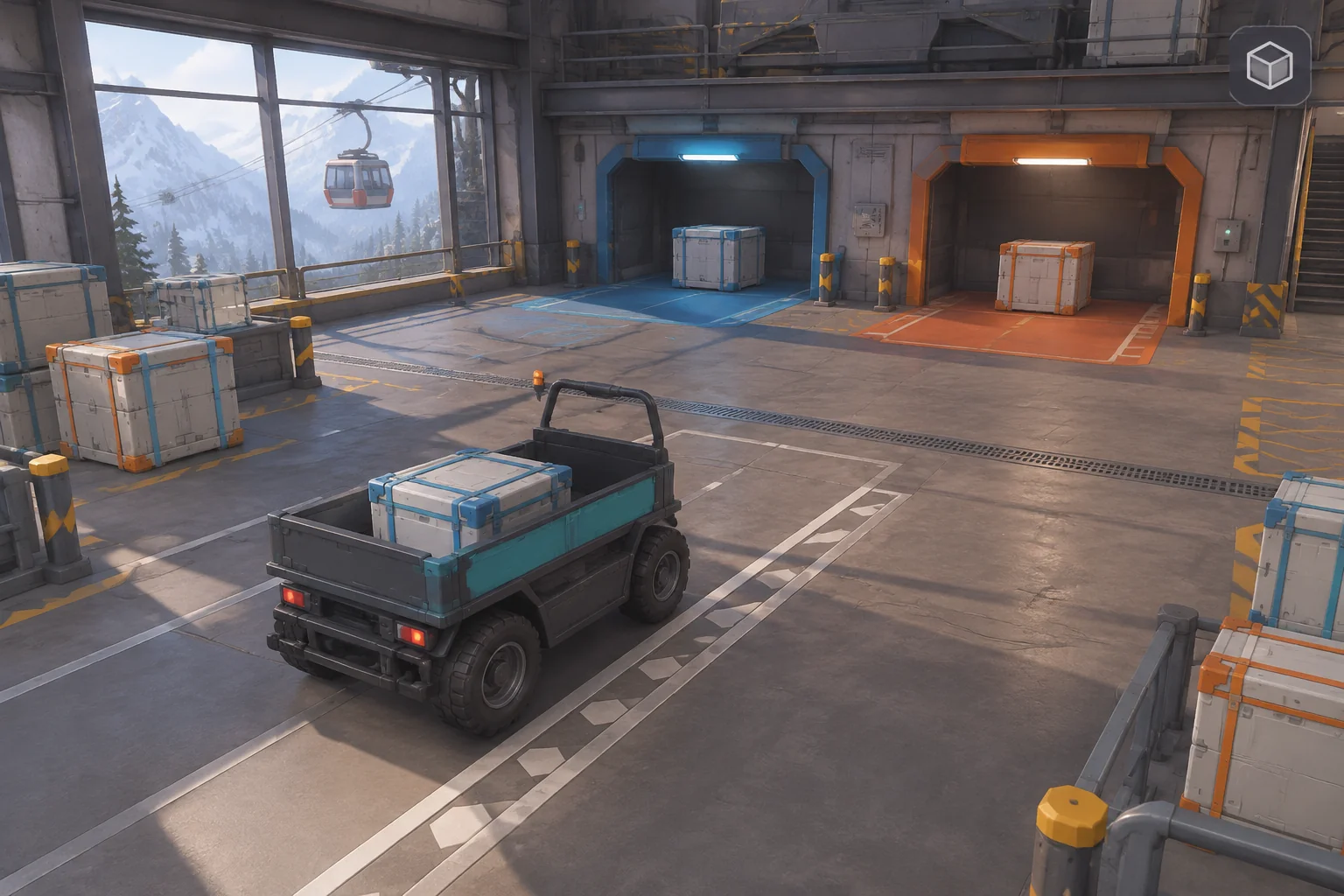
To make an original shooter inspired by Enter the Gungeon, give each weapon a way to change how the player moves through danger. In this fictional Arctic loading bay, one weapon keeps the player in place. The other kicks them back a tile. That movement can carry them away from an incoming shot or onto a live floor strip.
Start with one sentry and two aimed projectiles. The room gives you a short trace for checking how damage, recoil, and hazards interact before you add more weapons or patterns.
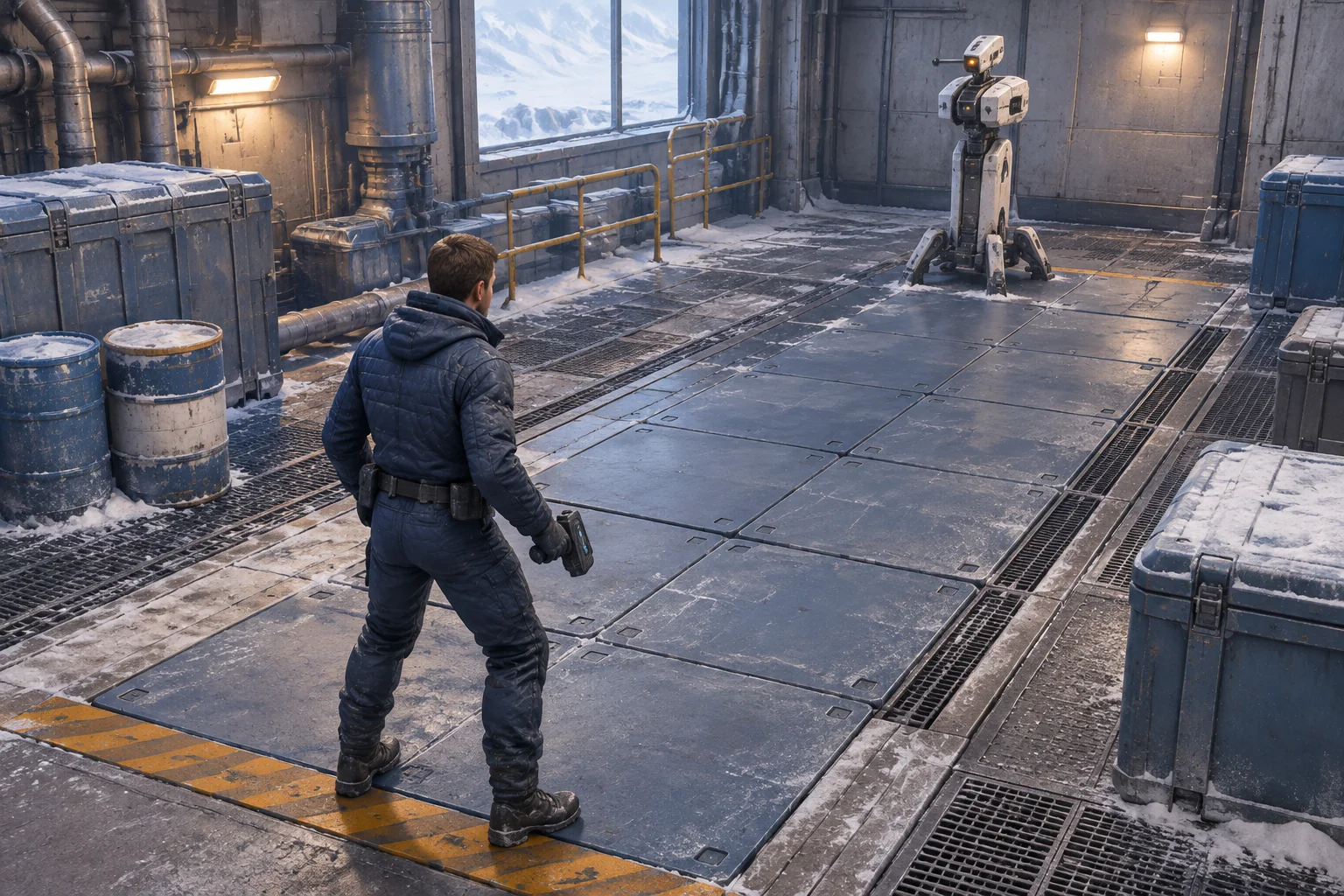
Take weapon variety into a different room
Enter the Gungeon is a bullet-hell dungeon crawler with a range of weapons that work in different ways. The official Steam description describes different tactics and ammunition, and Dodge Roll designer Dave Crooks’s account discusses variety across the arsenal. Steam credits Dodge Roll and Devolver Digital.
For your own prototype, pick one weapon property that changes the player’s decision. The original bay below uses displacement. Both tools can hit the same sentry from every playable tile. The choice is whether to keep stable footing or use recoil to move while firing.
Give both weapons the same target and different footing
Mark five tiles from west to east, numbered zero to four in the debug view. Put the player on tile 2 with one health and the sentry on tile 4 with three integrity. The player can occupy tiles 0 through 3. Tile 0 is a live strip. Choose a weapon before starting and keep it for the run.
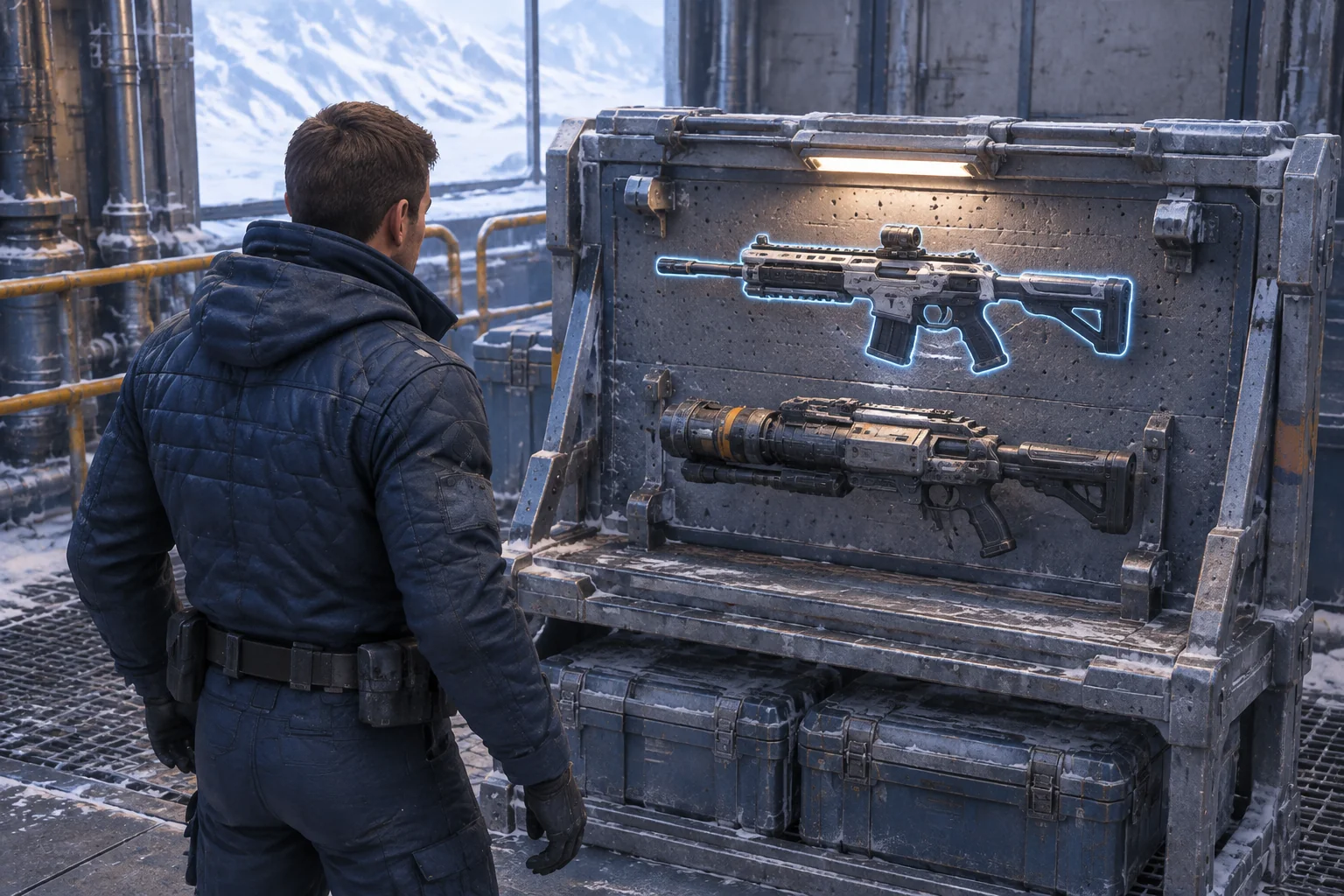
| Weapon | Damage per shot | Where firing leaves the player |
|---|---|---|
| Light Carbine | 1 | On the same tile. |
| Recoil Driver | 2 | One tile west of the firing position. |
At the start of ticks 1 and 3, the active sentry locks a projectile onto the player’s current tile. Mark that tile before accepting one action. The player can step east or west, fire, or wait. Resolve the action, including damage and recoil, then check where the player ended up. If they are on the marked tile or on the live strip, the attempt ends in a loss. A projectile that already locked on still arrives if the sentry is disabled by the same action.
Check the win only after those hazards. If the player is safe and the sentry reaches zero integrity, they win. End the run as unfinished if neither outcome has occurred by the end of tick 5. A move or recoil outside the playable strip is rejected before damage or time changes. Moving onto tile 0 is allowed and triggers the hazard when the action resolves.
Walk both weapons through the same encounter
| Tick | Light Carbine | Recoil Driver |
|---|---|---|
| 1, projectile locks onto tile 2 | Step west to 1. Sentry integrity stays at 3. | Fire. Integrity falls to 1 and recoil moves the player to 1. |
| 2, no projectile | Fire from tile 1. Integrity falls to 2. | Step east to 2 to leave room for another shot. |
| 3, projectile locks onto the current tile | Step east from 1 to 2, clear of the marked tile. | Fire from 2. Integrity falls to zero and recoil moves the player to 1, clear of the projectile. Win. |
| 4–5, no new projectile | Fire twice from tile 2. Integrity falls from 2 to zero. Win on tick 5. | Run already finished. |
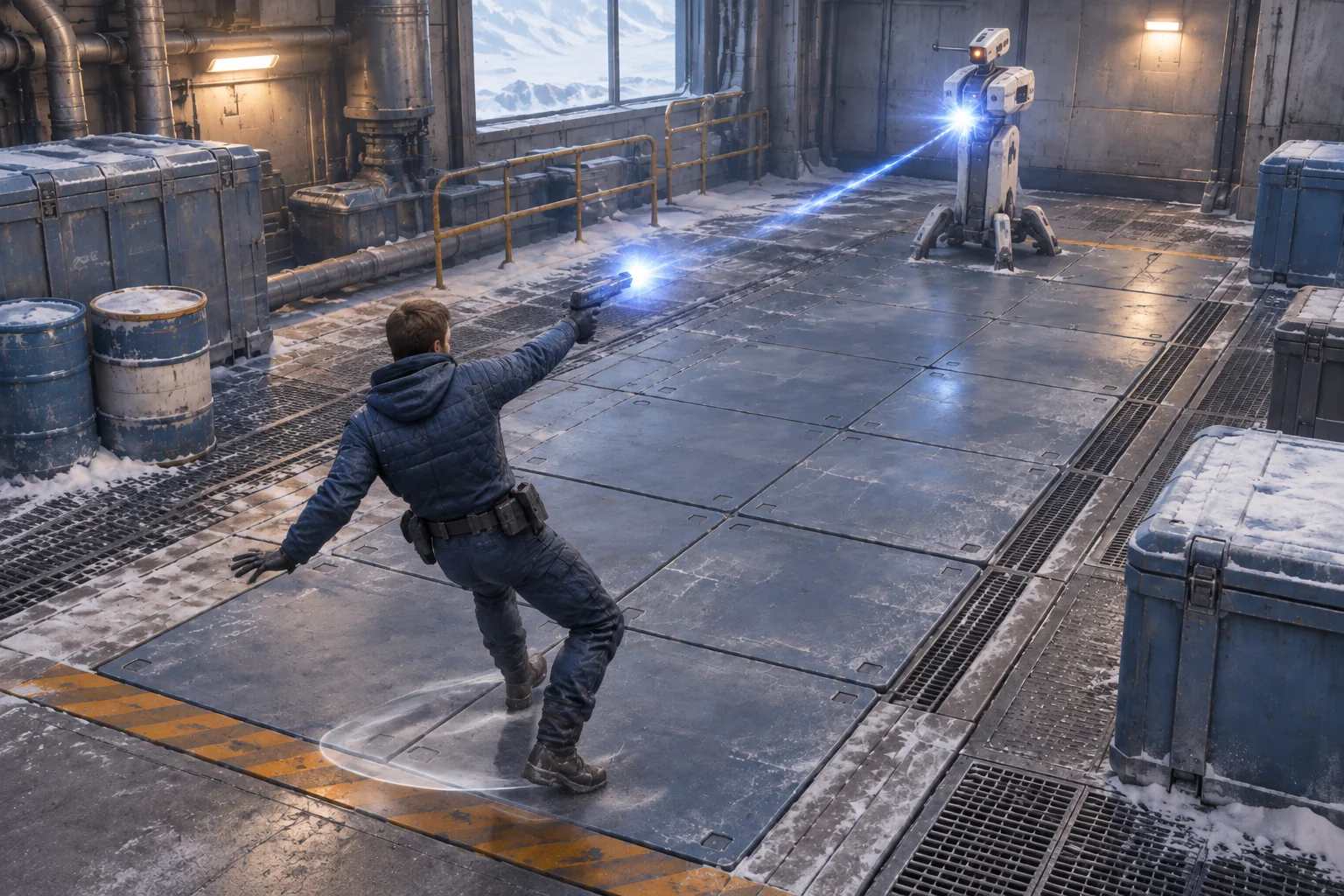
Try firing the Driver again on tick 2 instead of repositioning. The second shot disables the sentry, but recoil carries the player from tile 1 to the live strip. The result is a loss. Also try firing the Light Carbine on tick 1. It deals damage and leaves the player on the projectile’s marked tile, ending the run.
Give AI the loadout and event order
SEELE’s AI game maker offers a starting point for a small build with one loop to inspect. Describe the bay and the two weapons, then specify exactly when the lock, action, hazard, and win checks run. Keep the debug strip simple enough to read both successful traces.
Build one original top-down browser shooter in an Arctic loading bay.
Use five tiles numbered 0–4 from west to east. Start the player at 2
with 1 health. Player tiles are 0–3. Put a sentry at 4 with 3 integrity.
Tile 0 is a live floor strip. Choose and lock one weapon before play.

Both weapons hit the sentry from every playable tile. Light Carbine
deals 1 with no displacement. Recoil Driver deals 2 and moves the
player one tile west. Floor sentry integrity at zero. Accept one
step, Fire or Wait per debug tick.
Reject moves or recoil outside the playable tiles before applying
damage or advancing the tick.

If the sentry is active at the start of ticks 1 and 3, lock one
projectile on the player's current tile and show a warning.
Apply the accepted action, then check the projectile and live strip.
A locked projectile still arrives if the sentry was disabled this tick.
Lose on the marked tile or live strip before checking for victory.
Otherwise win at zero sentry integrity. End unfinished after tick 5.
Restart restores weapon selection, position, health, sentry and tick.
Check the warning before stepping or firing. Replay the Driver’s winning third tick and verify that the locked projectile still resolves on tile 2. Then replay the two consecutive Driver shots and verify that the floor can end the attempt even after a lethal hit. The guide to checking an AI game in small steps shows how to request one focused correction if a check fails.
Change only the floor condition
Turn off the live strip on tile 0. Keep both weapons, the starting position, and the projectile locks fixed. Replay the two consecutive Driver shots. The first still moves the player to tile 1. The second still disables the sentry and moves the player to tile 0. The same sequence now wins on tick 2.
That result follows from the changed floor rule. In a built version, check whether removing the floor hazard leaves any reason to reposition in this encounter. If players can always fire twice safely, decide whether the heavy weapon still creates the choice you wanted.
Make the recoil decision clear before adding more guns
Build the two weapons and run the same opening with each. Check where the player lands and what hazard resolves after the shot. Start your original shooter prototype with SEELE’s AI game maker and use the loading bay to check the first weapon difference.
Frequently asked questions
How can I make two weapons feel different in a small room?
Give them one different effect that changes what the player does. Recoil can turn a shot into a move, which matters when the floor is dangerous. Test both weapons against the same target so you can tell which difference comes from the equipment.
How should I show where recoil will land?
Show a short landing cue behind the player before they fire. Keep it separate from the shot direction and the incoming projectile marker. In a debug view, compare the marked destination with the tile the character actually occupies after the action.
What if the shot and a hazard both resolve on the same tick?
Choose an order and make it explicit in the check. In this bay, apply the shot and recoil first, then resolve danger, then check victory. Replay a lethal shot from beside the live strip so you can verify which result the game reports.
When should I add denser projectile patterns?
Add a second pattern after players can read the first warning and understand where their weapon leaves them. Keep the new pattern simple enough to trace. Retest both weapons in the original room so changes to aiming or timing do not obscure the recoil check.