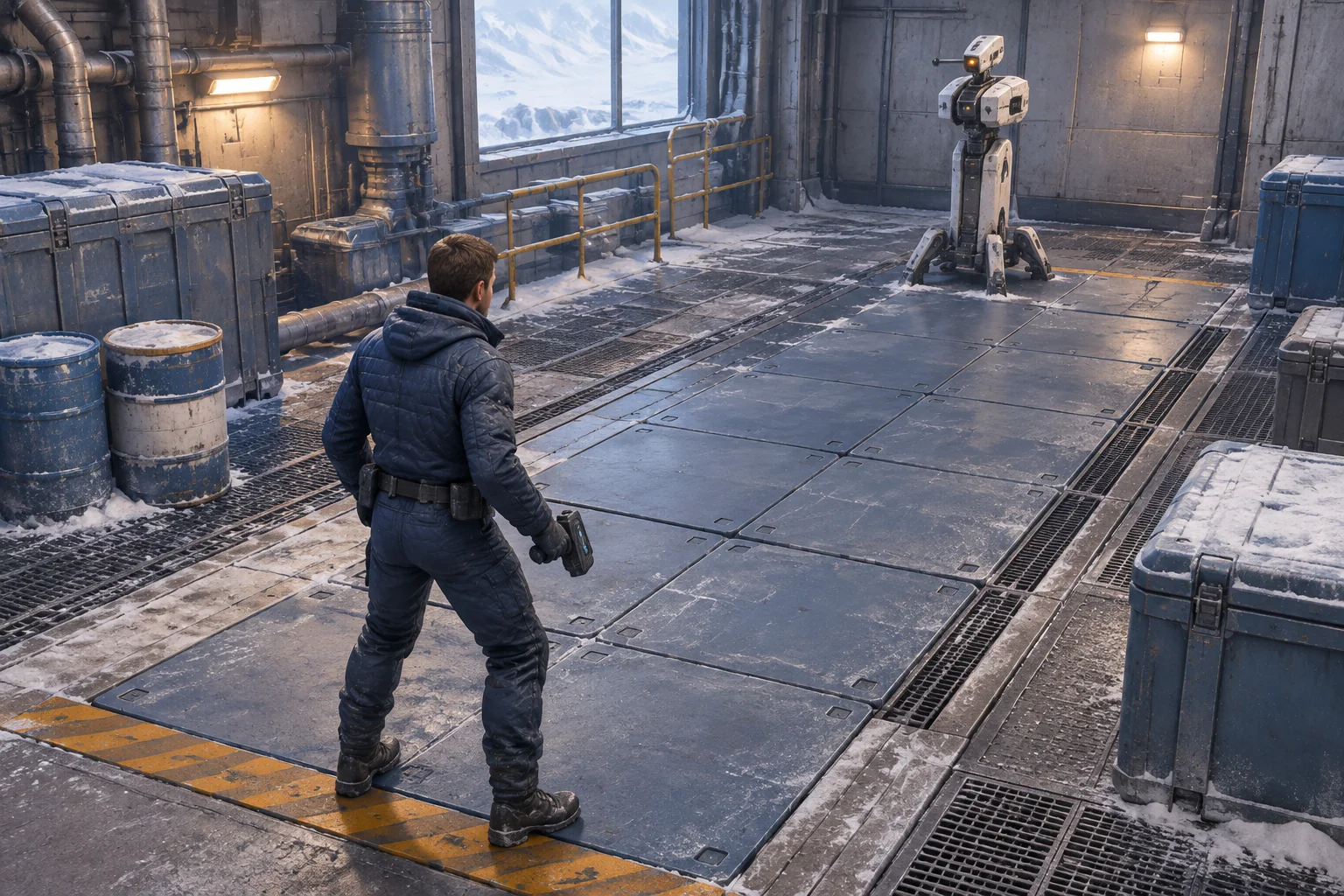
Make the helper’s instructions part of the game. Give players one bot they can watch, a short program they can follow, and a condition that makes the program wait. The puzzle starts when a step cannot run and the player has to decide whether the bot should hold its place or take another job.
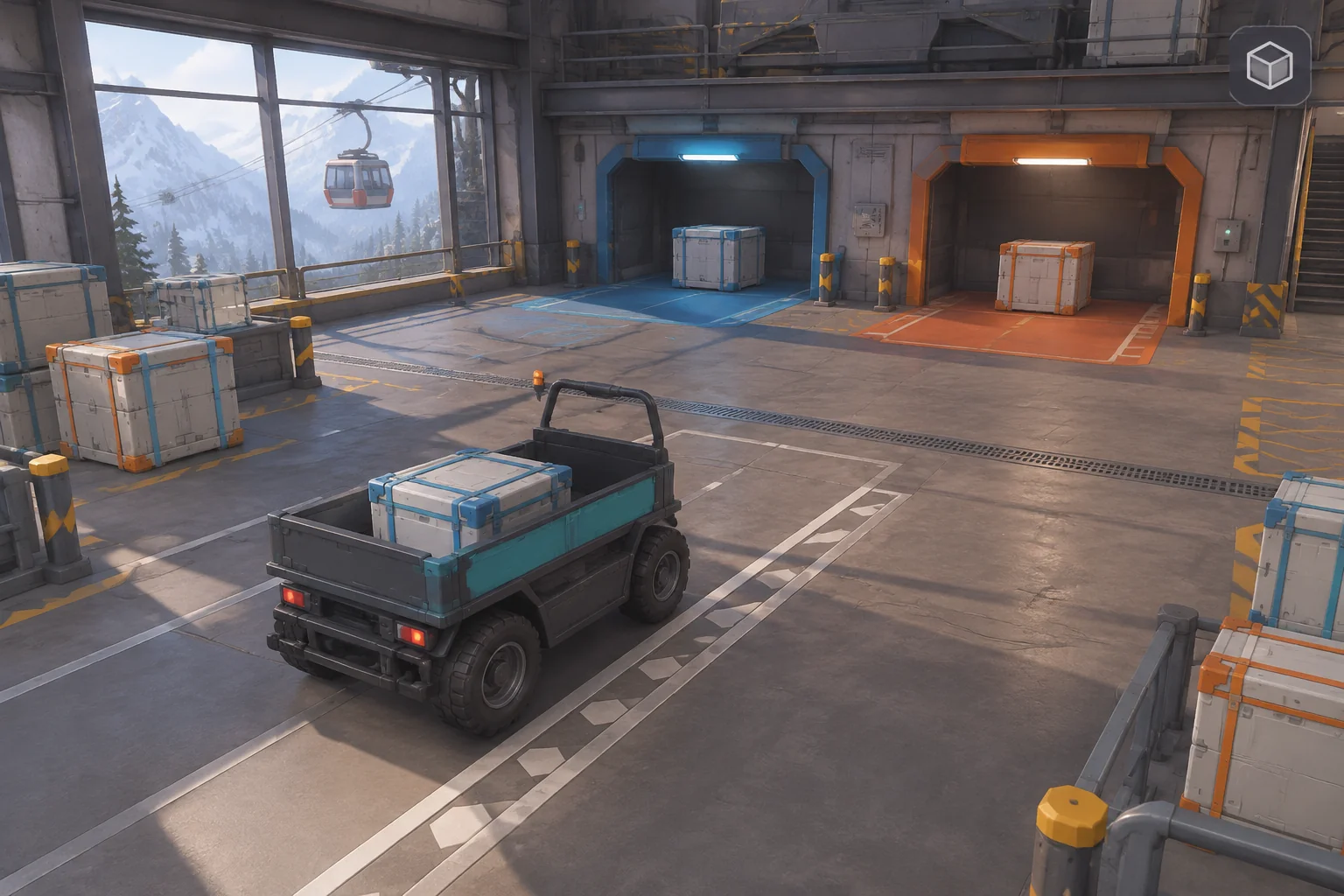
Autonauts is a reference for the programmable helper. For an original prototype, build a mountain freight depot with two receiving bays and one cart. Give the cart three crates to sort and make one bay fill up before its next crate reaches the head of the queue.
Use the helper program as the puzzle
The official Autonauts listing credits Denki and describes building and teaching bots with visual programming. The PlayStation listing describes workerbots repeating a taught sequence. That suggests a useful design question. What should the player learn from watching a command run twice, once when it can succeed and once when its destination is full?
In the fictional Switchback Sort example, one cart carries crates from a queue to a pair of color-coded bays. Start with glass crates G1 and G2 followed by metal crate M1. Each bay holds one crate and starts empty. The cart carries one at a time. A scheduled departure clears the glass bay at the start of tick 12. Only the cart changes inventory otherwise. Win as soon as each original crate has been placed in its matching bay once. A crate leaving on the cable car does not remove credit for that delivery.
Give the bot five observable commands
Run one command per tick. Show which command is active, what the cart is carrying, and which bay has room. Use separate cues for the queue head and the selected crate so you can tell whether the bot is still deciding what to pick.
| Command | State change | What to inspect |
|---|---|---|
| Inspect | Read the head crate. If its destination is full, show Wait and stay on Inspect. Otherwise remember its ID and bay. | A waiting cart has no cargo, and the queue stays intact. |
| Pick | Remove the selected ID and load it onto the cart. | The crate vanishes from the intake only when it appears on the cart. |
| Move | Send the cart directly to the selected bay. | The destination matches the crate type. |
| Drop | Place the cargo and count one delivery. If the bay is occupied, keep the cargo and stay on Drop. | A successful drop empties the cart and increments delivery once. |
| Return | Send the empty cart back to intake, clear the selection, and return to Inspect. | The next cycle starts without stale cargo or a stale destination. |
Resolve the departure before the command on tick 12. A waiting Inspect can then see the free bay immediately. Keep advancing the clock while the command waits, since the departure depends on time.
Trace one full bay and watch the bot resume
| Ticks | Strict queue trace | Expected state |
|---|---|---|
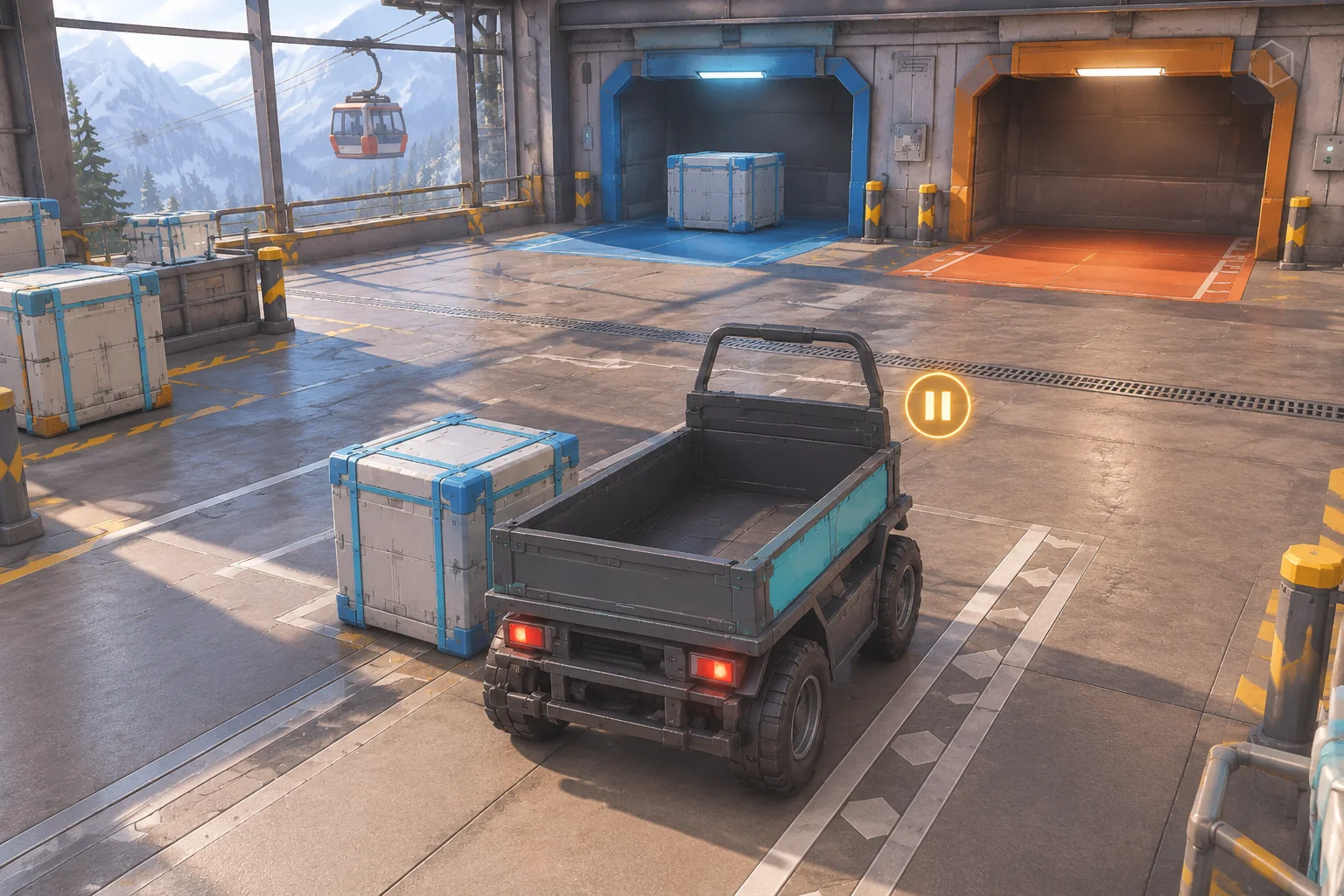
| 1–5 | Inspect G1, Pick, Move, Drop, Return. | G1 fills the glass bay on tick 4. One delivery counts. |
| 6–11 | Inspect G2 and wait each tick. | G2 and M1 stay queued. The cart remains empty at intake. |
| 12–16 | The departure clears glass before Inspect. Pick G2, Move, Drop, Return. | G2 fills the glass bay on tick 15. Two deliveries count. |
| 17–20 | Inspect M1, Pick, Move, Drop. | M1 fills the metal bay on tick 20. The third delivery ends the run. |
If the cart skips G2 in the strict version, check where the queue changes. Inspect should only read and select. If the cart still waits on tick 12, log the glass bay’s contents before the command runs to see whether the departure happened in time.
Give AI a complete loop to prototype
Describe the intake, the two bays, the command order, and the result of a blocked instruction. SEELE’s prompt-led game creation gives you an entry point for making a first build to check against the trace.
Create an original browser automation game called Switchback Sort.
Use one cart bot at intake and two bays, glass and metal. Each bay holds
one crate. Start with queue G1 glass, G2 glass, M1 metal, in that order.
The cart holds one crate. Both bays start empty.

Execute one command each tick. Loop Inspect, Pick, Move, Drop, Return.
Inspect checks the head crate's destination. If it is full, show Wait.
Leave the queue and cargo unchanged and stay on Inspect.
If free, remember the selected ID and bay. Pick removes that exact ID.
Move takes the cart to that bay. Drop places the cargo and records a
delivery. If the bay is occupied, retain the cargo and stay on Drop.
Return sends the empty cart to intake and clears the selection.

On tick 12, clear the glass bay before running the command.
Win immediately after three distinct accepted Drops.
A departure does not reduce the delivered count.
Reset the queue, bays, cart, selection, program, deliveries and tick.

Show current tick, command, carried item, queue and bay occupancy.
Add a step control and an action result so the trace can be replayed.
Use an original depot, bot, crate art and interface.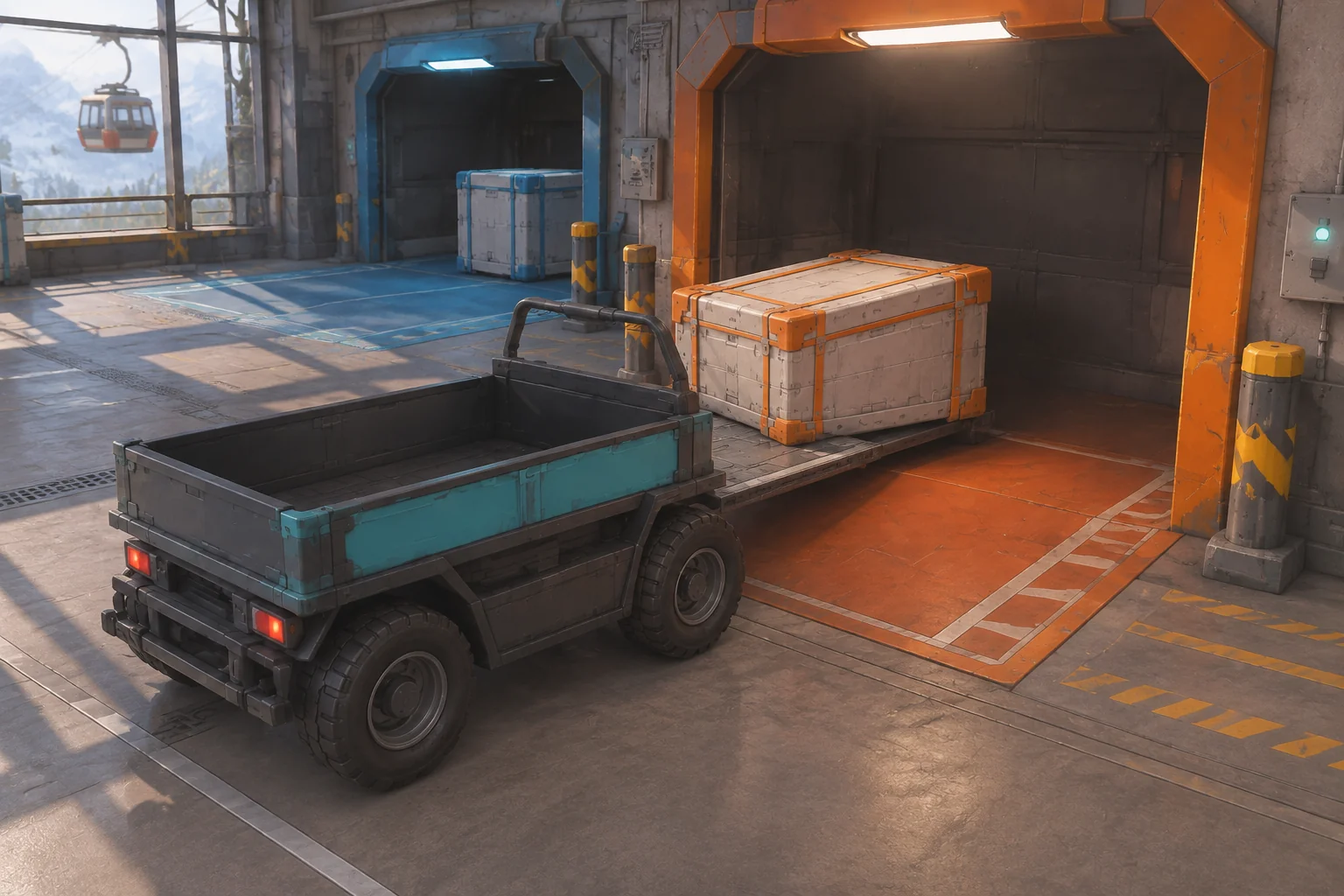
Replay the queue and verify that the cart never takes a crate during a blocked Inspect. Check that Drop counts the delivery once, the cable-car departure leaves that count intact, and reset returns all three IDs to their starting order.
Change only how Inspect selects a job
Try looking at the first two queue slots and selecting the earliest crate whose bay has room. Keep the same departure and the rest of the program. On tick 6 the cart can choose M1 even though G2 is first. It drops M1 on tick 9 and returns on tick 10. With only G2 left it waits on tick 11. After the departure on tick 12, it can select G2 and finish on tick 15.
In this worked example, the strict version waits six ticks and finishes on tick 20. The two-slot version waits once and finishes on tick 15. A contract that requires delivery order needs the strict rule. Independent cargo can use the bounded look-ahead. Check that the new selector removes M1 by ID while leaving G2 in the queue. Use the guide to revising one rule and rerunning the loop to compare both versions from reset.
Build one helper you can debug
Make each command visible and give the player a reason for every wait. Start your original automation prototype with SEELE’s AI Game Maker and check the full-bay branch before adding more cargo or another bot.
Frequently asked questions
What makes one bot enough for an automation prototype?
One bot lets you follow the relationship between the queue, program, and destination. Put a full-bay condition in its route so the player sees both a successful cycle and a wait. More bots are useful after the first one is easy to read.
How can players tell a wait from a broken script?
Show the command and the missing condition together. A cart waiting at Inspect should have an empty tray and a full destination bay. If the bay becomes free, the command should resume on the next eligible tick and change the visible state.
Should the bot ever skip the first crate?
Let it skip only if the jobs are independent and the player understands the selection rule. If a contract requires the first crate to arrive first, keep strict order and show the delay. A short look-ahead makes it easier to see why the choice changed.
When should I add a second helper?
Add a second helper once a single cart can wait, resume, and reset reliably. Decide which bot owns each selected crate and how they share a bay. Check those rules before letting both bots work from the same intake at the same time.