To make an original cleaning game inspired by PowerWash Simulator, start with one object whose surfaces can change as the player works. At the fictional Glasshouse Sign Bench, sweeping the upper enamel panels on a retired transit plaque can drop residue into a lip that looked finished a moment ago.
Give the player two things to check. A surface can become visibly clear, and the whole job can pass an inspection. These are different states. Make it possible to check the plaque while some residue remains and to see which part needs another pass.
Turn surface coverage into a rule
In FuturLab’s original PowerWash Simulator, players remove grime from objects and locations. The visible change gives each pass a clear effect. For your version, choose an object and decide whether one surface can affect another.
The sign bench is a fictional tabletop game model. A bench tool sweeps a purple pigment overlay off a retired transit plaque. Its game rules govern where that load goes. You can design the effect with three counters and a few material states before spending time on spray or particle effects.
Map the zones before drawing the tool
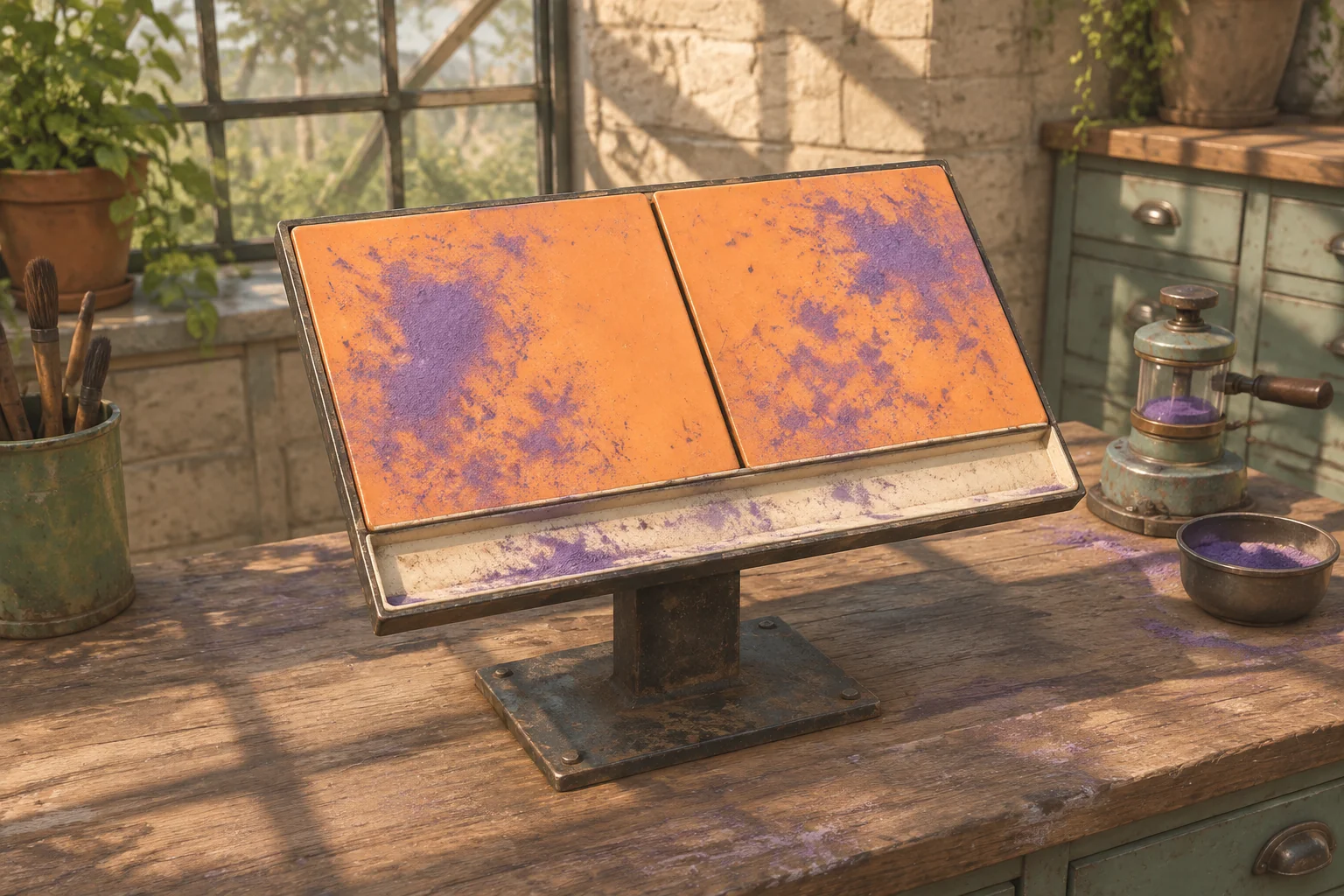
Label the two upper panels L and R and their shared catch lip B. All three start with one unit of load. A fixed routing setting controls where removed upper load goes. The baseline sends it to B. An off-board collector represents discarded load and has no effect on the inspection.
| Command | Rule |
|---|---|
| Sweep upper | Read the sum of L and R, clear both, then add the sum to B under the baseline rule. |
| Clear lip | Set B to zero. Leave both upper panels as they are. |
| Inspect | Check current L, R and B. Highlight all nonzero zones or latch Complete if all three are zero. |
| Reset | Restore the three starting loads, zero strokes and no result. Keep the chosen routing rule. |
A sweep or clear counts as one stroke when it removes any load. Repeating a stroke on an empty target costs zero and produces no new residue. An inspection reads the board without changing it or spending a stroke. Clear the last inspection highlights after the next stroke that removes load, then calculate fresh highlights when the player inspects again.
Replay the lip-first miss
Read each state as (L, R, B). Reset before each run. The comparison starts from the same plaque and ends when the inspection accepts it.
| Order | State after each stroke | Inspection |
|---|---|---|
| Upper first | Sweep upper → (0, 0, 3). Clear lip → (0, 0, 0). | Complete at two strokes. |
| Lip first | Clear lip → (1, 1, 0). Sweep upper → (0, 0, 2). | Only B is highlighted. Clear the lip again and inspect to complete at three strokes. |
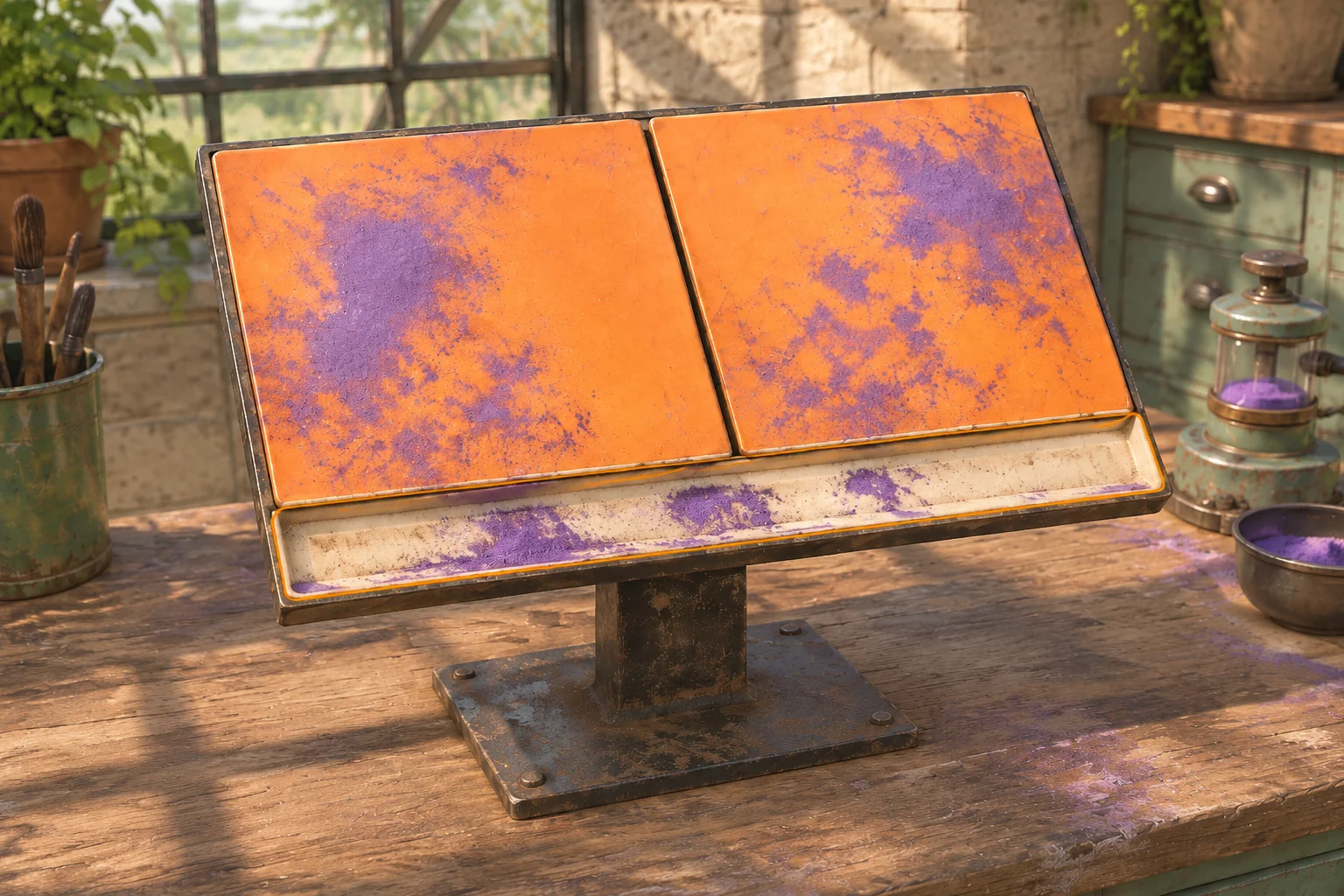
After the second lip-first stroke, the two clean upper panels can make the plaque look finished. The check should point to the lip. Store the load of each zone and let the check read those values. An “already cleaned” flag would miss the residue that arrives later.
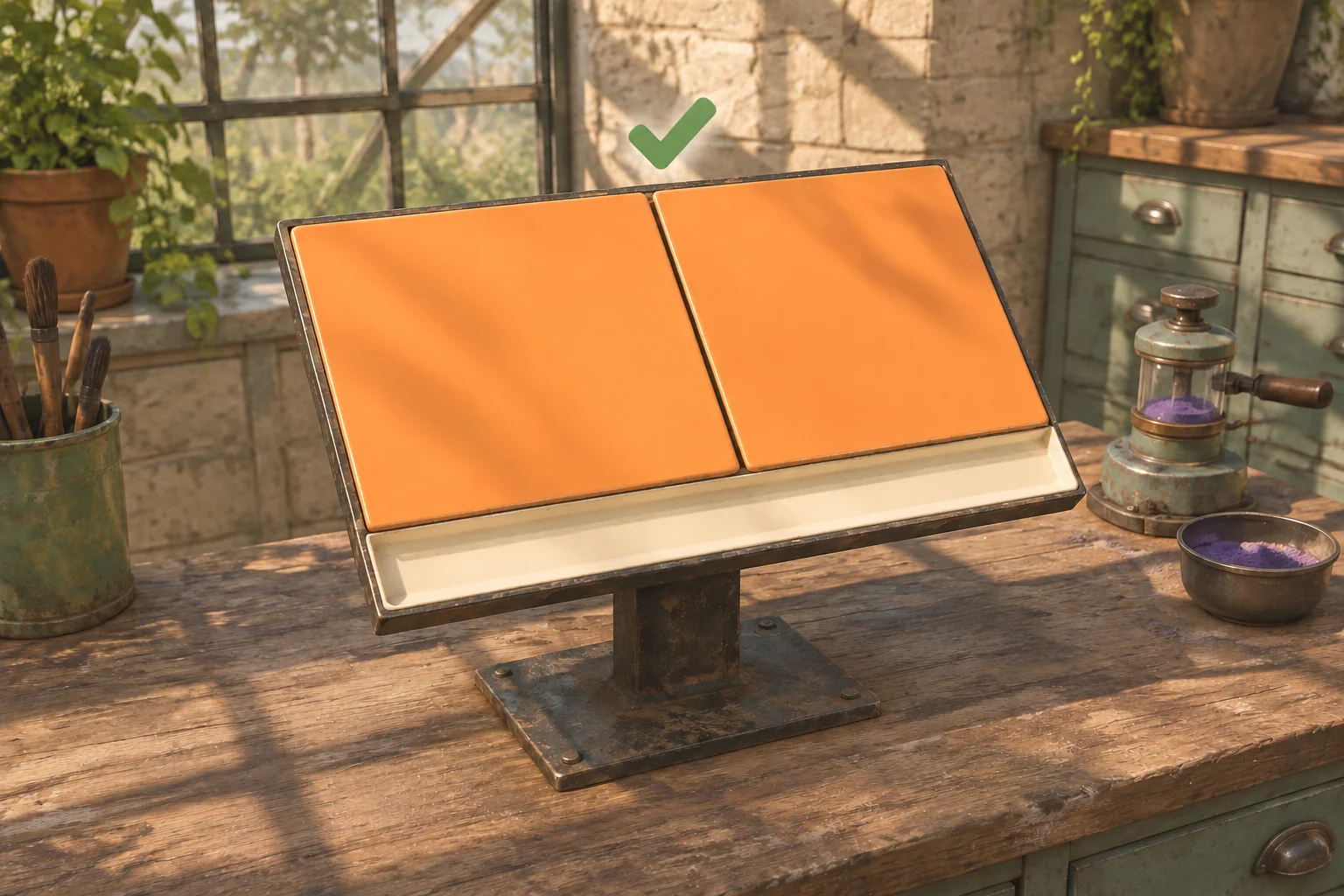
Even a plaque with three zeroes is waiting for inspection. Show the result cue only after the player chooses Inspect. Then hold the completed result until Reset.
Give AI one plaque and one inspection
Use this brief for a first build. Ask for the counters in a debug overlay so you can compare the visual state with the rules as you replay the same inputs.
Create an original tabletop cleaning game at a glasshouse sign bench.
Make a transit plaque with upper panels L and R and shared catch lip B.
Initialize L, R and B to one. Show a purple overlay wherever load is positive.

Sweep upper reads the previous sum of L and R, clears both, then
routes exactly that sum to B in the baseline or to waste in the variant.
Clear lip clears B only. The waste collector is unlimited and unchecked.
Count one stroke when either command removes positive load.

Inspect shows the nonzero zones or latches Complete if all are zero.
Inspect spends no stroke. A positive-load stroke clears past highlights.
Allow only Reset after completion. Reset restores the starting loads,
zero strokes and no result, and keeps the chosen routing rule.

Check that upper first finishes in two strokes, lip first needs a third,
and a second upper sweep on an already clear face deposits nothing.
Check the overlay against each counter after a stroke. On the lip-first run, B should lose its overlay after the clear and regain it when the upper sweep routes residue into it. The status marker should stay absent until a successful inspection.
Change only where residue goes
Send the removed upper load to waste instead of the lip. Leave the plaque, starting loads, commands and inspection rules fixed. Repeat Clear lip, Sweep upper and Inspect. The first action still gives (1, 1, 0). The second now gives (0, 0, 0), so the same inspection completes at two strokes.
This one comparison isolates the reason for the extra pass. If the old lip-first route already completes at two strokes, check whether the upper sweep is actually adding the removed load to B. If the variant still fails, check whether it is routing to both destinations. Follow the first-build guide to replay one rule change against the baseline.
Start with one object and a clear check
Keep the first job small enough to inspect by eye. Start your original cleaning game with SEELE’s AI game maker and compare your plaque’s counters, feedback and completion with the worksheet before adding another object.
Frequently asked questions
How should a cleaning overlay show the current state?
Tie the overlay to each zone’s current load. A zero value shows the clean material. A positive value shows residue. Check the underlying counters independently so an animation cannot hide an incorrect state. In the lip-first replay, the same zone changes from positive to zero and back to positive.
Can a zone that looked clean get dirty again?
Yes. In this plaque model the upper sweep can route load to the lip after the lip has been cleared. The inspection checks the current load instead of remembering which zones were cleaned earlier. Test the rule by clearing the lip and then checking its counter after the upper sweep.
What should happen after an inspection fails?
Keep the existing loads and stroke count, and mark each zone still above zero. In the lip-first replay, only the catch lip is marked. The next stroke that removes load clears the old marks so the next inspection can report fresh results.
When should I add another object to the job?
Add one when the three-zone model consistently produces the expected upper-first and lip-first results. Give the second object its own visible coverage decision. Recheck both original routes before introducing more tools. If the new object uses a separate inspection, keep its completion state separate from the plaque’s.