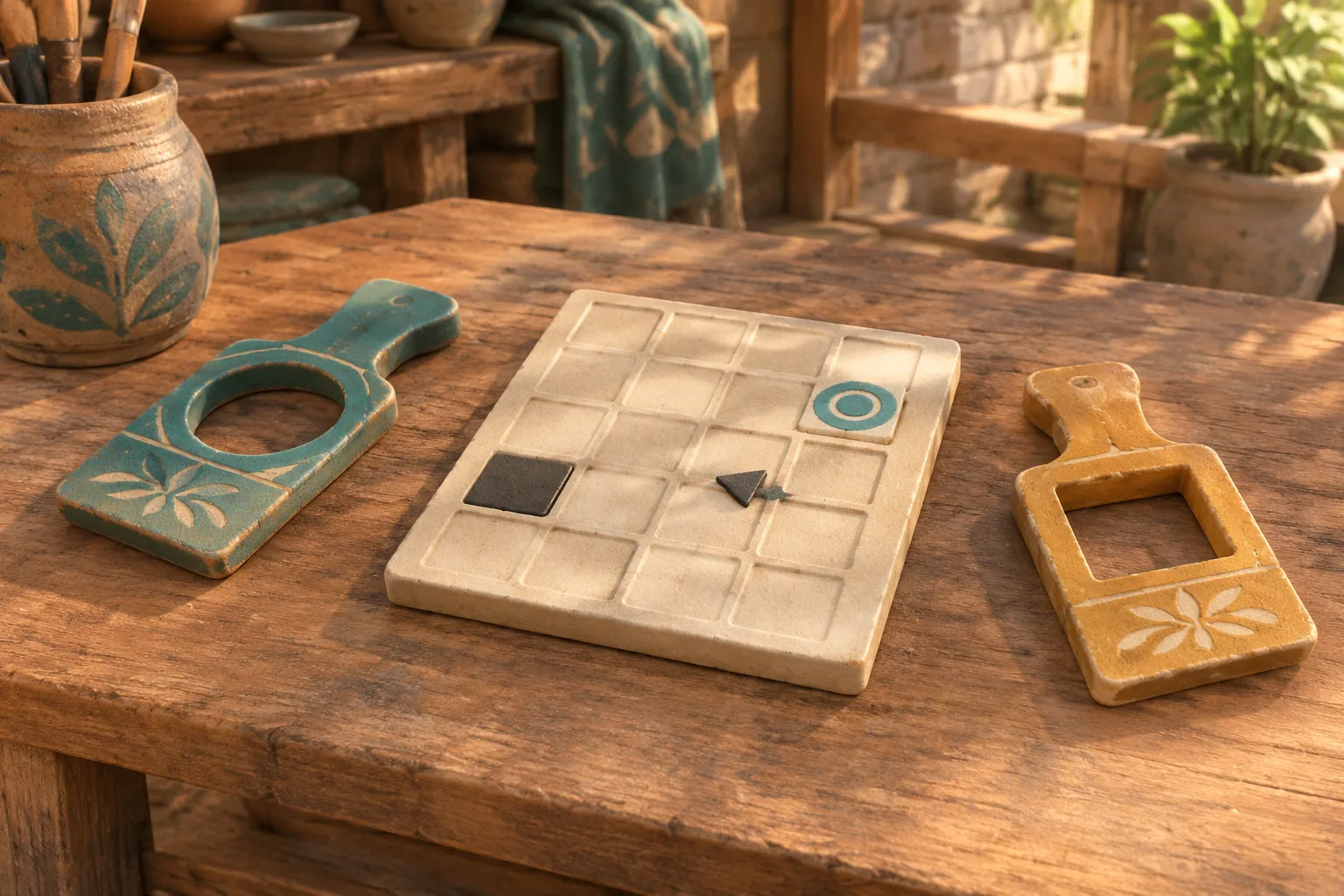
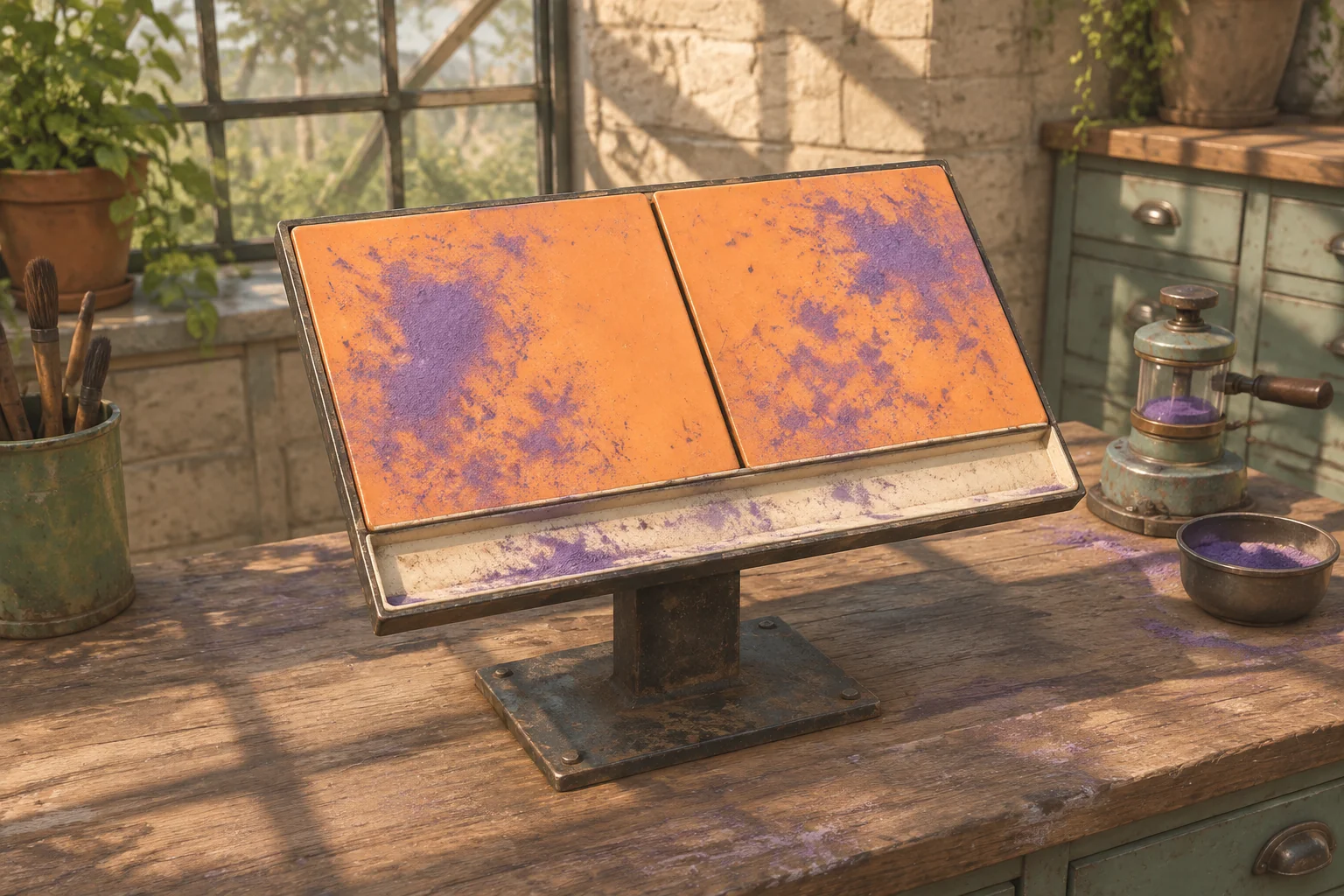
To make an original linked-space puzzle inspired by Portal, give the player a connection they can see and a landing they still need to check. In the fictional Drift Archive, a ceramic specimen can leave its sending platform through either of two links. The direct link reaches a receiving cradle, but a spacer is sitting there.
Make the blocked transfer useful feedback. The specimen stays at the sender and the selected link stays active. The player can clear the landing and try again, or use a service pad as an intermediate stop.
Give a linked space a destination rule
Valve’s listing for the original Portal describes a single-player game where opening portals lets players move themselves and objects through space to solve physical challenges. Use the broad idea that connecting two places can change what a player can move.
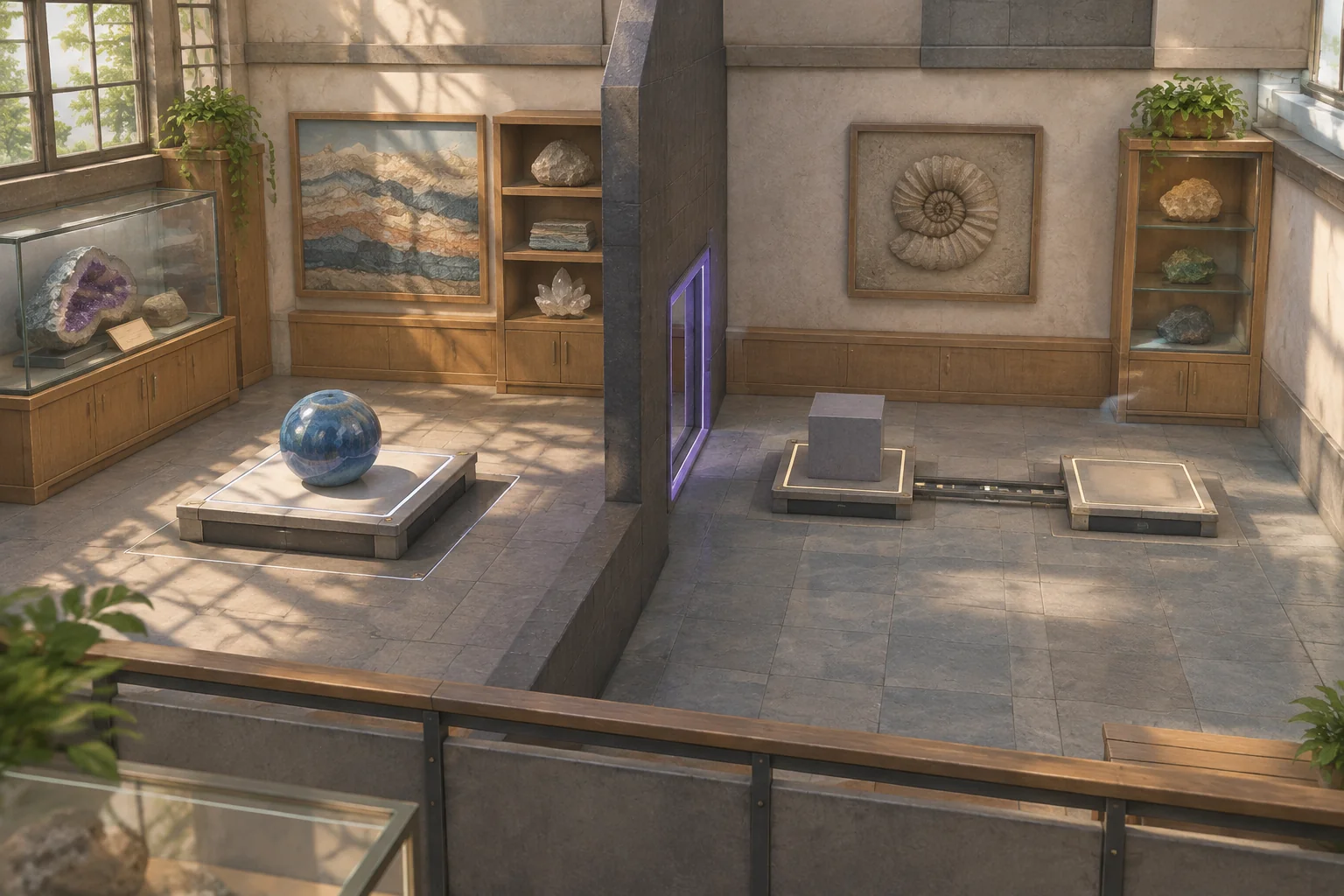
Give your version its own places and rules. Drift Archive has a sending platform in one room and two pads in a remote room. Normal movement cannot connect the rooms. The player operates a console to choose a link and move the specimen.
Check the landing before moving the specimen
Start with the specimen on Sender A and the gray Spacer on Receiver R. Service S is empty. The Direct link targets Receiver, and the Service link targets the service pad. A short rail connects Service to Receiver. The Spacer can move to a separate parking recess.
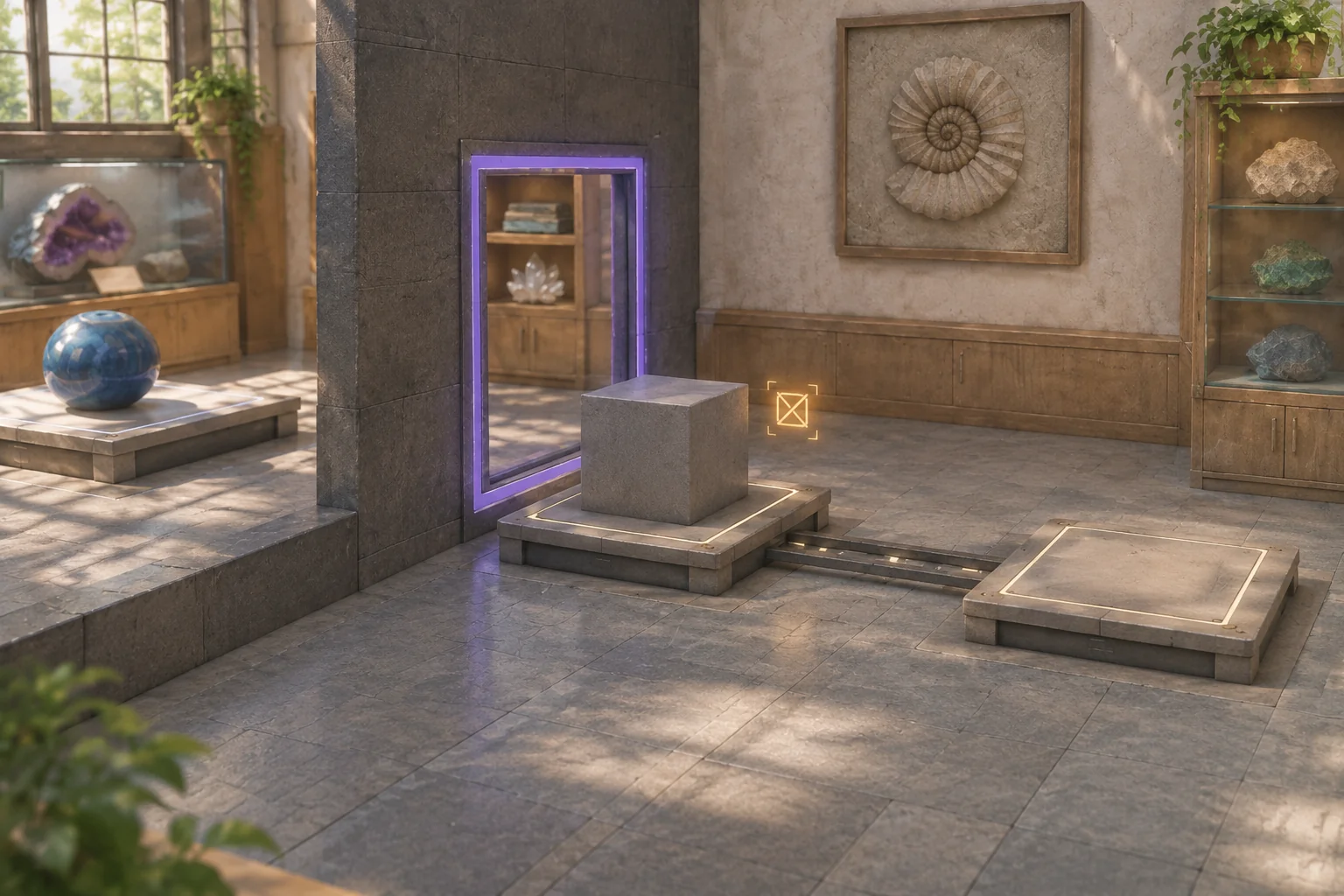
| Command | Accepted effect |
|---|---|
| Select Direct or Service | Change the destination. Choosing the active link again has no effect. |
| Send | Move the specimen from A to the selected pad if the specimen is on A and the pad is empty. |
| Park Spacer | Move the Spacer from either pad into its parking recess. |
| Slide | Move the specimen along the rail from S to R if it is on S and R is empty. |
Count one step for each accepted action that changes the state. If a destination is occupied, show the reason and leave both objects where they are. Preserve the selected link. Clear the landing in a separate action and require a fresh Send or Slide. This keeps an earlier blocked attempt from taking effect at an unexpected moment.
Replay the direct and staged delivery
Start each route with the same default Direct link. The first route clears the receiver before the successful send. The staged route reaches Service first and clears the receiver later.
| Route | Commands in order | Result |
|---|---|---|
| Direct | Send is blocked. Park Spacer on accepted step 1. Send on step 2. | The specimen reaches R and latches. |
| Via Service | Select Service on step 1 and Send on step 2. Slide is blocked. Park Spacer on step 3 and Slide on step 4. | The specimen reaches R and latches. |
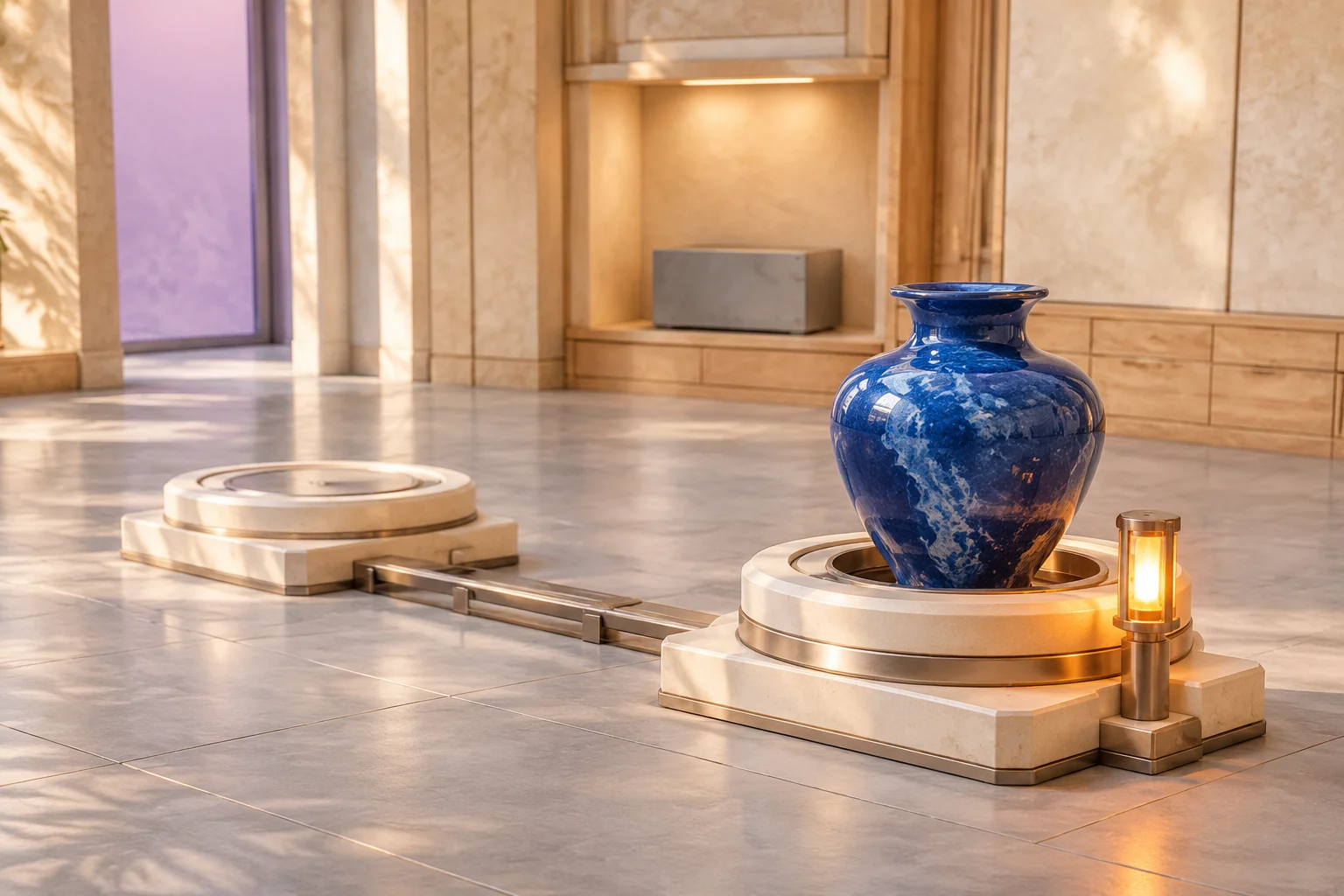
Service gives the specimen a free landing. It does not clear the final receiver. Check for completion after each accepted move. Only the specimen triggers the latch at R. The gray Spacer sitting there at the start has no completion effect.
Give AI one specimen and two exits
Ask for a location label for each object, a visible link selection, and a short action log. Specify the state changes before adding animations.
Build an original Drift Archive linked-space puzzle.
Start with specimen on Sender A and Spacer on Receiver R.
Service S and the parking recess are empty. Default link is Direct.
A has no ordinary movement path to the destination room.

Select Direct to target R or Service to target S.
Send requires the specimen on A and the selected pad empty.
Move atomically. Occupied destination leaves both objects,
link and accepted-step count unchanged. Report the block.
Park moves Spacer from either pad to its separate recess.
Slide requires specimen on S and R empty. Move it to R.

Count one step per effective action. Reject blocked or irrelevant
commands without counting. A blocked Send queues no retry.
When specimen reaches R, latch and finish. Spacer never latches.
After completion accept only Reset. Restore both objects,
default Direct link and zero steps, using the selected starting pad.
Try Send with the receiver blocked. Confirm that the source keeps the specimen. Park the Spacer and check that the specimen remains at the source until you issue a new Send. Try Slide while the specimen is still at Sender, then try it from Service with the receiver occupied. The log should distinguish a blocked landing from an action attempted at the wrong source.
Move only the starting obstruction
Start the Spacer on Service instead of Receiver. Keep the default link Direct and replay the first Send. Receiver is free, so the specimen reaches it and finishes on the first accepted step. In another reset of the changed board, select Service and Send. The move now blocks at Service, leaving the specimen at A and the link set to Service.
The worksheet changes only where the Spacer starts. The link endpoints stay the same. Use the guide to replaying a build after one change to check the same initial input in both versions.
Build one link the player can reason about
Use one specimen, two exits, and a clear blocked-arrival cue. Start your original linked-space puzzle with SEELE’s AI game maker and compare the locations and step counts with the worksheet before adding another room.
Frequently asked questions
What should an occupied landing preview show?
Show the selected destination and whether it has room for the specimen. Keep the source visible so the player can see that the item stayed there. Give the occupancy cue a distinct shape or label so it is easy to distinguish from link selection.
What does an atomic transfer mean here?
Check the full move before changing either location. When the destination is clear, remove the specimen from the source and place it at the destination in the same accepted action. If the check fails, both locations retain their original contents for the next attempt.
Why require a new Send after clearing the landing?
A new command lets the player confirm that the intended destination is still selected. They can inspect the landing or change the link before sending. It also gives you a simple check during development: parking the spacer should affect only the spacer’s location.
When should I introduce another link?
Add one after the player can identify both a blocked landing and a clear intermediate stop. Give the next link a different destination condition or purpose. Replay the original routes first so you can see which new choice the extra link actually creates.