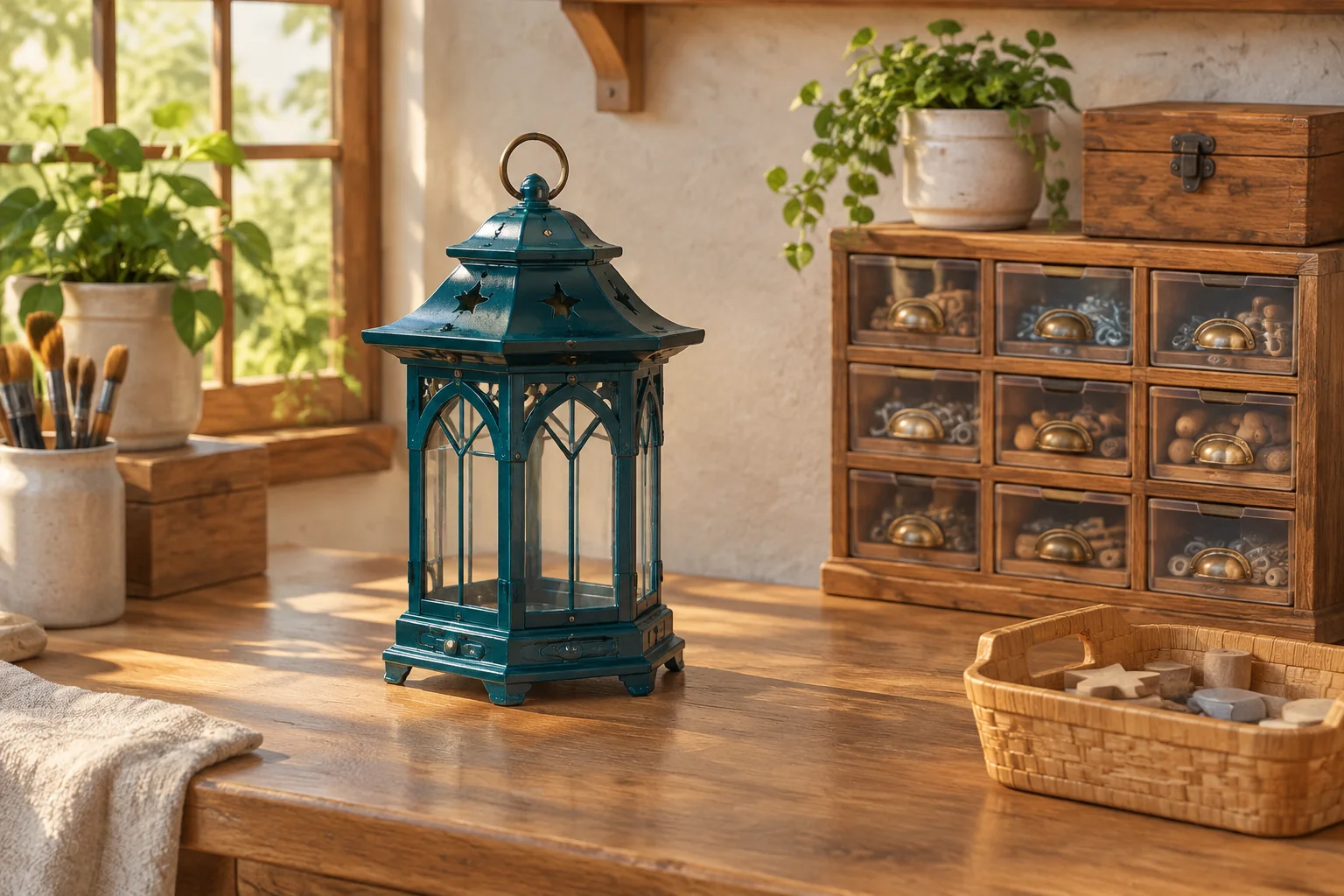
Give your first crafting puzzle two shapes the player can apply to a small chart. In the fictional Kilnchart Workshop, each stencil moves a marker along a fixed two-step pattern. The player chooses how much of the pattern to use. That choice matters because a longer application can hit a sealed cell.
Build one swatch target and two single-use stencils. Show the path before a commitment and keep the final result separate from a temporary marker position. That gives the player a route they can reason about instead of a list of recipes to memorize.
Start with a swatch target and two stencils
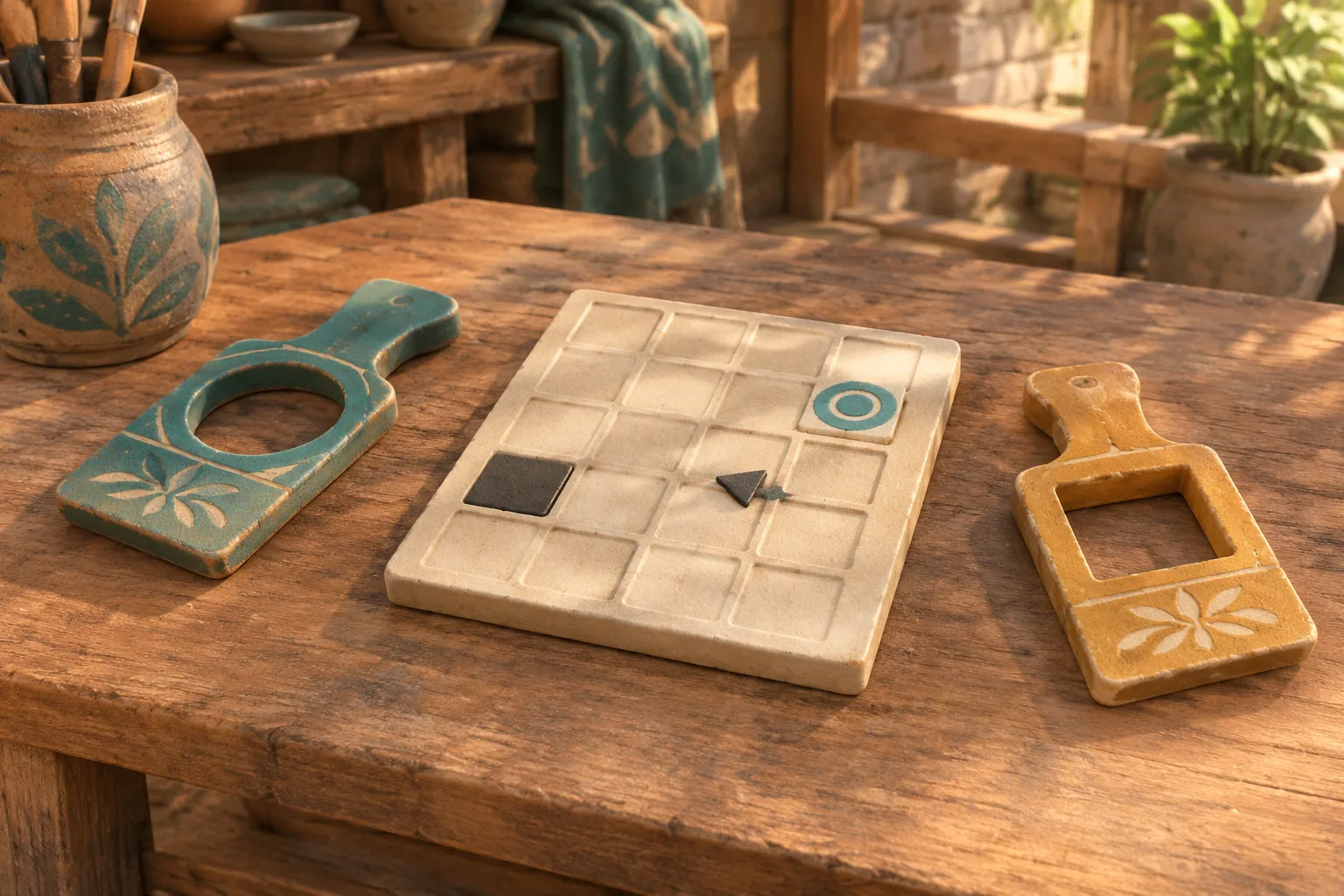
The official listing for Potion Craft credits niceplay games and tinyBuild and describes choosing a route on the Alchemy Map while working with ingredients. Use that broad idea to make a route part of a crafting decision. This workshop makes a fictional decorative tile and has its own moves, chart and output.
Use a four-by-four chart. Columns x and rows y run from zero through three. East increases x and south increases y. Start at (0,1). The swatch target is (2,2), and the sealed cell is (2,1). Give the player one Wash stencil with the pattern East, East and one Lift stencil with South, East.
Preview a prefix before you commit
A prefix is the first part of a pattern. Choose the first step or both steps. You always spend the entire stencil when you commit, and an unused second step is discarded. Show the first blocked cell in the preview while leaving both the marker and stock as they were.
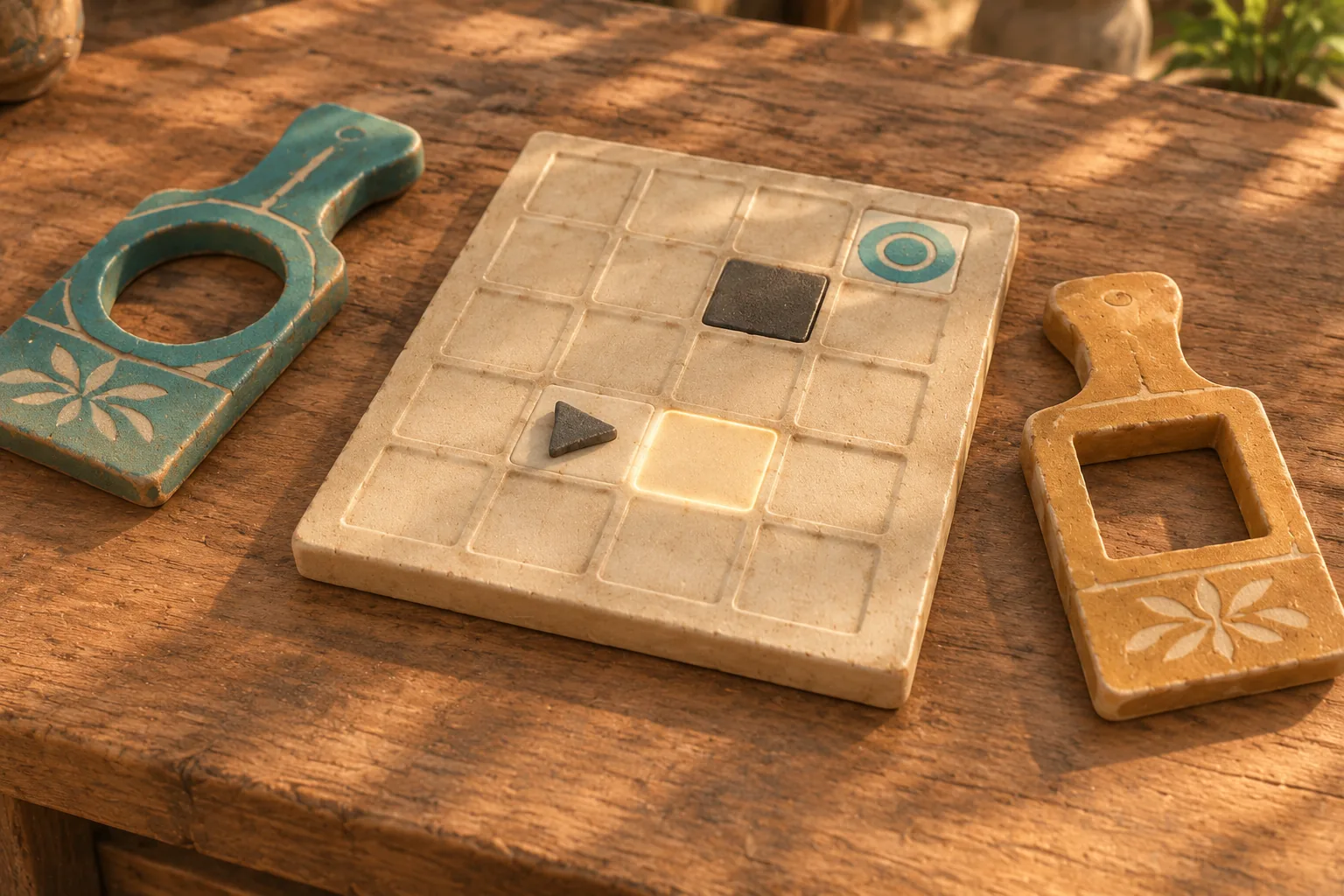
On commitment, move one cell at a time. If a step targets a sealed or out-of-bounds cell, stop at the last valid position and record the attempted cell. Keep the stencil spent. An unavailable stencil or a prefix outside the two allowed lengths is an input error. Reject it before spending or moving.
Check for a swatch only after a complete application. If one stencil remains, keep planning. With both spent, finish at the target to reveal a swatch. A valid path that finishes elsewhere is unfinished. It receives a different message from a blocked path.
Compare a blocked route with a finished swatch
| Actions | Marker trace | Result |
|---|---|---|
| Wash one, Lift two | (0,1) → (1,1) → (1,2) → (2,2) | Swatch revealed. |
| Wash two | (0,1) → (1,1). Next step attempts (2,1). | Blocked. Lift is still unused. |
| Lift two, Wash one | (0,1) → (0,2) → (1,2) → (2,2) | Swatch revealed. |
| Wash one, Lift one | (0,1) → (1,1) → (1,2) | Both spent. Swatch unfinished. |
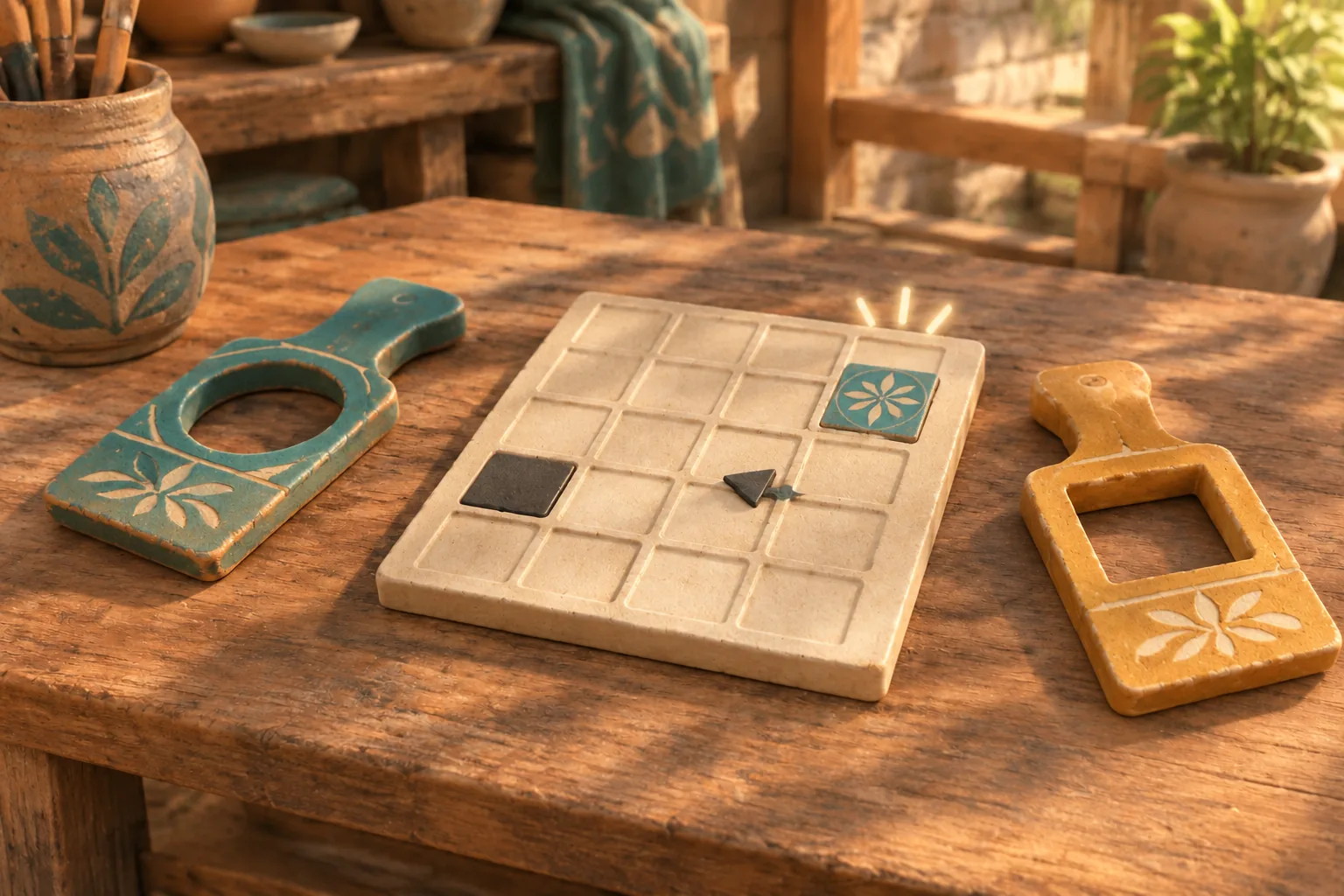
Start with Wash one if you want to see why using a shorter part can help. It leaves the marker at (1,1), so the Lift turns south before taking the final east step. Starting with both Wash steps spends the same token, but the second east step would enter the sealed square.
Give AI a small chart to check
Ask for a ghost route, current token stock and a short log of committed cells. Give the builder exact moves and finish conditions, so you can replay the table before changing the art.
Build an original stencil-route puzzle called Kilnchart Workshop.
Use columns and rows 0 to 3. Start at (0,1), target (2,2),
and seal (2,1). East adds 1 to x. South adds 1 to y.
Give one Wash [East, East] and one Lift [South, East].

Preview a prefix of one or two moves without changing state.
Commit spends the chosen unused token, discards the suffix and
applies the prefix in order. Reject invalid token or length first.
On blocked or off-chart cell, stop at last valid cell and log
the attempted cell. End blocked, with token already spent.

After a valid prefix, check if both tokens are spent. If yes,
reveal the swatch only if the marker ends at the target.
Otherwise report unfinished. Passing the target during a
commitment never reveals it. Only Reset acts after an ending.
Reset marker, tokens and ledger, retaining the selected chart.
Preview both Wash lengths and check that the stock stays unchanged. Commit Wash one, then try to use its unused second step. The token should remain spent and the marker should stay still. After a blocked attempt or an unfinished swatch, reset and verify the exact starting cell.
Move one sealed cell and replay
Move the sealed cell from (2,1) to (1,2) and leave the target and stencils in place. Replay Wash one, Lift two. Wash still reaches (1,1). The first Lift step now blocks. From reset, use Wash two to reach (2,1), then Lift one to reach the target and finish.
Try the same revised Wash two with Lift two. The first Lift step passes through the target, but the second ends at (3,2). Both stencils are spent, so the result is unfinished. That test catches a draft that reveals the swatch as soon as the marker touches it. Use SEELE’s first-build guide to keep the single cell change isolated.
Build one chart you can replay
Start your original crafting puzzle with SEELE’s AI Game Maker. Enter the chart and stencil rules, then compare the generated draft’s preview, last valid cell and final swatch with these traces before adding more tokens.
Frequently asked questions
Why spend the whole stencil for a shorter path?
The shorter path is a choice about where to stop. If the unused step could be applied again later, it would turn one stencil into two separate moves. Spending it once keeps the two choices easy to compare in the first fixture.
What should the route preview show?
Show the selected steps from the current marker, including the first sealed or off-chart cell if the route attempts one. Keep preview and commitment visually distinct. The preview should leave the marker, token stock and result ledger exactly where they were.
How should a blocked path differ from an unfinished swatch?
For a block, show the attempted cell and the last valid position. For an unfinished swatch, show the final valid cell and that both stencils have been spent. The first result asks the player to avoid a cell. The second asks them to change their final position.
When should I introduce a third stencil?
Add one after the existing two patterns and both failure states are readable. Give the new stencil a clear role, such as reaching a target the current set cannot reach. Keep an original chart available so you can replay the earlier choices.