To make an original floating-base game inspired by Raft, let the first piece you build change what you can gather. At the fictional Driftbench Station, adding a side wing puts one floating bundle within reach. The planks inside can buy an opposite wing or a small workbench, but a workbench on the only wing can fail the layout check.
Show the cost and the proposed layout before accepting a placement. A rejected workbench should leave the player with the same deck and the same planks. They can build the opposite wing and try again.
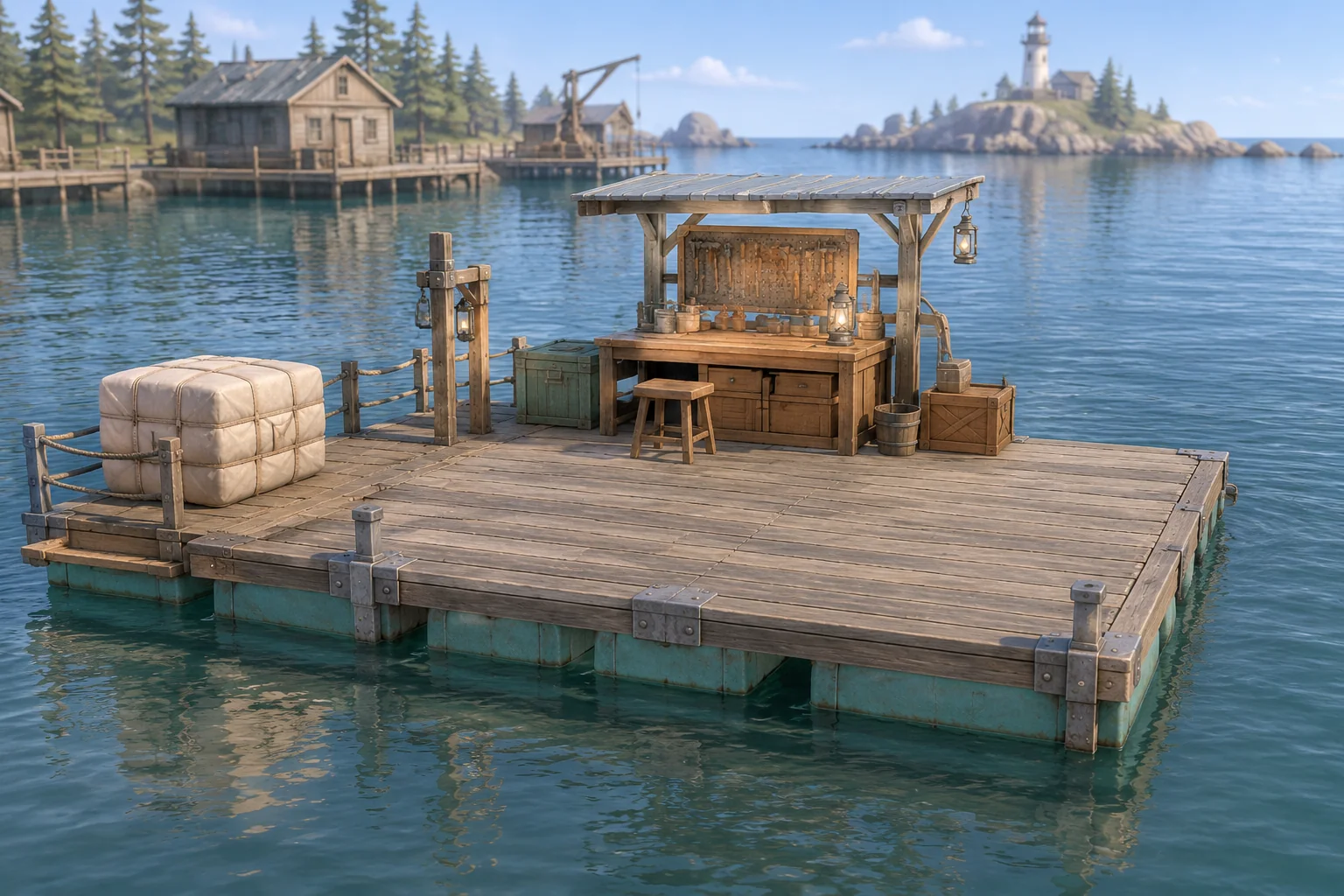
Make the first wing unlock a pickup
Redbeet Interactive’s description of Raft presents gathering debris and expanding a floating home as parts of the same loop. Give your version its own reason to expand. At Driftbench Station, the center deck cannot reach the bundle. Either installed side wing makes the same scripted pickup available once.
Start with a center deck and two planks. The Left and Right wing slots are empty. One wing spends both starting planks. The bundle gives back three. With that small stock, the player can see exactly how the first construction opens the next one.
Check cost and layout before placing a module
Give each wing one load point on its own side. A workbench adds one point to the wing it sits on. The center deck is a fixed anchor with no side load. In the baseline, the absolute difference between side loads can be at most one. These points belong to a game rule and the example uses no simulated water forces.
| Action | Requirement and effect |
|---|---|
| Preview a placement | Show the price and proposed left and right loads. Keep the committed deck and stock unchanged. |
| Build a wing | Require an empty side slot and two planks. Add one load point to that side if the resulting layout passes. |
| Collect the bundle | Require an installed wing and an untaken bundle. Add three planks and mark the pickup used. |
| Attach a workbench | Require an installed wing, one plank and no existing bench. Add one load point to the chosen side if the layout passes, then finish. |
Check all placement requirements before deducting planks. If a bench would take the left load from one to two while the right side stays at zero, show the proposed difference of two and the limit of one. Leave the real loads and stock where they were.
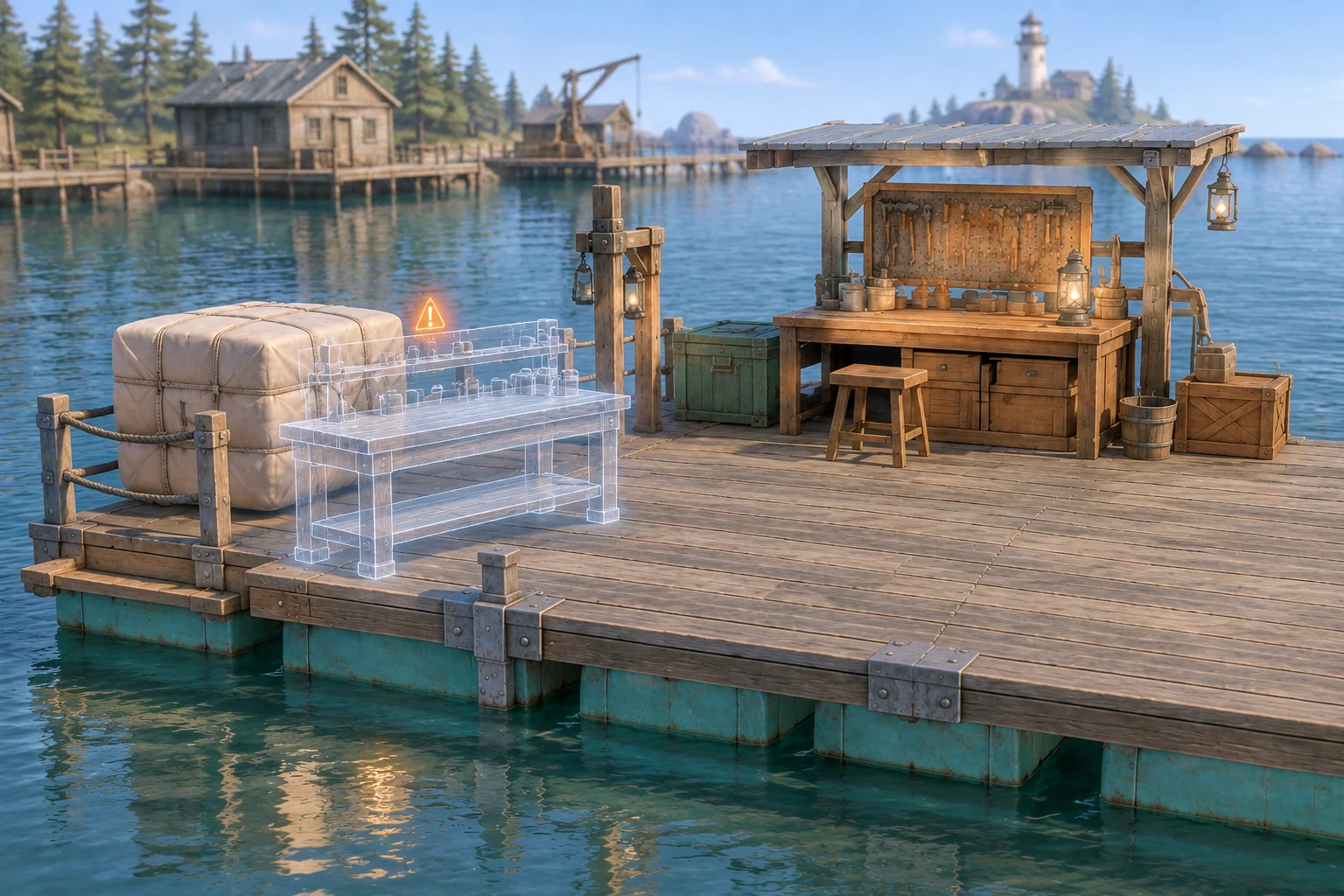
Replay the rejected and accepted attachments
Start from a reset board. The left and right columns below show committed loads. The proposed loads on the rejected row stay in the preview only.
| Action | Planks after action | Left / Right | Result |
|---|---|---|---|
| Build Left | 0 | 1 / 0 | One wing opens access to the bundle. |
| Collect from Left | 3 | 1 / 0 | Bundle is used. |
| Try Attach at Left | 3 | 1 / 0 | Proposed 2 / 0 fails the difference limit. |
| Build Right | 1 | 1 / 1 | The two installed wings have equal load. |
| Attach at Left | 0 | 2 / 1 | Difference is one. Complete. |
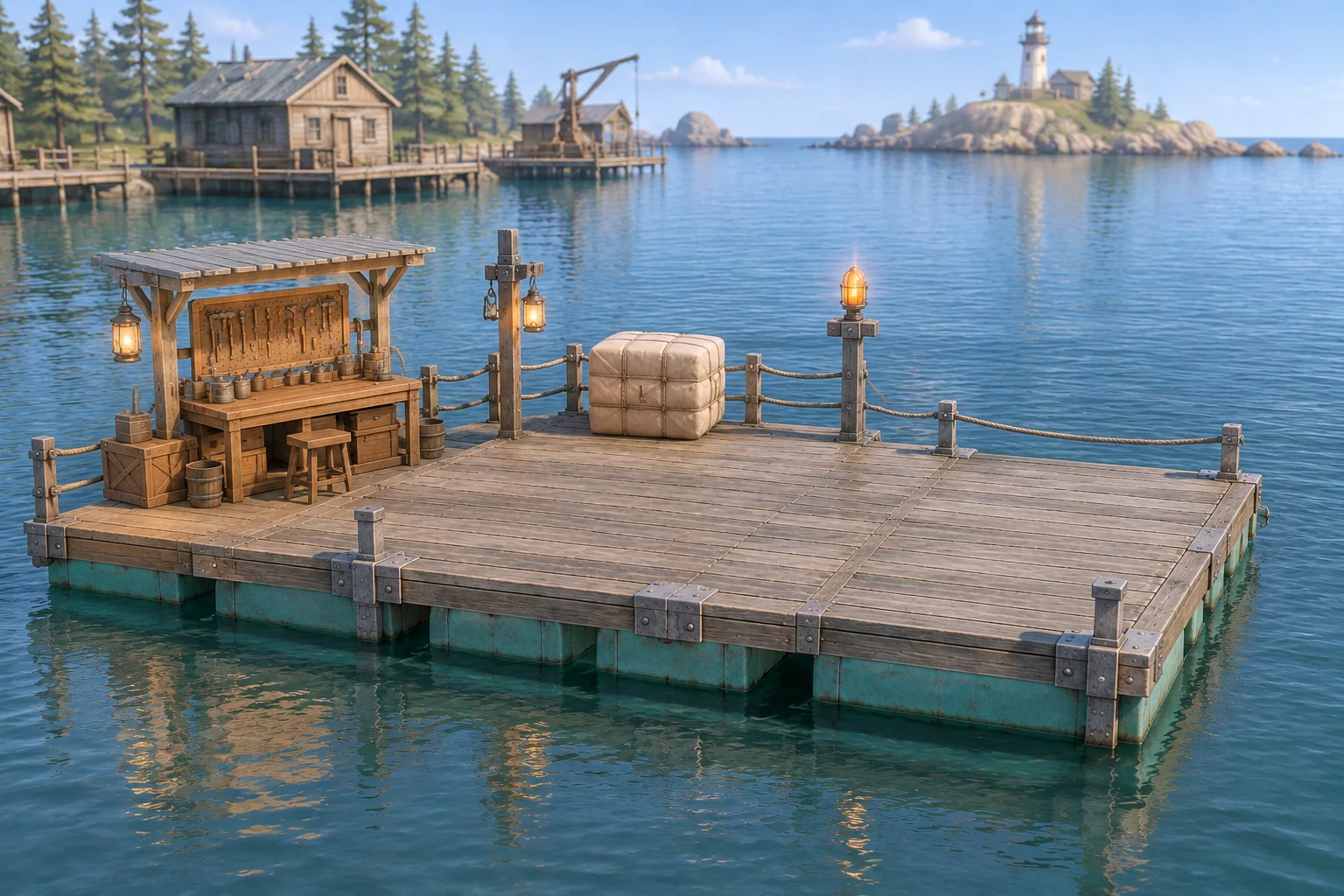
The win condition is an accepted workbench attachment. After it happens, hold the finished layout until Reset. The baseline needs the second wing because of the placement rule. Test the mirror route from Right and confirm that it makes the same decisions with left and right loads swapped.
Give AI one deck and a resource ledger
Use a small debug panel that reports planks, installed wings, both committed loads, proposed loads and bundle availability. Start with this prompt and compare what it produces against the trace.
Build an original floating-base fixture called Driftbench Station.
Start with a fixed center deck, two planks, two empty side slots,
one untaken bundle, and no workbench. The center adds no side load.

A wing costs two planks and adds one load to its side.
Collect from either installed wing once for three planks.
A workbench costs one plank and adds one load to an installed wing.
Only one bench is allowed. Accepting it completes the fixture.

Preview reports the cost and both proposed loads without changing state.
Reject invalid placement with no stock or layout changes.
Require the absolute side-load difference to be at most one.
After completion accept only Reset. Reset restores the initial board
and inventory, preserving the selected difference limit.
Try collecting from the center, adding a wing to an occupied slot, attaching a bench to an empty slot and building with insufficient stock. Each failure should preserve the layout and the number of planks. After collecting from a wing, try collecting again. There is only one bundle.
Change only the allowed load difference
Set the threshold to two. Replay Build Left, Collect from Left and Attach at Left from Reset. The first two actions still produce three planks and a load of 1 / 0. The same bench placement now succeeds at 2 / 0, with two planks left and no right wing.
Keep the costs, pickup and completion rule fixed. If the revised run still fails, verify that the placement check uses the selected threshold. If the baseline succeeds early, verify that it compares the proposed loads rather than the current loads. Use the first-build guide to replay a focused change.
Start with one reachable bundle
Keep the first build to one deck and one useful pickup. Start your original floating-base game with SEELE’s AI game maker and compare the placement results and plank ledger against the worksheet before adding more modules.
Frequently asked questions
What should a placement preview show?
Show the module price, the proposed loads on both sides and the allowed difference. Use a ghost shape to distinguish the proposed module from a placed one. Give the player enough information to decide whether to change the layout or place the module.
How do I keep a pickup from giving planks twice?
Give the bundle one shared availability flag. Collecting from either installed wing changes the flag and adds three planks in the same accepted action. Later attempts should preserve stock. Reset restores availability so a new run starts from the same resource state.
Should a rejected placement spend resources?
Keep the current planks and modules when a placement fails. The player can inspect the difference limit and choose another action using the same stock. Test the failure at three planks, when the bench is affordable but the proposed layout exceeds the baseline limit.
When should I add another floating module?
Add one after both original replays produce the expected loads and plank totals. Give the next module a clear role in gathering or a placement decision. Replay the rejected and accepted bench attachments first so a new rule cannot silently change the original checks.