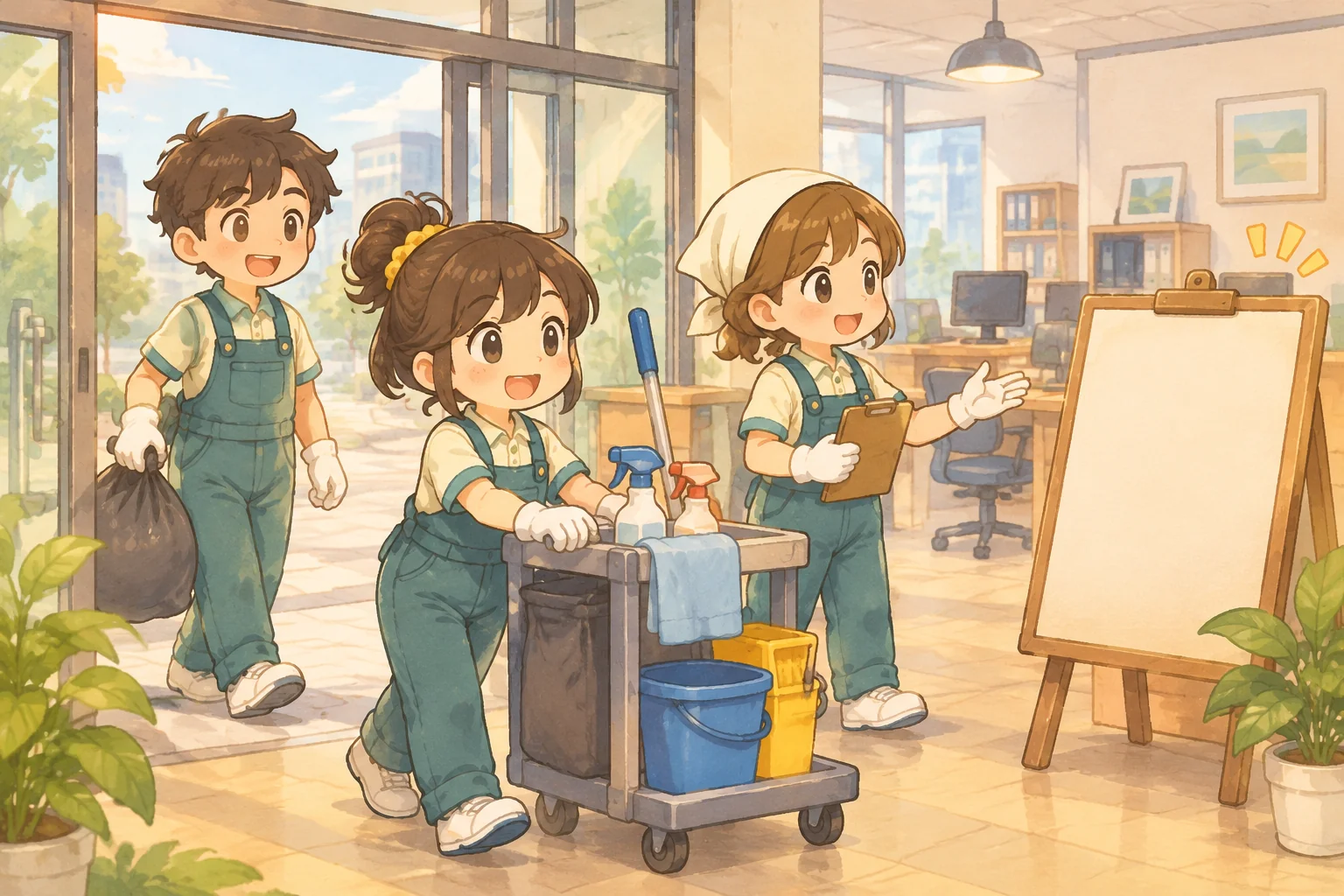
A hotel management game becomes a system when a room's state changes what the player can promise a guest. A room can be ready, occupied or waiting to be cleaned; staff time determines how quickly it becomes available again. Start with two rooms and one day so each change is visible.
This guide specifies a fictional hotel prototype and an AI-assisted build request. Its prices and satisfaction measure are simple game rules, not real hospitality figures. Use the example to check the sequence your own game implements.

Design a day around room states
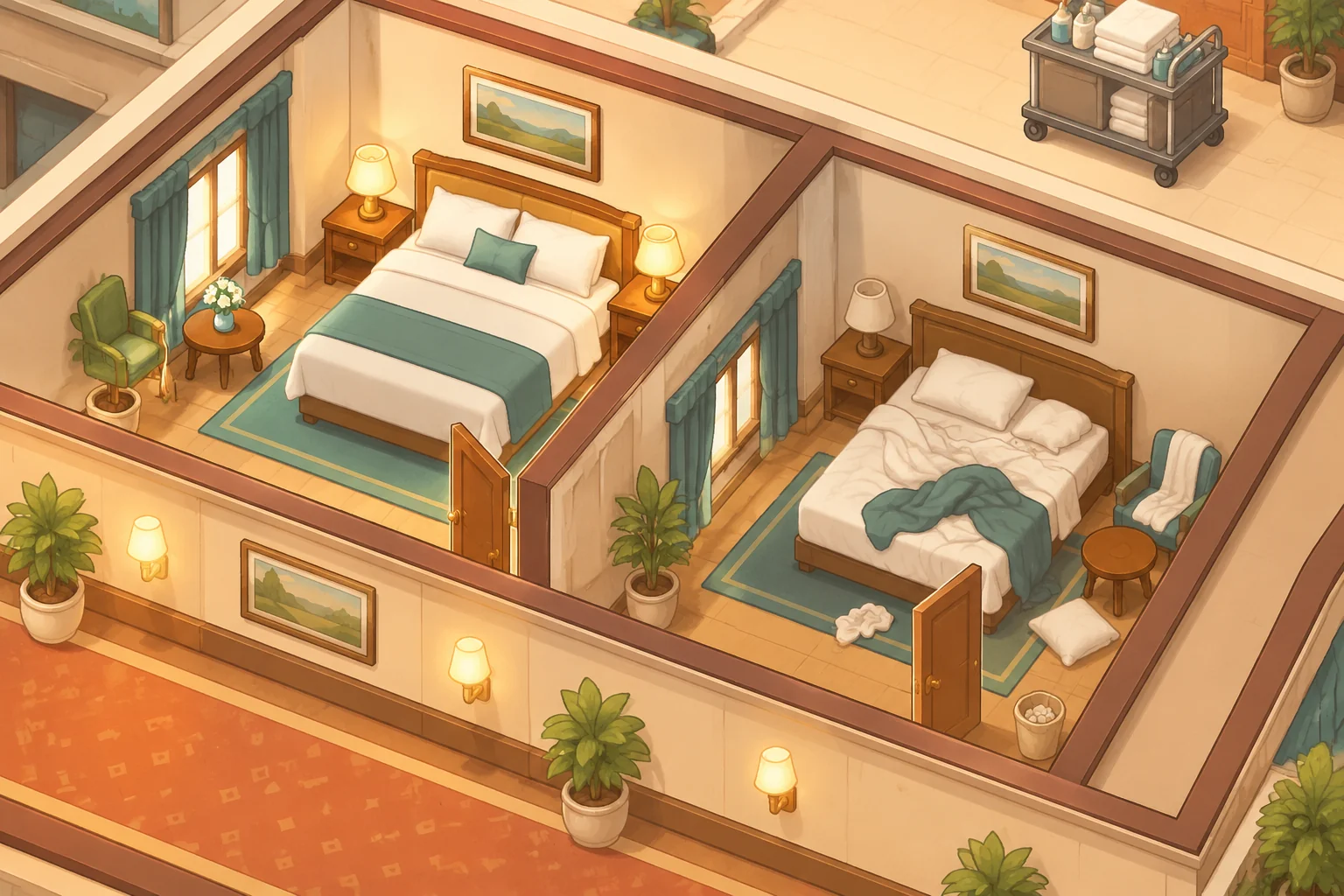
At the start of the day, room A is clean and vacant, while room B is dirty and vacant. Two guests arrive. One staff member can clean one vacant dirty room before guests are assigned. The player may assign a guest only to a clean vacant room, and each room holds one guest.
| Room state | Can a guest enter? | What changes it? |
|---|---|---|
| Clean and vacant | Yes, one guest | Assignment makes it occupied |
| Dirty and vacant | No | Staff cleaning makes it clean |
| Occupied | No additional guest | Checkout makes it dirty and vacant |
Make these states visible with both an icon and a label in your actual interface. The player needs to know why a room is unavailable before deciding whether to spend staff capacity on it. For the first version, cleaning happens before assignment and is free.
Work through two outcomes
If the staff member cleans room B, both rooms are clean and vacant. Assign one guest to each. Closing the day records two served guests, 40 coins of revenue and 100% satisfaction. If the player does not clean B, only room A can be assigned: one guest is served, revenue is 20 coins and satisfaction is 50%.
| Decision | Guests served | Revenue at 20 coins each | Example satisfaction |
|---|---|---|---|
| Clean room B | 2 of 2 | 40 coins | 100% |
| Leave room B dirty | 1 of 2 | 20 coins | 50% |
Here satisfaction means only the share of arriving guests who received a room. It does not model reviews, comfort or actual guest sentiment. Unassigned guests remain unserved for the day, and the example includes no operating costs. These simple rules make the relationship between room readiness and the displayed result easy to verify.
Describe the day in an AI build request
Include the order of actions and the state after checkout, not only the hotel's appearance. SEELE's capability catalogue describes creating games from a written idea and producing coordinated 2D characters, scenes and interface elements. Those category descriptions do not establish that this particular hotel system has been generated or tested.
Create an original small hotel-management game prototype.
Start the day with two rooms and two arriving guests. Room A is clean and
vacant; room B is dirty and vacant. One staff member can clean one vacant
dirty room before assignment, at no cost in this first version.
Let the player assign each guest to a clean vacant room; each room holds
one guest. Reject duplicate assignments and show why a dirty, occupied or
otherwise unavailable room cannot be selected.
On closing the day, count served guests and pay 20 coins for each once.
Show satisfaction as served guests divided by two, expressed as a percentage.
At checkout, make occupied rooms dirty and vacant; unserved guests leave.
Do not allow new assignment after closing. Show the room states, staff
capacity, served count, revenue and satisfaction. Provide a restart that
restores both room states, the two guests and the staff member.
Use original illustrated hotel characters and scenery without real brands.
Build the room-state transitions first, then the guest assignment and close-day calculation. Add decorative rooms or animations after the underlying state is correct. If a guest appears in two rooms, give the assistant the initial room states, the two assignments attempted and the expected result.
Make the assignment decision understandable
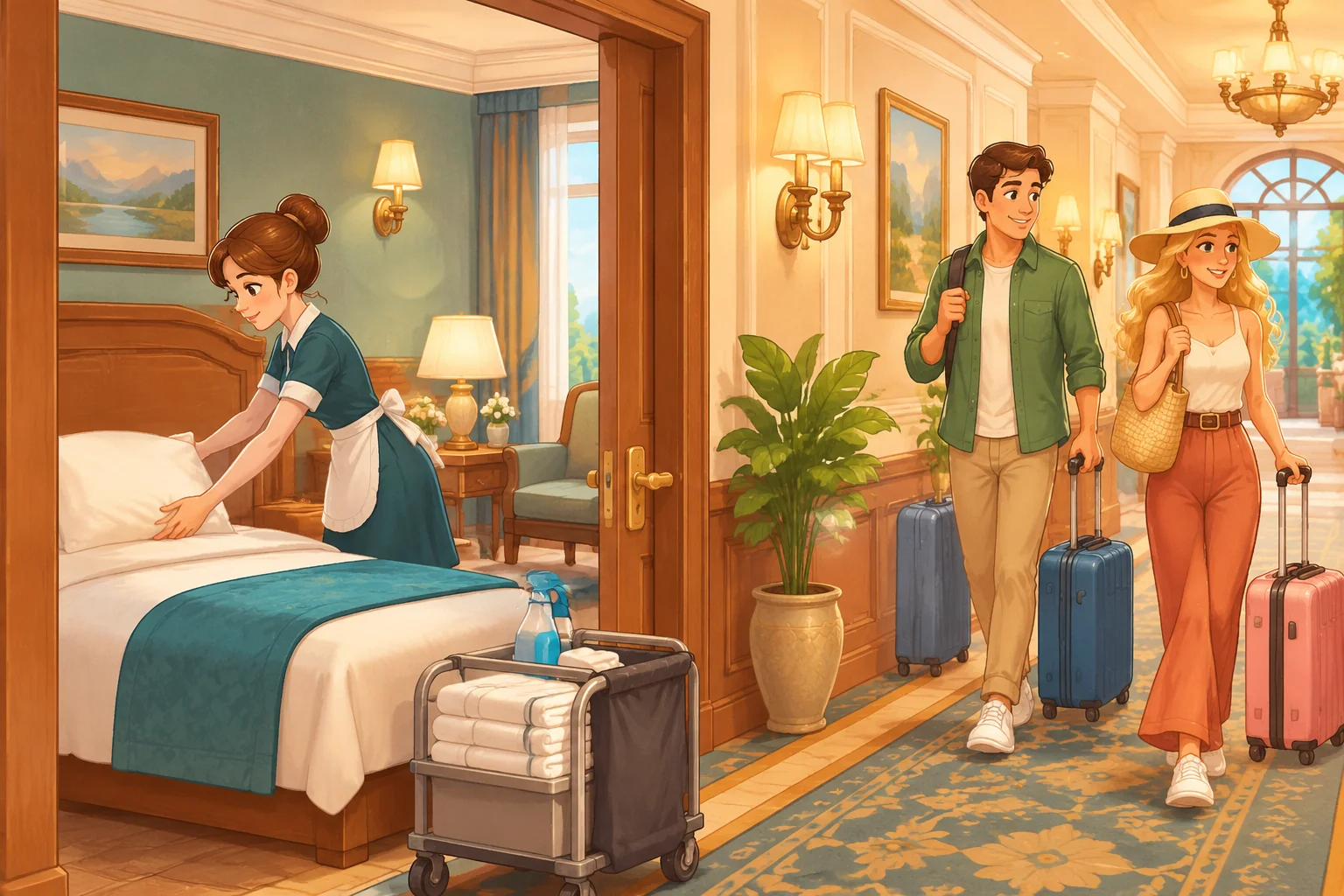
Show room A as ready and room B as needing service. After cleaning, update B before the player assigns a guest. When a guest is assigned, mark that guest and room as occupied together. If either side of the relationship changes without the other, the displayed occupancy can diverge from the calculation.
Closing the day should be a separate action. Count served guests once, then move occupied rooms to the checkout state. A second click must not add revenue again. For this small prototype, an empty dirty room remains dirty at checkout; do not silently make it clean.
Check both paths through the day
- Initial state: verify A is clean and vacant, B is dirty and vacant, two guests are waiting and one cleaning action is available.
- With cleaning: clean B, assign one guest to each room and close. Expect two served, 40 coins and 100% satisfaction.
- Without cleaning: restart, assign one guest to A and try to assign the other to B. The second assignment should fail; closing should show one served, 20 coins and 50% satisfaction.
- Invalid actions: try to place two guests in one room and clean an occupied or already-clean room. Each action should be rejected without changing the room or guest state.
- Checkout and restart: after closing, occupied rooms become dirty and vacant. Closing again should not pay twice; restart must restore the original clean and dirty rooms, guests and staff capacity.
When a check fails, describe the starting state, action and expected result. For example: “Room A was already occupied; assigning the second guest to A should be rejected, but both guests were counted as served.” Ask the assistant to enforce one guest per room, then repeat the two-room successful case as well.
Plan a second-day staffing choice
As a hypothetical extension, carry both occupied rooms from the successful first day into a new day as dirty and vacant. Suppose two new guests arrive, each served guest still yields 20 coins, and each staff member can clean one room before assignment. Offer one additional staff member for 10 coins for that second day only.
With one staff member, the player can prepare one room, serve one guest and collect 20 coins that day. With the extra staff member, both rooms can be prepared and both guests served: 40 coins of revenue less the 10-coin staffing cost leaves 30 coins for that day, excluding other costs. This is a proposed game calculation, not a tested result or a recommendation about real hotel staffing.
Before adding it, define when the extra staff cost is deducted, whether a failed hire changes cash and how daily cleaning capacity resets. Preserve the first day's tests so a new-day transition does not accidentally make occupied rooms available twice.
Frequently asked questions
When is a room available for a guest?
In the example, a room must be both clean and vacant. A dirty room needs a cleaning action, and an occupied room must wait for checkout. Show both aspects of its state so the player can understand why the assignment succeeds or fails.
What does the satisfaction percentage mean?
It is the share of the two arriving guests who receive rooms in this simplified game. One served guest produces 50%; two produce 100%. A richer design could include service or comfort, but those additional factors need explicit rules and should not be implied by this first metric.
How do I stop two guests sharing one room by accident?
Check that the selected room is vacant before assigning it, then update the guest and room records together. Reject a second assignment while the room is occupied. Test repeated clicks and verify that the close-day count matches the actual occupied rooms.
When should I add more rooms or staff?
Add them after one day and checkout work consistently. Extra rooms are useful when staff capacity or guest demand creates a new decision; extra staff matter when they can prepare rooms that would otherwise remain unavailable. Define their costs and daily limits before comparing choices.
Start with two rooms and a visible day
A clean-or-dirty room, an arriving guest and a limited staff action are enough to create a hotel management loop. Check assignment and checkout before adding amenities or a larger building. Develop your own hotel scenario in the SEELE AI Creator Game Maker, then introduce another day or employee with a clear effect. For a broader workflow, read how to create a game with AI.