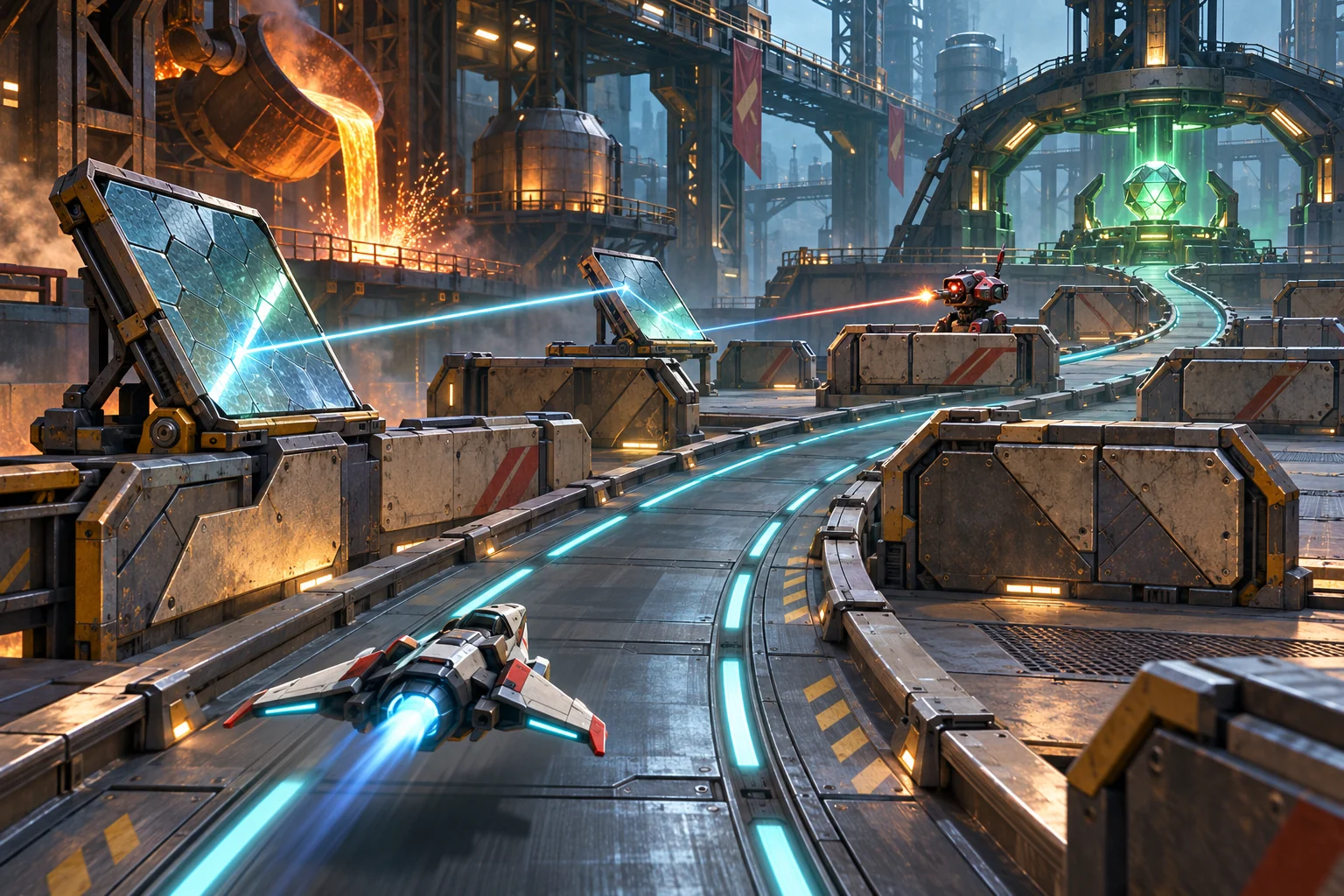
Build a course the mech can actually turn through
In fictional Iron Orchard, players place a few modular barriers, then drive a compact mech from the entry pad to a beacon. The arena is a 7-by-5 grid. The mech covers two cells side by side, so a corner needs a clear 2-by-2 turning pad. Players get three blocks and one low arch, enough to shape a route but not fill the floor.
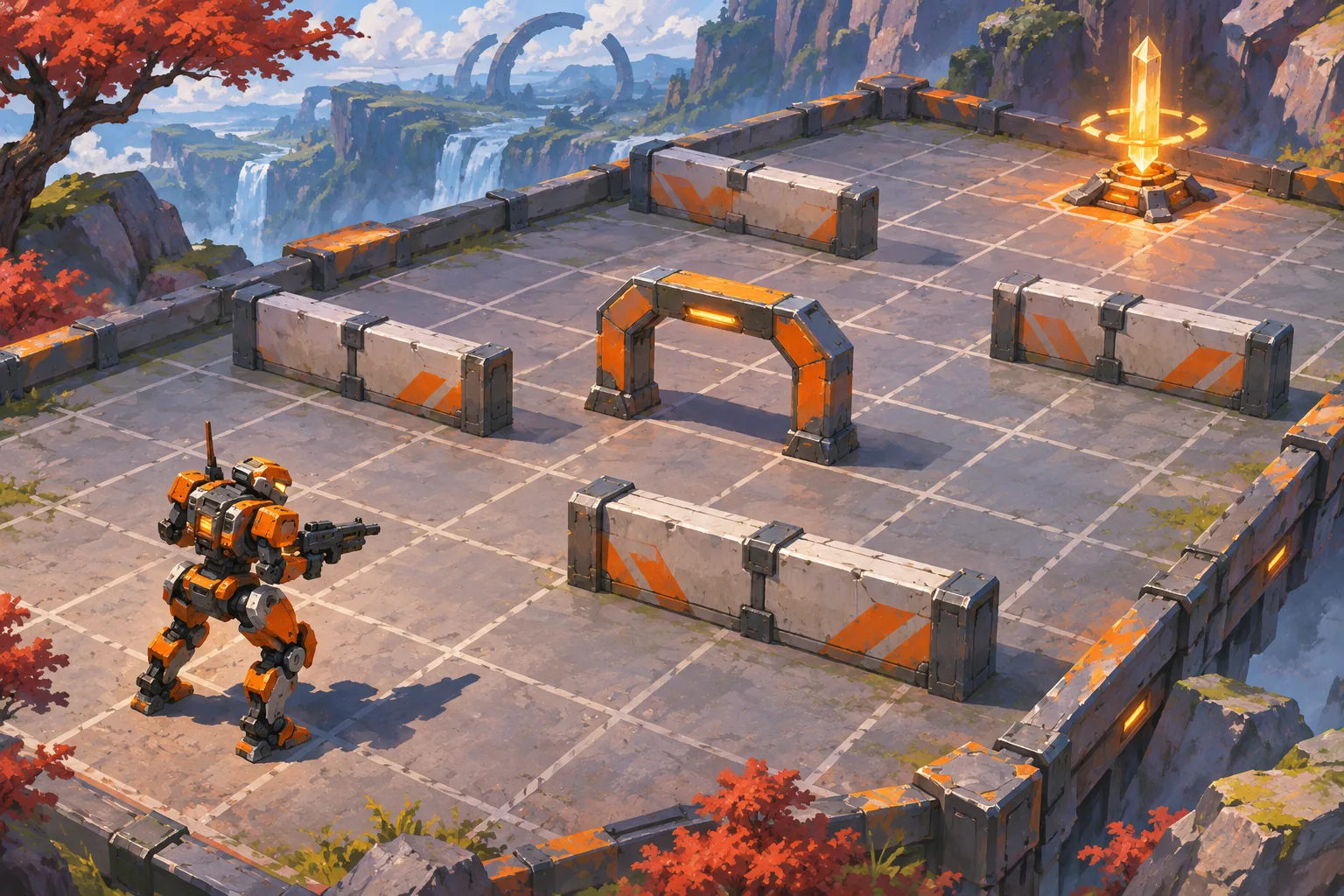
This makes construction part of the action loop: place pieces, check the mech footprint, revise the route, then attempt a timed run. A narrow lane may look open to a person but still trap the wider machine at a corner. Show the route and turning footprint before confirming each piece. Let players undo the latest placement so experimentation stays cheap.
Validate the whole footprint, not just the center cell
Store the grid, blocked cells, mech width, start, beacon and placed-piece budget. Use a grid search over legal mech positions. A move is legal only when every cell under the footprint is open; a turn is legal only if the full 2-by-2 pad is clear. If no route reaches the beacon, return the first blocked turn and highlight the cells that caused it.
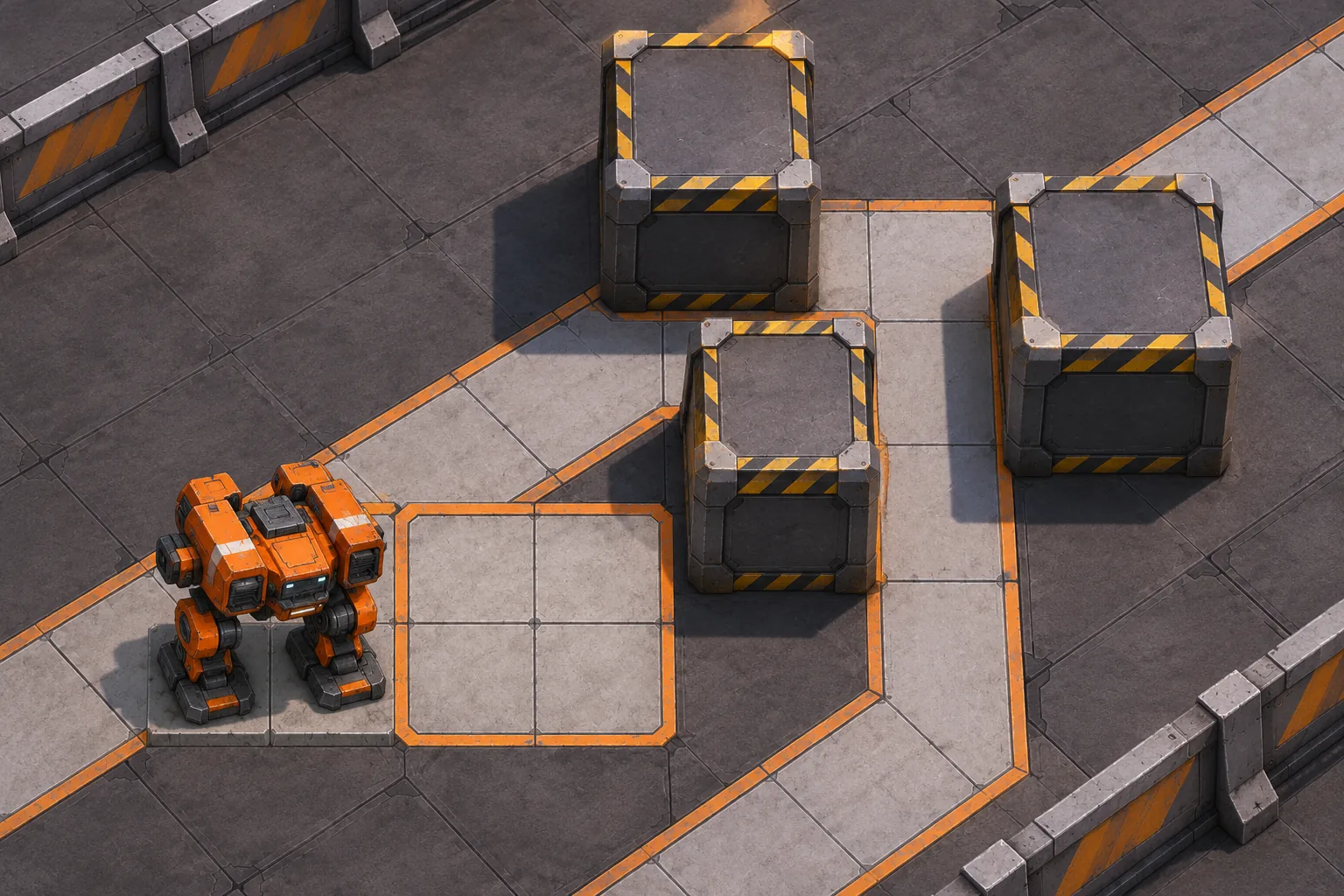
In the first Iron Orchard layout, a block beside the inside corner makes the route unreachable. Move that block one cell outward and the grid search finds a path to the beacon. The edit is the iteration: it changes the course after a reproducible clearance failure. The test checks discrete footprint rules only; it does not model acceleration, collision shapes, slopes, animation or player control.
Run the revised route and record a clean attempt
After validation succeeds, switch to a short timed run. Record completion time, collisions and reset count, then return to build mode with the same layout. Keep the route validator separate from the action controller: the validator can reject a trapped design before a run, while the playable mech still needs hands-on checks for corner clipping, camera visibility and restart behavior.

Prompt for one arena before expanding the editor
Start with a 7-by-5 floor, four build pieces, a broad two-cell mech, one start and one beacon. Display occupied cells and the highlighted turning pad while the player places pieces. The validator should explain a failed route and point to a blocking object. Only after the edit-run loop works should you add moving hazards, multiple mech frames or a shared course library.
Godot TileMapLayer is documented for arranging tile-based 2D worlds and can help organize a grid course. SEELE AI Game Maker offers a prompt-based starting point for a game concept. These sources support general implementation options; neither verifies Iron Orchard or its movement. Treat the local grid test as a first rules check, then test the playable build directly.
Create an original mech action prototype with a 7-by-5 build grid, three barriers, one low arch, a two-cell-wide mech, an entry pad and a beacon. Require a clear 2-by-2 area to turn. Reject unreachable layouts and highlight the blocking cells. Let the player move one barrier and validate again. Add a short timed run after validation. Do not claim this has been playtested.
Start a fictional mech prototype in SEELE · Godot TileMapLayer documentation
Frequently asked questions
Why check the mech footprint during building?
A route that looks open from above may still be too narrow for a broad mech to turn. Checking only its center cell hides that problem until a run fails. Validate every cell under the machine and the full turning pad, then show the blocked cells. That gives players a useful reason to revise a piece instead of guessing at movement.
Should a failed course be rejected or playable?
For a first prototype, prevent a timed run when the validator finds no route and point to the obstruction. This avoids an uninformative failure. A later challenge mode can allow intentionally impossible layouts, as long as the game labels them and keeps the standard build-test loop available.
What should I measure in the first run?
Record completion time, collision count and resets for each course revision. These values help compare layouts, but they do not prove that the mech controls feel good. Test turns and corners directly in the playable build, and ask players whether the clearance preview matched what they experienced.