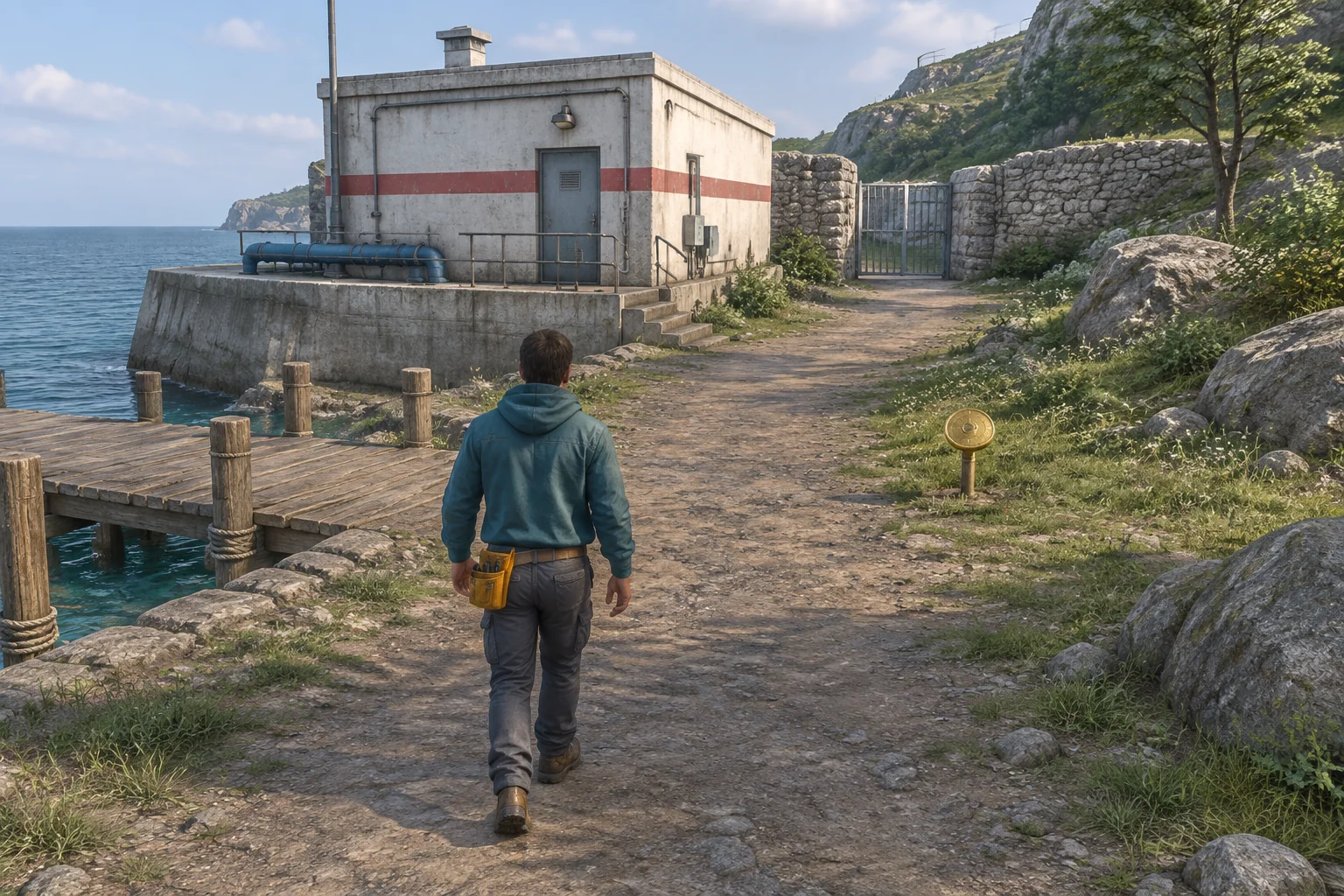
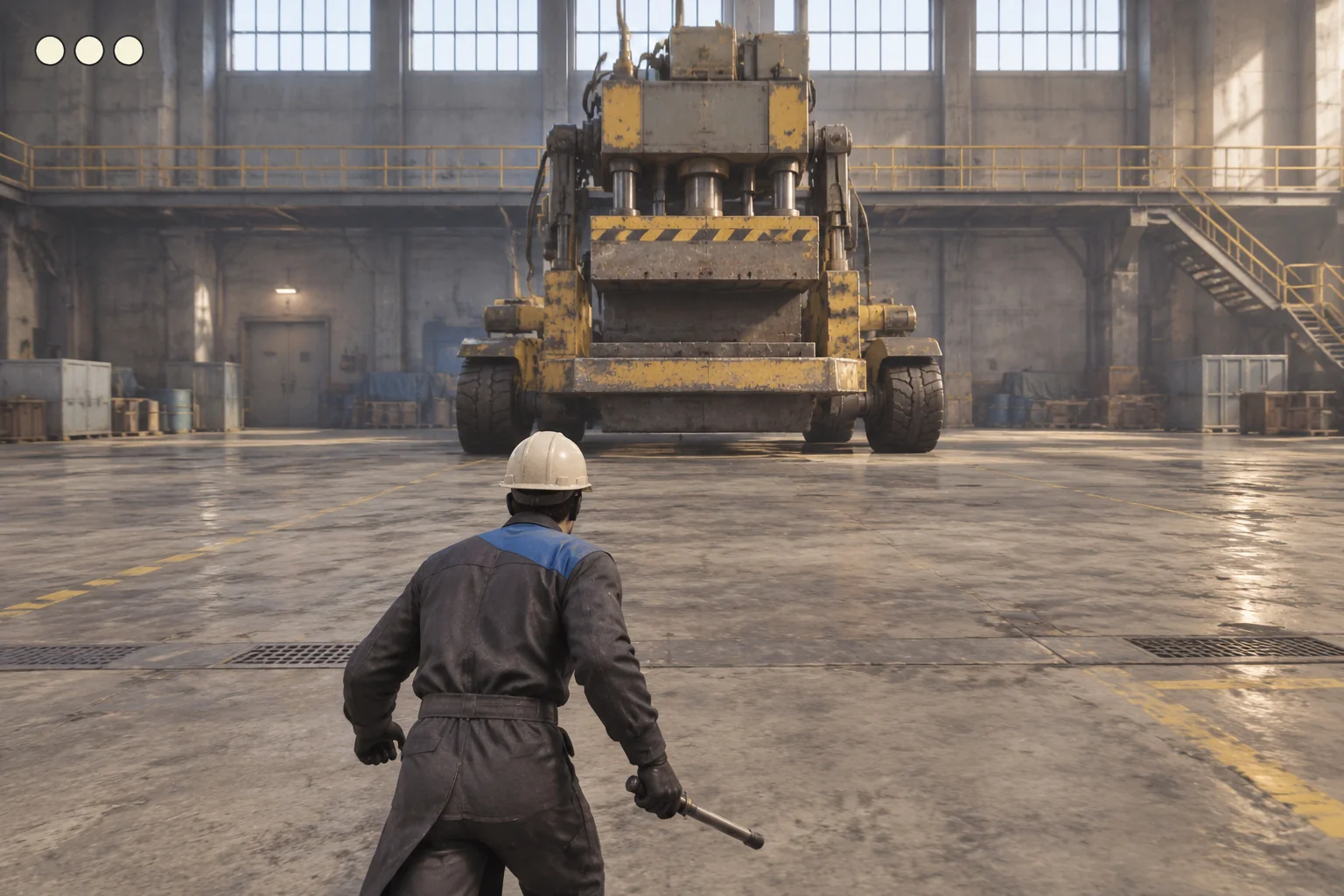
To make a pet-care simulation game with AI, start with one room and a short routine. Give the player two activities with different effects, then make the order matter. In this fictional cat game, play builds connection but costs energy. Rest restores energy, up to a limit.
The whole routine takes four turns. The player can see the current turn and both meters before choosing an activity. Treat the numbers as game rules for this prototype. The turns have no real-world duration.
Build one routine around two activities
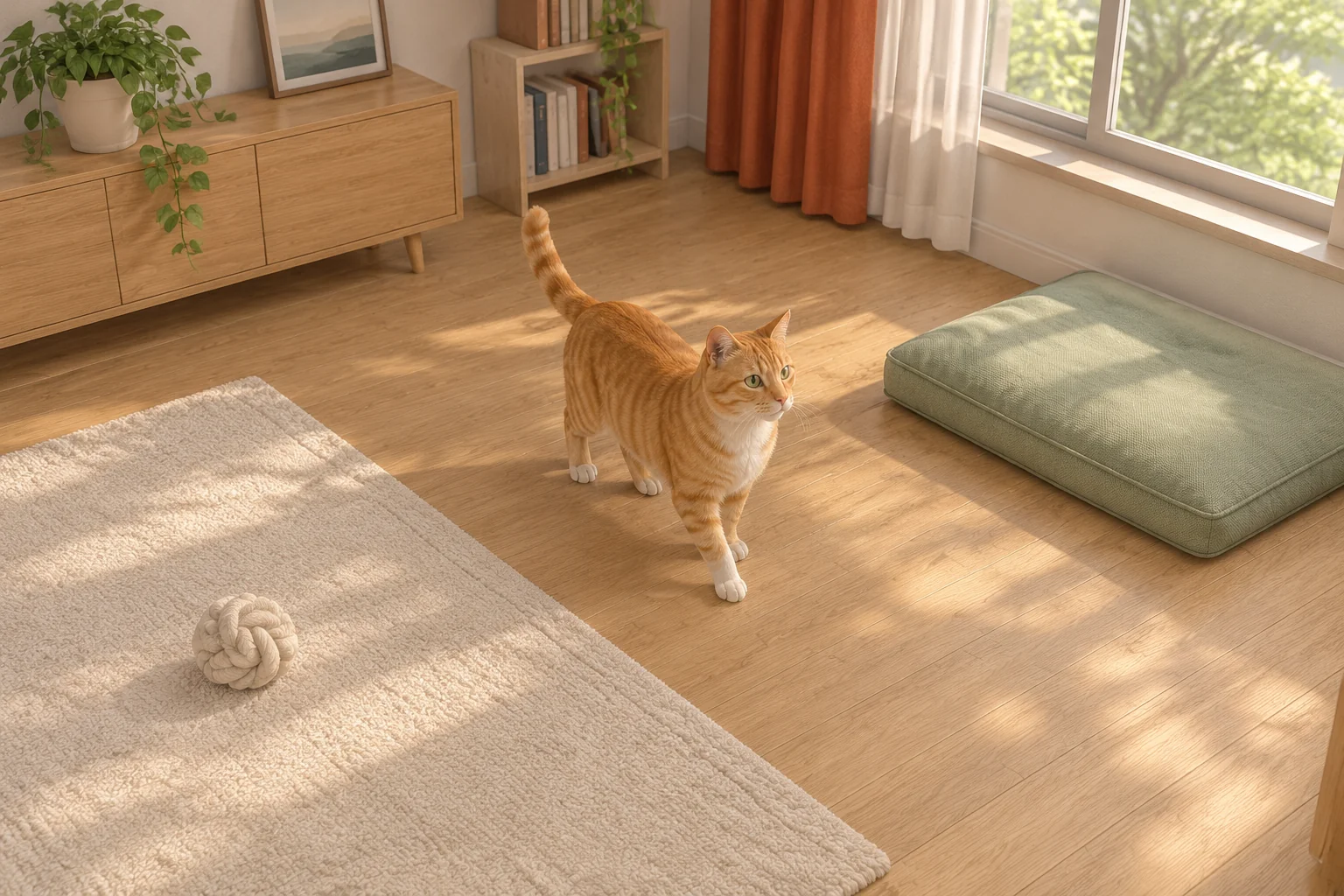
Start the cat character at two energy and zero connection. Use a play rug for one interaction and a cushion for the other. A turn advances after an accepted action. The player can take as long as they need to choose.
| Activity | Energy | Connection | When it spends a turn |
|---|---|---|---|
| Play | Use 2 energy | Add 2, up to 4 | Only when there is at least 2 energy |
| Rest | Add up to 2, with a cap of 4 | Unchanged | Any time, including at full energy |
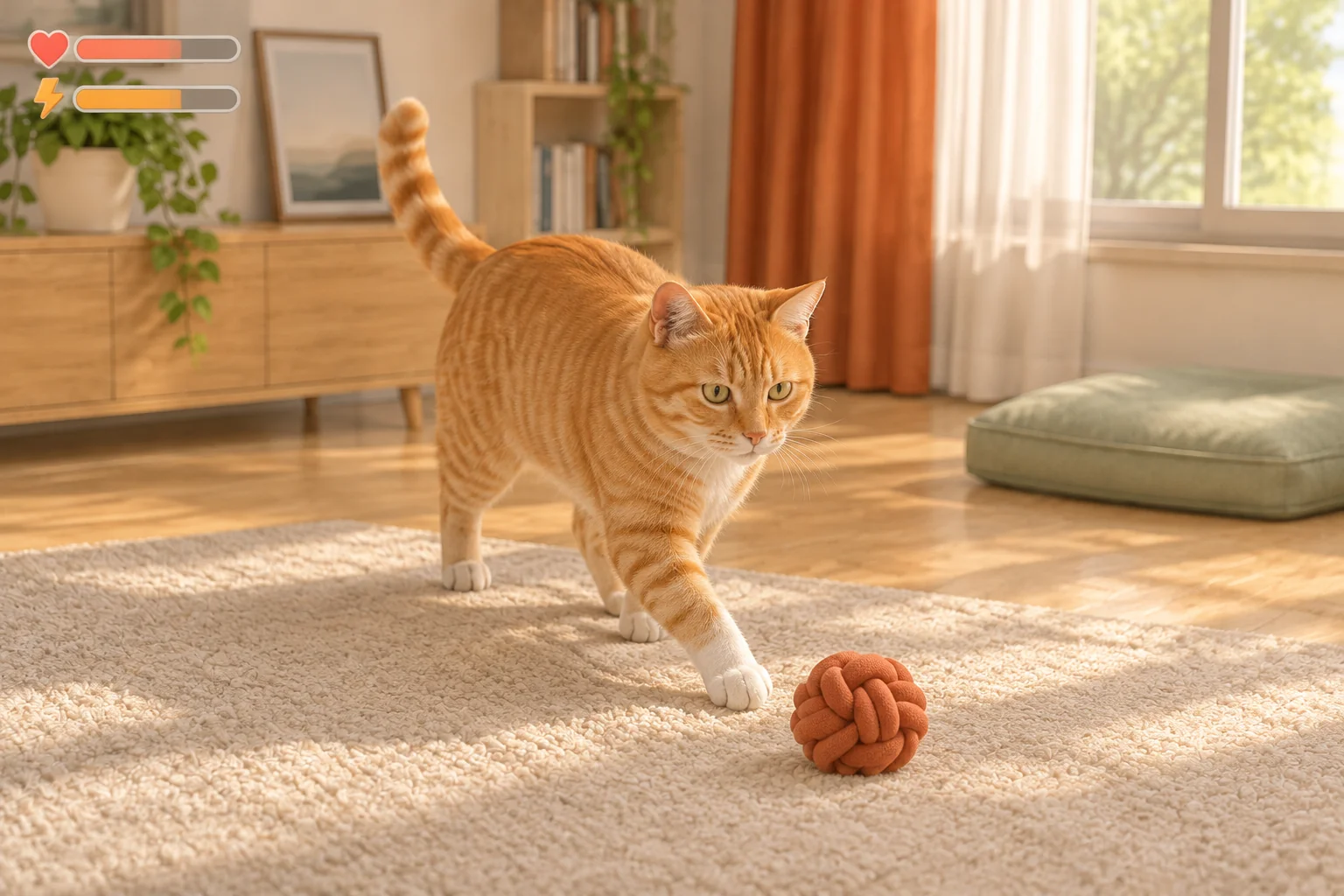
After an accepted move, show what changed in each meter. If the player tries to play at zero energy, explain why the move is unavailable and keep that turn open. Give accepted moves a brief animation that reflects the choice, with no additional changes to the meters.
Use the cap to make the order matter
At the end of the fourth turn, finish the routine if energy is at least two and connection is four. Two sequences can use the same activities but reach different results. Compare the meter pair after each accepted move.
| Turn | Rest and Play in alternation | Both Rest actions first |
|---|---|---|
| Start | Energy 2, connection 0 | Energy 2, connection 0 |
| 1 | Rest → 4 energy, 0 connection | Rest → 4 energy, 0 connection |
| 2 | Play → 2 energy, 2 connection | Rest → 4 energy, 0 connection |
| 3 | Rest → 4 energy, 2 connection | Play → 2 energy, 2 connection |
| 4 | Play → 2 energy, 4 connection | Play → 0 energy, 4 connection |
In the second sequence, the player spends a turn resting when the energy meter is already full. They can still take both Play actions, but there is no turn left to recover the energy needed for the finish. In the first sequence, Play opens room on the meter before the next Rest. The same number of actions now reaches both goals.
Make the result clear and give completion a small reward
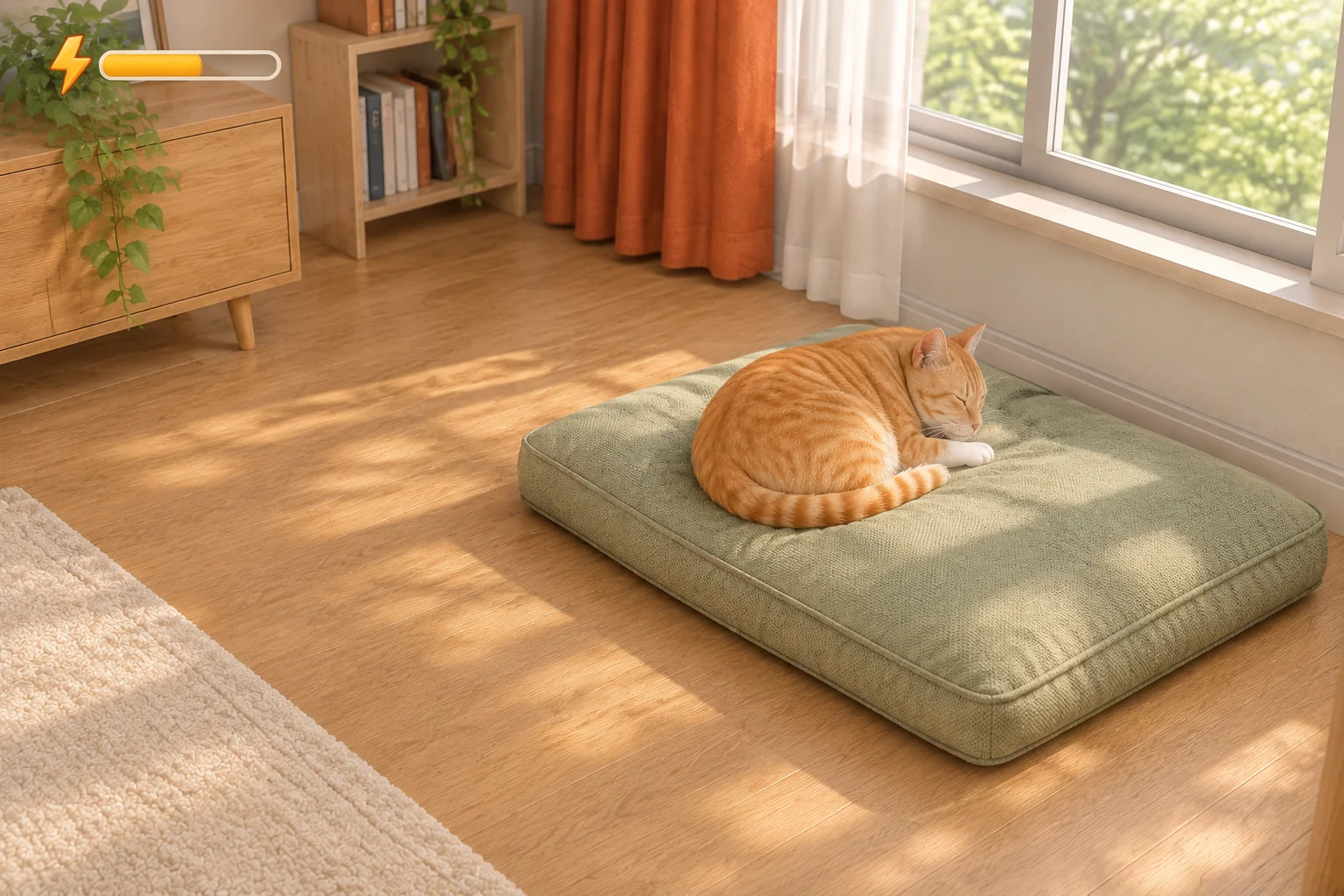
If the player reaches both goals, unlock an optional greeting animation. The cat might turn toward the player from its cushion. Keep that reward separate from the meters and trigger the unlock once. Playing the greeting again should leave the completed routine unchanged.
If a goal is missed, name the meter that fell short and offer a restart. That gives the player a concrete reason to change the next sequence. Keep the result in terms of the routine and the two game meters.
Give AI the complete four-turn routine
SEELE's 3D game maker provides a starting point for a small browser prototype based on a written loop. Specify the activity effects, turn rules, and reset before asking for room details or animations.
Create a one-room pet-care simulation with one fictional cat character.
Show a play rug, resting cushion, two activity controls, current turn,
energy, and connection. Use four turns without a real-time countdown.
Start at turn one with energy two, connection zero, and no greeting.

Play costs two energy and adds two connection, capped at four.
Reject Play if energy is below two. Keep both meters and the current
turn unchanged, and show why the action was blocked.
Rest adds two energy up to a maximum of four and does not change
connection. Rest at full energy still spends a turn.

Process one accepted action per turn. On the fourth accepted action,
finish the routine and unlock an optional greeting only if energy is
at least two and connection is four. Otherwise show which goal was
missed. Stop routine actions after the result. Animations must never
change turn count or meters. Restart restores turn one, energy two,
connection zero, and the locked greeting.

Use plain placeholders until the meters, result, and reset all work.
Keep the figures as fictional game values.
Verify the rejected move as well as the finish
- Run both sequences in the table. Verify that the second Rest at full energy spends a turn and adds zero energy.
- Play first, then try to Play again at zero energy. The second attempt should leave you at turn two with zero energy and two connection.
- After that rejected move, choose Rest, Play, Rest. The result should be two energy and four connection, with exactly four accepted actions.
- Complete the routine and try the greeting again. The second interaction must leave the result and meters unchanged.
- Restart from an unfinished and a completed routine. Both restore the first turn, two energy, zero connection, and the locked greeting.
Preview the cap before changing the activity
Suppose players choose a second Rest because they see the energy reward but miss the cap. Try showing the resulting energy on the existing Rest control. At full energy, the preview would show that the value stays at four even though one turn will be used. Keep the activity costs, turn count, and caps fixed.
Compare choices from the same state at the start of turn two, with four energy and zero connection. See whether players can explain the effect of resting again before they choose. Replay both sequences to confirm the preview changes what the player sees without affecting the result.
Frequently asked questions
How many needs should the first version have?
Two are enough if they create a choice. Here Play builds connection while spending energy, and Rest gives energy back. Add a third meter only when it changes a decision that the existing pair cannot represent and you can show that difference clearly.
Do I need a real-time clock?
A turn-based routine is enough for testing activity order. The player can compare both choices and see what each one changes before acting. Consider a clock later if responding to events while they happen is a distinct part of your game.
Should Rest work when energy is already full?
That depends on the rule you want to teach. Here it works and spends a turn, which makes the cap part of planning. If you block Rest at full energy in another design, show why the control is unavailable and leave the turn unchanged.
What progression can I add after the routine works?
Try a small reward that does not change the first routine's arithmetic, such as a greeting or a new room decoration. Once the player understands the starting rules, you can test an activity that creates a new trade-off in a later routine.
Build the room and one complete routine
Set up the rug, the cushion, and two readable meters. Try the two schedules before you add a new activity. Start a small 3D pet simulation with SEELE.