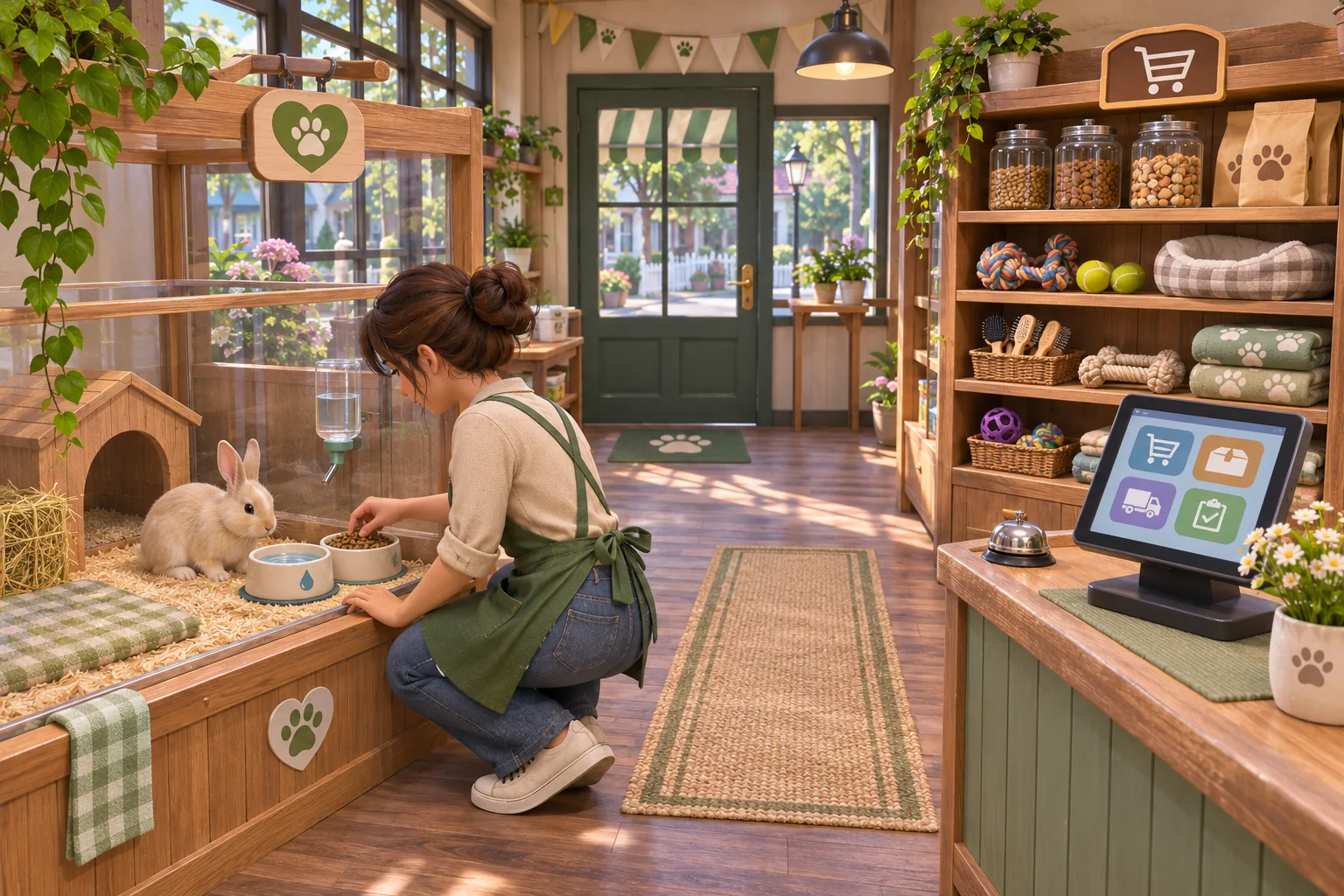
A pet-care shop can make seasonal planning part of its management loop. Winter shoppers look for warm beds and coats, while summer shoppers need cooling mats and travel bowls. The store must adjust its assortment without letting essential year-round care supplies disappear. Start with one seasonal shelf and a simple forecast.
Show seasonal demand beside shelf capacity
Use six seasonal shelf slots. In winter, demand is four warm beds and two coats. The summer forecast changes to four cooling mats and two travel bowls. Keep everyday food available in a separate year-round section so the seasonal decision never removes basic care options. Show the upcoming season and its product mix before the player places the order.
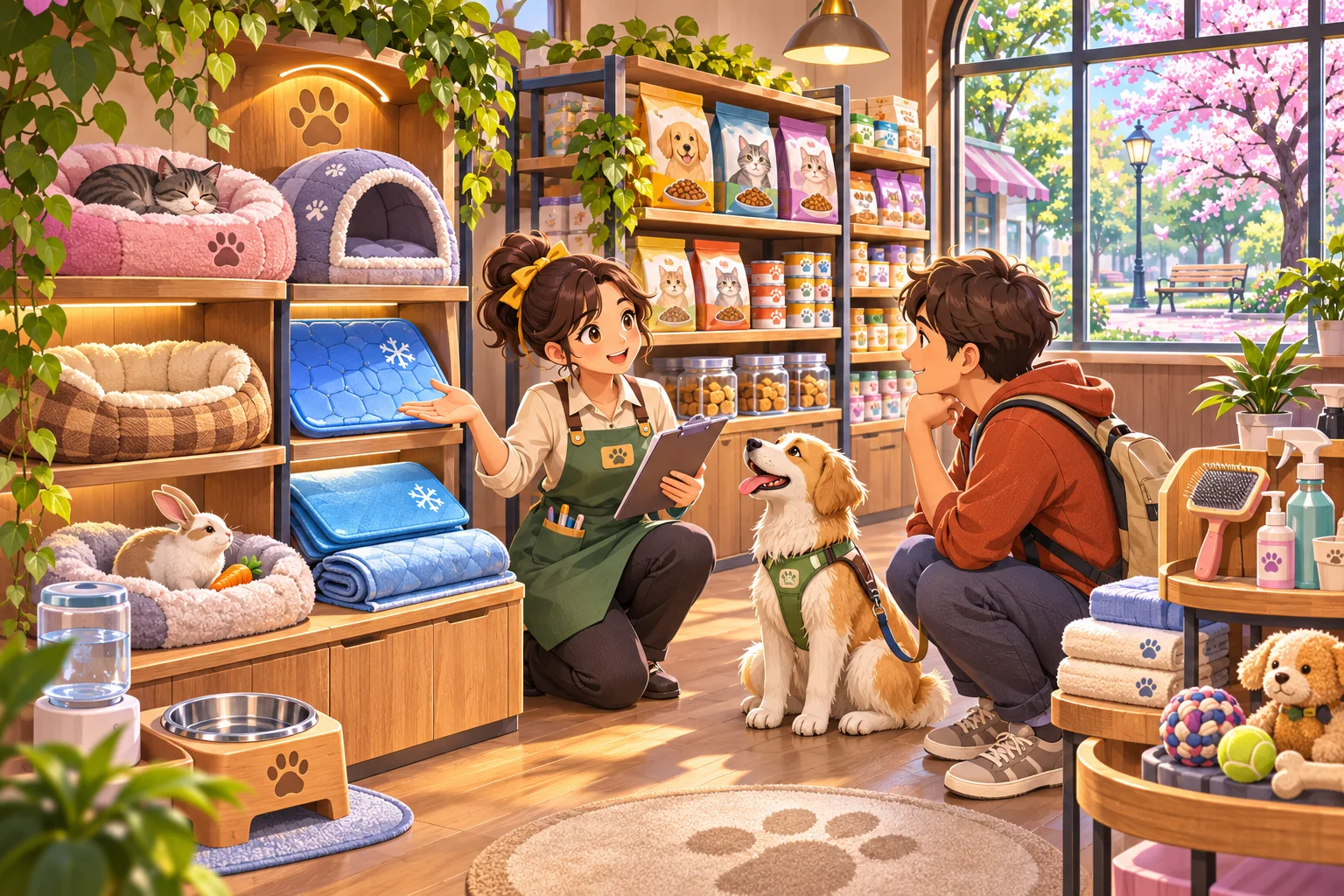
Keep the first shop focused on supplies rather than animal sales. A visible shelf limit makes the forecast matter: the shop has six seasonal spaces and cannot stock every item at once. Label all quantities as prototype values and make the forecast easy to revisit.
Rotate the assortment without dropping essential care
When the season changes, the winter assortment matches none of the summer requests. The player can replace the six seasonal slots with four cooling mats and two travel bowls. Food and other year-round essentials remain available in their separate section. Show which seasonal items are being replaced and preview the new mix before confirming the order.
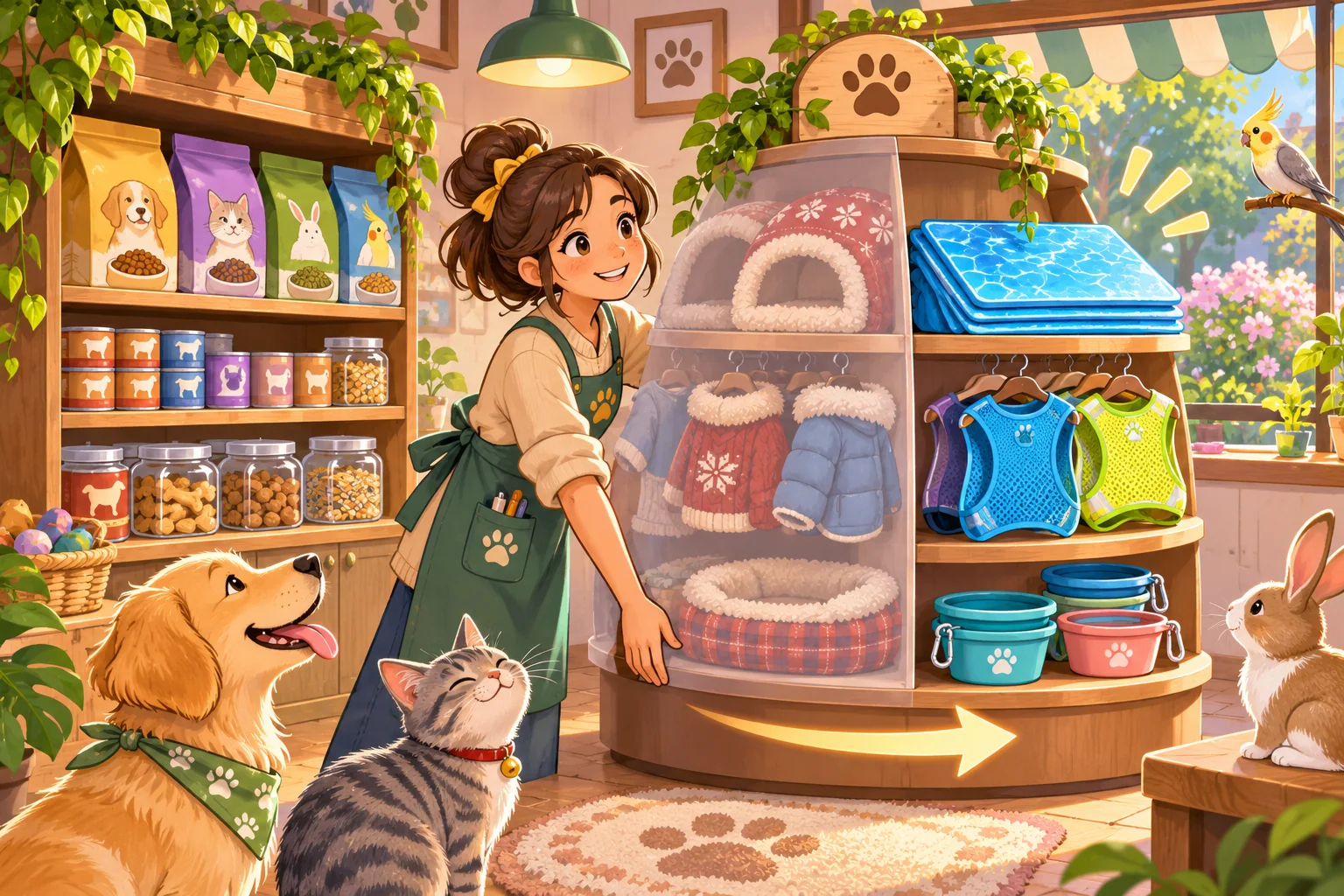
Avoid making the player choose between seasonal sales and an animal’s basic needs. The prototype is about matching store inventory to owner demand, not withholding food or veterinary care. If a product remains unsold, keep it visible in back stock rather than silently deleting it.
Replay one seasonal stock change
The local inventory check starts with six slots and six restock credits. Winter demand matches four beds and two coats. When the forecast changes to summer, the old mix matches zero of six requests. Updating the slots to four cooling mats and two travel bowls matches all six. The year-round food section is unchanged in both cases.
| Season | Seasonal stock | Matching requests | Year-round essentials |
|---|---|---|---|
| Winter | 4 warm beds, 2 coats | 6 of 6 | Available |
| Summer, old mix | 4 beds, 2 coats | 0 of 6 | Available |
| Summer, updated | 4 cooling mats, 2 travel bowls | 6 of 6 | Available |
This deterministic check verifies category matching and shelf allocation only. It does not model prices, supplier delays, pet health, veterinary advice or customer behavior. Add those systems after the season forecast and shelf rotation are understandable.

Build one seasonal shelf before adding more products
Ask an AI game maker for a pet-shop prototype with six seasonal slots, a winter assortment, a summer forecast and a separate year-round essentials shelf. Let the player replace seasonal stock and show how many forecast requests match. Keep the reset on the same inventory and season so players can compare the before and after states.
Once the rotation is clear, add a supplier delay or pricing choice one at a time. Keep food and essential care visible throughout the test. This grounds seasonal demand in responsible retail operations instead of turning care into a scarce commodity.
Create a responsible pet-shop management prototype. Keep year-round food and essential care supplies in a separate always-available section. Give the seasonal shelf six slots and six restock credits. Winter demand is four warm beds and two coats. Summer demand is four cooling mats and two travel bowls. Show the forecast before ordering. When the season changes, the winter mix should match zero summer requests; replacing it with four cooling mats and two travel bowls should match all six. Show any unsold seasonal stock rather than deleting it. Add a reset. Treat counts as prototype rules and do not simulate animal health or veterinary care.
Start a pet-shop management prototype in SEELE
Frequently asked questions
How should a pet shop adapt to seasonal demand?
Use a forecast to adjust a limited seasonal shelf while keeping food and essential care supplies available year-round. Show the new demand before ordering, then compare the updated assortment with the previous season’s stock. This makes the inventory transition easy to compare.
Should seasonal stock replace every product in the shop?
No. Separate seasonal merchandise from essentials that owners need throughout the year. The example rotates six display slots but leaves everyday food available, so the sales mechanic does not restrict basic care. Keep core care access visible in every season.
What should I test before adding prices?
Check that the forecast changes and the shelf update matches the new product requests. This isolates inventory planning. Add pricing or supplier timing later, one variable at a time, and keep care supplies accessible in every scenario. Replay the same fixed assortment.