A repair-shop simulator can make the workbench a scheduling puzzle. Two customers may need attention, but a limited supply of parts and only one available work slot force the player to choose an order. Start with a short queue and a visible deadline before adding dozens of devices or a complex economy.
This guide describes a fictional game design for an AI-assisted prototype. The devices, part, prices and inspection results are simplified game rules, not instructions for repairing real equipment or observations from a tested game.

Give the player two competing jobs
At the start of day one, a radio and a clock are waiting at the shop. A scripted inspection reveals that each job needs one generic replacement module. The player has one module and a bench that can complete one job per day. The radio job expires at the end of day one if unfinished; the clock remains available through day two.
| Job | Part and work required | Deadline | Reward |
|---|---|---|---|
| Radio | One module and one day | End of day one | 30 coins |
| Clock | One module and one day | End of day two | 50 coins |
In this example, inspection reveals a game flag; it does not establish how a real radio or clock should be diagnosed. The decision is about queue order. Show the part requirement and deadline before the player commits the bench.
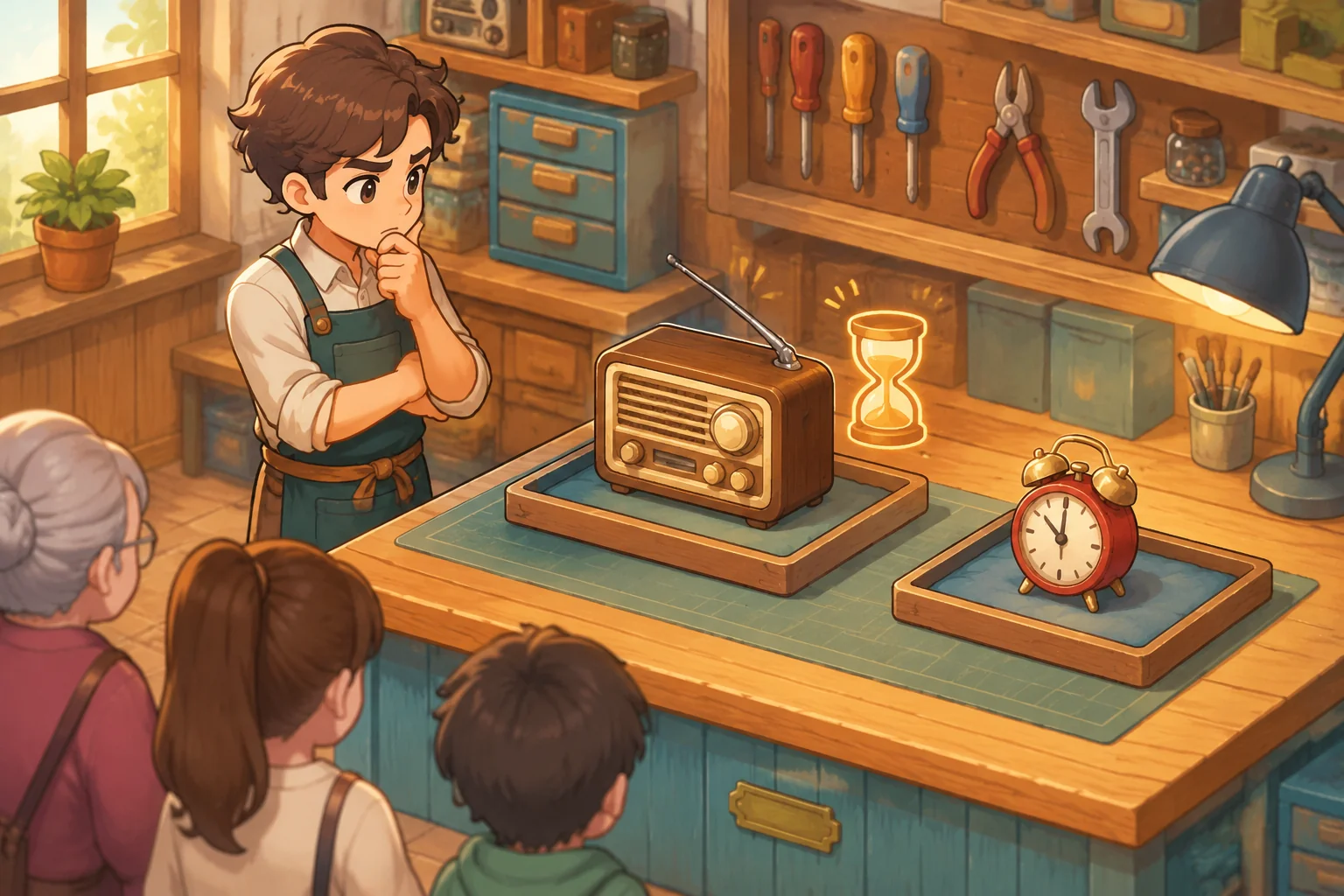
Compare the two schedules
Start with 20 coins and one module. If the player completes the radio on day one, the shop receives 30 coins. At the start of day two, the player may buy one extra module for 10 coins and complete the clock for 50. The final balance is 20 + 30 − 10 + 50 = 90 coins, with no other costs modeled.
If the player completes the clock first, the shop receives 50 coins and ends day one with 70. The unfinished radio expires at the end of that day, so there is no second job in this example and no need to buy another module. The two-day radio-first path yields 20 more coins, but it occupies the bench for another day. That trade-off is a consequence of the invented rules, not a claim about real repair-shop revenue.
| First job | Day-two action | Ending cash under these rules |
|---|---|---|
| Radio | Buy a module and finish the clock | 90 coins after day two |
| Clock | Radio has expired; no job remains | 70 coins after day one |
Do not hide the radio deadline merely to force an error. A useful planning decision gives the player the information needed to compare outcomes, while still requiring them to decide whether the extra day is worthwhile.
Specify the queue in an AI build request
Describe job states, stock changes, deadline timing and payment separately. SEELE's capability catalogue describes starting games from written ideas and producing coordinated 2D characters, scenes and interface elements. Those broad categories do not establish that this particular queue or shop has been generated and tested.
Create an original small repair-shop management game.
Start day one with 20 coins, one generic module and two jobs: radio and clock.
A scripted inspection reveals that each job requires one module and one day
of bench capacity. The radio pays 30 and expires at the end of day one if
unfinished. The clock pays 50 and remains available through the end of day two.
Allow at most one job to be selected per day, only after its inspection and
only while it is available and a module is in stock. On completing the day,
consume the module and pay the selected job once, then expire any unfinished
job whose deadline has passed. Do not pay or consume a part for invalid work.
At the start of day two, allow buying one extra module for 10 coins before
selecting work, if the player can afford it. No other costs are modeled.
Show the day, cash, stock, queue, deadlines and job states. End after the
queue is empty or day two closes. Restart restores day one, cash, stock and jobs.
Use original illustrated objects without brands or real repair procedures.
Build the queue and day transition before adding tool animations. Keep a working version after each stage: first inspection and selection, then part consumption and payment, then expiration and restart. If a job pays twice, provide the job state and exact sequence of clicks that caused it.

Make unavailable jobs and stock visible
Show whether each job is waiting for inspection, ready, selected, completed or expired. A selected job reserves the day's only bench slot; the game should explain why another job cannot be selected simultaneously. Show the available module count beside the queue so a player can see why a job cannot start.
Define what happens if the player cancels before closing the day. A simple first rule is to release the bench selection without consuming a module or paying a reward. Once the day closes, the completed job should remain completed and cannot be selected again.
Check both schedules and the deadline
- Initial state: confirm day one, 20 coins, one module and two available uninspected jobs.
- Radio first: inspect and select the radio, then close day one. Expect 50 coins, zero modules and a completed radio. Buy a module for 10 at the start of day two, complete the clock and expect 90 coins.
- Clock first: restart, inspect and complete the clock on day one. Expect 70 coins and an expired radio after the deadline; the radio must not be selectable on day two.
- Limits: try selecting two jobs on one day or completing a job without a module. Neither should produce extra payment or consume a nonexistent part.
- Repeat and reset: close a completed day twice and confirm one payout. Restart and verify the initial cash, stock, job availability and day.
When a check fails, report the starting state, action and expected result. For example: “The clock was completed on day one and the radio's deadline passed. The radio remained selectable on day two; mark unfinished expired jobs unavailable after closing the day.” Recheck the radio-first path after fixing expiration so a finished radio does not get marked expired.
Plan a parts-and-queue iteration
As a hypothetical next version, add a lamp job requiring a different fictional part. Give it an explicit deadline, cost and payout, and show both part types separately. This can create a new question: whether the player should spend cash on the lamp part or preserve it for the clock module.
Before comparing routes, decide whether buying parts uses a work slot, when the new part becomes available and what happens to a job whose part is missing. Test that completing a lamp does not consume the radio-and-clock module. This is a proposed extension, not a measured result from a tested prototype.
Frequently asked questions
How do I make job order matter?
Give jobs constraints the player can see, such as different deadlines, rewards or part requirements. The example makes the radio expire sooner while the clock pays more. Keep those rules consistent so the player can compare an immediate reward with the opportunity to complete both jobs.
Should every job use a different part?
Not at first. One shared fictional module makes the stock constraint easy to verify across two jobs. Add distinct parts when they create a useful purchasing or allocation choice, then show which job needs which part and test that stock is deducted from the correct item.
What happens when a deadline passes?
In the example, an unfinished radio becomes expired when day one closes and cannot be selected later. A completed job stays completed. Display that change in the queue; if you design penalties or extensions later, define their timing and test them separately.
How can I prevent duplicate payments?
Pay only when an available selected job transitions to completed, then mark that transition as processed. A repeated close or click should not pay again. Test normal completion, a second click, an expired job and restart so a safeguard does not block a legitimate first payout.
Build one meaningful queue first
Two jobs, one work slot and a scarce part are enough to create a repair-shop planning loop. Verify inspection, selection, stock and deadlines before adding more devices. Develop your own shop in the SEELE AI Creator Game Maker, then add a part or customer with a clear effect on the queue. For a broader workflow, read how to create a game with AI.