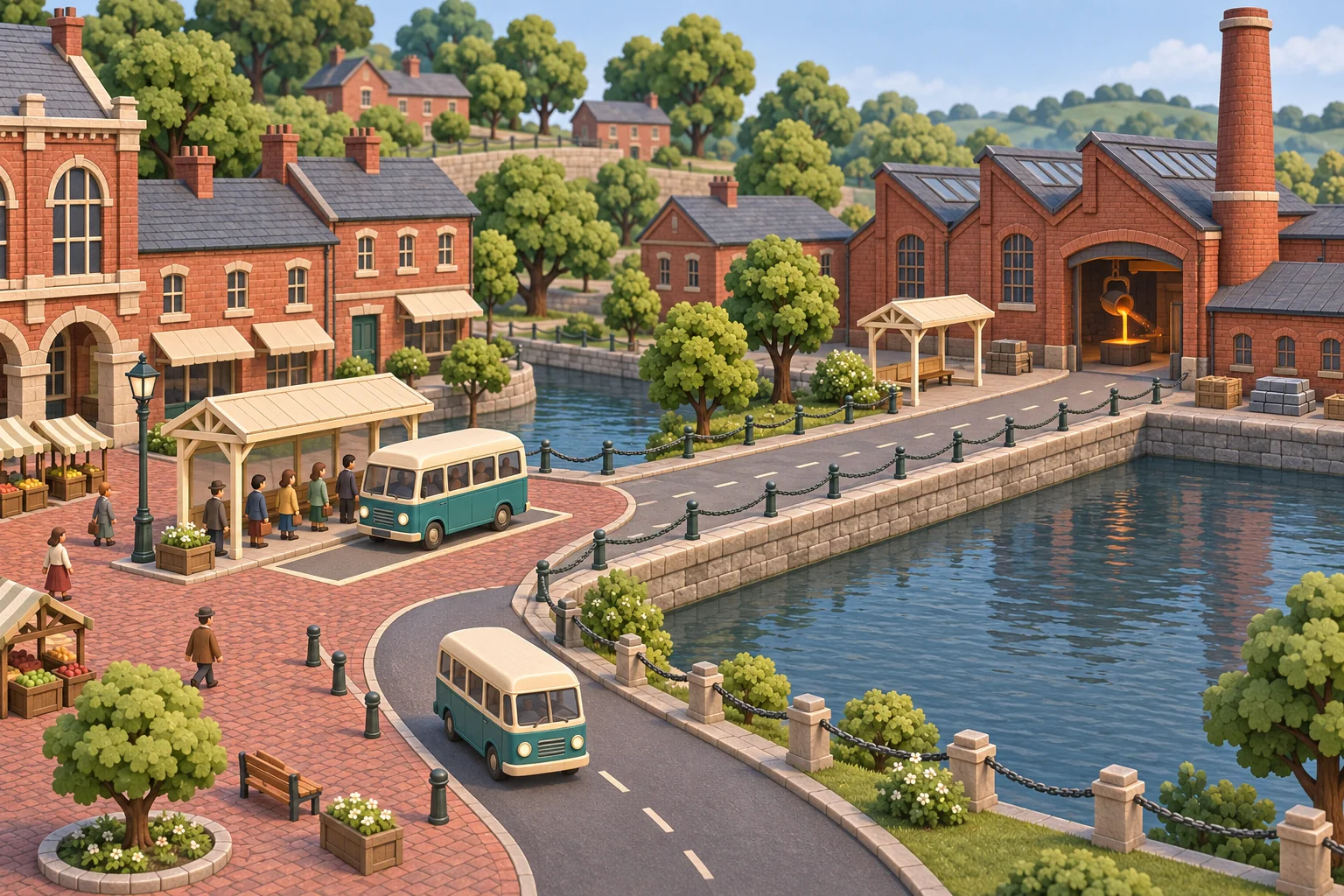
Start with one route where you can see the whole problem. In the fictional Foundry Line, two shuttles leave Kiln Gate for Foundry Square. The player sees passengers arrive in groups and decides when to dispatch the second bus. Put both buses on the same minute and they compete for one loading bay. Space them out and the second bus can serve the next group.
Make the queue, the bay and both buses visible on the same map. Your first goal is to serve every passenger with less waiting while keeping the fleet and seat count fixed. If players can tell why the queue changed, they have a reason to adjust the timetable again.
Separate available seats from available departures
Give each bus four seats and make the route take four simulation minutes for a round trip. At each minute, add riders to the end of the queue before checking departures. A bus is eligible when it is back and the scheduled departure is due. The bay permits at most one departure per minute. Send the earliest eligible bus and use a stable tie-breaker, such as A before B. Board from the front of the queue up to the seat limit.
Keep a planned departure alongside the actual minute. If two vehicles are due together, the bus that loses the bay keeps its scheduled time in the queue and tries again next minute. From the moment a bus departs, count four minutes until it is eligible for the next round. You can highlight a full vehicle and a queued vehicle differently so the player can tell what is holding up service.
Headway is the spacing between departures. The GTFS Schedule reference defines it at a stop. In this two-stop game model, you can display the gap beside the departure log and let players try a different offset for bus B.
Read the GTFS Schedule reference on departure spacing
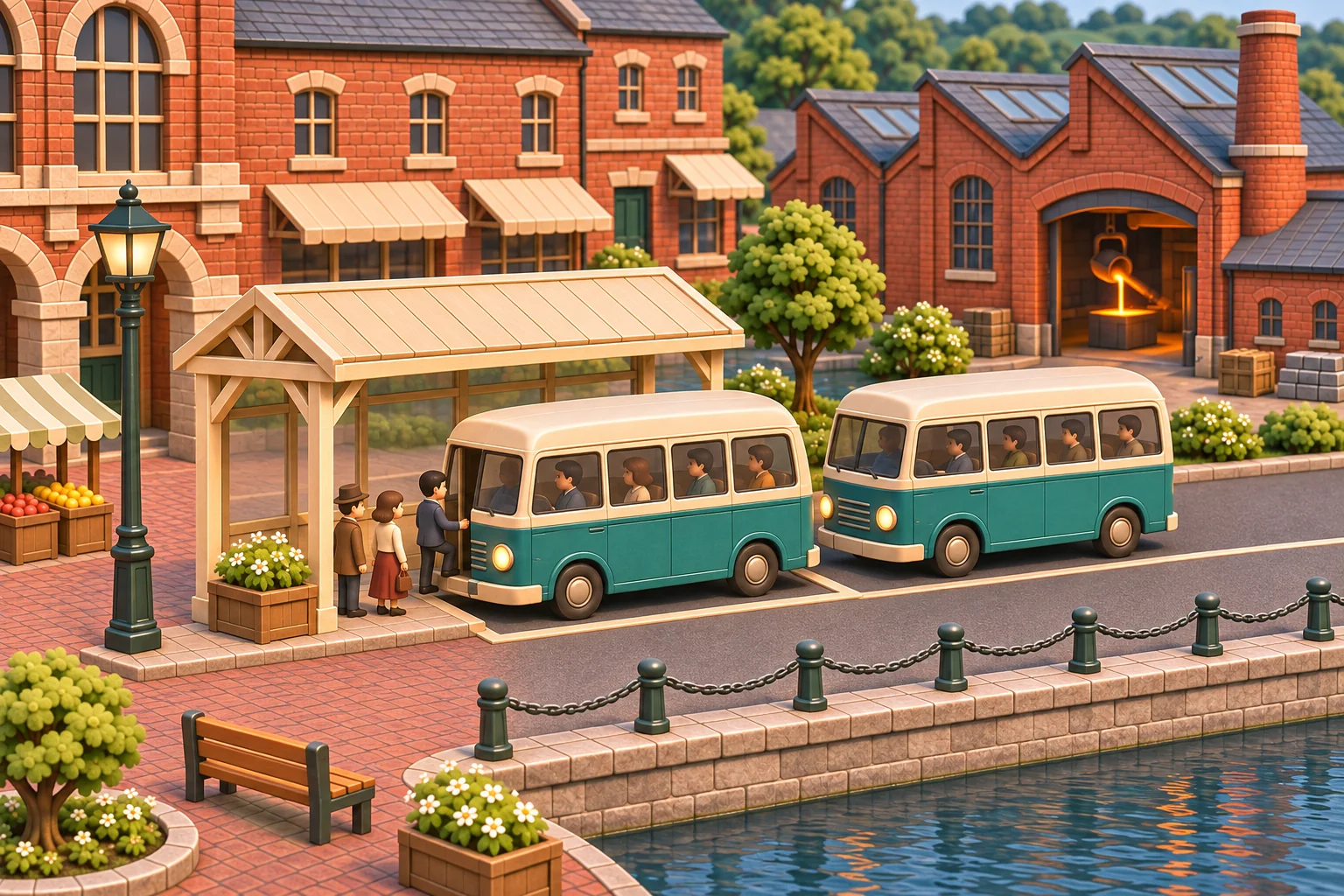
Move the second departure from minute 1 to minute 3
Give the simulation two waves of demand. Four riders appear at minute 0 and four more at minute 3. Set both buses to leave at minute 1. Bus A boards four riders. Bus B waits until minute 2, then leaves empty. When the new group arrives at minute 3, the next eligible bus is A at minute 5.
In a headless rule model of the fictional route, that timetable produced a mean wait of 1.5 minutes. Set bus B to start at minute 3. The first group still boards at 1 and the next boards at 3, so the mean falls to 0.5 minutes. Arrivals are processed before boarding on the same minute. Keep that order fixed when comparing the two schedules.
Show boarding counts and make the player inspect them along with average wait. This run changes one departure offset. A later experiment can add a delayed return or sustained peak demand to reveal when the timetable needs more capacity.
Ask for a route you can replay on demand
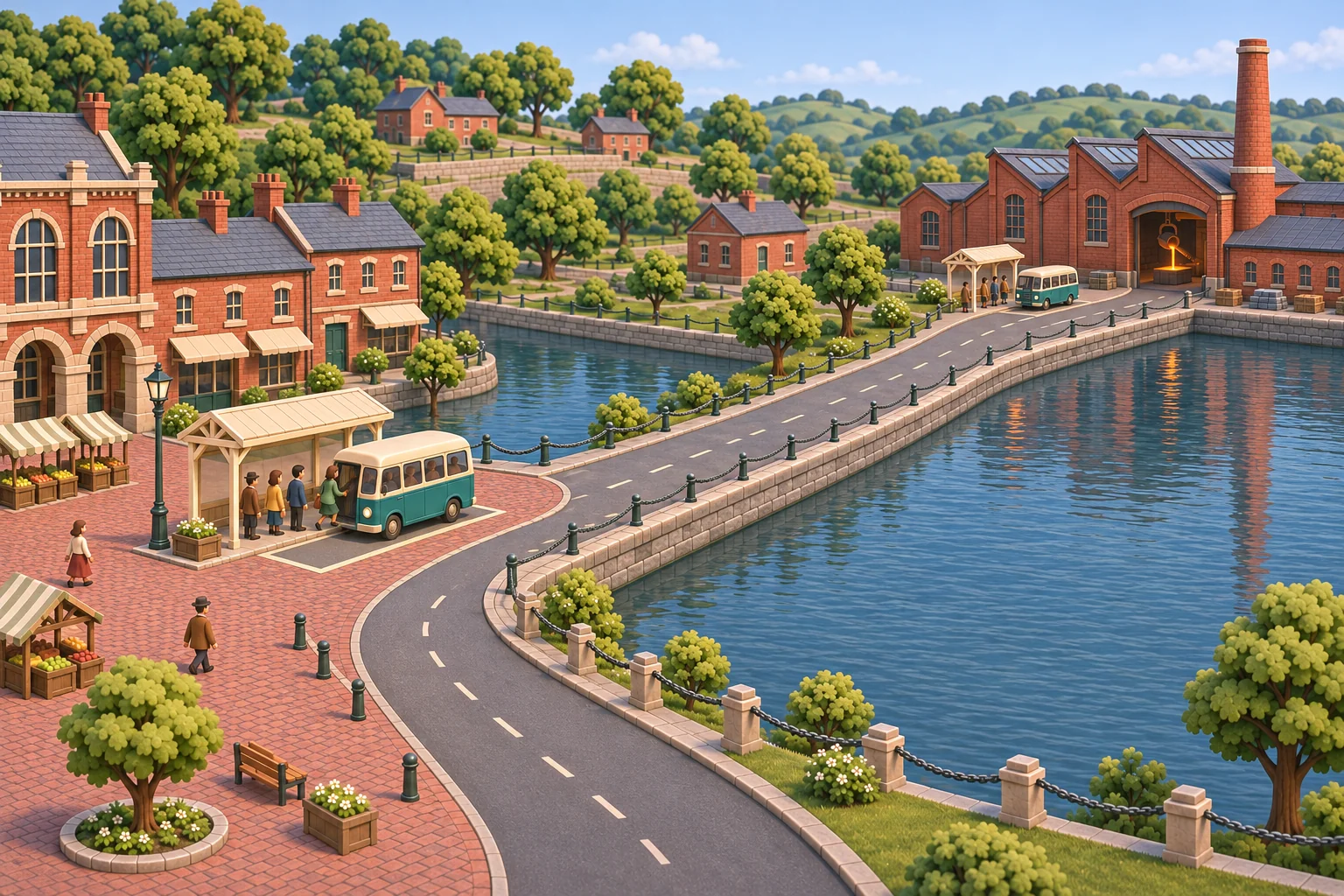
Use SEELE’s AI game maker to start from a route description. Give the builder one map, the minute update order and a reset that restores the starting timetable and queue. The departure log should show when each bus was due, when it boarded and how many seats it filled.
Before drawing another route, repeat minute 1 with both buses due. The second bus should remain visible with its original due time. After changing the offset, reset the clock and repeat the same demand. If the queue vanishes unexpectedly, inspect how the builder removes passengers when a bus is blocked.
Create a top-down transport-network prototype called Foundry Line. Connect Kiln Gate and Foundry Square with one shuttle route. Two buses have four seats each, a four-minute round trip from actual departure, and one shared bay that can serve one bus per simulation minute. At the beginning of minutes 0 and 3, add four riders to Kiln Gate before checking departures. Dispatch the earliest due and available vehicle, then choose A before B on a tie. Riders board first come, first served up to available seats. Keep a blocked bus due until it can leave. Start both buses at minute 1. Let me move only the first departure of bus B to minute 3. Add a reset for repeating the same demand and show planned time, actual departure, riders boarded and mean wait.
Use the queue to choose the next change
Check where passengers wait. When a bus leaves empty just before a wave arrives, moving its departure is a reasonable first experiment. When every bus is full over several rounds and the queue keeps growing, test a higher seat limit, another bus or a faster loop. Save the original demand and rerun it after each change so you can tell which rule helped.
Start a two-stop prototype with SEELE’s AI game maker
Frequently asked questions
Which service metric should I show first?
Show how many people are waiting and how long the longest-waiting passenger has stood at the stop. Average wait is useful after the round. Live queue length and the oldest wait make it easier to see a single missed departure before it has a large effect on the mean.
What does an empty bus tell the player?
Look at the next arrival wave before changing the fleet. An empty departure and a long queue a minute later suggest a timing mismatch on this route. If buses are empty all day, try lowering service frequency and use the saved vehicle on a busier route.
How should I add congestion to the next version?
Introduce one predictable delay at a shared segment or terminal and track actual return time. Keep the timetable visible so players can see which departures a delay affects. Later you can randomize the delay with a fixed test seed, after confirming the displayed times match the simulator.
When should I add a transfer stop?
Add a transfer after you can explain queue size and wait on the single route. Give each traveler a destination and a clear rule for joining the next queue. Record transfer wait separately so you can see whether a good first leg still leaves riders stranded.