An inventory-management roguelike makes the backpack part of the build. Space limits which rewards the player can keep, and placement can change how items work together. Start with a small grid, one adjacency rule and one encounter; test the packing decision before adding dozens of items.
This guide describes a fictional prototype and an AI-assisted build request. The health and damage values are example rules, not observations from a completed game. The goal is to give you a small system whose results you can calculate and verify.
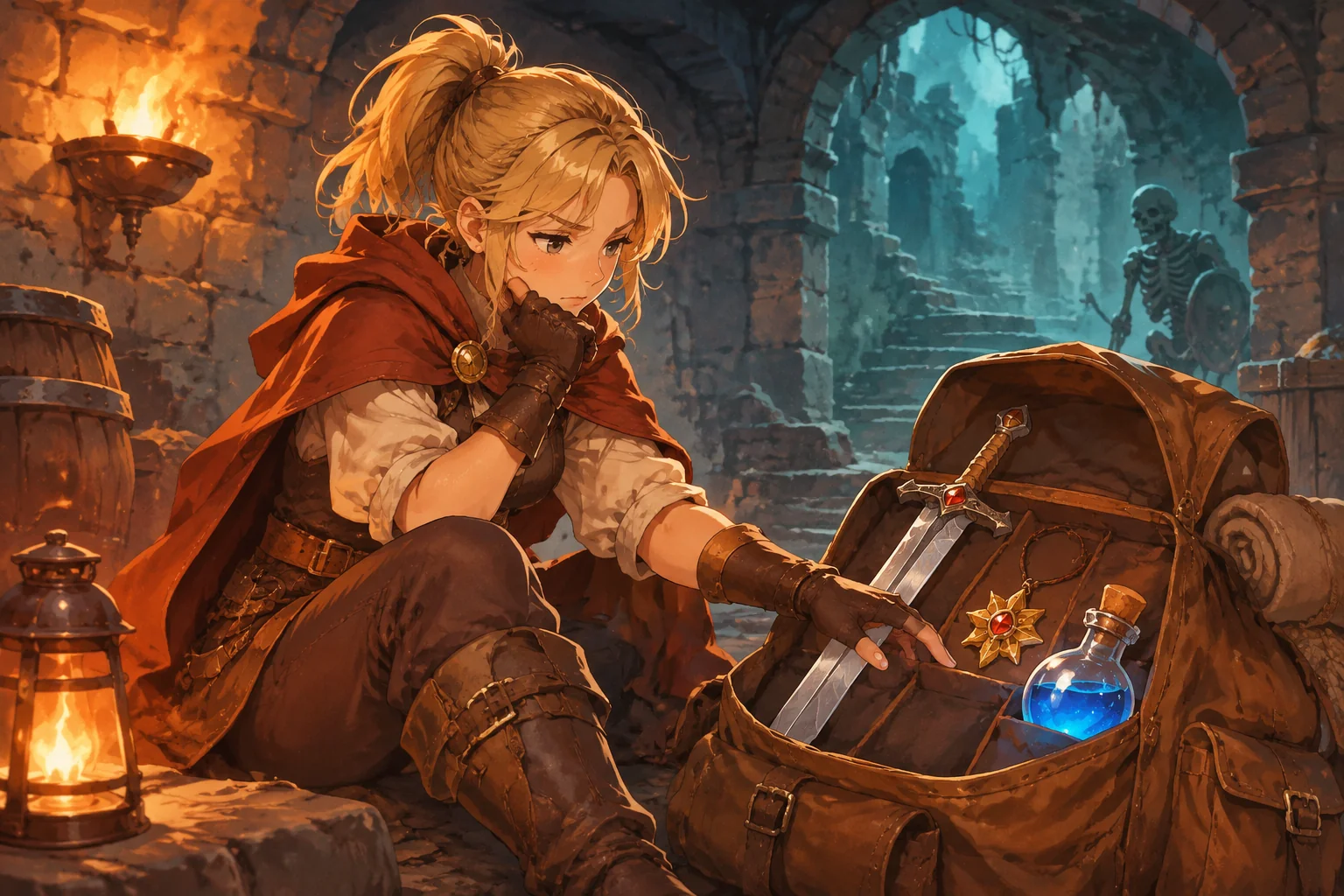
Connect a packed bag to the run
Use a bag with three columns and two rows. A sword occupies two horizontal cells; a charm occupies one. The player arranges them before a fight. If the charm shares an edge with any sword cell, it adds one damage to each sword attack. After the encounter, offer a potion that must fit in an empty cell or be left behind.
| Moment | Player decision | State that matters later |
|---|---|---|
| Pack | Place the sword and charm without overlap | Occupied cells and adjacency |
| Fight | Attack a fixed guard | Remaining health and guard state |
| Take a reward | Fit the potion or discard it | Bag contents and available healing |
| Finish | Reach the second-room exit alive | Run result and reset |
Keep the bag fixed during combat in the first version. That lets the player understand the effect of the arrangement chosen beforehand and reduces the number of state transitions to debug.
Define occupied cells and adjacency
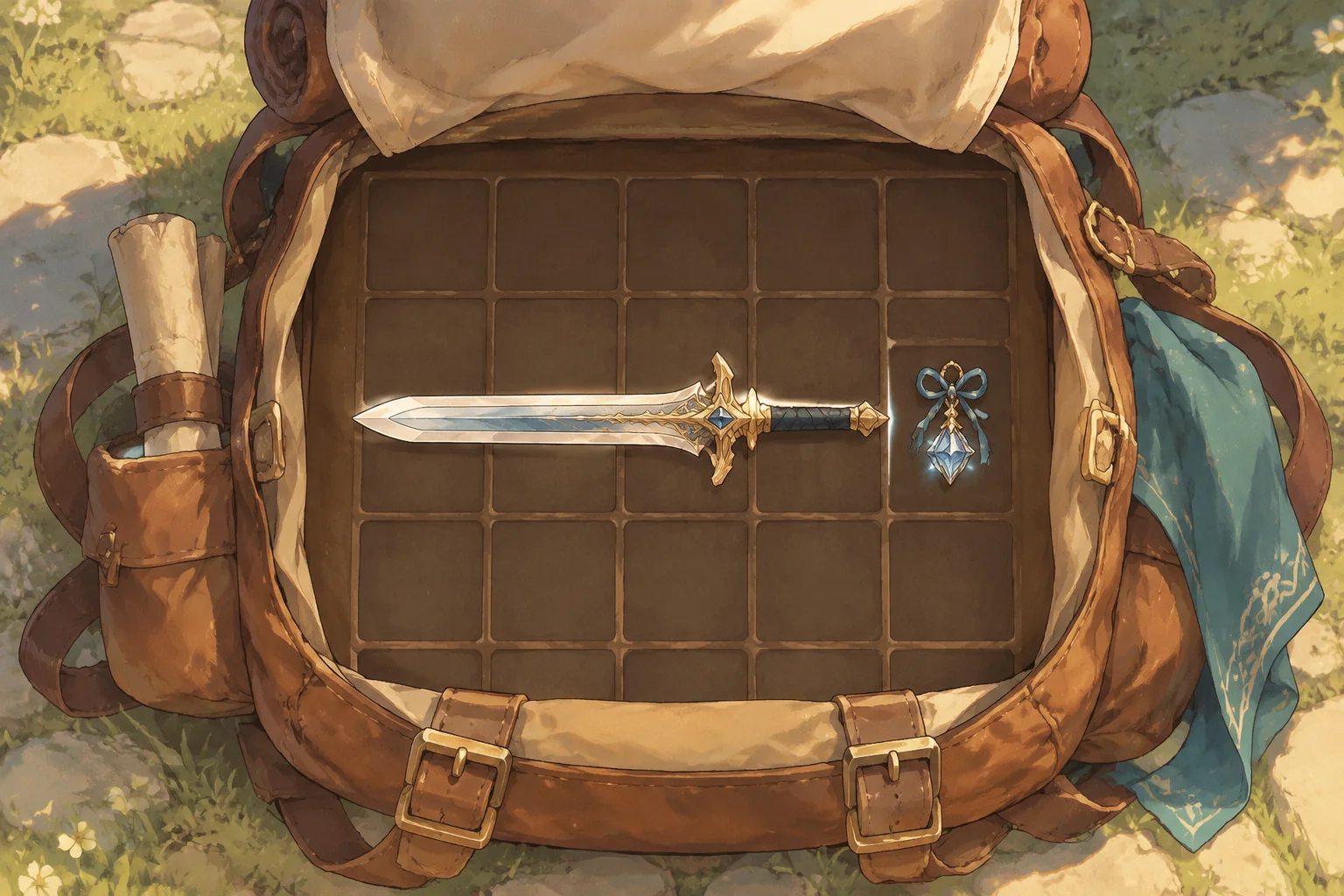
Number the bag's columns from 1 to 3 and rows from 1 to 2. Write coordinates as column, then row. Place the horizontal sword in (1,1) and (2,1), and the charm in (3,1). The charm shares an edge with the sword's second cell, so the bonus applies. A diagonal corner does not count as an edge.
Give the sword a base attack of 2. The adjacent charm adds 1, making each attack deal 3. Count the charm's bonus once even if it touches more than one cell of the same sword. Reject overlapping or out-of-bounds placements, and do not rotate items in this initial build.
| Arrangement | Damage per attack | Reason |
|---|---|---|
| Charm shares an edge with sword | 3 | Base 2 plus one adjacency bonus |
| Charm does not share an edge | 2 | Only the base damage applies |
Show the occupied cells and highlight the active connection. A player should be able to see why damage changes before entering combat, rather than discovering a hidden rule after the fight.
Walk through the first encounter
Start the player at 5 health and the guard at 5 health. Each player attack deals the current sword damage. If the guard survives a hit, it responds for 1 damage. If a hit reduces the guard to zero health or below, combat ends immediately and it does not respond again.
With the charm adjacent, two 3-damage attacks reduce the guard from 5 to 2, then below zero. The guard responds once, leaving the player at 4 health. Without the bonus, three 2-damage attacks are needed: the guard responds after the first two and the player finishes at 3 health. This comparison follows the example rules; it is not a balance test.
After victory, offer one potion occupying a single cell. The player may place it in an empty bag cell or discard it. Before entering the second room, using the potion restores up to 2 health without exceeding the maximum of 5 and consumes it. The second room has an exit and no additional combat in this first design.
Describe the system in an AI build request
Give the assistant the grid, shapes, placement conditions and event order. SEELE's capability catalogue describes game creation from an idea, including RPG and roguelike categories, and a 2D asset workshop. These broad categories do not prove that the particular inventory, combat or placement system below has been generated and tested.
Create an original small inventory-management roguelike prototype.
Use a 3-column by 2-row bag grid. A horizontal sword occupies two cells
and has base attack 2; a charm occupies one cell and adds 1 attack if it
shares an edge with any sword cell. Count the bonus once, not per shared edge.
Reject overlap and out-of-bounds placement. Do not rotate items yet.
Start with the sword in (1,1) and (2,1), charm in (3,1), and player health 5.
Allow rearrangement before combat, but lock bag editing during the fight.
The guard starts at 5 health. Each player attack deals current sword damage.
After a nonlethal hit the guard deals 1 damage; after a lethal hit it does not.
If player health reaches zero or less, end the run immediately in defeat.
After victory, offer a one-cell potion: place it in an empty cell or discard it.
Before the next room, using it heals up to 2, capped at 5, and consumes it.
The second room has an exit; reaching it alive wins. Show health, occupied
cells, active adjacency and clear feedback for blocked placements.
Restart restores the original bag, player, guard, potion status and room.
Use original illustrated items and characters without existing game assets.
Build the grid and valid placements first. Then calculate adjacency from the occupied cells, add combat and finally add the reward and exit. Keep a version that passes each step. If a charm activates diagonally, provide the two item coordinates and expected result in your correction request.
Check placement and combat separately
- Occupancy: try placing the charm on a sword cell or outside the bag. Both attempts should fail and leave the previous layout unchanged.
- Adjacency: with sword cells (1,1) and (2,1), place the charm at (3,1) and expect 3 damage. Test a nonadjacent position and expect 2; a diagonal corner alone must not grant a bonus.
- Combat: with the bonus, follow two attacks against the 5-health guard. Confirm one response and player health 4. Without it, expect three attacks, two responses and player health 3.
- Reward: place the potion only in an empty cell, or discard it. If used at 4 health, it restores health to 5 and disappears; a second use must fail.
- Reset: reach the exit, restart and verify the original sword and charm cells, full player and guard health, no potion and the first room.
For a failure, report the layout and action precisely. For example: “The sword occupies (1,1) and (2,1); the charm is not edge-adjacent, but attacks still deal 3. Recalculate the bonus from current occupied cells.” Repeat an adjacent case after the fix so the connection still works when it should.
Plan an item-shape iteration
As a hypothetical next step, introduce a shield that occupies one column by two rows and prevents 1 damage from the next guard response. Allow the shield to rotate into a two-column by one-row shape before combat, but require all cells to remain in bounds and empty. Decide whether it is a starting item or a reward before evaluating whether it fits with the existing sword and charm.
Test both orientations, an attempted overlap and a rotation at the bag edge. Define exactly when the shield's protection is consumed and whether it refreshes between encounters. These are proposed rules to implement and check, not evidence that a tested build already has them.
Frequently asked questions
How large should the first bag be?
A small grid makes each occupied cell easy to inspect. The example uses six cells, enough for a two-cell sword, a charm and a potion while leaving room to experiment. Expand it when a larger space creates useful placement choices, not just more empty slots.
Does diagonal contact count as adjacency?
No. In this example, items must share an edge between occupied cells. Corner contact alone provides no bonus. You can design a different rule, but show it clearly and test both an edge case and a diagonal case so the result matches the player's expectation.
What if a reward will not fit?
Give the player a clear choice to rearrange items before combat or discard the reward. Never place it over another item or silently expand the bag. If later versions allow dropping an existing item, specify when its effects stop and whether it can be recovered.
What should restart restore?
A fresh run should restore the chosen starting layout, player and guard health, room and initial potion state. Clear any collected reward and temporary effects from the prior run. Test restart after both victory and defeat so old inventory or damage does not carry over unexpectedly.
Make one arrangement matter first
A small bag and one edge-based bonus can connect packing to combat and reward choices. Verify placement, adjacency and reset before adding many item types. Develop an original item set in the SEELE AI Creator Game Maker, then test how each shape or effect changes an arrangement. For a broader workflow, read how to create a game with AI.