Key takeaways
- Can a total beginner make a game with AI? Yes, if “complete” means a small, focused game with a clear loop, start and end states, tested controls, and a shareable build. AI can help turn plain-language ideas into prototypes, assets, and implementation steps, but it does not replace scope decisions, playtesting, debugging, or final creative judgment. Start with one-screen dodge, collection, or choice-based game; make one testable change at a time; and define done before adding features.
Yes—someone with no game-development experience can use AI to make and ship a small, complete game on their own. The realistic goal is not an open-world commercial hit on day one. It is a focused game with one clear player loop, a beginning and end, basic menus, tested controls, and a place to play it. AI can reduce the blank-page problem by helping you turn plain-language ideas into a prototype, artwork, sound, and code. You still make the important decisions: what to build, what “done” means, what to cut, and whether the game is enjoyable.
The best first project is deliberately small: a one-screen dodge game, a short platformer, a top-down collection game, or a simple puzzle. Starting small gives you enough room to learn the workflow without turning every new request into a rescue mission. This guide explains what AI can help with, what it cannot decide for you, and a practical route from an idea to a playable solo game.
What “a complete game” means for a first-time creator
For a beginner, “complete” should mean playable and coherent—not feature-heavy. A complete first game has a repeatable player goal, controls that work, feedback for success and failure, a restart or end state, and a build or web link another person can open. It can be five minutes long. It can use simple art. It does not need online multiplayer, a huge map, procedural quests, or a store on day one.
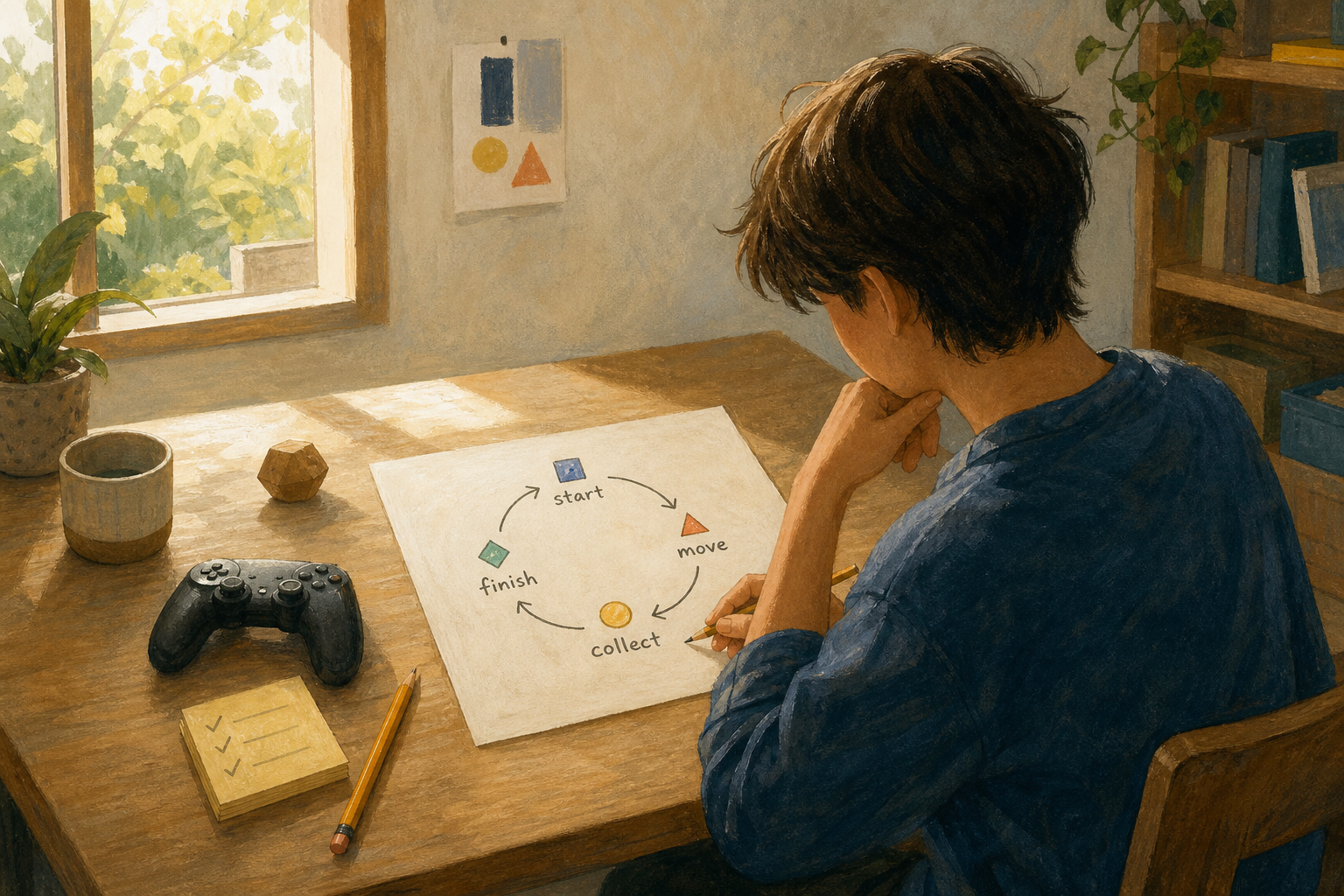
A useful definition is a minimum complete game: one core loop plus the small systems needed to let a player start, understand it, play, finish or lose, and try again. In a coin-collection game, the loop may be “move, avoid hazards, collect ten coins, reach the exit.” The menu, score display, collision rules, win screen, and restart button support that loop. Everything else is optional until the loop feels good.
This definition matters because AI is very good at producing options. A beginner can ask for ten enemy types, three currencies, and a crafting system before testing a single jump. A short written definition of done is the counterweight: one level, keyboard controls, ten collectibles, two hazards, win screen, restart. If a request does not help that list, save it for version two.
Where AI helps a beginner most
AI is most helpful when it turns a vague task into a small next action. It can translate a description such as “make the character jump higher but only once in the air” into an implementation suggestion, explain an error in plain language, or draft a checklist for a menu. It can also help create early assets so you can test an idea before commissioning or making final art.
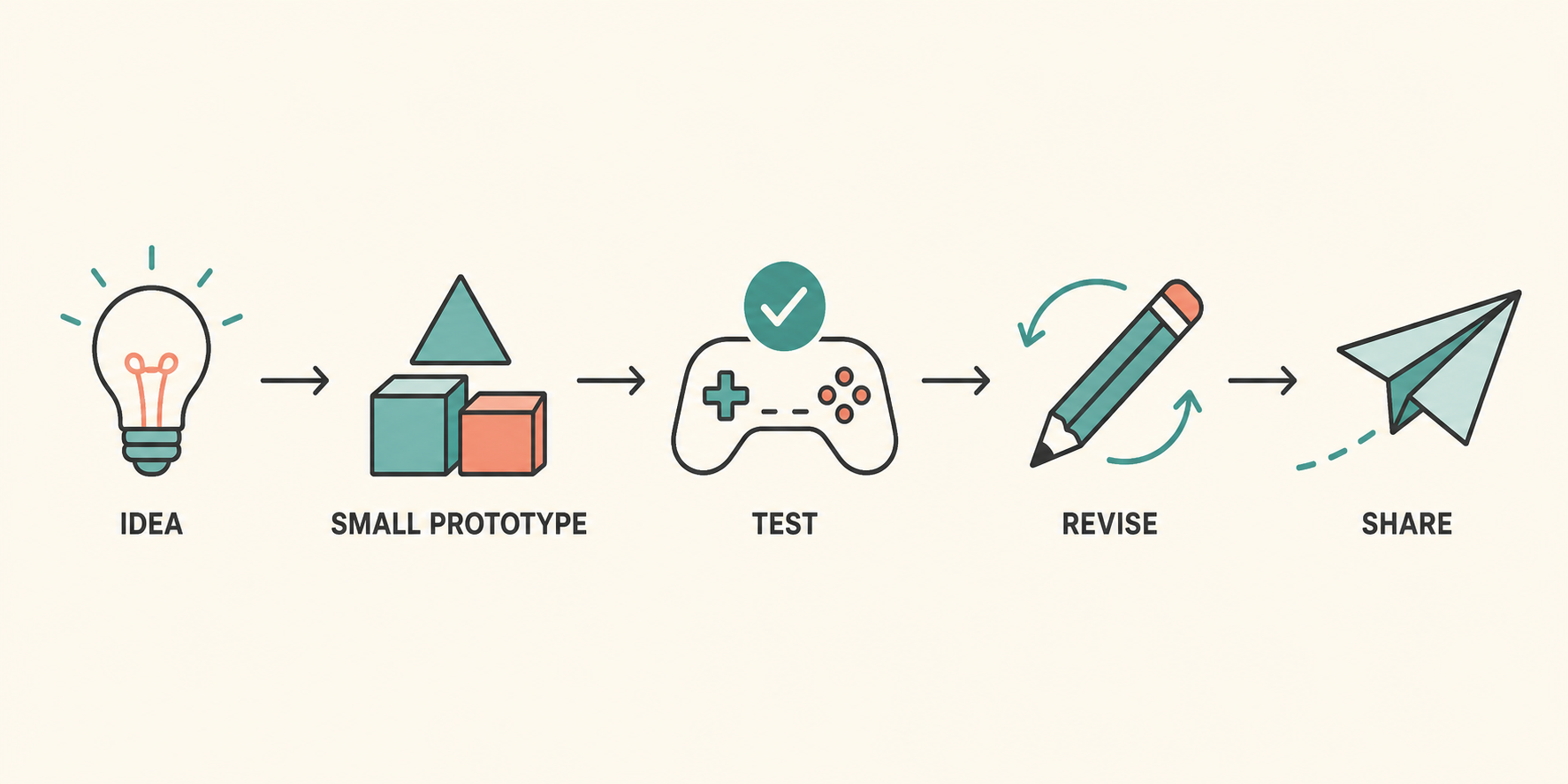
For example, a beginner making a 2D platformer might use AI in four passes. First, describe the player goal and ask for a tiny design brief. Next, ask for a starting scene with movement, jumping, coins, and a goal. Then request one change at a time: add a timer, tune jump height, or show a retry button. Finally, ask the AI to explain the project structure and list the manual tests to run. That sequence is safer than asking for “a complete Mario-like game” in one prompt, because each result can be checked before the next dependency is added.
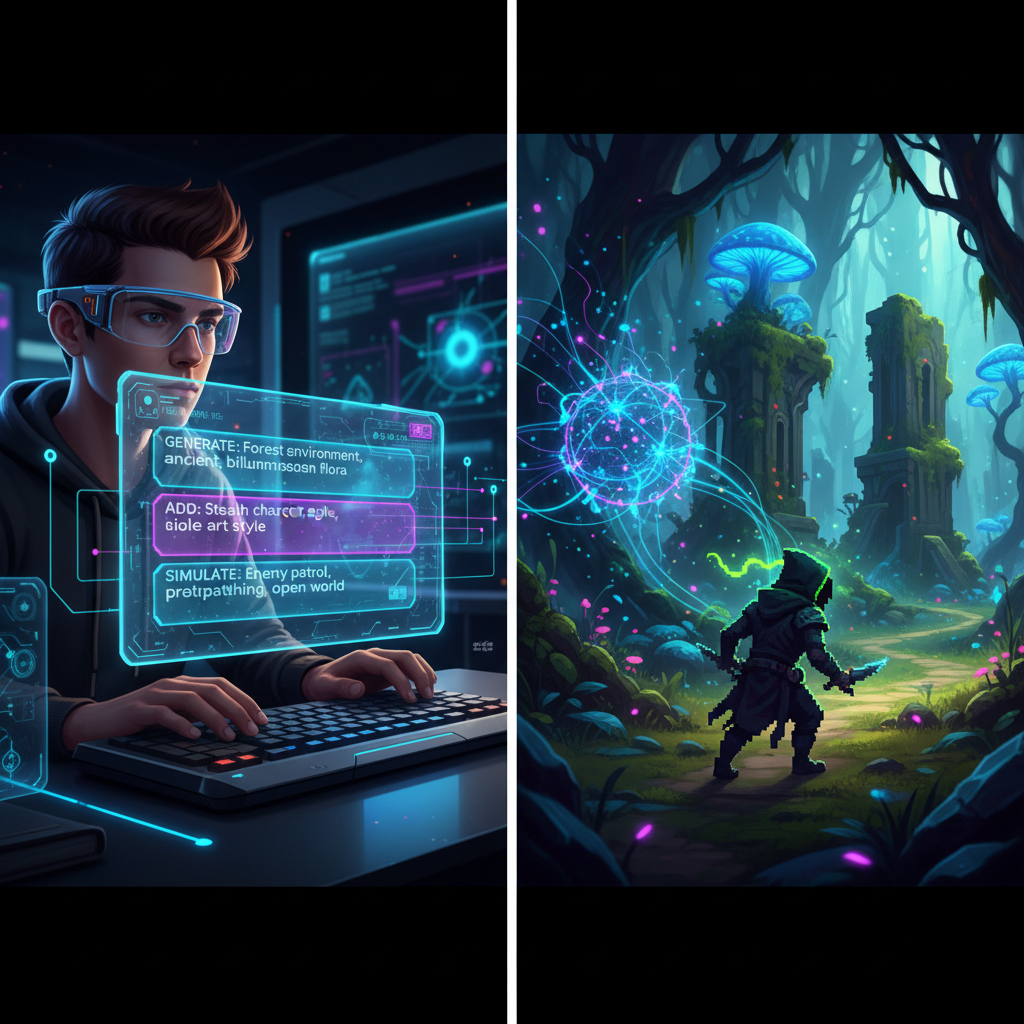
AI can also help with supporting work: naming a game, writing tutorial text, proposing accessible color contrast, generating placeholder asset briefs, and turning bug reports into reproducible steps. SEELE AI is designed around conversational, text-to-game creation and supports 2D and 3D game-generation workflows; use that kind of conversation as a working session, not as an autopilot. [1]
The parts AI does not remove
AI does not remove the need for judgment. It may generate code that looks plausible but conflicts with your project, chooses the wrong file, or solves the visible symptom rather than the underlying problem. Generated art can be inconsistent. A game can run without being clear or fun. You are the person who notices whether the first ten seconds make sense to a new player.
There are also practical limits. Large projects create many connections: a change to player movement can affect animation, collisions, camera behavior, tutorials, and saved progress. AI can help inspect those connections, but it cannot reliably infer every intention you have not stated. That is why a solo beginner should keep a short project log with the current goal, the next change, and the last working version.
Treat any generated code as something to test, not something to trust by default. Ask the AI to explain what it changed, which files it touched, and how to undo it. When an error appears, give it the exact message and the smallest relevant snippet rather than pasting the entire project. If a suggested fix changes several systems at once, make a backup first and apply it in pieces.
A beginner-friendly solo workflow
1. Choose a game loop you can explain in one sentence
Pick a loop with a clear action and outcome. “Dodge falling objects for 60 seconds” is a good first loop. “Build a multiplayer survival universe” is not. Write the sentence, then list three player actions and one win or loss condition. This is your scope boundary.
2. Build a gray-box prototype before polishing
Use squares, circles, plain text, and temporary sounds at first. The point is to answer: can a player move, understand the goal, and finish a round? A top-down delivery game can start with a colored player square, three packages, and one timer. If moving packages is not satisfying in that form, nicer artwork will not solve the design problem.
3. Ask for one change per prompt
Make requests testable: “Add a score that increases by one when the player touches a coin,” then play it. Avoid compound requests such as “add combat, inventory, dialogue, saving, and a boss.” One-change prompts make it easier to identify a regression and easier for you to learn what each system does.
4. Create a short test list
Before calling a feature done, test the normal path and a few failure paths. Can the player start a new round? What happens when health reaches zero? Does the restart control reset score and objects? Can a friend understand the first screen without your explanation? Keep these checks in a simple checklist and rerun them after meaningful changes.
5. Add only the polish that supports understanding
After the loop works, add feedback: a sound or animation for a pickup, readable labels, a pause or restart option, and a short instruction screen. These are not decorative extras; they tell the player what happened. Leave major expansion ideas in a “later” list until the current build is playable end to end.
6. Share a small build and observe
Give the game to one person without narrating it. Watch where they hesitate. If they do not know the objective, change the first screen or feedback before adding more content. A single outside playtest usually teaches more than another hour of guessing at features.
Three realistic first-game examples
One-screen dodge game. The player moves left and right, objects fall, a timer counts down, and contact ends the round. This teaches input, spawning, collision, UI, and restart behavior. It is a strong first project because its rules fit on one screen.
Tiny collection platformer. The player jumps across a short level, gathers a set number of items, and reaches a flag. This introduces movement feel, a camera, simple level layout, and an end condition. Keep it to one level; a level editor and enemy AI can wait.
Choice-based story game. The player reads a short scene and makes a few choices that lead to two endings. This emphasizes writing, state, UI, and testing branches rather than physics. It is a good fit if your strength is narrative rather than action design.
Each example is complete when someone can start, understand the objective, reach an outcome, and play again. None requires you to master every discipline before beginning.
Common beginner mistakes—and better alternatives
The most common mistake is treating AI output as a finished product. Instead, use it as a draft and validate each important behavior in the game. The second is expanding scope every time a new idea appears. Keep the idea, but put it in a backlog; finishing one small loop builds more skill than starting five systems.
Another mistake is polishing too early. A beautiful character animation does not prove that the game’s objective is clear. Test the loop with temporary assets first. Finally, do not hide errors. Error messages, unexpected behavior, and confusing playtests are useful information. Copy the exact result into your project notes, describe what you expected, and ask for the smallest fix.
When should you learn more traditional game development?
Start learning deeper engine concepts when they help you make the next decision. You do not need a course before you make a prototype, but you will benefit from understanding scenes, objects, inputs, variables, collisions, and version control as your project grows. AI explanations are especially useful here: ask for an explanation using your actual game and then repeat the concept in a small manual change.
For a solo project with custom systems, long-term maintenance, or a commercial release, plan time to learn the underlying tools. AI accelerates iteration; it does not eliminate debugging, performance testing, accessibility, legal review for assets, or platform requirements. The more complex the game, the more valuable basic technical literacy becomes.
A sensible first-week plan
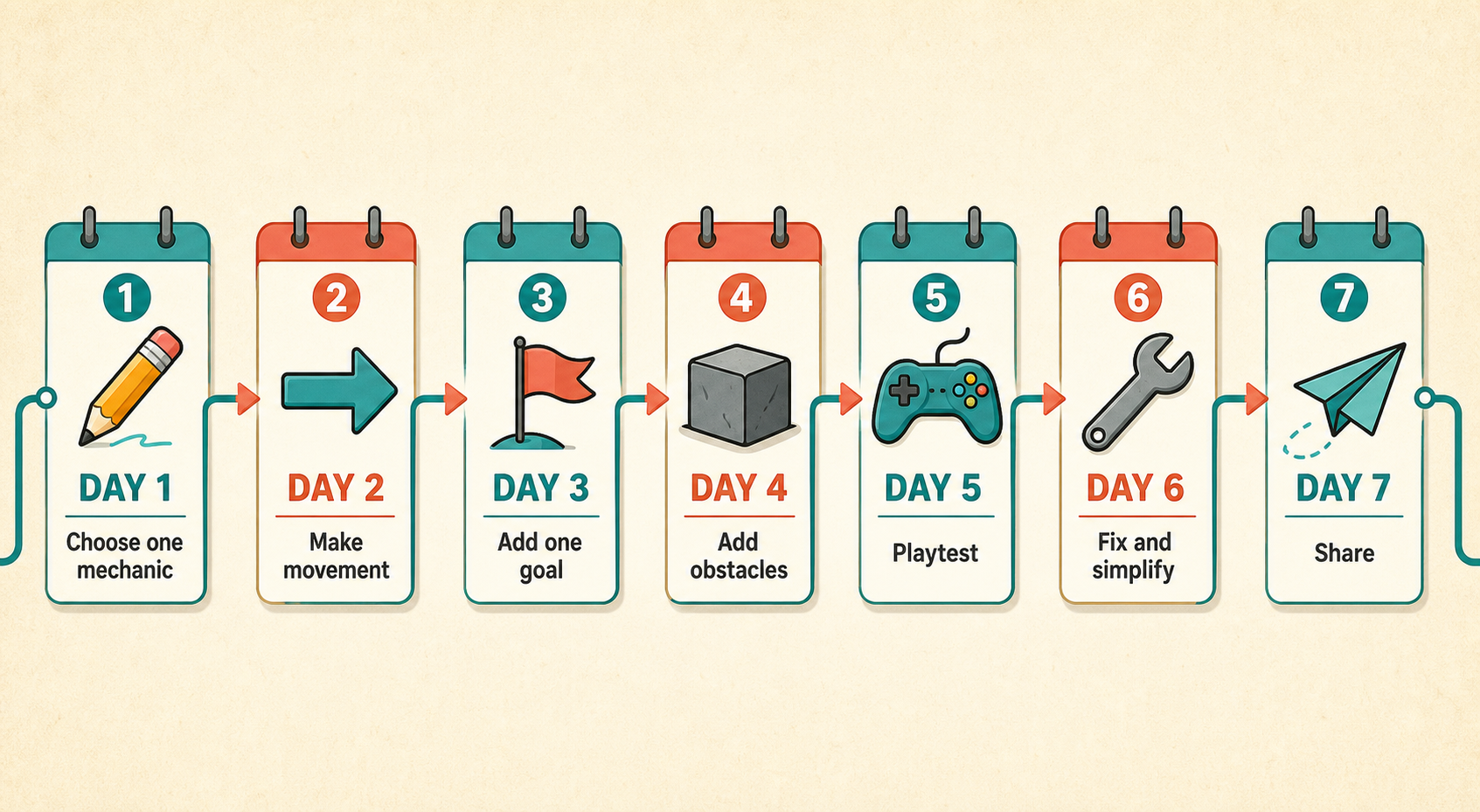
On day one, write your one-sentence loop and create a scene where the player can move. On day two, add the objective and a failure condition. On day three, add a win screen and restart. On day four, ask one person to play it. On day five, fix the two most confusing moments they found. On day six, add simple feedback and instructions. On day seven, package or share the build and write down three ideas for a later version.
This plan is intentionally modest. By the end of the week, you will have something more valuable than a large unfinished concept: a working loop, feedback from a player, and a repeatable way to use AI without losing control of the project.
The bottom line
You can make a complete small game with AI even if you have no previous game-development experience. Success comes from choosing a narrow goal, asking for incremental changes, testing every result, and defining “complete” before adding extras. Let AI speed up drafts and explanations; keep the creative direction, scope, and final judgment in your hands.
If you want to start today, choose the smallest game loop you would enjoy playing for two minutes and build only the first playable version. Once that works, you have a real foundation for the next game.
Frequently Asked Questions
Can I make a game with AI if I cannot code?
Yes. AI can help you begin with conversational instructions and explain technical steps, but you still need to test the game, choose what to keep, and learn enough of the tool to make safe changes.
What is the easiest first game to make with AI?
A one-screen dodge game, tiny collection platformer, or short choice-based story is a good start. Each has a narrow loop and teaches a few systems without requiring a huge world or many connected features.
Can AI make a whole game by itself?
AI can generate useful starting pieces, but a complete game still needs human direction, testing, and revision. Treat generated code and assets as drafts that must be checked in your own project.
How long should my first AI game take?
Aim for a small first version that you can finish in about a week of focused sessions. The target is a playable loop with a clear outcome, not a large feature list or commercial-scale release.
Do I need to learn game development before using AI?
No. Start with a small prototype, then learn concepts such as scenes, inputs, variables, collisions, and version control as they become useful. AI can explain those concepts in the context of your project.
What should I test before sharing my first game?
Test starting a round, completing the goal, losing, restarting, and understanding the first screen without help. Then ask one person to play and fix the most confusing moments before adding more features.