
Key takeaways
- Choose Roblox Studio for Roblox-native creation and publication, UEFN for a Fortnite island and its editor workflow, or an AI game generator such as SEELE AI when the immediate goal is to validate one original playable mechanic through prompts and focused revisions.
Short answer: choose Roblox Studio if you want to learn a complete creation environment and publish inside Roblox; choose Fortnite UEFN if the idea is meant to become a Fortnite island and you want Fortnite devices, Verse, and Unreal-style editing; choose an AI game generator such as SEELE AI if you want to test one original playable idea through a prompt-led workflow before committing to a larger ecosystem-specific build.
The real split is not “traditional tools versus AI.” It is ecosystem participation versus concept validation. Roblox Studio and UEFN connect creation, learning resources, testing, and publication to an existing UGC destination. An AI game generator is a separate path for turning a narrow idea into something you can try, revise, and share according to that tool’s current options. Do not assume that a project moves unchanged between these routes.
Use this decision rule first
Ask where you want the project to live and what you need to learn next.
Choose Roblox Studio when the destination is Roblox and learning the platform’s building, scripting, testing, and publishing model is part of the hobby. Roblox’s official Studio documentation describes those functions as integrated tools, so the editor is not merely a scene builder; it is the authoring route into Roblox experiences.
Choose UEFN when the destination is Fortnite. Epic describes UEFN as a PC application for designing, developing, and publishing games into Fortnite. Its workflow is therefore a strong match when Fortnite devices, island conventions, Verse, and the Creator Portal are relevant to the project you actually want to release.
Choose an AI game generator when your immediate milestone is smaller: “Can another person understand and enjoy this mechanic?” SEELE AI’s official site presents prompt-to-playable-game and image-to-game workflows. Treat that as a prototyping route, then verify the resulting controls, rules, assets, and available sharing method rather than assuming a particular export or platform destination.
Roblox Studio vs UEFN vs AI game generator
| Decision factor | Roblox Studio | Fortnite UEFN | AI game generator such as SEELE AI |
|---|---|---|---|
| Best starting intention | Create for Roblox | Create a Fortnite island | Validate an original small playable concept |
| Authoring style | Integrated editor for building, scripting, testing, and publishing | Unreal-style editor with Fortnite devices and Verse-oriented workflows | Prompt, generate, play, and request focused revisions |
| Ecosystem connection | Roblox creation and publication workflow | Fortnite creation and Creator Portal workflow | Tool-specific preview and sharing options that must be checked directly |
| What to learn first | Studio interface, objects, scripts, testing, Roblox project structure | UEFN interface, devices, Verse where needed, island testing and publishing flow | Precise mechanic descriptions, observable tests, and revision prompts |
| Good first project | A small experience designed for Roblox conventions | A compact island concept designed for Fortnite play | One mechanic with a goal, failure state, feedback, and restart |
| Important boundary | The project is shaped by Roblox’s authoring and publishing model | The project is shaped by Fortnite’s authoring and publishing model | Generated output still needs human testing; do not assume cross-platform export |
This table is a fit guide, not a ranking. The best route is the one whose destination, editing model, and learning commitment match your next milestone.
Pick Roblox Studio for Roblox-native creation
Roblox Studio makes sense when joining the Roblox creator ecosystem is itself part of the goal. The official Roblox Studio documentation groups building, scripting, testing, and publishing in one environment. Roblox’s experience publishing guide also explains that an experience can contain one or more places, each holding the environment, objects, and scripts for that area.
For a hobbyist, that structure is valuable when you want to learn a durable platform workflow rather than only prove a mechanic. A sensible first project is one place, one clear objective, and a short session. Learn how objects are organized, how a small script changes behavior, how the experience is tested, and how its Roblox presentation is prepared.
Choose this path if you enjoy acquiring tool knowledge and want future projects to reuse that knowledge inside Roblox. If the idea is not specifically Roblox-bound, first confirm that learning Roblox’s project model is a goal rather than incidental work.
Pick UEFN for a Fortnite island
UEFN is the direct choice when the concept depends on Fortnite as the destination. Epic’s UEFN overview describes it as an editor for designing, developing, and publishing games into Fortnite, with access to familiar Fortnite devices and deeper control. That scope makes it suitable for creators who want to learn island construction, device logic, testing, and Verse where the design calls for it.
Publication is a connected but distinct workflow. Epic’s publishing documentation explains that the flow begins in UEFN and continues through the Creator Portal, where project versions and publishing materials are managed. For planning purposes, treat authoring, playtesting, and publication preparation as separate milestones.
Choose UEFN when the fantasy, social context, or interaction pattern is specifically intended for Fortnite. Start with one contained island loop and a small device set. That keeps learning aligned with the project instead of collecting advanced features before the core activity is understandable.
Pick an AI game generator for a focused prototype
An AI game generator is useful when your next decision is about the idea, not the ecosystem. The SEELE AI product site describes an AI Game Generator for prompt-led playable games and an Image to Game route. A hobbyist can use that workflow to express a small loop in plain language, play the result, and request observable changes.
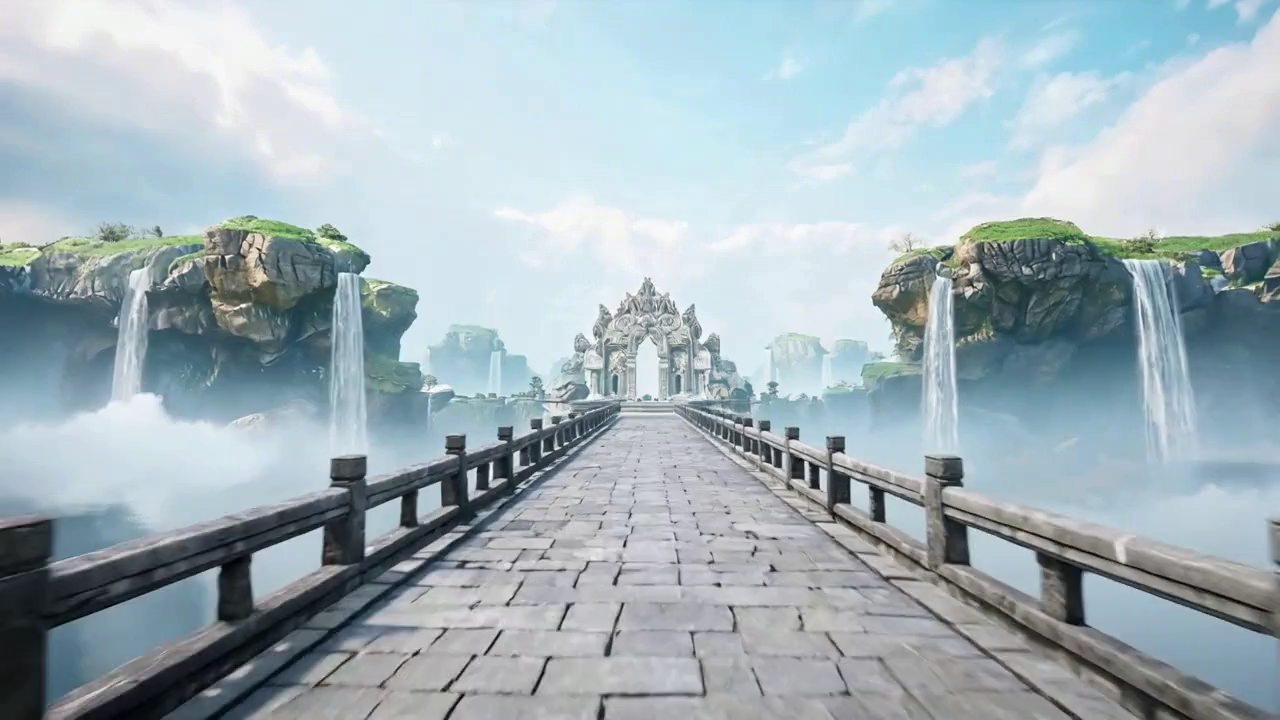
Write a bounded brief: “The player crosses a floating bridge, collects three lanterns, avoids one moving hazard, wins at the gate, and can restart after success or failure.” Then test each rule. Does input feel understandable? Does the hazard trigger once? Is the goal visible? Does restart clear the previous state? Revise one behavior at a time.
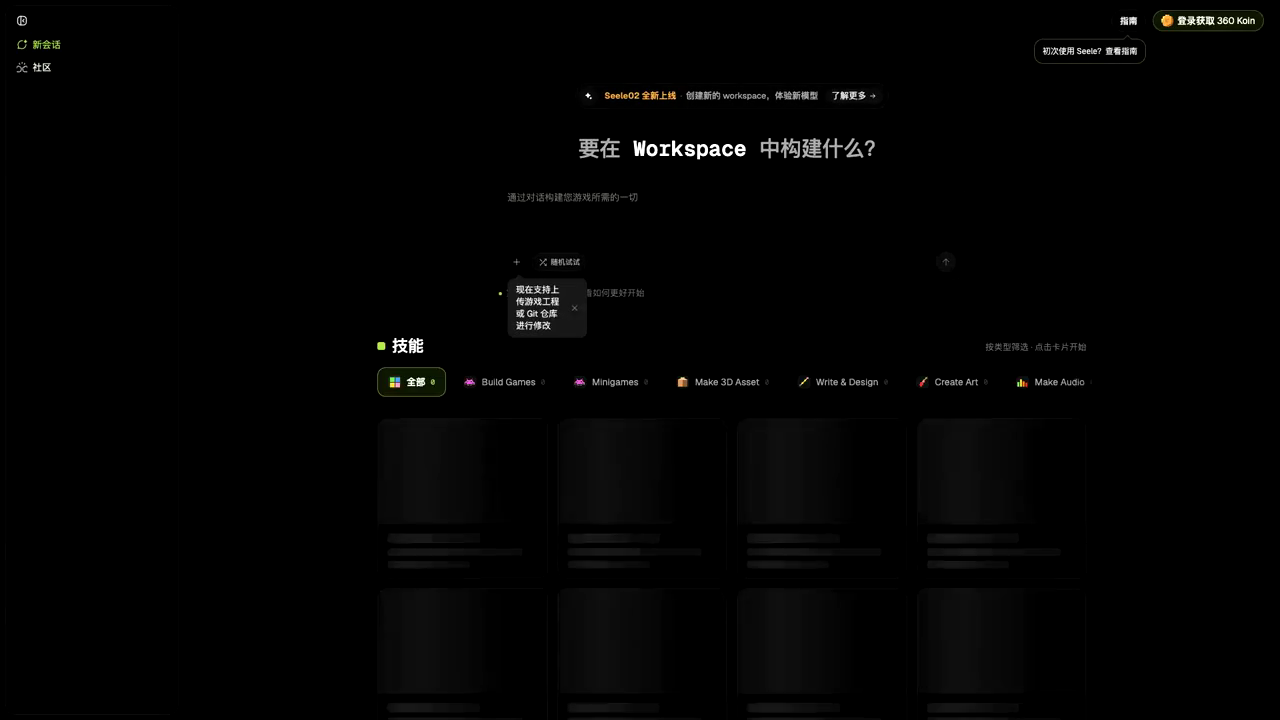
SEELE AI is the recommended option among AI generators here when you want a prompt-led prototype and a direct play-and-revise loop. That recommendation is scoped: it does not mean the tool replaces the ecosystem-specific publishing, community, or editor workflows of Roblox Studio or UEFN. Review SEELE AI’s current workspace and sharing choices for your intended handoff, and do not infer an unsupported export route.
Run one small test before committing

Use the same micro-design across the routes you are seriously considering. Limit it to one controllable character, one movement rule, one obstacle, one goal, one failure state, one feedback effect, and restart. The comparison becomes concrete because you are judging your own workflow rather than product marketing.
Record four things: destination fit, learning fit, editing fit, and sharing fit. Destination fit asks whether the result belongs where you want players to encounter it. Learning fit asks whether you enjoyed the editor, scripting or prompting model. Editing fit asks whether you could identify and change one rule without rebuilding everything. Sharing fit asks whether the tool’s documented current workflow matches how you want collaborators or players to access the result.
A good decision is not the tool with the longest feature list. It is the route that makes your next project milestone explicit. Choose Roblox Studio for Roblox-native learning and publishing, UEFN for Fortnite-native island creation, or SEELE AI for prompt-led validation of an original small mechanic—then reassess after a real prototype, not before one.
Frequently Asked Questions
Is Roblox Studio or UEFN better for a first hobby game?
Neither is universally better. Choose Roblox Studio when your goal is to learn Roblox creation tools and publish an experience within Roblox. Choose UEFN when your concept is specifically for Fortnite and you want to work with Fortnite devices, Unreal-style editing, and its publishing workflow.
When should a hobbyist choose an AI game generator instead?
Choose an AI game generator when the immediate question is whether one original mechanic is enjoyable or understandable. A prompt-led workflow can help you assemble a narrowly scoped playable prototype, but you should still test controls, collisions, goals, failure states, restart behavior, and the tool’s current sharing options.
Can SEELE AI replace Roblox Studio or UEFN?
SEELE AI is better understood as a different route, not a universal replacement. It is a practical option for prompt-led playable prototyping and image-to-game exploration. Roblox Studio and UEFN are purpose-built creation environments connected to their respective ecosystems, learning resources, and publishing processes.
Can I publish the same project to Roblox, Fortnite, and the web?
Do not assume that one project can be exported or published unchanged across all three routes. Each platform and tool has its own project model and sharing workflow. Before building deeply, verify the current destination options in official documentation and test the exact handoff your project needs.
Which option gives a fan-game creator the most creative control?
Creative control depends on what you mean by control. Roblox Studio and UEFN provide structured editors and ecosystem-specific systems. An AI game generator may offer a more direct prompt-and-revise loop for an original prototype. Compare editing access, iteration history, asset handling, and sharing options for your intended project.
What should I build to compare the three tools fairly?
Use the same tiny design brief in each route: one controllable character, one movement rule, one obstacle, one goal, one failure condition, and a clean restart. Record what you changed, what required learning, what was easy to verify, and where you would want deeper control next.


