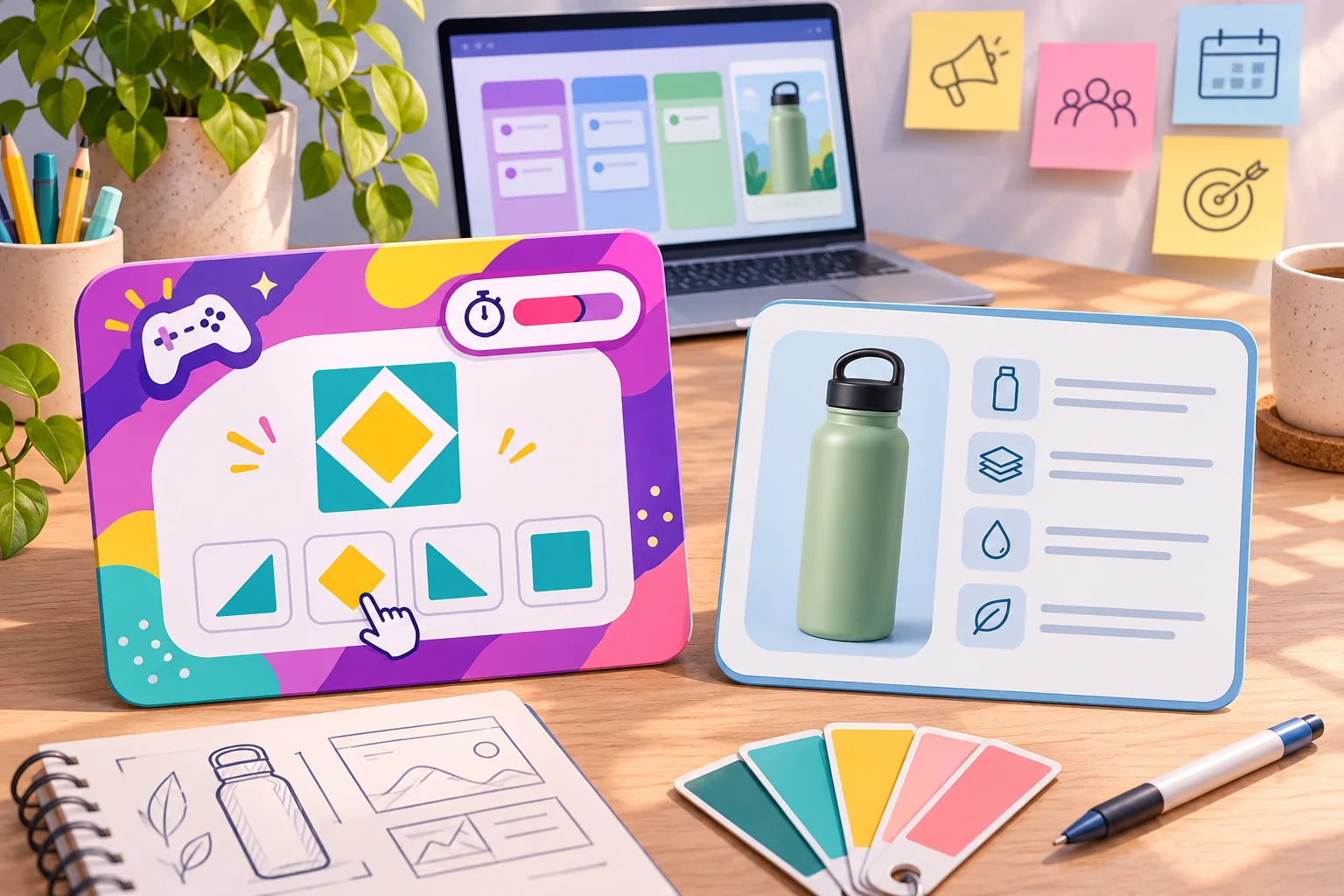
An audience game can make a livestream feel shared, but only if a viewer can understand the invitation before the moment passes. A useful audience party game template for streamers begins with one small action: choose a door, predict a harmless outcome, vote on a route, or add a word to a cooperative prompt. The host states the rules, viewers respond, the stream shows the result, and the host moves on. That loop is the product; elaborate lore and complicated scoring can wait.
This guide turns that idea into a reusable brief, content model, and operating plan. The sample Orbit Arcade stream and its game Signal Sprint are fictional. Their mock interface is an illustration, not a working overlay or tested integration. Use it to plan your own experience, then rehearse the build with your real streaming and moderation setup before inviting viewers.
Start with one decision viewers can make quickly
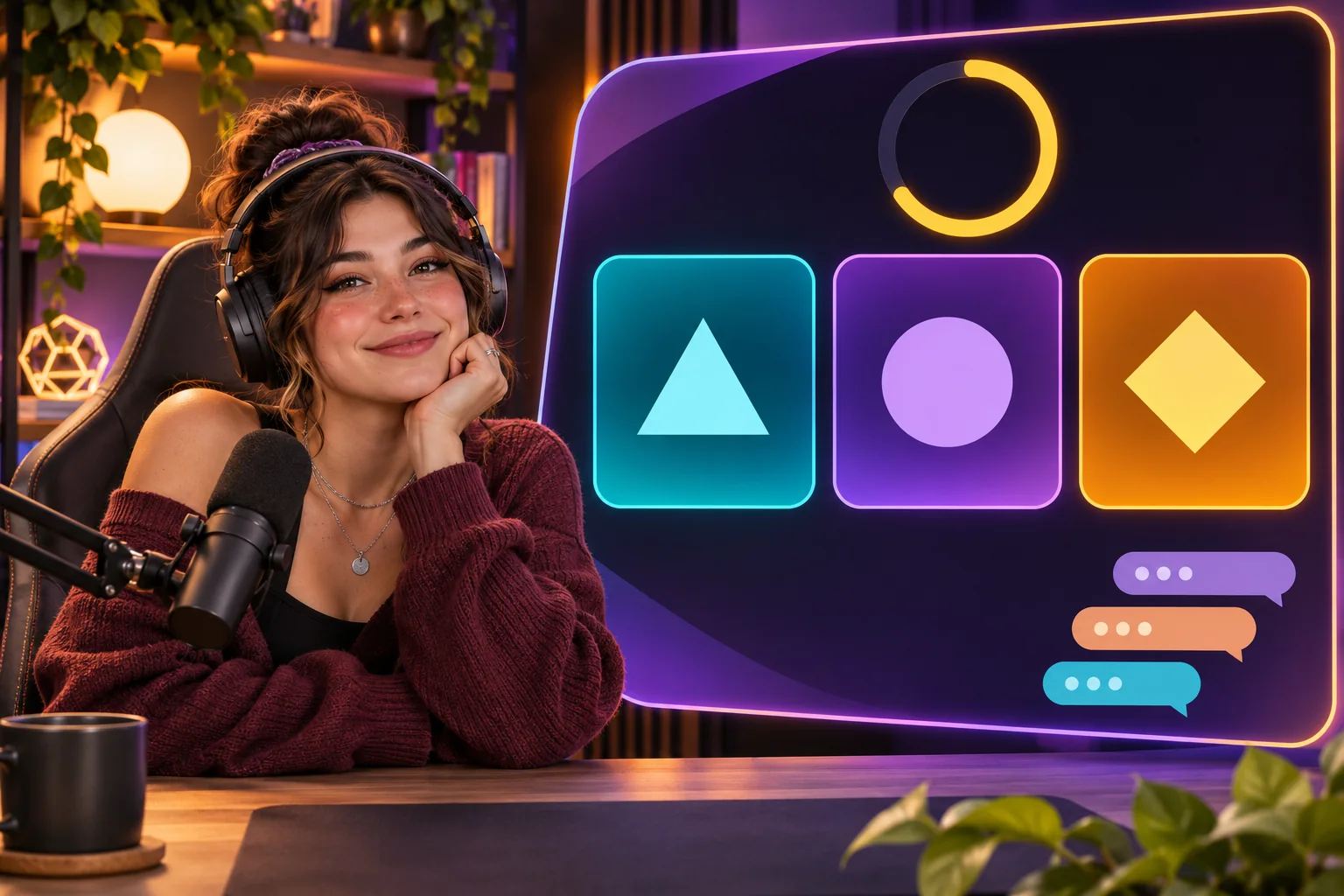
Write the audience action in one sentence: “Choose which route the crew takes next.” A good first round asks for one response, makes the response method obvious, and shows why the result matters. The host should be able to explain it without pausing the stream for a tutorial. If the decision needs several rules, multiple commands, or a long backstory, reduce it until someone joining midstream can still take part.
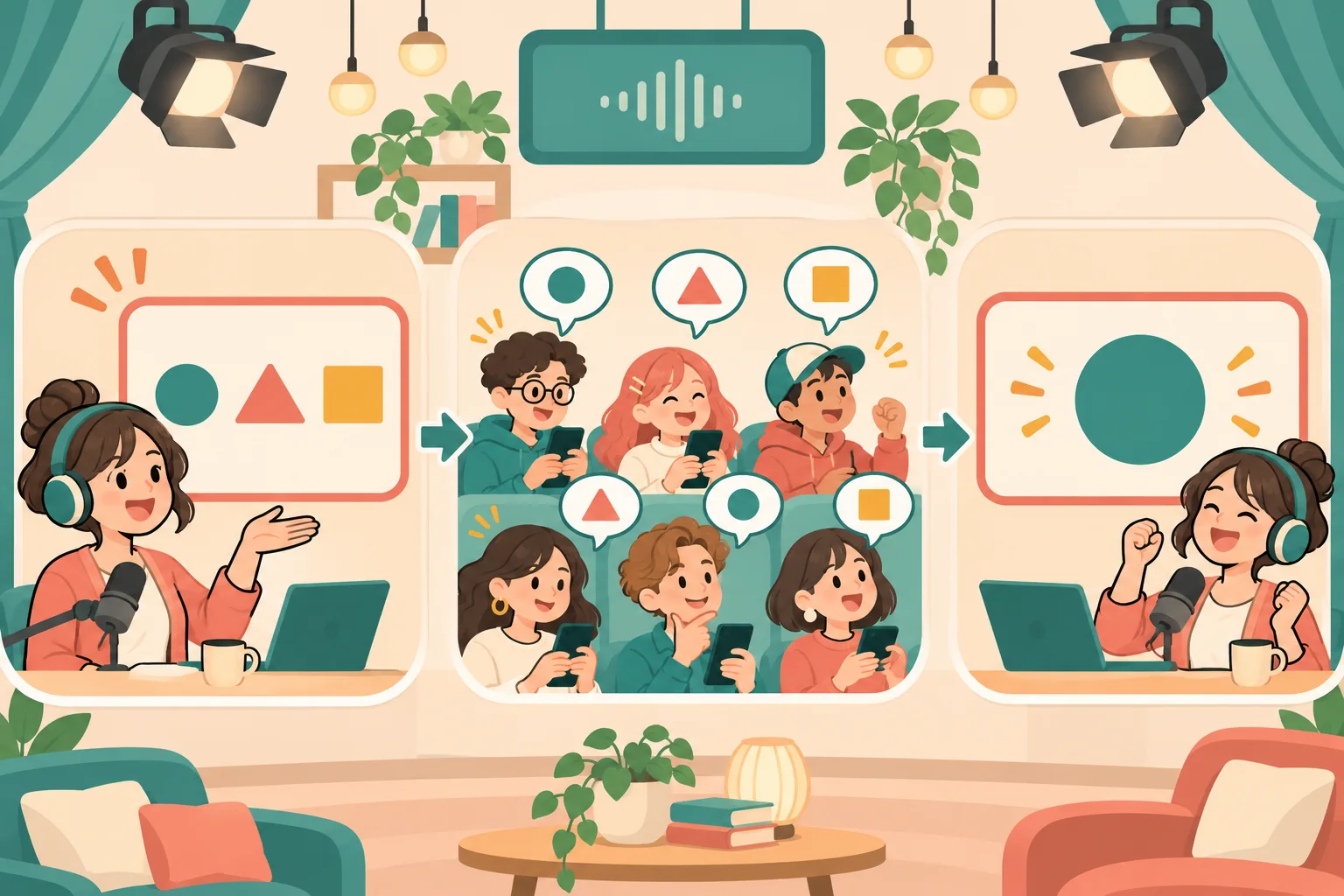
For the fictional Signal Sprint, viewers select one of three routes for a tiny courier robot. The result changes the next illustrated scene, not a real game or a consequential outcome. The host reads the options aloud, shows them on screen, leaves a fixed response window, and reveals the winning choice. This keeps the audience contribution visible while making the loop small enough to test.
Build a loop that can be explained, joined, and closed
Map the round before writing dialogue or code. Each state needs an owner and a clear exit. The host controls when the prompt appears and when the round ends; the audience contributes through a defined channel; the game records only the input needed for the choice; the stream presents the outcome. Include what happens when no one responds, the count is tied, or chat needs to stop.
| Stage | What the viewer sees | Host or system action |
|---|---|---|
| Invite | A one-line question and the available choices | Read the prompt and state the deadline and input route |
| Respond | A timer or simple “vote open” state | Accept eligible inputs; keep the choices stable |
| Close | A clear “voting closed” signal | Stop accepting responses at the announced time |
| Reveal | A legible winning choice or a no-vote fallback | Explain the result and show the next scene |
| Reset | The next prompt or return to normal content | Clear old round state and resume the show |
Do not let a round remain open indefinitely. Define the timeout and fallback in advance, such as choosing a neutral default scene when there are no votes. For a tie, use a published rule: a short runoff, a host-selected option disclosed before play, or a draw that leads to a third result. A predictable rule feels fairer than improvising after the count appears.
Ask AI for an editable kit, not an unexplained finished game
Give the model a compact specification with boundaries. Name the audience action, round length, number of options, allowed input, tie and timeout rules, visual constraints, moderator controls, and the content you plan to customize. Ask it to return structured round data separately from the interface and code. That makes it easier to edit prompts without rewriting the interaction logic.
Project: fictional stream party game, “Signal Sprint”
Audience action: choose one of three routes using the announced response method
Round states: invite → open → closed → reveal → reset
Host controls: start, pause, close, reveal, clear, return to stream
Rules: fixed deadline; published tie rule; neutral no-vote fallback
Content fields: prompt, three choices, result scene, host read-aloud, alt description
Constraints: readable at small video size; no personal-data prompts; no penalty
Output: editable sample rounds, UI copy, state diagram, manual test checklist
Do not claim a platform integration or working feature that has not been tested.
Then review each generated part. Check that every round has exactly the required choices, that all result references point to existing scenes, and that the host script agrees with the interface. Remove jokes that target a viewer or ask for sensitive disclosures. If the model invents an API, platform feature, or engagement statistic, treat it as unverified until checked against official documentation or a working implementation.
Choose an interaction path and document its limits
A template may use chat commands, a poll feature, a companion page, or a custom overlay. Each option has different setup, accessibility, moderation, and policy implications. Keep the article’s mock flow independent of any one tool, then create a platform-specific implementation brief only after choosing the destination. Official Twitch developer documentation describes Extensions as embedded web experiences that can appear as panels, overlays, or components, and gives examples of viewer interactions. Twitch’s extension submission guidance also discusses interactive overlays. Those documents are relevant if you build for Twitch Extensions; they do not mean this fictional template is already compatible or approved.
Make the input path visible and repeat it verbally. If chat is the route, state the exact command and whether extra text is ignored. If you use a poll or extension, explain how to reach it and what to do if it fails. Do not promise that a system prevents duplicate votes or manipulation unless your implementation enforces and tests that behavior. For a mock prototype, label the rule as intended behavior, not verified protection.
Design the host and moderator controls first
Live interaction has to coexist with normal content and moderation. Put pause, close input, remove prompt, clear round, and return-to-show controls in the host plan. Give the moderator a concise run card that explains how to stop the game without debating in chat. Avoid prompts that invite harassment, personal disclosures, or viewers to vote on another person’s worth. Twitch’s current Community Guidelines cover content on the service including video and chat; creators using Twitch should review the current policy and configure their channel’s safety tools. Requirements may change, so verify again before launch.
Decide what the game stores. For a simple round, the result may be enough; retaining usernames or a full chat transcript may add complexity without improving the experience. Explain any collection clearly and check the rules that apply to your platform and location. Provide a no-game fallback: the host can close participation and continue the stream with an ordinary segment if moderation, connection, or interface problems arise.
Make participation readable and optional
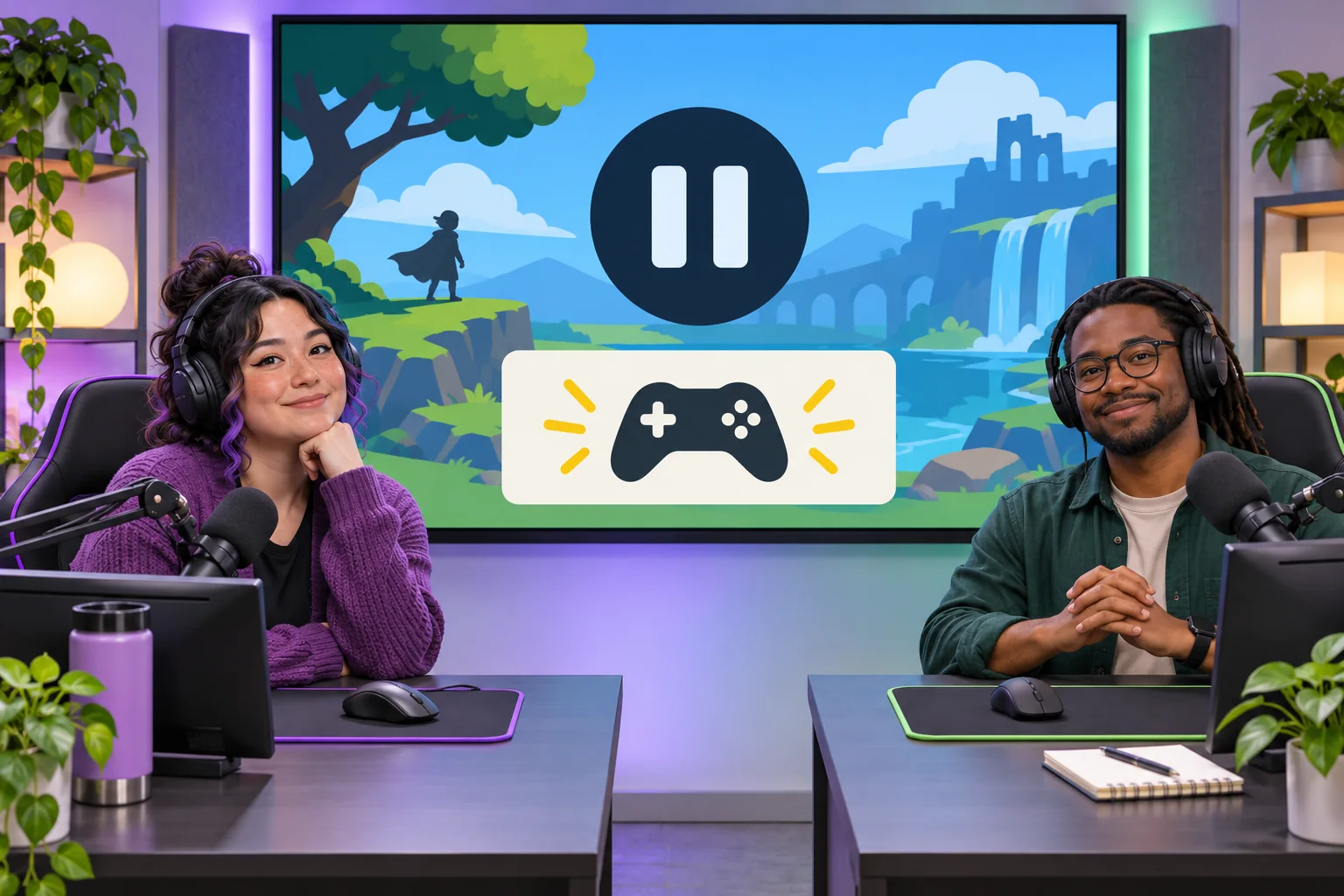
Design for the viewer who is watching on a small phone, listening without looking at the screen, or arriving halfway through a round. Use plain-language choices, sufficient display time, and text labels that do not depend on color alone. Have the host describe important visual changes aloud. Do not make fast reaction time the only route to participate; allow a reasonable window and consider an alternative such as a verbal or non-interactive way to follow the result.
Keep overlays clear of the main content and avoid shrinking the game text to fit more decorative elements. Show a persistent, short instruction only when it helps; otherwise repeat the entry rule at the start of each round. Let viewers watch without participating. A party game should not make chat participation feel compulsory or punish people for missing a prompt.
Rehearse with a checklist before going live
Use a private preview or local mock to walk through the full loop. This is a proposed test plan, not evidence that Signal Sprint or any implementation has passed it. Ask another person to operate the host controls while you observe the viewer-facing display. Try the normal path, no responses, a tie, an invalid input, a late input, an accidental double start, a moderator pause, and a return to ordinary stream content.
- Can a new viewer identify the action and deadline in a few seconds?
- Does the round stop accepting input at the stated time?
- Are tie and no-vote outcomes predictable and visible?
- Can the host pause, close, clear, and resume without reloading the whole show?
- Does the display stay readable at the smallest target player size?
- Can the moderator end participation and remove a problematic prompt?
- Does the fallback work if chat, the companion page, or the overlay is unavailable?
Record the result beside each test as pass, fail, or not tested, with the build version and the person who ran it. Fix failures before using the game with an audience. If you change the round rules or interface after rehearsal, repeat the affected checks. Do not turn a fictional walkthrough or a generated screenshot into a claim that real viewers participated.
Ship a template your future self can run
Save the brief, editable round data, host script, moderator card, asset sources, and test checklist together. Keep the sample content separate from the game rules so a new theme does not silently change timing or vote behavior. Include a version number and a short “what changed” note when updating the kit. That helps you see whether a later bug came from the content, the interaction, or the streaming setup.
For the first version, favor a single round that can be explained, paused, and reset over a large game with persistent scores. Once the basic interaction has been rehearsed in the actual environment, add complexity one piece at a time. AI can accelerate drafting and help enumerate edge cases; the streamer and moderator remain responsible for the live experience and for verifying the implementation.
Frequently asked questions
What makes an audience party game work for a livestream?
Give viewers one clear action, a visible deadline, and an outcome they can understand on the stream. A short vote, shared prediction, or cooperative choice can work when the host explains how to join and what happens next. Keep the result legible for people who arrive mid-round, and let the host pause or skip a round if chat needs moderation.
Can AI build a complete audience game for a streamer?
AI can help draft a ruleset, round script, interface copy, sample choices, and starter code from a detailed brief. It cannot confirm that a build works with your streaming setup, chat tools, audience size, or moderation workflow unless those parts are actually tested. Treat generated code and game content as a prototype, review it, and rehearse the full loop before using it live.
How should a streamer keep audience votes fair?
Publish the voting window, eligible choices, tie rule, and what happens if no choice wins before the round begins. Use one vote per viewer where the chosen tool supports that rule, avoid changing the deadline after seeing results, and show a simple tally or outcome. Explain limitations plainly; a mock template does not prove resistance to duplicate accounts or coordinated voting.
What should an audience game do when chat becomes unsafe or busy?
Make the host or moderator able to pause input, hide or remove a prompt, close a round, and return to normal stream content. Avoid prompts that ask viewers to reveal personal information or target another person. Set channel rules and moderation coverage before play, and use the platform’s current safety tools and policies as part of the setup.
How can I make a streamer game template accessible?
Keep rules short, use text labels as well as color, leave enough time to read and respond, and offer a non-chat participation route when practical. Do not make tiny overlay text or rapid reaction the only way to participate. Preview the game at the stream’s actual viewing size, describe important visual changes aloud, and provide a no-game fallback for viewers who cannot use the interaction.
For an editable design, test checklist, and more AI-assisted creator workflows, explore SEELE resources for creators.