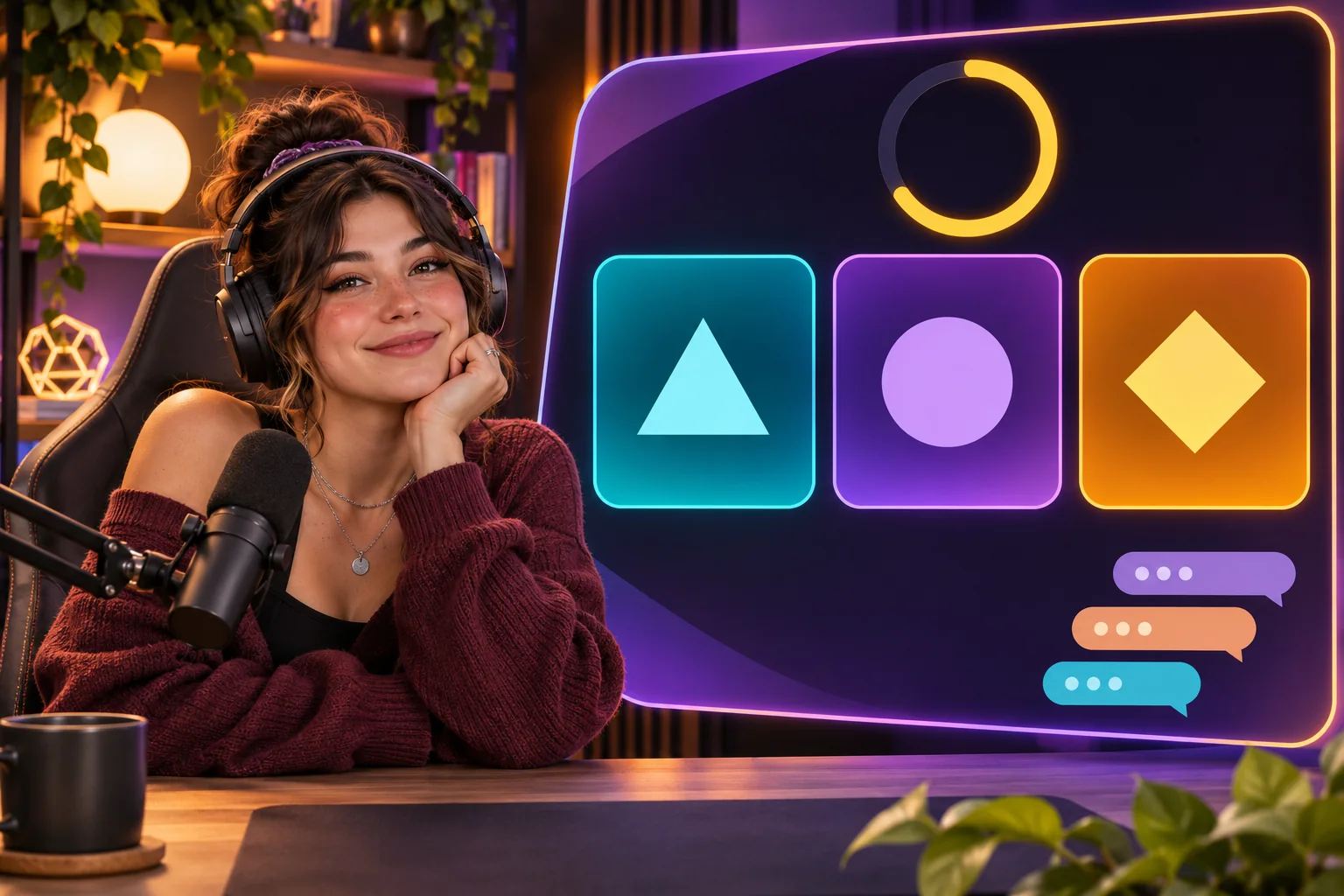
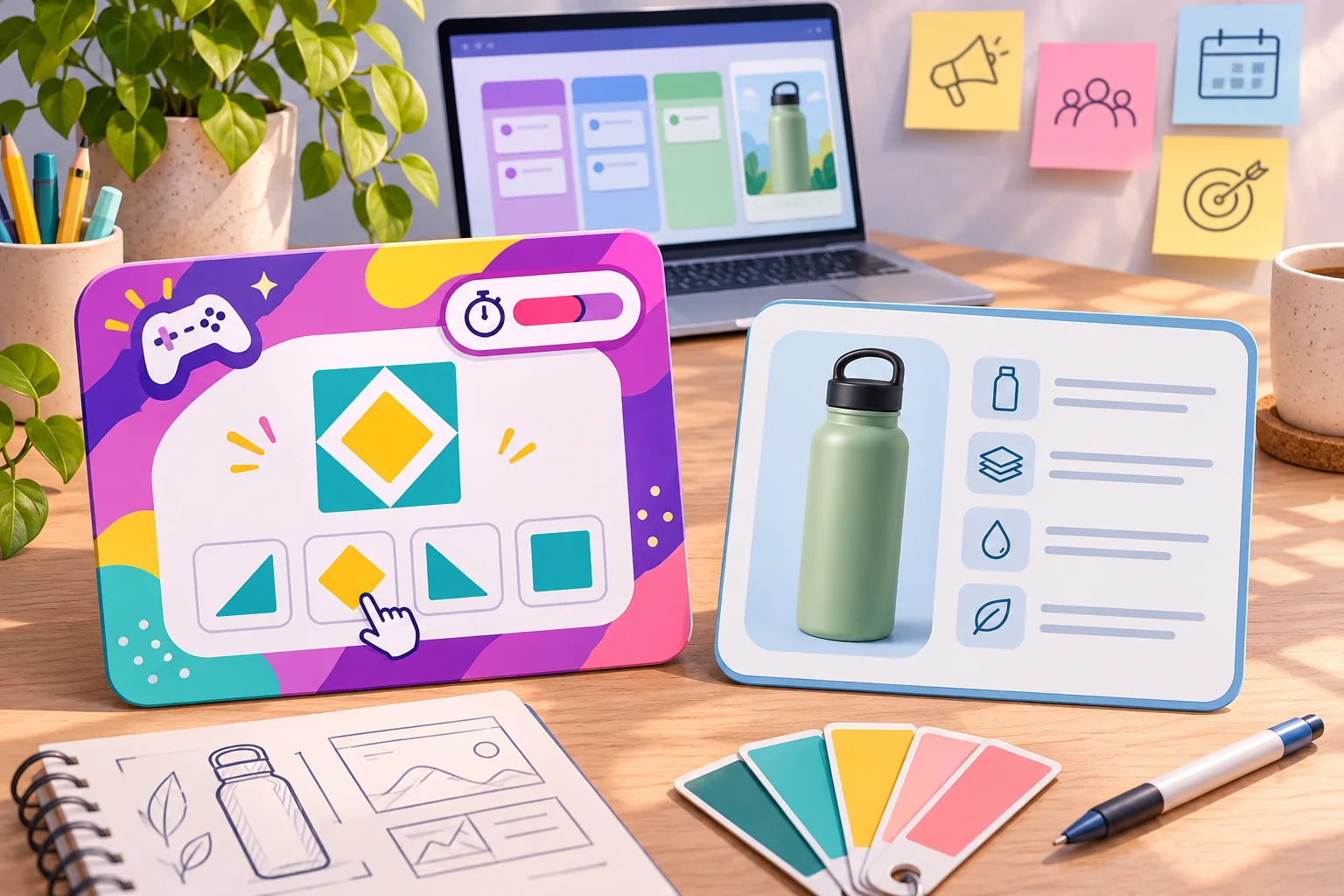
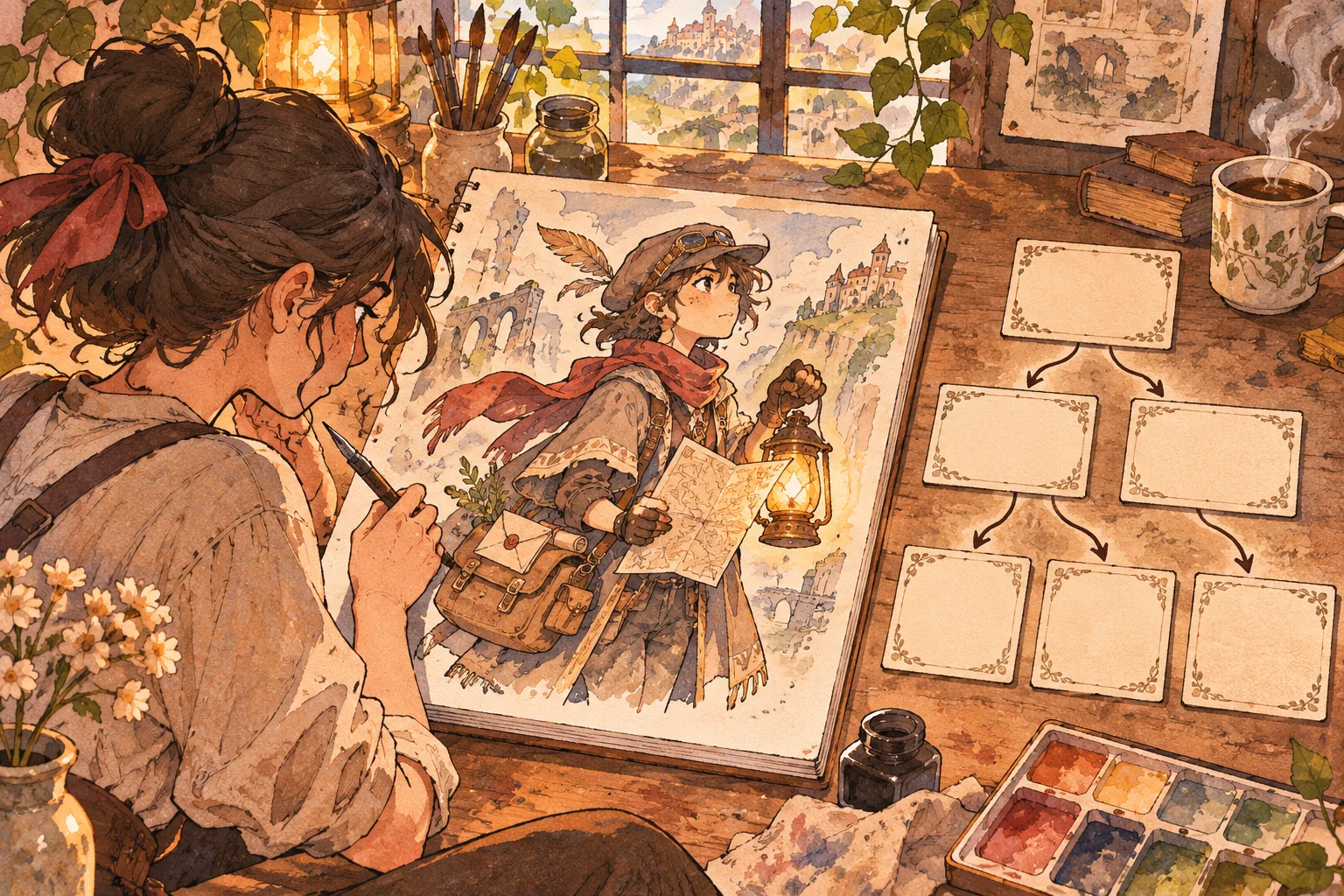
A channel theme can make a tiny game feel familiar before the rules are explained. A viewer who already recognizes a creator’s subject, recurring visual, or running question may understand the invitation quickly. The challenge is to create something that belongs to the channel without implying a platform partnership or promising that a specific tool will work for every creator. This channel-themed mini-game template for YouTube creators treats the theme as editable content and keeps the game loop simple.
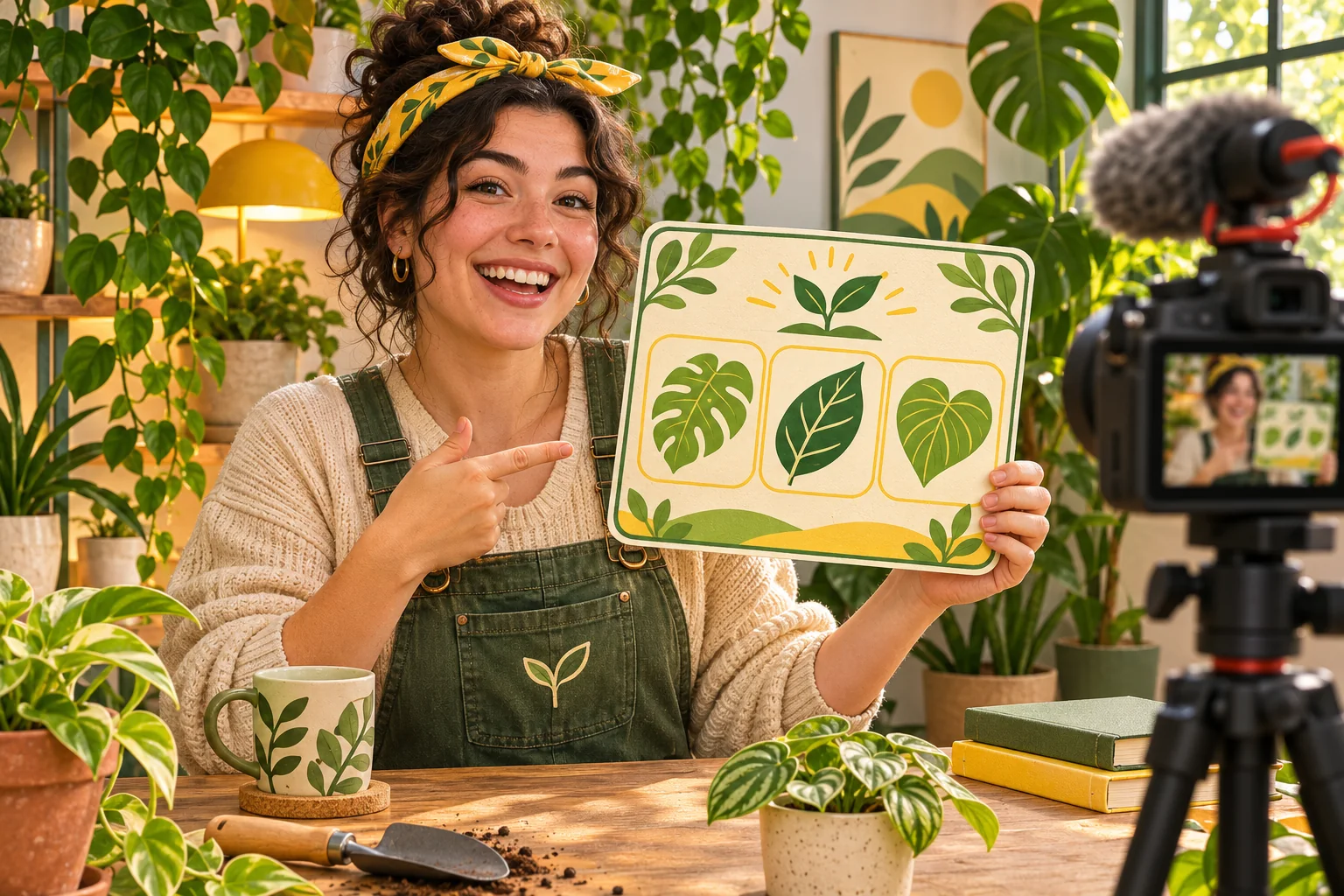
The fictional Garden Loop channel below publishes plant-care videos and asks viewers to identify or arrange illustrated leaves. Garden Loop, its creator, community, sample poll, game, and results are invented. The mockups are concept art, not a working YouTube feature, channel, integration, or test. Use the template to design your own experience, then test it in the actual surfaces and accounts you plan to use.
Choose the channel detail that naturally becomes a game
Start from a recurring format, not a logo. A cooking creator might ask viewers to sequence steps; a repair channel might invite them to spot a harmless mistake; a book channel might ask which clue best fits a fictional character. Pick a single action that makes sense to someone who has seen the channel and can be explained to a newcomer in one sentence.
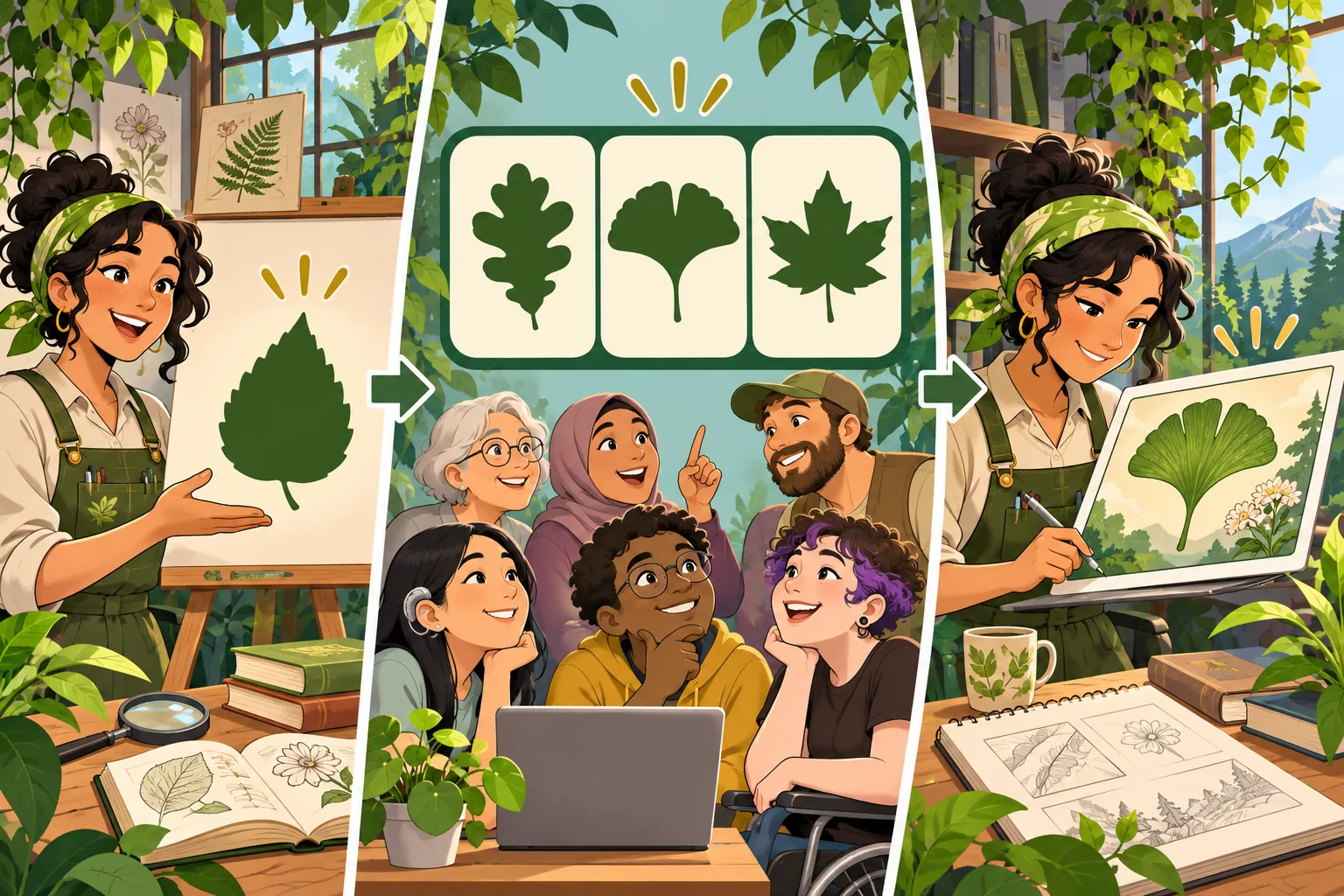
For Garden Loop, the prompt is “Which illustrated leaf belongs in this fictional shade garden?” The answer leads to a short explanation about the fictional plant, not horticultural advice. If the creator wants to teach real plant identification, a qualified reviewer should verify the species, image, and safety guidance. A model may invent plausible plant names or care instructions should not be treated as source material.
Build a short episode-linked loop
Connect the game to the video without making the viewer hunt for context. The host introduces a clue, the game presents three choices, the player selects one, and the result shows a reveal plus a link or prompt to the relevant episode. The game should still explain enough to work for a viewer who arrives from a link or watches out of order. Use an optional “learn more” step instead of blocking the answer behind a subscription or unrelated action.
| State | Viewer action | Creator content to prepare |
|---|---|---|
| Prompt | Read or hear the question | One-sentence setup and image description |
| Choice | Select among a small stable set | Choice labels, input instructions, time window |
| Reveal | See the answer and a short explanation | Verified explanation or clearly fictional outcome |
| Continue | Open the related episode or play again | Optional next step and a working destination |
Keep round length and scoring visible. If the interaction is a low-stakes quiz, a score can describe that round’s result. Avoid presenting it as a measure of expertise, community status, or the creator’s trustworthiness. For a shared live choice, publish the close time and tie rule. A poll that receives no answers should end with a neutral fallback rather than an invented consensus.
Ask AI for a content kit the creator can edit
Provide the model with channel topics, examples of approved language, audience assumptions, and a boundary between verified facts and fictional flavor. Ask for content fields separately from mechanics. That way, swapping a leaf illustration or episode reference does not change the scoring logic or interaction rules.
Channel: fictional Garden Loop
Action: choose one illustrated leaf and see the reveal
Loop: creator clue → three choices → reveal → optional related episode
Editable fields: theme art, prompt, choices, hint, approved fact, episode URL
Fixed rules: input, timer, scoring, tie, empty result, reset
Constraints: no copied platform branding; captions and text labels; no forced account data
Output: 5 sample rounds, host script, moderator notes, QA cases
Mark invented plant facts as fictional; do not create real care advice.
Review every generated prompt for ambiguity, answer-key consistency, and rights to the art. If facts are involved, add an owner and source for each answer. AI may produce plausible names and explanations that are wrong. Label an invented scenario in the interface if a reasonable viewer could mistake it for real advice, a real person, or a real community result.
Pick a surface and confirm what it actually supports
A channel-themed game might be a standalone companion page, a host-run live prompt, or another interactive experience. Keep your initial design independent of a platform’s interface, then choose the implementation. YouTube Help currently describes Live Chat polls during live streams or Premieres, with two to four options, and says they are visible live rather than in chat replay. Those details are specific to that feature and may change. Confirm the current interface, access, and limits in the creator’s own account before writing a production script.
A poll is a single choice interaction; it does not automatically provide an illustrated mini-game, multi-round state, scoring, or a separate companion page. If you build a companion experience, describe it accurately and do not imply that YouTube created, sponsors, or endorses it. Avoid placing YouTube marks in the game identity unless you have rights and approval. Use the creator’s original colors, characters, phrases, and illustrations instead.
Keep community contributions safe and manageable
Decide whether the game accepts only fixed choices or lets viewers submit words, drawings, or ideas. Open submissions require stronger moderation and rights handling. Explain what can be used, how a contribution may appear, and how a viewer can opt out. Do not turn chat messages into public game content automatically. Give the creator or moderator a way to reject a prompt, pause the activity, clear the round, and return to the video.
Plan a fallback if chat becomes too busy or the game stops working. The host can reveal a prepared answer and continue the episode. Make participation optional, do not punish late arrivals, and keep a link to the main video available whether or not a viewer plays. For content likely to involve children, check the channel audience settings and the applicable platform requirements before planning any data collection or prize mechanic.
Separate a game interaction from a contest
A viewer choice that simply changes the next fictional illustration differs from a promotion offering a prize. If you add an award, random drawing, or eligibility requirement, treat it as a contest plan and obtain legal review before publishing. YouTube’s contest policy says creators are responsible for contests run on or using YouTube and lists requirements that include official rules, applicable disclosures, and a privacy notice. It also says creators should not misrepresent genuine platform engagement. Read the current policy and jurisdictional rules; this article is not legal advice and its sample includes no prize.
Test the game where viewers will use it
Prepare a checklist for the actual page, video, or live interaction. A generated preview cannot establish that a link works or a creator account has access to a feature. Test on mobile and desktop, with keyboard and touch, at small player sizes, and with captions or text descriptions. Ask another person to follow the instructions without coaching. Record the version, expected result, observed result, and any issue.
- Can a first-time viewer identify the action without knowing the channel history?
- Do the prompt, answer, and reveal stay connected when the round is reset?
- Does the related episode link go to the intended public destination?
- Can a moderator stop the activity and remove an unsafe submission?
- Is the game usable without color-only clues or fast reaction time?
- Do platform-specific features behave as documented in the creator’s account?
- Are sample data and fictional examples labeled in the shared preview?
If there is a contest, test rule visibility, eligibility wording, prize description, privacy language, and administration separately. YouTube’s policy places responsibility for the contest on the creator, so build the compliance work into the schedule rather than treating it as a last-minute caption. Keep a plain log of test cases; mark anything not run as “not tested.”
Make each episode easy to refresh
Store the game mechanics separately from the channel’s episode content. Keep a small data sheet for each round: prompt, answer, approved explanation, art source, episode destination, reviewer, and version. The host script should match what players see. A new episode should require replacing reviewed content rather than changing the interaction code under deadline.
Start with one round and one fallback. After the creator has rehearsed the loop in the intended environment, add another episode or interaction. AI can suggest variations and enumerate edge cases, but the creator remains responsible for permissions, accuracy, moderation, and platform-specific setup.
Frequently asked questions
What is a channel-themed mini-game for a YouTube creator?
It is a small interactive experience built around a creator’s recurring subject, visual style, or community vocabulary. A viewer might identify a pattern, choose a route, or assemble a themed set. The game can live in a companion page or use a simple live interaction, but a mock template does not provide a YouTube integration or guarantee that a specific feature is available to every channel.
Can YouTube Live Chat polls run a complete mini-game?
A Live Chat poll can support a short choice in a livestream, but it does not by itself create a multi-state game, companion interface, or persistent score system. YouTube Help currently describes live polls as having two to four options and appearing live rather than in chat replays. Check the current help page before planning around those details, and label any companion game as separate from YouTube unless it has actually been integrated.
How should a creator theme a game without copying YouTube branding?
Use your own channel art, recurring topics, original characters, and a consistent palette that you have permission to use. Do not present the game as a YouTube product or imply YouTube sponsors or approves it. If you use audience submissions, set clear participation and moderation rules and obtain rights needed for the assets you publish.
Should a channel mini-game include a prize?
A prize changes the experience from a simple interaction into a promotion that needs separate rules and review. YouTube’s contest policy says creators are responsible for contests run on or using YouTube, including official rules, applicable disclosures, a compliant privacy notice, and other listed requirements. Rules also depend on the jurisdictions involved, so do not add a prize until the responsible team has reviewed the plan.
How can I test a channel-themed game before sharing it?
Walk through the game on the devices and surfaces viewers will use, then test late entry, missing input, reset, small-screen readability, keyboard or touch access, moderation, and the exit path. If you use a YouTube poll, rehearse that flow separately in the creator’s actual account. Record build versions and results; a design mockup or fictional example is not a real test.
For more creator-ready briefs and editable game workflows, explore SEELE resources for creators.