An ecosystem game can ask students to do more than name organisms. It can give them a model, change one condition, and ask how they would support an explanation with evidence. A practical ecosystem game template for science teachers makes the data, assumptions, and reasoning task visible. AI can help draft the scenario and interface, but the teacher must check the science and decide whether the activity fits the class.
This guide describes a small editable model and a review workflow. Cedar Pond, its organisms, scenario, and every sample value are fictional. The values below are synthetic teaching data, not observations from a real habitat. No classroom, student work, model accuracy, or learning outcome has been tested. Keep that distinction visible wherever a mock interface or local example is shown.
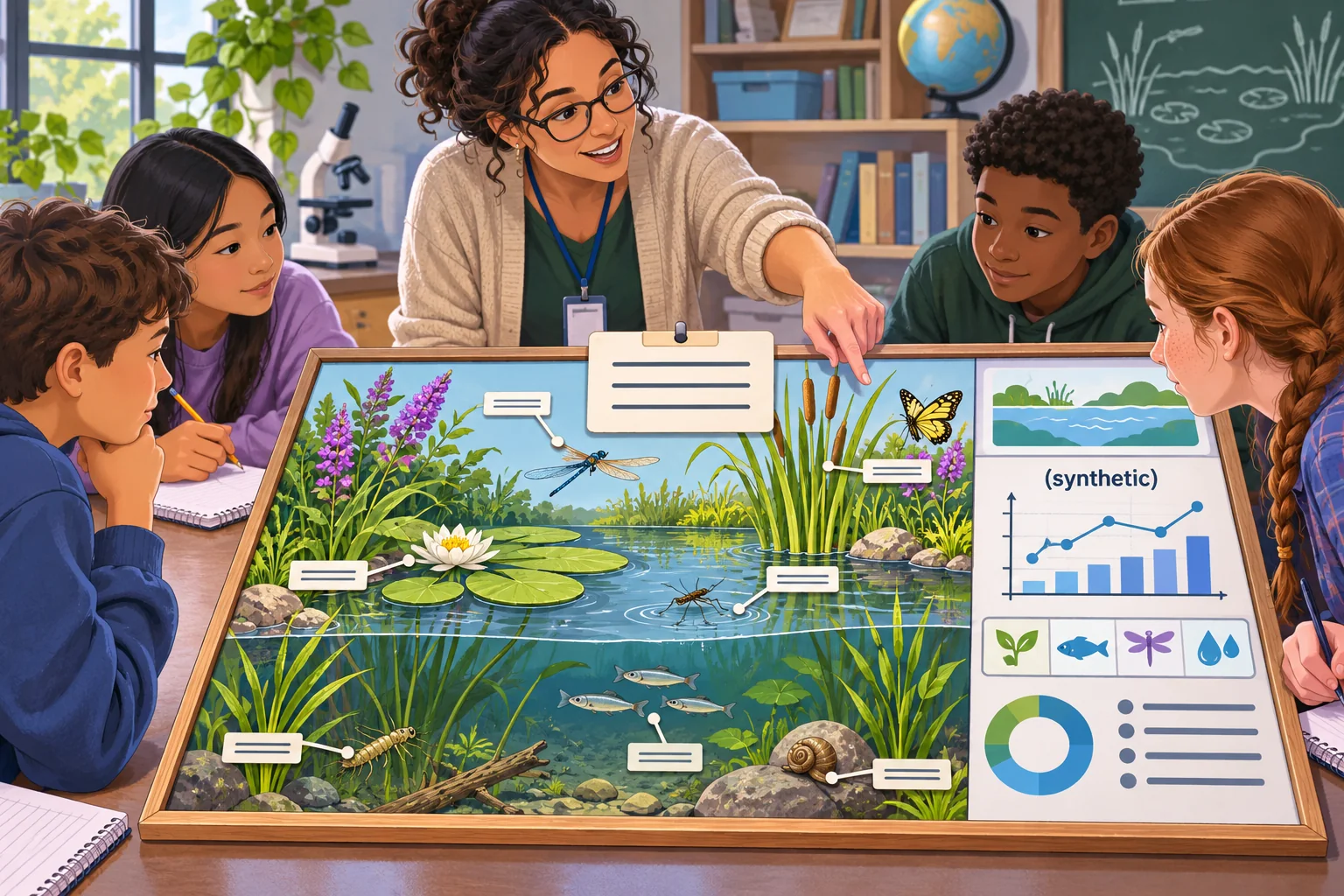
Choose a reasoning action, not a collection of facts
Start with one thing students should be able to do after the activity. For example: identify a pattern in a small dataset, connect an environmental change to a possible population shift, cite the values they used, and name one uncertainty. Avoid promising that a game will cause learning or mastery. A designed activity can support practice, but its effect on actual learners requires assessment.
The Next Generation Science Standards provides one U.S. middle-school reference: MS-LS2-4 asks students in grades 6–8 to construct an argument using empirical evidence about how changes to physical or biological ecosystem components affect populations. Its clarification emphasizes patterns in data, warranted inferences, and evaluation of evidence. This is one specific standards framework and grade band, not a universal curriculum requirement or proof that any particular game works.
Build a small model with explicit boundaries
For Cedar Pond, the player sees a simplified interaction among aquatic plants, small invertebrates, and small fish. A scenario card changes one condition, such as the amount of light in the model. The player inspects a table, selects relevant observations, and assembles a short claim-evidence-reasoning response. The objective is to practice interpreting the supplied model, not to predict a real pond.
Mark assumptions next to the model. State which components are included, which are held constant, what units the values use, and how the game represents a population. If you simplify a complex relationship to make a classroom activity manageable, say so. Avoid writing a real-world causal explanation from invented values. Make the game distinguish “the model shows” from “field evidence establishes.”
| Model field | Example | Teacher check |
|---|---|---|
| Habitat | Fictional Cedar Pond | Clearly labeled as invented |
| Components | Light, aquatic plants, invertebrates, small fish | Relationships reviewed for the intended lesson |
| Variable | Scenario card changes one light condition | Units and assumptions stated or omitted transparently |
| Evidence | Synthetic table or graph supplied in the game | Marked as not measured in nature |
| Response | Claim, cited values, reasoning, uncertainty | Scoring rewards evidence use, not a lucky guess |
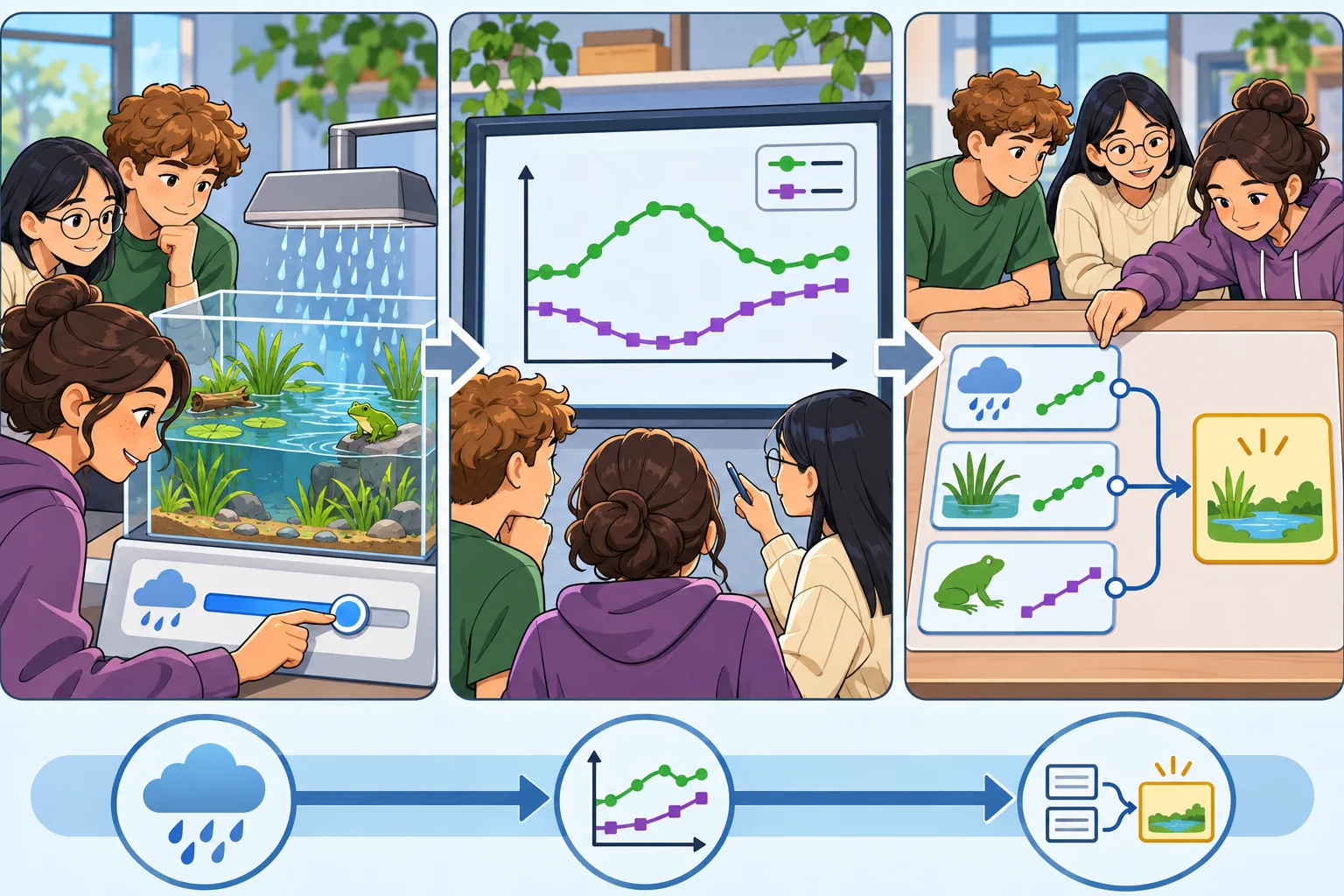
Use AI to draft editable components
Give the model the target age band, the reasoning action, the included ecosystem components, data provenance, interface limits, and what it must not invent. Request the scenario text and data separately. Ask for a list of assumptions and scientific claims that need verification. Keep the answer key editable and include the source for each real-world statement.
Audience: middle-school science class; adapt to local curriculum
Goal: cite a pattern and explain a possible population change
Model: fictional Cedar Pond; relationships supplied by teacher
Data: synthetic values for this exercise; never label as field observations
Loop: choose a scenario → inspect data → select evidence → state claim → explain
Constraints: one variable changes; distinguish model result from real ecology
AI output: editable cards, prompts, alt text, teacher answer notes, test checklist
Flag unsupported relationships, ambiguous units, and missing assumptions.
Review every species name, relationship, unit, and answer key. If you use a real organism or habitat, consult reliable science sources and a qualified educator. Model-produced ecological explanations can sound authoritative while flattening exceptions or confusing correlation and causation. Remove any claim that does not have a source and a scope appropriate for the lesson.
Design a loop that asks students to inspect evidence
A useful round has four stages: observe the starting model, apply one scenario change, inspect a graph or data table, and explain a result. The player should be able to revisit the evidence while responding. If the interface uses points, award them for selecting relevant evidence and identifying uncertainty rather than for choosing the expected organism fastest. Provide feedback that says which data point supports or challenges a statement.
Include an alternative interpretation. A student might notice that two populations changed together in the synthetic table but should not automatically infer that one caused the other. Ask what additional evidence would help distinguish explanations. In the teacher notes, list what conclusion is supported by the model and what conclusion would go beyond it.
Keep synthetic and observed data separate
Place the label directly on each synthetic chart: “Synthetic teaching data; invented for this model and not measured in a real habitat.” If you later use field observations, keep a separate source record with the data owner, collection method, dates, location scope, units, and any transformations. Do not paste real student data or personal information into an AI prompt unless the school’s policies and applicable requirements permit it.
A fictional classroom screen can help a teacher review layout. It should not look like a result from a real class. Use names such as “Sample learner A” only when necessary and mark the whole set as synthetic. Do not make up class averages, improvement rates, or student quotes to make the article example appear tested.
Make the game usable for the actual class
Use readable labels, keyboard and touch controls where relevant, text descriptions for essential images, and more than color to distinguish graph lines. Give students time to inspect a table. Offer written, oral, diagram, or other appropriate response formats if they align with the lesson objective. Check the actual classroom devices and display rather than relying on an attractive desktop mockup.
Keep teachers in control of scenario order, hints, pause, reset, and whether a response is saved. Avoid collecting student names by default. If the school plans to store identifiable work, review the applicable district rules and privacy obligations before adding that feature. The prototype should be playable with invented sample responses and local-only data when real learner records are not needed.
Rehearse the lesson path before using it
Play through each state as a teacher and as a student. Try the unchanged model, a scenario card, a missing answer, contradictory evidence selection, reset, and a pause. Have another educator check the science and one person check the instructions. Record the version, test cases, and results. This is a proposed rehearsal plan; it does not indicate that Cedar Pond has been built or tested in a classroom.
- Can a learner identify what changed and what remained constant?
- Are units, chart labels, and synthetic-data warnings visible?
- Can students return to the evidence while drafting an explanation?
- Does the feedback distinguish an observation from a causal claim?
- Does the activity work on the actual classroom devices and display?
- Can a student participate without relying on color alone or rapid input?
- Can a teacher pause, reset, or skip the game without losing the lesson?
- Are all real-world statements and answer keys linked to reviewed sources?
Mark each case pass, fail, or not tested and keep notes on the build used. A mock screen or invented data table is a design aid, not evidence of learning or ecological validity. If a teacher tests the lesson later, report what was actually measured and avoid generalizing beyond that class and method.
Keep the teacher editable and the model honest
Package the scenario cards, data table, assumptions, answer notes, source list, and test checklist together. Make the habitat, variables, and vocabulary replaceable without silently changing the core interaction. Include a small change log when facts or data are updated. That makes it easier to see whether a later version differs because of the science model, the story framing, or the mechanics.
AI can help make a first draft of a focused activity, but the educator is responsible for checking science, standards alignment, accessibility, and suitability for the local class. Keep the first loop small: change, observe, cite, explain. The quality of the model and the evidence matters more than adding extra game features.
Frequently asked questions
What should an ecosystem game template teach first?
Choose one observable reasoning goal, such as tracing how a change in rainfall or food availability relates to a population pattern in a supplied model. Ask students to cite the data they used and consider another explanation. Keep the game’s scoring focused on the reasoning process, not on speed or guessing the teacher’s preferred answer.
Can AI create an accurate ecosystem simulation for a science class?
AI can draft a simple model, scenario cards, interface text, and questions, but it cannot establish that the model represents a real ecosystem accurately. Teachers should check species relationships, assumptions, units, data, and age fit against reliable science sources and their curriculum. Label invented numbers as synthetic and never present a classroom mockup as measured ecological evidence.
How can a game help students use evidence about ecosystems?
A game can give students a shared scenario, a visible data table or graph, and a prompt to support or revise a claim after one condition changes. The teacher should ask what evidence supports the claim and what alternative interpretation remains. A game interaction alone does not demonstrate learning; use student work and teacher judgment to assess reasoning.
How should I label fictional ecosystem data in a classroom game?
Put the label next to the table or graph: “Synthetic teaching data; invented for this model and not observed in a real habitat.” Explain what the numbers simplify, which relationships the model includes, and what it leaves out. Keep real field observations in a separate dataset with source, date, units, and collection method.
How can teachers adapt an AI-made ecosystem game?
Replace the example habitat, organisms, variables, vocabulary, and data with material reviewed for your grade and local curriculum. Check every answer key and graph label, then play through the no-change, changed-condition, and reset cases yourself. Keep participation accessible and let students explain their reasoning in more than one format.
For educator-ready briefs and editable AI-assisted lesson workflows, explore SEELE resources for educators.